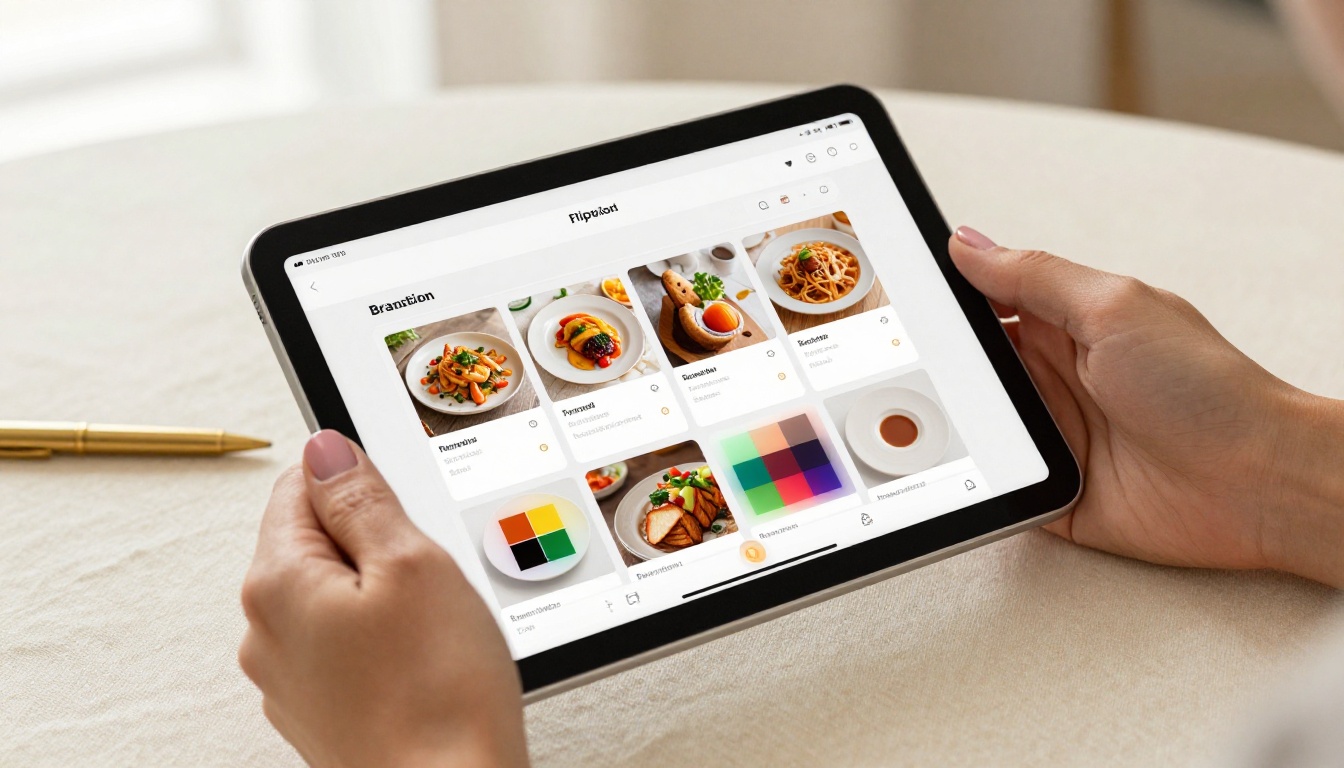
If you've ever sent a PDF link to a client who couldn't open it properly on their phone, you already know the problem. Most document formats were designed for desktops first, and everything else came as an afterthought. That's why people are switching to flipbooks: interactive, page-turning digital publications that load in any browser, on any screen, without plugins, apps, or downloads. Flipbooks AI is built around exactly this need, and this article breaks down what to look for in a genuinely cross-device flipbook tool, what to avoid, and how to get started for free today.

The flipbook maker space is crowded. Dozens of tools claim to work everywhere. But the majority were built when desktop was dominant, and mobile support was bolted on later, imperfectly. Many still require software downloads. Others render poorly on smaller screens, cutting off text, breaking navigation, or making page-flip animations feel sluggish and broken. Picking the wrong tool doesn't just inconvenience you. It creates a poor experience for everyone you share content with.
The core problem is that a lot of these tools were designed to sell to marketing teams at large companies, not to work smoothly on every device type that actually exists in the world. When your audience is receiving flipbooks on a three-year-old Android phone, an iPad shared across a family, or a cheap Chromebook at a school, the tool needs to hold up. Not just look good in a demo.
The Download Problem
Downloaded software ties you to one machine. If you create a flipbook on your work laptop and then need to edit it from home, from a coffee shop, or directly on your phone, you're stuck. You either carry the same device everywhere or accept that editing requires a specific setup. Browser-based tools eliminate this entirely. You log in from any browser, your files are stored in the cloud, every change syncs automatically, and the same experience is available on every device you own.
There's also the update issue. Locally installed software needs manual updates. New features require new versions. Browser-based tools update server-side, so you always have the latest version without installing anything or scheduling updates.
⚠️ Watch out: Some tools advertise "online" functionality but still require a desktop browser to access all features. They may offer a mobile viewer for reading flipbooks while hiding the editor behind a desktop-only gate. Always test the editor on mobile before committing to a platform.
Missing Features on Smaller Screens
A reduced mobile interface is a bigger problem than it first appears. If you're reviewing a client flipbook on a tablet during a meeting and can't access the customization panel because it's hidden in a desktop-only menu, that's a design failure. If you're a teacher trying to quickly update a flipbook between classes on your phone and the upload button doesn't work on iOS, you've lost valuable time.
A genuinely cross-device tool offers full-featured access everywhere. Not a stripped-down mobile view that hides important settings. Not a "mobile coming soon" placeholder. Full functionality, the same interface, any screen size.
What Cross-Device Actually Means
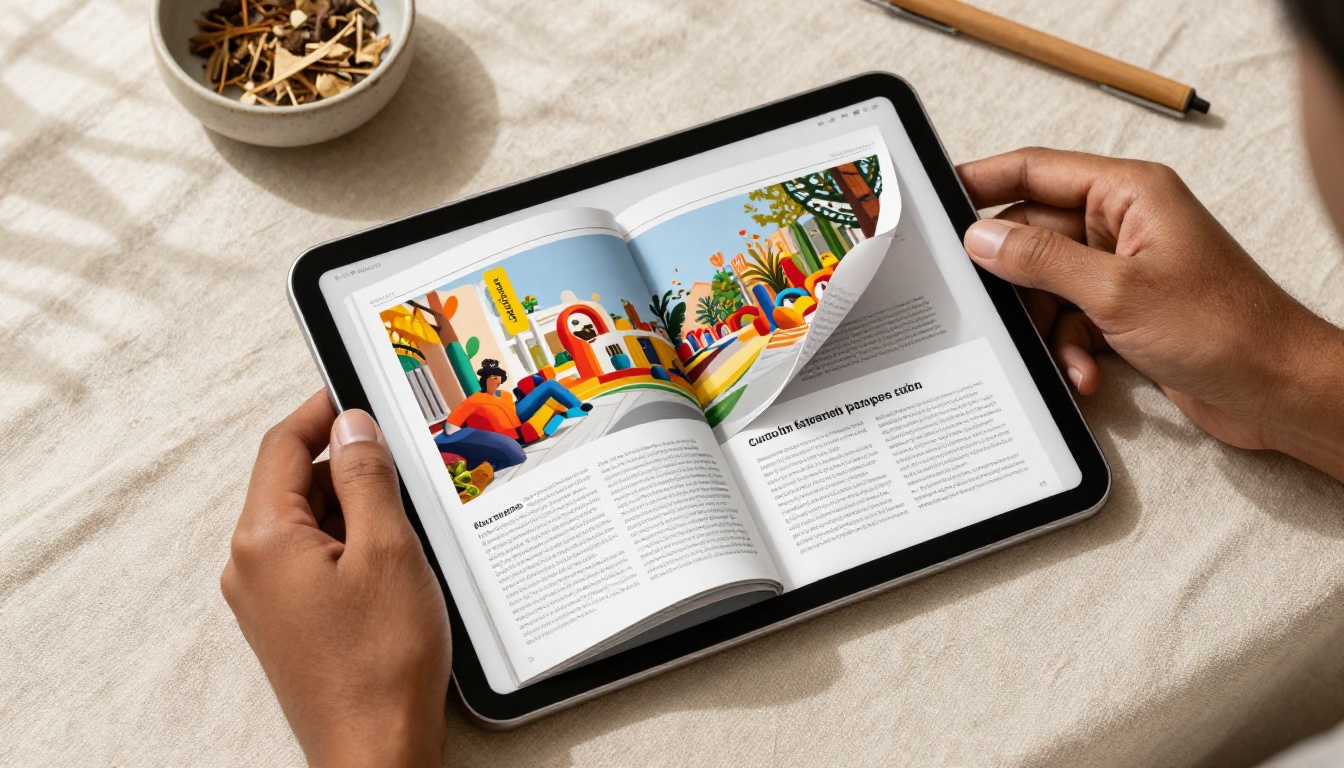
"Works on any device" sounds like a simple claim. In practice, it means specific things from a technical standpoint, and understanding them helps you evaluate tools properly before committing.
Browser-Based vs. App-Based
| Approach | Pros | Cons |
|---|
| Browser-Based | No downloads, instant access from any browser, always updated | Requires internet connection for editing |
| Native Mobile App | Can work offline, potentially faster performance | Must install, requires updates, device-specific versions |
| Desktop Software | Works offline, can be powerful | Tied to one machine, requires installation |
| Hybrid (Browser + PWA) | Installable without app store, partially offline capable | Less common, variable quality across devices |
For most users creating and sharing professional documents, browser-based wins clearly. You open a tab, you're in your editor. Your client opens a link, they're reading your flipbook. Nothing needs to be installed by either party, ever.
HTML5 and Responsive Design
The technical standard that makes modern cross-device flipbooks work is HTML5. Older flipbook tools relied on Adobe Flash, which was never available on iOS and has since been removed from all browsers entirely. Any tool still built on Flash technology is broken on the majority of devices in use today.
Modern HTML5 flipbooks are rendered natively in every browser on every major platform: Chrome, Safari, Firefox, Edge, and their mobile equivalents. The page-turning animations are handled by JavaScript and CSS, not plugins. The result loads fast and scales cleanly to any screen resolution.
Responsive design goes one step further. It means the layout of the flipbook viewer itself adapts to the screen dimensions. Navigation arrows reposition for thumbs on mobile. Text scales. Pages resize. The reading experience feels intentional on a small phone screen, not just "technically viewable."
💡 Pro tip: When evaluating a flipbook tool, open a published flipbook on your phone before creating an account. If the navigation buttons are tiny, if text requires pinching to read, or if the page-flip animation stutters, the tool is not genuinely mobile-optimized regardless of what their marketing says.

Not all free tiers deliver real value. Some include enough to get real work done at small scale. Others are demo traps where every useful feature is locked behind a paywall from the start. This table shows what a solid free plan should include versus what you typically encounter.
| Feature | What You Need | What Many Tools Give You |
|---|
| No watermark | Clean output, your branding only | Forced platform watermark on every page |
| Multiple flipbooks | Create several projects for free | Hard limit of 1-2 before hitting paywall |
| Mobile viewing for readers | Fully responsive for all recipients | Desktop-only viewer, mobile experience broken |
| Shareable URL | Direct link you can send to anyone | Link locked behind paid account |
| PDF upload | Direct PDF to flipbook conversion | Severely limited file size on free tier |
| Embed code | Paste into any website or CMS | Premium-only feature |
| Custom background | Basic branding of the viewer frame | Not available on free tier |
Flipbooks AI removes the watermark restriction entirely across all plans. There is no platform branding stamped across your published content. Your flipbooks look professional from the first publish, at no cost. This is one of the most important practical differences compared to most alternatives, where the free tier is primarily designed to advertise the platform rather than help you produce polished output.
How to Create a Flipbook on Any Device
The actual process is faster than most people expect. Here is exactly how it works on Flipbooks AI, whether you are starting from a desktop, a tablet, or your phone.
Step 1: Create Your Account
Go to flipbooksai.com/account and sign up in under a minute. No credit card required for the free tier. The registration form works cleanly on mobile, so you can get started from your phone immediately without needing to switch devices.
Step 2: Upload Your PDF
Once inside your dashboard, click New Flipbook and upload your PDF. The platform handles the conversion automatically, transforming your static pages into a page-turning interactive flipbook. You can upload virtually any type of document:
The PDF to Flipbook Converter handles the conversion in seconds. Most standard PDF sizes and layouts convert cleanly without formatting issues.
✅ Best practice: Finalize your PDF content before uploading. Keep font sizes readable at small screen sizes (11pt minimum for body text is a solid rule) and avoid extremely thin margins that compress poorly on phones.
Step 3: Customize Your Flipbook
After conversion you have a full set of customization options available in the browser, on any device:
- Branding: Add your logo and choose brand colors for the flipbook interface frame
- Page effects: Choose between hardback-style pages, soft page-turn animations, or flat slide transitions
- Background: Set a solid color, gradient, or custom image as the reading environment background
- Privacy: Keep your flipbook publicly accessible, or enable password protection for client-only or internal content
- Multimedia: Embed videos and audio clips directly into specific pages (available on Standard plan and above)
The customization panel is fully accessible on mobile. You can make real-time changes from your phone and see the live preview update immediately, without needing to open a laptop.
Step 4: Share It Everywhere
Once published, you receive:
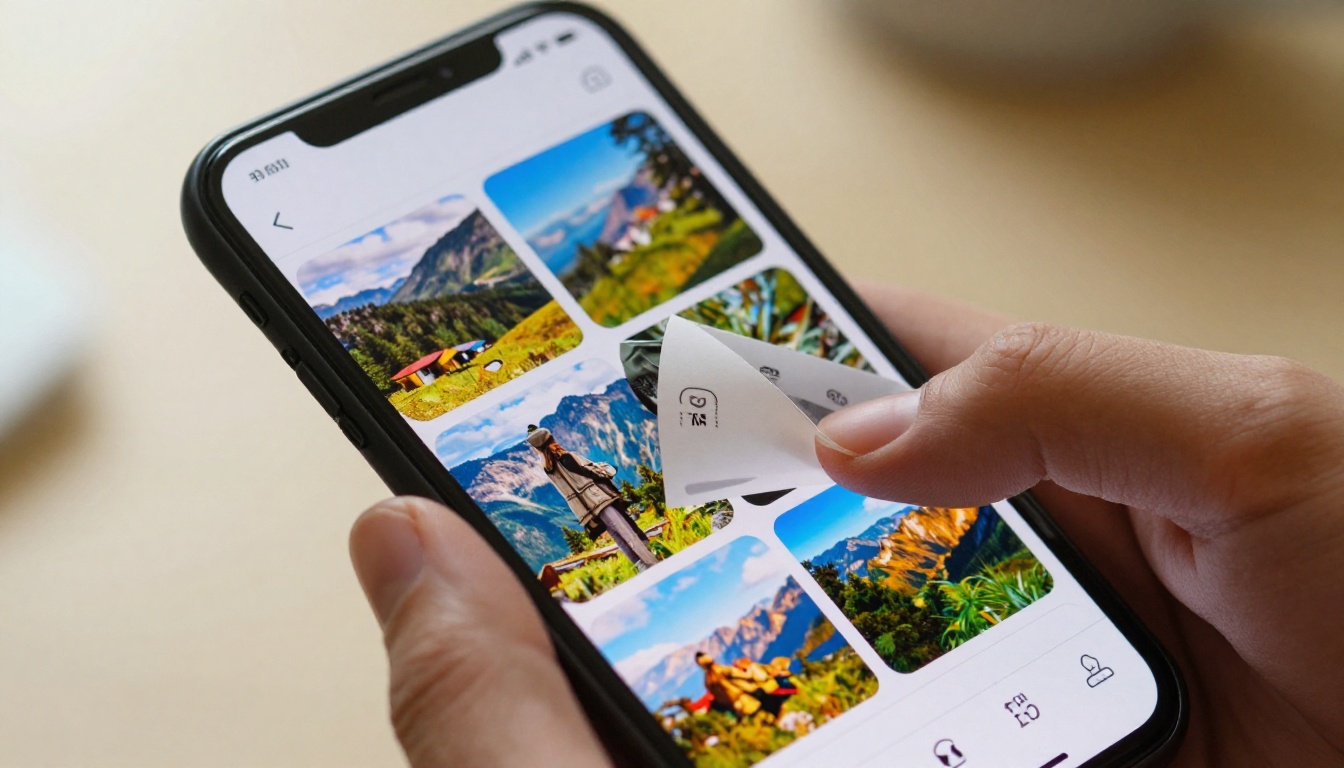
- A direct shareable link you can drop into any email, message, social post, or QR code
- An embed code to paste into any website, landing page, or blog via the Embed Flipbook on Website tool
- Optional password protection so only authorized readers can access sensitive content
The flipbook viewer is fully responsive for every reader who opens your link. They get the same polished, page-turning experience regardless of whether they are on a desktop, an iPhone, an Android phone, or a tablet. No plugins, no app store redirect, no friction at all.

Who Uses Cross-Device Flipbooks
Understanding who actually benefits from this technology helps clarify whether it fits your specific situation. These are three of the most common real-world use cases where device compatibility is non-negotiable.
Small Business Owners
A restaurant owner who creates a digital menu using the Restaurant Menu Creator needs that menu to open immediately on any customer's phone when scanned from a table QR code. A download prompt or a broken mobile viewer means customers stare at an error screen instead of ordering.
Retail brands using the Digital Catalog Maker to publish seasonal lookbooks need customers to flip through on phones during a commute. Real estate agents using the Real Estate Brochure Creator to share property presentations need clients to review them on whatever device they happen to have open.
In all of these cases, the flipbook being cross-device compatible is not a bonus feature. It's the entire point.
💡 Real example: A boutique clothing store publishes a monthly fashion lookbook using the Fashion Catalog Creator. Customers receive a link via email newsletter, open it on their phones during a commute, and browse the full collection with page-turning interactions without any friction. The store's read-through rate improved because readers stayed engaged rather than abandoning a broken PDF.
Educators and Students
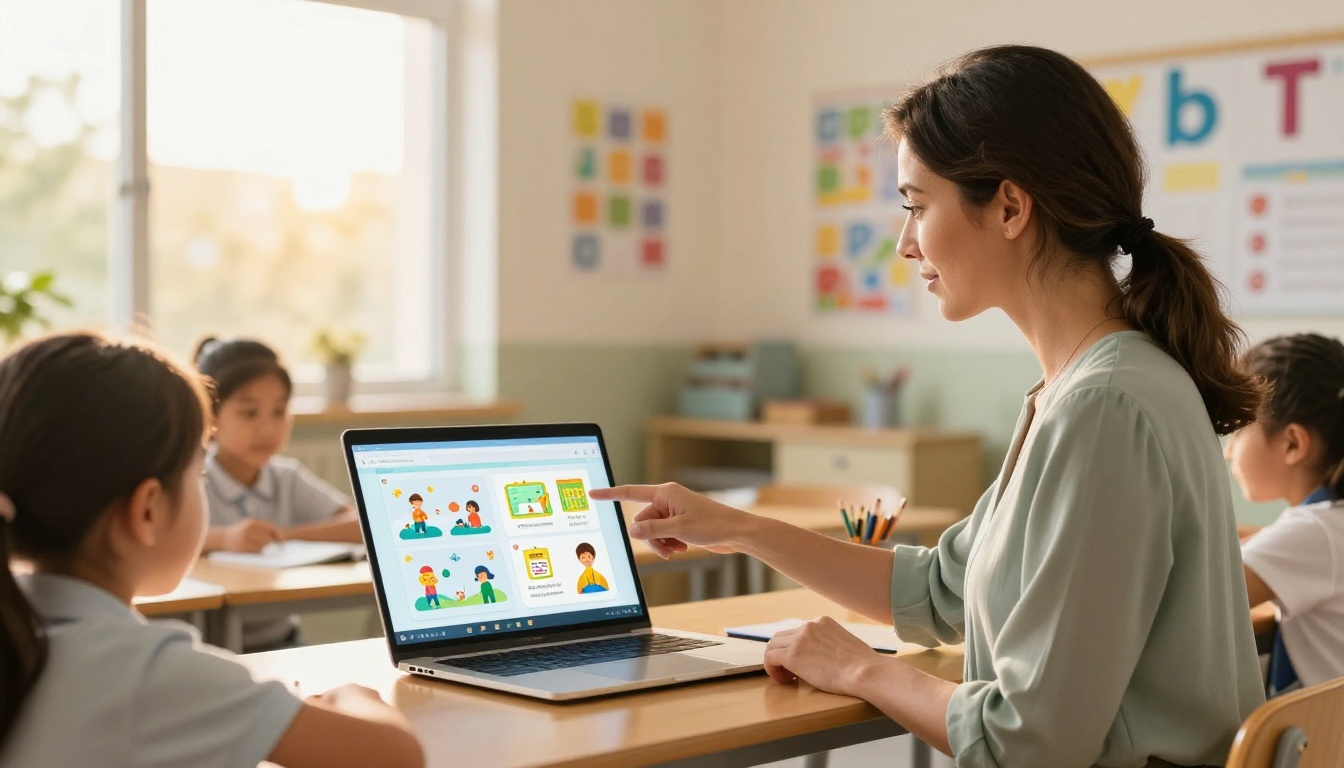
Teachers creating course materials using the Course Material Publisher work with classrooms where students use a full range of devices, from school-issued Chromebooks to personal Android phones to family iPads. Cross-device support is a baseline requirement, not a bonus.
The Training Manual Flipbook is equally critical for HR teams onboarding remote employees working across a wide range of hardware configurations. A manual that renders only on specific desktop browsers creates immediate accessibility friction on day one.
The Yearbook Flipbook Maker and School Newsletter Creator both depend on this same principle. Parents and students accessing school content from their phones need it to work without any friction or setup.

Freelancers and Creative Professionals
A photographer using the Photography Portfolio Flipbook to pitch clients needs the portfolio to render beautifully on whatever screen the client has during the conversation. Sending a link that requires downloading and opening a separate application creates unnecessary friction at exactly the wrong moment.
Writers publishing through the Interactive E-Book Publisher benefit from the same reader accessibility. An e-book that opens only on desktop loses the growing segment of readers who prefer tablets and phones for long-form reading.
Event planners using the Event Program Maker to publish digital programs need those programs to open instantly on the phones people actually have in their hands during an event, not after navigating through a download flow.
Free vs. Paid Plans
Understanding what each tier includes helps you pick the right option for your actual workflow. Here is a breakdown of what the Flipbooks AI plans include:
| Feature | Free | Standard | Professional |
|---|
| Flipbooks created | Limited | Unlimited | Unlimited |
| Watermark on content | None | None | None |
| Password protection | No | Yes | Yes |
| Multimedia (video, audio) | No | Yes | Yes |
| Offline downloads | No | Yes | Yes |
| Embed on website | Limited | Yes | Yes |
| Analytics | No | Basic | Full |
| Lead generation forms | No | No | Yes |
| Custom domain | No | No | Yes |
| Priority support | No | No | Yes |
The no-watermark policy across all tiers is significant. Most competitors only remove their watermark at paid tiers. Your content looks clean and professional regardless of which plan you are on, from the first day you publish. Unlimited flipbooks on Standard means you can run as many projects as your work requires without hitting an artificial counter.
💡 Pro tip: The Professional plan adds lead generation forms embedded directly in your flipbooks. This turns a catalog, brochure, or portfolio into an active lead capture tool rather than passive content. For businesses using flipbooks in sales workflows, that feature changes how the ROI of each published piece gets calculated.
These mistakes appear consistently, and all of them are straightforward to avoid with a little advance thinking.
1. Choosing based on a feature list instead of actual use
A long feature list is appealing, but most of those features will never get used. If your workflow is: upload PDF, share a link, done, you don't need enterprise collaboration tools, API access, or white-label reseller options. Pick the simplest tool that handles your actual tasks cleanly. Complexity you don't need adds cost and cognitive overhead without any benefit.
2. Not testing the reader experience on mobile before publishing
It takes 30 seconds to open your published flipbook link on your phone before sending it to a client or posting it publicly. Most people skip this step and discover broken mobile rendering after the content is already in front of an audience. Open it on your phone. Flip through a few pages. Check that navigation works comfortably with your thumbs. This single check prevents the vast majority of mobile experience failures.
3. Accepting forced branding on the free tier
If a free tier puts the tool's logo or watermark on your published flipbooks, every piece of content you share is advertising their product at the expense of yours. It signals to professional audiences that you used a free tool rather than published polished branded content. Flipbooks AI is one of the few platforms that keeps your content visually clean at no cost, making it genuinely viable for professional publishing from day one without upgrading.

Your Next Step
Cross-device flipbooks are not complicated to create. The barrier most people face is finding a tool that genuinely delivers on the promise rather than just claiming to in the marketing copy. What actually matters is straightforward: no downloads required from readers, fully responsive design that works well on phones and tablets without degradation, a free tier that produces professional-quality output, and enough features to grow as your publishing needs expand.
The tools, the workflow, and the output are all ready when you are. Here is exactly what to do:
- Create your free account on Flipbooks AI and upload your first PDF
- Browse the full tools directory to find a pre-built format matched to your specific use case
- Publish your flipbook and test the link on your phone before sharing it anywhere
- Compare pricing plans when you need password protection, analytics, lead generation, or offline downloads
- Upgrade to Professional when your flipbooks are actively driving business results and you want the full feature set
Your audience is reading on their phones. Your content should meet them there, every time, without friction.