The format you use to share your work says more about you than the content itself. When a potential client opens your document and it looks like a recycled classroom slideshow, that first impression is gone before they read a single word. When they open a crisp, page-turning digital flipbook that responds to every scroll, the conversation is already won. Choosing between Google Slides and digital flipbooks is not just about features: it is about what experience you want to deliver. Flipbooks AI makes that choice straightforward.
What You're Actually Comparing Here
Google Slides and digital flipbooks are not really the same category of tool, even though people often use them interchangeably for business documents, sales materials, and presentations. Google Slides is a presentation builder: a web-based app designed to project slides in a room. Digital flipbooks are interactive digital publications: they mimic the experience of flipping through a physical magazine or brochure, but online.
The comparison matters because the wrong format can quietly cost you credibility. You can have the best content in your industry, but if it arrives as a plain Google Slides link that requires a download or a sharing permission, you have already created friction. A flipbook loads instantly in any browser, scales beautifully on mobile, and feels like a premium experience from the first page.
Static Slides in the Wild
Google Slides does its job in a live presentation. On a projector or shared screen in a meeting, slides are clean, readable, and widely understood. The problems start when you send that same presentation as a shareable link outside the meeting room.
A Google Slides URL opens inside Google's interface, complete with Google branding, toolbar controls, and navigation elements that were never meant to be part of your design. Even in "Present" mode, the viewer is aware they are looking at a Google product, not a polished business document. The slide transitions are limited: dissolve, slide, fade. Nothing that signals craft or intention.
The typography control in Slides is also constrained. You work within a small set of Google Fonts, alignment is sometimes inconsistent across devices, and the margin control is basic. What looks right in your browser can look slightly off on someone else's screen.
Flipbooks and the Page-Turn Effect
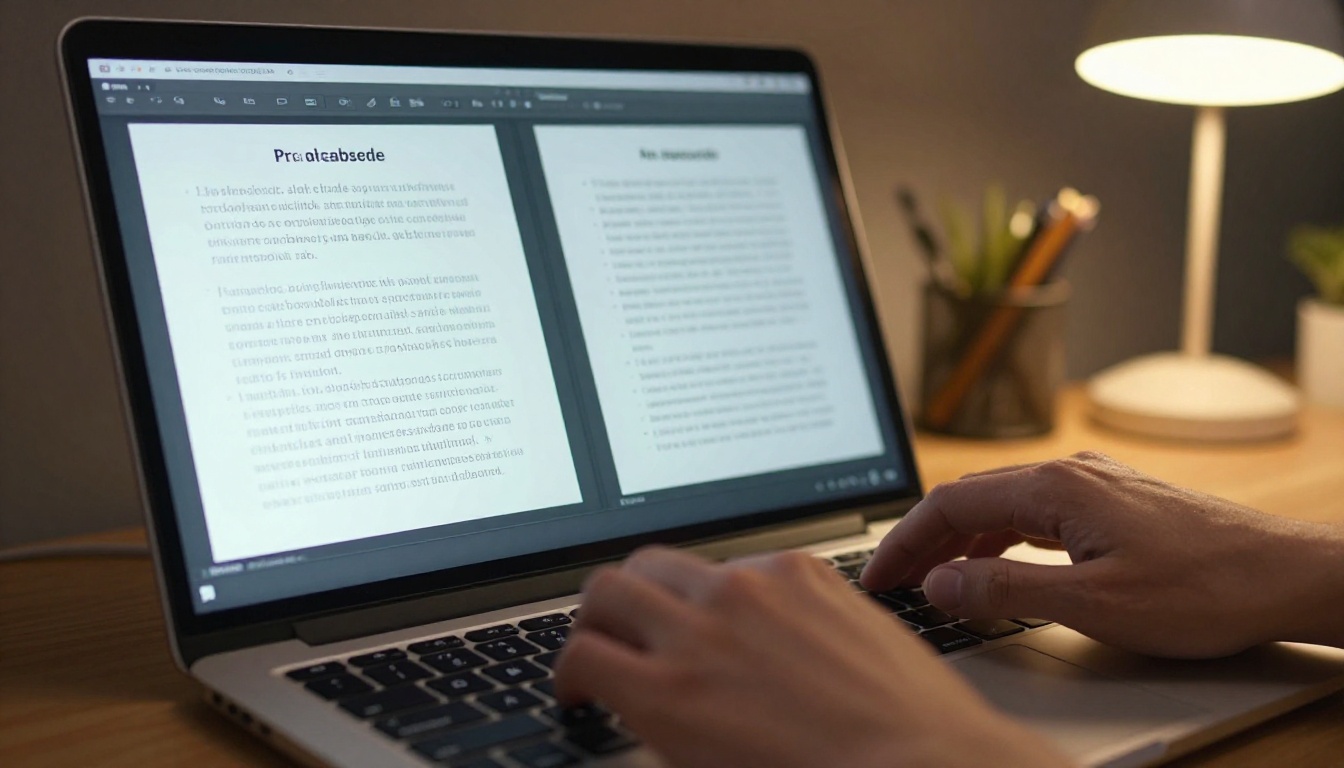
A digital flipbook transforms a static PDF into an interactive reading experience. When someone opens a flipbook on Flipbooks AI, they see pages that physically turn, layouts that hold their exact design from the original PDF, and a clean viewer with no third-party interface clutter. The entire experience signals intentionality. You chose this format because you care about how the content lands.
The page-turn physics alone create a subconscious impression of quality. Research on digital reading behavior consistently shows that interfaces mimicking physical objects increase perceived content value. A flipbook viewer feels like holding something real.
💡 Pro tip: The best flipbooks start from well-designed PDFs. Invest in your source design, then let the conversion handle the rest.
Side-by-Side: Design Flexibility
| Feature | Google Slides | Digital Flipbook |
|---|
| Custom fonts | Limited (Google Fonts only) | Full (inherits PDF fonts) |
| Layout precision | Grid-based, limited | Pixel-perfect from PDF |
| Page transitions | 6 basic options | Realistic page-turn effect |
| Branding control | Partial (theme colors) | Full (custom logo, colors, domain) |
| Background options | Solid, gradient, image | Full bleed, from PDF |
| Embedded video | Yes (YouTube only) | Yes (any URL) |
| Embedded audio | No | Yes |
| Mobile rendering | Responsive but compressed | Fully responsive with flip |
Who Actually Uses These (and Why)
Google Slides Users
Google Slides is the go-to for internal teams, classroom educators, and anyone who needs to put together a presentation in under an hour. It is fast, collaborative, and free. The real-time collaboration is genuinely excellent. Multiple people can edit the same deck at the same time, comments are threaded, and revision history is automatic.
For a Monday morning team briefing or a quick pitch to your co-founder, Google Slides is the right tool. It is also perfectly fine for webinar slides projected behind a speaker, because in that context the audience is watching you, not scrutinizing your document format.
Flipbook Users
Flipbook users tend to be professionals who are sending documents outside their organization: to clients, to customers, to journalists, to buyers. The document is going to stand on its own without a presenter explaining it. That context changes everything.
- Sales teams sending proposals and product brochures
- Marketing agencies delivering campaign reports to clients
- Real estate professionals sharing property listings and tour materials
- Fashion brands publishing digital lookbooks and seasonal collections
- Hotels distributing menus, packages, and venue guides
- Publishers creating interactive magazines and newsletters
In every one of these cases, the person receiving the document will form an opinion about the sender based entirely on how that document looks and behaves.
✅ Best practice: Use Google Slides for internal meetings. Use flipbooks for anything that leaves the building.
The Professionalism Test

First Impressions Count
Put yourself on the receiving end. You are a potential client, and you have asked two vendors to send over their service overview. Vendor A sends a Google Slides link. You click it. Google's interface loads. You see the "Made with Google Slides" branding in the corner. The slides are clean enough, but the experience feels utilitarian, like a homework assignment rather than a business proposal.
Vendor B sends a link to a beautifully designed flipbook. It opens immediately in your browser. Pages turn with a satisfying physical motion. The vendor's logo is in the corner, not Google's. The layout is exactly as designed, with crisp photography and precise typography. The whole document feels like it was built for you.
Which vendor are you more likely to call back?
Mobile Experience Matters
More than 60% of professional documents are now opened on mobile devices. Google Slides on mobile is workable, but it is not elegant. Users pinch and zoom to read slide text. Layouts that look clean on desktop can overlap or compress on a phone screen. Navigation requires tapping small arrows at the edges.
Digital flipbooks on Flipbooks AI are built mobile-first. The viewer adapts automatically, the page-turn works with swipes, and typography scales without distortion. For a client opening your proposal on their phone between meetings, this is a significant difference.
Feature Comparison Table
| Capability | Google Slides | Flipbooks AI |
|---|
| No watermarks | Yes | Yes (all plans) |
| Custom domain | No | Yes (Professional) |
| Password protection | No (requires Google account sharing) | Yes (all plans) |
| Analytics and lead capture | No | Yes (Professional) |
| Offline downloads | Download as PDF or PPTX | Yes (direct download) |
| Embed on website | Limited (iframe with Google branding) | Clean embed, no third-party branding |
| Unlimited documents | Yes | Yes (Standard and above) |
| Real-time co-editing | Yes | PDF-based workflow |
| Starting cost | Free | Free tier available |
Real-World Use Cases
Sales Decks and Proposals
A sales proposal sent as a Google Slides link immediately invites the client to notice it is Google Slides. There is a ceiling on perceived value. The same content formatted as an interactive flipbook, with your company branding, page turns, and embedded video testimonials, reads as a premium and custom-built presentation.
The Sales Presentation Flipbook tool is designed specifically for this use case. You upload your designed PDF, the conversion handles the interactive layer, and your client receives a link that opens a branded, professional reading experience.
Portfolios and Lookbooks
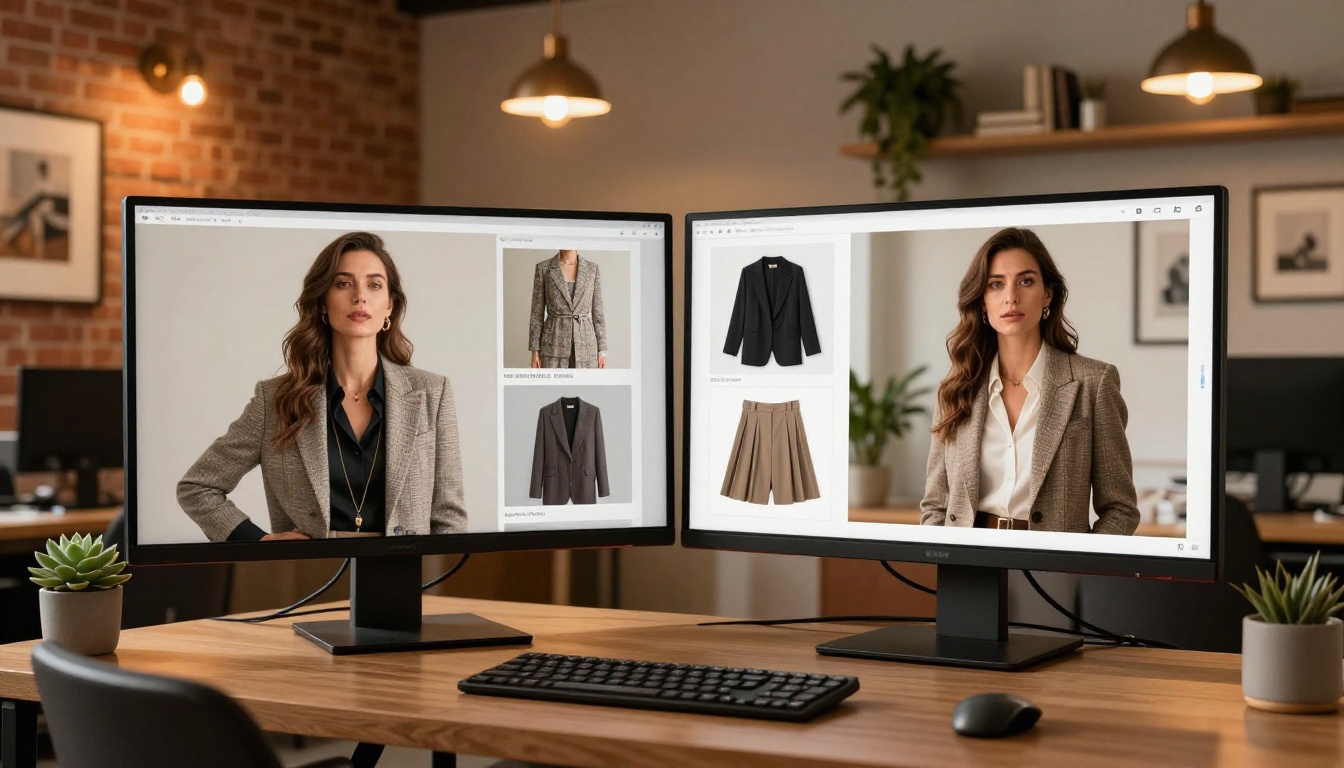
For creative professionals, a portfolio is not just a collection of work; it is itself a demonstration of craft. A Google Slides portfolio says "I organized my work into slides." A flipbook portfolio says "I thought carefully about how you would experience my work."
The Digital Portfolio Creator and Interactive Lookbook Designer from Flipbooks AI are built for this. Fashion brands, photographers, and design agencies use these tools to create publications that clients actively want to scroll through, share, and return to.
Menus and Product Catalogs
A restaurant emailing a PDF menu to a guest is fine. A restaurant sharing a link to a beautifully formatted, interactive digital menu that pages through appetizers, mains, and desserts with smooth transitions is a hospitality experience. The Restaurant Menu Creator makes this conversion seamless.
The same logic applies to product catalogs. A buyer scrolling through a digital product catalog that behaves like a real magazine spends more time with your products than one clicking through static slides.
💡 Real-world scenario: A furniture brand using the Furniture Catalog Maker saw measurable increases in quote requests after switching from PDF email attachments to shareable flipbook links.
How to Turn Your Slides into a Flipbook
If you have already designed your content in Google Slides or any other tool, converting it to a flipbook takes minutes. Here is the full process on Flipbooks AI:
-
Export your slides as a PDF: In Google Slides, go to File, Download, PDF Document. This preserves your exact layout, fonts, and images at full resolution.
-
Sign up for a free account: Visit flipbooksai.com/account and create your profile. No credit card required to start.
-
Upload your PDF: Drag and drop your exported PDF into the PDF to Flipbook Converter. Processing is automatic and fast.
-
Customize your flipbook: Add your logo to the viewer corner, choose your brand colors for the interface, set a background, and adjust the page-turn animation style. All done visually, no code needed.
-
Add multimedia: Embed video links, audio narration, or clickable URLs directly within pages. This turns a static document into an interactive experience that no Google Slides link can replicate.
-
Set your privacy settings: Choose between public link, password-protected access, or domain-restricted access. For client proposals, password protection adds a layer of exclusivity and control.
-
Share or embed: Copy the direct link to send via email, or use the Embed Flipbook on Website feature to place it directly inside your website or client portal.
✅ No watermarks on any plan. Your flipbook shows your brand, not ours.
Pricing Reality Check
| Plan | Google Slides | Flipbooks AI |
|---|
| Free tier | Full access (Google account required) | Available (with limits) |
| Unlimited flipbooks | N/A | Standard plan and above |
| Custom branding | No | Yes |
| Password protection | No | Yes |
| Analytics | No | Professional plan |
| Lead generation forms | No | Professional plan |
| Offline downloads | PDF or PPTX only | Yes |
Google Slides is free, and that is genuinely hard to compete with on a cost basis alone. But the comparison is not really "free vs paid." It is "free tool that looks free" versus "tool that makes your content look expensive."
For businesses where documents represent them to clients, the investment in a Flipbooks AI plan pays for itself the first time a client responds positively to how polished the proposal looks.
Which One Should You Choose?
The answer depends entirely on what your document needs to do.
Choose Google Slides when:
- You are presenting live in a meeting or webinar
- You need real-time co-editing with your team
- The audience is internal and the stakes are low
- Speed of creation is the priority
Choose a digital flipbook when:
- The document will be shared with external clients or customers
- You want complete control over the brand experience
- The content needs to live on a website, in a newsletter, or as an embed
- You need analytics to see who opened it and how long they spent reading
- Mobile experience is non-negotiable
- You are sending a proposal, brochure, catalog, or portfolio
Both tools have their place, but only one is built for the moment your work represents you without you in the room. That is the moment that matters most in business, and that is where flipbooks consistently win.
Ready to see the difference? Create your first flipbook free and convert any PDF in under five minutes. Browse the full range of tools and templates to find the format that fits your industry, or compare pricing plans to choose the tier that works for your volume.



