Artists have always fought the same battle: their work deserves to be seen, not buried in an email attachment or lost inside a forgettable website gallery. That gap between the quality of the art and the quality of how it is presented is exactly where free flipbook makers come in. Platforms like Flipbooks AI have changed what it means to share a portfolio online, giving creatives a way to present their work in a tactile, interactive format that commands attention from the very first click.
Why Static Portfolios Fail Artists
Most artists build their first portfolio the same way: a PDF sent via email, a folder of JPEGs uploaded to Google Drive, or a basic website with a grid of images. These approaches share the same fatal flaw. They put the burden on the viewer to scroll, click through, and mentally organize what they are seeing. There is no narrative flow, no sense of progression, and no reason to keep looking.
The Problem With PDFs
PDFs were built for documents, not art. When a painting is reduced to a static page in a file that opens in a reader application, it loses context. Viewers cannot intuitively page through the work the way they would through a book or magazine. There is no way to embed a video of your process, include music, or add a custom-branded cover. And sharing it requires someone to actually download and open a file, which cuts your audience significantly in an age where people expect everything in the browser.
Why Image Grids Miss the Point
Grid-style gallery websites show everything at once. That sounds like a benefit, but it actually removes the artist's control over how work is experienced. You cannot tell a visual story with a grid. You cannot build tension across spreads, pace the viewer's experience, or create a branded presentation that feels cohesive from first page to last. A gallery grid treats every image as equal, when most artists have a clear arc they want to communicate.

What Free Flipbook Makers Actually Offer
A flipbook maker converts your PDF into an interactive digital publication with realistic page-turning animation. The viewer clicks or swipes to move through your portfolio the way they would flip through a physical magazine or book. That one change, from scrolling to page-turning, transforms a passive viewing experience into an active, engaged one.
Free flipbook tools have become genuinely powerful. Features that used to require expensive software or a web developer are now available at zero cost. Here is what you typically get with a good free plan:
- PDF upload and automatic conversion to a page-turning flipbook
- Shareable links that work on desktop, tablet, and mobile
- Embeddable viewer for website integration
- Custom covers with your name or brand
- Multiple flipbooks stored and accessible from a dashboard
💡 The best free flipbook tools require no watermarks on the viewer, no download required from the visitor, and no coding to share your work.
Free vs. Paid Plans: What You Actually Get
Most platforms, including Flipbooks AI, offer tiered plans. Knowing what sits behind the paywall helps you make an informed decision.
| Feature | Free Plan | Standard Plan | Professional Plan |
|---|
| Number of flipbooks | Limited (3-5) | Unlimited | Unlimited |
| Watermark | Varies by platform | None | None |
| Custom branding | Basic | Full | Full |
| Password protection | No | Yes | Yes |
| Analytics | No | Basic | Full detail |
| Lead generation | No | No | Yes |
| Offline download | No | Yes | Yes |
| Video and audio embed | No | Yes | Yes |
| Custom domain | No | No | Yes |
For most artists starting out, the free plan is enough to test the format and start sharing work. As your audience grows, upgrading to Standard or Professional gives you the tools to treat your portfolio as a serious business asset.
Artists Who Benefit Most From Flipbook Portfolios
Not every creative discipline uses portfolios the same way. Here is how different types of artists are putting free flipbook makers to work.
Painters and Illustrators
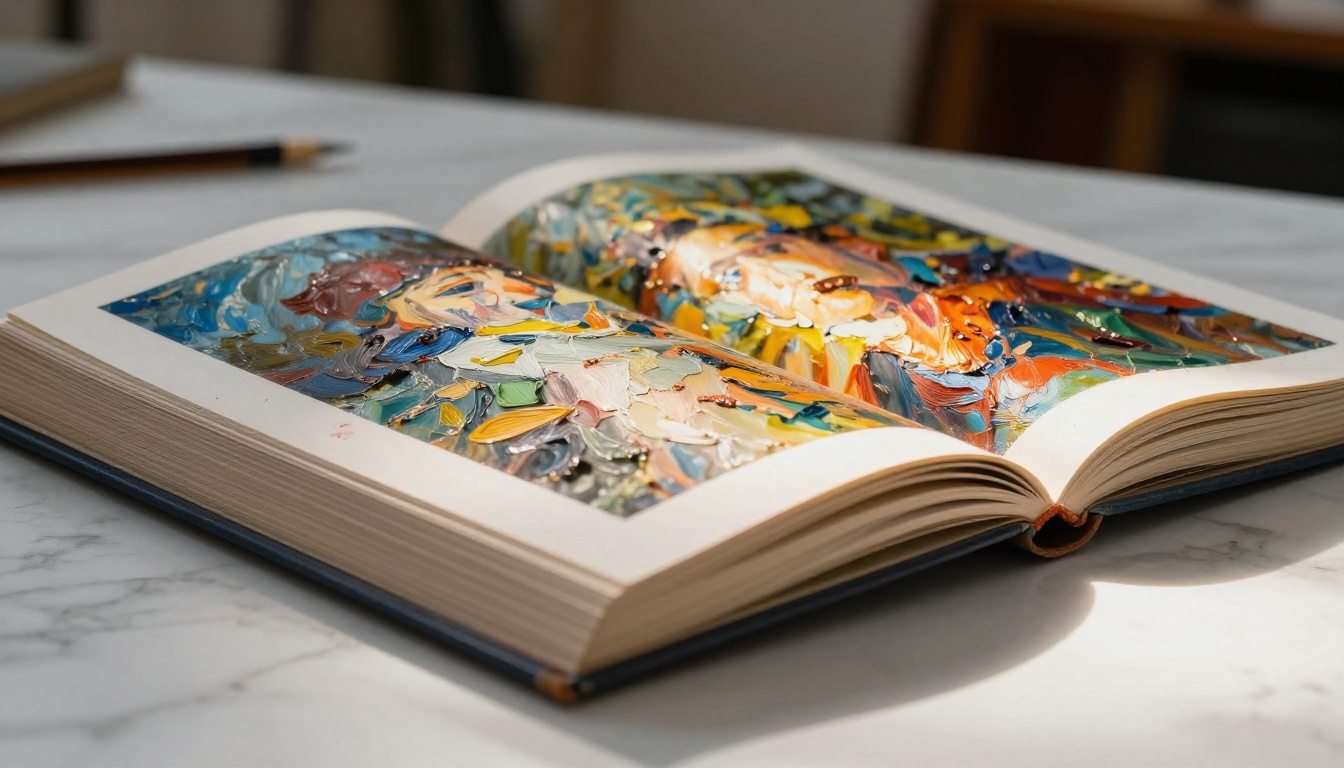
For painters and illustrators, the flipbook format creates something closer to a gallery catalog than a website. Each spread can show a single work at full bleed, with the viewer paging through the collection at their own pace. Artists can group work by series, medium, or year, creating thematic chapters within the same publication.
Photographers
Photographers use flipbook portfolios as editorial-style photo books. Rather than a grid that shows 50 images at once, a flipbook lets the photographer sequence their work deliberately, using double-page spreads, negative space, and deliberate pacing. The Photography Portfolio tool on Flipbooks AI is built specifically for this use case.
Graphic Designers
For graphic designers, the portfolio is the work. How it is presented says everything about your skills. A well-designed flipbook shows not just that you can produce great work, but that you understand layout, hierarchy, and user experience. The Digital Portfolio Creator gives designers the tools to present branded, polished publications that would not look out of place in a design agency pitch.
Concept Artists and Mixed Media Creators
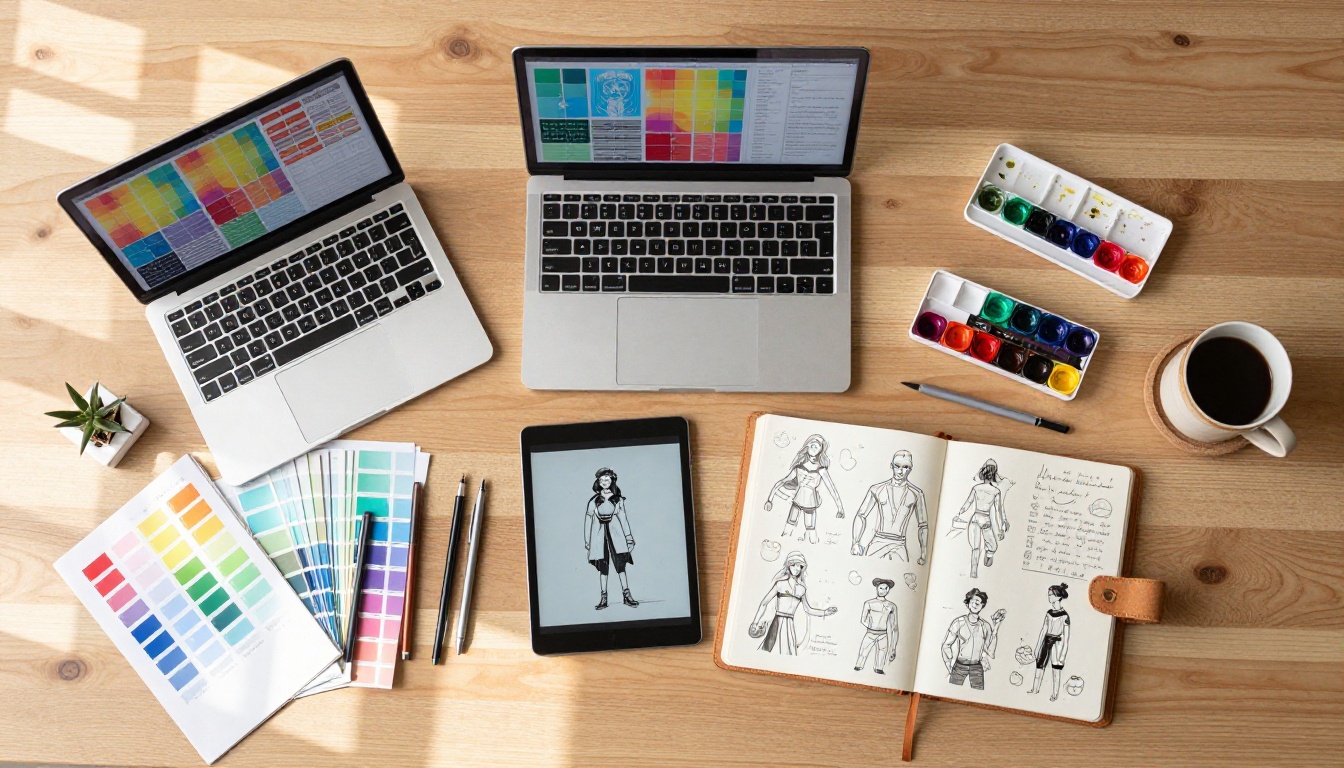
Illustrators working in books, animation, or gaming often need to show character sheets, process work, and final pieces together. A flipbook handles this naturally: character design on one spread, color development on the next, final illustration as a full-page reveal. The flow makes the creative narrative clear in a way no grid or PDF could match.
How to Build Your Artist Portfolio With Flipbooks AI
Flipbooks AI makes the process straightforward, even if you have never published a digital flipbook before. The steps below apply whether you are a painter showing new work or a photographer assembling your first professional portfolio.
Step 1: Prepare Your PDF
Before uploading, spend time on the PDF itself. Use design software like Canva, InDesign, or even Google Slides to lay out your work at the right dimensions. A 16:9 or A4 landscape format works best for two-page spreads. Include a cover page with your name, a short bio page, and section dividers between series or categories. Export at 300 DPI minimum so your images look sharp inside the flipbook viewer.
Step 2: Create Your Account
Go to Flipbooks AI and sign up for free. No credit card is required for the free plan. Once logged in, you will land on your dashboard where all your flipbooks are stored and managed.
Step 3: Upload and Convert
Click "Create New Flipbook" and upload your PDF. The platform processes it automatically, converting each page into an interactive spread with the page-turning effect already active. Conversion typically takes under a minute for a standard portfolio.
Step 4: Customize Your Presentation
Adjust the cover style, add your name or brand to the viewer interface, set a background color or texture that complements your work, and customize the navigation controls. You can add a logo or headshot to the viewer frame for a professional branded experience. On paid plans, you can also embed video clips and audio to bring process work or artist statements to life.
Step 5: Share or Embed
Copy the direct link to send in emails, applications, or social bios. Use the embed code to place the interactive viewer directly on your website or portfolio page. For private client presentations, enable password protection so only invited viewers can access your work.
✅ Best practice: Add your flipbook link to your email signature, Instagram bio, and LinkedIn profile so every professional interaction points directly to your portfolio.
Not all free flipbook makers are equal. Some impose restrictions that make them impractical for professional use. Here is a comparison of the factors artists should weigh when choosing a platform.
| Criteria | What to Look For | Red Flags |
|---|
| Watermarks | No watermarks on free plan | "Powered by [Brand]" stamped on every page |
| Flipbook limit | At least 3-5 on free tier | Only 1 flipbook allowed |
| Mobile performance | Smooth swipe navigation | Laggy or broken on phones |
| Sharing | Direct link, no viewer sign-in | Viewer must create account to see your work |
| Embed support | Copy-paste iframe code available | Requires plugin installation |
| Storage | Hosted indefinitely | Files expire after 30 days |
| PDF render quality | High-fidelity output | Compressed, blurry images |
Flipbooks AI performs well across all of these criteria, making it the practical choice for artists who want professional results without an upfront investment.

One of the advantages of using a purpose-built platform is access to tools designed for specific use cases. Rather than adapting a generic template, artists can start from a structure built for their discipline.
Portfolio-Specific Tools
Publication and Editorial Tools
Artists who want to publish art books, zines, or editorial projects alongside their portfolio can use:
These tools give artists a way to build a publishing presence alongside a portfolio, reaching collectors and audiences who want more than a gallery grid.
What Makes a Flipbook Portfolio Stand Out
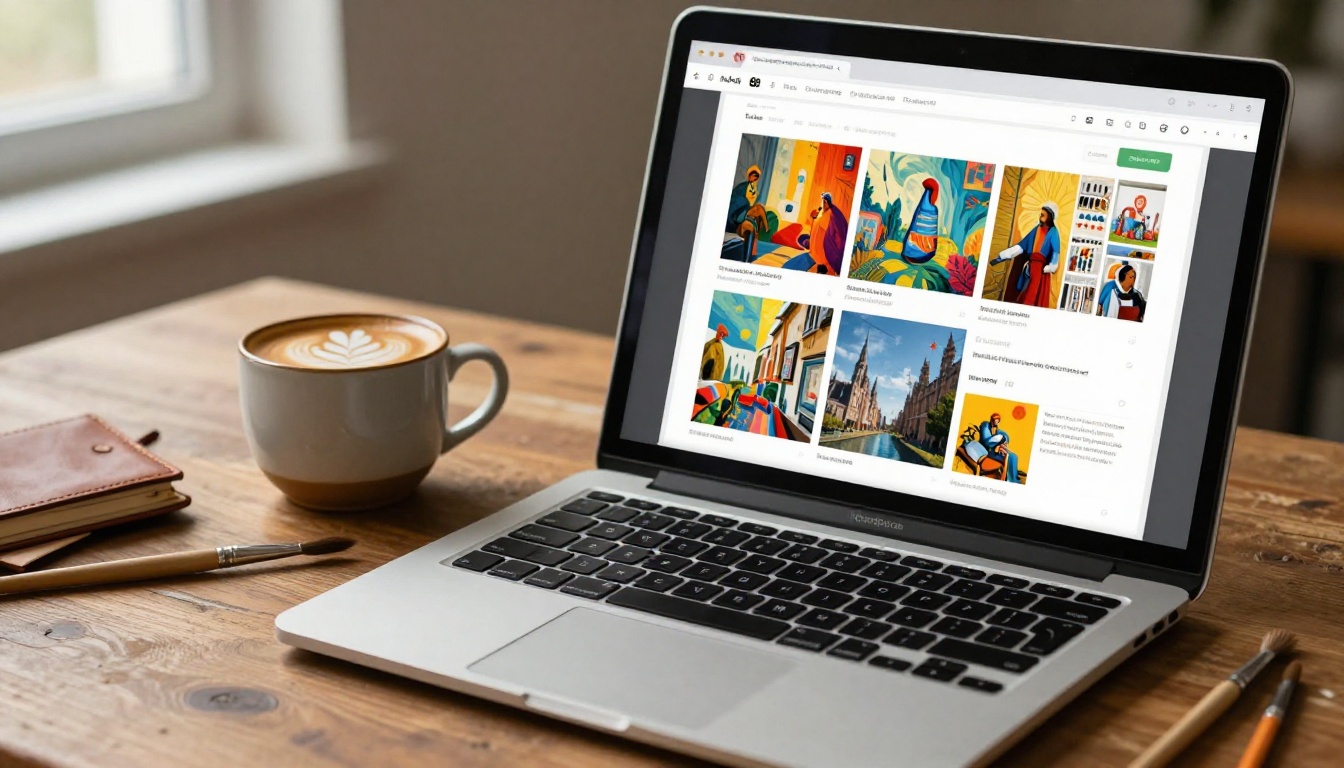
Generating a flipbook is the technical step. Making it actually work for your career requires thought about presentation and strategy. These are the factors that separate a forgettable digital portfolio from one that gets responses.
Sequencing Over Volume
More work is not better. A tightly curated portfolio of 15 strong pieces will always outperform 50 unedited images. Use the flipbook format to tell a deliberate story: open with your strongest piece, build through the middle, and close with something that lingers. Think of it the way a director thinks about a film, not the way an archivist catalogs a collection.
Spreads, Not Single Pages
The page-turning format shines with double-page spreads. A single work that bleeds across two full pages has visual impact that a single-page thumbnail cannot match. When laying out your PDF, design with spreads in mind. Let paintings breathe. Use full-bleed backgrounds that match your color palette.
💡 Leave at least one empty or minimally designed spread between series to give viewers a pause point. This technique, borrowed from editorial design, dramatically improves the pacing of a portfolio.
Consistent Typography
Your choice of font and how you label work communicates as much as the work itself. Use one typeface throughout. Keep title, medium, and year labels in the same position on every page. This consistency signals professionalism and makes the portfolio easy to read without distracting from the art.
File Quality Before Upload
Always export your portfolio PDF at maximum quality. Flipbook converters compress images slightly during processing. Starting with a low-quality export means the final result will look soft or pixelated. Export at 300 DPI minimum, and avoid compressing images before you upload.
⚠️ Avoid placing important visual elements too close to the page spine. In the page-turning animation, the center of a spread can be partially obscured by the fold effect. Leave a safe margin of at least 5mm on each inner edge when designing your spreads.

Real Artists, Real Results
The most compelling argument for flipbook portfolios is practical. Here are specific scenarios where artists replaced static presentation with interactive flipbooks and saw tangible differences.
The gallery submission: A painter applying to a group show was asked to send "examples of recent work." Instead of attaching five JPEGs, she sent a link to her flipbook portfolio. The curator later noted it was the only submission that showed the work in context, with her artist statement, process notes, and full-scale paintings together in one place. She was accepted.
The commission inquiry: A portrait photographer received a client message through Instagram. Instead of sending a Dropbox link to raw files, she sent her Photography Portfolio flipbook link. The client responded within an hour and booked a session. The professional presentation was what closed the deal.
The craft fair application: A ceramicist applying to a juried fair was required to submit a digital portfolio. She built her first flipbook in under an hour using Flipbooks AI and included it in her application. The interactive format let the jury examine her work at their own pace and see the scale and texture of each piece far more clearly than flat photos allowed.
The school application: An illustration student applying to graduate programs used the Portfolio Flipbook Builder to compile her undergraduate work with title pages for each series. Three of her five target schools specifically mentioned the portfolio's presentation quality in their admission feedback.

| Format | Viewer Experience | Sharing | Customization | Cost |
|---|
| PDF attachment | Opens in reader app, no animation | Requires download | Moderate | Free |
| Image gallery website | Scroll-based, all images at once | Direct link | High | Free to high |
| Social media posts | Feed algorithm dependent | Native sharing | Low | Free |
| Printed portfolio book | Physical, tactile | In-person only | High | Significant print cost |
| Digital flipbook | Page-turning, magazine-like | Direct link or embed | High | Free to moderate |
The digital flipbook consistently outperforms alternatives in the areas that matter most for artists sharing work online: viewer experience, shareability, and the ability to control the narrative of your presentation.
The Professional Upgrade: When It Makes Sense
Free plans are designed for getting started. As your career develops, the Professional plan on Flipbooks AI adds capabilities that matter at a higher level.
Full analytics tell you who is viewing your portfolio, how long they spend on each page, and where they drop off. This data lets you iterate on your presentation based on real viewer behavior, not guesswork.
Lead generation turns your portfolio into a business tool. Viewers can leave their name and email directly within the flipbook, building an audience of collectors, clients, and collaborators who have self-identified as interested in your work.
Offline downloads mean clients can view your portfolio without an internet connection, which matters when presenting at events, fairs, or in-person meetings where wifi is unreliable.
Unlimited flipbooks let you maintain separate portfolios for different audiences: one for gallery submissions, one for commercial clients, one for editorial work, one for personal projects. No restrictions, no having to delete old work to make space.
Explore pricing plans to see which tier fits where you are in your career right now.
Start Showing Your Work Today
The gap between making good work and getting that work seen has never been smaller. Free flipbook makers have removed most of the technical and financial barriers that used to stand between an artist and a professional online portfolio. The only thing left is the decision to use one.
If you are still sending PDFs, sharing Google Drive links, or relying on a grid gallery to tell the story of your work, the upgrade is one upload away. Create your account on Flipbooks AI for free, convert your first portfolio PDF, and see the difference an interactive, page-turning format makes on how your work is received.
For artists who want to go further, browse all available portfolio tools and templates to find a starting point built for your specific discipline. When you are ready to add full analytics, lead generation, or unlimited flipbook storage to your toolkit, compare pricing plans and choose the tier that fits your career stage.
Your work deserves to be seen. A flipbook portfolio makes sure it is.



