Interior designers know that a project is won or lost long before the first wall gets painted. The client pitch is everything, and the way you present your vision tells clients just as much about your professionalism as the designs themselves. That's why more and more designers are trading static PDF decks for interactive digital flipbooks, and the results speak for themselves. Flipbooks AI has become a go-to platform for design studios that want their proposals to look as polished as the spaces they create.
Why Static PDFs Are Holding Designers Back
Sending a PDF feels safe. It's familiar, universally readable, and easy to attach to an email. But for interior designers trying to communicate vision, texture, and atmosphere, a static PDF is quietly working against you.
The Problem with Email Attachments
A PDF lands in a client's inbox and competes with their mortgage statement, their dentist reminder, and seventeen unread newsletters. There's no interaction, no page-turning experience, no sense of drama as one concept reveals the next. Clients forward it, download it, maybe print it, and by the time they bring it to a spouse or business partner the compressed images look flat and the fonts have substituted to something generic.
Beyond aesthetics, PDFs give you zero feedback. You have no idea if your client opened it, which pages they lingered on, or whether they shared it with someone else. That's a critical blind spot when you're trying to close a project worth tens of thousands of dollars.
What Clients Actually Want
High-net-worth residential clients and corporate procurement managers share one thing: they want to feel something when they review a design proposal. They want to see their future space come alive. Interactive flipbooks deliver exactly that, with page-turn animations, embedded high-resolution photography, and a reading experience that feels intentional rather than transactional.
💡 Clients who interact with a proposal are significantly more likely to remember the details and follow up with a decision. Passive consumption leaves far less of an impression.

What a Design Flipbook Looks Like
A flipbook isn't just a PDF in a pretty wrapper. It's a structured, navigable publication that guides the client through your creative thinking in a deliberate sequence.
Anatomy of a Winning Pitch
The strongest design flipbooks follow a clear arc:
- Cover spread: Project name, client name, your studio branding
- Design philosophy: A short statement of intent, 2 to 3 sentences
- Mood board spreads: Atmospheric photography and palette references
- Material selections: Close-up imagery of fabrics, finishes, stone, and hardware with specification notes
- Space-by-space walkthroughs: Room layouts with annotated photography
- Investment summary: Scope, timeline, and next steps
This sequence mirrors how a great editorial magazine builds anticipation. Clients don't just review it, they read it.
From Mood Board to Full Proposal
The versatility of the flipbook format means you can use it at every stage of the design sales process:
- First contact: A slim 8 to 10 page studio portfolio showing past projects
- Initial concept: A 15 to 20 page direction deck with two or three design options
- Full proposal: A 40 to 60 page detailed specification document with full imagery
- Post-project: A finished project album for case study presentation

How to Create a Client Pitch Flipbook with Flipbooks AI
This is where the process becomes straightforward. Flipbooks AI converts your existing design PDF into a fully interactive flipbook in minutes, with no technical setup required.
Step 1: Prepare Your PDF in Your Design Software
Before uploading, make sure your PDF is presentation-ready:
- Export at high resolution (300dpi for images, 150dpi minimum for large files)
- Use a 16:9 or A4 landscape format for best screen display
- Embed all fonts so they render correctly across devices
- Keep file size under 100MB for smooth upload performance
Step 2: Upload to Flipbooks AI
Head to Flipbooks AI and create a free account. Once inside your dashboard:
- Click New Flipbook and select your PDF file
- The platform processes your document and creates the page-turn version automatically
- Preview the flipbook in the built-in viewer to check image quality and page order
- Make any title or metadata adjustments in the settings panel
The upload and conversion typically finishes in under two minutes for standard design decks.
Step 3: Brand It to Your Studio
This is where your flipbook becomes unmistakably yours. In the customization panel:
- Upload your studio logo to appear on the viewer frame
- Set your brand color for the player interface
- Add a custom thumbnail for the cover display
- Set the flipbook title and subtitle
✅ Keep the viewer interface minimal. Your content should be the focal point, not the platform chrome.
Step 4: Set Your Sharing Permissions
Interior design proposals are confidential. Flipbooks AI gives you full control over who sees what:
- Password protection: Assign a unique password per client proposal so only they can access it
- Direct link sharing: Send a clean URL that opens directly in the flipbook viewer, no download required
- Embed on your website: Use the embed code to showcase case studies on your studio site using the Digital Portfolio Creator tool
Step 5: Track How Clients Engage
With the Professional plan, you get access to analytics that show exactly how clients interact with your proposals:
- Which pages they spent the most time on
- How many times they've returned to view it
- Whether they shared it with another viewer
💡 If a client spends 8 minutes on your material selection pages but only 30 seconds on the investment summary, you know exactly what to lead with in your follow-up call.
What to Include in a Client Pitch Flipbook
The sections you include depend on whether you're presenting an initial concept or a full design proposal. Here's a practical reference:
| Section | Purpose | When to Include |
|---|
| Studio Introduction | Establish credibility | First-time client meetings |
| Project Brief Summary | Show you listened | All proposals |
| Mood Board | Set emotional tone | Concept stage and above |
| Color Palette | Visual direction | Concept and full proposals |
| Material Specifications | Detail and specification | Full proposals |
| Space Plans | Spatial clarity | Full proposals |
| Supplier and Product References | Transparency | Full proposals |
| Investment Summary | Define scope and cost | All proposals |
| Project Timeline | Set expectations | Full proposals |
| Testimonials and Past Projects | Social proof | First-time clients |
⚠️ Don't frontload your flipbook with credentials. Clients want to see the vision first. Put the studio background section toward the end, after you've already excited them about the design.
Interior designers have more options than ever for presenting proposals. Here's how they compare across the metrics that matter most for client pitches:
| Format | Visual Quality | Interactivity | Client Access | Analytics | Privacy Controls | Mobile-Friendly |
|---|
| PDF Email Attachment | Medium | None | Download required | None | None | Poor |
| PowerPoint Presentation | Medium | Basic | Requires software | None | None | Poor |
| Google Slides | Medium | Basic | Browser-based | Basic | Basic | Moderate |
| Physical Printed Deck | High | None | Physical only | None | N/A | N/A |
| Studio Website Portfolio | High | Moderate | Public URL | Via Google Analytics | None | Good |
| Flipbook via Flipbooks AI | High | Full page-turn | Direct link | Built-in | Password protected | Excellent |
The gap between a printed deck and a flipbook used to be a matter of preference. Now it's a matter of professionalism.

Real Ways Designers Use Flipbooks
The format adapts to virtually every interior design context. Here's how working designers are putting it to use today.
Residential Redesigns
For high-end residential projects, designers compile a full concept flipbook before the client meeting and send it as a pre-read link 24 hours beforehand. Clients arrive already having flipped through the mood boards and material selections. The meeting shifts from "let me show you what I've been working on" to "let's talk about which direction you prefer." That change in dynamic closes projects faster.
A practical example: a designer working on a full penthouse renovation created a 52-page flipbook with individual room concept spreads, a curated furniture selection, and a project investment summary. The client viewed it on their phone during a flight and called to confirm the project before landing.
Commercial Fit-Outs
Office and retail interior projects involve multiple decision-makers. A single flipbook link can be forwarded through an organization and viewed consistently by every stakeholder, without the degradation that happens when a PowerPoint file gets emailed across departments.
For these projects, designers often use the Presentation Flipbook Designer to build proposals that sit at the intersection of a design portfolio and a business case document.
Initial Design Consultations
Even before a project is confirmed, many designers use a slim portfolio flipbook as their introductory leave-behind. Rather than pointing to a website, they send a curated 10-page studio introduction built with the Portfolio Flipbook Builder, showcasing three or four past projects with brief descriptions and outcome notes.
This kind of touchpoint feels personal and considered in a way that a website link simply doesn't.
Material Sample Presentations as Flipbooks
One underused application is the material selection flipbook. Traditionally this happens in person with physical samples, but designers working remotely or with international clients need a digital equivalent that accurately conveys texture, color, and finish.
A material flipbook typically includes:
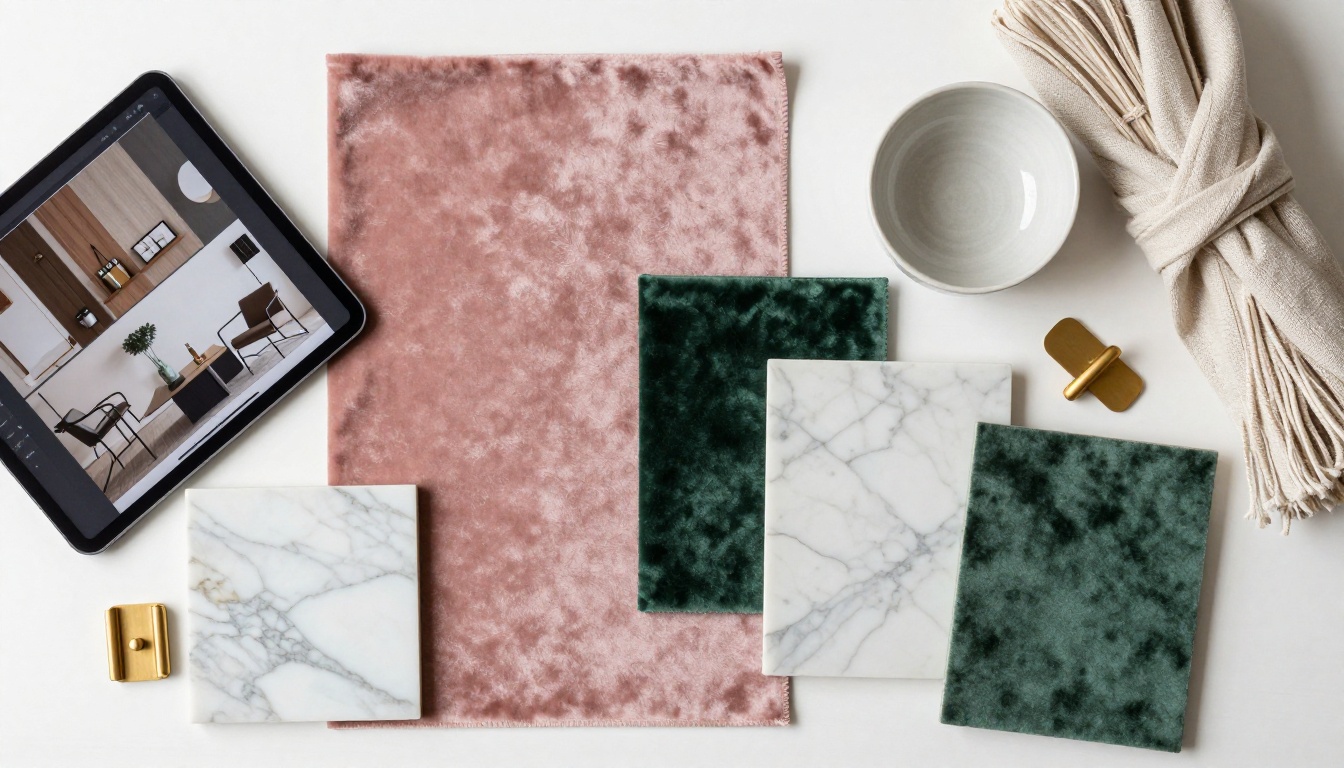
- High-resolution photography of each sample against a neutral background
- Specification details: supplier, SKU, finish options, minimum order quantities
- In-situ photography showing the material in a finished space
- A comparison spread showing the full materials palette together
💡 Photography quality is everything in a material flipbook. Commission a simple flatlay photo session to photograph your sample library once, and you'll use those images across dozens of client projects.
Flipbooks AI Plans: What Designers Need
Choosing the right plan depends on your studio's volume and the features required for client work. Here's a direct comparison across the tiers available at Flipbooks AI:
| Feature | Free Plan | Standard Plan | Professional Plan |
|---|
| Number of Flipbooks | 1 | Unlimited | Unlimited |
| Watermark on Viewer | Yes | No | No |
| Password Protection | No | Yes | Yes |
| Custom Studio Branding | No | Yes | Yes |
| Engagement Analytics | No | No | Yes |
| Lead Generation Forms | No | No | Yes |
| Offline Downloads | No | No | Yes |
| Embed on Website | Yes | Yes | Yes |
| Mobile Responsive Viewer | Yes | Yes | Yes |
For most solo designers and small studios, the Standard plan covers everything needed for day-to-day client proposals, with no watermarks and full password protection per project. The Professional plan becomes essential once you're managing multiple active projects simultaneously and need to track client engagement in detail.
Building a Post-Project Portfolio
The client pitch isn't the only moment where flipbooks add value. After a project wraps, the same format works beautifully as a case study document.
Designers who document finished projects with a professional photo shoot can build a polished 15 to 20 page case study flipbook for each project type. These serve multiple purposes:
- New client presentations: Send relevant case studies to prospects in the same sector or with similar briefs
- Award submissions: Many design awards now accept digital submissions alongside physical entries
- Press and editorial pitches: Magazine editors and PR contacts receive a browsable document rather than a folder of image files
- Studio website: Embed finished project flipbooks directly on project pages for an editorial-quality portfolio experience
The Digital Portfolio Creator is particularly well-suited for this, with formatting optimized for full-bleed photography and minimal text layouts.

Sending Your Flipbook: Best Practices
How you deliver the flipbook matters almost as much as what's in it. A few habits that experienced designers follow:
- Personalize the email: Don't just drop a link. Write two or three sentences explaining what the client is about to see and what you'd like them to notice.
- Set a review deadline: "I'd love to hear your thoughts before Thursday" gives clients a nudge without pressure.
- Follow up on what they viewed: If you have analytics access, reference specific pages in your follow-up. "I noticed you spent time on the kitchen section, shall we talk through those material options first?"
- Never share the same link publicly: Each client proposal should have a unique password. Treat it like a confidential document.
- Send on a Tuesday or Wednesday: Avoid Mondays (inbox chaos) and Fridays (mentally checked out). Mid-week delivery tends to get more considered attention.
✅ The best flipbook delivery is one that feels like a curated, personal experience rather than a bulk send. One link, one client, one clear message.

Winning More Projects Starts Here
Interior design is a visual discipline, and your proposals should reflect that. Every touchpoint with a client, from the first portfolio email to the final project sign-off, is an opportunity to demonstrate your attention to detail and your ability to create an experience. A well-crafted flipbook does exactly that before you've said a single word in a meeting.
The designers winning the most competitive pitches today aren't necessarily the most talented. They're the ones who make it easiest for clients to say yes. A proposal that loads instantly, looks beautiful on any device, and walks a client through a vision page by page is simply harder to turn down than a PDF attachment sitting in a folder.
Ready to change how you pitch? Create your first flipbook free on Flipbooks AI and see the difference in your next client meeting.
Browse all available portfolio and presentation tools to find the format that fits your practice best. When you're ready to access analytics, password protection, and unlimited flipbooks, view the pricing plans and pick the tier that works for your studio.



