The difference between a prospect who ghosts you after the first meeting and one who signs immediately often comes down to a single thing: how well you showed your vision. Interior designers who arrive with a polished lookbook close more projects. Designers who show up with a verbal pitch and a laptop folder of random photos close fewer. It really is that simple.
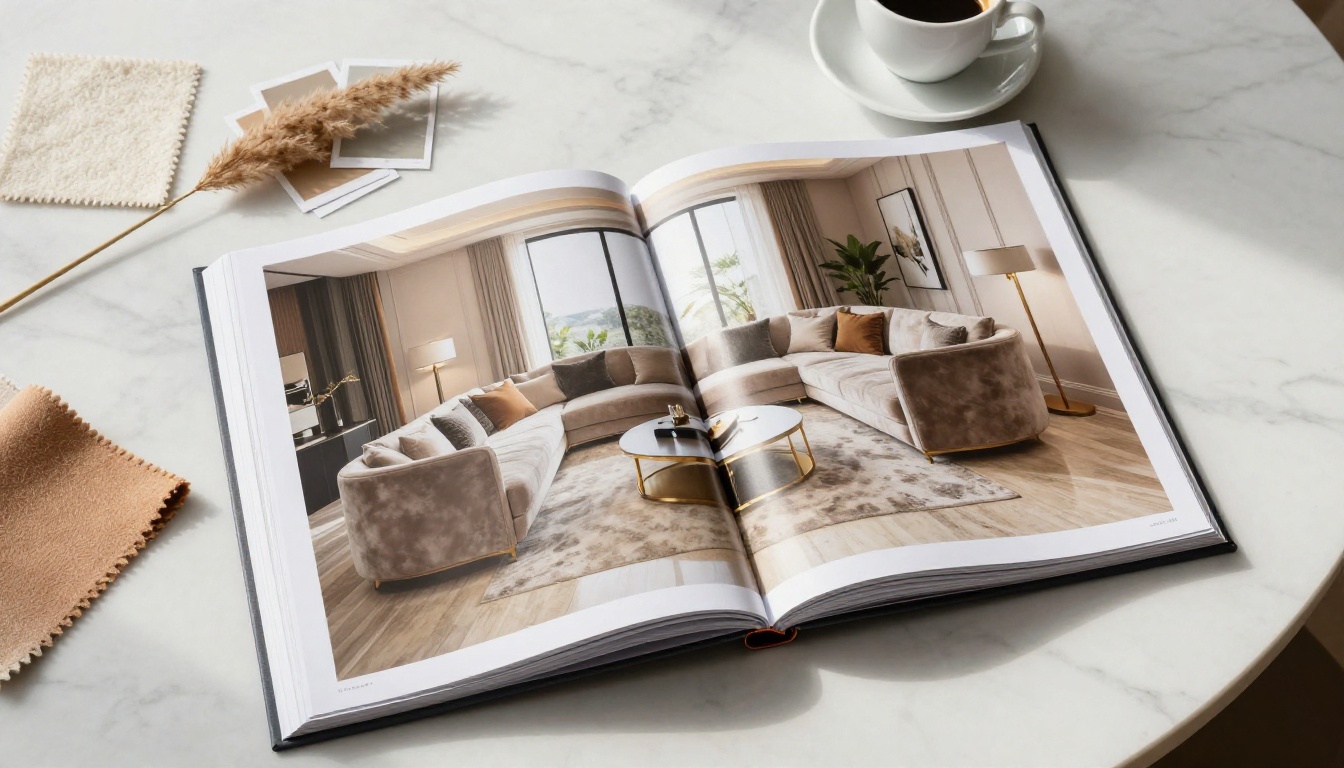
A lookbook is not a portfolio. Your portfolio is your track record. A lookbook is a curated visual story built specifically for a prospective client, showing them exactly how their space could feel. It is targeted. It is emotional. And when done right, it does most of your selling before you even open your mouth. Flipbooks AI makes it easier than ever to bring these presentations to life in a format clients actually enjoy flipping through.
What a Lookbook Actually Does for Your Business
Most designers underestimate how much a lookbook changes client psychology. Clients who see a beautifully assembled visual document feel that they are working with a professional who is already invested in their project. That perceived investment shifts the power dynamic. You are no longer pitching for the job. You are a designer who clearly knows what they are doing, and the client needs to decide if they want in.
The core jobs a lookbook performs:
- Builds trust before the contract by showing you have genuinely thought about their project
- Anchors the fee conversation at a higher number, because perceived value goes up with presentation quality
- Reduces objection cycles by pre-answering "but will it look good?" before the client even asks
- Sets style expectations so there are fewer revisions and misunderstandings later
- Gives clients something to share with their partner, family, or decision-making group
That last point is underrated. A beautifully formatted digital lookbook that a client can share with their spouse or business partner means your pitch keeps working even when you are not in the room.
💡 The best lookbooks are not about showing off your taste. They are about reflecting the client's lifestyle back to them in a curated, elevated form.
The First Meeting Changes When You Have a Lookbook
Interior design is a high-trust, high-investment purchase. Clients are often anxious. They have seen too many renovation horror stories. They worry about budget overruns, miscommunication, and ending up with a space that does not feel like theirs.
When you walk into a first meeting with a physical or digital lookbook tailored to their specific home style, neighborhood, and stated preferences, the entire energy shifts. You are communicating: "I paid attention. I prepared. I take your project seriously."
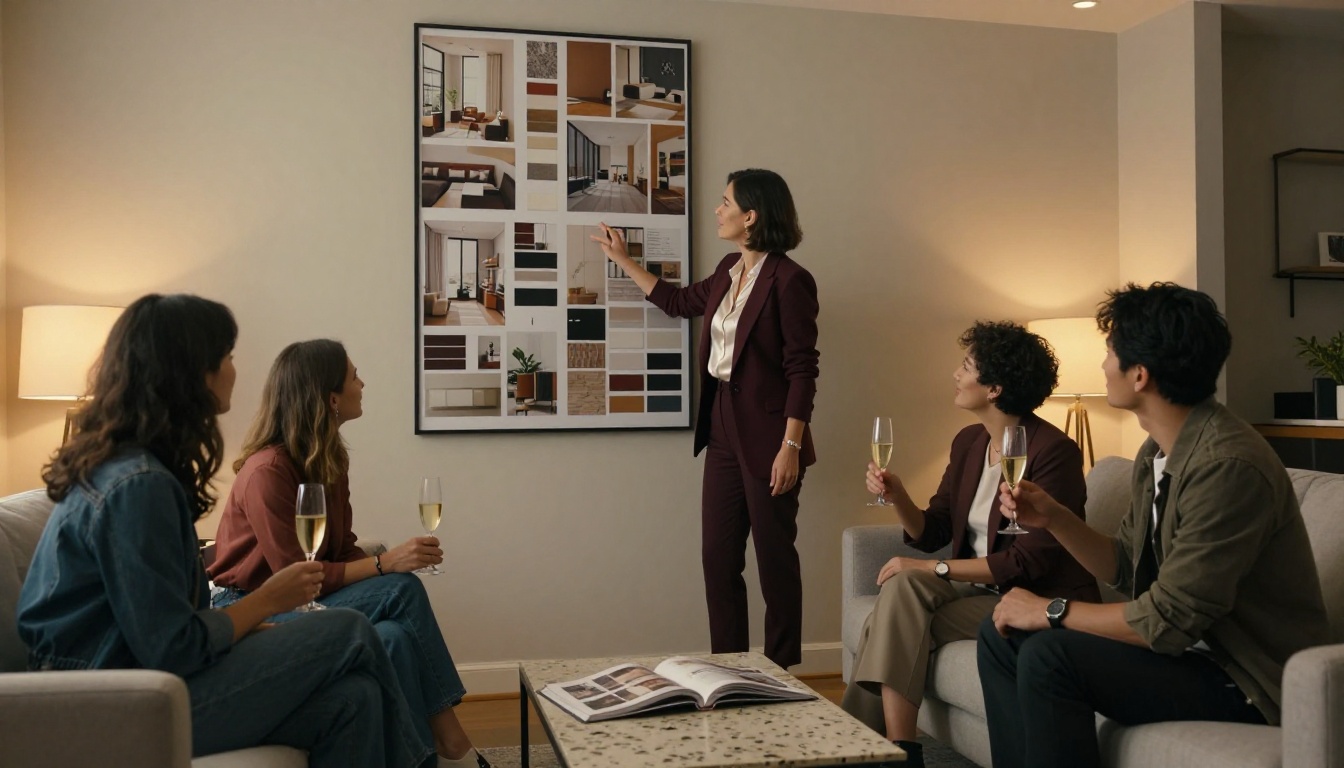
Here is what happens in a first meeting with versus without a lookbook:
| Scenario | Without a Lookbook | With a Lookbook |
|---|
| Client confidence | Uncertain, waiting to see proof | Impressed, already visualizing the outcome |
| Fee discussion | Resistant, focused on cost | More flexible, focused on value |
| Timeline to sign | Multiple follow-up meetings | Often same meeting or within 48 hours |
| Revision requests | High, because style was never set | Low, because expectations were pre-aligned |
| Referral likelihood | Moderate | Very high, they share the document |
These are not hypothetical differences. Designers who implement lookbooks into their pitch process consistently report shorter sales cycles and higher average project values.
How to Build a Lookbook That Wins Projects
The most common mistake is building a lookbook that showcases your taste instead of speaking to the client's lifestyle. A lookbook is not your greatest hits album. It is a mirror.
Start With the Client's Lifestyle, Not Your Portfolio
Before you put a single image on a page, answer these questions:
- What is their daily routine in this space?
- Do they entertain frequently or prefer calm, private comfort?
- What is their relationship with color: safe neutrals or confident personality-driven tones?
- Do they have children, pets, or specific durability requirements?
- What do they already own that they love, and what do they hate?
The answers shape every image you select. A lookbook for a young professional couple in a city loft should feel completely different from one built for a family of five moving into a suburban colonial.
Curate Spaces That Match Their Budget and Taste
Every image in your lookbook should feel attainable, not aspirational to the point of disconnect. If your client has an $80,000 budget for a living room, showing them images of $250,000 spaces creates distrust. Show spaces that feel elevated but realistic for their investment level.
Curate with intention:
- 3 to 5 hero room images showing the complete aesthetic direction
- Detail shots of textures, hardware, lighting fixtures, and furniture legs
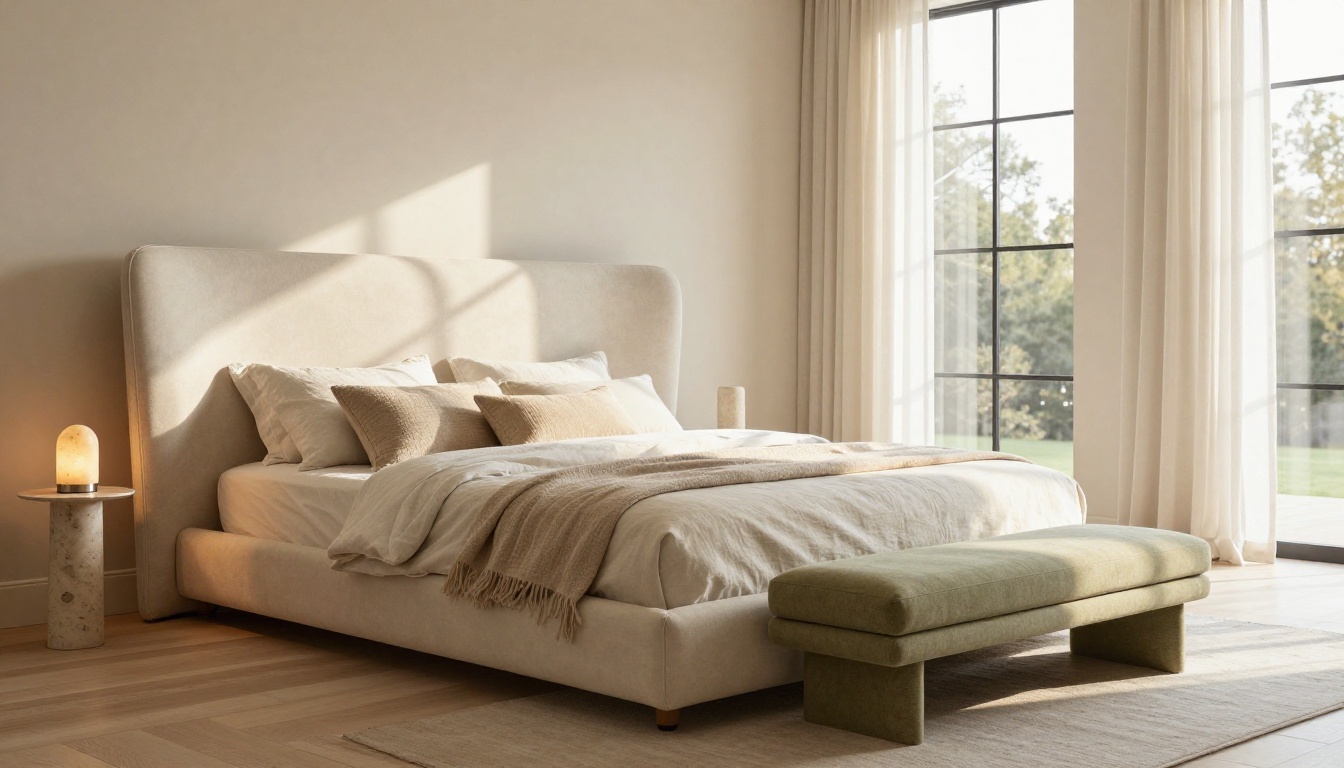
- Mood images that capture the atmosphere: morning light, evening ambiance, seasonal warmth
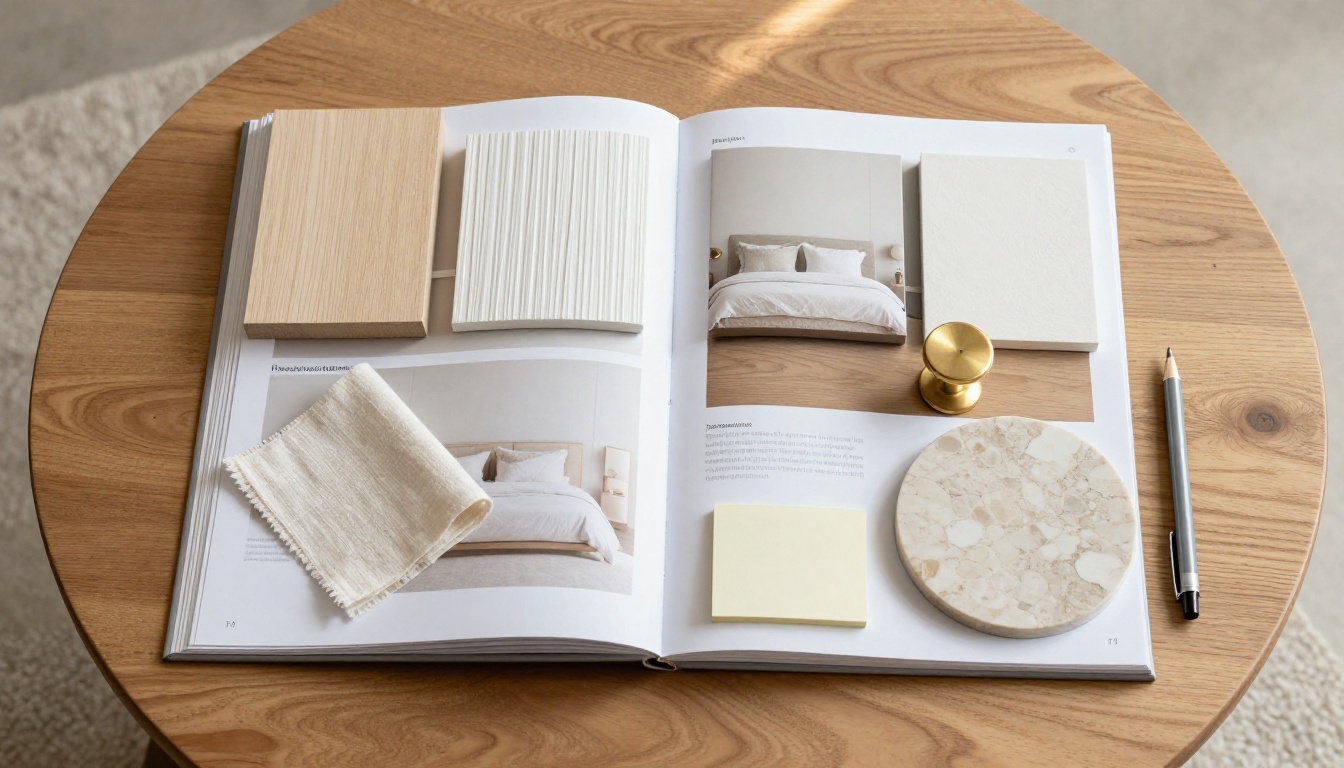
- Material boards showing the actual finishes you are proposing
✅ A tight edit of 20 stunning images always outperforms a sprawling collection of 80 mediocre ones. Quality over volume.
Add Material Boards and Finish Selections
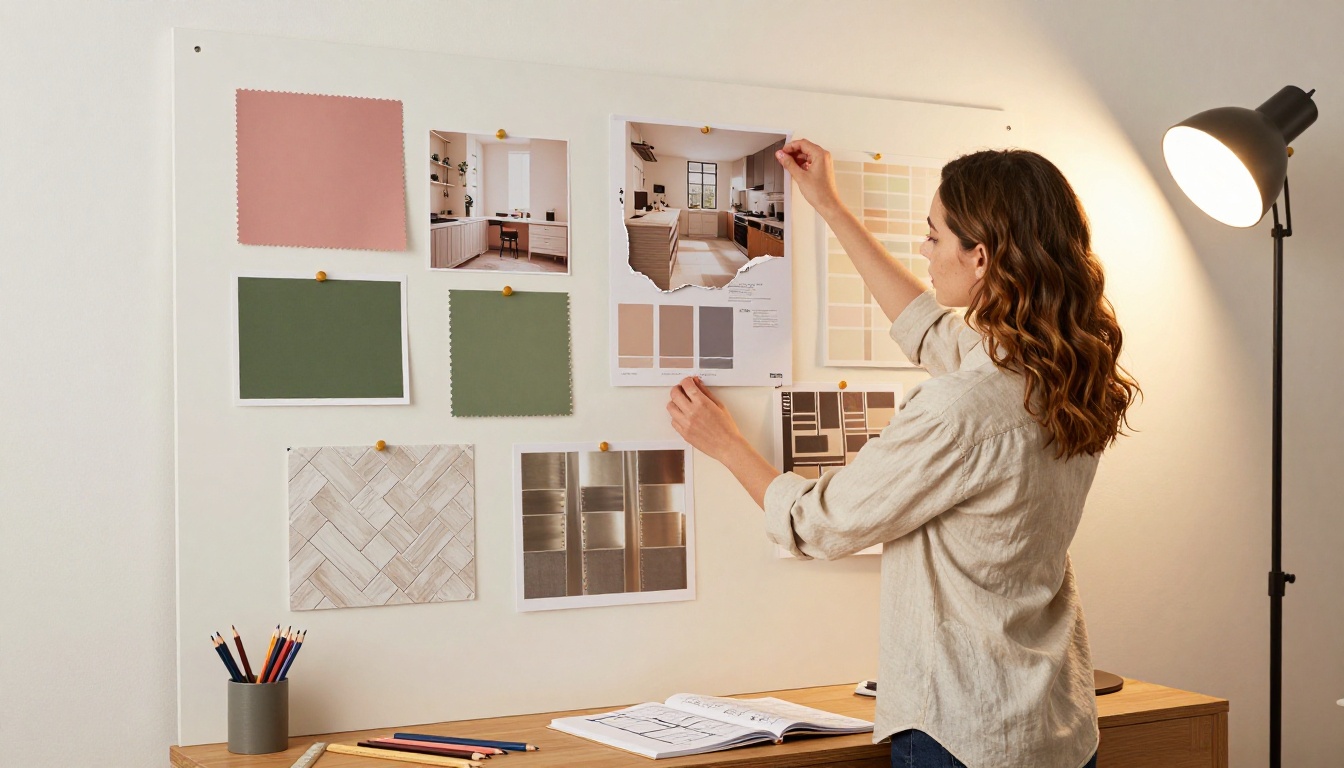
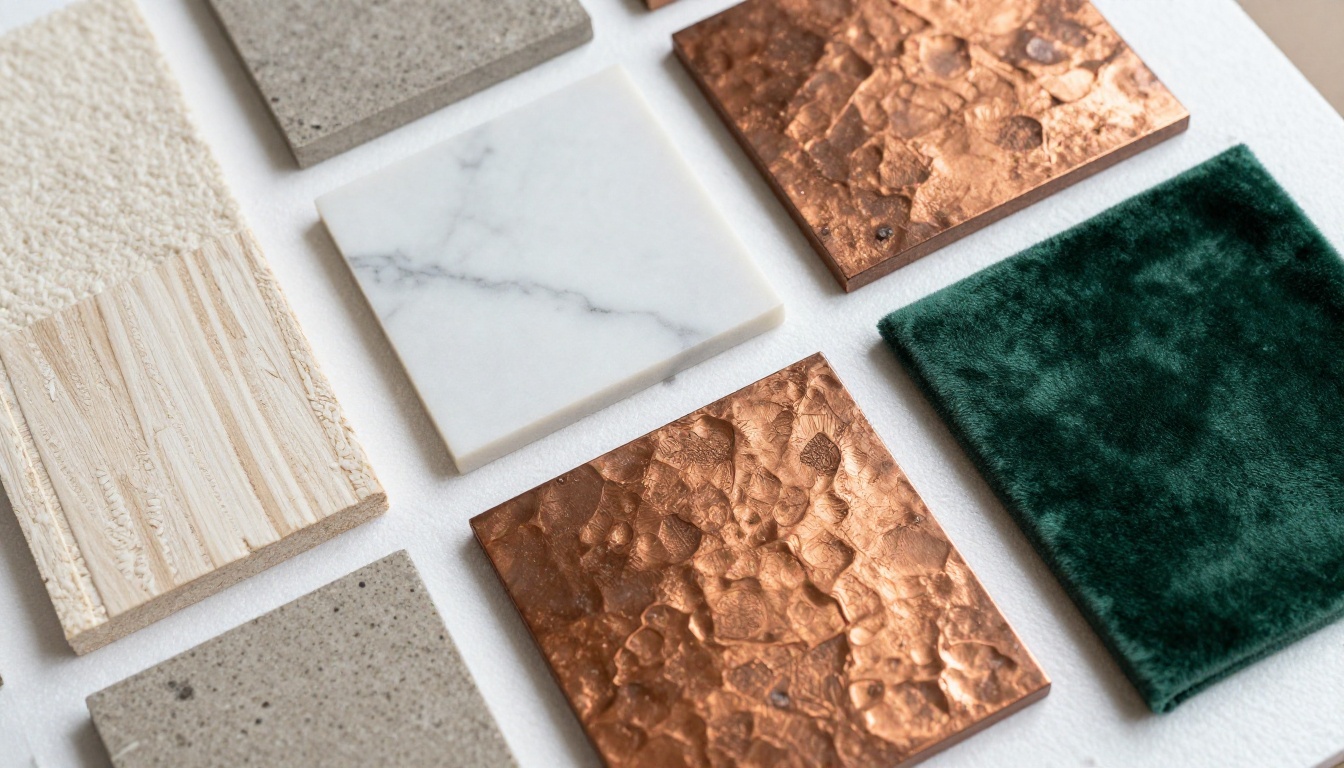
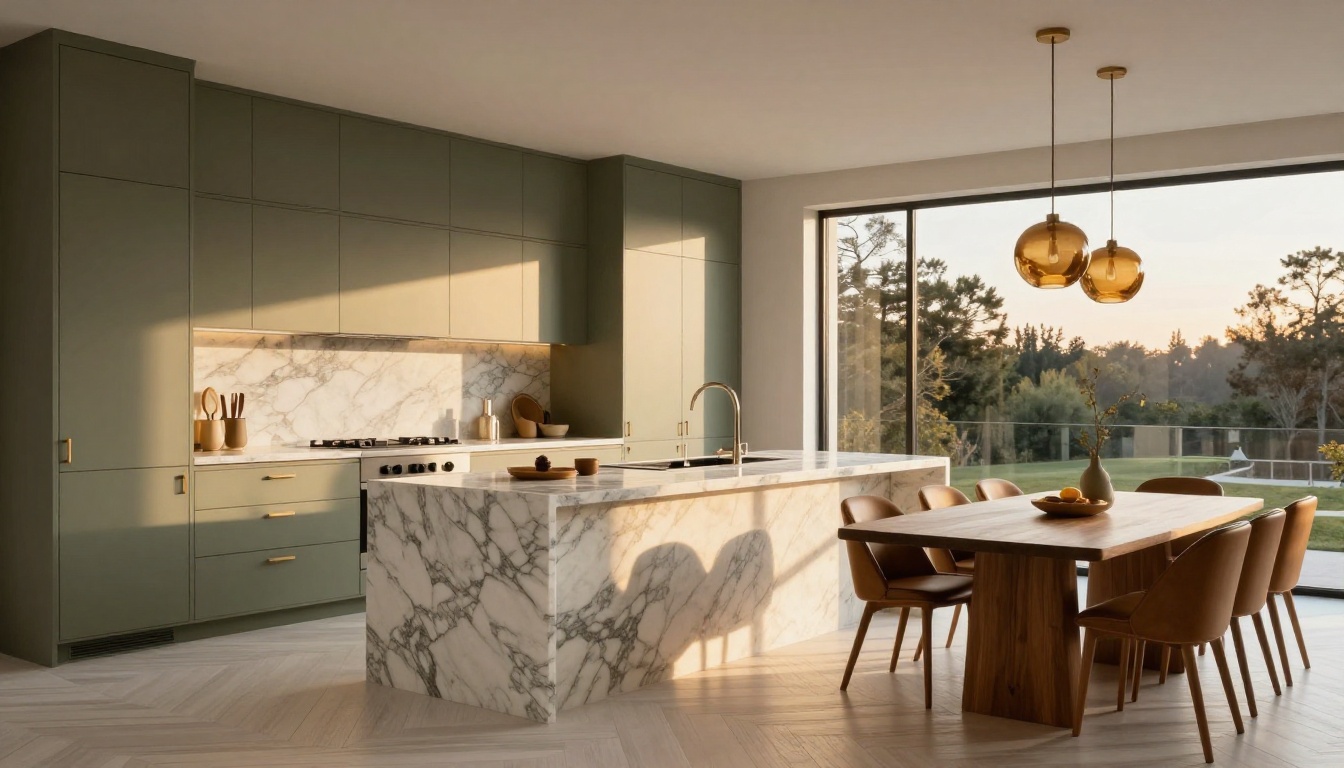
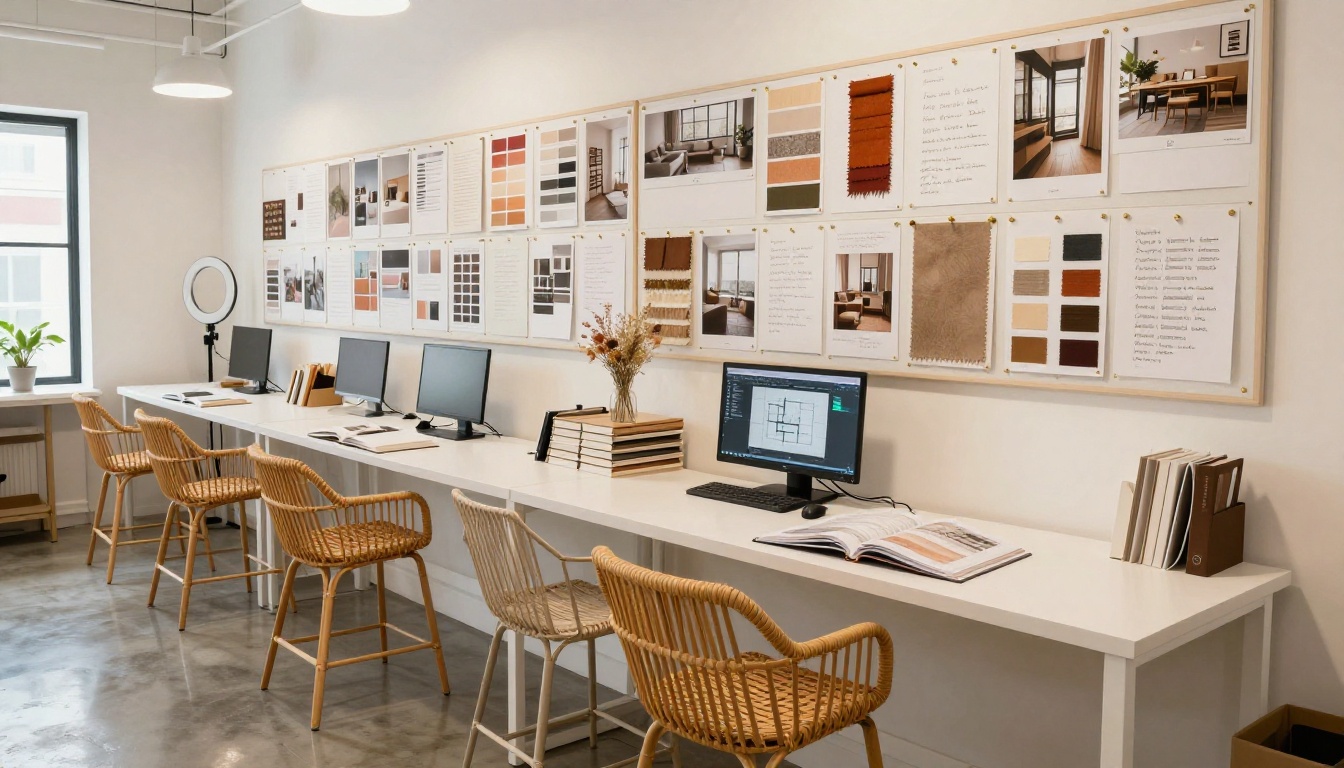
The section that most often closes a client is the material presentation. When a prospect can see and contextualize the actual finishes you are proposing, the project becomes real in their mind. They stop thinking in the abstract and start imagining the morning light hitting that marble counter.
A strong material section includes:
- Flooring: wood species, tile format, or stone type with a descriptive name
- Wall finishes: paint colors with exact codes, plaster styles, or wallcovering references
- Cabinet and millwork: door profile, finish, and hardware family
- Countertops and surfaces: stone slabs or engineered alternatives with vein descriptions
- Fabric swatches: upholstery, drapery, and cushion options in the proposed palette
- Metal finishes: the specific tone of fixtures (brushed brass, matte black, polished nickel) and how they interact
Digital vs. Physical Lookbooks: What Works Better
The format you choose for your lookbook matters more than most designers realize. Physical lookbooks carry weight and tactile richness. Digital lookbooks offer reach, interactivity, and zero printing costs. In most modern design practices, the answer is both, and starting digital makes the most sense.
| Format | Physical Lookbook | Digital Lookbook |
|---|
| Production cost | $50 to $300 per copy | Near zero per copy |
| Update flexibility | Must reprint if anything changes | Update in minutes |
| Shareability | Client cannot forward it | Client can share via link instantly |
| Interactivity | Static | Embedded videos, clickable links |
| Analytics | None | See who opened it and when |
| Brand perception | High, feels premium and considered | High, feels polished and modern |
| Best use case | Closing meetings, high-end residential | Initial pitch, remote clients, follow-up |
The ideal workflow for many designers: create a digital lookbook first (fast, flexible, shareable), then produce a printed version for the final closing presentation if the project warrants it.
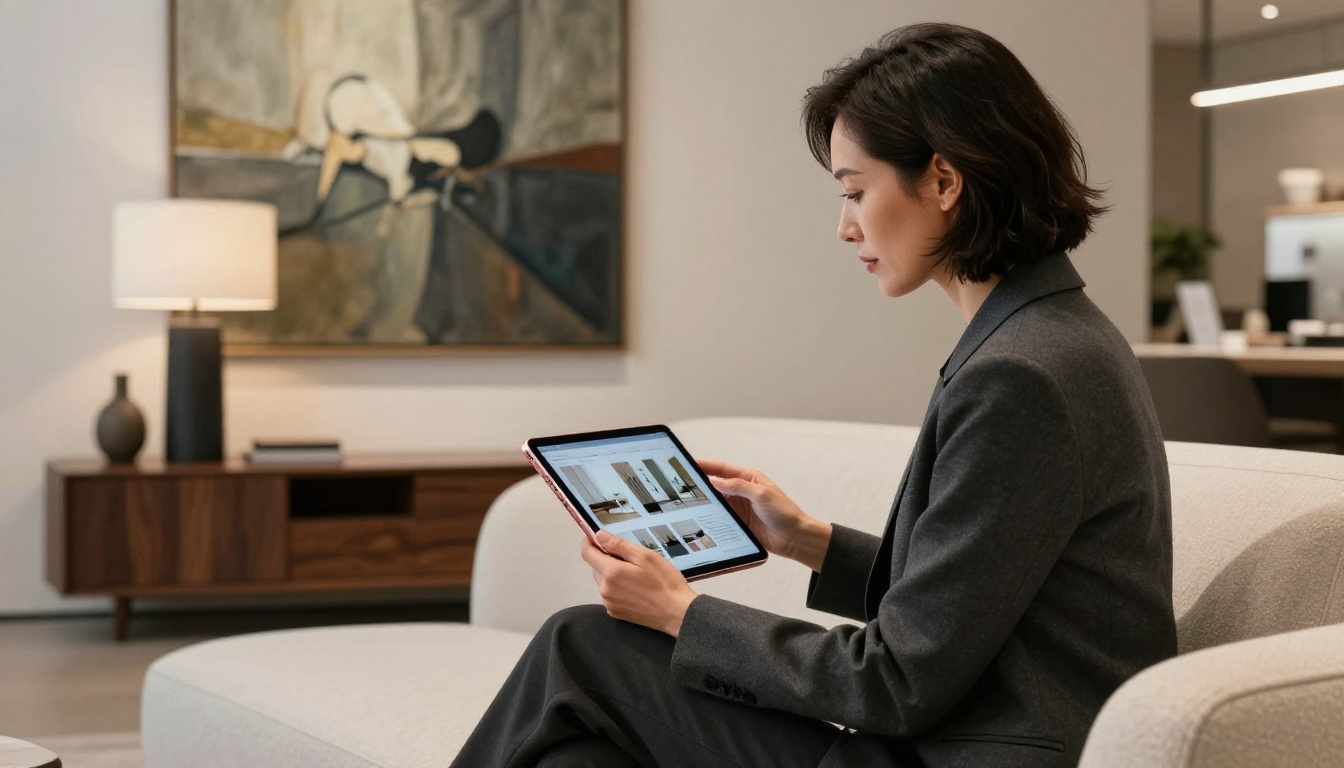
💡 Digital lookbooks have a hidden advantage: when you share a link, you can see exactly when the client opened it, how long they spent on each section, and whether they forwarded it to someone else. That data tells you when to follow up.
Real Designers, Real Results
Here is how different types of interior design practices use lookbooks effectively:
Residential Designers create project-specific lookbooks for each prospective client, tailored to the specific home being designed. The document covers the whole-home direction, room by room, with material selections and a curated mood section.
Commercial Interior Designers build lookbooks for hospitality, retail, or office projects that combine brand alignment with spatial concepts, showing how the design serves the business goals of the client.
Staging Professionals use lookbooks as part of their listing pitch to real estate agents and sellers, showing before-and-after examples and specific staging concepts for the property.
Design-Build Firms package the lookbook with their scope of work, making the proposal a complete document that combines the vision with the project approach and investment range.
How to Create Your Interior Design Lookbook with Flipbooks AI
Interior design lookbooks are a perfect use case for Flipbooks AI. The platform converts your PDF into a beautiful page-turning digital document that feels like flipping through a premium design magazine, not scrolling through a static PDF. It is fast, professional, and clients love it.
Here is exactly how to do it:
Step 1: Design Your PDF in Your Preferred Tool
Build your lookbook in Canva, Adobe InDesign, or any design tool you already use. Structure the pages in this order:
- Cover page: Client name or project nickname, your studio name, and a single hero image
- Introduction: A short written section (3 to 5 sentences) articulating the design direction and feeling
- Mood section: 4 to 6 full-bleed images establishing atmosphere and emotion
- Room-by-room concept pages: Each major space gets its own spread
- Material board pages: One page per zone or material family
- Closing page: Your contact information and a soft next-step prompt
Export as a high-resolution PDF.
Step 2: Upload to Flipbooks AI
Create an account on Flipbooks AI, then drag and drop your PDF into the upload area. The platform converts it automatically into a responsive flipbook in seconds. Use the Interactive Lookbook Designer or the Lookbook Flipbook Builder for a workflow built specifically for this format.
✅ No watermarks on any paid plan. Your branding stays clean and professional from the first page to the last.
Step 3: Customize Your Branding
Inside the Flipbooks AI editor, apply your studio branding:
- Upload your logo for the viewer interface
- Set your brand colors for the navigation bar and controls
- Add a custom background if desired
- Enable page effects like the realistic page-curl animation for maximum impact
- Embed a short video walkthrough to narrate the concept (available on Standard plan and above)
Step 4: Share With Your Client
Once published, you get a shareable link you can send by email or text in seconds. Options include:
- Direct link: Send a clean URL the client opens in any browser
- Password protection: For confidential pre-proposal documents, set a password only your prospect receives
- Embed on your website: If you have a client portal or private page, embed the flipbook directly with a copy-paste code
- Offline download: On the Professional plan, clients can download a version for offline viewing
💡 With the Professional plan, you also get analytics showing when your client opened the lookbook and how long they spent on each page. This tells you which section resonated most and helps you tailor your follow-up conversation.
What to Include in Every Section
Not all lookbook sections carry equal weight. Here is a priority breakdown:
| Section | Importance | What Clients Look For |
|---|
| Cover page | Critical | Professionalism, their name, immediate visual impact |
| Mood and atmosphere pages | Very high | Emotional resonance, "does this feel like me?" |
| Room concept spreads | Very high | Seeing their specific rooms visualized |
| Material boards | High | Credibility, tangibility, making the project feel real |
| Supplier and brand references | Medium | Trust in quality of selections |
| Process and timeline | Medium | Comfort and clarity about how you work |
| Contact and next steps | High | Clear, low-friction path to say yes |
The sections clients spend the most time on are always the mood pages and the material boards. These are the sections where the decision happens emotionally. The room concepts confirm the direction intellectually. The cover creates the first impression. Everything else supports those three pillars.
⚠️ Avoid overcrowding pages with text. A lookbook is a visual document. If you find yourself writing paragraphs, you are writing a proposal, not a lookbook. Keep copy minimal: short captions, material names, and a single orienting sentence per room.
The Portfolio vs. The Lookbook
Many designers confuse their general portfolio with a client lookbook. They serve different purposes in the sales process.
Your portfolio is what earns the meeting. It is the evidence of your body of work. It lives on your website and in your social channels. It says: "I am capable."
Your lookbook is what wins the project. It is built for a specific prospective client. It lives in a shared link or a printed document at the table. It says: "I already understand your home."
Use your portfolio to attract the right clients. Use a lookbook to close them.
Stop Losing Clients to Designers With Better Presentations
The interior design market is competitive. Clients in most cities have access to dozens of qualified designers. When all other factors are equal, the designer who shows up with the most compelling visual presentation wins. That is not a cynical observation. It is the reality of how humans make decisions about creative professionals.
A polished, interactive lookbook signals:
- You are organized and detail-oriented, exactly what they need in a renovation
- You already see their space with fresh eyes
- You communicate clearly, which reduces their fear of miscommunication
- You are invested before the contract is signed, which builds confidence that you will stay invested throughout
Building your first lookbook does not require advanced graphic design skills or expensive software. It requires intentional curation and a platform that presents it beautifully. Flipbooks AI gives you both, with tools purpose-built for designers who want to impress clients without spending hours on formatting.
Browse all flipbook tools available on the platform. Use the Digital Portfolio Creator to build your studio portfolio alongside your client-specific lookbooks. Compare pricing plans and choose the one that scales with your studio.
The designers winning the most interesting projects are not always the most talented. They are the ones who make it easiest for clients to say yes. Get started for free and make your next client meeting one they remember.



