Every year, nonprofits spend thousands of dollars printing annual reports that most donors never read past page three. That's a real problem when your entire fundraising strategy depends on proving impact, earning trust, and inspiring continued giving. The shift to digital has changed what's possible, and interactive flipbooks sit at the center of that change. Flipbooks AI gives nonprofits a way to transform those static PDFs into page-turning digital experiences that look professional, load instantly on mobile, and reach donors wherever they are.
Why Printed Annual Reports Are Losing Ground
The Real Cost of Print
Printing a nonprofit annual report isn't cheap. Between design fees, print runs, postage, and distribution, a mid-size organization can easily spend $15,000 to $40,000 per cycle on a document that gets recycled within weeks. And the ROI? Nearly impossible to measure. You have no idea who read it, which pages held their attention, or whether it influenced a donation decision.
Beyond cost, there's the environmental calculus. More donors are asking how their contributions are being used, and a large printing budget raises uncomfortable questions for organizations built around sustainability, community welfare, or climate action.

Digital Donors Expect More
The average major donor in 2024 is reviewing three to five organizations before committing to a gift. They're doing that research on a phone, during a lunch break, in a waiting room. A PDF attachment they have to download and pinch-to-zoom on a 6-inch screen isn't going to hold their attention.
Interactive digital publications do. When your annual report has clickable links, embedded video testimonials, animated charts, and a mobile-responsive layout that adjusts to any screen size, donors stay longer and interact more deeply. That depth of interaction translates directly into trust, and trust drives giving.
What Makes Flipbooks Work for Nonprofits
Interactive Pages That Tell a Story
A flipbook isn't just a PDF with a page-curl animation. Done right, it's a structured storytelling experience with chapters that flow naturally, data visualizations that invite exploration, and multimedia elements that bring your mission to life. Donors can click on a program name and jump directly to its outcomes section. Board members can skip straight to the financials without scrolling past 40 pages of photography.

💡 Nonprofits that include embedded video in their annual reports see donor retention rates 28% higher than those using static documents alone.
Mobile Access for Donors on the Go
More than 60% of nonprofit website traffic now comes from mobile devices. If your annual report isn't readable on a phone without zooming and scrolling sideways, you're losing attention at the most critical moment. Flipbooks built on Flipbooks AI are fully mobile-responsive from day one, no additional configuration required.
Shareable Links That Spread Your Mission
Instead of attaching a 15MB PDF to a donor email, you share a single link. That link opens instantly, loads beautifully, and can be shared by the recipient with one tap. When your board member shares your annual report with a colleague at a dinner party, they're not fumbling with a file attachment. They're sharing a URL that opens in two seconds on any device.
How Nonprofits Are Actually Using Flipbooks Right Now
Nonprofits of every size and mission type have found specific, practical ways to integrate flipbooks into their annual reporting. Here are five that show up consistently.

1. Donor Impact Reports Sent Post-Campaign
After a major fundraising drive, organizations send personalized impact reports that show donors exactly what their money accomplished. A children's literacy nonprofit might show a flipbook where page one lists total books distributed, page two breaks down geographic reach, and page three features a photo story of a classroom that received funding. These reports feel personal, look professional, and are easy to archive and resend.
2. Financial Transparency Sections for Skeptical Donors
Major donors and foundation grantors want to see the numbers. A well-structured financial section in a flipbook, with clear tables, audited figures, and a program expense ratio breakdown, builds credibility faster than any prose paragraph. The interactive format lets finance-minded readers skip directly to what matters to them, without disrupting the narrative flow for everyone else.

3. Program Highlight Showcases
Organizations running multiple programs use flipbooks to give each initiative its own visual chapter. An environmental nonprofit might dedicate sections to wetland restoration, urban tree planting, and youth education. Each chapter has its own photography, outcome data, and beneficiary quotes. The result reads like a magazine, not a spreadsheet.
4. Board Meeting Distribution
Before annual board meetings, executives share the draft annual report flipbook with trustees via a password-protected link. Board members can review it on their own schedule, annotate questions, and arrive at the meeting prepared. No printing, no courier delivery, no physical copies to collect afterward.
✅ Password protection on Flipbooks AI is available on Standard plans and above, making it ideal for confidential board materials that require controlled access.
5. Grant Reporting and Foundation Outreach
Grant-making foundations require detailed reports on how their funding was used. A flipbook format makes those reports far more compelling than a Word document. Some organizations now send their annual flipbook directly to foundation program officers as part of the renewal pitch, letting the visual storytelling do what a standard grant report cannot.
Flipbooks vs. PDF vs. Print Reports
The differences between formats matter more than most nonprofits realize. This table breaks down real-world performance across the factors that matter most for stakeholder communication.
| Factor | Print Report | Static PDF | Interactive Flipbook |
|---|
| Production Cost | $15,000 - $40,000+ | $500 - $3,000 | $29 - $99/month |
| Mobile-Friendly | No | Poor | Yes, native |
| Shareable via Link | No | Cumbersome | Yes, instant |
| Analytics Available | None | None | Full (Pro plan) |
| Update After Publishing | Impossible | Version issues | Easy |
| Embedded Multimedia | No | Limited | Video, audio, links |
| Environmental Impact | High | Low | Minimal |
| Reader Interaction | Low | Below average | High |
| Password Protection | N/A | Third-party only | Built-in |
⚠️ Many nonprofits still default to PDF because "that's what we've always done." The cost difference alone, when you factor in design, print, and distribution, often justifies a full switch to digital within a single reporting cycle.

How to Create Your Annual Report with Flipbooks AI
The Non-Profit Annual Report tool on Flipbooks AI makes the process straightforward, even for organizations without a dedicated design team.
Step 1: Prepare Your PDF
Before uploading, make sure your annual report is designed and exported as a PDF. Tools like Canva, Adobe InDesign, or Google Slides work well. Include your organization's logo, brand colors, and high-resolution photography. The better your source file, the better your flipbook will look.
Step 2: Create Your Account and Upload
Head to Flipbooks AI and create your account. On the Standard plan and above, you get unlimited flipbooks with no watermarks. Once logged in, upload your PDF using the simple drag-and-drop interface. Conversion happens in seconds.
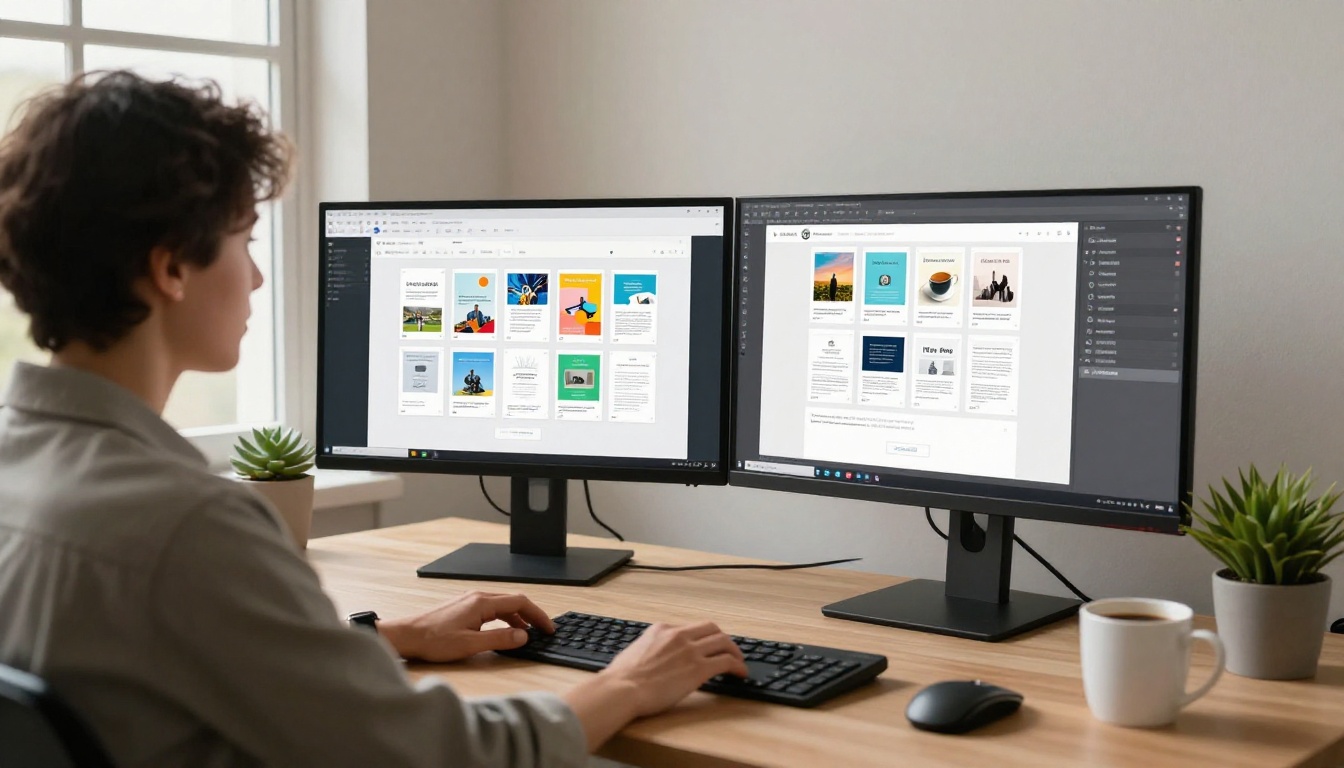
Step 3: Apply Branding and Customization
After conversion, apply your organization's brand settings. You can add custom colors, adjust the background, toggle the page-flip animation style, and configure your publication name. This step ensures your annual report flipbook feels like an extension of your existing brand identity, not a generic template.
The Annual Report Creator and Corporate Report Maker tools offer additional formatting options tailored specifically to formal organizational reporting.
Step 4: Set Sharing Options and Access Controls
Configure who can view your report. For a public-facing annual report, leave it open and generate a shareable link. For board materials or draft versions, enable password protection to control access. You can also generate an embed code to display the flipbook directly on your organization's website, using the Embed Flipbook on Website tool.

Step 5: Track Readership with Analytics
On the Professional plan, you get access to full reader analytics. You can see how many people opened your report, which pages held attention the longest, where readers dropped off, and whether they followed any embedded links. This data is invaluable for improving next year's report and for showing stakeholder involvement to your board and to funders.
💡 Organizations using analytics on their annual reports can identify which program sections generate the most interest, helping them allocate storytelling resources more effectively in the following year.
Features That Matter for Nonprofit Budgets
Not all flipbook platforms are built for the constraints nonprofits operate under. Here's how Flipbooks AI stacks up on the features that matter most for mission-driven organizations.
| Feature | Free Plan | Standard Plan | Professional Plan |
|---|
| Watermarks | None | None | None |
| Number of Flipbooks | 3 | Unlimited | Unlimited |
| Password Protection | No | Yes | Yes |
| Custom Branding | Limited | Full | Full |
| Analytics | No | No | Yes |
| Lead Generation | No | No | Yes |
| Offline Downloads | No | Yes | Yes |
| Embed on Website | Yes | Yes | Yes |
| Video and Audio | No | Yes | Yes |
| Price | Free | ~$29/month | ~$79/month |
For most nonprofits, the Standard plan has everything needed for a polished, professional annual report: unlimited flipbooks, password protection, custom branding, video embedding, and offline access for donors who want to save a copy. The Professional plan adds analytics and lead generation, which are particularly useful for organizations using their annual report as part of an active fundraising campaign.

What Your Annual Report Should Actually Contain
A strong nonprofit annual report doesn't just address finances. Donors, foundations, and community stakeholders are looking for a specific set of signals when they read your report. Here's a framework for what to include and why it works.
| Section | What to Include | Why It Matters |
|---|
| Mission Statement | One-sentence clarity, updated if needed | Anchors the entire document |
| Year in Numbers | Beneficiaries served, programs run, volunteers active | Quick scannable impact summary |
| Financial Summary | Revenue sources, expense breakdown, reserves | Builds donor trust and funder confidence |
| Program Highlights | 3-5 featured initiatives with outcomes and photos | Shows mission in action |
| Donor Recognition | Tiered donor lists, naming rights, sponsor logos | Acknowledges giving and motivates future gifts |
| Stories | 1-2 beneficiary testimonials or case studies | Creates emotional connection |
| Looking Ahead | Goals and priorities for the coming year | Gives donors a reason to give again |
| Call to Action | Clear giving link or contact information | Converts readers into supporters |
✅ The most effective nonprofit annual reports treat the document as a fundraising asset, not just a compliance obligation. Every section should either build trust or inspire action.
Reaching Donors Where They Are

Distribution used to be one of the biggest challenges in nonprofit reporting. You'd print thousands of copies, mail them to a list that was inevitably out of date, and wait for responses that rarely came back measurable. With a flipbook, distribution becomes a link in an email, a button on your website, or a post on LinkedIn.
Consider embedding your annual report flipbook on your About or Impact page using the Embed Flipbook on Website feature. Site visitors evaluating your organization will find it instantly. Add the link to your email signature throughout the year. Share specific sections on social media during campaign pushes. The flexibility to share any page or the full document, with anyone, at any time, changes how you think about stakeholder communication entirely.
For organizations looking to expand their digital publication strategy beyond annual reports, Flipbooks AI offers tools for newsletters, impact brochures, program publications, and donor magazines. The Newsletter Flipbook Publisher and Report Flipbook Creator are both well-suited to the ongoing communication rhythms most nonprofits already follow.
Make This Year's Report Actually Get Read
The time and money nonprofits invest in annual reporting deserves a format that works. Static PDFs go unread. Print runs go untracked. An interactive flipbook built with Flipbooks AI gives your story the presentation it deserves and the distribution power to reach every donor, trustee, and community partner on your list.
Ready to build your first nonprofit annual report flipbook? Get started for free and see how fast a professional-looking publication comes together. Check pricing plans to find what fits your organization's budget, or see all available report tools to find the perfect format.
Your mission is worth sharing. Make sure it gets seen.



