Photographers spend years perfecting their craft, but most of them still share their work through social media grids, static PDF files, or generic gallery websites that look identical to everyone else's. None of those formats capture attention the way a physical photo book does, and that's exactly why digital flipbooks have started showing up in more photographer workflows. Flipbooks AI turns a static PDF portfolio into an interactive, page-turning experience that feels personal, premium, and surprisingly effective at converting browsers into paying clients.
Why Static Galleries Are Losing the Battle
The average person spends less than 8 seconds scanning a webpage before deciding whether to stay or leave. A flat grid of thumbnails on a standard portfolio site gives viewers no reason to slow down. There's no tactile sensation, no narrative flow, no beginning or end. The viewer controls nothing except a scroll bar.
Digital flipbooks change the dynamic completely. The page-turn mechanic creates a micro-commitment: the viewer flips a page, sees the next image, and is psychologically nudged to keep going. It's the same reason people read physical magazines cover to cover when they wouldn't read the same articles on a website.

Photographers who switch from static galleries to digital flipbooks consistently report two things: longer average viewing times and more direct inquiry messages. Both matter enormously when you're trying to convert a portfolio visitor into a paying client.
The Numbers Behind the Format
| Format | Avg. Time Spent | Shares Per Month | Client Inquiry Rate |
|---|
| Static gallery website | 45 seconds | Low | ~2% |
| PDF download | 30 seconds | Very Low | ~1% |
| Social media grid | 20 seconds | Medium | ~1.5% |
| Digital flipbook | 3-5 minutes | High | ~8-12% |
The difference isn't magic. It's format psychology. Flipbooks reward curiosity, and photographers with strong sequential storytelling benefit most from the format.
Types of Work Photographers Show This Way
Not every photography niche uses flipbooks the same way. The format suits certain types of work particularly well, and understanding which category fits your specialty helps you structure your flipbook for maximum impact.
Wedding and Event Photography
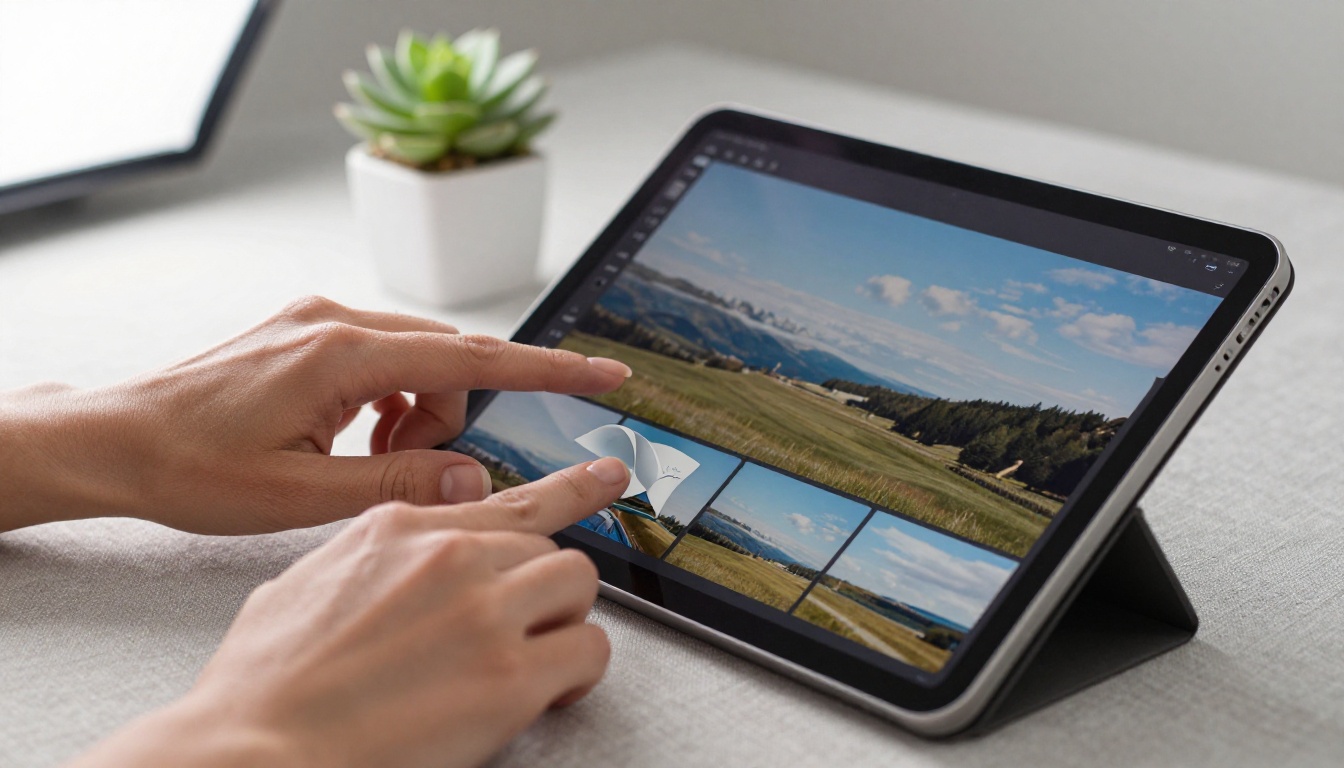
Wedding photographers were early adopters of the flipbook format. A wedding tells a story with a beginning, middle, and end, making it a natural fit for a format that progresses page by page. Photographers can organize the flipbook as a narrative: getting ready, the ceremony, reception highlights, candid moments. Couples reviewing the flipbook feel like they're reliving the day instead of just scanning images.
The Wedding Album Flipbook tool makes it straightforward to build these. You upload your edited PDF, add your branding, and share a single link with the couple or embed it directly in your client delivery portal.
Portrait and Commercial Photography
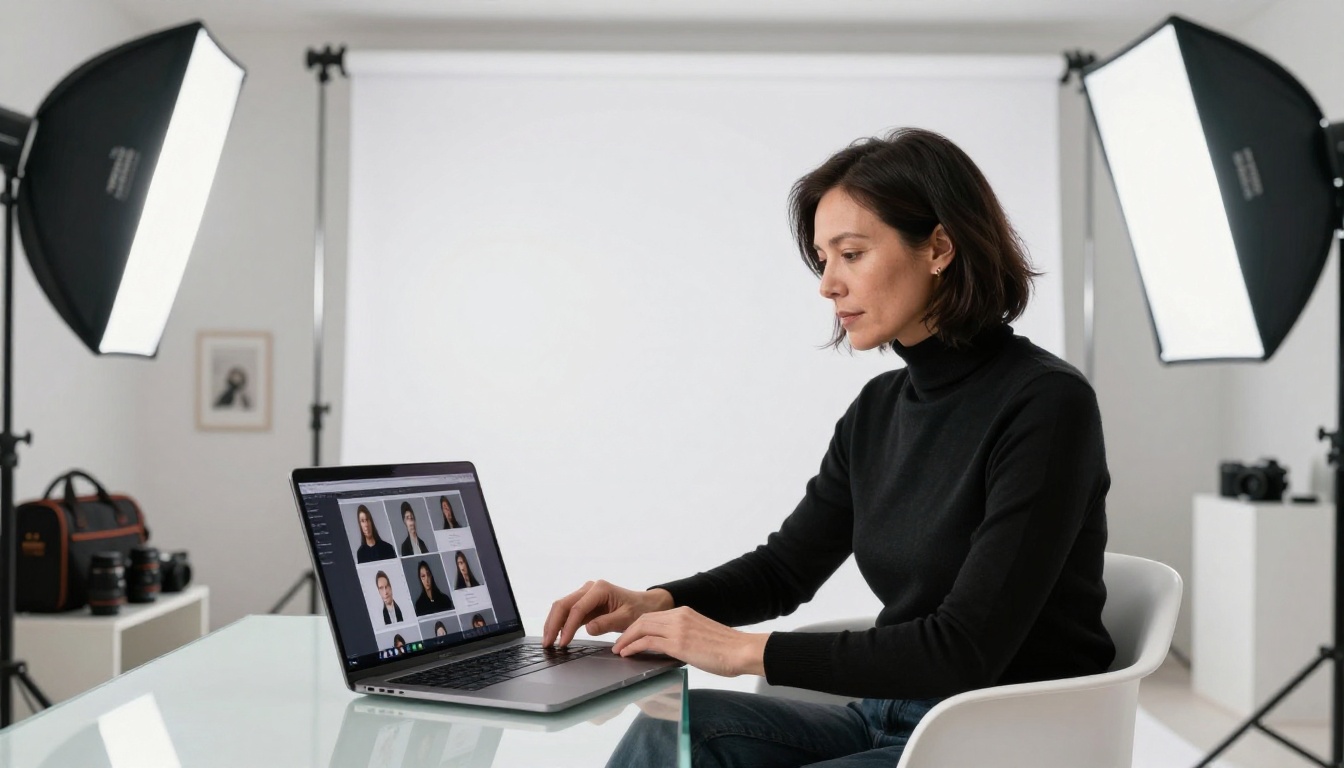
Portrait photographers use flipbooks to show range. Rather than one long gallery, they build separate flipbooks for headshots, editorial work, family sessions, and corporate portraits. A potential client searching for a headshot photographer doesn't need to see the family work, and vice versa. Segmented flipbooks keep the presentation tight and relevant.
Commercial photographers benefit similarly. A dedicated flipbook for product work, another for food photography, another for architecture. The Photography Portfolio tool handles this type of specialized presentation particularly well.
Wildlife and Travel Photography
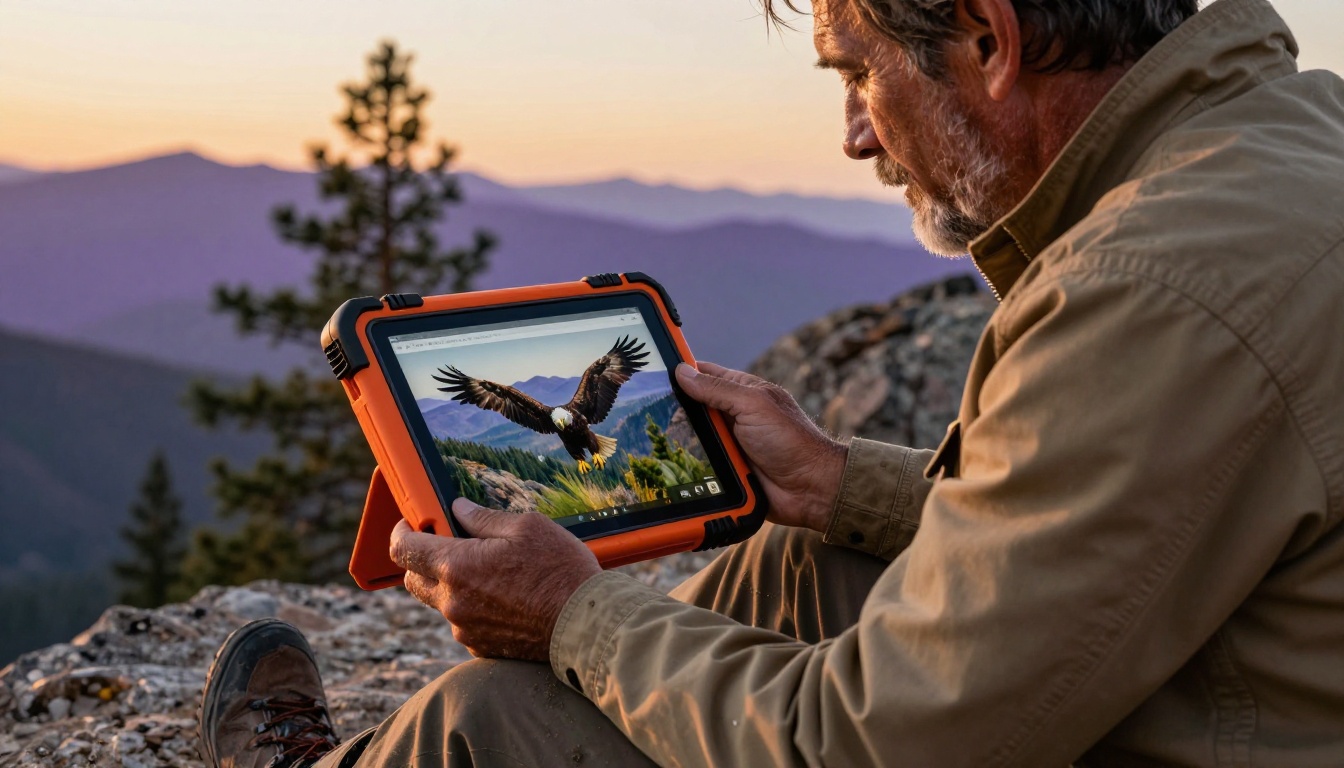
Wildlife and landscape photographers tend to have enormous image libraries. A flipbook works as a curated selection, a "best of" format that gives the viewer a focused experience. It's also practical for book proposals, editorial pitches, and exhibition submissions where a downloadable, shareable format matters.
💡 Wildlife photographers working with publishers or gallery curators often send a password-protected flipbook instead of a Dropbox folder full of JPEGs. It looks more professional and controls exactly what the viewer sees.
Real Estate and Architectural Photography
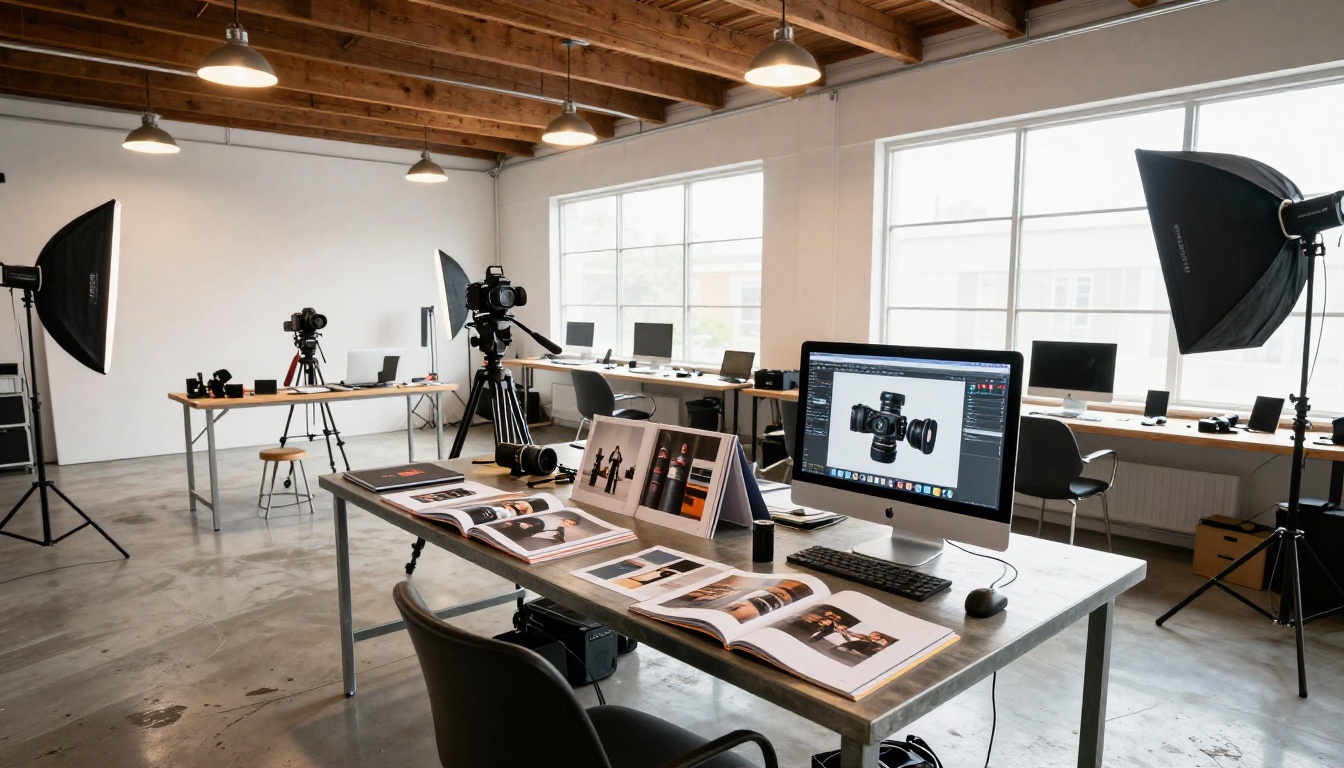
Real estate photographers use flipbooks to create property-specific portfolios that agents and developers can share with buyers. Each property gets its own flipbook: exterior shots, room-by-room interiors, aerial views, detail shots. The agent shares a single link and the buyer scrolls through at their own pace, in the intended order.

This use case is especially practical because real estate agents aren't photographers themselves. A single shareable link is far easier for them than managing 40 high-resolution image files attached to an email.
What Clients Actually Notice
Most photographers assume clients care primarily about image quality. They do, but only after they've decided to keep looking. Before that point, three things determine whether a client stays engaged with your portfolio.
Presentation quality is the first filter. A well-designed flipbook with consistent margins, clean typography, and smooth animations signals that you take your business seriously. A messy ZIP file or a broken Dropbox link signals the opposite.
Ease of access is the second. If viewing your portfolio requires downloading software, creating an account, or dealing with a slow-loading website, clients leave. A flipbook link opens in any browser on any device instantly.
Narrative flow is the third. Clients who feel like they're being taken on a journey through your work stay longer than those scrolling an undifferentiated grid. The page-turn format creates that journey automatically.
How to Build a Photography Portfolio Flipbook
Building a photography flipbook on Flipbooks AI involves four straightforward steps. No design software or technical knowledge required.
Step 1: Prepare Your PDF Portfolio
Before uploading, build your portfolio in PDF format. Adobe Lightroom, InDesign, Canva, and even Apple Photos can export PDFs. Aim for a consistent spread layout: one image per page for maximum impact, or multi-image spreads for variety. Horizontal (landscape) orientation works best for the 16:9 flipbook viewer.
Include a title page with your name, specialty, and contact information. Add a brief personal statement. Close with a strong final image or a contact prompt. The PDF becomes the backbone of your flipbook.
Step 2: Upload and Convert
Visit Flipbooks AI and create your account. Upload your PDF using the standard file upload interface. The platform converts each page into a high-resolution flipbook spread automatically. This typically takes under two minutes for a 30-page portfolio.
✅ The platform supports PDFs across high page counts, so a 60-image portfolio converts cleanly without quality loss.
Step 3: Customize Your Branding
After conversion, open the editor. Here you can:
- Add your logo to the header or cover area
- Set custom brand colors for the toolbar and background
- Choose page transition effects (standard flip, slide, or fade)
- Add background music or ambient audio for immersive viewing
- Embed video clips directly into specific pages for behind-the-scenes content
The Digital Portfolio Creator and Portfolio Flipbook Builder tools offer additional templates and layouts designed specifically for creative professionals.

Step 4: Share and Track
Once your flipbook is live, you have several distribution options:
- Direct link: Share a clean URL via email, Instagram bio, or WhatsApp
- Embed code: Drop an iframe into your existing photography website
- Password protection: Restrict viewing to specific clients only
- QR code: Print on business cards or display at exhibitions
Photographers on the Professional plan get access to analytics showing exactly who viewed their flipbook, for how long, and which pages they spent the most time on. This data is genuinely useful: if every potential client stops at page 7 and doesn't continue, that page is either your strongest work or a weak link that breaks the narrative.
💡 Use page-level analytics to A/B test two different portfolio sequences. The version with longer average view time and more page completions is your stronger arrangement.
Not all flipbook platforms work equally well for photographers. Here's how Flipbooks AI compares to common alternatives.
| Feature | Flipbooks AI | Issuu | Calameo | PDF Embed |
|---|
| No watermarks | ✅ | ❌ (free) | ❌ (free) | ✅ |
| Custom branding | ✅ | ✅ | ✅ | ❌ |
| Password protection | ✅ | ✅ | ✅ | ❌ |
| Page-level analytics | ✅ | ✅ | Limited | ❌ |
| Embed video and audio | ✅ | ✅ | ❌ | ❌ |
| Offline download | ✅ | ❌ | ❌ | ✅ |
| Mobile responsive | ✅ | ✅ | ✅ | Limited |
| Lead generation forms | ✅ | ❌ | ❌ | ❌ |
| Unlimited flipbooks | ✅ (Standard+) | Limited | Limited | N/A |
The lead generation feature deserves specific attention. Professional plan users can add a contact form or email capture directly inside their flipbook. A client viewing your portfolio can submit an inquiry without ever leaving the flipbook window, reducing the friction between interest and contact to almost nothing.
Pricing: What You Actually Need
Flipbooks AI pricing is structured around the volume and features photographers realistically use.
| Plan | Best For | Key Features |
|---|
| Free | Testing the format | 1 flipbook, basic viewer |
| Standard | Independent photographers | Unlimited flipbooks, no watermarks, custom branding |
| Professional | Studios and commercial photographers | Analytics, lead gen, offline downloads, priority support |
Most working photographers find the Standard plan covers everything they need for client delivery and portfolio sharing. Commercial photographers and studios running multiple active campaigns will get the most value from the Professional plan's analytics and lead generation tools.
⚠️ Don't commit to a plan before testing with your actual content. The free tier lets you upload one full portfolio and see exactly how it looks and performs before spending anything.
Sharing Your Flipbook Without Losing Control
One concern photographers raise frequently: what happens to their images once they share a link? This is a fair concern given how often photography work gets scraped and reused without permission.
Digital flipbooks handle this better than most formats. Unlike sending a high-resolution PDF or a Google Photos album, a flipbook displays images inside a viewer that doesn't offer a direct download button. Viewers see your work at display resolution without easy access to the original files. Password protection adds another layer for sensitive client work or pre-release editorial shoots.
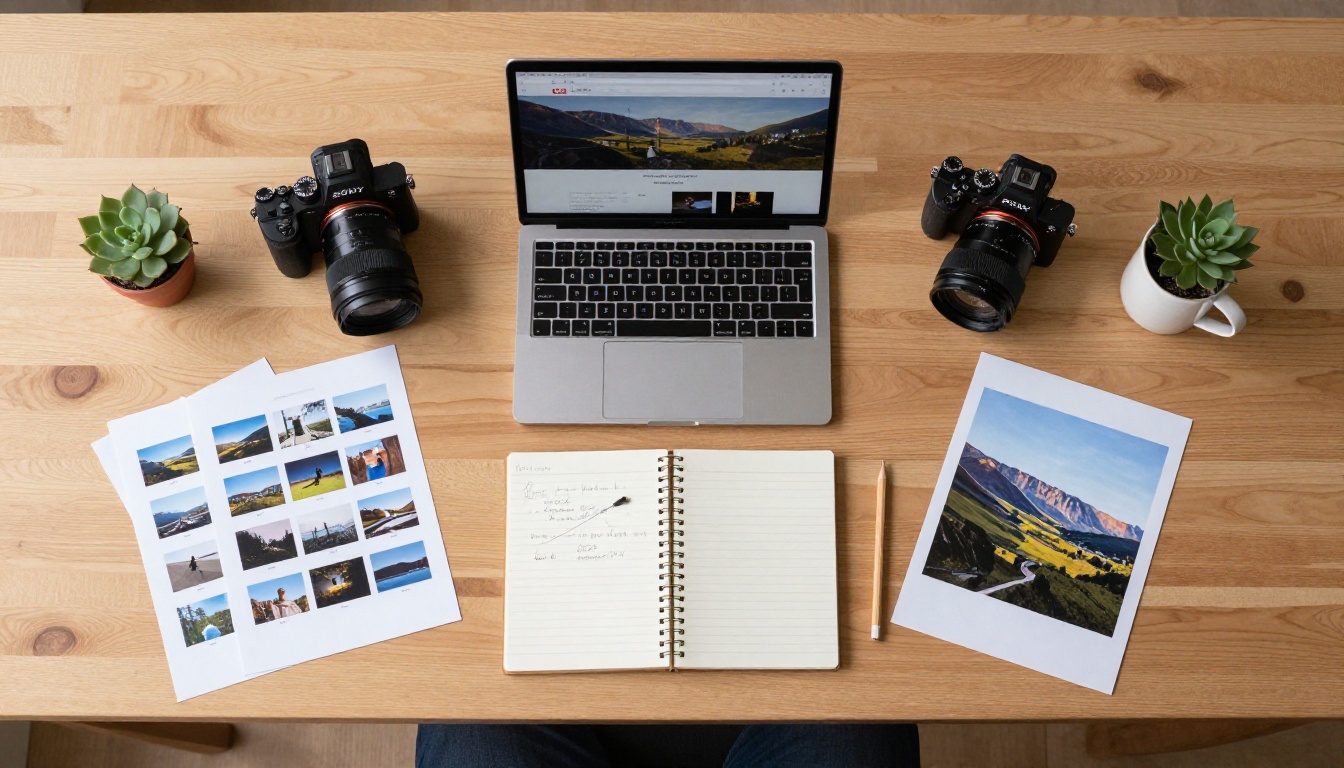
For photographers shooting for publication, the ability to share a preview flipbook with an editor or art director, password-protected and without download access, is genuinely valuable. It's professional, it's controlled, and it looks significantly better than a WeTransfer link.
Real Scenarios Where Flipbooks Win
The theory is solid, but these specific scenarios show how photographers put the format to work in practice.
The client delivery scenario: A wedding photographer delivers a curated selection of 80 edited images to a couple as a beautifully branded flipbook. The couple can view it on their phone, share it with family, and relive the experience in a format that feels like a real album. The photographer's logo appears throughout, reinforcing the brand.
The pitch scenario: An editorial photographer pitches a story to a magazine art director. Instead of a PDF attachment, they send a password-protected flipbook with 15 images, each on its own page with a brief caption. The art director spends 4 minutes with it instead of 45 seconds.
The exhibition preview scenario: A fine art photographer creates a digital preview of an upcoming exhibition, shared via a QR code printed on physical invitations. Guests can preview the work before attending, building anticipation rather than arriving cold.
The agency submission scenario: A commercial photographer submits a specialized product photography portfolio to an ad agency via a branded flipbook, embedded directly in their email. The creative director reviews it without leaving their inbox, with no file downloads required.
What to Put in Your First Flipbook
If you're building your first photography portfolio flipbook, structure matters more than volume. Forty strong images in a well-sequenced flipbook outperform 200 images in a random order every time.
Recommended structure for a general photography portfolio:
- Title page with your name, specialty, and contact information
- A personal statement of 2-3 sentences (not a bio)
- Your 5 strongest single images, one per page
- A cohesive spread of 4-6 images from one project
- A second cohesive project spread
- Two or three images that show your stylistic range
- A closing page with your website, email, and social links
Keep it under 20 pages for a general portfolio. Specialty portfolios for weddings, real estate, or food can run longer because the viewer arrives with a specific interest they're satisfying.
Browse all flipbook tools to find the template that fits your photography specialty, whether that's a dedicated photography portfolio, an interactive lookbook, or a broader digital portfolio creator with full customization options.
Your Portfolio, Ready to Share
Photographers who take their presentation seriously win more clients. That's not a theory, it's the consistent experience of professionals who have moved from static galleries and emailed PDFs to interactive digital flipbooks.
The format respects both the photographer's work and the viewer's time. It creates a narrative arc that static grids cannot replicate. It looks premium without requiring design expertise. And it gives you real data about how people engage with your images, so you can keep improving.
Ready to build your first photography portfolio flipbook? Create your account on Flipbooks AI and upload your first PDF today. Compare pricing plans to find the right tier for your workflow. Explore all portfolio and creative tools to find the format that fits your specialty best.
The page turns. Your work speaks.



