Photography is one of the most visual professions on the planet, yet most photographers still send clients flat PDFs, static image galleries, or a link to a social media page. That disconnect costs bookings. Flipbooks AI is changing how photographers present their work by turning portfolios into interactive, page-turning digital experiences that clients actually remember and share.
A flipbook portfolio does something a static gallery cannot: it creates a sense of story. Each page turns. Each spread builds anticipation. It feels less like scrolling a website and more like holding a photography book in your hands, which is exactly the emotional response photographers want from their clients.

Why Static Portfolios Fall Short
Most photographers underestimate the friction in their current portfolio setup. A PDF attached to an email gets downloaded, viewed once, and forgotten. A Google Drive folder feels like a filing cabinet. A social media profile is cluttered with notifications and competing content. None of these formats put the photographer's work at the center of the experience.
The problem is rarely the quality of the photography. It is the container holding it.
Static formats lack interactivity. They do not turn pages. They do not load full-screen images with smooth transitions. They do not let photographers embed a short behind-the-scenes video between two portrait spreads. A digital flipbook solves all of this in one format that works on every device, from a phone to a boardroom projector.
💡 Photographers who use interactive portfolios report significantly higher client retention rates during initial consultations. The format creates a more memorable first impression than a flat PDF or a website gallery ever will.
What a Photography Flipbook Actually Does
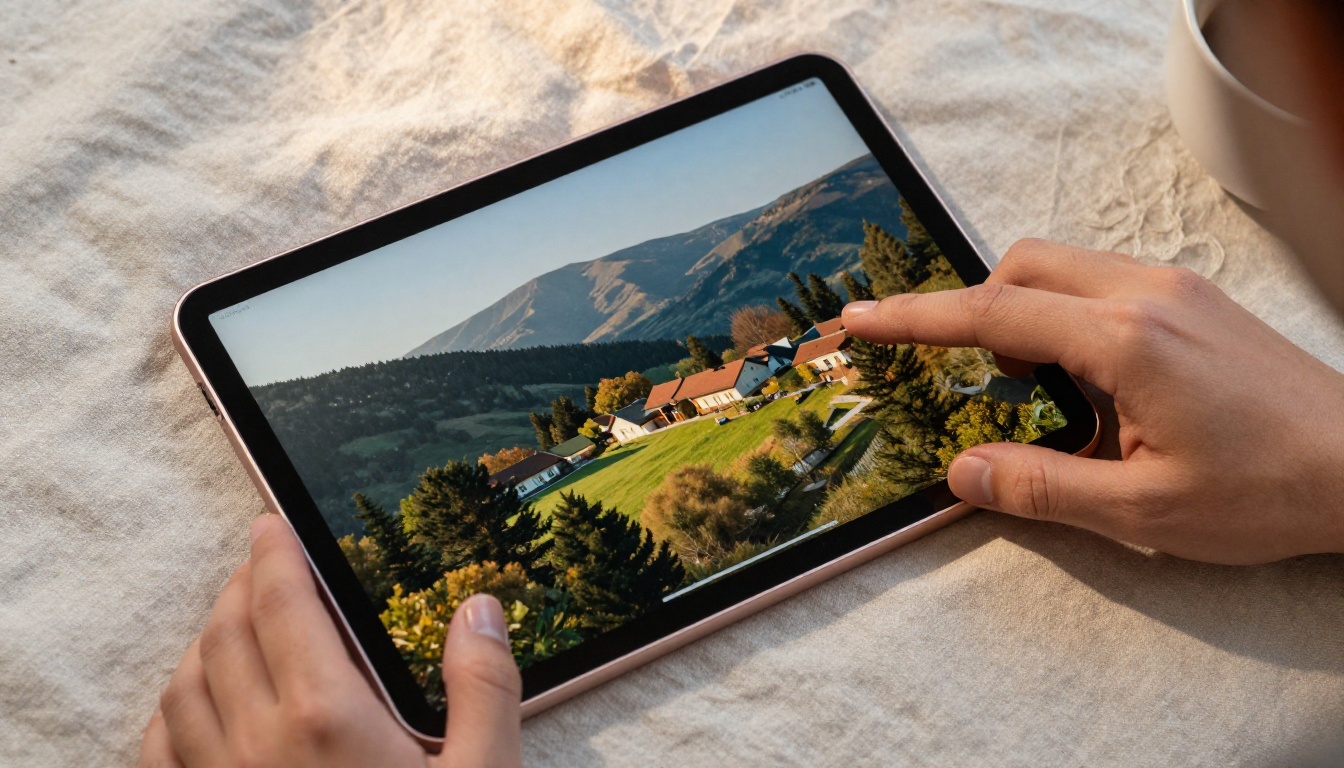
A digital flipbook recreates the tactile experience of a printed photo book inside a browser or app. When a client opens the link, they see a realistic page-turning interface where each spread showcases the photographer's images at full resolution.
Here is what separates a strong flipbook from a basic slideshow:
- Page-turn animations: Smooth, realistic flipping that feels natural on touchscreens
- Full-screen zoom: Clients zoom into portraits to evaluate detail and sharpness
- Embedded media: Video clips, audio, and links sit between photo spreads
- Mobile-responsive design: The flipbook works on phones, tablets, and desktops
- Shareable link: One URL sent via email, WhatsApp, or DM
- Password protection: Private portfolios for specific clients or proofing sessions
- Analytics: Track who opened the flipbook and how long they spent on each page
The Photography Portfolio Flipbook tool on Flipbooks AI is built specifically for this use case. Photographers upload their PDF portfolio, and the platform converts it into a fully interactive flipbook within minutes.
How Different Photographers Use Flipbooks
Different photography specialties have found distinct ways to put flipbooks to work. The format is flexible enough to serve wedding photographers closing deals at consultations and fashion photographers pitching agencies in city boardrooms.
Wedding Photographers Who Close at Meetings
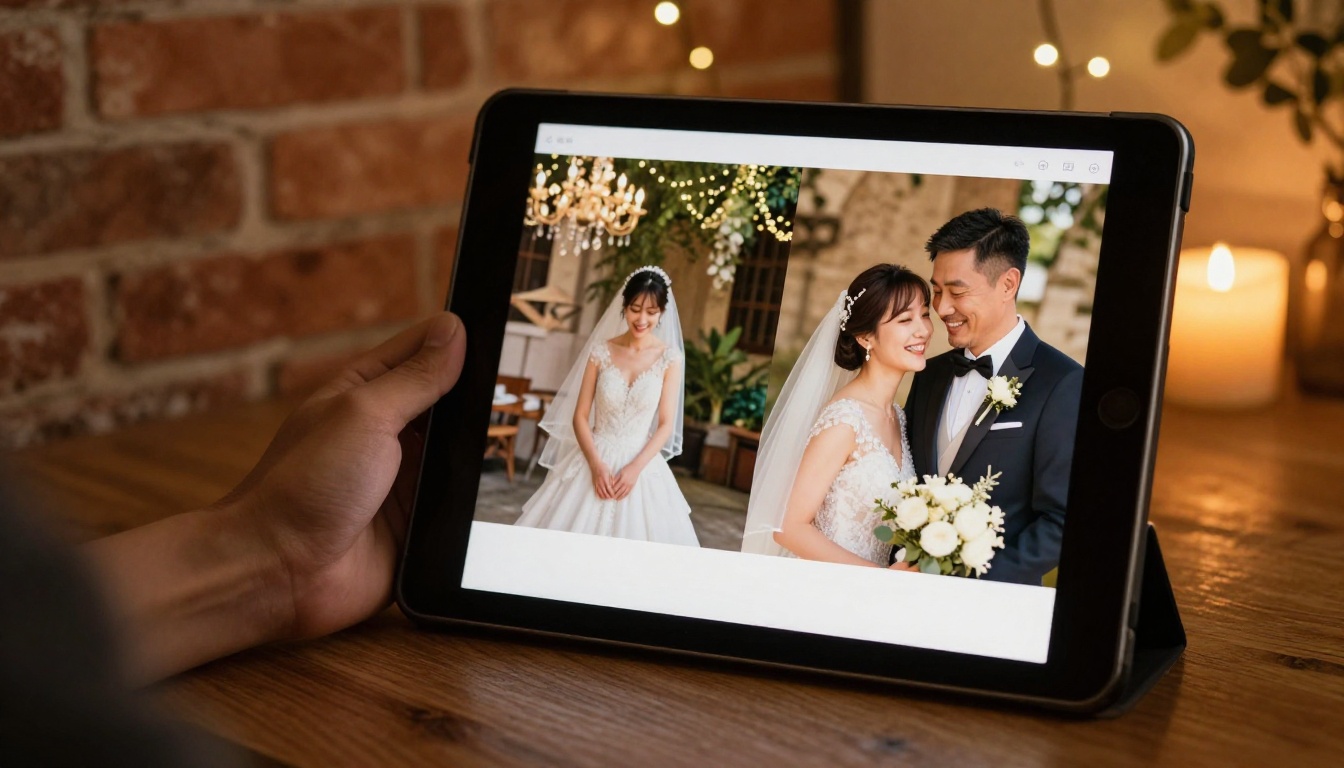
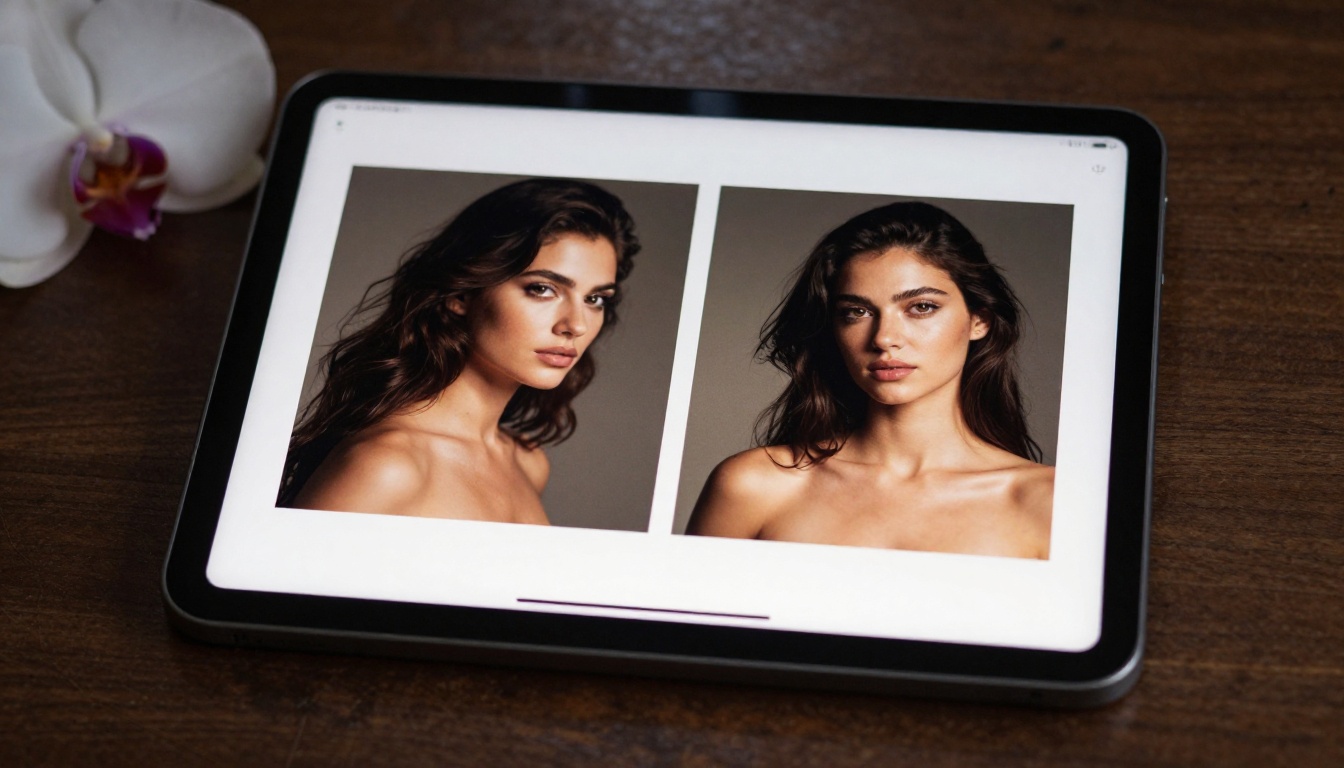
Wedding photographers live or die by their ability to create emotional resonance during the initial client meeting. When a photographer pulls up an interactive flipbook on an iPad and places it in front of an engaged couple, the experience is immediate. Pages turn. Albums unfold. The couple swipes through spread after spread of ceremony moments, reception shots, and emotional portraits.
Showing a flipbook in person converts at a much higher rate than sending a PDF link afterward, when clients have gone home and the emotional moment has passed.
A standard wedding photography consultation flipbook typically includes:
- An opening spread with a single hero image
- An engagement session gallery spread
- Ceremony highlights across four to six pages
- Reception and detail shots across two to three spreads
- A final spread with contact information and booking details
The entire flipbook can be password-protected and sent to the couple after the meeting so they can share it with family members who were not present.
Portrait Photographers Building Repeat Business
Portrait photographers benefit from flipbooks in a different way. Instead of a general portfolio, many create client-specific flipbooks after each session. The client receives a personalized, branded flipbook of their session photos. This creates an instant shareable asset that the client sends to friends and family, doing the photographer's marketing passively and continuously.
For headshot and professional portrait photographers, sending a polished flipbook after a corporate session positions the studio as far more professional than a Dropbox link.
✅ Best Practice: Create a separate portfolio flipbook for each photography niche you serve. A flipbook of newborn portraits does not belong in the same portfolio as corporate headshots. Niche-specific portfolios convert better because they speak directly to the client's specific situation.
Fashion and Commercial Photographers
Fashion photographers pitching editorial clients or agencies need a portfolio format that matches the elevated aesthetic of their work. An interactive flipbook that mimics a high-fashion magazine is far more persuasive than a website link sent over email.
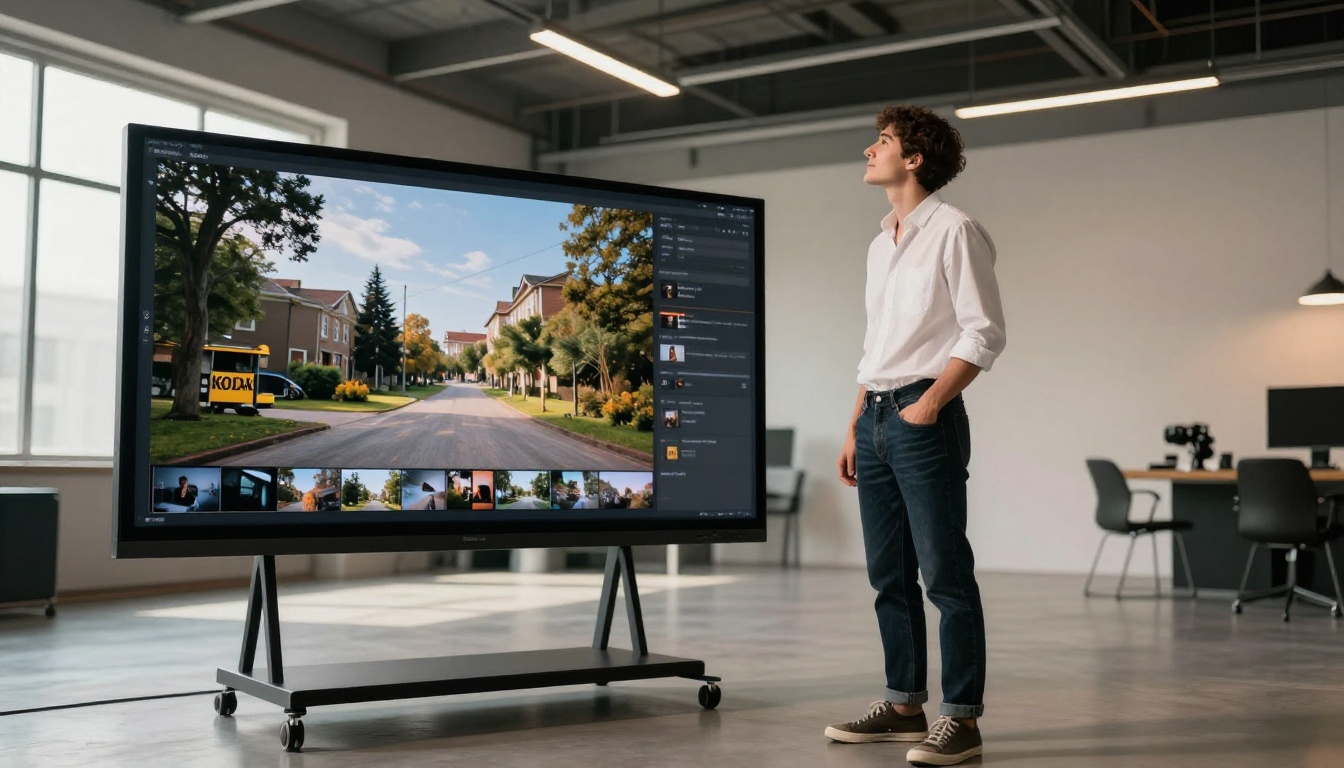
Commercial photographers use flipbooks to organize their portfolio by industry vertical. A flipbook for automotive clients shows only automotive work. A flipbook for food brands shows only food photography. This level of organization signals professionalism and targeted expertise that generalist portfolios lack.

Travel and Documentary Photographers
Travel photographers use flipbooks to tell visual stories across a journey. A flipbook might open in one country and close in another, with each spread advancing the narrative through landscape, portrait, and documentary shots.
The page-turning format naturally reinforces storytelling in a way that a grid gallery cannot. The viewer progresses through the story at their own pace. They can pause on a particular image, zoom into a detail, or flip back to re-examine an earlier moment.

Family and Newborn Photographers
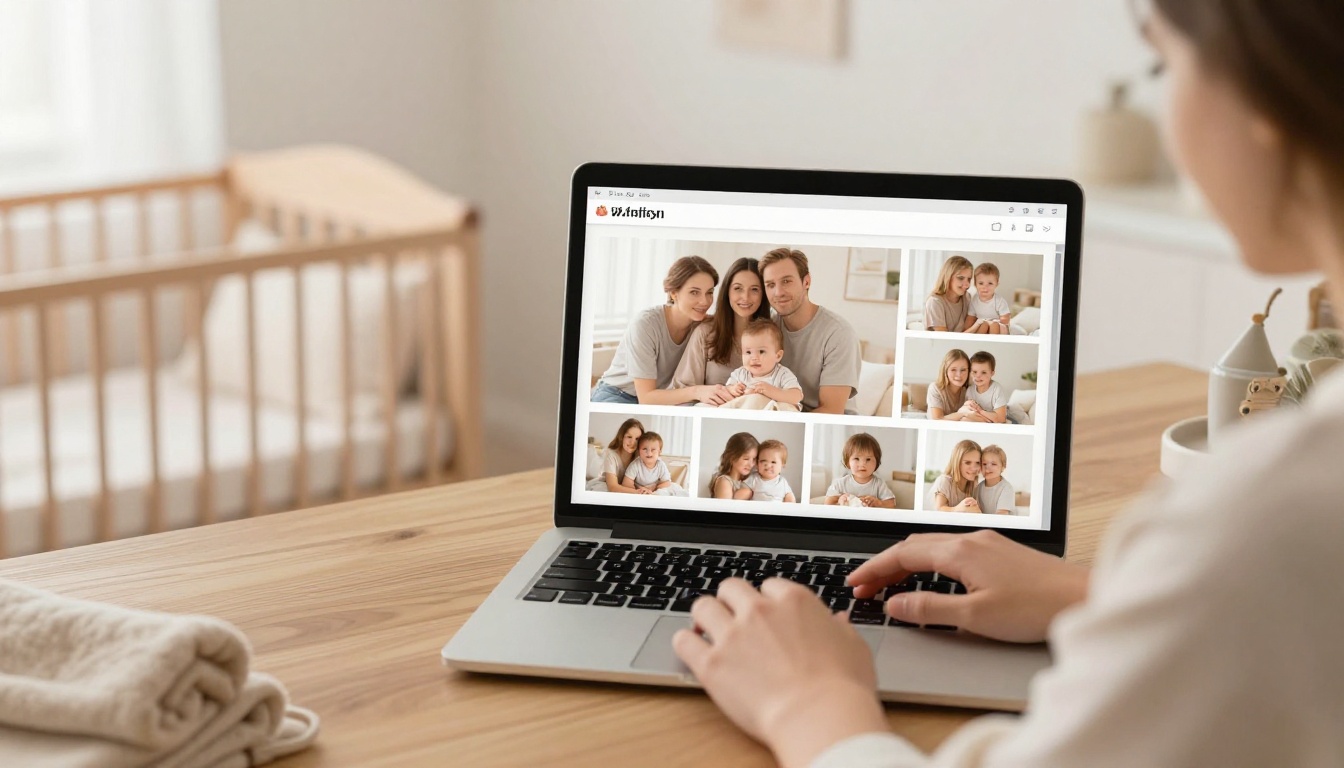
Family and newborn photographers have a built-in referral engine when they deliver client sessions as flipbooks. Parents share these links with grandparents, aunts, uncles, and friends. Each share is a passive marketing impression for the photographer.
The Wedding Album Flipbook and Digital Portfolio Creator tools are particularly popular among photographers in this segment.
How to Build Your Photography Flipbook on Flipbooks AI
Flipbooks AI makes the process straightforward. Here is how to go from a photo selection to a published, shareable portfolio in under 30 minutes.
1. Create your account
Go to flipbooksai.com/account and sign up. No credit card is required to get started. The platform offers a free tier to test the creation process before committing to a paid plan.
2. Prepare your PDF portfolio
Before uploading, build your portfolio in a design tool like Adobe InDesign, Canva, or Lightroom. Export it as a high-resolution PDF. Each page of the PDF becomes a spread in the flipbook. Use landscape orientation for the best visual presentation.
💡 Use a 16:9 or 4:3 page ratio in your PDF for optimal flipbook display. Portrait-oriented PDFs work but look best when designed as single-page spreads rather than double-page layouts.
3. Upload and convert
On the dashboard, click "Create Flipbook" and upload your PDF. The PDF to Flipbook Converter processes the file and generates the interactive flipbook automatically. Conversion typically completes in under two minutes for a 20-page portfolio.
4. Customize your flipbook
Once converted, open the editor to apply your branding:
- Add your studio name and logo
- Set a custom background color or texture
- Choose your page transition style
- Add a background music track if desired
- Embed a short video reel on the opening spread
5. Share your portfolio
When the flipbook is ready, copy the shareable link and distribute it via email, messaging apps, or social platforms. You can also place it directly on your website using the Embed Flipbook on Website tool, which generates a simple iframe code. For private client delivery, set a password on the flipbook before sending the link.

Features That Matter Most for Photographers
Not all flipbook platforms deliver the same experience. These are the features photographers should prioritize when choosing a platform:
| Feature | Why It Matters for Photographers |
|---|
| Password protection | Client proofs and pre-delivery galleries need privacy |
| Custom branding | Logo and colors build studio brand recognition |
| Embed codes | Places interactive portfolio directly on the studio website |
| Analytics | Shows which portfolio pages clients spend the most time on |
| Mobile optimization | Clients view links on phones, not just desktops |
| Video embedding | Behind-the-scenes content adds context to the work |
| Offline downloads | Clients can save the flipbook for offline viewing |
| No watermarks | Professional presentation requires clean, unbranded output |
Flipbooks AI includes all of these features. Analytics and lead generation tools are available on the Professional plan, which also unlocks unlimited flipbooks and priority support.
Flipbooks vs. Other Portfolio Options
Photographers have several options for presenting their work. Here is how flipbooks compare to the alternatives:
| Format | Interactivity | Shareability | Client Experience | Cost |
|---|
| PDF portfolio | None | Good | Low | Free |
| Website gallery | Medium | Good | Medium | Medium to High |
| Social media | Medium | Excellent | Low (distractions) | Free |
| Printed photo book | None | Poor | High | Very High |
| Digital flipbook | High | Excellent | High | Low |
| Cloud gallery (Drive) | None | Good | Low | Free |
The digital flipbook sits in a unique position: it matches the premium feel of a printed photo book while being instantly shareable and free to distribute. No shipping costs. No print lead times. And unlike a printed book, it can be updated at any time.
⚠️ A printed portfolio costs between $80 and $300 per copy and cannot be revised after printing. A digital flipbook costs a fraction of that, can be shared with unlimited clients, and can be edited between meetings.
Different photography specialties benefit from different flipbook structures. This table outlines the most effective approach for each:
What Clients Actually Notice
When a photographer shares a flipbook instead of a PDF or gallery link, clients notice three things immediately:
The polish: A flipbook signals that the photographer invests in presentation. It tells the client that attention to detail extends beyond the camera and into every part of the studio experience.
The ease of sharing: A single link that opens a beautiful, page-turning portfolio in any browser, with no downloads required, removes all friction. Clients share it with their networks. Those networks see the photographer's work.
The brand consistency: A flipbook with the studio's logo, colors, and typography throughout reinforces the brand in a way that a Dropbox link never will. Every page is a branding touchpoint.
These three impressions happen in the first ten seconds of opening the flipbook, before the client has seen a single photograph. First impressions in client presentations are often made well before the best work is even reached.
💡 Photographers who include a short personal introduction page at the beginning of their flipbook (a photo of themselves, a brief bio, and a creative philosophy statement) report stronger client connection during consultations. The flipbook becomes a conversation starter, not just a portfolio display.
Practical Tips for a Stronger Flipbook Portfolio
- Lead with your best work: The first two spreads determine whether the client continues flipping. Use your strongest images here without exception.
- Keep it focused: 20 to 30 pages is the sweet spot. Long portfolios lose attention. Niche-specific flipbooks consistently outperform general ones.
- Add contact details at the back: The final spread should include your name, phone, email, website, and social handles. Make it effortless for interested clients to reach out.
- Update seasonally: Refresh your flipbook every three to four months with your most recent work to keep it current and accurate.
- Test on mobile first: Most clients open links on their phones. Build the PDF at a ratio that looks strong on a small screen before optimizing for desktop.
- Use the analytics: The Professional plan on Flipbooks AI shows exactly which pages clients linger on. Use this data to refine what you lead with and what to cut.
- Create a version for every niche: One master portfolio is not enough. Build separate flipbooks for each service you offer so every prospective client sees exactly what they are looking for.
- Send it before the meeting: Share the flipbook link 24 hours before a consultation. Clients who arrive having already seen your work spend the meeting discussing the project rather than being introduced to your style.
Ready to Put Your Work in Front of the Right Clients
Static galleries had their moment. A photographer's work deserves a presentation format that matches the quality of the images inside it. A digital flipbook is that format: portable, interactive, shareable, and built to impress clients before a single word is spoken.
Whether you shoot weddings, fashion campaigns, corporate headshots, or travel documentaries, the Photography Portfolio Flipbook tool on Flipbooks AI gives you a professional presentation layer that turns browsers into booked clients.
Ready to create your first portfolio flipbook? Get started for free on Flipbooks AI today. Browse all available tools and templates to find the format that fits your photography style. When you are ready to access analytics, lead generation, and all professional features, check the pricing plans and choose what works best for your studio.



