Teachers have tried everything. Interactive whiteboards, YouTube videos, gamified quizzes, even full classroom redesigns with flexible seating. And still, the moment a static PDF worksheet gets passed out or a flat slide deck appears on the projector, you can watch attention drain from the room like water through sand. The solution that's actually working right now in classrooms from elementary to high school is something deceptively simple: digital flipbooks. Flipbooks AI has become a go-to platform for educators who want to turn their existing lesson materials into something students will genuinely interact with, rather than passively ignore.
Why Traditional Materials Are Losing Students
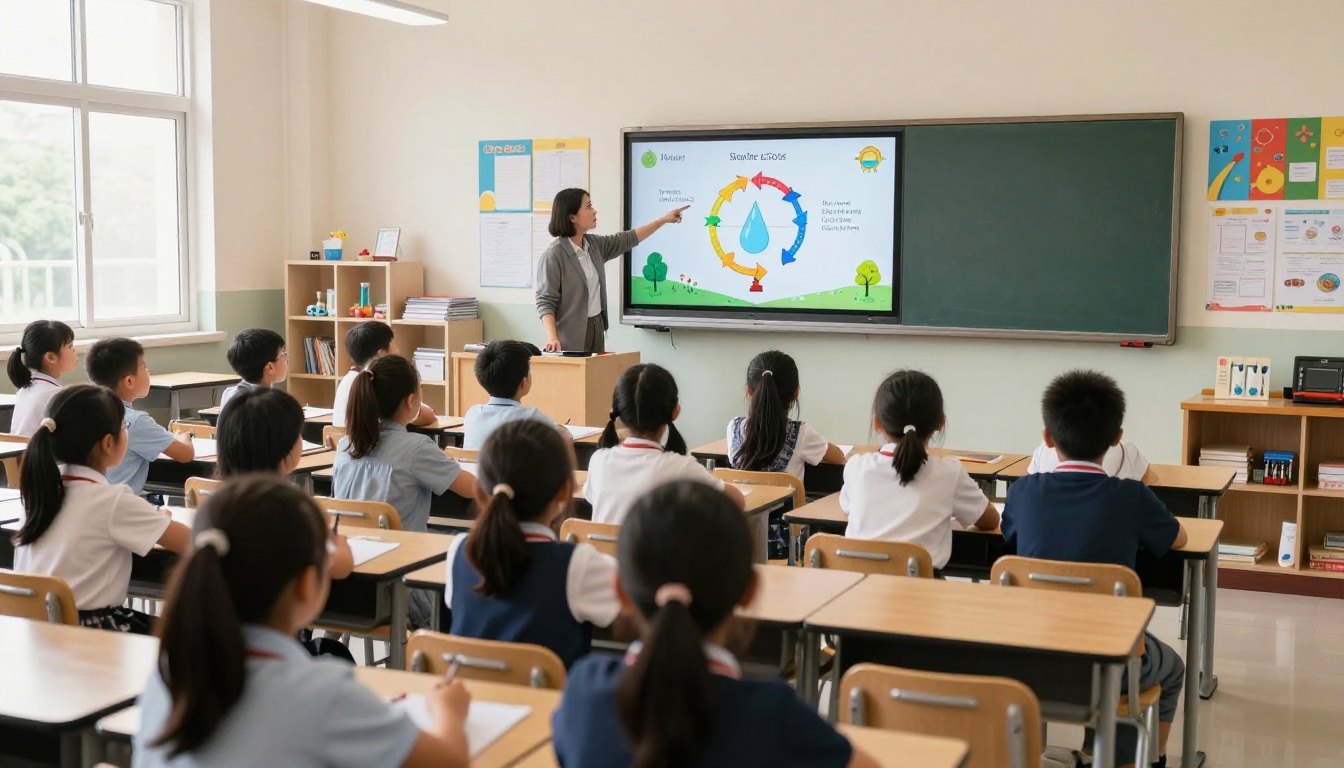
The problem isn't the content. Most teachers are highly skilled at choosing meaningful material. The problem is the format. Flat documents and linear slideshows have no interactivity, no tactile feedback, and no visual payoff for the reader. The same lesson presented differently can produce dramatically different results.
The Attention Problem Modern Classrooms Face
Research consistently shows that student attention begins to drift after 10 to 15 minutes of passive instruction. Static handouts and PDFs make this worse. There is no physical feedback, no sense of progress, and no reward for turning the page. When every page looks identical, there's nothing to signal that the reader is moving forward through something worthwhile.
Digital tools have conditioned students to expect responsiveness. Tap something, get a reaction. Scroll, see motion. A static PDF offers none of this. It sits there, inert, demanding attention through discipline alone, which is a battle most teachers are tired of fighting.
What Students Actually Respond To
Teachers who have shifted to interactive digital content report a consistent pattern: students lean in when there's something to interact with. The format itself communicates that the material is worth reading. Specific elements that reliably boost attention include:
- Visual page transitions that create a sense of movement and progress
- Embedded multimedia like short video clips or audio explanations
- Well-organized visual layouts with color, images, and white space
- A sense of navigation where students can move forward, backward, or jump to a section
Flipbooks deliver all four without requiring teachers to learn complex new software.
What Makes Flipbooks Work Better Than PDFs
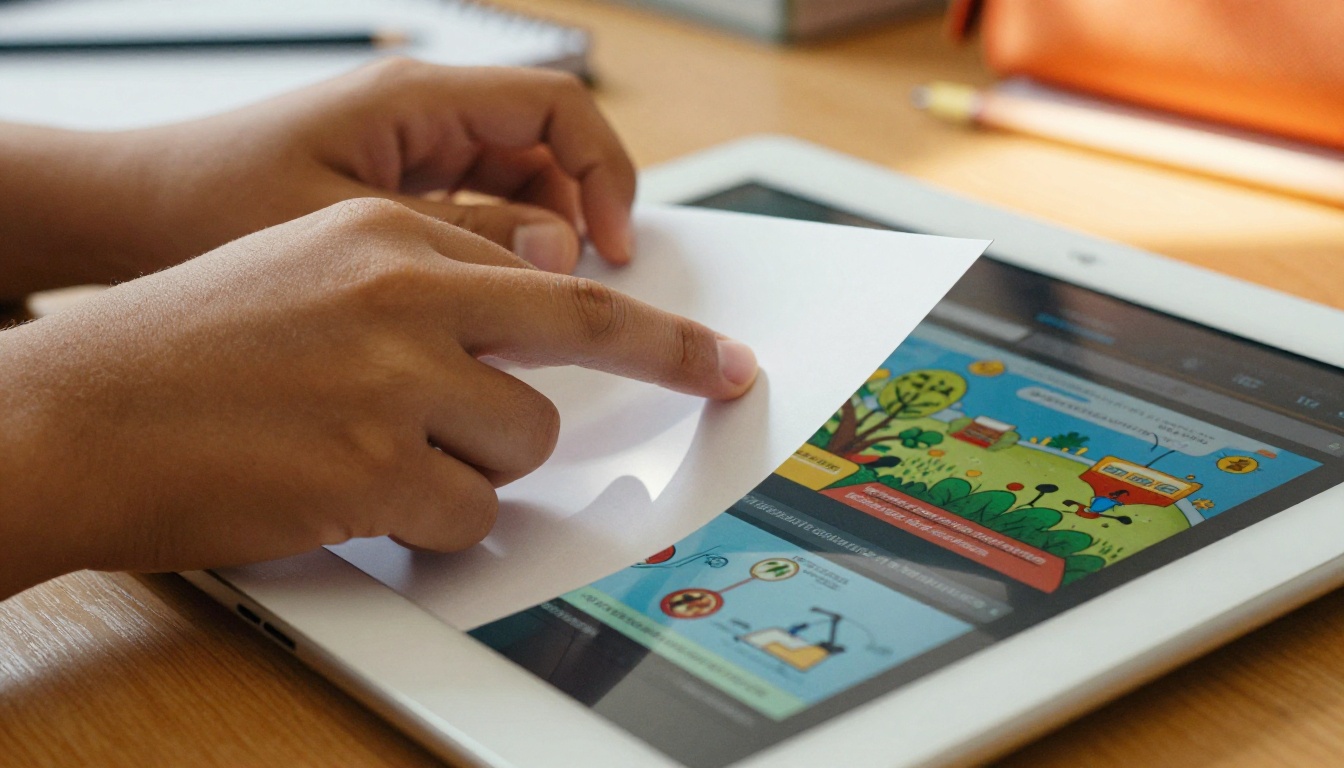
A flipbook is not just a PDF with a fancy wrapper. The format changes how students mentally interact with material in several measurable ways.
The Page-Turn Effect and Visual Appeal
The realistic page-turn animation, the one that mimics physically flipping through a real book, does something psychologically significant. It reinforces the sense that the student is progressing through a document. Reading behavior studies have shown that digital experiences incorporating physical metaphors tend to result in longer reading time and higher content retention.
Beyond the animation, a well-designed flipbook spreads content across visually distinct pages with images, headers, and formatting. It looks nothing like a wall of text. Students who refuse to read a two-page printed handout will often spend five minutes exploring the same content formatted as a flipbook, simply because it feels like something different.
Multimedia You Can Embed Right Into Lessons
This is where digital flipbooks leave PDFs completely behind. With Flipbooks AI, teachers can embed:
- Video clips directly on specific pages, no external links required
- Audio explanations for reading support or language learners
- Clickable links to supplementary resources and citation sources
- High-resolution images that scale cleanly on any device, including mobile
A science teacher explaining cell division can embed a 90-second animated video directly on the relevant page. A history teacher can include primary source audio recordings. A language arts teacher can link to author interviews. None of this is possible in a static PDF.
Real Classroom Uses That Are Working Right Now
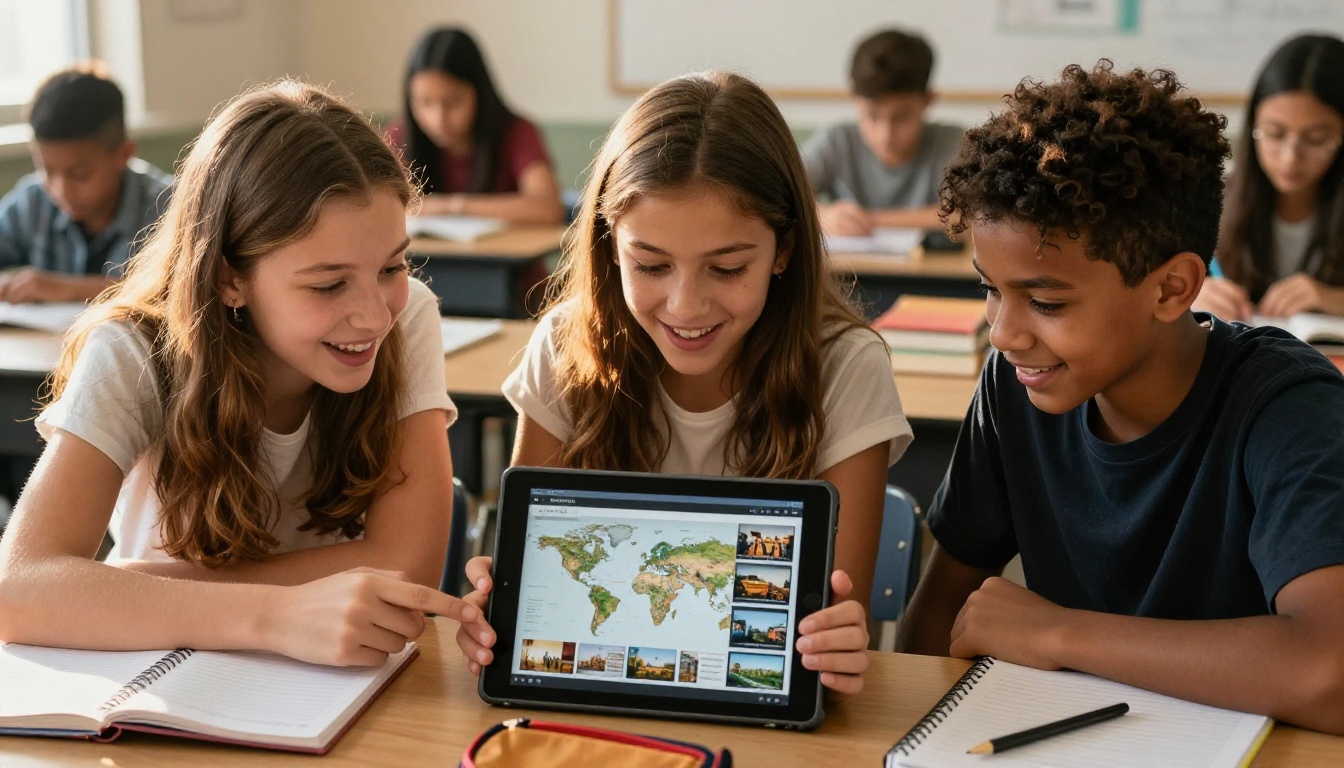
Teachers are applying flipbooks to virtually every subject area and grade level. Here are the specific use cases seeing the most traction right now.
Science Labs and Experiment Reports
Lab procedures are a natural fit for the flipbook format. Each step of an experiment becomes its own page, with photos showing proper technique, safety callouts highlighted in color, and embedded video demonstrations of tricky procedures. Students following a lab flipbook are less likely to skip steps and more likely to refer back to previous pages during the experiment.
Post-lab reports formatted as flipbooks can also be assigned as student projects, where each student fills in findings, adds photos from the lab, and submits a polished interactive document rather than a handwritten sheet.
💡 Use the Course Material Publisher to convert your existing lab PDF into a student-ready flipbook in minutes.
History Timelines and Social Studies
History lessons benefit enormously from the visual, page-by-page structure of flipbooks. A unit on World War II can be organized as a chronological flipbook, each page representing a year or a major event, complete with archival photos, maps, and embedded primary sources. Students can flip forward and backward in a way that reinforces the timeline mentally rather than just visually.
Social studies projects assigned as student-created flipbooks have also proven effective. When students must design and organize a flipbook about a country, culture, or historical event, the act of curating content for a visual, paginated format deepens comprehension more than writing a traditional essay.
Reading and Literature Units
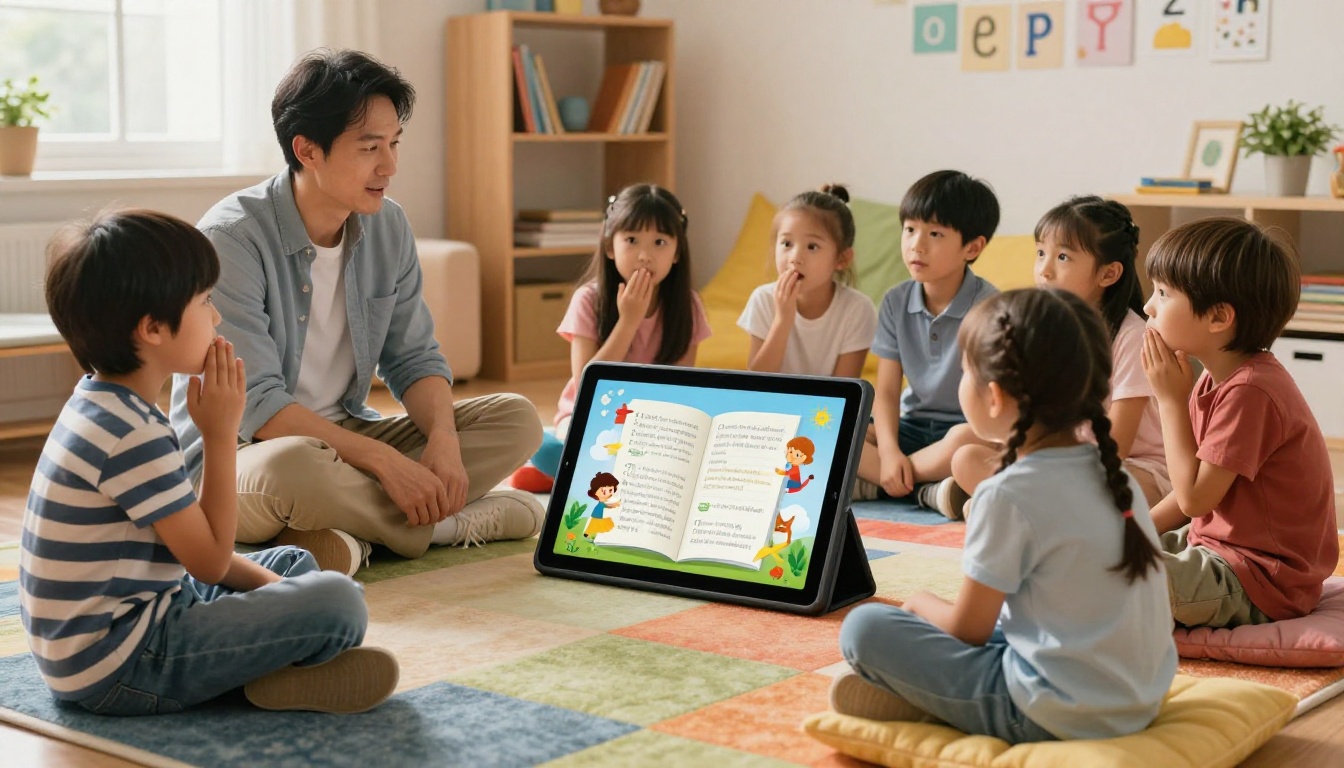
For elementary classrooms, story flipbooks have become a popular alternative to printed reading packets. A picture book adapted into a flipbook with embedded read-aloud audio provides independent reading support for struggling readers without requiring additional teacher time. For older students, novel study flipbooks include vocabulary pages, discussion questions, character maps, and embedded film clip comparisons all in one navigable document.
The Interactive E-Book Publisher gives teachers a direct pathway for publishing student reading materials as professional-quality digital flipbooks with no design experience required.
Math Walkthroughs Step by Step
Math instruction benefits from the step-by-step format that flipbooks enforce naturally. Each page shows one step of a worked example, allowing students to pause, try the step themselves, then flip forward to check. This pacing mechanism is something a static PDF cannot replicate without awkward scrolling.
Teachers using flipbook-format math review packets before tests report that students spend significantly more time on review materials compared to printed packets.
| Subject Area | Traditional Format Problem | Flipbook Advantage |
|---|
| Science | Printed lab sheets get lost or damaged | Embedded steps, video demos, always accessible |
| History | Long text blocks with no visual flow | Chronological page layout with images and maps |
| Reading | Flat packets with no participation | Audio support, visual layouts, embedded media |
| Math | Static examples students skip | Paced step-by-step pages with worked examples |
How to Create a Class Flipbook with Flipbooks AI
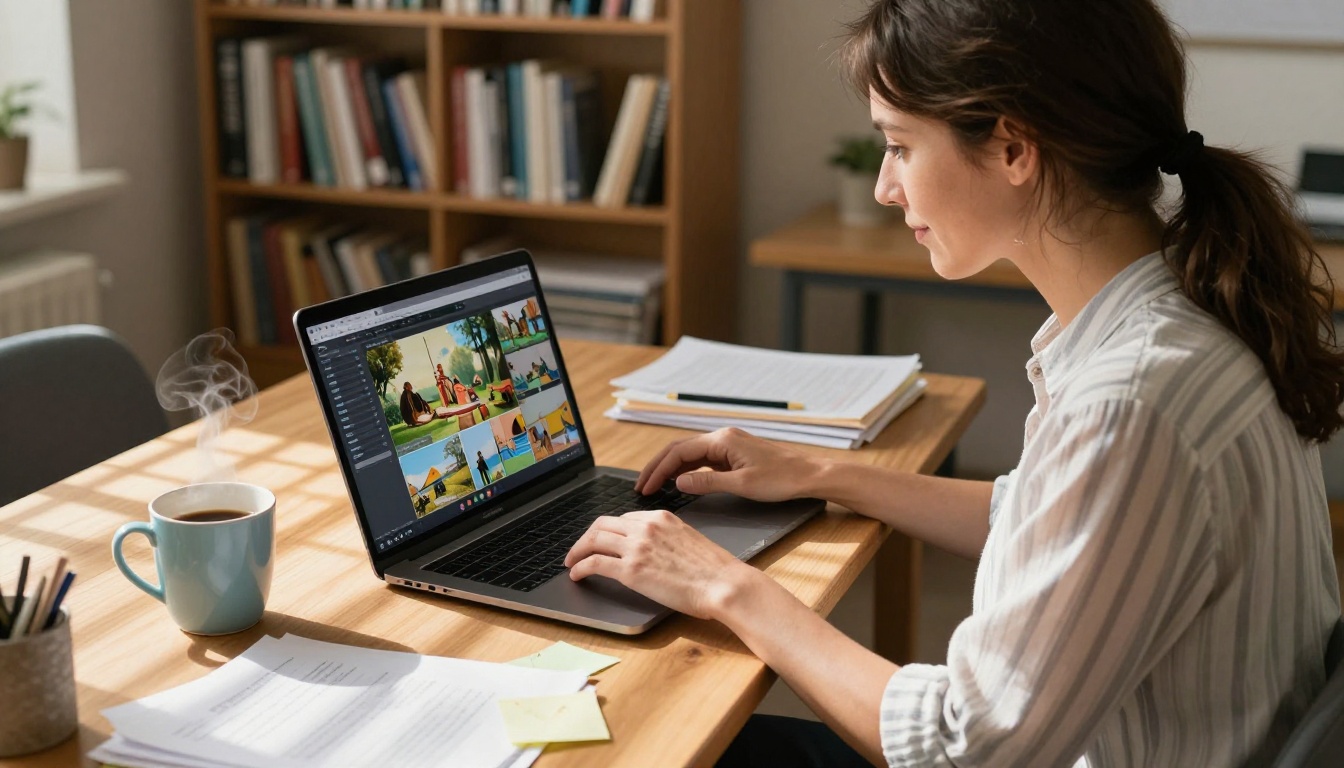
Creating a flipbook for your class takes about the same amount of time as formatting a decent-looking Word document. Here is how to do it from start to finish.
Step 1: Prepare Your PDF
Design your lesson content in Canva, Google Slides, PowerPoint, or any tool you already use. Export it as a PDF. That is the only file you need.
Step 2: Create Your Account
Go to Flipbooks AI and sign up. No credit card required to get started.
Step 3: Upload Your PDF
Click "New Flipbook" and upload your PDF. The platform automatically converts it into a paginated flipbook with the realistic page-turn animation. This typically takes under 60 seconds for a standard classroom document.
Step 4: Customize Branding and Colors
Add your school or classroom colors, upload a logo if desired, and choose from available page-turn styles. You can also add a custom background texture or thumbnail cover image to make each flipbook visually distinct.
Step 5: Embed Multimedia
Use the editor to add video clips, audio files, or external links directly to specific pages. This is where your flipbook becomes genuinely interactive rather than just a reformatted PDF.
Step 6: Set Sharing Options
Choose how students will access the flipbook:
- Public link for open access through a simple URL
- Password-protected link for private class materials or assessments
- Embed code to drop directly into Google Classroom, Canvas, or any LMS
✅ All flipbooks created on the Standard plan and above have no watermarks, work on mobile devices, and are accessible without students needing their own account.
Step 7: Share with Students
Paste the link in your LMS, share via email, or display the QR code in class. Students click and read immediately with no downloads or app installations required.
💡 Use the Training Manual Flipbook tool for step-by-step instructional content, or the School Newsletter Creator for regular parent and student communications.
Sharing Flipbooks with Students
Once a flipbook is created, distribution is faster and more flexible than printing and handing out physical copies.
Embed in Google Classroom or Any LMS
Flipbooks AI generates a standard embed code that works inside Google Classroom assignments, Canvas modules, Schoology pages, and most other LMS platforms. Students click the embedded flipbook directly within their assignment. No additional app or plugin required, no navigating away from the assignment page.
This removes a significant friction point. Students do not need to download a file, open a separate app, or manage another login. The flipbook is right there, inline, where the rest of their work already lives.
Password Protection for Private Materials
Test prep materials, grade-specific content, or anything you don't want publicly accessible can be password-protected. You set a simple password, share it with your class, and the flipbook is only accessible to students who have it. This feature is available starting on the Standard plan.
Comparing Flipbooks AI Plans for Teachers
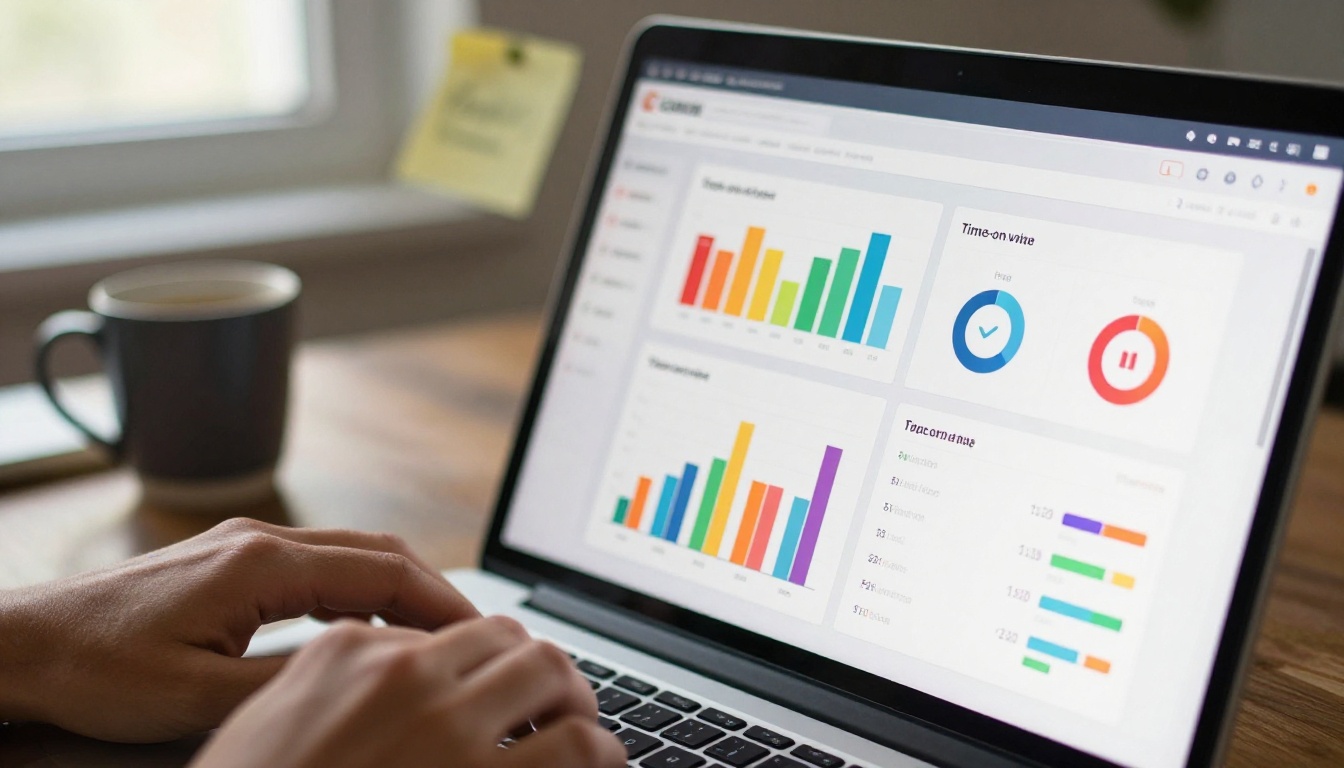
Understanding which plan fits your classroom needs helps you avoid over-spending on features you won't use or missing the ones you actually need.
| Feature | Free | Standard | Professional |
|---|
| Flipbooks per month | 3 | Unlimited | Unlimited |
| Watermark on flipbooks | Yes | No | No |
| Custom branding | No | Yes | Yes |
| Password protection | No | Yes | Yes |
| Embed in LMS | Yes | Yes | Yes |
| Student activity tracking | No | No | Yes |
| Lead generation forms | No | No | Yes |
| Offline downloads | No | No | Yes |
| Video embedding | Limited | Yes | Yes |
⚠️ The Free plan adds a watermark to all flipbooks, which can look unprofessional in a classroom context. Standard is the recommended starting point for regular classroom use.
Teachers using Flipbooks AI across an entire department or school benefit most from the Professional plan, which includes detailed reading analytics showing which pages received the most time, how far through the flipbook each reader progressed, and which students accessed the material at all.
This data helps identify which sections of a lesson are getting skipped and which are being read carefully, actionable information for adjusting future lessons. See full pricing details for the current plan comparison.
What Makes Students Actually Read This Stuff
The results teachers report after switching from printed materials to flipbooks fall into several consistent categories.
Higher voluntary re-reads: Students who are stuck on a concept are significantly more likely to open a flipbook again than to dig out a printed handout. The format feels less like homework and more like reading something worth returning to.
Better retention on visual content: When images and text are integrated into a paginated layout rather than dumped into a wall-of-text document, students perform better on assessments testing that material.
Fewer lost materials: Flipbooks live at a link. They cannot be left on a bus, stuck under a couch cushion, or used as a paper airplane on the way home.
Increased accessibility: Students with reading difficulties benefit from audio embedding. Students with visual impairments can zoom. ELL students can engage with embedded bilingual resources on specific pages without disrupting the flow for other students.
| Traditional Handout | Digital Flipbook |
|---|
| Lost or damaged easily | Always accessible via link |
| No multimedia possible | Video, audio, and links embedded |
| Identical layout every page | Visual variety per section |
| No activity data available | Full reading analytics on Professional plan |
| Printing costs per class | Zero print cost |
| Students leave it at school | Accessible at home 24/7 |
💡 Parents also respond well to receiving school newsletters and event programs as flipbooks. Use the School Newsletter Creator to send materials that actually get opened and read at home rather than buried in a backpack.
Start Bringing This Into Your Classroom
The shift from static documents to interactive flipbooks does not require a curriculum overhaul, a technology budget approval, or hours of professional development sessions. It requires one PDF and about three minutes on Flipbooks AI.
Start with a single lesson. Take a handout you already use, export it as a PDF, upload it, and share the link with your class. Watch how students interact with it differently. That first experiment tends to answer any remaining questions about whether this format is worth adopting.
For teachers who want to build out a full library of flipbook-formatted course materials, the Course Material Publisher and the Interactive E-Book Publisher give you structured tools built specifically for educational content.
Browse all available flipbook tools to find what fits your subject area and grade level. Compare pricing plans to choose the right tier for your individual classroom or school-wide rollout.
Ready to create your first class flipbook? Get started for free on Flipbooks AI today.



