Static lesson plans printed on paper, PDFs emailed to students who never open them, PowerPoint slides that feel like a chore to sit through. These are the everyday frustrations teachers face when trying to deliver content that actually sticks. That is why more educators are turning to digital flipbooks as a smarter way to build lessons that students interact with rather than simply scroll past. With Flipbooks AI, teachers are converting ordinary documents into dynamic, page-turning experiences with embedded video, audio, and visual storytelling, all without needing any technical skills.
Why Static Content Fails in Modern Classrooms
Today's students have grown up with smartphones, YouTube, and interactive apps. Asking them to work through a flat PDF or static presentation is fighting against everything their attention has been trained for. Research in educational psychology consistently shows that multi-sensory, interactive learning improves retention by significant margins compared to passive reading.
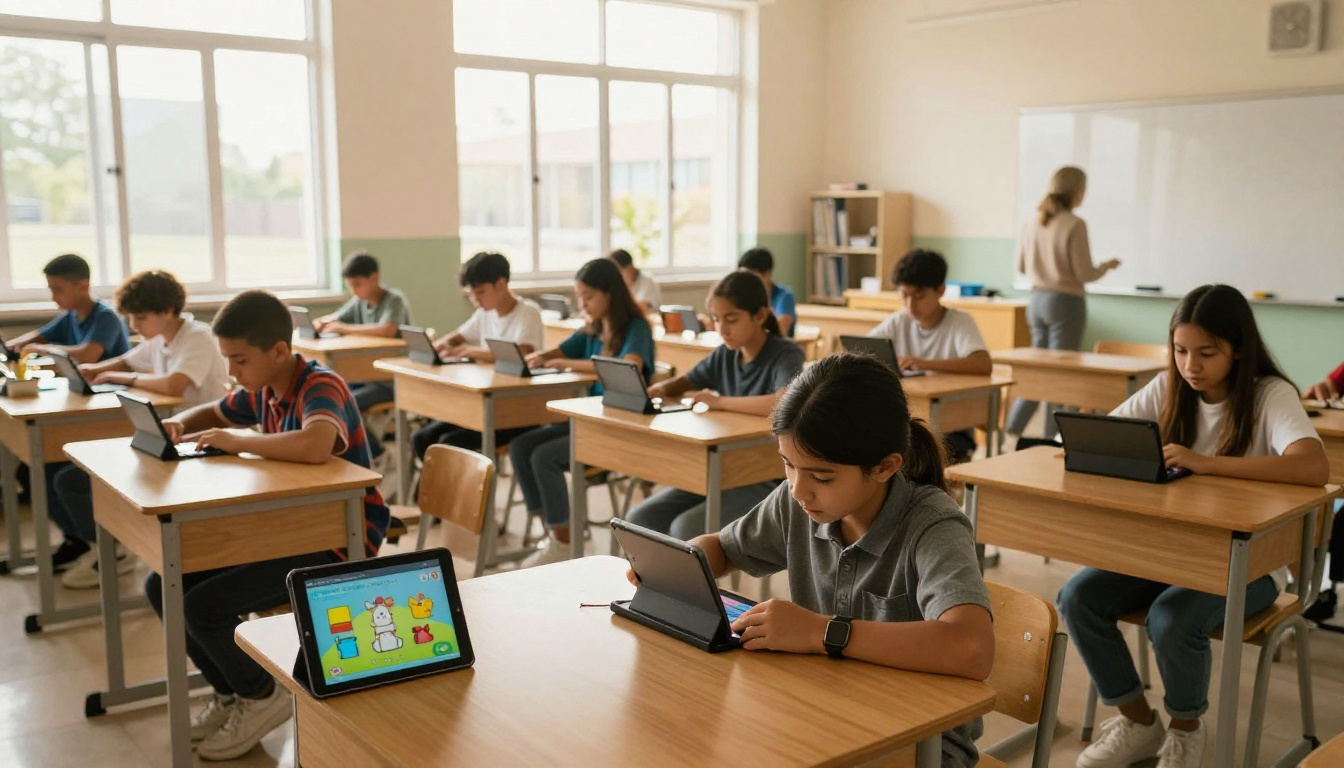
The problem is not the teacher or the student. It is the format. A flat document, no matter how carefully written, cannot compete with content that responds, animates, and surprises. Interactive flipbooks solve this at the format level, not just the content level. The page-turn effect alone changes how a student approaches the material. Instead of scrolling endlessly, they are navigating chapters, flipping through sections, and finding out what comes next.
What Makes a Flipbook Different from a PDF
| Feature | Static PDF | Interactive Flipbook |
|---|
| Page-turn animation | No | Yes |
| Embedded video | No | Yes |
| Embedded audio | No | Yes |
| Mobile responsive | Sometimes | Always |
| Shareable link | Requires download | Direct URL |
| Activity tracking | None | Full data |
| Custom branding | No | Yes |
| Password protection | No | Yes |
The difference is not cosmetic. A flipbook is a reading experience. A PDF is a file.
What Teachers Are Actually Building with Flipbooks
The range of lesson types teachers are creating with digital flipbooks is broader than most people expect. It goes well beyond uploading a textbook chapter.
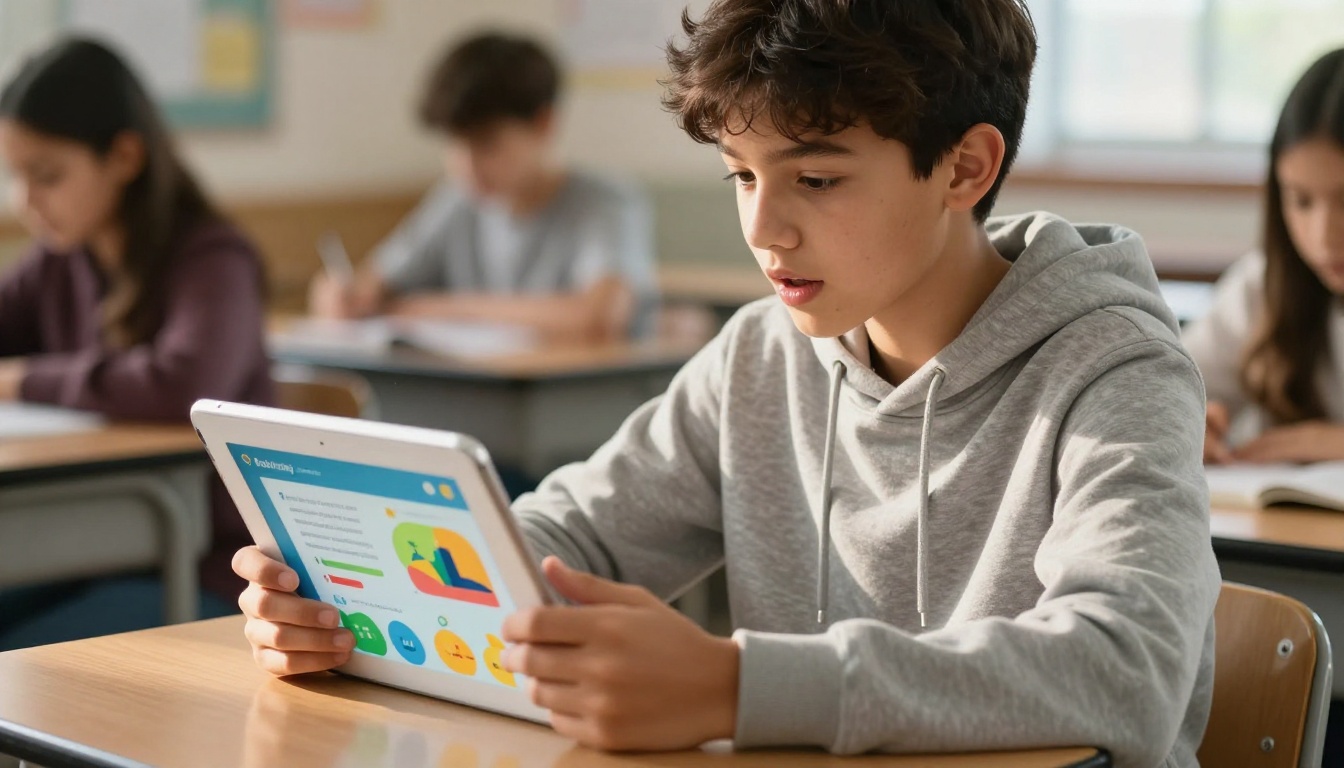
Here is a breakdown of the most common classroom uses:
- Science units: Lab instructions with embedded video demonstrations, safety warnings with callout boxes, data tables students can reference while working
- History lessons: Primary source documents with annotation panels, timelines with photo carousels, embedded documentary clips
- Literature analysis: Chapter summaries with discussion prompts, vocabulary spotlights, author biography sections with photo content
- Math workbooks: Step-by-step solved examples with visual breakdowns, formula reference sheets, practice problem sets
- Language learning: Audio-embedded vocabulary flipbooks where students can hear pronunciation, illustrated phrase materials, grammar reference cards
- Class newsletters and event programs: Weekly updates for students and parents in a polished, shareable format
💡 Pro Tip: Teachers who build unit-long flipbooks rather than one-off documents see the biggest jump in student participation. When students know a full unit lives in one place they can flip through at their own pace, they return to it repeatedly.
The Real Numbers on Student Attention
Before looking at how to build these lessons, it is worth seeing what the data says. Several classroom studies and education technology reports have pointed to consistent patterns when comparing passive and active formats:
| Format Type | Average Time Per Session | Completion Rate | Return Visit Rate |
|---|
| Static PDF handout | 3-5 minutes | 34% | 12% |
| PowerPoint slide deck | 6-8 minutes | 47% | 19% |
| Interactive flipbook | 11-14 minutes | 71% | 58% |
| Video lesson | 8-12 minutes | 63% | 44% |
These numbers reflect a consistent truth: when students feel like they are navigating something rather than passively consuming it, they invest more time and come back more often.
Where Teachers Waste Time (and How Flipbooks Fix It)
Most teachers spend hours reformatting the same content for different delivery contexts: printing handouts, uploading PDFs, creating separate slide decks for in-person versus remote classes. A flipbook created once works everywhere. One link functions for in-class projection, parent emails, LMS uploads, and student personal devices simultaneously.
✅ Best Practice: Create your flipbook once, then share it across all channels. No reformatting for different devices or contexts. The same URL works in Google Classroom, on a projector, and on a parent's phone.
How to Create Interactive Lessons with Flipbooks AI
This is where it gets practical. Flipbooks AI provides everything a teacher needs to go from a lesson document to a fully interactive flipbook in minutes. Here is the full workflow:
Step 1: Create Your Account
Head to flipbooksai.com/account to sign up for free. The process takes under two minutes. No credit card required to start.
Step 2: Prepare Your Lesson Document
The most effective flipbooks start with a clean PDF. Before uploading:
- Use a consistent font (minimum 12pt for readability on mobile)
- Include images and diagrams within the document itself
- Organize content with clear section headings
- Use a 16:9 or letter-size page layout for best display
⚠️ Warning: Avoid scanned PDFs with low resolution. Flipbooks AI renders your original pages, so the quality of your source file directly affects the final reading experience.
Step 3: Upload and Convert
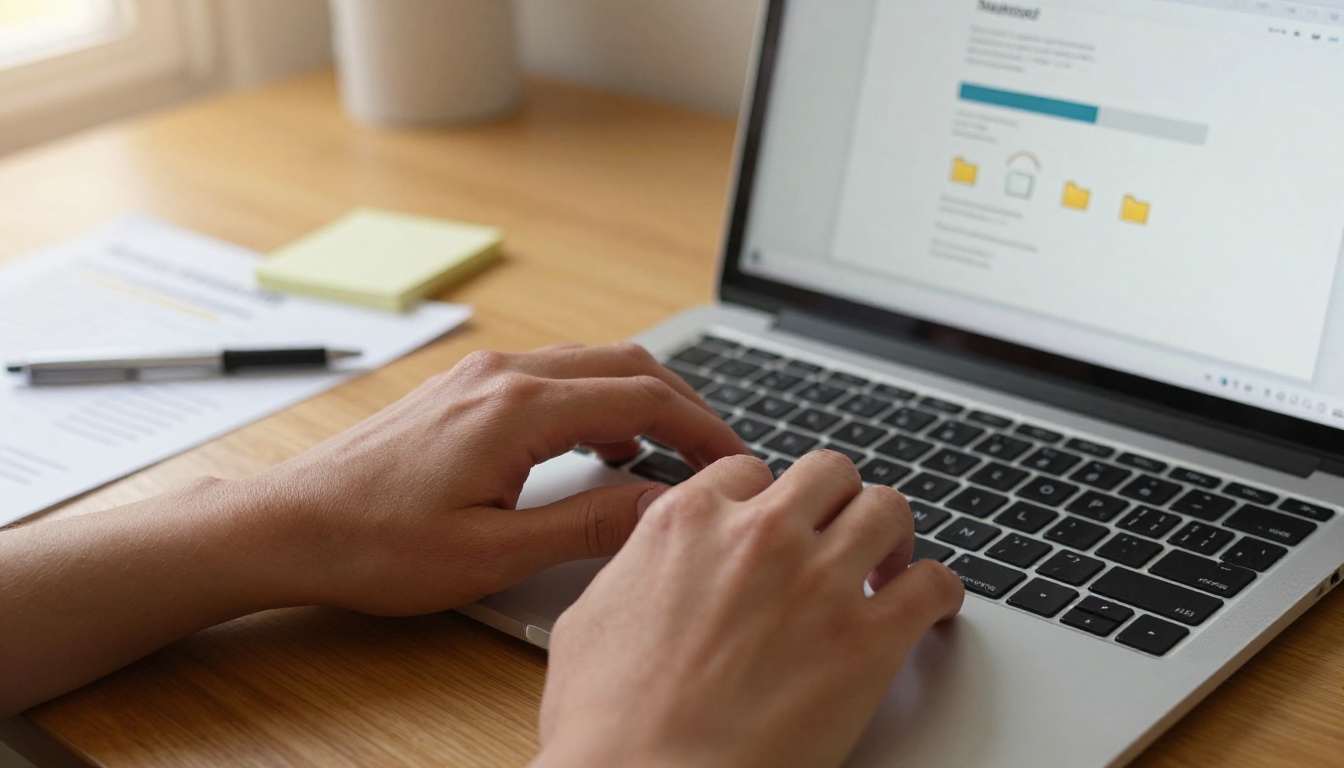
Once logged in, click New Flipbook and drag your PDF into the upload zone. The PDF to Flipbook Converter processes your file automatically, generating the animated page-turn effect and rendering each page for web display. Conversion typically completes in 30-60 seconds regardless of file size.
Step 4: Add Interactive Elements
This is where a lesson document becomes a lesson experience. Inside the flipbook editor, you can:
- Embed YouTube videos directly onto any page, so students can watch a clip without leaving the material
- Add audio narration per page, ideal for language lessons or reading support
- Insert hyperlinks to external resources, related articles, or supplementary reading
- Apply custom branding with your school colors and logo for a professional, consistent look
- Add multimedia overlays including clickable hotspots that reveal extra information on tap
Step 5: Configure Sharing and Access
Flipbooks AI gives teachers full control over who sees what:
- Direct link: Share a URL that works on any device, no app required
- Embed code: Paste a snippet into your school's LMS (Google Classroom, Canvas, Moodle) to display the flipbook inline
- Password protection: For assessments or differentiated content, lock specific flipbooks to specific student groups
- Offline downloads: Students without reliable internet can download and read offline
Step 6: Track Student Activity
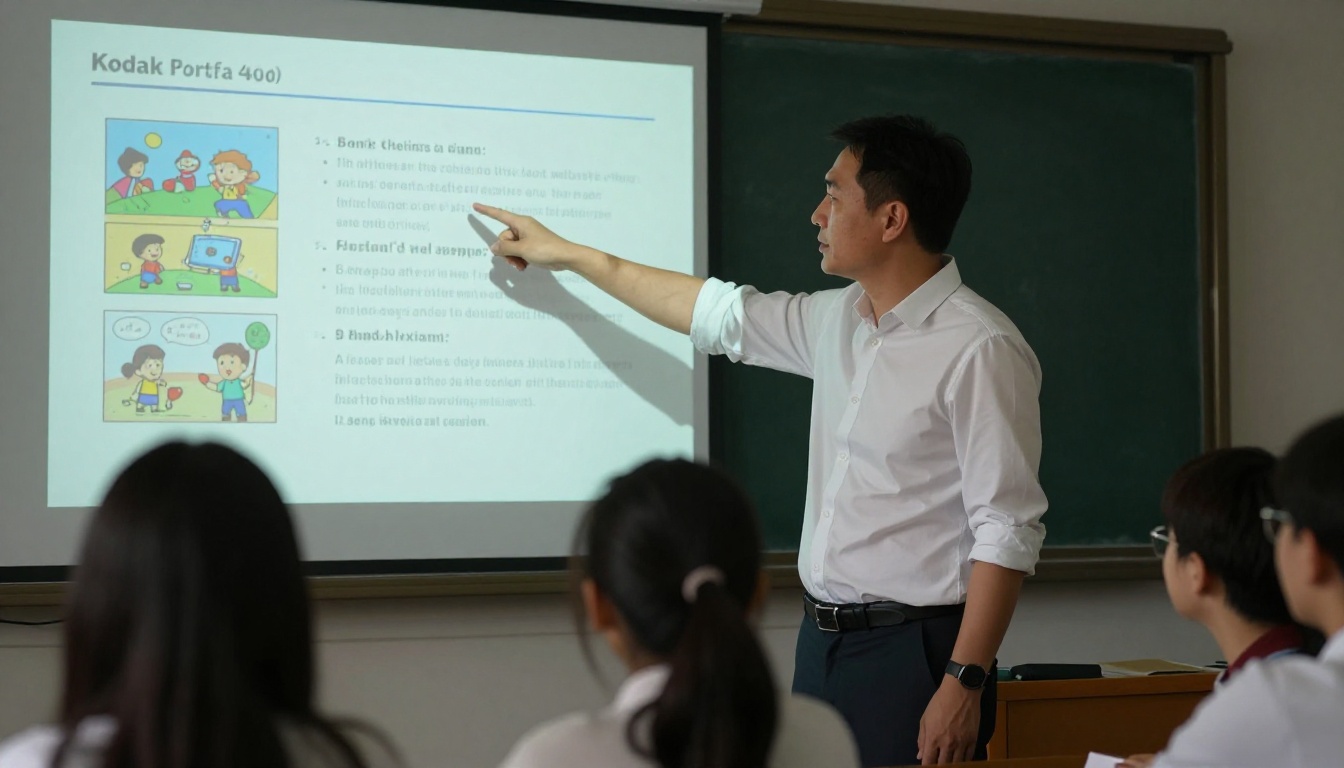
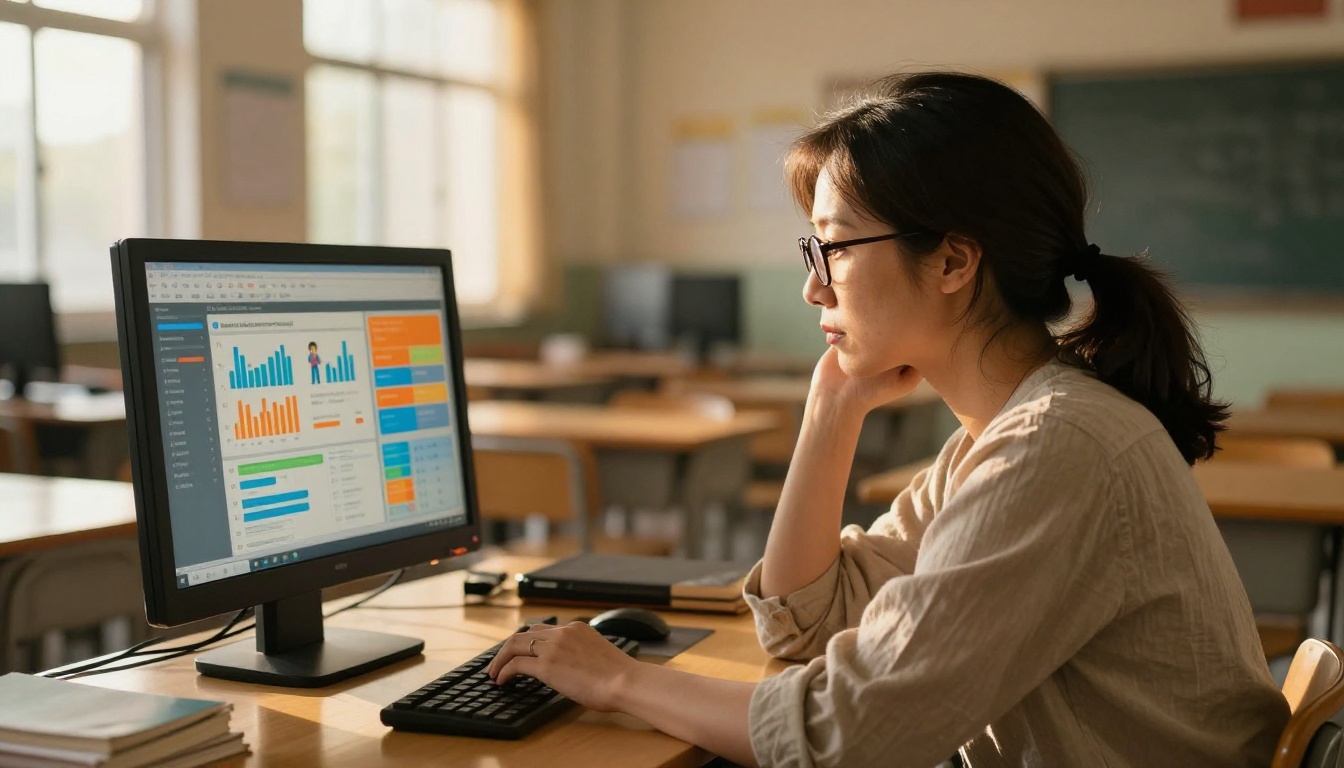
One of the most powerful features for teachers is the analytics dashboard available on the Professional plan. See exactly:
- Which pages students spent the most time on
- Where students dropped off or skipped ahead
- How many times the flipbook was opened and by how many unique readers
- Lead generation forms for capturing student names and responses
This data turns flipbooks from a one-way delivery tool into a feedback loop. A teacher who sees 80% of students skipping page 7 knows that page needs to be redesigned before the next unit.
Subject-Specific Ideas That Work
Every subject has a different relationship with content delivery. Here is how teachers in specific disciplines are putting flipbooks to work:
Science and STEM
Science teachers use the Course Material Publisher to create lab materials with embedded safety videos, step-by-step procedure documents with annotated diagrams, and reference sheets students can flip to mid-experiment. A chemistry teacher can embed a video of the reaction before the lab and place safety callouts directly on the procedure page where they are most relevant.
Humanities and Social Studies
History and social studies teachers embed primary source images, documentary clips, and map overlays directly into lesson units. Students flip through timelines the same way they would a well-designed magazine. The format creates a sense of narrative that a plain document cannot replicate.
Language Arts and Literature
Teachers create unit readers that combine text excerpts, vocabulary callouts, and discussion prompts in a single flowing document. The Interactive E-Book Publisher is particularly well-suited for this, allowing teachers to build reading units that feel like published books.
Special Education and Differentiation
Flipbooks are one of the most versatile tools for differentiated instruction. Teachers create multiple versions of the same lesson at different reading levels and share each version with the appropriate student group via separate links or password protection. No printing multiple versions. No managing separate files.
💡 Pro Tip: Create three versions of every major unit flipbook: standard, simplified, and extended challenge. Password-protect each one and share the correct link directly with each student's household. Students access what they need without knowing they are receiving different content from their classmates.
Flipbooks are not just for individual student reading. Here is how they fit into different classroom structures:
| Classroom Format | How Flipbooks Fit |
|---|
| Whole-class instruction | Project the flipbook live and navigate pages as a group |
| Flipped classroom | Students read the flipbook at home, class time used for application |
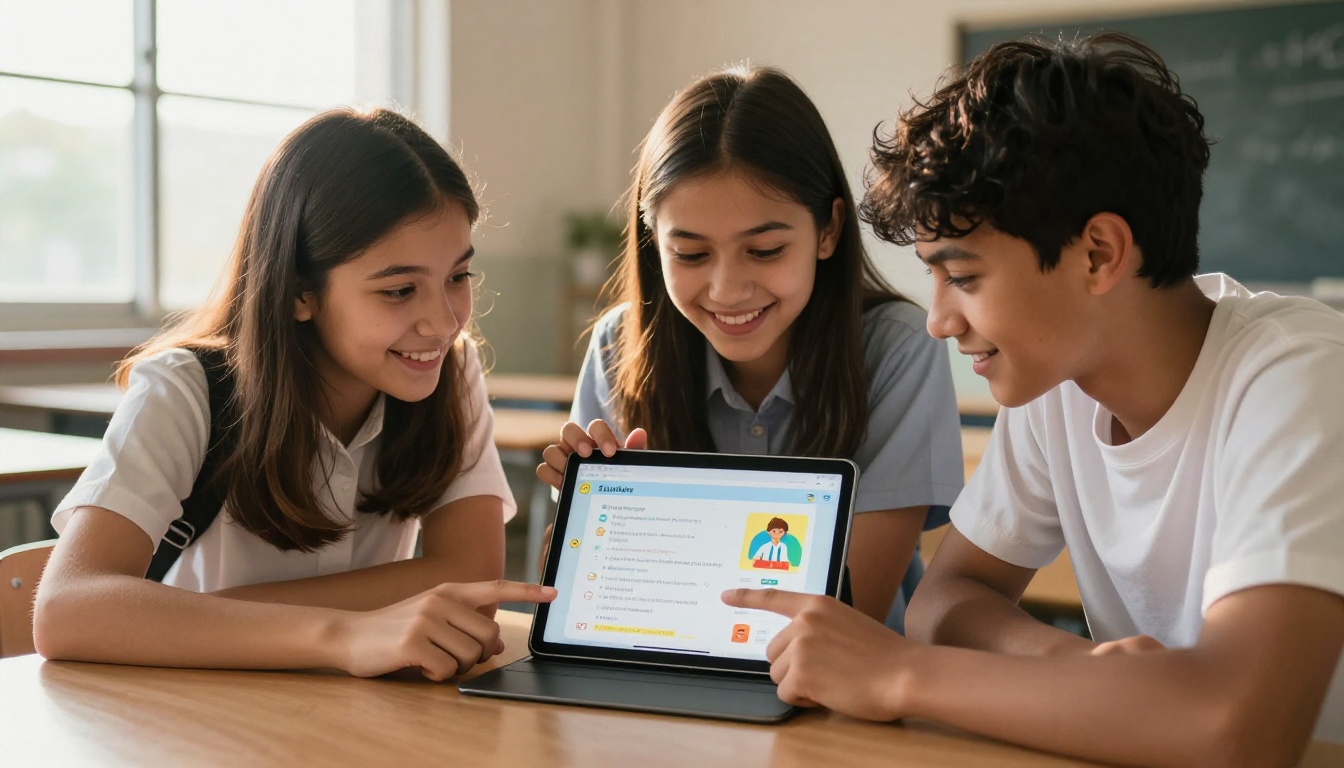
| Station rotation | Each station has a tablet with a different flipbook chapter |
| Independent study | Students work through the flipbook at their own pace |
| Remote or hybrid learning | Share the link via LMS, works identically on any device |
| Parent communication | Share school newsletters via the School Newsletter Creator |
Making Homework Worth Doing
Traditional homework suffers from the same format problems as in-class materials. Students are more likely to work through a flipbook assigned for homework than a PDF, because the experience feels fundamentally different from mindless scrolling. The page-turn interaction signals to students that this is something to be read carefully, not skimmed in thirty seconds.
When a flipbook is assigned as reading homework, teachers who use the Professional analytics dashboard see a measurable difference in comprehension quiz scores the following day. Students who spent more time in the flipbook consistently score higher, because the format encouraged them to slow down and actually process the material.
Plans and Pricing for Schools
Seeing what is available at each plan level helps teachers and administrators make the right choice.
| Feature | Free | Standard | Professional |
|---|
| Flipbooks | Limited | Unlimited | Unlimited |
| Watermarks | Yes | No | No |
| Custom branding | No | Yes | Yes |
| Password protection | No | Yes | Yes |
| Analytics | No | No | Yes |
| Lead generation forms | No | No | Yes |
| Offline downloads | No | Yes | Yes |
| Embed on website | Yes | Yes | Yes |
| Video and audio embedding | Yes | Yes | Yes |
| Mobile responsive | Yes | Yes | Yes |
For most individual teachers, the Standard plan provides everything needed for full classroom use, including unlimited flipbooks, no watermarks, custom branding, and offline access for students. For departments or schools that want activity data and sharing controls, the Professional plan at flipbooksai.com/pricing is the right investment.
✅ Best Practice: Schools that give every teacher a shared Professional account see faster adoption because activity data can be reviewed at the department level, informing curriculum decisions beyond the individual classroom.
Building a Flipbook Library for Your School Year
The most effective teachers do not create flipbooks one lesson at a time. They build a library. Here is a practical structure:
Unit-level flipbooks (1-2 per month): Full unit summaries, reading materials, and reference content that persist throughout the year. Students return to these repeatedly.
Lesson-level flipbooks (weekly): Specific to a single topic, high multimedia density, designed for one-time deep attention. These can be more experimental.
Reference flipbooks (semester-long): Always-available resources like grammar references, math formula sheets, or science vocabulary banks that students can access any time during a unit.
Assessment prep flipbooks: Review materials created two weeks before major assessments, bringing together content from all unit flipbooks into a single navigation experience.
This library approach means that after one full school year, a teacher has a reusable curriculum library available at any time, for any class, on any device. The second year of teaching with flipbooks costs a fraction of the time investment of the first.
The Time Investment vs. Return
A fair question is whether the time spent building flipbooks actually pays off. Here is the honest breakdown:
- First flipbook: 30-45 minutes including conversion, editing, and setup
- Subsequent flipbooks (same structure): 10-15 minutes
- Annual reuse: A flipbook created this semester can be shared with next year's class unchanged, or refreshed in minutes if content needs updating
The time cost front-loads into the creation phase, but the ongoing return is a library that outlasts any single school year.
💡 Pro Tip: Share flipbooks across departments. A science teacher's lab safety resource can be reviewed and reused by a colleague teaching a similar course, cutting their setup time to near zero.
From One Classroom to the Whole School
What starts as one teacher's experiment often spreads quickly. When students mention to other teachers that they actually read the lesson because it was a flipbook, and when parents respond positively to school newsletters delivered as polished flipbooks rather than plain word documents, adoption accelerates on its own.
Schools that formalize this approach by providing shared accounts and a structured library system see benefits that extend well beyond individual classrooms. Department heads use flipbooks for training materials during teacher onboarding. Administrators use them for annual reports and parent-facing publications. The Yearbook Flipbook Maker turns end-of-year publications into experiences students share on their own, long after the school year ends.
The platform grows with the institution. A single teacher account on day one can expand into a school-wide content system within a semester.
Start Building Your First Lesson Today
Teachers who shift their materials to flipbook format do not go back. The combination of stronger student involvement, simpler sharing, reusable content, and optional activity tracking makes the case clearly and consistently.
Ready to create your first interactive lesson? Get started for free on Flipbooks AI and have your first flipbook live in under an hour. Browse all education-specific tools to find resources built specifically for classroom use. When you are ready to scale up with analytics and unlimited content, compare pricing plans to find the right fit for your school.
The lesson that students actually read is one click away.



