The moment a teacher stops competing with a student's phone for attention is the moment real teaching begins. Digital flipbooks have become one of the most practical tools in modern classrooms precisely because they meet students where they already are: on screens, swiping, tapping, and responding to visuals. Flipbooks AI makes it easy for any teacher to convert a PDF lesson into an interactive, page-turning experience without needing a design degree or a tech budget.
This isn't about replacing the teacher. It's about giving the lesson itself a visual backbone that students actually want to read.
Why Static Handouts Are Losing the Battle
Paper handouts and static PDFs have one thing in common: they don't respond to the student. A page doesn't change based on what a student finds interesting. It doesn't embed a video clip of a volcanic eruption during a geology unit. It doesn't let a student jump between chapters based on their curiosity. That's the core problem.
What Students Actually Pay Attention To
Research in educational psychology has consistently shown that students retain more information when it's presented in multiple formats simultaneously: text paired with visuals, interactive elements tied to written content. This is the dual coding theory in action. Flipbooks naturally support this by combining layout, imagery, and optional multimedia into a single scrollable document.
The numbers back it up:
| Learning Format | Average Retention After 24 Hours |
|---|
| Text only | 10% |
| Text + Images | 65% |
| Interactive + Multimedia | 80%+ |
How Interaction Changes the Dynamic
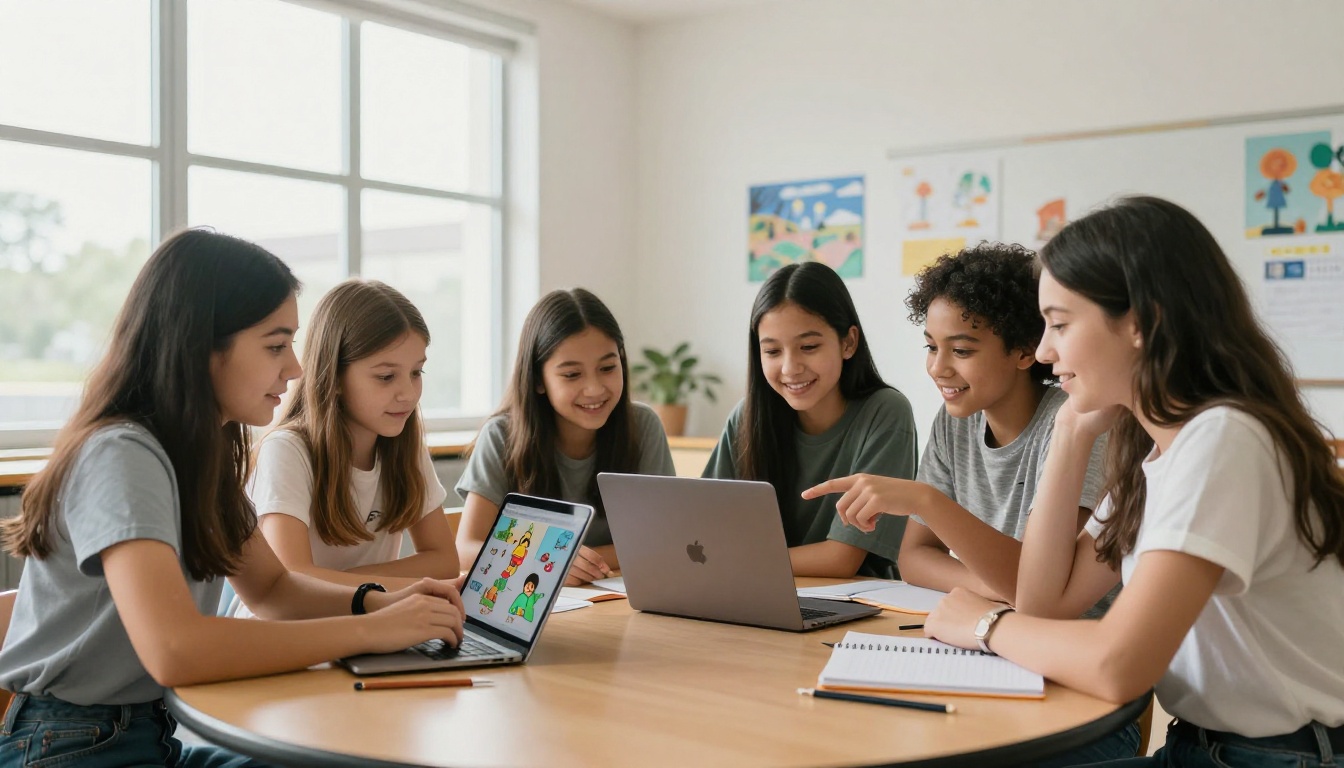
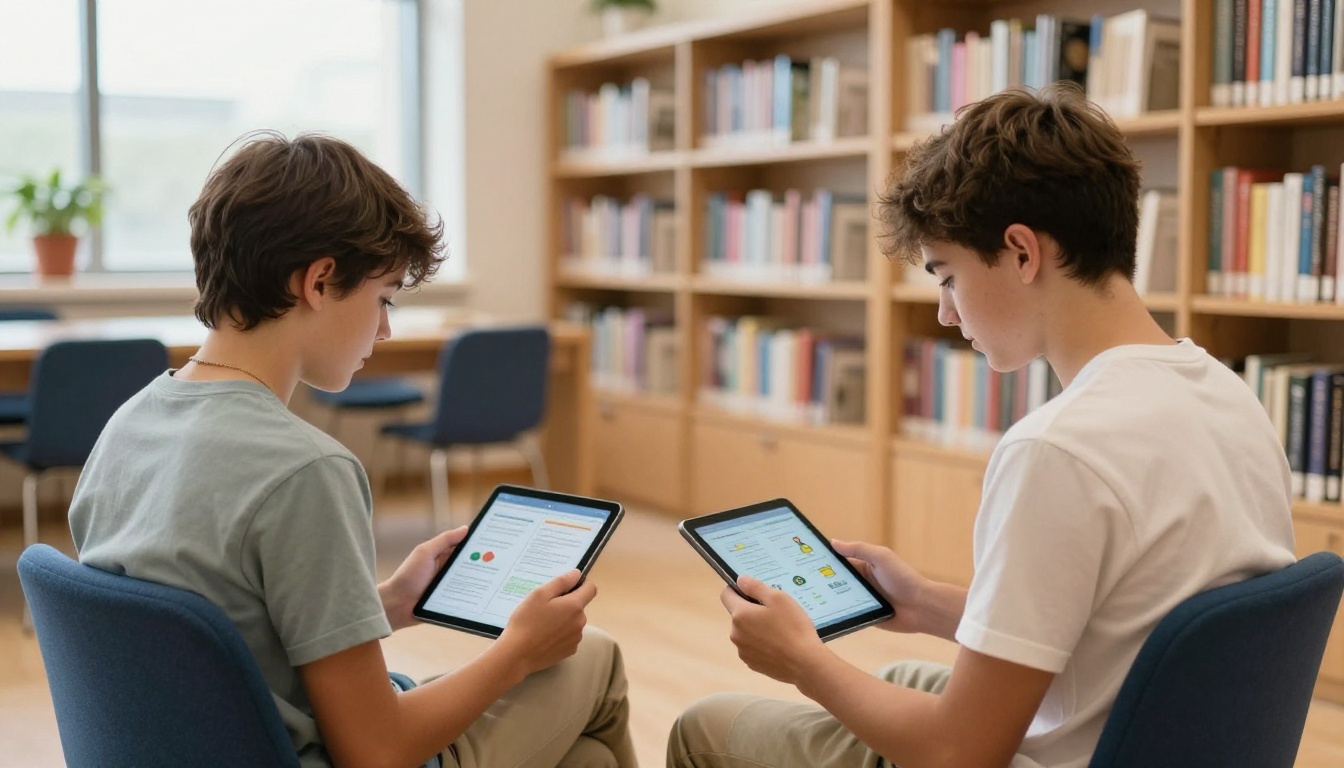
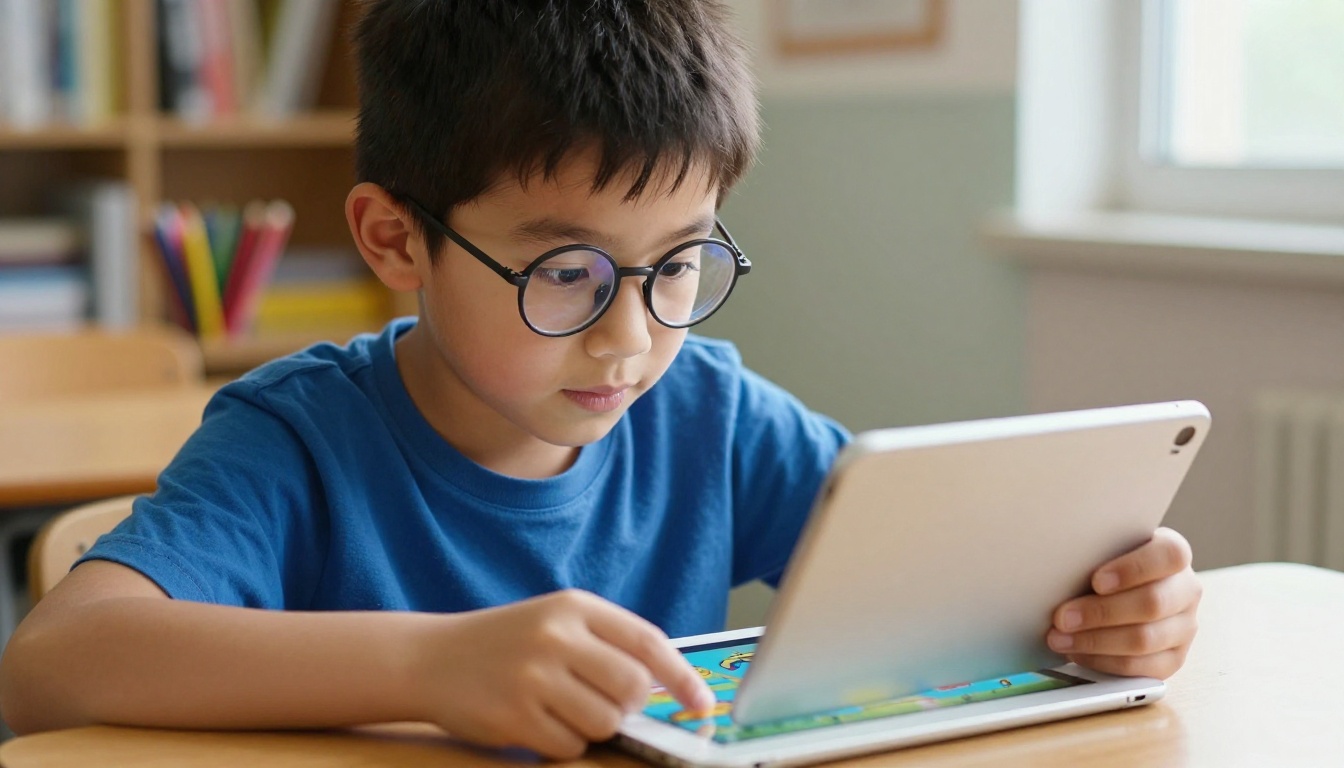
When a student can flip through pages, zoom in on diagrams, click embedded links, or watch a short video within the lesson itself, the act of reading becomes participatory. That shift from passive consumption to active navigation is significant. It mirrors the way students already interact with social media, apps, and video content, except now the content is your curriculum.
7 Ways Teachers Are Using Flipbooks Right Now
Teachers at every level, from kindergarten to high school, have found creative ways to bring flipbooks into their daily instruction. Here are the most effective approaches being used in classrooms today.
Interactive Reading Assignments
Instead of printing a short story or article for reading comprehension, teachers convert the PDF into a flipbook and share the link. Students flip through pages on their devices. Teachers can embed discussion questions as clickable elements, add images that support the text, and include vocabulary definitions on the same spread as the relevant passage.
This works especially well for ELA classes where visual context around unfamiliar vocabulary or historical settings can completely change how a student connects with the text.
Science Lab Reports and Visual Diagrams
Science teachers are converting lab handouts into visual walkthroughs. A flipbook can hold a pre-lab reading with diagrams, the step-by-step procedure with photographs, and the post-lab reflection prompts, all in one document that students access on a tablet.
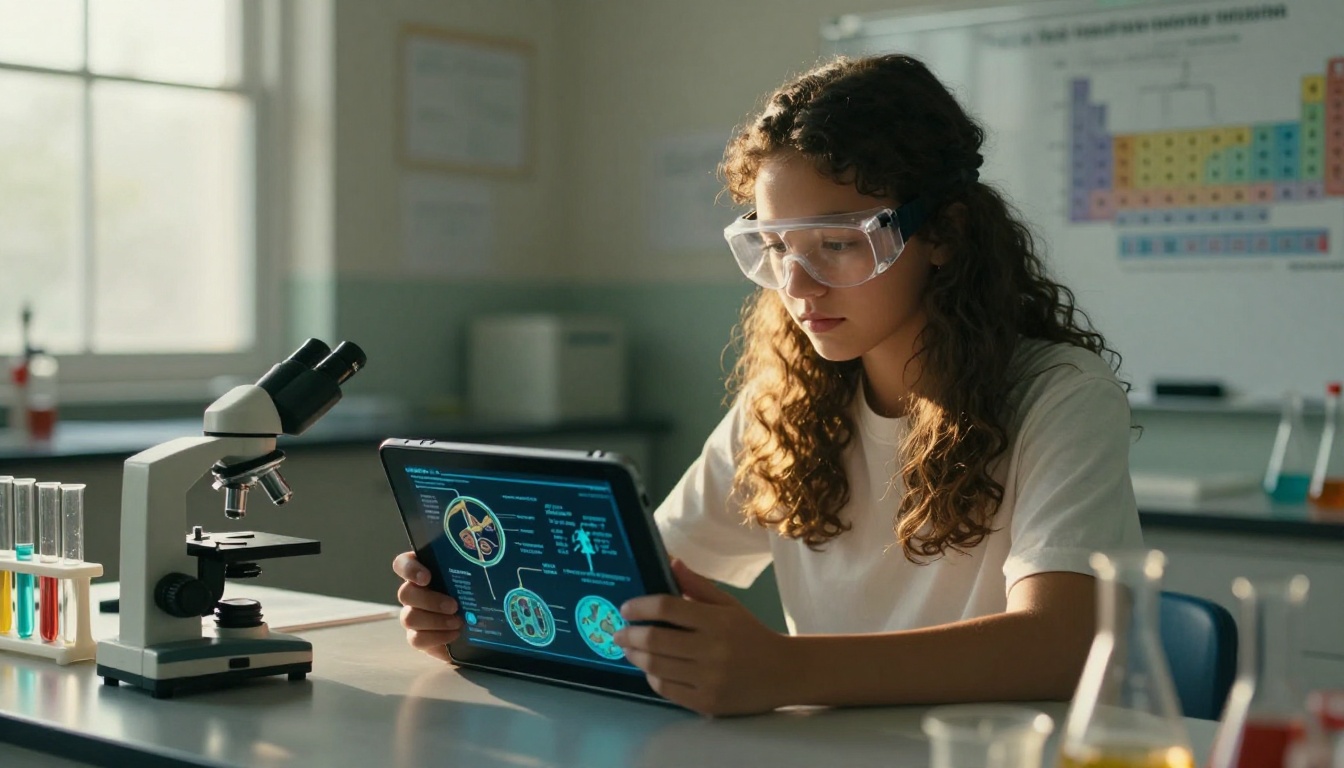
The Course Material Publisher tool is especially useful here. Teachers upload the lab document and within minutes have a shareable flipbook that looks professionally designed without any extra effort.
History Timelines and Visual Narratives
History is a subject where visual storytelling makes a massive difference. A timeline of events is far more memorable when each entry includes a photograph, a brief caption, and links to additional context. Teachers are building flipbooks that serve as visual chapter summaries, with each spread covering a different era or event.
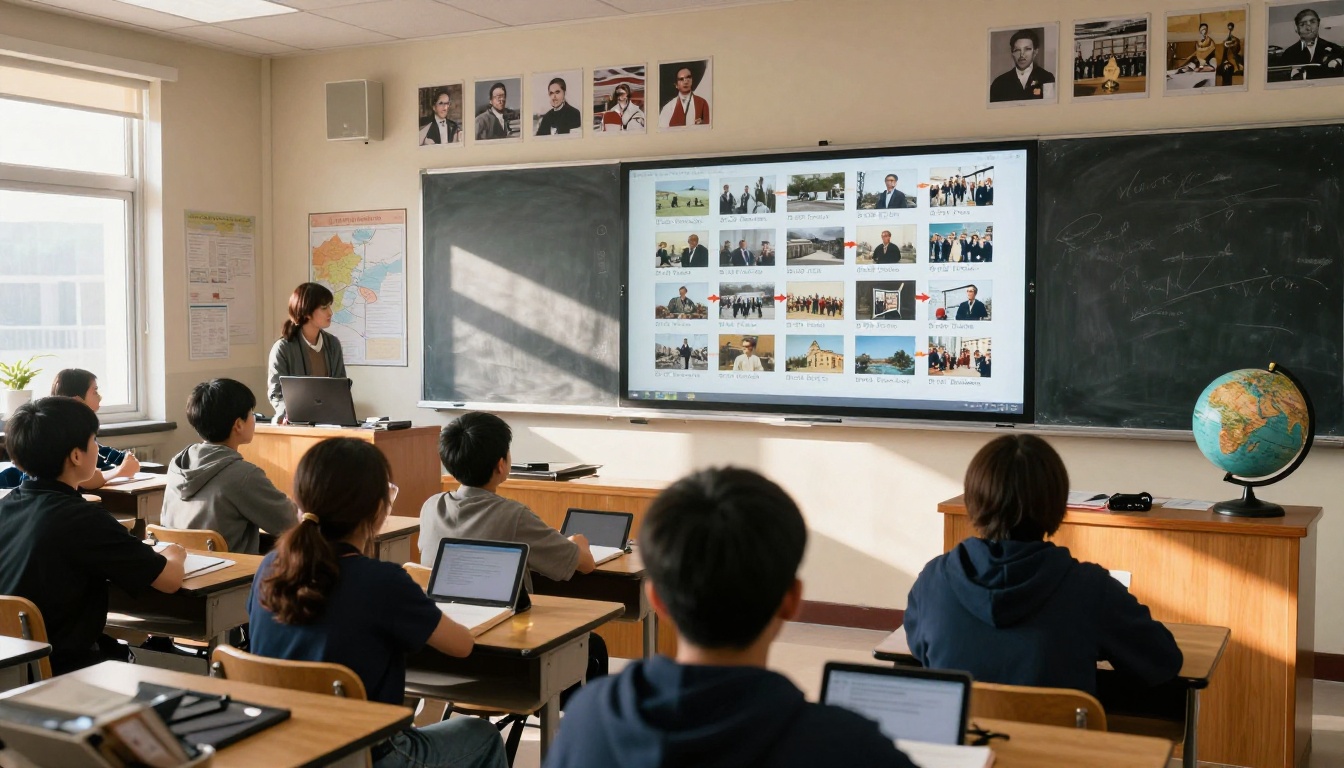
💡 Pro tip: Pair your history flipbook with embedded primary source images. A photograph from 1945 carries more emotional weight than a paragraph describing it.
Math Concept Walkthroughs
Math teachers are using flipbooks for step-by-step worked examples. Each page shows one step in solving a problem, with color-coded annotations and diagrams. Students can move at their own pace, reviewing a step as many times as needed without asking the teacher to repeat themselves.
This is particularly effective for differentiated instruction. A flipbook can include both the standard method and an alternative approach on adjacent pages, letting students choose the method that makes sense to them.
Creative Writing Portfolios
Students love seeing their own work presented professionally. Teachers are collecting student writing and compiling it into a class flipbook: a digital anthology that can be shared with parents, the school library, or even published on the school website.
The Training Manual Flipbook format works well for structured writing collections, while the School Newsletter Creator is a favorite for monthly classroom publications.
Classroom Newsletters for Parents
The parent communication piece often gets overlooked. Teachers spending 45 minutes formatting a Word document newsletter can instead drop it into Flipbooks AI, add a few images, and send a link that works on any device. No PDF attachment anxiety. No printing. Just a clean, branded page-flip newsletter that parents can open on their phones.
Exam Prep Flipbooks That Students Keep
Pre-exam study materials are one of the highest-value use cases. A well-organized flipbook with chapter summaries, visual examples, and practice questions gives students a resource they will actually return to before a test. The page-flip format makes it feel less intimidating than a 20-page wall of text.
| Format | Interactivity | Cost to Create | Shareable Via Link | Embeds Media | Mobile-Ready |
|---|
| Printed Handout | None | Low | No | No | No |
| Static PDF | None | Very Low | Yes | No | Partially |
| PowerPoint Slideshow | Low | Medium | Limited | Yes (file only) | No |
| Digital Flipbook | High | Very Low | Yes | Yes | Yes |
| LMS-Based Course Module | Medium | High | Yes | Yes | Yes |
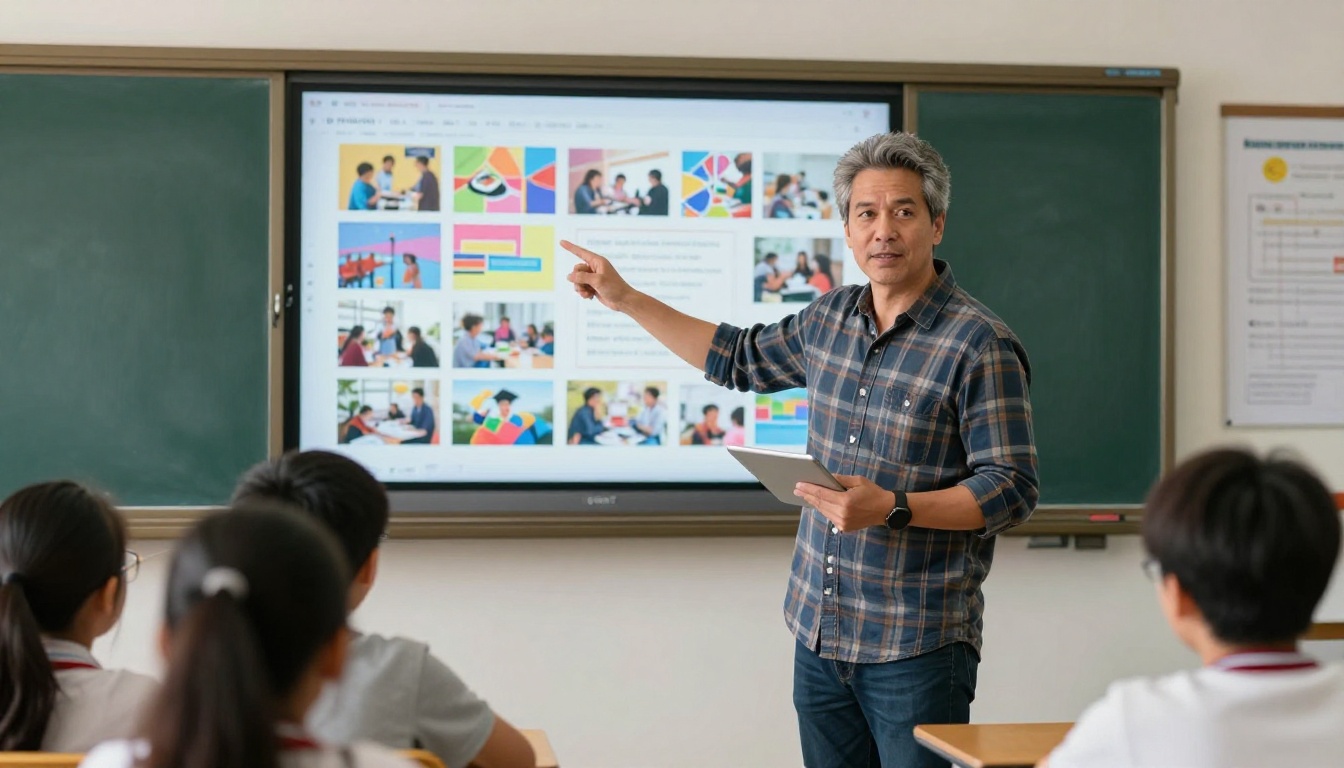
The flipbook sits in a unique position: low barrier to create, high visual payoff, easily shareable, and fully compatible with tablets, laptops, and phones without any app download.
✅ Best practice: Always test your flipbook on a mobile device before sharing with students. Most students will open it on a phone first.
Subject-by-Subject Flipbook Ideas
Different subjects benefit from different flipbook approaches. Here's a practical breakdown:
| Subject | Flipbook Type | What to Include |
|---|
| English / ELA | Reading Anthology | Stories, vocabulary, discussion questions |
| Science | Lab Walkthrough | Diagrams, procedures, safety notes, reflection |
| History / Social Studies | Visual Timeline | Photos, dates, primary sources, context |
| Math | Worked Examples | Step-by-step problems, visual diagrams |
| Art | Portfolio Showcase | Student work with descriptions |
| PE / Health | Wellness Material | Visual instructions, safety tips |
| Foreign Language | Vocabulary Flipbook | Images paired with words and pronunciation |
This kind of structured visual content is exactly what the Interactive E-Book Publisher was built for.
How to Build Your First Lesson Flipbook
This is where the process becomes surprisingly simple. Any teacher with a PDF can have a published flipbook in under five minutes.
Step 1: Prepare Your PDF
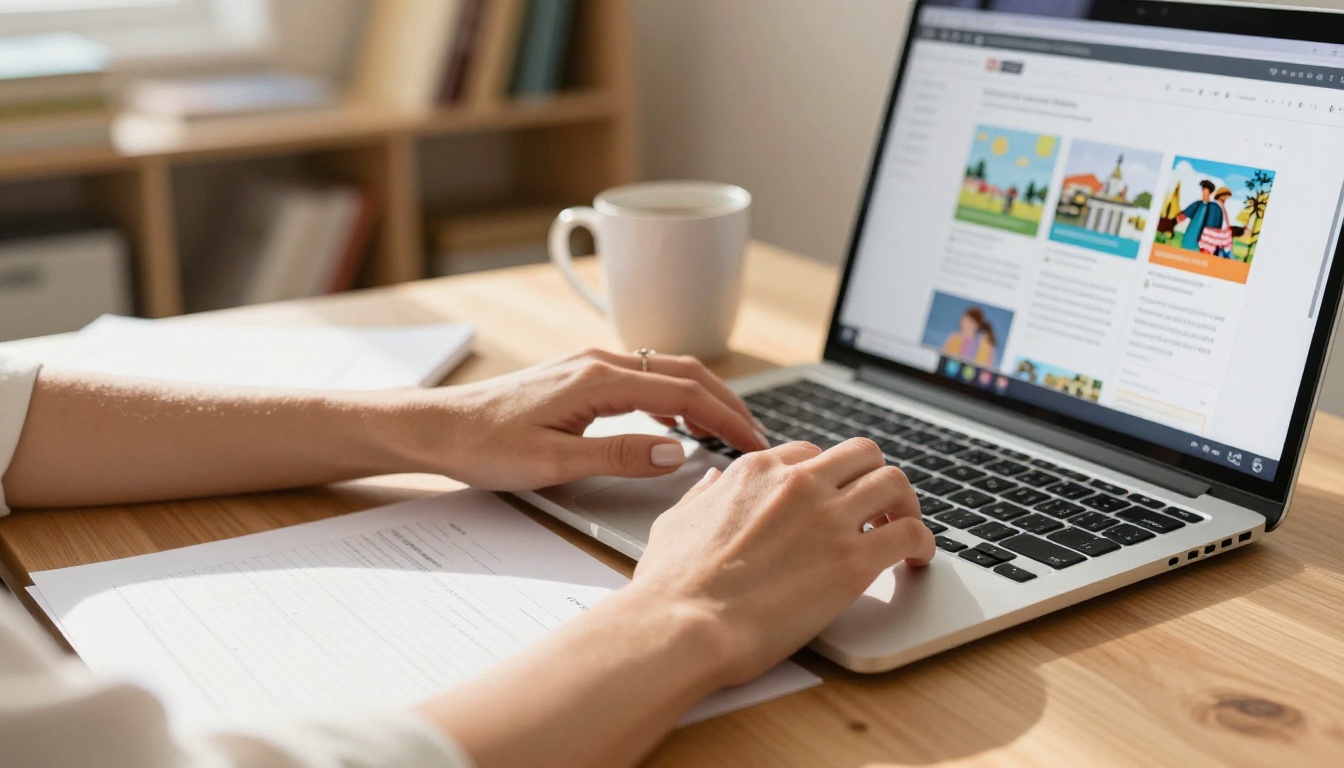
Before uploading, make sure your lesson document is finalized. Include images, diagrams, and any visual elements you want students to see. The cleaner the original PDF, the better the flipbook output. If you don't already have a PDF, export directly from Google Slides, Microsoft Word, or Canva.
Step 2: Upload to Flipbooks AI
Go to Flipbooks AI and create a free account. Once inside, click the upload button and select your PDF. The platform converts it automatically into a page-flip format. This usually takes less than 60 seconds.
⚠️ Note: File size limits vary by plan. For large lesson documents with many images, check the pricing plans to choose the right tier.
Step 3: Customize for Your Class
This is the step most teachers skip, and it makes a huge difference. Flipbooks AI lets you:
- Add your school or classroom branding (logo, colors)
- Choose background colors or textures for the reading environment
- Add a custom title page with the lesson name
- Set a table of contents for longer documents
- Enable or disable page flip sound effects
Step 4: Share the Link
Once published, you get a direct link and an embed code. Share the link in your LMS (Google Classroom, Canvas, Schoology), paste it in an email, or post it in your class communication channel. Students click once and it opens in any browser.
For school-wide newsletters or resources meant for parents, the password protection feature (available on Standard plan and above) lets you keep content private while still sharing it digitally.
Step 5: Track Who Actually Read It
On the Professional plan, Flipbooks AI includes analytics showing how many times the flipbook was opened, how long readers spent on each page, and what percentage of the document they finished. For teachers, this is genuinely useful data: if students are consistently dropping off at page 5, that's a signal worth acting on.
What Teachers Say After Switching
Teachers who have made flipbooks a regular part of their workflow consistently report the same thing: students bring up the content without being prompted. A student will reference something from the flipbook three days after reading it, mention a detail from the visual layout, or ask for the link again to share with a parent.
This is qualitatively different from what happens with printed handouts, which tend to live at the bottom of a backpack until they're needed, and then not found.
The Differentiation Advantage
One underrated benefit is that flipbooks make differentiated instruction far easier to manage. A teacher can create two versions of the same lesson flipbook: one at grade level and one with simplified language and extra visuals for students who need additional support. Both look polished. Neither signals to classmates which version a student received.
Saving Time Over the Semester
The upfront investment in creating a flipbook is similar to creating any other well-designed lesson material. But unlike a printed handout that becomes outdated, a flipbook can be edited and republished. Fix a typo. Add a new image. Update a link. The students' saved link automatically reflects the updated version.
💡 Pro tip: Build a library of evergreen flipbooks for units you teach every year. After two or three years, your preparation time for those units drops significantly.
Flipbooks AI Features That Matter Most for Teachers
Not all digital publishing tools are built with educators in mind. Here's how Flipbooks AI stacks up on the features that matter most in a classroom context:
| Feature | Why It Matters for Teachers |
|---|
| No watermarks | Student-facing materials need to look professional |
| Unlimited flipbooks (Standard+) | Publish as many lessons as needed without restrictions |
| Password protection | Keep internal documents or assessments private |
| Mobile-responsive | Students open links on phones; it must work perfectly |
| Embed videos and audio | Add pronunciation guides, video demonstrations, explanations |
| Custom branding | Match your school colors or classroom identity |
| Analytics (Professional) | See exactly how students interact with lesson materials |
| Offline downloads | Students without reliable internet can still access content |
✅ Best practice: Use the Yearbook Flipbook Maker at the end of the school year as a class project. Students love seeing themselves in a published, professional-looking digital yearbook.
The Broader Shift in How Lessons Work
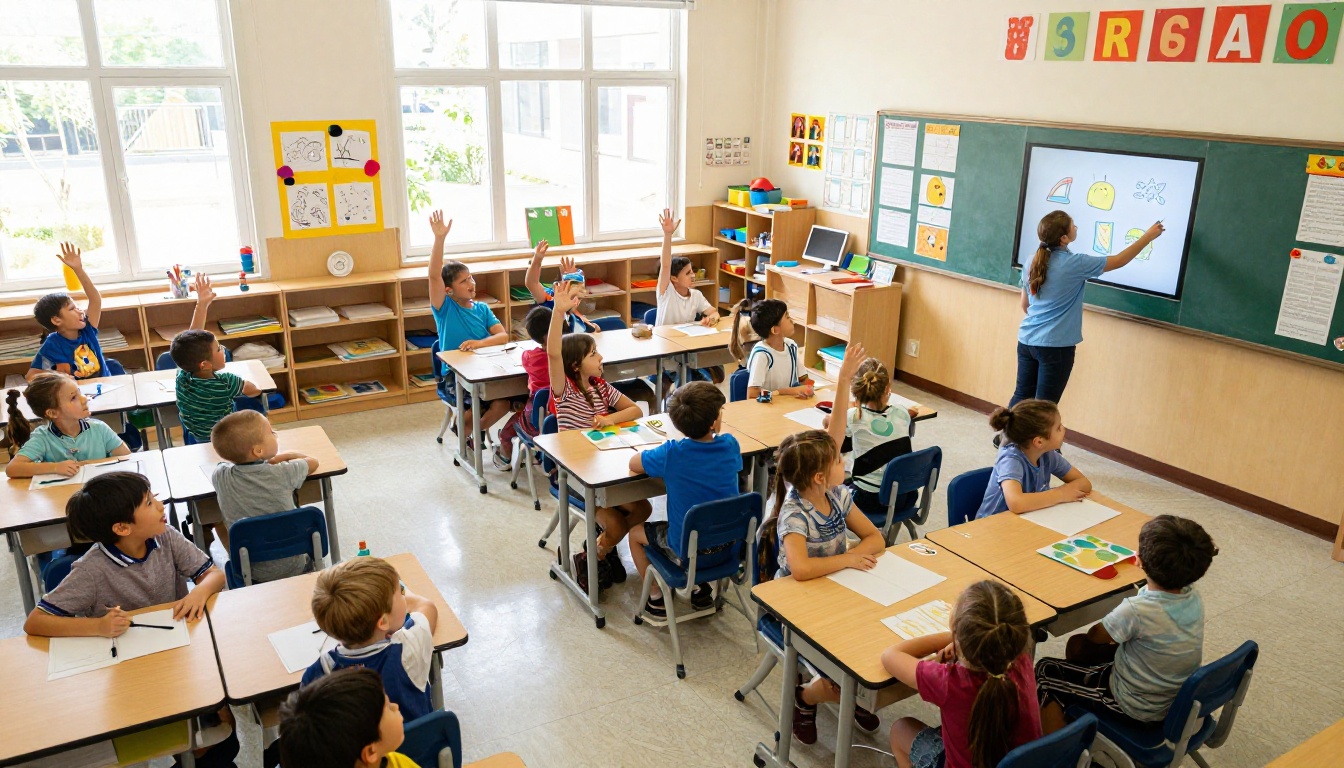
The schools seeing the strongest results with digital flipbooks aren't using them as a replacement for teaching. They're using them as an extension of it. The flipbook handles the visual delivery of content. The teacher handles the discussion, the questioning, and the relationship.
This split is actually healthy. It frees up class time that was previously spent distributing materials, waiting for everyone to find the right page, or re-explaining something already written in the handout. When students arrive at the discussion already having engaged with the flipbook, the quality of the conversation goes up.
Flipbooks as Flipped Classroom Fuel
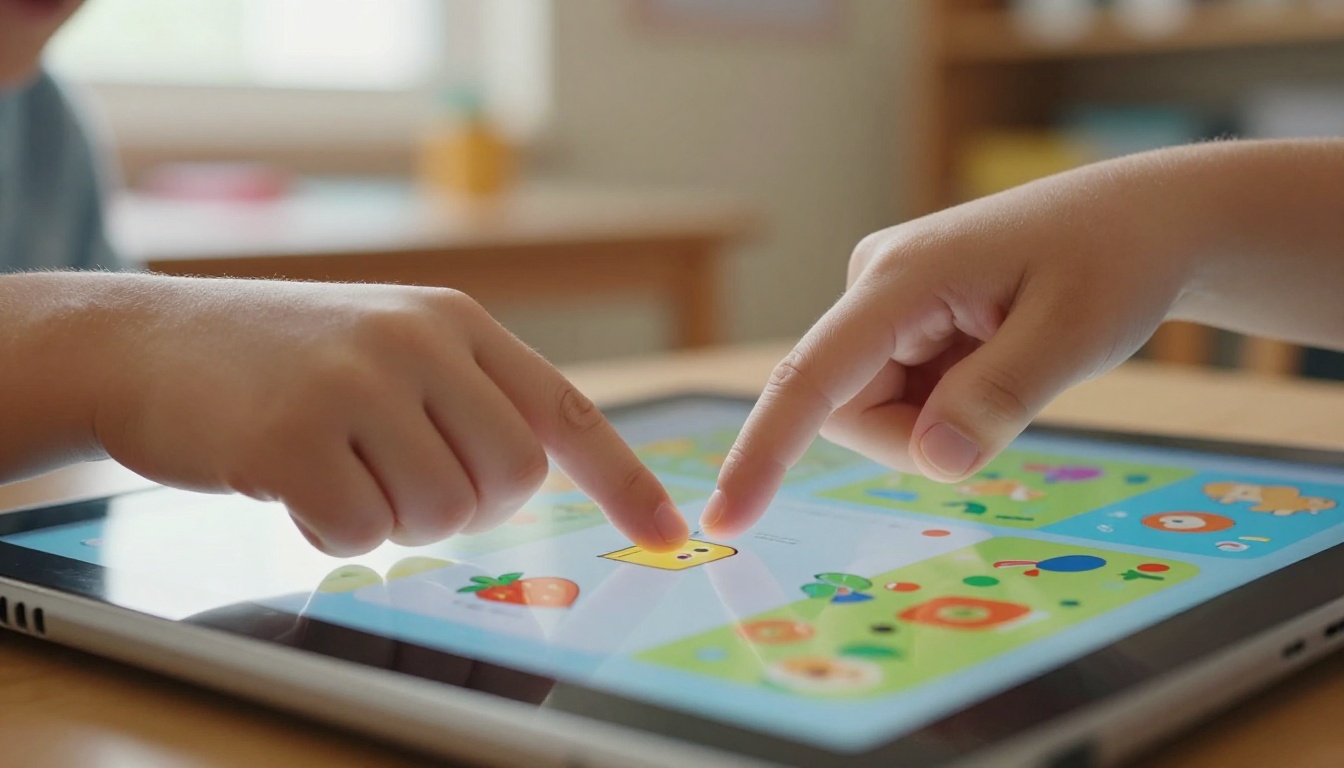
The flipped classroom model, where students consume instructional content at home and practice in class, works significantly better when the at-home content is actually worth reading. A well-designed flipbook is far more likely to be finished before class than a static PDF or a wall of text in an LMS module.
Teachers using flipbooks for pre-class reading report higher completion rates and more substantive in-class discussions because students arrived having actually interacted with the material.
Start Building Lessons That Students Actually Read
The gap between a lesson that students tolerate and one they genuinely engage with is smaller than most teachers think. It often comes down to presentation: does the material feel like it was made with care? Does it look worth reading? Digital flipbooks answer both questions at once.
Ready to turn your next lesson into something students will actually flip through? Create your first flipbook free on Flipbooks AI. The PDF upload takes under a minute. Browse all education tools to find the right format for your subject, or check pricing plans if you want analytics, unlimited publishing, and offline access for your students.
Your lesson plan doesn't change. The way students experience it does.



