Teachers who hand out another photocopied worksheet on a Monday morning know the look on students' faces. Eyes drift, pencils tap, and the content never quite lands. But something interesting happens when that same material becomes a flipbook. Pages get turned. Students lean in. Questions start flowing. Flipbooks AI has become a go-to tool for educators who want to make that shift from flat, forgettable content to something students actually interact with.
This is not about gimmicks. Flipbooks work because they mimic the format of books students already love while adding the interactivity of digital media. Whether it is a science unit, a history project, or a school newsletter, the flipbook format keeps students physically and mentally engaged in ways a standard PDF or printed handout simply cannot.
Why Worksheets Stop Working
At a certain point in every school year, the worksheet stops doing its job. Students fill in blanks without reading the surrounding text. They copy from neighbors. They submit pages they have not actually processed. The problem is not the student. It is the format.
Static documents create passive learners. There is no reason to flip back to page two, no sense of progression, no payoff at the end. A flipbook changes that equation by giving the content a physical or visual structure that rewards movement through it.
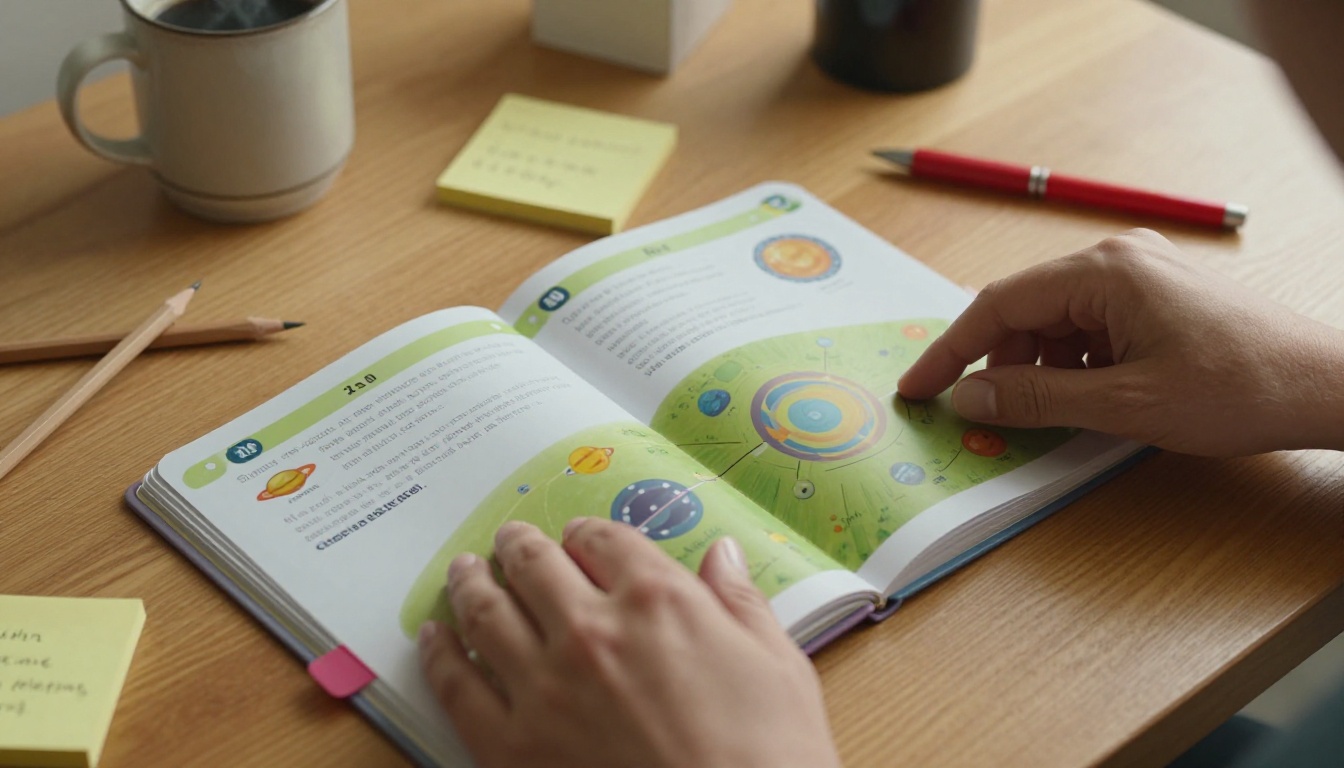
Research in educational psychology consistently shows that students retain more information when they interact with material in multiple ways: reading, seeing visuals, and physically navigating through content. Flipbooks hit all three.
💡 Teachers who replaced end-of-unit worksheets with student-created flipbook summaries reported higher retention scores in informal assessments, simply because students spent more time re-reading their own pages.
What Makes a Flipbook Actually Work
Not every flipbook will capture student attention. The ones that do share a few common traits.
Clear visual hierarchy: Each page has one main idea, supported by an image or diagram. Students are not confronted with walls of text.
Page-turning incentive: The content builds across pages, so there is a reason to keep going. This mirrors the structure of a good picture book or graphic novel.
Ownership: When students create the flipbook themselves, or when they can annotate a shared one, the material becomes theirs. That ownership dramatically increases how much they remember.
Portability: A digital flipbook can go home on a phone or tablet. Parents can see what was covered. Students can review at their own pace.
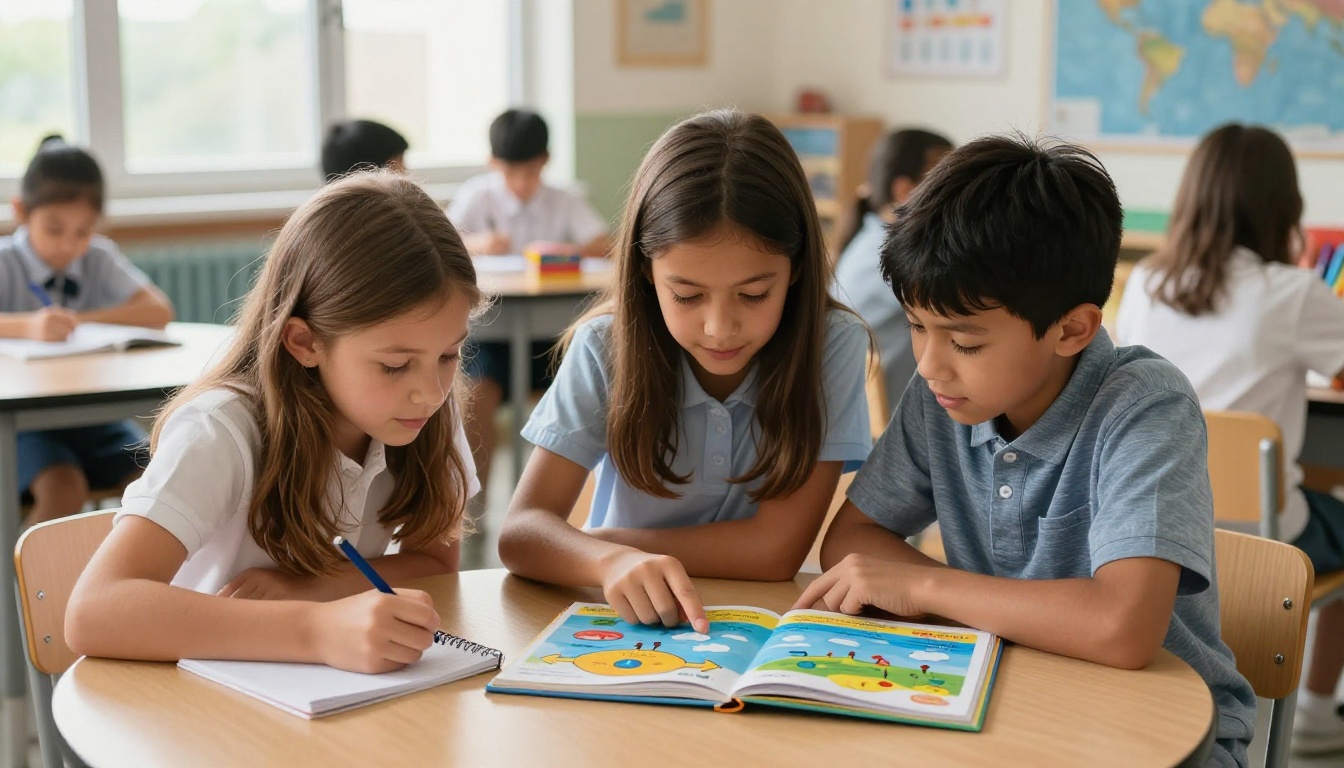
7 Ways Teachers Use Flipbooks Every Day
Science Units with Visual Steps
Science is full of processes: photosynthesis, the water cycle, cell division, volcanic activity. These processes have stages, and stages are perfect flipbook material. Each page covers one step, with a diagram and a brief explanation. Students can flip back and forth as they work through lab questions, keeping the sequence in front of them without hunting through a textbook index.
A biology teacher might turn a six-stage cell division explanation into a six-page flipbook where each page shows the cell at that exact stage. Students who struggle with linear text suddenly have a visual anchor for each concept.
History Timelines That Actually Stick
Memorizing dates is one of the least effective ways to study history. What works is narrative: events connected to causes and consequences. Flipbooks let teachers build timelines that unfold page by page, so students experience history as a sequence of connected moments rather than a list.
Students can also build their own timeline flipbooks as a research project. A student creating a ten-page flipbook on the Civil Rights Movement has to select the most important events, sequence them, write brief summaries, and find or draw visuals for each page. That is substantially more active work than filling in a pre-made chart.
Reading Comprehension Made Visual
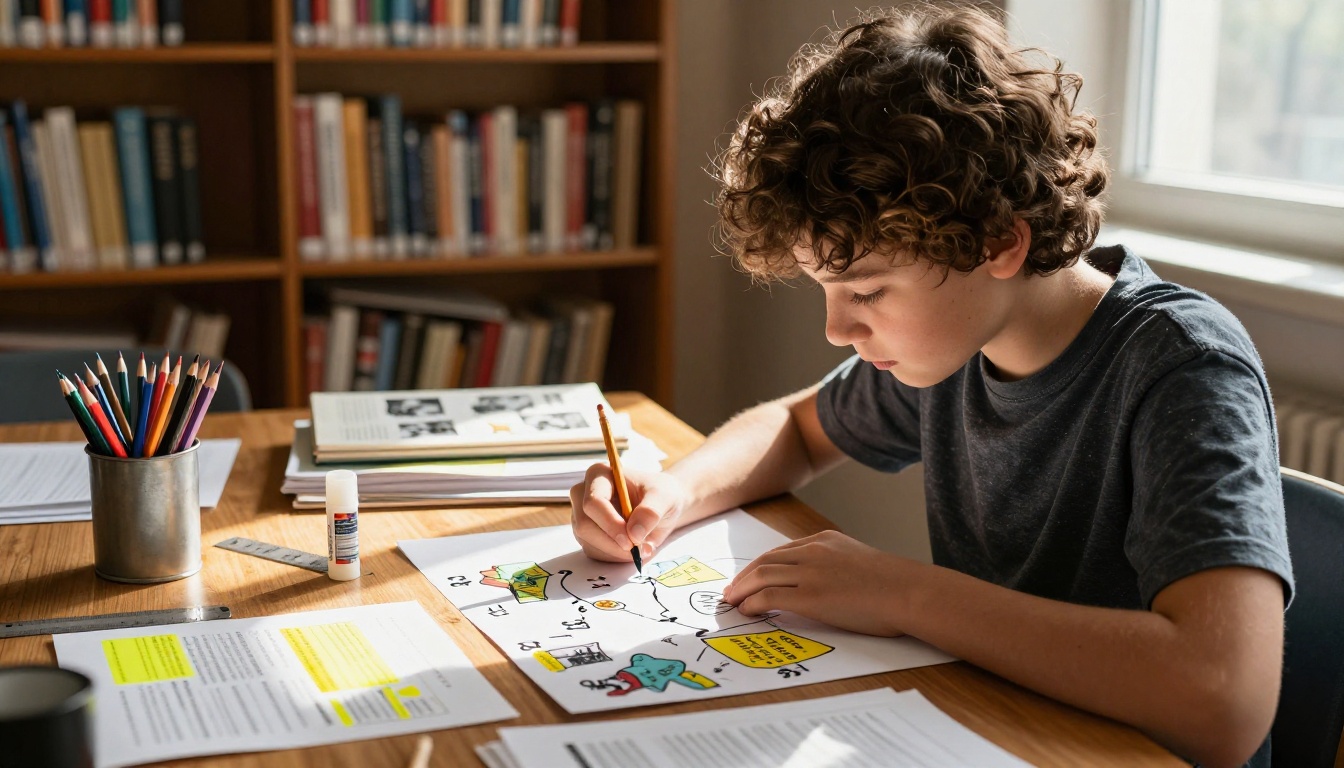
For younger students especially, flipbooks can bridge the gap between a story and comprehension questions. Instead of reading a chapter and then answering ten questions on a separate sheet, students build a character flipbook, a setting flipbook, or a "story events in order" flipbook as they read.
The act of choosing what goes on each page forces the student to make decisions about importance, sequence, and detail. That decision-making process is reading comprehension in action.
Math Problem-Solving Walkthroughs
Multi-step math problems lose students at the moment they cannot see where they went wrong. A flipbook approach puts one step per page: write the problem, identify what you know, choose the operation, solve, check your work. When students hit a block, they can flip back to the step before and trace their error.
Teachers can also create worked-example flipbooks where each page shows one solved problem at a different difficulty level. Students who need scaffolding can stay on the earlier pages; students who are ready can flip ahead.
Student-Created Book Reports
The traditional book report is a five-paragraph essay that most students complete in thirty minutes the night before it is due. A flipbook book report changes the dynamic. Students plan pages: one for the main character, one for the setting, one for the conflict, one for the resolution, and one for their own opinion. Each page requires different thinking.
The result is a presentation artifact that students can actually share with the class by walking through the pages, rather than reading aloud from a paper.
School Newsletters Students Love
The traditional school newsletter is a wall of text that travels from backpack to recycling bin without being read. A digital flipbook newsletter changes that. Photos, event announcements, and student work samples all live in a browsable, shareable format that parents actually open.
The School Newsletter Creator on Flipbooks AI makes this process straightforward for teachers who want professional results without spending hours on layout. Upload a PDF, apply branding, and share a link that works on any device.
End-of-Year Memory Books
Yearbooks are expensive and limited to one per student. A digital memory flipbook can be assembled at the classroom level, shared as a link, and kept forever. Students contribute pages, teachers add photos from throughout the year, and the result is something families genuinely treasure.
The Yearbook Flipbook Maker handles the page-turning presentation, so the final product feels polished even when it is built from student contributions.
How to Build a Classroom Flipbook with Flipbooks AI
Flipbooks AI is built to make this process fast for teachers who do not have time to learn new software between grading sessions. Here is exactly how it works.

Step 1: Create Your Account
Go to flipbooksai.com/account and set up a free account. No credit card required to start. The interface is clean and requires no design experience whatsoever.
Step 2: Upload Your PDF
Prepare your lesson material as a PDF. This might be a lesson summary you already have, a worksheet you want to reformat, or a new document built in Google Slides or Canva. Upload it directly through the dashboard. The PDF to Flipbook Converter handles the conversion automatically, preserving your layout and images.
Step 3: Customize for Your Classroom
Once converted, you can add your school colors, a classroom logo, and page animations that make the flipping feel satisfying. For course materials, the Course Material Publisher offers templates built specifically for educational content. You can also embed audio for read-aloud support, which is a meaningful accessibility win for younger or struggling readers.
Step 4: Share With Students and Families
Flipbooks AI generates a shareable link and an embed code. Post the link in your LMS (Google Classroom, Canvas, Schoology), embed it directly in a class webpage, or share it via the school communication platform. The flipbook works on phones, tablets, and computers with no app download required.
✅ Password protection is available for sensitive content like assessment review packets or materials that should stay within your class.
Step 5: Track Who Reads It
On the Professional plan, analytics show you which students opened the flipbook, how far they read, and where they stopped. For assigned reading, this is genuinely useful data. You will know before class which students actually reviewed the material.
Comparing Flipbook Use Cases by Grade Level
Different grades call for different applications. Here is a practical breakdown:
| Grade Level | Best Use Cases | Format Tip |
|---|
| K-2 | Alphabet books, story sequencing, class rules | Large images, minimal text per page |
| 3-5 | Science processes, book reports, math walkthroughs | One concept per page, labeled diagrams |
| 6-8 | History timelines, research projects, vocabulary | Student-created, include primary sources |
| 9-12 | Lab reports, literature analysis, portfolios | Multi-source content, embed videos |
| All Grades | Newsletters, event programs, year-end memory books | Photos, student contributions |
Flipbooks AI Plans: What Teachers Need to Know
Budget matters in education. Here is how the plans stack up for classroom use:
| Feature | Free | Standard | Professional |
|---|
| Flipbooks | Limited | Unlimited | Unlimited |
| Watermarks | Yes | No | No |
| Password protection | No | Yes | Yes |
| Custom branding | No | Yes | Yes |
| Analytics | No | No | Yes |
| Lead generation | No | No | Yes |
| Offline downloads | No | Yes | Yes |
| Embed on website | No | Yes | Yes |
For most classroom teachers, the Standard plan covers everything needed: unlimited flipbooks, no watermarks, password protection for private materials, and offline downloads for students in low-connectivity situations.
For department heads or instructional coaches who want data on how students engage with assigned reading, the Professional plan adds the analytics layer that makes that possible.
💡 Many schools negotiate site licenses. If you are building a case for a school-wide purchase, the analytics from the Professional plan can provide data to demonstrate impact to administration.
What Students Say vs. What the Data Shows
Teachers consistently report the same pattern when they switch from worksheets to flipbooks: students ask to do it again. That is not a small thing. When students request a format, they are signaling ownership and investment.
The data behind this aligns with broader research on active participation in the classroom. When students physically navigate through content, whether by turning pages or clicking through a digital flipbook, they make micro-decisions about what they are seeing. Those micro-decisions create retrieval cues that improve recall.

For students with reading difficulties or attention challenges, the bounded nature of a flipbook page is a significant advantage. Instead of a document that scrolls forever, each page is a contained task. Finish the page, turn it, move to the next. That structure reduces overwhelm and keeps focus intact.
Flipbooks for Every Subject Area
One of the more surprising aspects of flipbook adoption in schools is how quickly it spreads across departments once one teacher introduces it successfully.
| Subject | Flipbook Application | Tool to Use |
|---|
| Science | Lab procedures, process diagrams | Course Material Publisher |
| History | Timelines, primary source analysis | Training Manual Flipbook |
| Language Arts | Book reports, vocabulary, author studies | Interactive E-Book Publisher |
| Math | Worked examples, formula references | PDF to Flipbook Converter |
| Art | Student portfolio, project showcases | Digital Portfolio Creator |
| Physical Ed | Rules, workout programs, activity guides | Training Manual Flipbook |
| School Admin | Newsletters, event programs, handbooks | School Newsletter Creator |
The Training Manual Flipbook works surprisingly well for physical education, where step-by-step instructions for exercises or game rules benefit from the page-by-page format. The Digital Portfolio Creator has become a favorite in art departments, where student work deserves a presentation format that does it justice.

Getting Families Involved
The home-school connection is one of the most well-documented factors in student success, and flipbooks make it easier to maintain. A digital flipbook newsletter sent home via a class link takes less than a minute for a parent to open. A student's flipbook project shared at the end of a unit gives families a window into what their child actually worked on and absorbed.
Parents who receive a school newsletter as a flipbook with photos of classroom activities are far more likely to open and read it than a text-heavy PDF. The School Newsletter Creator and the Event Program Maker both serve this purpose well, giving classroom teachers and school administrators alike a polished communication format that does not require a graphic design background.

⚠️ If your flipbook includes student photos or personally identifiable information, use password protection and share the link only through your school's secure communication channels, not on public social media.
Make the Switch This Week
The gap between a lesson that lands and one that does not is often format, not content. Teachers who already know their subject deeply sometimes need only one tool change to see a dramatic shift in how students respond to that same material.
Flipbooks AI is built to be that tool. No steep learning curve, no expensive subscription required to start, and results that are visible the first time you share a flipbook with a class.
Ready to build your first classroom flipbook? Create a free account and upload any PDF you already have. The conversion takes less than a minute, and you can share it with students the same day.
Want to see everything the platform offers? Browse the full list of flipbook tools built specifically for education, business, and creative use. When you are ready to remove watermarks and add your school branding, compare pricing plans to find what works for your classroom or department.



