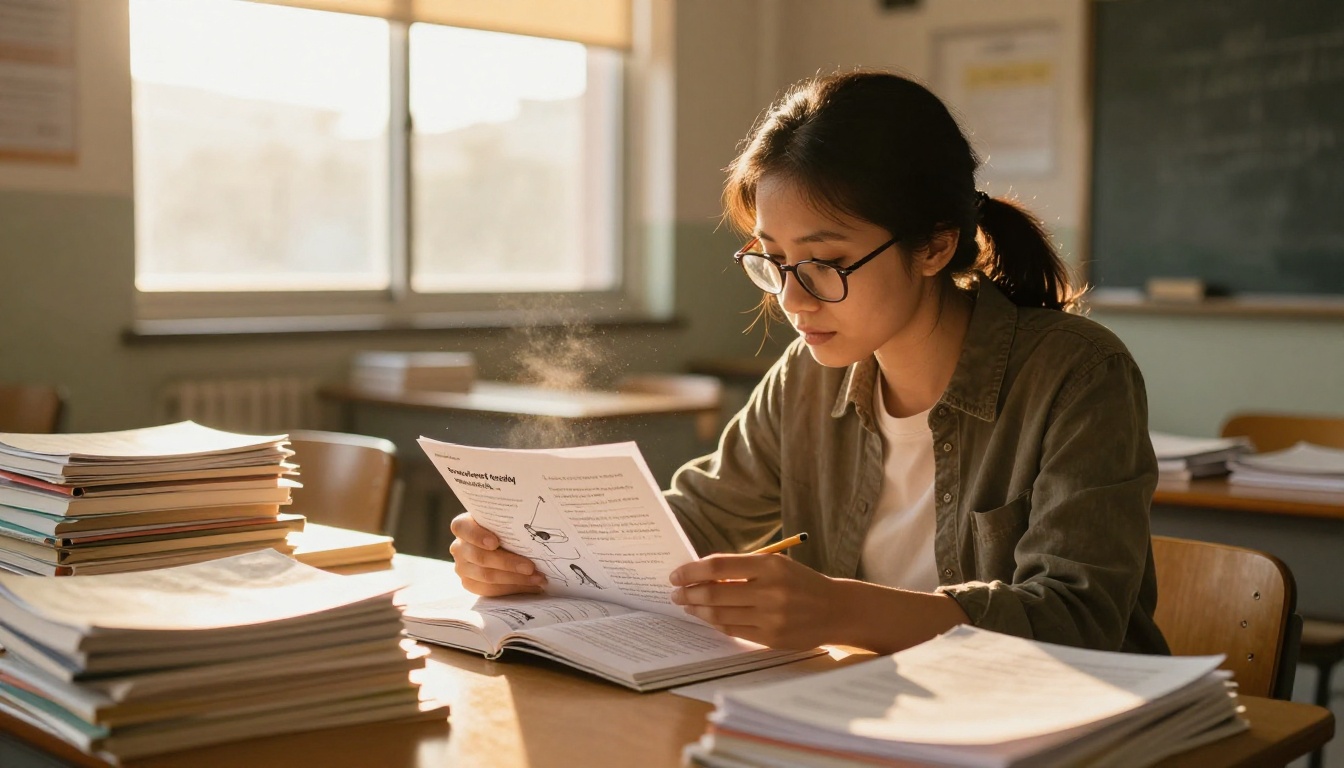
Teachers have always known that a bored student is a lost student. The moment a lesson becomes predictable, attention drifts. Flipbooks AI is changing how educators at every grade level approach that problem, turning static documents into interactive, page-turning experiences that students actually want to open.
This article breaks down exactly how teachers are using flipbooks in the classroom, subject by subject, with real strategies and a step-by-step tutorial for building your own.
Why Static Lessons Are Losing Students
The attention problem is real
Research consistently shows that student attention peaks in the first few minutes of a lesson and drops sharply after that. Traditional handouts, printed worksheets, and static PDFs do nothing to interrupt this decline. They present information in a flat, linear format that offers no reward for turning the next page.
Students are competing with social media, short-form video, and notifications all day. A printed packet of text simply does not compete for attention the way it once did.
What actually holds attention
The difference between a student who reads and a student who skims comes down to format. When content feels interactive and visually rich, the brain stays engaged longer. This is why teachers who adopt flipbooks consistently report higher participation and better recall from their students.
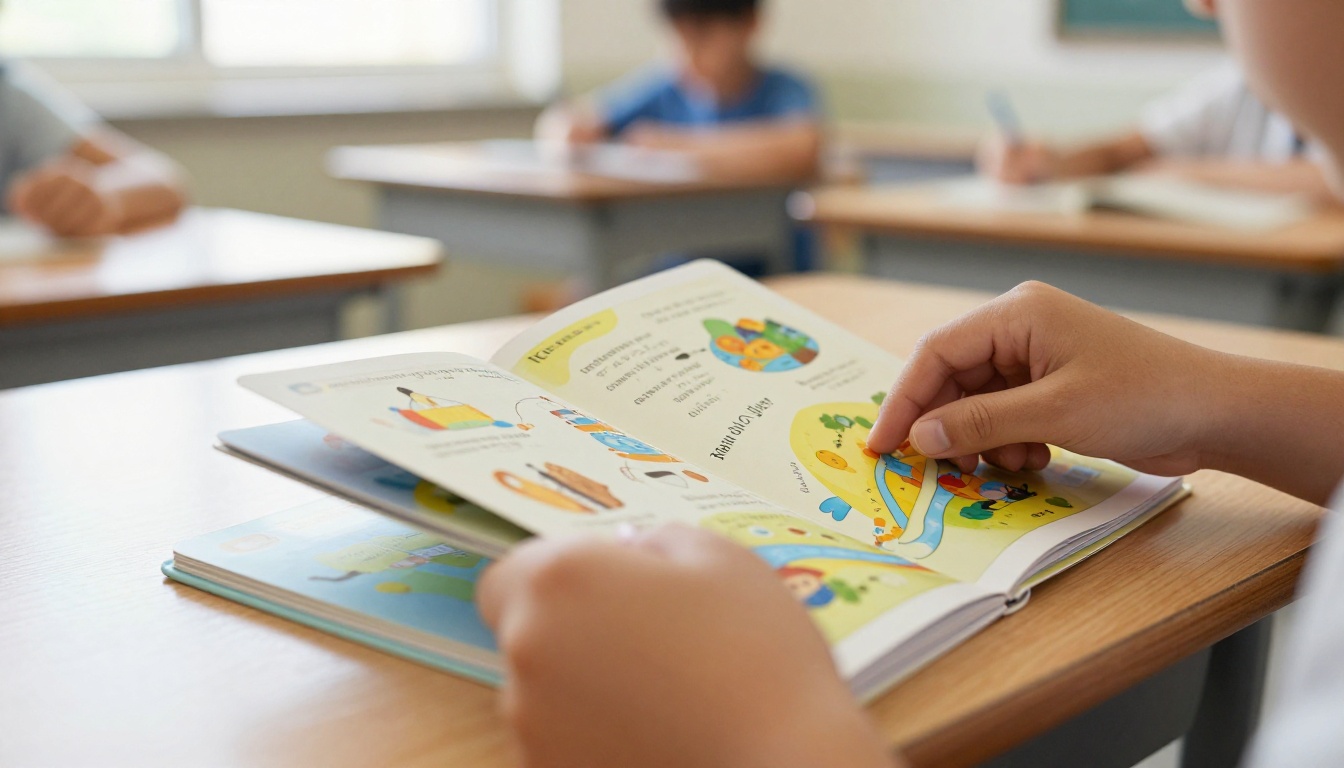
A flipbook is not just a PDF with a page-turn animation. It is a delivery format that feels like something worth opening. The physical or digital act of turning a page creates a micro-moment of anticipation, and that anticipation, repeated across a lesson, keeps students moving through content rather than abandoning it halfway through.
What Flipbooks Do That PDFs Can't
The page-turn effect on focus
When a student downloads a PDF, the entire document is visible at once. There is no mystery, no discovery. Everything is laid out flat. A flipbook changes the experience entirely because each spread reveals new information, creating a sense of progression.
This format also makes it easier to break complex topics into digestible spreads. A chapter on photosynthesis does not need to be twelve dense paragraphs. It can be six focused spreads, each building on the last, with visuals that reinforce the text.
💡 Teachers report that students are significantly more likely to complete a flipbook than a traditional handout. The format rewards progress naturally.
Visual flow changes everything
A well-designed flipbook puts visuals and text in natural relationship with each other. Images are not afterthoughts appended to the bottom of a paragraph. They are part of the reading experience, placed where they make the most sense.
This is especially valuable for visual learners and students with reading difficulties. When a diagram of the carbon cycle appears exactly where the text discusses it, comprehension increases. When a photograph of a historical event appears on the same spread as the description, the information sticks far more reliably.
How Teachers Use Flipbooks Across Subjects
Science labs and experiments
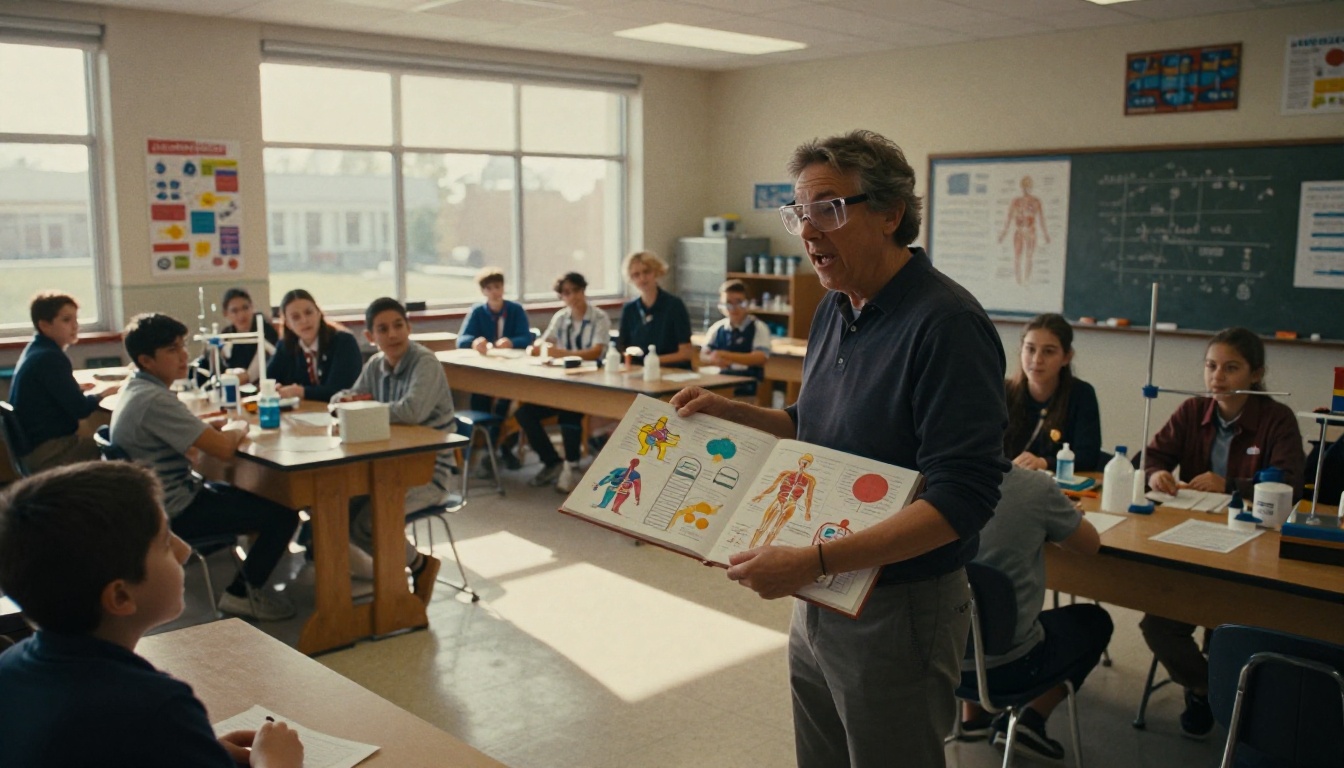
Science teachers are some of the most creative adopters of flipbooks. A typical lab procedure handout is a wall of text. Converted to a flipbook, the same content becomes a visual walkthrough, with each spread dedicated to a single step. Students turn the page only when ready to move on, which naturally paces the activity.
Biology teachers use flipbooks to present anatomy diagrams with matching labels on facing pages. Chemistry teachers create flipbook reaction sequences where each spread shows a stage of the process. Earth science teachers build weather system comparisons where students can flip between different storm types side by side.
✅ Best practice: Design science flipbooks so each page spread equals one measurable lab step. Students always know exactly where they are in the process.
History timelines that students actually read
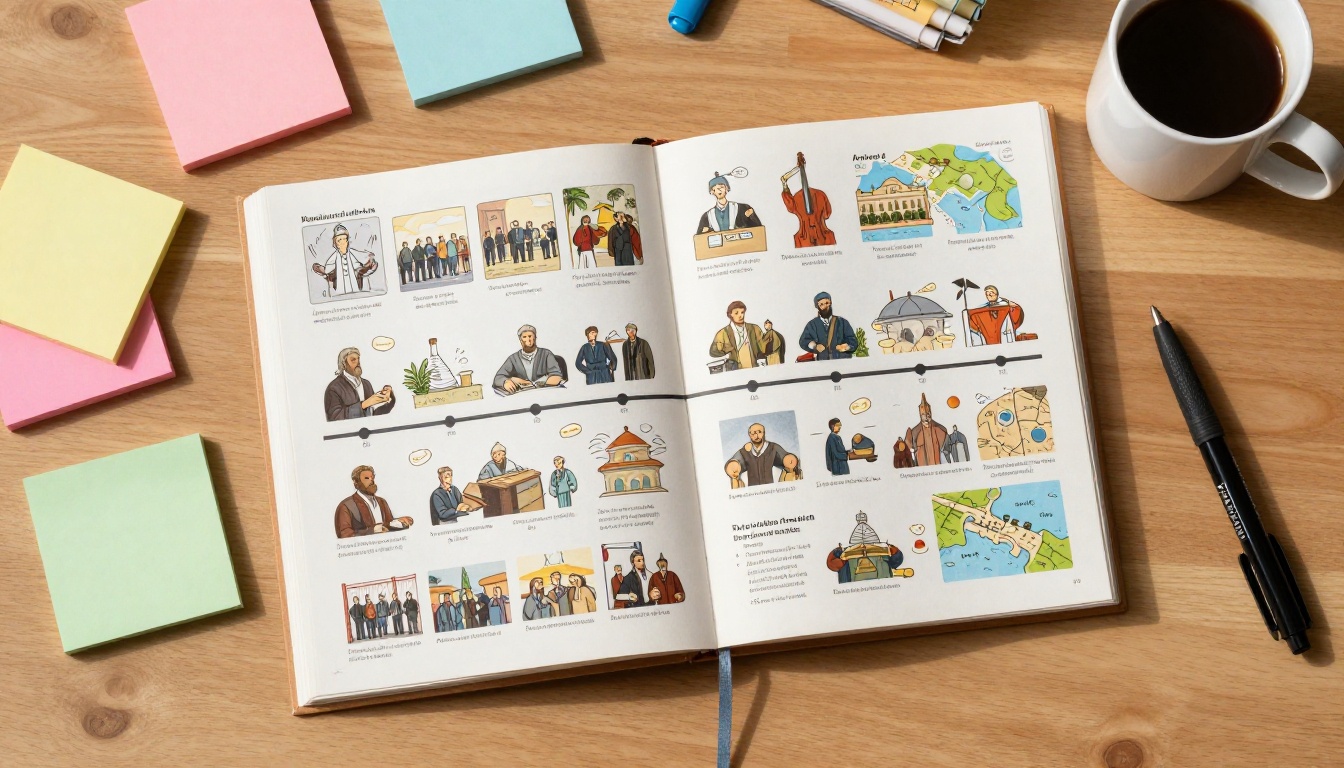
History classes suffer from the "wall of dates" problem. When students face a page dense with names, events, and years, they shut down. A flipbook timeline changes this completely.
Each page spread covers a single era or event. The layout includes a key date, a brief written summary, and a photograph or illustration. Students move through history chronologically, which mirrors the way events actually unfolded. The format makes cause-and-effect relationships obvious in a way that bullet-pointed lists never can.
Teachers also use history flipbooks as assessment tools. Students build their own timelines, adding their own summaries and selected images to each page, which deepens retention far more than copying notes.
Literature and reading
English and literature teachers use flipbooks as reading companions. Instead of handing out character lists and plot summaries as separate sheets, they compile everything into a single flipbook that students keep open while reading the novel.
A well-structured literature flipbook might include character profiles on the first few spreads, a plot map in the middle, theme analysis toward the end, and a vocabulary section at the back. Students flip between sections as they read, keeping all context available without shuffling papers.
Math step-by-step
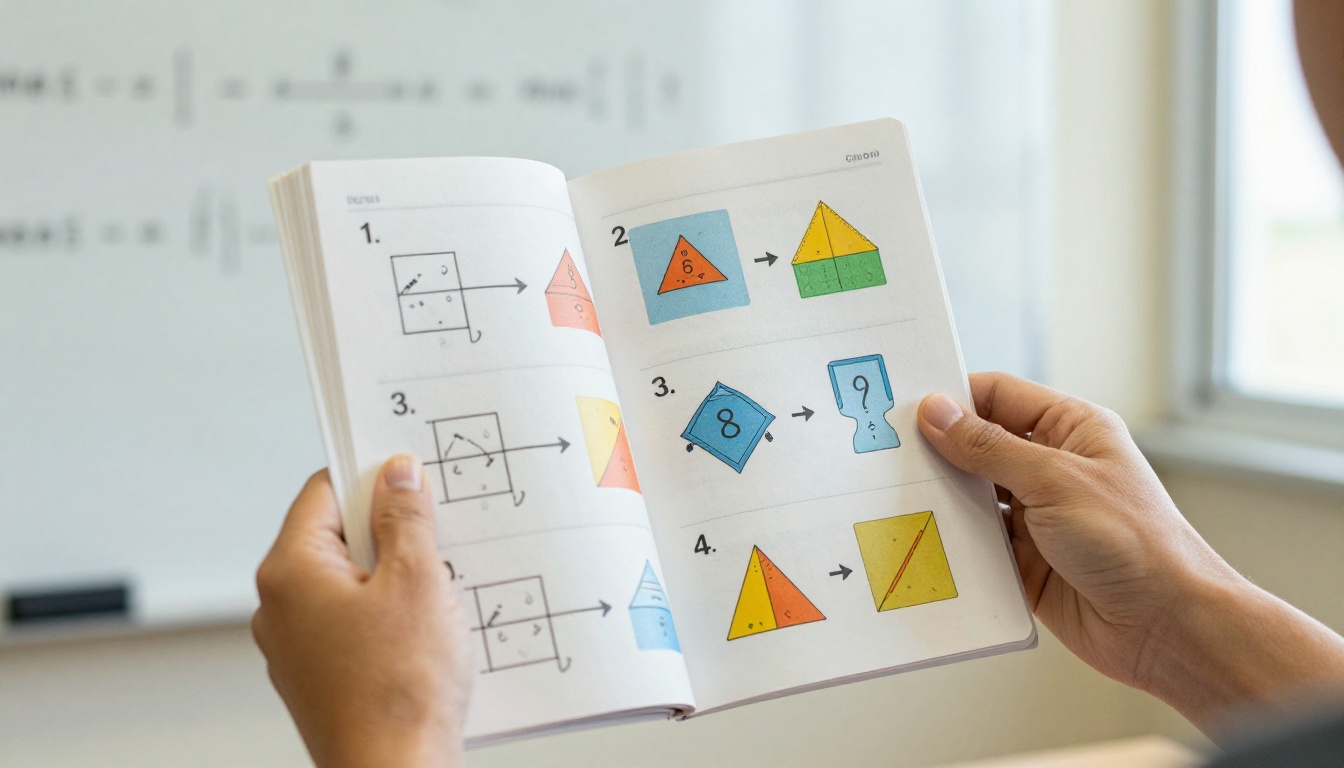
Math is a subject where sequence matters absolutely. One wrong step derails the entire problem. Flipbooks are a natural fit because they enforce the correct sequence visually. Each page spread shows one step, with the worked example on the left and a practice prompt on the right.
Fraction operations, algebra solving, geometric proofs: all of these benefit from being broken into discrete visual steps. Students who need to review can flip back to any step without losing their place in the overall problem.
⚠️ Avoid cramming multiple operations onto a single spread. One concept per spread is the rule that makes math flipbooks genuinely useful.
Subject Breakdown at a Glance
| Subject | Common Flipbook Use | Student Benefit |
|---|
| Science | Lab procedures, anatomy diagrams, reaction sequences | Paces lab work, reduces errors |
| History | Era timelines, event spreads, cause-and-effect chains | Visual chronology improves retention |
| English | Character profiles, plot maps, vocabulary references | All context accessible during reading |
| Math | Step-by-step problem solving, formula references | Enforces correct sequence, easy review |
| Geography | Map progressions, climate comparisons, regional profiles | Visual comparison across regions |
| Art | Artist timelines, technique demonstrations, portfolio reviews | Shows progression and creative context |
How to Create a Classroom Flipbook with Flipbooks AI
Flipbooks AI makes the process straightforward, even for teachers with no design background. The Course Material Publisher and Training Manual Flipbook tools are built specifically for educational content.
Here is how to build your first classroom flipbook:
Step 1: Create your account
Visit flipbooksai.com/account and sign up. The process takes under two minutes. No credit card is required to start.
Step 2: Prepare your PDF
Convert your lesson content into a PDF. This can be a lesson plan, lab procedure, study material, or any educational document. Google Slides, Microsoft PowerPoint, Canva, and Word all export to PDF directly. For classroom content, portrait orientation with large font sizes works best.
Step 3: Upload and convert
Drag your PDF into the upload area. Flipbooks AI converts it automatically, applying the page-turn animation and responsive layout. The conversion preserves all your formatting, images, and colors exactly as designed.
Step 4: Customize for your classroom
Use the branding tools to add your school colors or class name. You can adjust page effects, set the flipbook title, and add a header image. For student-facing materials, keep the design clean and focused on readability.
Step 5: Add multimedia (optional)
Professional plan users can embed videos and audio directly into pages. This is powerful for science demonstrations, reading narration tracks, or language pronunciation content. Students click to play without leaving the flipbook.
Step 6: Share with students
Generate a direct link to share via email, your school's LMS, or your class website. Use the embed code to place the flipbook directly inside Google Classroom, Schoology, or any other platform. For sensitive materials, enable password protection so only enrolled students can access it.
💡 Use the School Newsletter Creator to also share flipbooks with parents. A single link works on any device, including smartphones.

Plan Comparison for Schools
| Feature | Free Plan | Standard Plan | Professional Plan |
|---|
| Flipbooks | 3 | Unlimited | Unlimited |
| Watermarks | Yes | No | No |
| Custom branding | No | Yes | Yes |
| Password protection | No | No | Yes |
| Analytics | No | No | Yes |
| Embed video and audio | No | No | Yes |
| Offline downloads | No | No | Yes |
| Lead generation | No | No | Yes |
✅ Most classroom use cases are fully covered by the Standard plan. Professional is ideal for schools that want to track which students opened materials and how long they spent reading.
Check the full pricing breakdown to choose the right tier for your school or department.
Features That Matter Most in Schools
| Feature | Why It Matters |
|---|
| Mobile-responsive design | Students access materials on phones and tablets at home |
| No watermarks | Professional appearance for school-distributed materials |
| Password protection | Keeps exam prep materials and sensitive content private |
| Embed on any platform | Works inside Google Classroom, Canvas, Schoology |
| Direct link sharing | No student account required to view |
| PDF fidelity | Exact formatting preserved from original design |
| Analytics | Teachers can see who opened materials and engagement time |
The Real Impact on Student Participation
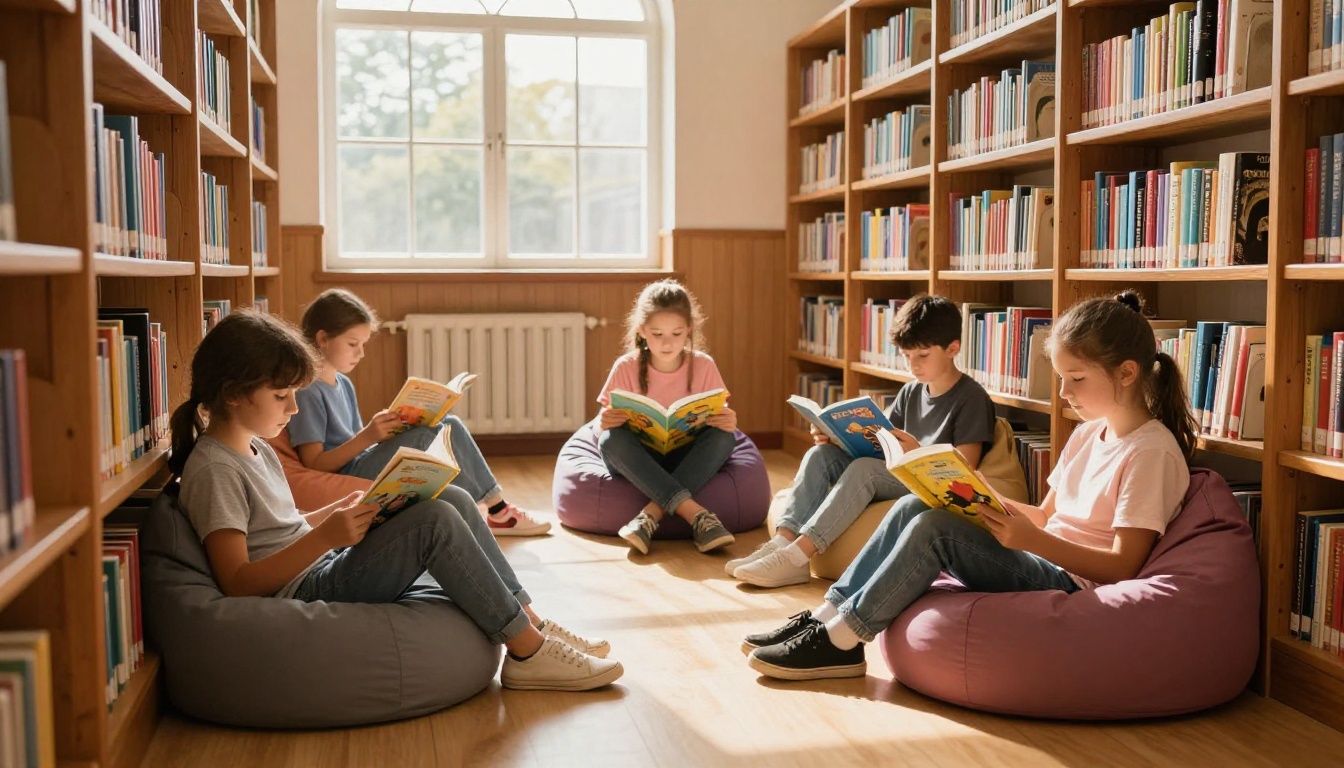
Teachers who use flipbooks in their classrooms report three consistent changes in student behavior. First, students take the materials home more often. A printed handout gets lost or crumpled. A link to a flipbook stays accessible on any device.
Second, students who struggle with traditional reading formats respond better to the visual pacing of a flipbook. The page-turn rhythm mirrors reading an actual book, which is less intimidating than scrolling through a long document.
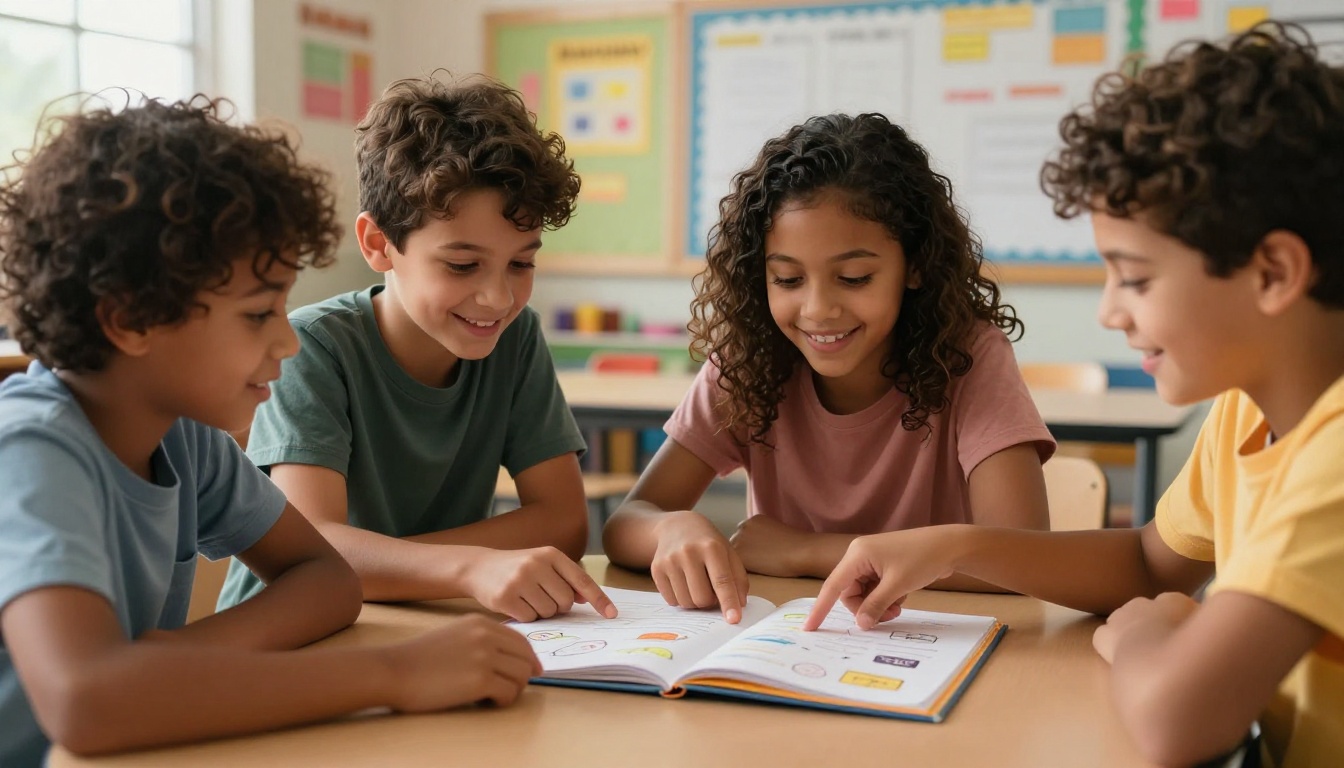
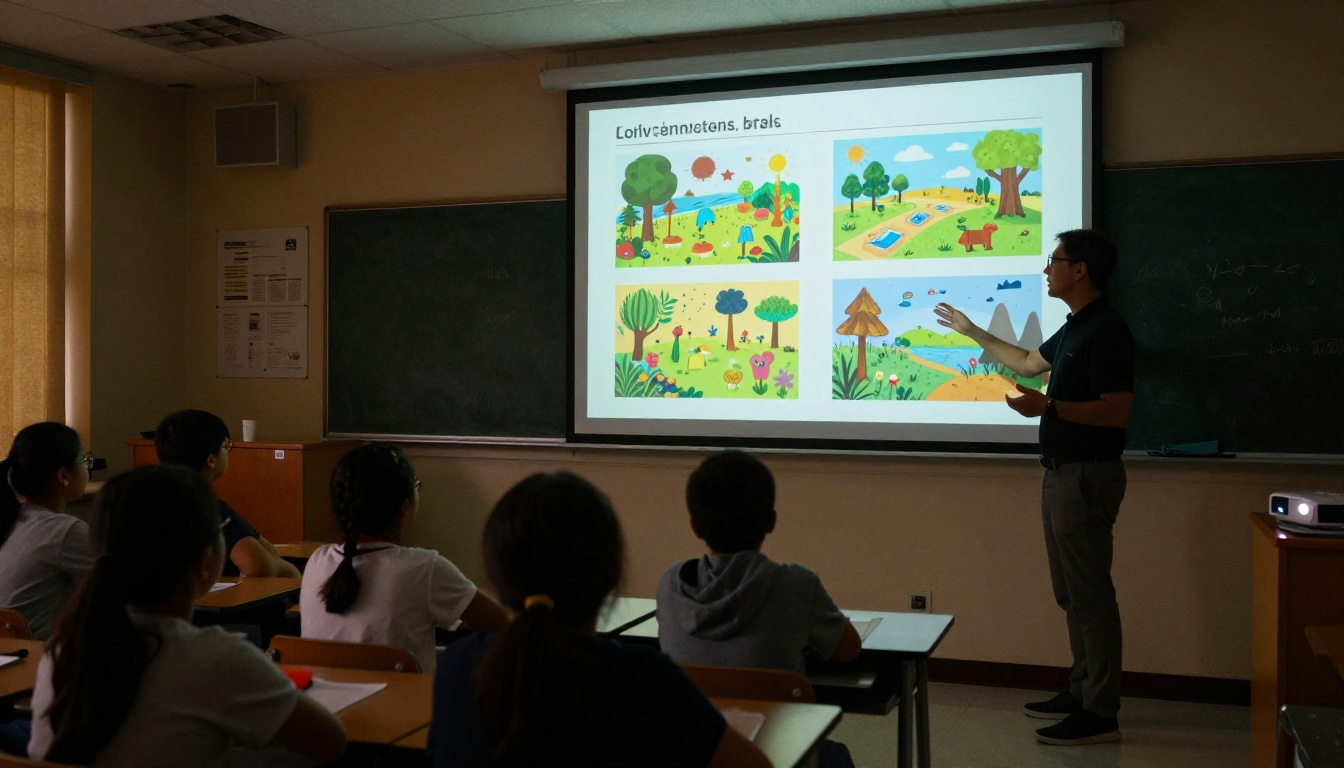
Third, group work improves. When a shared flipbook is projected or passed around, it becomes a natural point of focus for discussion. Students can agree on which page the group is reviewing without confusion, because everyone sees the same spread at the same time.
These outcomes are not surprising. Flipbooks reduce cognitive load by presenting information in bounded, sequential spreads rather than one continuous scroll.
The format also pushes teachers to design better content. When each page spread has to stand on its own, educators naturally trim unnecessary text and replace it with visuals. The constraint of the format drives clarity.
3 Common Mistakes Teachers Make with Flipbooks
-
Packing too much onto a single spread. The best flipbooks treat each page like a slide in a presentation: one main idea, a strong visual, and short supporting text. Dense spreads defeat the purpose of the format.
-
Skipping the first page design. The first page is the first thing students see. A well-designed opening with a clear title and relevant image sets the tone and signals that the material is worth reading carefully.
-
Not sharing via link. Teachers who print flipbooks lose the interactivity entirely. The value is in the digital format. Share links, embed in your LMS, and let students access the material on their own devices wherever they are.
⚠️ Printing a flipbook removes the page-turn interactivity that makes the format work. Always share digitally when possible.
Ready to Build Your First Classroom Flipbook?
The tools are already available. The setup takes minutes. And the difference in how students receive your materials can start with the very next lesson you create.
Get started for free on Flipbooks AI and convert your first lesson PDF into an interactive classroom flipbook. Browse the education tools built specifically for teachers, or see pricing plans to choose what works best for your classroom.
Whether you teach kindergarten science or high school literature, there is a flipbook format that fits. All it takes is a PDF and a few minutes to make it happen.



