Most digital content gets read and forgotten. Someone opens your flipbook, flips through a few pages, and closes it without leaving any trace they were ever there. A lead form changes that equation completely.
When you embed a lead capture form directly inside your flipbook, every single reader becomes a contact opportunity. Not in an intrusive way, but as a natural extension of the value you are already delivering. Flipbooks AI makes this process straightforward, giving you full control over when the form appears, what it asks, and where the data goes.
This article walks you through the mechanics of flipbook lead forms, real-world placement strategies, and everything that produces measurable results.

Static PDFs cannot capture lead information. Neither can most traditional documents. But a flipbook is an interactive, web-based experience, which means it can do almost everything a landing page can do, including collect names, emails, phone numbers, and custom field responses.
The psychology behind in-content lead capture is solid. By the time a reader reaches your lead form, they have already spent time with your content. They are warmed up. They have demonstrated real interest. Compared to a cold opt-in form on a homepage, a well-placed flipbook lead form converts at dramatically higher rates because the reader has already invested their attention.
There are three broad patterns where flipbook lead forms consistently outperform traditional approaches:
- Gated content: Require the reader to submit their email before accessing page 3 onward. High conversion, intentional friction.
- Exit intent forms: Trigger a form as the reader moves to close the flipbook. Low friction, solid last-chance conversion.
- Mid-content forms: Place a form after a high-value section, when interest is at its peak. A balanced approach that suits most use cases.

Before building your form, decide what data you actually need. The shorter the form, the higher the completion rate. Every additional field costs you roughly 10 to 15 percent of potential submissions.
| Field Type | Best For | Completion Impact |
|---|
| Email only | Newsletter signups, gated downloads | Very high (lowest friction) |
| Name + Email | Sales follow-up, personalization | High |
| Name + Email + Phone | High-ticket sales, consultations | Medium |
| Name + Email + Company | B2B lead qualification | Medium-low |
| Full profile (5+ fields) | Premium gated reports, demo requests | Low |
💡 Pro tip: Use conditional logic when your platform supports it. Show a phone field only if the reader selects "I want a callback." This keeps the form short for most users while capturing richer data from motivated prospects.
For most flipbook use cases, name and email is the sweet spot. It is enough to start a personalized conversation without creating unnecessary friction.
Flipbooks AI includes a built-in lead generation tool on the Professional plan. Here is exactly how to set it up from start to finish.
Step 1: Create or open your flipbook
Go to flipbooksai.com/account and sign in. If you do not have a flipbook yet, click New Flipbook and upload your PDF. The platform converts it into a fully interactive, page-turning digital publication in seconds.
If you already have a flipbook, open it from your dashboard by clicking its thumbnail.
Step 2: Open the Lead Generation settings
Inside the flipbook editor, look for the Lead Generation section in the settings panel. This feature is available on the Professional plan. If you are on a lower tier, the platform will prompt you with an upgrade path.
Step 3: Enable the lead form
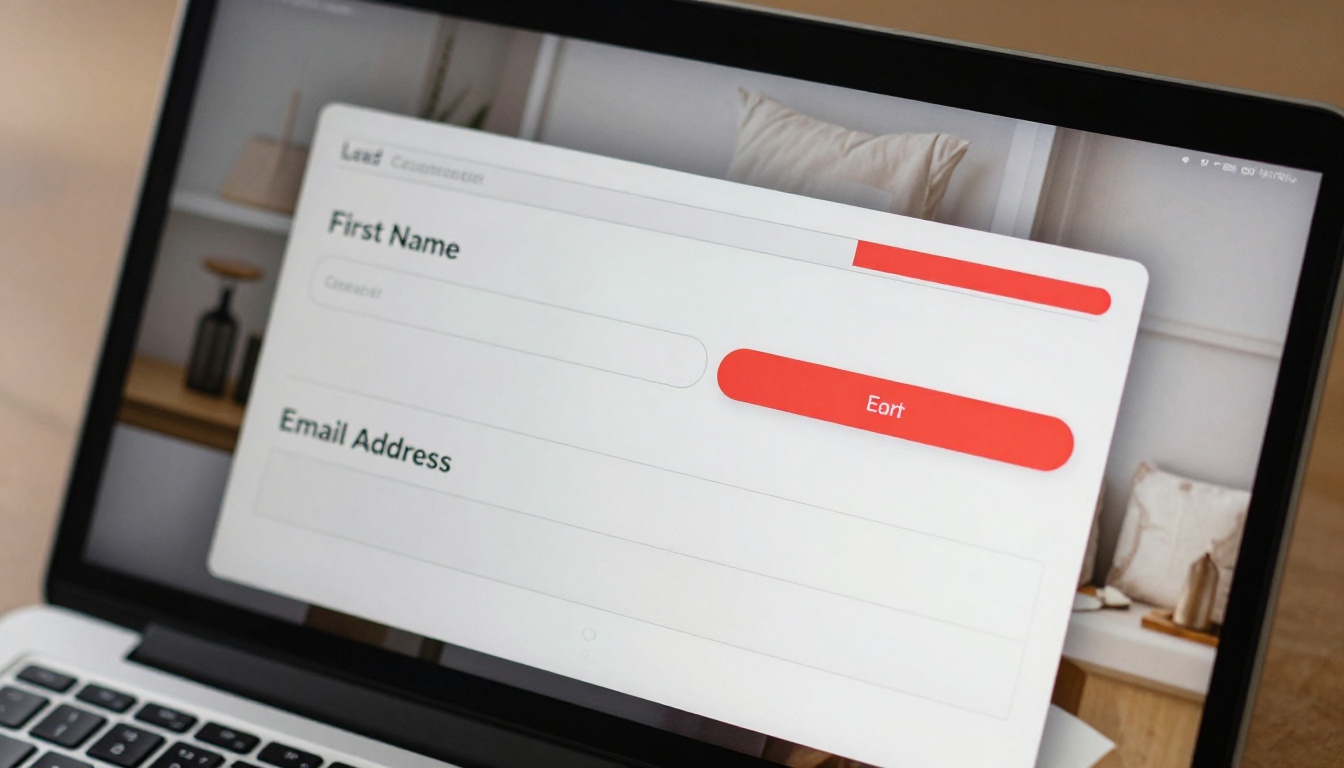
Toggle Enable Lead Form to on. A form builder will appear with the following configuration options:
- Form title: What readers see at the top of the form (e.g., "Get access to the full catalog")
- Fields: Add, remove, or reorder form fields including Name, Email, Phone, and custom inputs
- Submit button text: Replace "Submit" with something action-oriented like "Send me the guide"
- Privacy note: Add a one-line GDPR or privacy disclaimer beneath the submit button
Step 4: Set your trigger
This is where strategy matters most. Choose when and how the form appears to readers:
- On page load: Shows immediately when the flipbook opens. Aggressive, high visibility, lower engagement.
- After X pages: Shows after the reader has viewed a set number of pages. Recommended for most cases.
- On exit intent: Triggers when the user moves to close the tab. Low friction, last-chance capture.
- On a specific page: Locks the flipbook at a particular page and requires form submission to continue.
⚠️ Warning: Avoid setting your form to trigger on page 1. Readers who have not yet seen your content have no reason to give you their email. Let them read at least 2 to 3 pages first.
Step 5: Configure what happens after submission
After a reader fills out the form, you control the next step:
- Continue reading: The form closes and the reader picks up where they left off. Best for gated mid-content forms.
- Redirect to URL: Send the reader to a thank-you page, a product page, or a booking link.
- Show a custom message: Display a warm confirmation note directly within the flipbook interface.
Step 6: Export and connect your leads
All submissions are logged in the Leads section of your dashboard. From there, you can:
- Export as CSV for import into your CRM or email platform
- Connect via webhook to tools like Mailchimp, HubSpot, or Salesforce
- Review submission timestamps and page-progress data for each lead
Trigger Timing: Which Strategy Wins
The single biggest variable in flipbook lead form performance is when the form appears. Here is a direct comparison of the most common trigger strategies:
| Trigger Strategy | Typical Conversion Rate | Best Use Case | Friction Level |
|---|
| Immediate (page 1) | 2-5% | Cold traffic landing pages | Very high |
| After 3 pages | 15-25% | Warmed-up readers, product catalogs | Medium |
| After 50% of flipbook | 20-35% | Long-form reports, e-books | Low-medium |
| Exit intent | 8-15% | Recovering abandoning readers | Low |
| Specific page gate | 30-50% | Premium gated content, whitepapers | High (intentional) |
The "after 3 pages" trigger tends to perform well across most content types because readers have invested enough to feel curious but have not yet gotten everything they came for. For longer publications, pushing the trigger past the halfway point often yields the strongest quality leads since those readers are clearly engaged.

Most flipbook lead forms fail not because of bad timing but because of generic copy. "Subscribe to our newsletter" does not tell the reader what they are getting. "Enter your email to continue" feels like a toll booth.
Here is the structure that consistently produces results:
Headline: State the specific value. "Get the full 2025 pricing breakdown" beats "Access the document" every time.
Sub-headline: Add urgency or social proof. "Updated monthly. Used by 4,200+ buyers." does a lot of persuasion work in very few words.
CTA button: Make it outcome-focused. "Send me the guide" or "Yes, I want access" outperform "Submit" by a significant margin. The reader should feel like they are receiving something, not completing a transaction.
Privacy reassurance: A single line like "No spam, ever. Unsubscribe any time." removes the main psychological barrier standing between the reader and the submit button.
✅ Best practice: Match your form copy to the exact section of the flipbook where it appears. If the form triggers on page 5 of a product catalog, the headline should reference what is on pages 6 and beyond, not some generic brand message.
Real-World Use Cases
Flipbook lead forms are not a one-size-fits-all tool. Different industries use them in very distinct ways.
Real estate agencies use the Real Estate Brochure Creator to build polished property brochures, then gate the pricing pages behind a lead form. Every inquiry is now tied to a specific property and a warm, self-identified prospect.
Fashion and retail brands build seasonal lookbooks with the Interactive Lookbook Designer, triggering a form midway through the collection with an offer like "Get early access to the full fall collection before it drops."
B2B companies publish annual reports with the Annual Report Creator and gate the executive summary or financial highlights behind a professional-details form that qualifies prospects by company size or role.
Restaurants and hospitality venues create digital menus with the Restaurant Menu Creator and use exit-intent forms to capture reservation requests or private event inquiries from interested diners.
Training departments convert internal manuals using the Training Manual Flipbook tool and require learners to register before accessing module 2, building a verifiable completion record tied to real employee data.
Flipbooks AI Plan Comparison for Lead Generation
Not every plan includes the lead generation feature. Here is a full breakdown of what each tier provides:
| Feature | Free | Standard | Professional |
|---|
| Lead forms | No | No | Yes |
| Analytics dashboard | No | Basic | Full |
| Custom branding | No | Yes | Yes |
| Unlimited flipbooks | No | Yes | Yes |
| Offline downloads | No | No | Yes |
| Password protection | No | Yes | Yes |
| Webhook and CRM integrations | No | No | Yes |
| No watermarks | No | Yes | Yes |
💡 Pro tip: If lead generation is the primary reason you are creating a flipbook, start with the Professional plan from day one. Switching plans mid-campaign can reset form configuration data and interrupt active integrations.
Full plan details are available at flipbooksai.com/pricing, including current pricing and any active promotional tiers.
Common Mistakes That Kill Conversions
Even with a great platform and strong content, certain mistakes consistently hurt flipbook lead form performance.
Asking for too much too soon: A five-field form before the reader has seen any value is almost always ignored. Earn the submission first, then ask for more data in a follow-up sequence.
No mobile optimization: More than half of flipbook views happen on mobile. A form that works beautifully on desktop but breaks on a small screen loses half your potential leads. Flipbooks AI renders forms responsively by default, but always test on your actual phone before publishing.
Vague submit button text: "Submit" is the laziest CTA in digital marketing. Tell people specifically what happens when they click.
No confirmation experience: When someone fills out your form, they should feel something. A warm confirmation message or a redirect to a valuable page reinforces their decision and sets the tone for the relationship ahead.
Ignoring leads after capture: The form is just the beginning. If you collect 200 emails from a flipbook campaign and never follow up, the entire effort was wasted. Connect your lead form to an email sequence, a CRM, or at minimum a structured manual follow-up schedule within 24 hours.
Optimizing for Higher Conversion Over Time
Lead forms are not set-and-forget. The best-performing ones are continuously tested and refined based on real data.

Start with baseline data from the analytics dashboard available on the Professional plan. Track three core metrics:
- Form impression rate: What percentage of readers actually see the form?
- Form completion rate: Of those who see it, how many fill it out?
- Drop-off pages: Where are readers leaving before the form triggers?
If your impression rate is low, your trigger is firing too late or too few readers are reaching that point in the flipbook. Move the trigger earlier. If your completion rate is low, your copy or form length is the problem, not the timing.
A/B testing the headline copy alone can produce 20 to 40 percent swings in completion rate. Run one variable at a time, wait for statistically meaningful results (at least 100 to 200 form impressions), then implement the winning version permanently.
✅ Best practice: Pair your flipbook analytics with UTM parameters on your sharing links. This connects flipbook lead data to the specific campaign, channel, or audience segment that generated it, giving you a full-funnel picture rather than isolated form data.
Where to Share Your Flipbook for Maximum Lead Capture
Where your flipbook lives directly affects who sees your lead form and how warm they are when they arrive.
Embedding it on your own website is the highest-leverage option. Visitors already browsing your content are the warmest possible audience. The Embed Flipbook on Website tool generates a clean embed code you can paste into any page builder, CMS, or custom HTML block. The flipbook renders inline with your site and the lead form triggers exactly as it would in standalone view.
Other distribution channels worth building into your strategy:
- Email newsletters: Send the flipbook link to your existing list. Engaged subscribers who click through and fill out forms signal very high intent.
- LinkedIn posts: Share a direct link with a teaser of what is inside. Professionals clicking through are often already in research or buying mode.
- Sales decks: Embed a flipbook link in a slide. When a prospect opens it later on their own time, the lead form captures their details automatically.
- QR codes on print materials: Particularly effective for retail, hospitality, and events where you want to convert offline traffic into digital contacts you can follow up with.
Privacy, Compliance, and Data Handling
Any time you collect personal data, you have both legal and ethical responsibilities to the people filling out your forms.
The main frameworks to be aware of:
- GDPR (Europe): Requires explicit consent before collecting personal data. Add a checkbox with a clear consent statement to your form.
- CAN-SPAM (US): Requires a clear opt-out mechanism in any marketing emails you send using collected addresses.
- CCPA (California): Requires disclosure of data collection practices and a right to deletion upon request.
Flipbooks AI stores lead data securely and allows you to export or delete submissions on request. Adding a privacy policy link and a consent checkbox to your form covers the basics for most jurisdictions.
⚠️ Warning: Do not purchase email lists and retroactively claim those contacts opted in through your flipbook. Misrepresenting consent is a serious legal risk and will destroy deliverability for your entire email sending domain.

Making Every Flipbook a Lead Asset
The gap between a flipbook that sits unused and one that actively builds your contact list often comes down to a single toggle: the lead form.
You have the content. Your audience is already reading it. The form is the mechanism that converts that attention into something tangible, a name, an email address, a relationship you can build on.
Start by picking one flipbook you already have or create a new one at Flipbooks AI. Add a lead form with the "after 3 pages" trigger. Write a specific, value-forward headline. Run it for two weeks and let the data tell you exactly what to refine.
Ready to put this into practice? Create your account and activate the lead generation feature today. Or review pricing plans to see exactly what the Professional tier includes before committing.



