Most flipbooks get opened once and forgotten. The ones that actually get shared have something different going on, whether that is a layout that surprises you, content that feels genuinely useful, or a design so clean it makes people want to pass it along. Flipbooks AI makes creating that kind of shareable content straightforward, but the platform is only half the story. Here is what actually drives people to hit the share button.

What Makes a Flipbook Worth Sharing
The Psychology of Shareable Content
People share content for specific reasons: it makes them look informed, it helps someone they know, it surprises them, or it genuinely entertains. A flipbook that checks one of those boxes will travel. One that is just a digitized PDF with no interactivity or visual rhythm will not.
Before you design a single page, ask yourself what the person reading your flipbook will want to do with it after they close it. If the answer is nothing, you need to rethink the content itself.
💡 The most shared flipbooks tend to serve a clear purpose: a product catalog someone sends to a friend before buying, a recipe book someone passes along at a dinner party, or a travel itinerary a couple shares before a trip.
Design Elements That Stop the Scroll
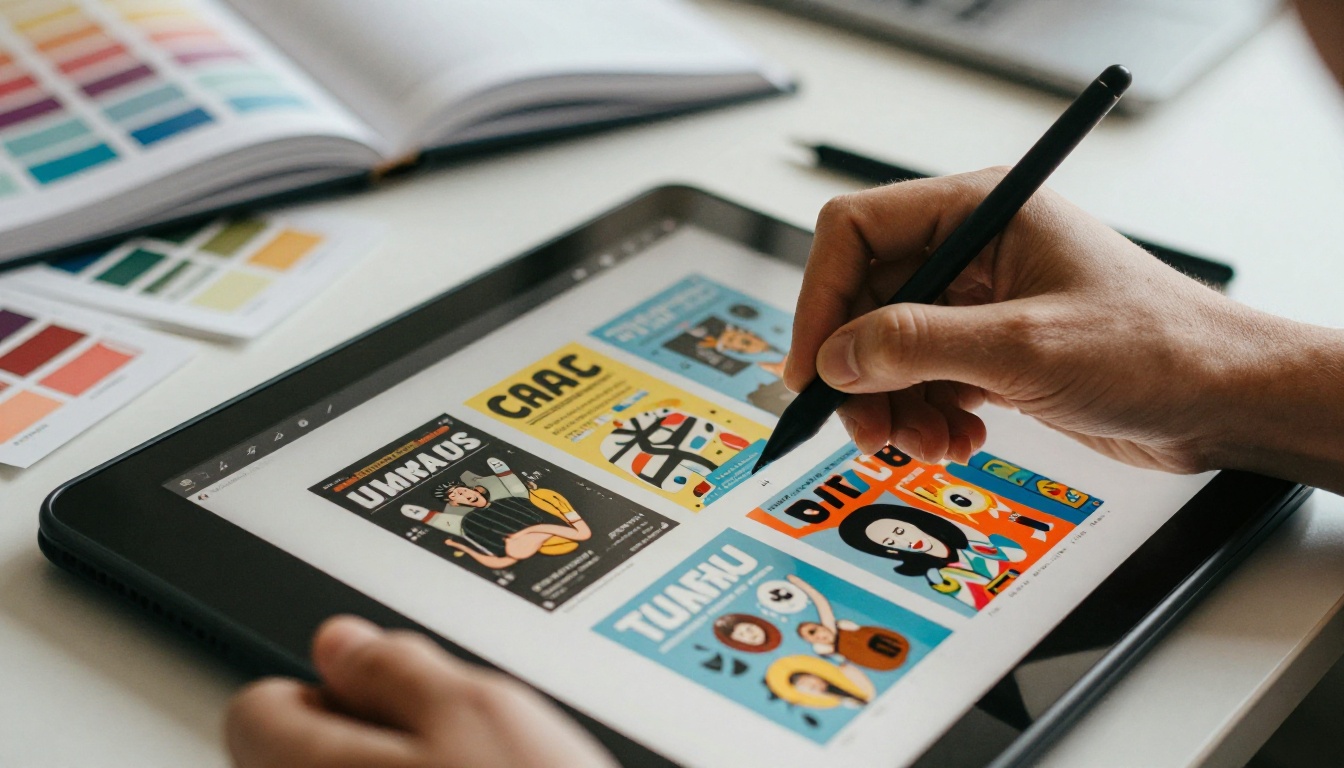
Shareable flipbooks share certain visual qualities. They use high-contrast typography, well-spaced layouts, and images that feel chosen rather than stock. They are not cluttered. They do not feel like a Word document saved as a PDF.
| Design Element | Low-Shareability Version | High-Shareability Version |
|---|
| Typography | Default serif, small size | Bold, clean sans-serif with clear hierarchy |
| Images | Generic stock photos | Original or well-curated photography |
| Layout | Wall of text, no breathing room | White space, pull quotes, visual anchors |
| Color palette | Too many competing colors | 2-3 consistent brand colors maximum |
| Page flow | Random section order | Logical narrative arc from first to final page |
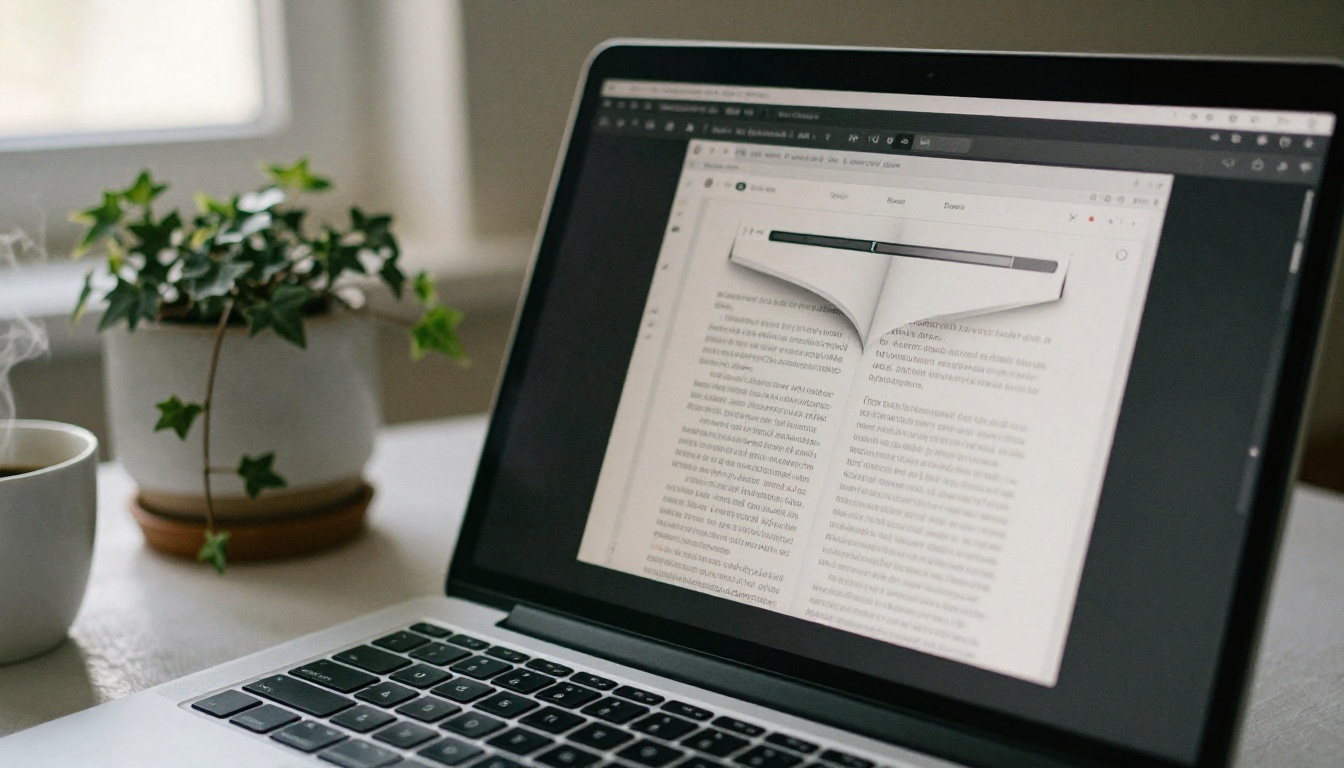
The page-turn effect in a digital flipbook is itself a psychological cue. It tells the reader this is a document worth reading, not just another scrollable webpage.
Building Your Flipbook From Scratch
Starting With the Right PDF
Your flipbook is only as good as the PDF it starts from. That means proper bleed margins (3mm recommended for print-style layouts), embedded fonts, and images at minimum 150 DPI for digital display. Use a design tool like Adobe InDesign, Canva Pro, or Affinity Publisher to build your PDF at the correct dimensions.
A few things to sort out before you convert:
- Page size: A4 landscape or letter landscape work well for most flipbook layouts
- File size: Keep under 100MB for fast loading, which matters a lot for mobile sharing
- First page design: Make it a visual hook, since it is the thumbnail people see before they click
⚠️ Do not use PDF exports from Google Slides or PowerPoint for anything you want to look professional. The font rendering and image compression are noticeably worse than purpose-built design tools.
Converting PDF to Interactive Flipbook
Once your PDF is ready, the conversion step determines the entire reading experience. Not all PDF to flipbook converter tools are equal. The things that matter most: how fast it loads on mobile, whether the page-turn animation feels smooth, and whether the shareable link actually works without requiring the recipient to download anything.
Customization That Drives Shares
Branding and Visual Consistency
A flipbook with no branding looks like an anonymous document. One with too much branding looks like an advertisement. The balance is subtle: your logo on the first page, a consistent color in the header or footer, and a consistent font across all text elements.
✅ Best practice: treat your flipbook's first page like a book front page and your interior pages like a premium magazine. The opening should tell people what it is and why they should read it. The interior should keep them there.
| Branding Element | Where to Place It | Why It Matters |
|---|
| Logo | First page and optional footer | Identifies the source when shared |
| Brand color | Header/footer accent strip | Visual consistency across all pages |
| Custom URL | Share link | Looks professional versus a generic link |
| Author bio or contact | Final page | Gives recipients somewhere to go next |
Adding Multimedia for Impact
Static flipbooks get shared. Interactive flipbooks get shared and discussed. Adding embedded video or audio to a flipbook is genuinely underused. A restaurant using the menu flipbook designer can embed a short clip of their kitchen prep. A real estate agent using the real estate brochure creator can embed a property walkthrough video directly in the page.
These elements give people something to talk about and share beyond "here is a PDF."

How to Create a Shareable Flipbook with Flipbooks AI
Flipbooks AI handles the entire workflow from PDF upload to shareable link in a few minutes. Here is exactly how to do it.
Step 1: Set Up Your Account
Go to flipbooksai.com/account and sign up. The process takes under two minutes. No credit card required. Once inside the dashboard, the upload interface is right in front of you.
Step 2: Upload and Convert Your PDF
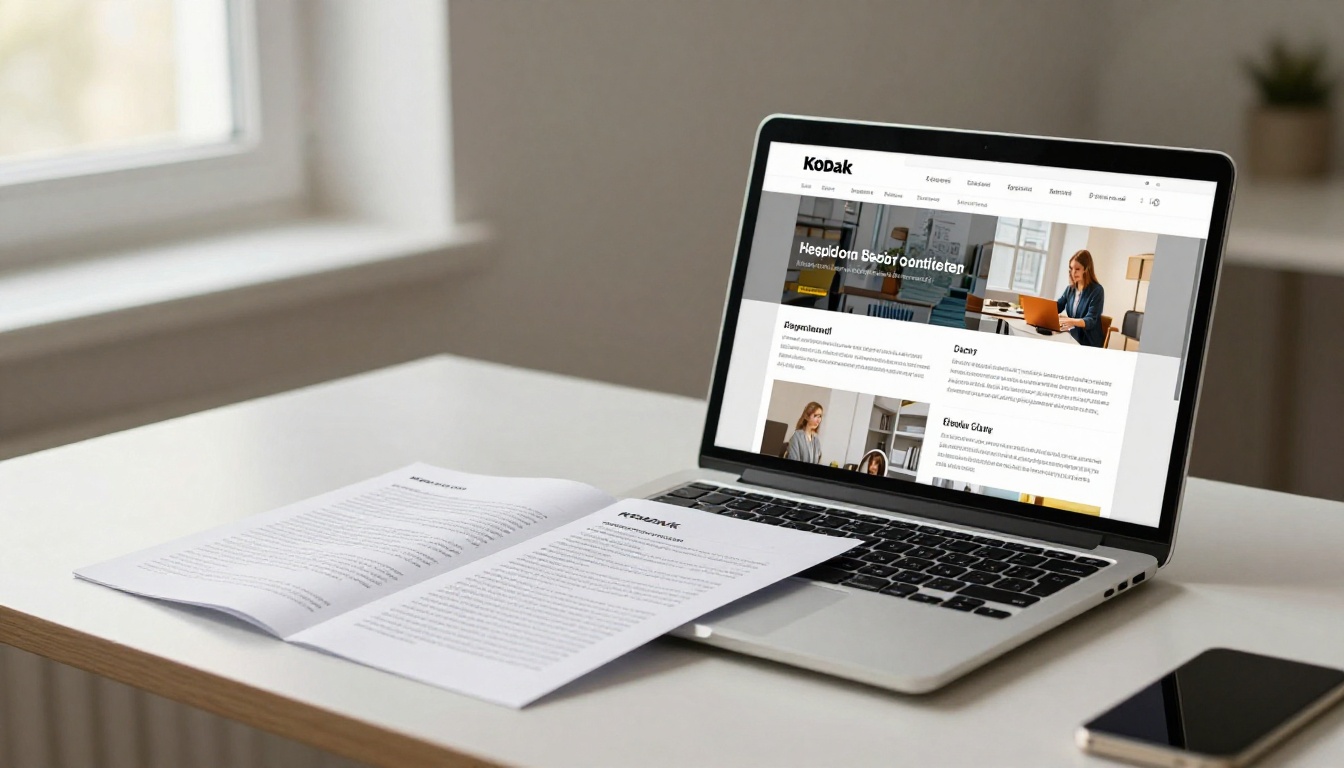
Click the upload button and select your prepared PDF. Flipbooks AI converts it automatically, preserving your fonts, images, and layout fidelity. For most PDFs, conversion takes under 60 seconds.
💡 If your flipbook has more than 50 pages, consider breaking it into chapters. Readers are far more likely to share a 15-page visual chapter than scroll through a 60-page document in one sitting.
Step 3: Customize Your Flipbook
After conversion, you can:
- Set a custom background color or gradient for the viewing area
- Enable or disable page thumbnails in the sidebar
- Add an opening image that displays before the reader enters the flipbook
- Choose page flip direction (left-to-right or right-to-left for RTL content)
- Embed video or audio directly into specific pages
For branded content, upload your logo and select your brand colors. The custom branding options on Flipbooks AI remove any platform watermarks entirely, so your flipbook looks like it belongs to your organization.
✅ Worth noting: no watermarks ever, unlimited flipbooks on Standard plan and above, password protection for private content, and full mobile-responsive design on every flipbook you create.
Step 4: Set Up Sharing Options
This is where the shareability actually happens. Flipbooks AI gives you several options:
- Direct link: A clean URL you can drop into emails, messages, or social posts
- Embed code: An iframe snippet that places your flipbook into any webpage or CMS
- Password protection: For private content you only want specific people to access
- QR code: Auto-generated for print materials that link to your digital flipbook
Copy the direct link, paste it into a test email, and open it on your phone. Check that it loads fast, looks correct, and the page-turn animation works on a touchscreen.

Step 5: Share and Track Performance
Once live, use the analytics features available on the Professional plan to see how many people opened your flipbook, how long they spent on each page, and where they dropped off. This data tells you which sections are working and which are losing readers before the final page.
The lead generation feature on the Professional plan lets you add a gate to your flipbook, collecting email addresses before readers access the content. This works especially well for digital catalogs, interactive e-books, and training materials.
Where and How to Share Your Flipbook
Social Media Sharing Strategies
Platforms treat links differently. LinkedIn previews links well and is the right place for professional content: annual reports, press kits, and corporate presentations. Instagram does not support clickable links in posts, so use your link-in-bio and drive traffic through Stories.
Pinterest works exceptionally well for visual content like lookbooks, recipe books, and photography portfolios. Pin the first page image with the flipbook URL in the description.
| Platform | Best Flipbook Types | Sharing Method |
|---|
| LinkedIn | Reports, catalogs, presentations | Direct link in post or article |
| Instagram | Lookbooks, portfolios, menus | Link in bio, Stories swipe-up |
| Pinterest | Recipe books, travel content, fashion | Pin opening image with link |
| Facebook | Event programs, newsletters, menus | Direct post link or group share |
| Email | Any type | Embed thumbnail image linking to flipbook |
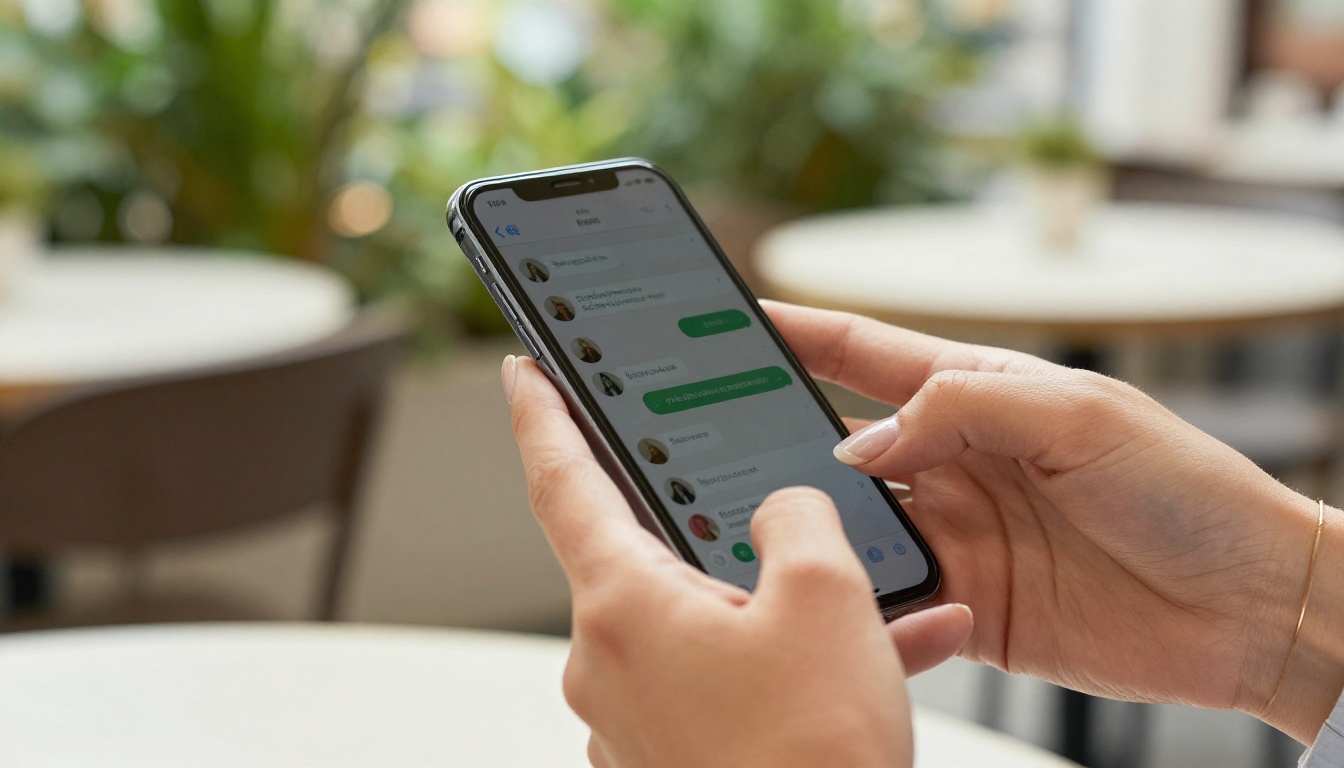
| WhatsApp/Telegram | Personal shares, restaurant menus | Direct link, previews automatically |
Email and Website Embedding
Email is still the highest-conversion sharing channel for most businesses. Do not paste a raw URL into your email. Instead, take a screenshot of your flipbook's first two pages, insert it as an image in the email, and hyperlink that image to the flipbook URL. The image acts as a visual preview that makes people want to click.
For websites, use the embed code from Flipbooks AI. An embedded flipbook on a product page or blog post keeps visitors on your site longer and gives them something interactive to read through.
✅ For email campaigns, always include a plain-text fallback link below the image. Some email clients block images by default, and you still want recipients to reach the flipbook.
Types of Flipbooks People Actually Share
Not all content formats perform equally when it comes to organic sharing. Here is how the most common flipbook types stack up:
| Flipbook Type | Shareability | Best Channel | Top Feature |
|---|
| Product catalogs | Very High | Email, WhatsApp | Quick purchase reference |
| Restaurant menus | Very High | Instagram, WhatsApp | Real-time seasonal updates |
| Photography portfolios | High | Instagram, Pinterest | Visual storytelling |
| Travel itineraries | High | Pinterest, Facebook | Aspirational content |
| Annual reports | Medium | LinkedIn, Email | Credibility signaling |
| Training manuals | Medium | Internal comms, Slack | Practical utility |
| Event programs | Medium | Email, QR code at venue | Real-time context |
| E-books | High | LinkedIn, newsletters | Educational value |
💡 The two highest-performing categories are product catalogs and restaurant menus. Both have strong utility-driven sharing patterns: people send them to others who will actually use them.
What Stops People From Sharing
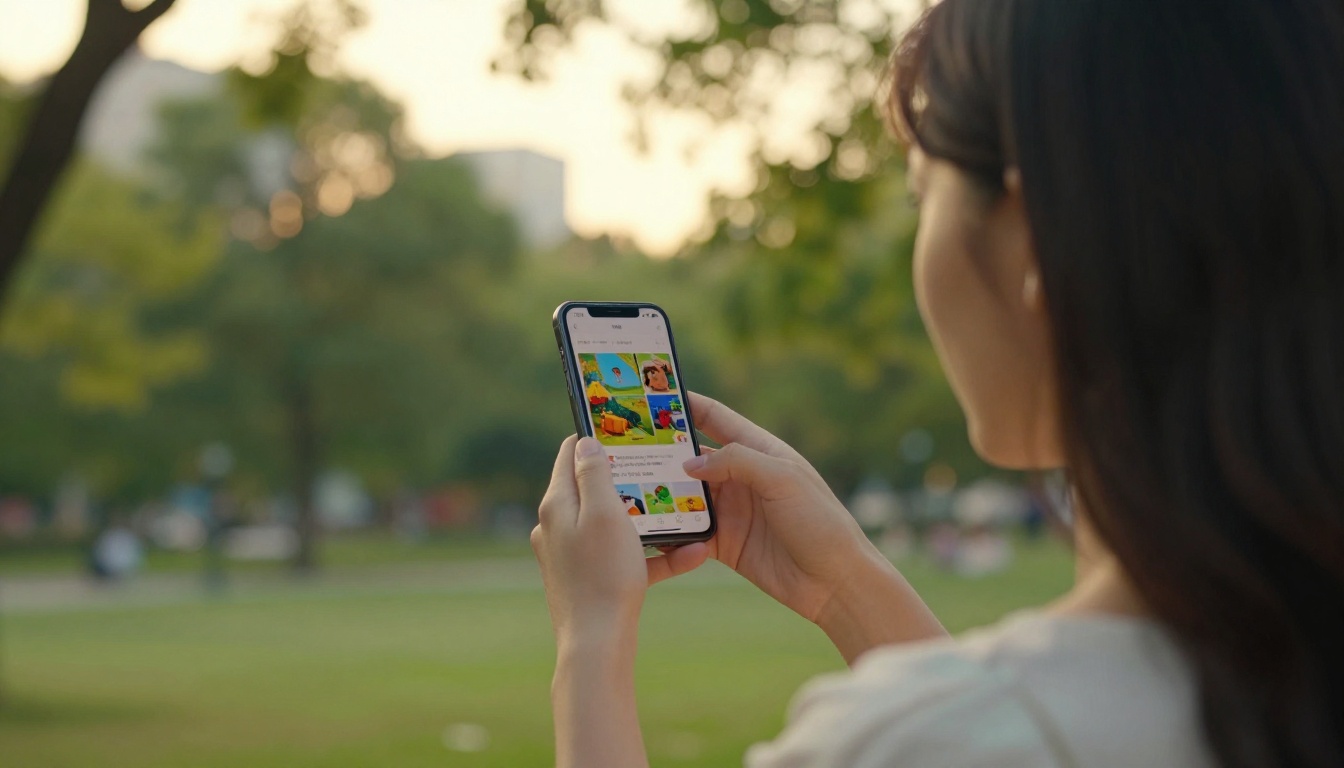
It is worth being honest about the friction points. A flipbook that loads slowly on mobile will not get shared, no matter how good the design is. One that requires a login to view will see dramatically lower pass-along rates. An opening page that looks like a template rather than intentional design tells the reader it was not worth extra effort.
The three most common reasons a flipbook gets opened once and never shared:
- Slow load time: Anything over 3 seconds on mobile is too long. Compress your images in the PDF before uploading.
- No clear value on the first page: If someone cannot tell in two seconds what this flipbook is about, they will not send it to anyone else.
- Too much content, no visual hierarchy: Walls of text without headers, callouts, or images make readers feel like work is required.
Measuring What Gets Shared
Reader Metrics That Matter
Raw view counts tell you very little. The numbers that actually indicate a flipbook is being shared rather than just opened:
- Unique visitors vs. return visitors: A high ratio of unique visitors suggests the link is being passed around
- Traffic source breakdown: Direct traffic (copy-paste links) and social referrals indicate active sharing
- Page depth: If readers are making it to the final page, the content is holding attention
- Time per page: Average time per page tells you which sections are being read versus skimmed
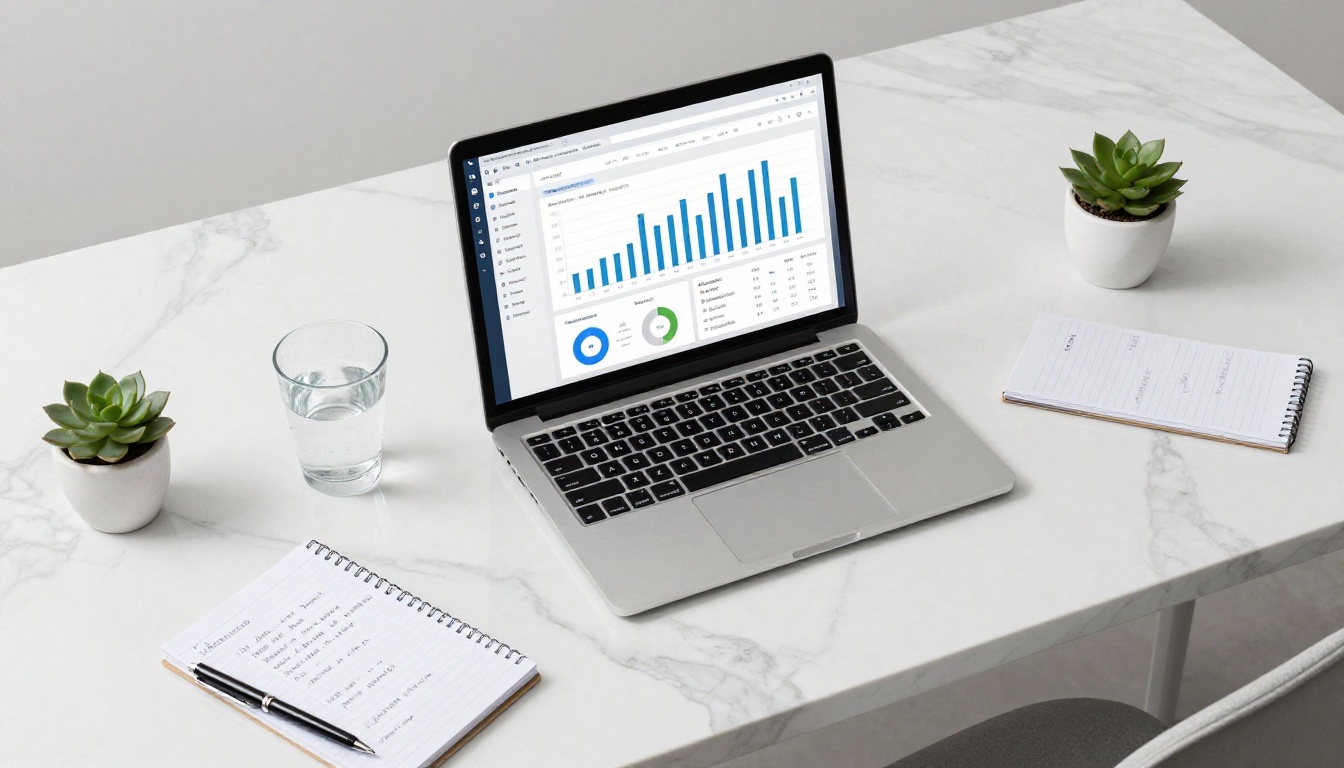
The Professional plan on Flipbooks AI includes all of these metrics in a clean dashboard. For any flipbook you are using as a marketing or business asset, this data pays for itself quickly. You also get offline download options, so readers can access your content even without an internet connection.
What Actually Moves the Needle
Every shareable flipbook has three things working together: content worth sharing, a design that communicates quality at first glance, and a friction-free sharing experience. Getting any one of these right is not enough. A beautiful design with hollow content will not travel. Great content in a clunky, slow viewer will not either.
Flipbooks AI handles the delivery side: fast load times, clean page-turn animations, mobile-responsive viewing, and sharing tools that work across every channel. The content and design are still yours to build. But with the right platform behind it, a well-made flipbook can reach people you never expected.
Ready to build something people actually want to pass along? Create your first flipbook for free and see how fast the workflow is. When you are ready for analytics, lead generation, and offline downloads, compare the pricing plans to find the right fit. Browse all available flipbook tools to find templates built for your specific use case.



