Your architecture portfolio is the most important sales document you will ever create. It outlasts introductions, travels without you, and gets judged in under ten seconds by people with too many emails and not enough time. A standard PDF attached to an email barely gets opened. A printed book costs hundreds to produce. But a flipbook portfolio, one that loads instantly in any browser, flips like a real book, and works on every device, changes the dynamic completely.
The PDF Problem
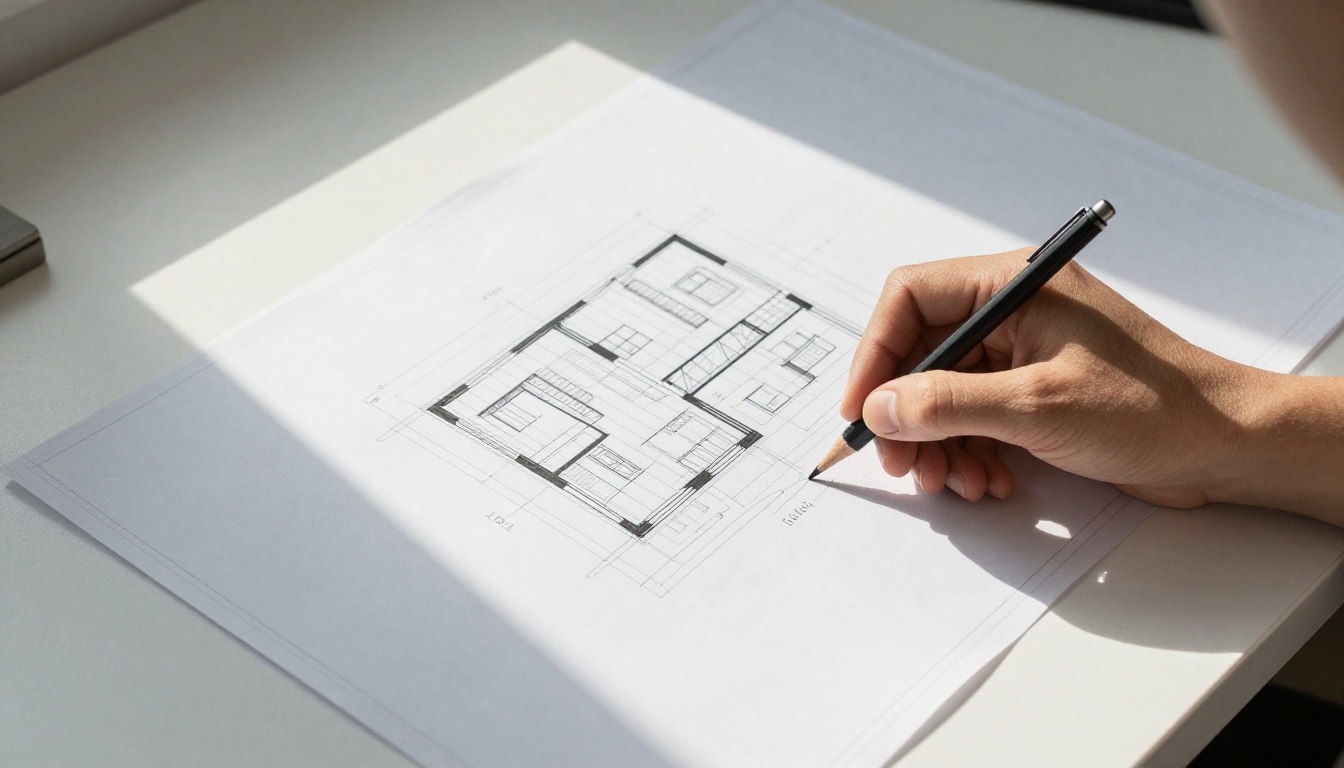
Most architects send their work as a PDF. The client downloads it, maybe opens it, scrolls awkwardly through pages never designed for a vertical scroll, loses their place, and closes it. There is no page-turning experience. No sense of narrative. No moment where the work breathes.
The format you choose to present your architecture portfolio is not a minor technical detail. It shapes how the work is perceived, how long someone spends with it, and whether they share it with a colleague.
What Clients Notice First
Before clients read a single caption or study a floor plan, they form an impression. That impression is built from four things:
- Loading speed: Did the portfolio appear in seconds or minutes?
- Visual clarity: Do the images render at full resolution?
- Navigation ease: Can they jump between projects without hunting?
- Device compatibility: Does it work as well on a phone as on a desktop?
A flipbook portfolio checks all four. A standard PDF often fails at every one.
What to Include in Your Architecture Portfolio
Project Selection: Fewer Projects, Stronger Impact
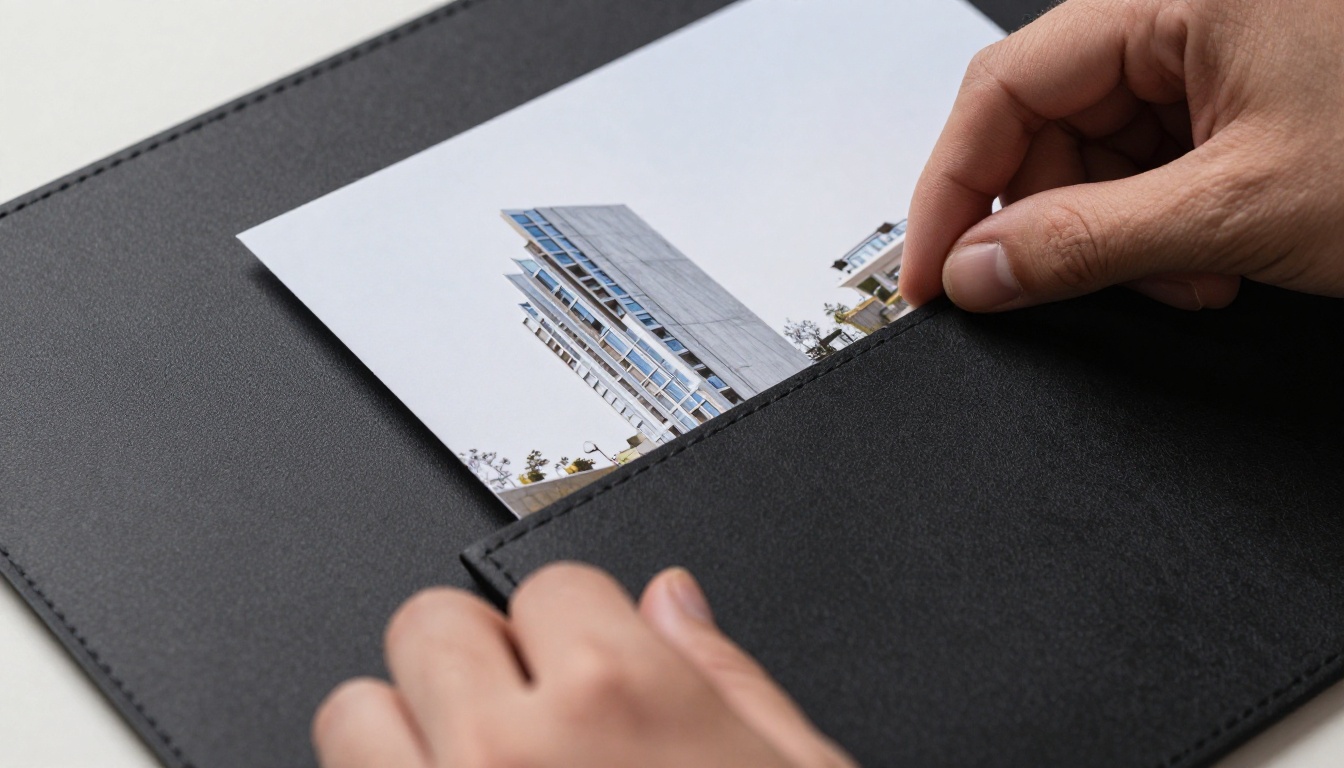
The instinct to include everything you have ever worked on is natural and almost always wrong. Ten projects presented with depth, narrative, and strong photography will outperform thirty projects crammed into pages with no room to breathe.
For an architecture portfolio targeting professional clients or employers, aim for six to twelve projects. Each project should carry its own story: the problem, the approach, and the resolution.
💡 Lead with your strongest project, not your oldest or your most complex. The first spread sets the tone for everything that follows.
The Right Mix of Content
A strong architecture portfolio contains more than photographs of finished buildings. Clients and employers want to see how you think, not just what you build.
| Content Type | Purpose | Recommended % |
|---|
| Completed building photography | Demonstrates built outcomes | 40% |
| Process drawings and sketches | Shows design thinking | 20% |
| Plans, sections, and elevations | Technical credibility | 15% |
| Concept diagrams and mood boards | Communicates vision | 15% |
| Personal statement or bio | Builds connection | 10% |
Presentation Drawings vs. Working Drawings
There is a difference between the drawings you use to build a project and the drawings you use to sell one. Your portfolio needs presentation-quality graphics, not construction document sheets. Simplify, label clearly, and make sure line weights and typography are legible at a variety of screen sizes.
How to Structure Your Architecture Portfolio
Page Order That Tells a Story
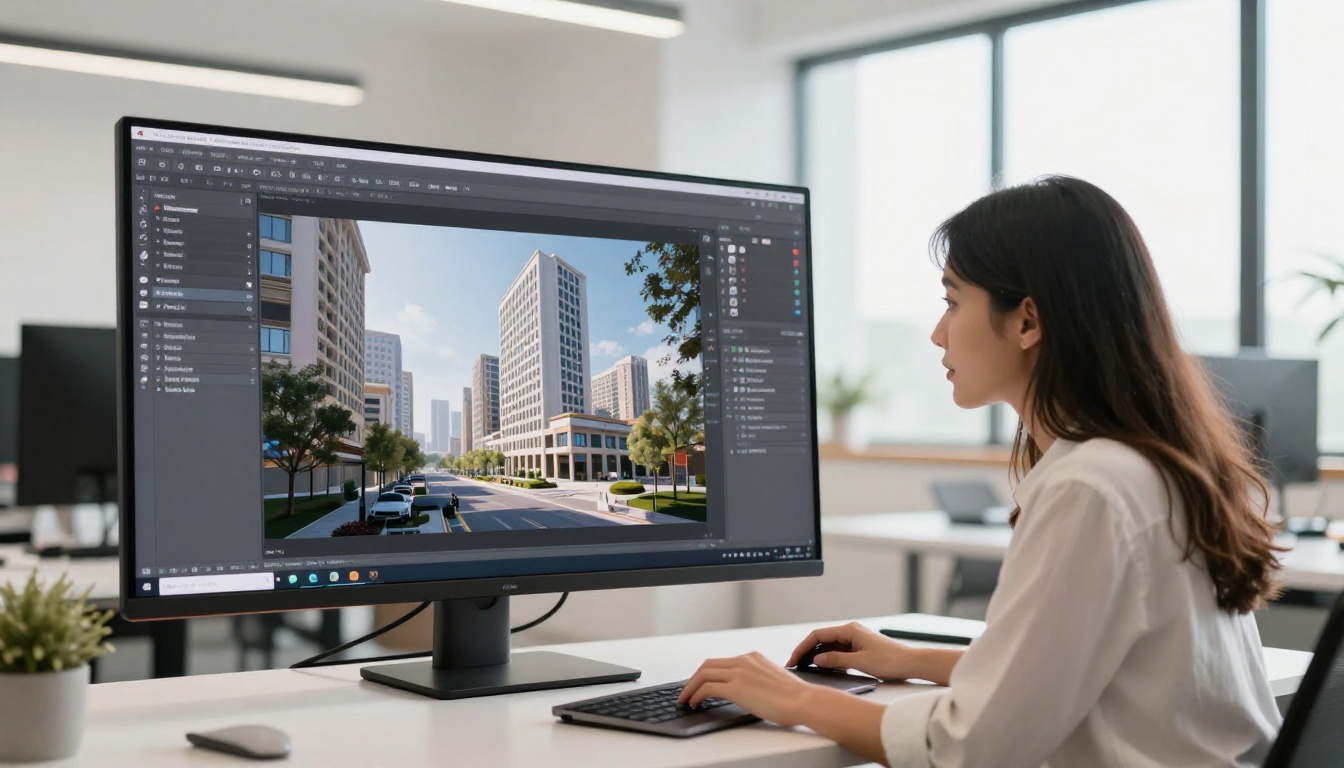
The sequence of your portfolio matters as much as the content inside it. Think of it as a curated exhibition, not a filing cabinet. A proven structure that works across residential, commercial, and institutional architecture:
- Opening page with name, contact details, and a single strong image
- Table of contents (optional, but valuable for longer portfolios)
- Personal statement (two to four sentences, no more)
- Projects (strongest first, newest last, or grouped by type)
- Process section (sketches, models, iterations)
- Contact page with website, email, and LinkedIn
✅ Give each project its own opening spread. A single strong photograph with minimal text on the first page of each project lets the work announce itself before the details arrive.
Layout Principles for Architecture
Architecture portfolios are judged by people trained to look at space, proportion, and composition. Your layout choices are being evaluated whether you intend them to be or not.
| Layout Principle | What to Do | What to Avoid |
|---|
| White space | Use generous margins and breathing room | Filling every corner with content |
| Typography | Stick to one or two typeface families | Mixing three or more fonts |
| Image sizing | Let hero images run full bleed | Shrinking everything to fit more in |
| Alignment | Keep a consistent grid | Floating elements without a system |
| Color palette | Neutral background, project photos carry color | Colored backgrounds competing with images |
Photography and Visuals That Sell Projects

Shooting Your Work for Portfolio
If your projects have been built, professional architectural photography is the single highest-return investment you can make. A well-lit photograph of a completed building will do more for a portfolio than any rendering, no matter how polished.
For unbuilt or student work, high-quality renderings are expected and accepted. Just make sure they are consistent in style and resolution throughout the portfolio.
Selecting Images for Impact
For each project, select a maximum of eight to twelve images. Too many images of the same project dilutes impact. Aim for variety:
- Establishing shot: Shows the building in its site context
- Facade shot: Direct, clean, shows the design intent
- Detail shot: A window reveal, a material junction, a moment of craft
- Interior shot: Shows the spatial experience
- Process image: A sketch, model photograph, or diagram
⚠️ Never include low-resolution images in a portfolio you are sending to professionals. A blurry photograph reads as carelessness. If you do not have high-quality images of a project, consider whether that project belongs in the portfolio at all.
Building Your Architecture Flipbook with Flipbooks AI
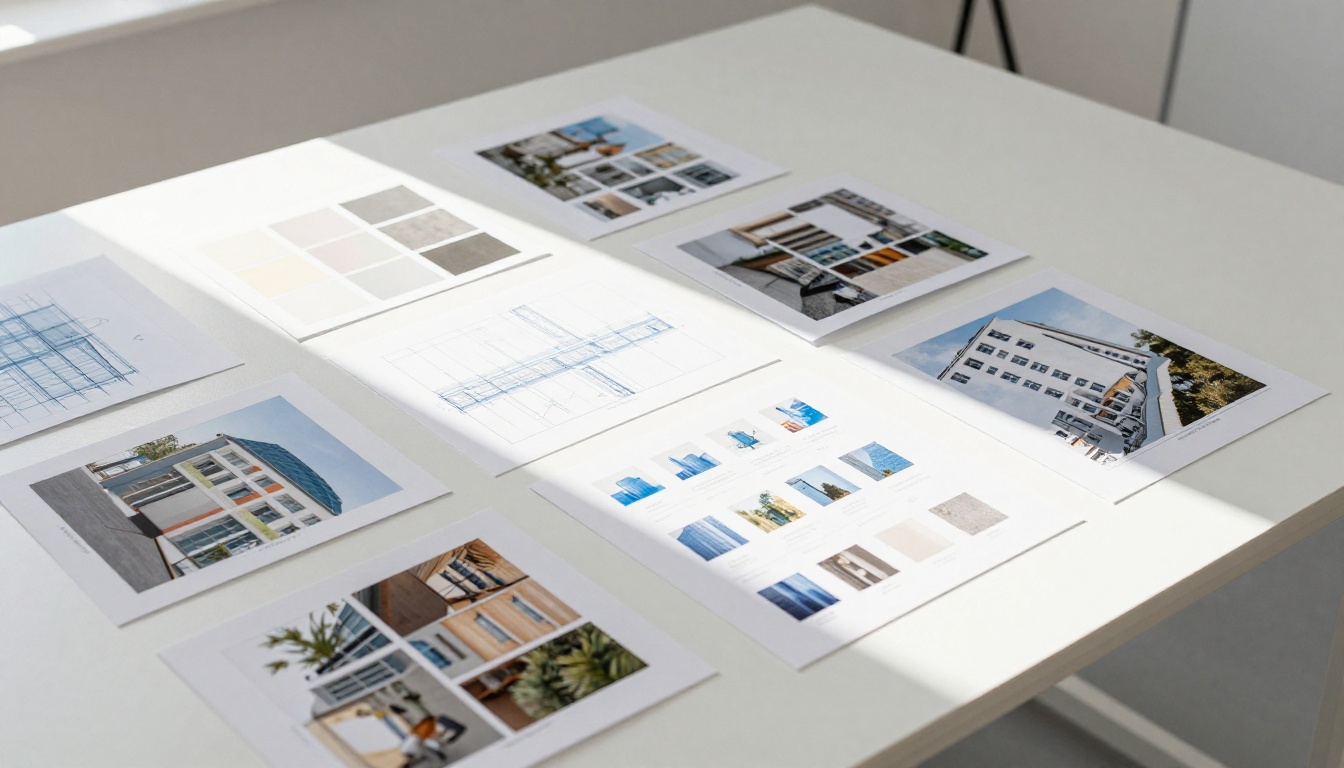
Flipbooks AI converts your PDF architecture portfolio into a fully interactive, page-turning digital flipbook. The process takes minutes and the result is a portfolio that clients can open in any browser, on any device, without downloading a single file.
Step 1: Create Your Account
Go to Flipbooks AI and create a free account. No credit card required to start. Once inside, you will find the dashboard where all your flipbooks are managed and shared from one place.
Step 2: Prepare Your PDF
Before uploading, make sure your PDF is production-ready:
- Export at 300 DPI for image-heavy pages
- Embed all fonts to prevent substitution
- Keep file size manageable by compressing images that do not need to print at full resolution
- Set page size consistently, either A3 landscape or a custom portfolio ratio
The PDF to Flipbook Converter handles files of any length. A forty-page architecture portfolio converts cleanly, preserving vector graphics, typography, and image quality.
Step 3: Upload and Convert
Drag your PDF into the upload area. Flipbooks AI processes it automatically, converting each page into the interactive flipbook format. For a typical architecture portfolio, conversion takes under two minutes.
Step 4: Customize Branding and Style
Once converted, you can personalize the flipbook to match your practice or personal brand:
- Custom colors: Set the background and interface color to match your brand palette
- Logo placement: Add your practice logo to the viewer interface
- Page effects: Choose from realistic page-curl, flat slide, or zoom transitions
- Background texture: Pair your portfolio with a clean white or dark background
The Digital Portfolio Creator and the dedicated Portfolio Flipbook Builder tools give you purpose-built templates designed specifically for portfolio presentations.
💡 Match your flipbook background color to the background color you used in your PDF layout. If your portfolio uses a white background, set the flipbook viewer to white. Consistency across the two surfaces makes the experience feel seamless and intentional.
Step 5: Share and Embed
Flipbooks AI gives you several ways to put your architecture portfolio in front of the right people:
- Direct link: A clean URL you can include in emails, proposals, or your email signature
- Embed code: Drop your portfolio directly onto your website or practice page using the Embed Flipbook on Website tool
- Password protection: Lock your portfolio behind a password for confidential projects or restricted submissions
- Offline download: Clients on the Professional plan can access your portfolio even without an internet connection
Flipbooks AI Plans for Architects
Whether you are an independent architect building your first digital portfolio or a firm managing dozens of project presentations, there is a plan that fits.
| Feature | Free | Standard | Professional |
|---|
| Flipbooks per account | Limited | Unlimited | Unlimited |
| Watermark | Yes | No | No |
| Custom branding | No | Yes | Yes |
| Password protection | No | Yes | Yes |
| Analytics and tracking | No | No | Yes |
| Lead generation forms | No | No | Yes |
| Offline downloads | No | No | Yes |
| Video and audio embed | No | Yes | Yes |
| Mobile-responsive design | Yes | Yes | Yes |
✅ If you are sending portfolios to clients as part of a business development process, the Professional plan's analytics feature tells you exactly who opened your portfolio, how long they spent on each project, and which pages they returned to. That data is worth more than a follow-up phone call.
See full pricing plans to compare what each tier includes.
Where to Share Your Architecture Flipbook Portfolio

Sending to Potential Clients
An architecture portfolio flipbook link is far more effective than a PDF attachment. When you paste the URL into an email, the recipient clicks it, the portfolio opens in their browser, and they are immediately immersed in the work. No downloads. No file size limits. No version control headaches.
For new client outreach, include the link in your email signature. Every email you send becomes a passive portfolio impression.
Embedding on Your Website
A static image gallery on an architecture website does not do justice to the work. Embedding a flipbook directly into your portfolio page gives visitors the experience of leafing through your projects rather than clicking through thumbnail images.
The embed is responsive and works on mobile devices, meaning clients reviewing your work on their phone get the same rich experience as those on a desktop.
Job Applications and Competition Submissions
Many architecture graduate programs, competitions, and employers request portfolio submissions as PDFs attached to an application. A flipbook link as a supplement to the required PDF submission is almost always permissible and consistently makes an impression.
Include the link in your cover letter: "You can view the full portfolio at [flipbook link]." Reviewers who want to spend more time with the work have a frictionless way to do so.
Organizing Multiple Project Types
Residential vs. Commercial Work
If your practice spans multiple sectors, consider whether a single unified portfolio or separate sector-specific flipbooks better serves your needs.
A unified portfolio works well for smaller practices and individual architects. A set of specialized portfolios, one for residential clients, one for commercial, one for institutional, allows you to lead with the most relevant work for each audience.
Flipbooks AI makes this straightforward. Create separate flipbooks from sector-specific PDFs and share the appropriate link depending on who you are meeting.
Student Portfolios vs. Professional Portfolios
The architecture student portfolio and the professional portfolio serve different audiences and carry different expectations.
| Criterion | Student Portfolio | Professional Portfolio |
|---|
| Primary audience | Employers, graduate programs | Clients, partners, awards |
| Content focus | Design process, academic projects | Built work, professional experience |
| Length | 20-40 pages | 15-30 pages |
| Format priority | Conceptual depth | Built outcomes |
| Tone | Ambitious, experimental | Confident, resolved |
Both benefit significantly from the flipbook format. A student portfolio as a flipbook stands out dramatically in a pile of emailed PDFs during hiring season.
Making Your Portfolio Work for You
An architecture portfolio is not a document you create once and archive. It is a living record of your practice that should be updated after every significant project completion, award, or publication.
With Flipbooks AI, updating your portfolio is as simple as uploading a new PDF. Your shareable link stays the same, meaning every client or contact who has ever bookmarked your portfolio will automatically see the updated version the next time they visit.
This is the compounding advantage of the digital flipbook format over any printed or static digital alternative. Your portfolio improves over time without the administrative overhead of managing file versions or re-sending documents.
💡 Set a calendar reminder every six months to review and update your portfolio. Add the most recent project, remove the weakest older one, and refresh the personal statement if your practice focus has shifted.
Your architecture portfolio flipbook does not replace every format. It works best alongside a considered set of presentation materials:
- Business cards with a QR code linking to the flipbook
- Presentation decks for client meetings, with the flipbook as a leave-behind
- Social media (LinkedIn project posts linking back to the full flipbook)
- Press materials built with the Press Kit Designer, sent alongside award submissions
Each touchpoint reinforces the others. The flipbook is the anchor, the destination that all other materials point toward.
Your architecture portfolio is an argument for who you are as a designer. Give it a format that earns the attention the work deserves. Create your account on Flipbooks AI today, upload your PDF, and share a portfolio that actually gets read.
Ready to take it further? Compare pricing plans to find the right fit for your practice, or browse all portfolio tools to see what is possible.



