Most lead generation strategies treat the PDF as a dead end. You send it, the prospect reads it (maybe), and nothing happens. No follow-up, no form, no way to know who even opened it. That pattern breaks the moment you switch to an interactive flipbook. With Flipbooks AI, you can turn any PDF into a living, breathing lead machine: one that captures emails, tracks behavior, and moves prospects through your funnel while they read.
Why Static PDFs Stop Working for Lead Gen
The attention problem nobody talks about
A PDF asks nothing of the reader. There is no friction in the good sense, no moment of commitment, no reason to stay past the first three pages. Bounce rates on static documents regularly exceed 70%, which means most of your carefully designed content never gets read.
The problem is structural. PDFs were built to print, not to convert. They have no mechanism for collecting information, no way to branch based on reader behavior, and no analytics beyond "it was downloaded." For lead generation, that is not just inconvenient, it is a dead end.
What interactive content does differently
Interactive content creates micro-commitments. Every page turn, every embedded video play, every form interaction signals intent. That signal is what separates a cold contact from a warm lead.
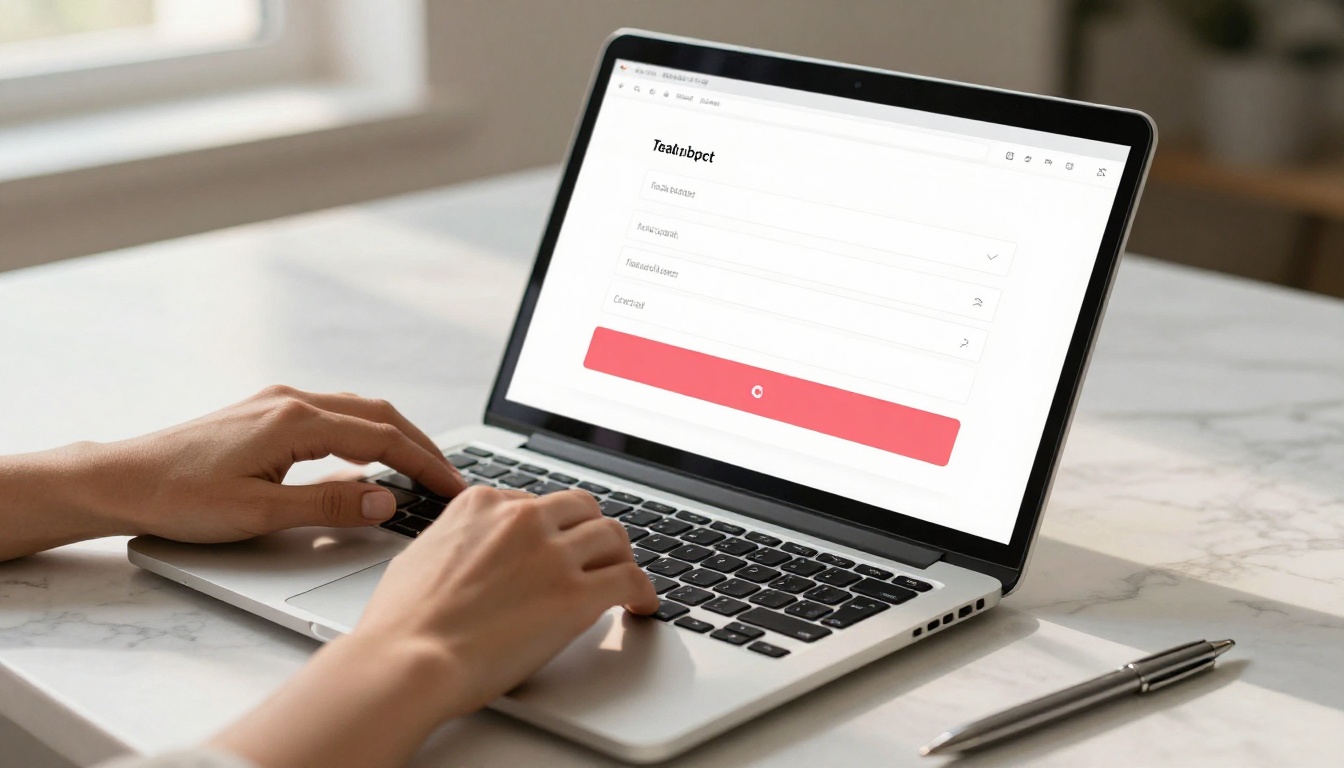
Flipbooks solve the static problem by layering conversion mechanics directly into your document. A reader scrolling through your digital brochure can submit their email on page 2, get gated off at page 5 until they fill out a form, or click a CTA button that routes them to your booking calendar. All without leaving the document.
💡 Interactive content generates twice the conversions of static content on average, according to Content Marketing Institute data. The flipbook format is one of the highest-performing interactive content types for B2B and B2C alike.

What Makes a Flipbook a Lead Machine
Embedded forms that don't feel like interruptions
The biggest mistake with lead capture is interrupting the reader before they have received any value. A pop-up form on page 1 is friction without reward. An embedded form on page 3, after the reader has already invested time and seen your best content? That is a different conversation.
With Flipbooks AI, lead capture forms embed directly into your flipbook pages as native elements. They look like part of the document, not an afterthought. You can place them:
- After a high-value section that delivers a strong insight to the reader
- Before a premium section as a soft gate requiring an email to proceed
- On the last page as a final call to action after full document consumption
- Mid-document after the reader has demonstrated intent through page scrolling
Gated pages and content walls
Gated content is one of the most reliable lead generation tactics available. You offer something genuinely valuable, then ask for an email address to access it. The flipbook format makes this feel natural because the reader is already inside your document, already reading, already interested.
On the Professional plan at Flipbooks AI, you can set specific pages as gated. A reader reaches page 6, sees a prompt asking for their name and email, and submits. Their contact is captured, the gate opens, and they continue reading seamlessly.
✅ Best practice: Gate content that has clear, standalone value. A pricing breakdown, a case study, or a detailed technical section all work well as gated pages. Gating your introduction page will just push readers away.
CTAs that move readers forward
A lead capture form collects an email. A CTA tells the reader what to do next. These are not the same thing, and the best flipbooks use both.
Effective CTA placements inside a flipbook:
- "Book a call" buttons linked to Calendly or a scheduling page
- "Download this section" links tied to a PDF subset or bonus content
- "Get pricing" buttons that route to your pricing page
- "Request a sample" forms for product-based businesses
Every button in a Flipbooks AI document is hyperlinked and trackable. You know which CTA got clicked, on which page, at what point in the read.

Build Your Lead-Capturing Flipbook on Flipbooks AI
The PDF to Flipbook Converter on Flipbooks AI takes you from static document to interactive lead magnet in minutes. Here is how to do it step by step.
Step 1: Upload your PDF
Go to flipbooksai.com/account and create your free account. Once inside the dashboard, click "New Flipbook" and upload your PDF. Flipbooks AI converts it automatically, preserving your fonts, images, and layout. The conversion typically takes under 60 seconds for documents under 50 pages.
💡 Before uploading, check that your PDF has strong visual design. The flipbook format amplifies what is already there. A well-designed PDF becomes an impressive interactive document. A poorly designed one stays poor.
Step 2: Add your lead capture form
Inside the flipbook editor, navigate to the page where you want to place your form. Select "Add Element" and choose "Lead Form." You can configure:
- Fields: Name, email, phone, company, and custom fields
- Trigger: Shown immediately, after X seconds, or on scroll depth
- Style: Colors, fonts, and button text to match your brand identity
- Redirect: Where the reader goes after submitting (thank-you page, next section, external URL)
All captured leads are stored in your Flipbooks AI dashboard and can be exported as CSV or synced to your CRM.
Step 3: Configure gated content
For Professional plan users, select any page in the editor and enable the "Gate this page" toggle. Set the form fields required to access it. You can gate a single page or an entire section from a chosen page forward. The reader sees a blurred preview of the gated content with a clear form overlay prompting them to submit.
Step 4: Customize your CTAs
Add button elements throughout your flipbook. Each button can:
- Link to any URL (internal or external)
- Open an embedded video or audio clip
- Trigger a form popup at any point in the read
- Route to a specific page within the document
For sales-oriented documents like a Sales Presentation or a Real Estate Brochure, placing a "Schedule a viewing" or "Request a quote" button on every third page dramatically increases conversion rates.
Step 5: Share, embed, and track
When your flipbook is ready, Flipbooks AI gives you multiple distribution options:
- Direct link: A clean URL you can share in emails, social posts, or ads
- Embed code: Drop your flipbook directly into any website or landing page with the Embed Flipbook on Website tool
- Password protection: Gate the entire flipbook behind a password for private or client-specific documents
- QR code: Generate a QR code for print materials, events, or physical packaging

Lead Capture Strategies That Actually Work
The opt-in before page 3 rule
Data from interactive content platforms consistently shows that opt-in rates drop sharply after page 3. If a reader has not committed by then, they are unlikely to convert later. This does not mean you put a form on page 1. It means your first two pages must deliver enough value that a form on page 3 feels like a fair exchange.
Structure your flipbook content flow as:
- Page 1: Strong hook and your biggest single insight or proof point
- Page 2: Validation (a stat, a case study snippet, or a visual before-and-after)
- Page 3: The opt-in form, framed as "get the full breakdown" or "continue reading"
Exit-intent vs. inline forms
Inline forms sit inside the document flow. They are seen by everyone who reaches that page and feel organic to the reading experience.
Exit-intent forms appear when a reader shows behavior indicating they are about to leave (rapid back-scrolling, tab switching). These catch readers who were interested but did not convert on the first pass.
Use both. Inline forms capture committed readers. Exit-intent forms recover those on the fence.
⚠️ Do not stack more than two forms in a single document. Form fatigue is real. One well-placed inline form plus one exit-intent form is the ceiling for most content types.
Offering the right incentive
A form with no incentive converts at 2-5%. A form with a strong incentive converts at 15-30%. The incentive does not need to be elaborate:
- "Get the full pricing breakdown" (gate the pricing section behind the form)
- "Download this report as PDF" (offer a clean PDF export after submission)
- "Book a free 15-minute call" (link to calendar after form submit)
- "Get notified of new issues" (for ongoing publications like newsletters or magazines)
The Newsletter Flipbook Publisher and the E-Magazine Publishing Tool are particularly effective for the ongoing subscription model, where readers opt in to receive each new issue directly.

Real-World Use Cases by Industry
Different industries use lead-capturing flipbooks in different ways, but the core mechanic is the same: deliver value, capture contact, follow up.
| Industry | Flipbook Type | Lead Capture Mechanism | What Gets Captured |
|---|
| Real Estate | Property brochure | "Request a viewing" form | Name, phone, preferred dates |
| Restaurants | Seasonal menu + offers | "Join our VIP list" form | Email, visit frequency |
| E-commerce | Product catalog | "Get 10% off" email gate | Email, product interest |
| B2B SaaS | Case study / report | Gated page at core insight | Name, company, email |
| Education | Course preview | "Enroll now" CTA form | Email, course interest |
| Events | Event program | Early access signup | Name, email, company |
Real estate and property sales
Real estate agents share dozens of property brochures weekly. A static PDF gives them zero visibility into who opened it or how long they spent on the floor plan page. A flipbook built with the Real Estate Brochure Creator tells them exactly which properties got the most attention and who requested more information, all from a single shareable link sent via email or text.

Restaurants and hospitality
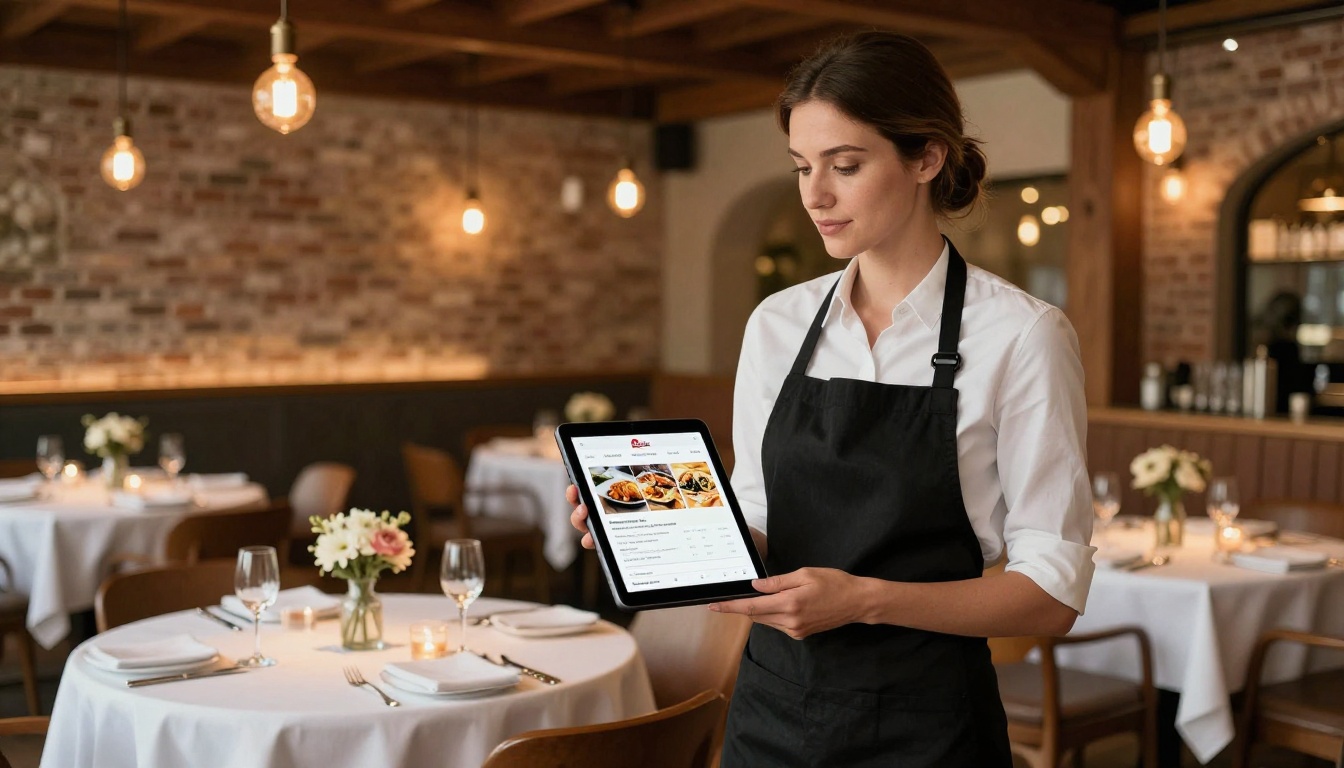
Seasonal menus, tasting events, and private dining packages all benefit from the flipbook format. A Restaurant Menu Creator flipbook shared on Instagram or via a QR code on the table can include a "Join our mailing list for exclusive offers" form. For a busy restaurant, that translates directly into repeat bookings and a growing direct-contact list that does not depend on third-party delivery platforms.
E-commerce and product catalogs
The Product Catalog Generator and Digital Catalog Maker let e-commerce brands create seasonal lookbooks and product sheets that capture leads before sending shoppers to a purchase page. A "Get early access to our new collection" form placed mid-catalog captures high-intent buyers while they are actively browsing, at the exact moment their purchase intent is highest.
Flipbooks AI Plans at a Glance
Choosing the right plan determines which lead generation features you can use. Here is what each tier offers for lead capture specifically:
| Feature | Free | Standard | Professional |
|---|
| Flipbook creation | Limited | Unlimited | Unlimited |
| Custom branding | No watermarks | No watermarks | No watermarks |
| Lead capture forms | Basic | Standard | Full with CRM export |
| Gated content pages | No | No | Yes |
| Analytics and tracking | Basic | Standard | Full funnel analytics |
| Password protection | No | Yes | Yes |
| Offline downloads | No | Yes | Yes |
| Embed on website | Yes | Yes | Yes |
| Email list export | No | CSV | CSV + integrations |
💡 The Professional plan at Flipbooks AI is where lead generation becomes a serious system rather than a basic feature. Gated pages and full analytics are the difference between collecting emails and actually seeing the path to conversion.
Measuring What Matters
The metrics worth tracking
Most marketers track vanity metrics: total opens, total views. For lead generation, what actually matters is:
- Form impression rate: What percentage of readers reached the form page?
- Form conversion rate: Of those who saw the form, how many submitted?
- Gate pass-through rate: How many readers accessed the gated content after submitting?
- CTA click rate: Which buttons generated clicks, and on which pages?
- Read depth: How far into the document did leads read before converting vs. non-converts?
Flipbooks AI Professional plan analytics provide all of these metrics per document, giving you a clear picture of where your funnel gains and loses readers.
How to optimize your conversion rate
Once you have baseline data, optimization is systematic:
| Low Metric | Likely Cause | Fix |
|---|
| Low form impression rate | Form placed too deep in document | Move form to page 2-3 |
| High impression, low conversion | Too many required form fields | Reduce to name and email only |
| Low gate pass-through rate | Gate placed before delivering value | Move gate to after page 4-5 |
| Low CTA click rate | CTA copy is vague or generic | Use specific copy ("Book a call" not "Click here") |
| High bounce before page 2 | Opening pages are too weak | Redesign PDF before uploading |


Start Capturing Leads With Your First Flipbook
The playbook is straightforward: design a PDF worth reading, convert it to an interactive flipbook, embed your forms and gates at high-value moments, and use the analytics to tighten every step. Every piece of that workflow lives inside one platform.
Ready to build your first lead-capturing flipbook? Create your account on Flipbooks AI and convert your first PDF free. Browse all flipbook tools to find the right format for your industry. Or compare pricing plans to find the tier that fits your lead generation volume.
Your content was always worth reading. Now make it worth submitting for.



