Most property catalogs land in the inbox, get opened once, and quietly disappear. Clients scroll past blurry photos, skip walls of text, and close the file before reaching the listings that matter. The problem is rarely the properties. It is the catalog. Whether you are a solo agent or managing a full real estate team, the way you present listings is often the deciding factor between a client who calls back and one who never does. Flipbooks AI was built precisely for this moment.
Why Most Property Catalogs Get Ignored
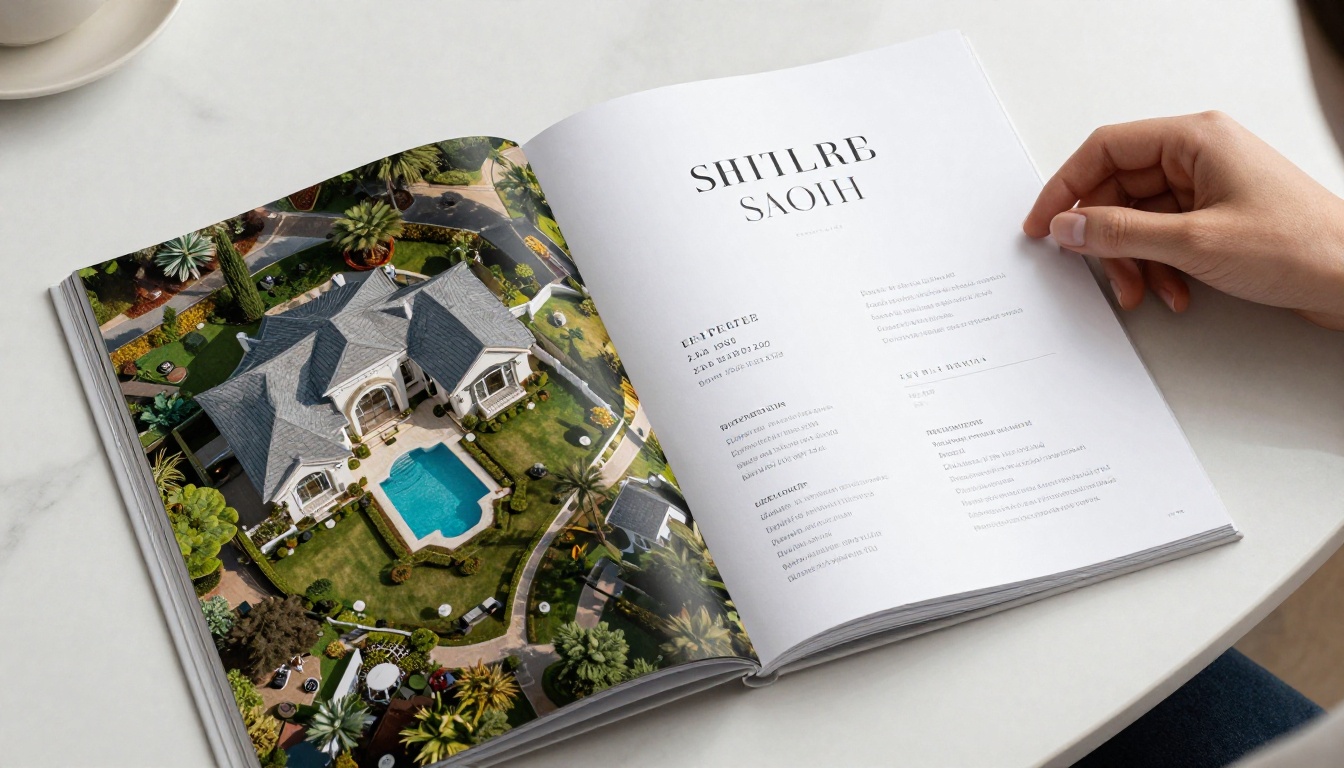
The average person decides within eight seconds whether to keep reading or move on. Most property catalogs fail this test before the second page.
The 8-Second Attention Problem
When a client opens your catalog, their brain runs a fast scan: Is this worth my time? Poor image quality, cluttered layouts, or generic descriptions trigger an instant no. The catalog that wins earns the next page turn through visual clarity and emotional resonance, not volume.
Real estate clients do not read catalogs the way they read contracts. They skim, zoom in on photos, and pause when something genuinely surprises them. Your job is to design for that behavior, not against it.
What Clients Actually Look For
Clients prioritize in this order:
- Photos first: If the images do not immediately signal quality, nothing else matters.
- Location and price at a glance: They should not have to search for this information.
- A reason to imagine themselves there: Lifestyle cues, nearby amenities, and honest neighborhood descriptions.
- Easy next steps: A phone number, a QR code, or a link. Friction kills conversions.
💡 The catalogs that perform best in A/B tests share one trait: they feel made for the reader, not for the agent's portfolio.

Before you open a design tool, understand the structural logic that separates a functional catalog from one that drives real decisions.
The Opening Page That Stops the Scroll
Your first page has one job: making the client open page two. Use a single, stunning full-bleed property photograph. No text beyond the agency name and the city. No property lists. No price ranges. Just an image that makes someone feel something.
The best opening photographs share three qualities: natural light, human scale (something that gives a sense of the space), and a focal point that draws the eye inward.
Property Layouts That Sell
Each property spread should follow a consistent rhythm that clients can learn to navigate:
- Full-width hero image (the strongest photo in the set)
- Three to four supporting photos in a tight grid
- Property specs in a scannable format, not buried in a paragraph
- One to two sentences of description that add emotional context
- Contact call-to-action
This structure builds visual fluency. Once a client understands your layout, they move faster through the catalog and retain more.
Pricing Pages That Do Not Scare Clients
Pricing is where many catalogs collapse. Burying price in small text, presenting it inconsistently, or omitting it entirely breaks trust. The rule is simple: present price alongside value, not in isolation.
A number next to a feature list reads as expensive. A number next to a photo, a neighborhood description, and a comparable sold price reads as fair. Context is everything.

The medium shapes the message. A PDF attachment is not the same as a digital flipbook. A printed brochure is not the same as an interactive online catalog. Each format has a use case, and choosing the wrong one is a silent conversion killer.
Print vs. Digital: The Real Comparison
| Feature | Print Catalog | Digital PDF | Interactive Flipbook |
|---|
| Client experience | Tactile, premium feel | Flat, static | Page-turn, immersive |
| Sharing | In-person only | Email/download | Link, embed, QR |
| Updatable | No | Manual re-send | Real-time edits |
| Analytics | None | None | Views, clicks, time spent |
| Cost per unit | High ($5 to $30) | Near zero | Near zero |
| Mobile-friendly | N/A | Poor | Excellent |
| Multimedia support | No | Limited | Video, audio, links |
Print still has a role in premium markets where the physical object signals quality. But for most real estate agents, digital is where clients actually spend time. And within digital, the interactive flipbook format consistently outperforms a static PDF, because it mirrors how people read magazines, a format their brains already process naturally.
Why Interactive Catalogs Win
A static PDF is just a document. An interactive catalog is an experience. When clients can flip pages, zoom into a kitchen photo, or tap a link to see the neighborhood on a map, they stay longer and remember more.
The data backs this up. Interactive content generates two to three times more interaction than static documents. For real estate catalogs, where emotional resonance drives decisions, that difference is significant.
✅ Use interactive digital catalogs as your primary format. Reserve print for in-person appointments with high-value clients.
How to Build One with Flipbooks AI

Flipbooks AI makes converting a PDF property catalog into a professional, shareable interactive flipbook straightforward. No design background or technical skills required.
Before You Upload
Make sure your PDF is properly structured before submitting. Each property should have a consistent layout. Photos should be high-resolution (at least 300 DPI for print, 150 DPI for digital). Your opening page should be on page one.
If you are working from scratch, tools like Canva or InDesign work well. Export at the highest quality setting with embedded fonts.
Upload and Convert
- Go to Flipbooks AI and create your account or sign in.
- Click New Flipbook and select your PDF file.
- The platform converts each page automatically, preserving your layout and images.
- Preview the flipbook to confirm page order and image quality.
Conversion typically takes under two minutes for a standard 20-page catalog.
Add Branding and Customization
This is where your catalog separates itself from the competition. Inside the editor you can:
- Apply custom colors to the flipbook toolbar and background, matching your agency branding.
- Add your logo to the player interface.
- Enable page effects such as realistic paper shadows and page-curl animations.
- Set a custom domain or subdomain for sharing (Professional plan).
- Add background audio for premium property listings.
💡 Match your flipbook colors exactly to your business card and email signature. Visual consistency across touchpoints builds brand trust faster than any copy.
Share with Clients
Once your catalog is live, you have multiple distribution options:
- Direct link: Copy a short URL and paste into any email or message.
- QR code: Download a QR code to add to printed materials, signage, or business cards.
- Embed code: Paste a snippet into your agency website to show the flipbook directly on a property page.
- Password protection: Lock sensitive listings for specific clients only.
The Real Estate Brochure tool is worth a look if you want a starting template built specifically for property presentations.
Track What Clients Actually Read

With the Professional plan on Flipbooks AI, you get full analytics on every catalog you share:
- Which pages clients spent the most time on
- How far they read before closing
- Total opens and unique viewers
- Lead capture forms embedded directly in the catalog
This data changes how you follow up. When you know a client spent four minutes on the penthouse listing but only ten seconds on the townhouse, you lead your next call with the penthouse. No guesswork.
Design Rules That Actually Work
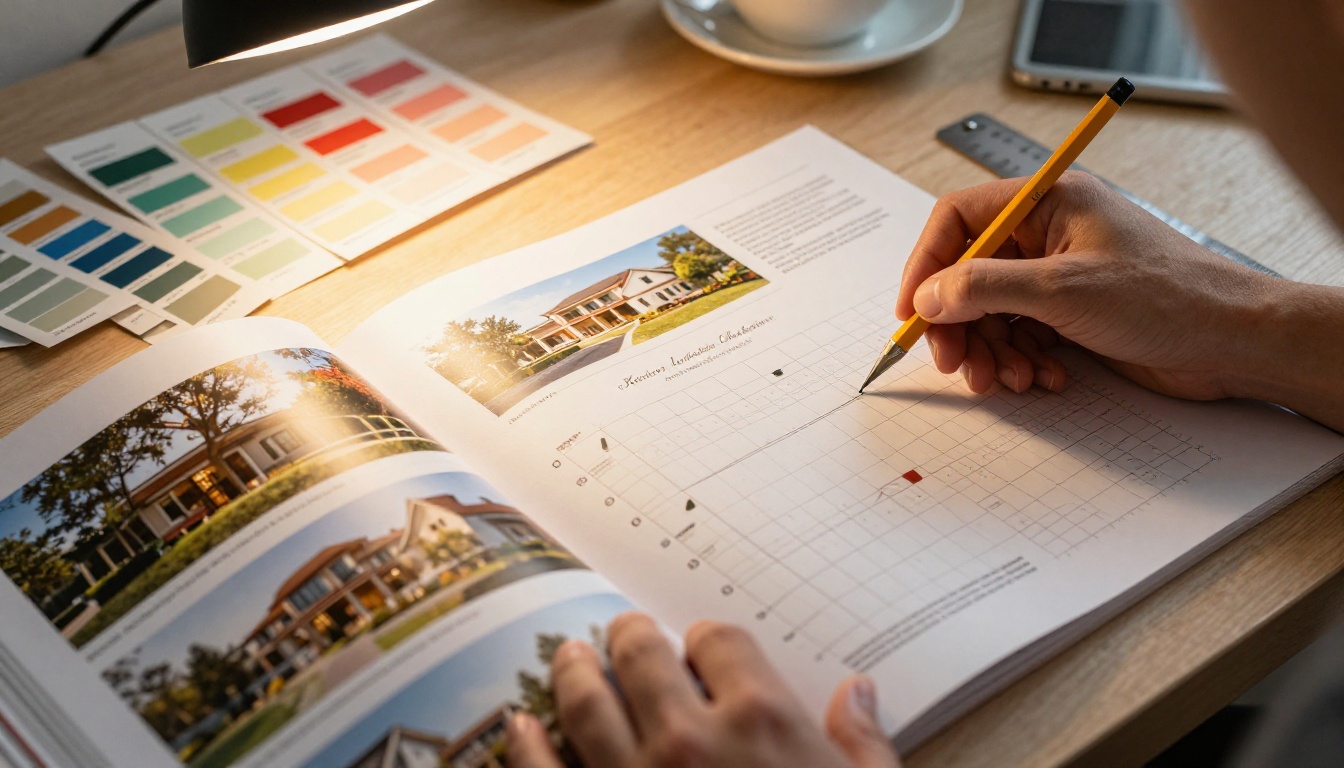
Good design is not about making things look nice. It is about making things easy to process. In a property catalog, every design decision either helps the client or creates friction that pushes them away.
Photography Makes or Breaks It
No amount of clever copywriting compensates for weak photography. If your listings are not professionally shot, that is the first investment to make. The difference between a phone photo and a professional real estate photograph is the difference between a client who scrolls on and one who calls.
Specific photography standards for your catalog:
- Primary exterior shot: Front facade, golden hour light, lawn freshly cut, cars removed from driveway.
- Living areas: Wide angle, windows open for light, no personal items visible.
- Kitchen: Counter cleared, single styling element like flowers or a fruit bowl, full-frame capture.
- Aerial: Mandatory for properties over $500k. Context and scale matter to buyers.

Copy That Closes Deals
Property descriptions in most catalogs fail for one of three reasons: too long, too generic, or too focused on features instead of experience.
The formula that works: one sentence on the feeling, one on the facts, one on the opportunity.
Weak: "This 3-bedroom, 2-bathroom property features an open-plan kitchen/living area and a spacious backyard."
Strong: "Mornings here smell like coffee and eucalyptus. Three bedrooms, two bathrooms, a north-facing backyard that gets sun all afternoon. Walking distance to the primary school and the Saturday farmers market."
Same facts. Completely different emotional response.
Mobile-First Is Non-Negotiable
More than 60% of property searches now happen on mobile. If your catalog is not readable on a phone screen without pinching and zooming, you are losing clients before they see your listings.
| Format | Mobile | Tablet | Desktop |
|---|
| Printed brochure | N/A | N/A | Good |
| Static PDF | Poor | Fair | Good |
| Interactive flipbook | Excellent | Excellent | Excellent |
| Agency website embed | Good | Good | Good |
Interactive flipbooks built on Flipbooks AI are fully responsive by default. The page-turn interface adapts to any screen size without extra configuration.
Distribution Strategies That Get Results

Building the catalog is half the job. How you get it in front of the right people, at the right moment, matters just as much.
Email vs. Link vs. Embed
Each distribution method has a specific strength:
| Method | Best For | Response Rate |
|---|
| Direct link in email | First contact, new listings | High when personalized |
| QR code on signage | Open house, print materials | Instant mobile access |
| Website embed | SEO, long-term discoverability | Ongoing organic traffic |
| WhatsApp/SMS link | Warm leads, quick follow-up | Highest click-through |
| Password-protected link | VIP clients, off-market listings | Exclusivity signal |
The highest-performing strategy combines all of these. A client first sees a QR code at an open house, receives a follow-up email with the direct link, and later finds the catalog embedded on your listings page.
Tracking Who Opens What
Without analytics, you are sending catalogs into a void. With the Professional plan on Flipbooks AI, every share creates a trackable event. You know exactly when a client opens your catalog, how long they spend on each page, and whether they clicked any embedded links.
This is the same data advantage that e-commerce brands use to personalize follow-ups. There is no reason real estate agents should not use it too.
⚠️ Do not send the same generic catalog to every lead. Segment by buyer profile (first-home buyers, investors, upgraders) and customize the intro text for each segment.
Real Teams Using This Right
A boutique agency in Madrid with three agents switched from emailing PDFs to sharing interactive flipbook catalogs via WhatsApp. Within 60 days they reported a 40% increase in response rate on initial outreach and cut their follow-up calls by half because clients arrived at appointments already familiar with the listings.
A solo agent in Sydney started embedding her monthly new-listings catalog directly on her website using Flipbooks AI. The embedded catalog now accounts for 22% of her inbound inquiry calls, with clients mentioning specific pages by number when they call.
These results do not come from larger budgets. They come from presenting the same listings in a format that respects how clients actually read.
Your Property Catalog Starts Here

The difference between a catalog clients ignore and one they read from start to finish is not a bigger photography budget or more listings per page. It is format, structure, and the small design decisions that add up to an experience worth finishing.
Start with honest photography. Build a consistent layout clients can follow. Move from static PDFs to interactive flipbooks that work on every device. Track what people actually interact with so you can sharpen every version you send.
Ready to build your first interactive property catalog? Get started free on Flipbooks AI. No watermarks, no limits on how many flipbooks you create on the Standard plan and above, and full analytics available when you are ready to scale.
Browse all available tools and templates to find the right fit for your agency, or compare pricing plans to choose what works for your business.



