Recipes deserve better than a chaotic folder of bookmarked links or a drawer stuffed with sticky notes. A recipe card flipbook solves all of that in one format that is both beautiful and actually usable. Whether you are organizing decades of handwritten family recipes, building a cooking brand, or creating a meaningful gift, turning recipe cards into a flipbook is one of the most satisfying projects you can do in an afternoon. Flipbooks AI makes this process straightforward: upload a PDF, customize the look, and share it digitally or keep it for yourself. Before we get there, let's talk about what makes a recipe card flipbook work, and how to build one that people will actually reach for when they cook.
What a Recipe Card Flipbook Actually Is
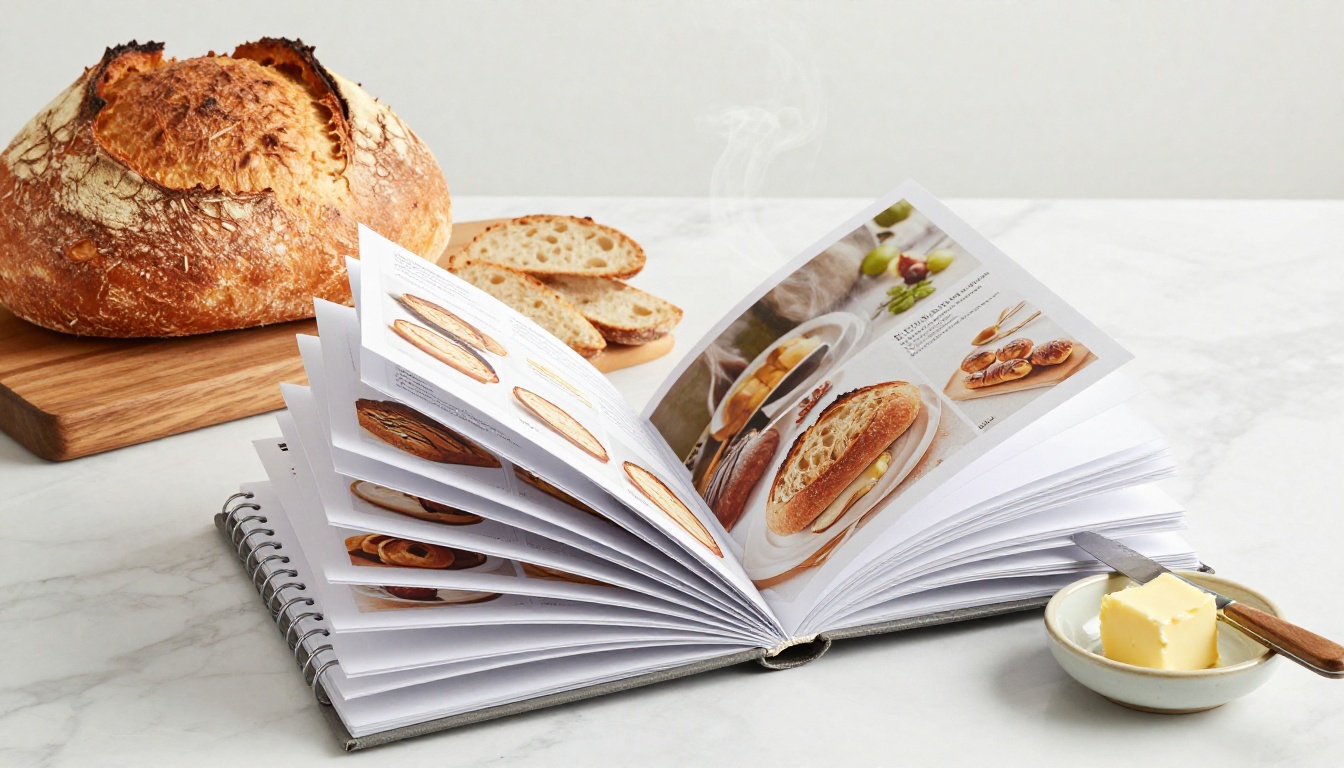
Most digital recipe collections live inside apps or websites that feel clinical and difficult to browse casually. A flipbook changes that entirely. It behaves like a real book, where you flip pages, browse visually, and land on a recipe without hunting through menus or search bars. The format works because it mirrors how people actually cook. You flip to a section, scan the visuals, stop when something looks right, and read.
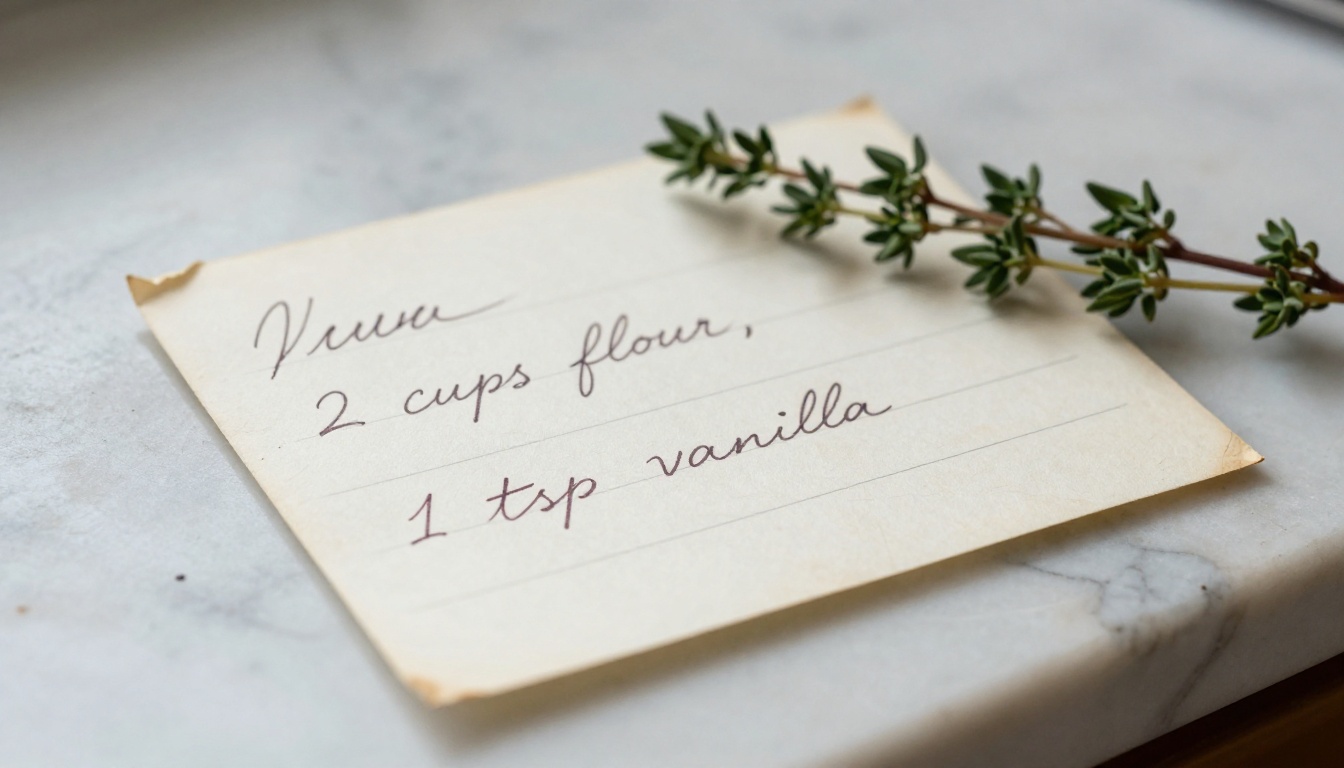
A recipe card flipbook also works offline, loads instantly on any device, and requires zero technical knowledge to use. It can be shared as a link, embedded on a website, or downloaded as a PDF. The page-flip animation adds a tactile satisfaction that flat scrolling simply cannot replicate.
Comparing recipe card formats side by side:
| Format | Browsability | Print-Friendly | Shareable | Interactive |
|---|
| Recipe app | ★★★ | No | Limited | ★★★ |
| PDF document | ★★ | Yes | Yes | No |
| Website or blog | ★★★ | Poor | Yes | ★★★ |
| Printed binder | ★★★★ | Yes | No | No |
| Recipe Card Flipbook | ★★★★★ | Yes | Yes | ★★★★★ |
The flipbook wins on every axis because it combines the visual browsability of a printed cookbook with the shareability of a digital file and the interactivity of a web app.
Choosing Your Recipe Card Layout
Before you build anything, decide what each recipe card will look like. The layout determines how much information fits per card and how easy it is to follow while cooking at the stove.
Single-Recipe vs. Spread Layouts
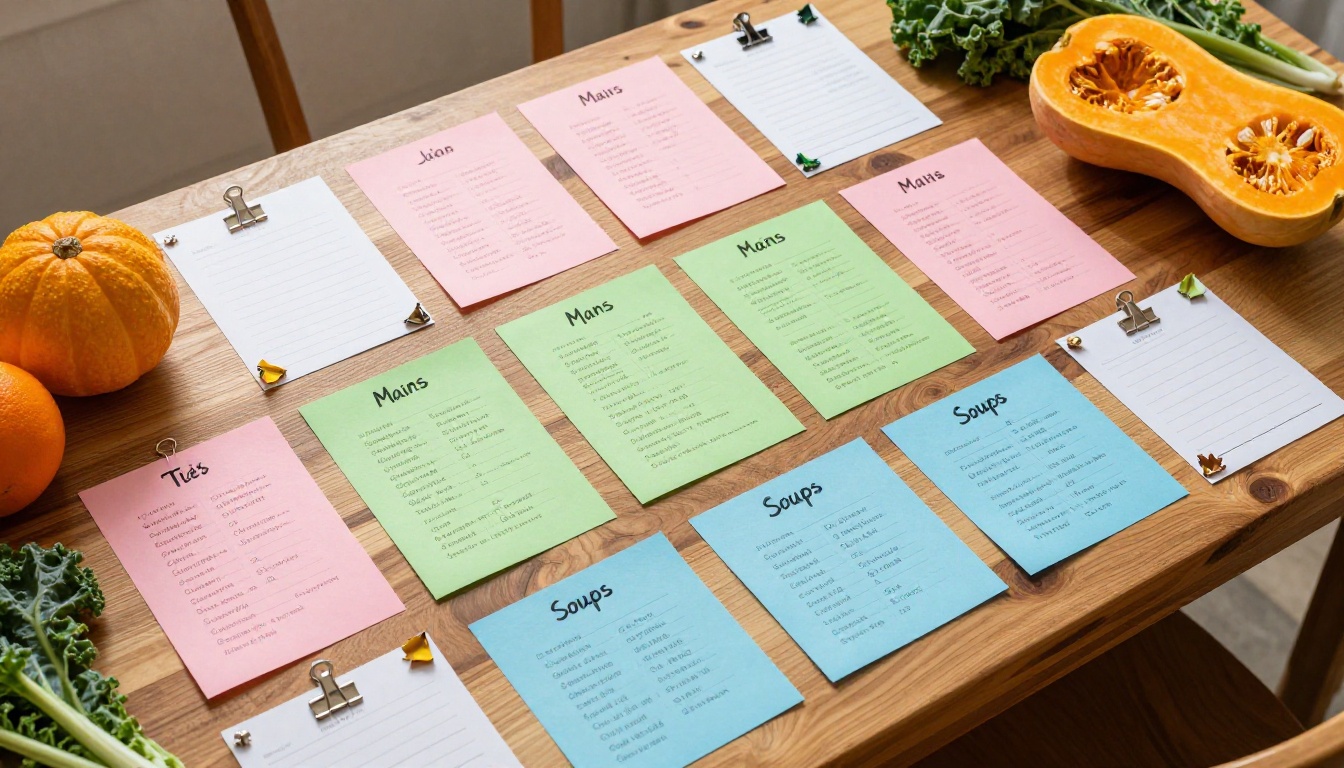
A single-recipe card fits one dish per page. It is ideal for recipes with long ingredient lists or detailed step-by-step instructions. A spread layout places the food photography on the left page and instructions on the right, which looks impressive but requires more design space and works best for a premium gift cookbook.
For a home collection of 20 to 50 recipes, single-card layouts are the more practical choice. For a culinary brand publication or cooking class handout, spreads create a polished, professional feel worth the extra design effort.
What Every Good Recipe Card Needs
💡 Keep ingredient lists visually separated from instructions. Cooks glance back at ingredients repeatedly while cooking, so they need to find that section instantly without re-reading everything.
Every recipe card should include:
- Recipe name in large, scannable type at the top
- Prep time and cook time directly below the title
- Yield or number of servings
- Ingredient list broken into logical groups for complex recipes
- Numbered step-by-step instructions with clear action verbs
- One hero food photograph that takes up at least 30 percent of the card
- Optional additions: dietary tags, difficulty rating, storage notes, pairing suggestions
Card Size and Orientation
The traditional recipe card is 4x6 inches in portrait orientation, but for a flipbook format, landscape orientation at a 16:9 or A4 ratio gives you significantly more room for food photography and keeps the page-flipping experience visually satisfying. Think of each page as a magazine spread rather than an index card.
Typography That Works in the Kitchen
Font choice matters more in recipe cards than in almost any other document type because the reader is glancing at the card with wet hands from six inches away, under poor lighting, while stirring something. Use these rules:
- Title font: Bold serif or display font, 24pt minimum
- Body font: Clean sans-serif, never smaller than 11pt
- Ingredient list: Use a monospace or tabular font so numbers align
- Avoid: Script fonts for body text, low-contrast color combinations, italics for ingredient quantities
How to Design Your Recipe Cards
You have several tools available for designing recipe cards, from free browser-based templates to professional layout software.
Design Tool Comparison
| Tool | Cost | Recipe Templates | PDF Export | Learning Curve |
|---|
| Canva | Free or Paid | Many | Yes | Low |
| Adobe InDesign | Paid | Yes | Yes | High |
| Google Slides | Free | Limited | Yes | Very Low |
| Microsoft Word | Paid | Limited | Yes | Low |
| Adobe Express | Free or Paid | Yes | Yes | Low |
Canva is the most practical choice for most people. Its food-specific templates are well-designed, photo integration is seamless, and it exports clean PDFs that convert cleanly for flipbook use. Google Slides works well for people who want a completely free option with easy collaboration, since multiple family members can contribute recipes to the same document simultaneously.
Photography Tips for Recipe Cards
Food photography is what separates a forgettable recipe card from one people want to keep. You do not need a professional camera. Here is what actually produces good results:
- Natural light only — Position food near a window. Avoid overhead kitchen lighting at all costs.
- Overhead or 45-degree angle — Both work well for most dishes depending on the height and texture of the food.
- Simple backgrounds — White marble, raw wood, and linen consistently produce clean, appealing results.
- Negative space — Leave room around the dish so the card composition does not feel cramped.
- One hero shot per card — Resist adding multiple photos to a single recipe card; it creates visual noise.
- Consistent color grading — Edit all photos with the same preset to make the finished flipbook feel cohesive.
⚠️ Low-resolution phone photos taken under artificial kitchen lighting will undermine an otherwise beautiful card design. Natural window light takes 30 seconds to set up and costs nothing extra.
Organizing Your Recipe Collection
Before building the flipbook, organize your recipes into a logical structure. The organization determines the table of contents, the section divider pages, and how easy the finished flipbook is to browse.
Common Category Structures
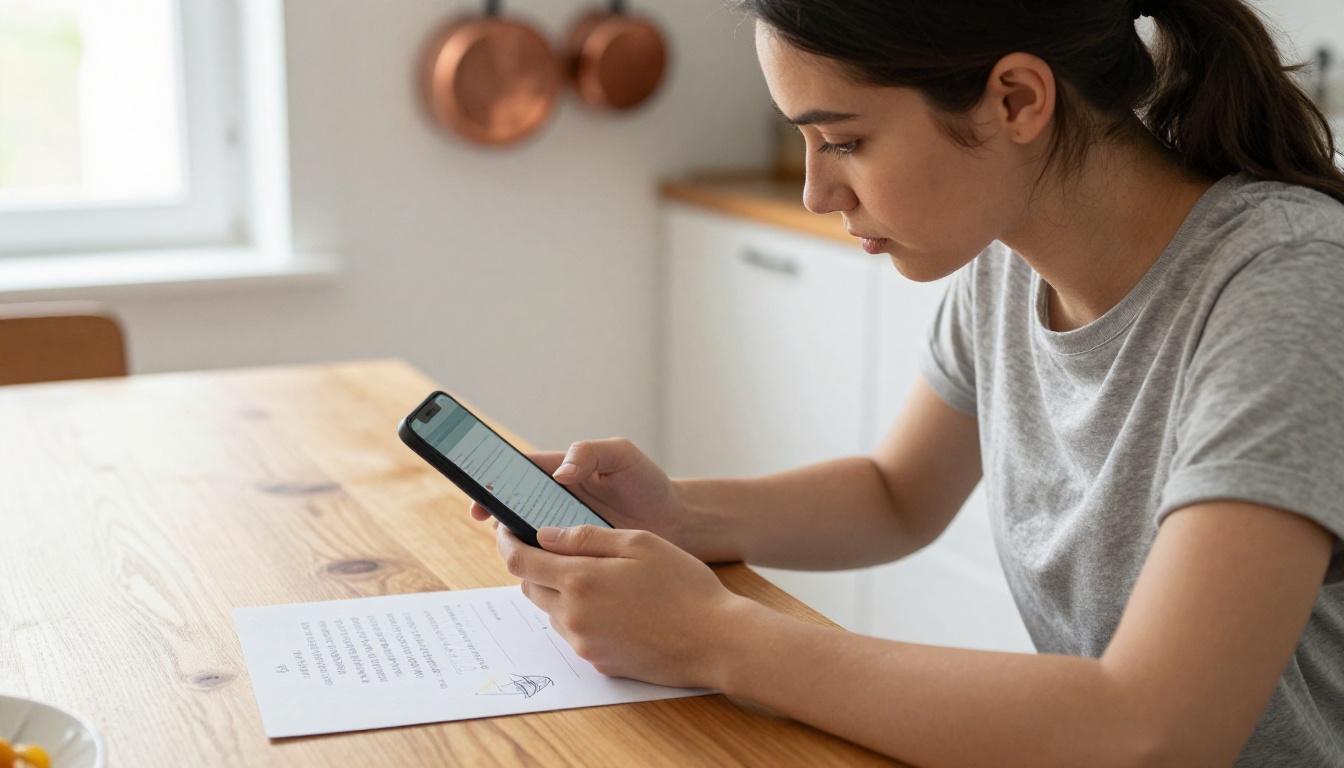
By meal type (most popular for home cooks):
- Breakfast and Brunch
- Soups and Salads
- Mains
- Sides and Snacks
- Desserts and Baking
- Drinks and Cocktails
By cuisine (ideal for culinary enthusiasts):
- Italian, Mexican, Asian, American, Mediterranean, etc.
By occasion (best for gifting):
- Quick Weeknight Meals
- Entertaining and Dinner Parties
- Holidays and Celebrations
- Healthy and Light
✅ Add a visual category tab on each page: a colored band, icon, or stripe in the corner of every card lets readers navigate by feel, exactly like a printed cookbook with color-coded tabs.
Digitizing Handwritten Recipe Cards
If you have a box of handwritten family recipes, digitizing them is the most critical first step. Three methods work well:
- Flatbed scanner — Highest quality, best for preservation of the original card as an archival document
- Smartphone scanning apps — Fast and good enough for most uses; apps like Adobe Scan or Microsoft Lens automatically flatten perspective distortion and correct color
- Retype and redesign — Most work, but lets you standardize formatting, add photographs, and fix unclear measurements that accumulated over decades
For precious handwritten cards with sentimental value, scan at 600 DPI and save the originals as TIFFs before you do anything else with them. The TIFF files are your archive; the JPEG versions go into the design.
Compiling Your PDF for the Flipbook
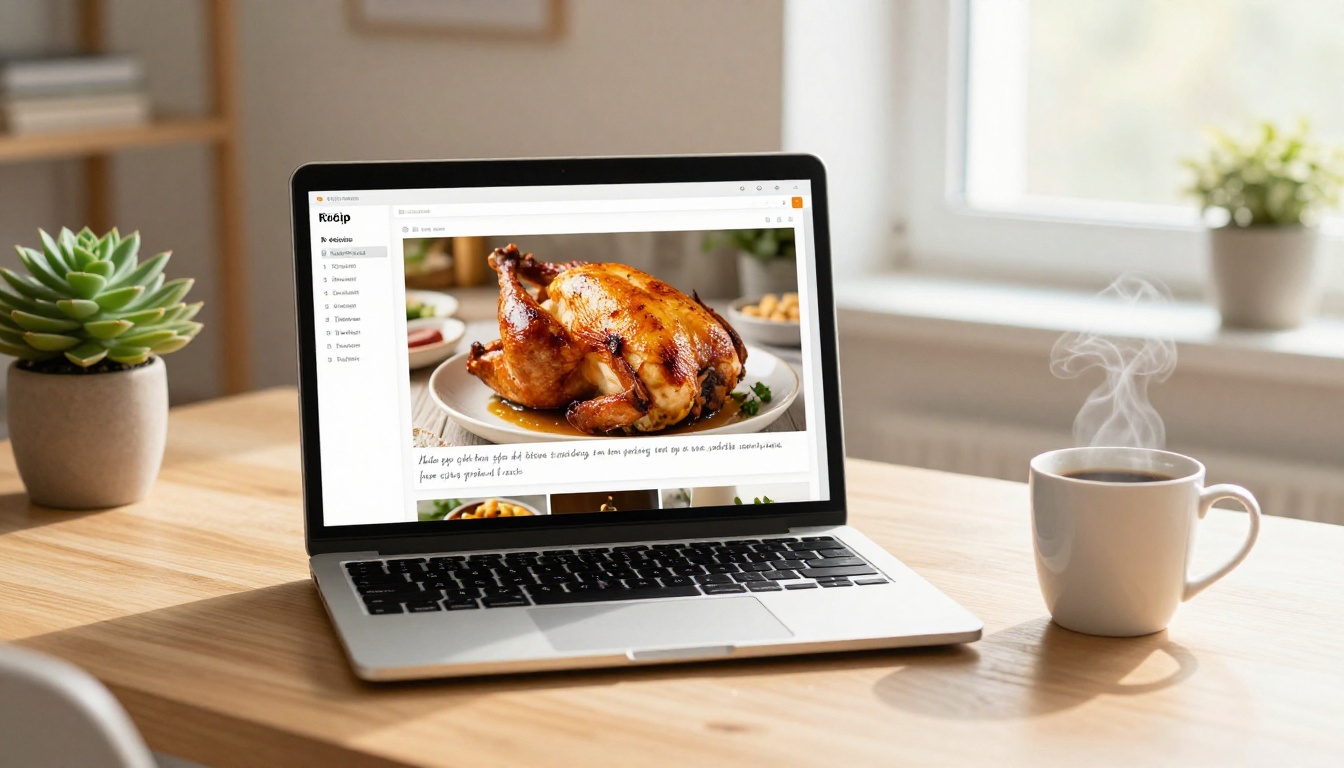
Once your recipe cards are designed, compile them into a single, well-structured PDF. This is the file you will upload to create your digital flipbook.
PDF Best Practices
- Consistent page size across all pages, no mixed dimensions
- High resolution — export at 150 DPI minimum, 300 DPI preferred for print-quality output
- Embedded fonts — prevents font substitution when opened on other devices
- Page order matches your table of contents exactly
- Include a title page and section dividers between each category
- File size — aim for under 50MB for fast loading in the flipbook viewer; compress images if needed
💡 Add a one-page cover with the recipe collection title, a beautiful food photograph as the background, and the author's name. This is the first thing someone sees when they open your flipbook, and it sets the tone for everything that follows.
Adding Section Dividers
Section divider pages between categories make the finished flipbook dramatically more navigable. Keep them visually simple: a bold category name, a relevant food photograph as a full-bleed background, and a color accent that matches your overall design palette. These pages take less than 10 minutes each to design in Canva and make a significant difference to the browsing experience.
How to Create a Recipe Card Flipbook with Flipbooks AI
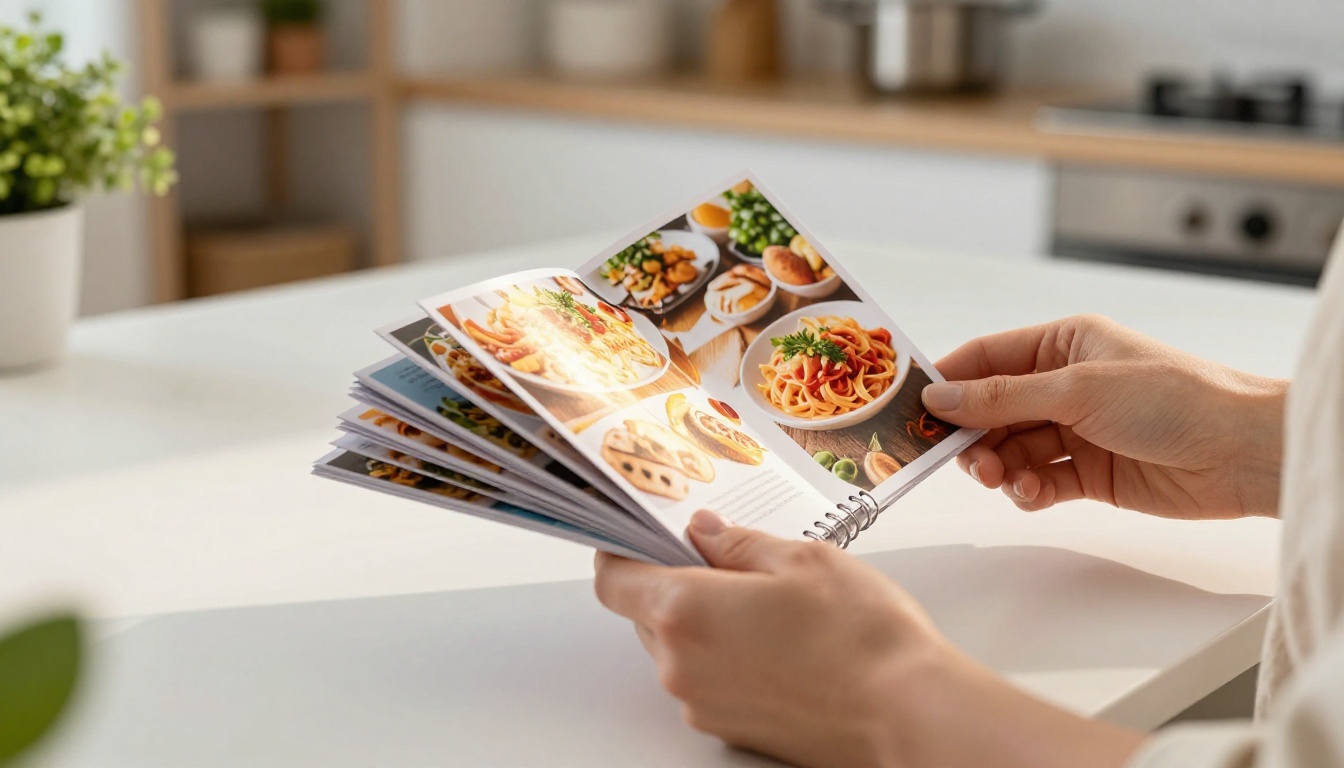
This is where everything comes together. Flipbooks AI converts your compiled PDF into an interactive flipbook with realistic page-turn animations, mobile-responsive viewing, and multiple sharing and privacy options. The process is fast and requires no technical skills.
Step 1: Create Your Account
Go to flipbooksai.com/account and sign up. The process takes under two minutes. You can start with a free account to test the platform with your first recipe PDF before choosing a plan.
Step 2: Upload Your Recipe PDF
From your dashboard, click New Flipbook and drag your compiled PDF into the upload area. The PDF to Flipbook Converter processes the file and generates an interactive preview within seconds, even for larger collections with 50 or more recipe cards.
Step 3: Customize the Appearance
Once uploaded, you can adjust:
- Background color and texture — match your recipe card aesthetic with warm neutrals or clean white
- Page flip style — hard cover or soft page animations, each with a distinct feel
- Table of contents — auto-generated from your PDF structure, or manually edited
- Thumbnails — visible page previews enable fast browsing through the collection
- Custom branding — add your logo, colors, and font choices to the reader interface
The Recipe Book Flipbook tool is specifically built for food content, with presets that complement recipe card aesthetics. For cooking classes and culinary brands, you can also explore the Digital Catalog Maker for a more catalog-style presentation.
Step 4: Set Privacy and Sharing Options
Decide who can access your recipe flipbook:
- Public link — anyone with the URL can view it, no login required
- Password protection — ideal for exclusive family cookbooks, premium recipe collections, or paid cooking class materials
- Embed on a website — use the Embed Flipbook on Website tool to place your flipbook directly on a food blog, recipe website, or cooking class platform
- Direct download — offer the original PDF alongside the flipbook for readers who prefer saving recipes offline
Step 5: Share and Publish
Copy your flipbook's shareable link and distribute it however works best for your situation. For gifting, sending a link alongside a printed card is a thoughtful combination. For a food brand or cooking class, embedding it on your website gives readers a seamless experience without leaving your platform.
Plans and Pricing at a Glance
Flipbooks AI offers several plans depending on how you intend to use and share your recipe flipbook. Here is what matters most for recipe creators:
| Feature | Free | Standard | Professional |
|---|
| Number of flipbooks | Limited | Unlimited | Unlimited |
| Watermarks | Yes | No | No |
| Password protection | No | Yes | Yes |
| Custom branding | No | Yes | Yes |
| Analytics dashboard | No | No | Yes |
| Lead generation forms | No | No | Yes |
| Offline downloads | No | Yes | Yes |
| Embed on website | No | Yes | Yes |
| Mobile-responsive | Yes | Yes | Yes |
For a personal recipe collection shared with family and friends, the Standard plan covers everything you need, including no watermarks and password protection for private collections. For a culinary brand or paid cooking class where you want to track reader engagement and capture leads, the Professional plan adds analytics worth having. Compare all options in detail on the pricing page.
Real-World Uses for a Recipe Card Flipbook
The recipe flipbook format serves a wider range of purposes than most people initially consider.
Family Recipe Preservation
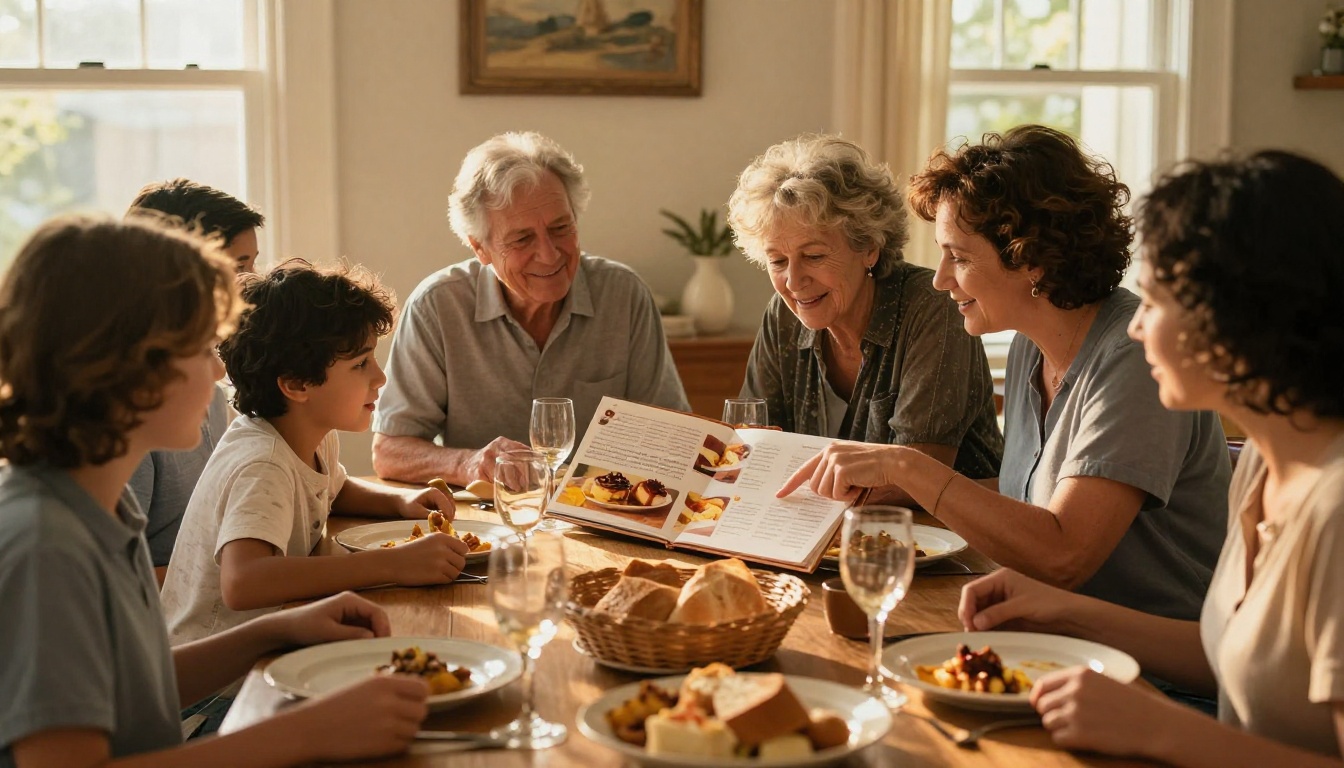
A grandmother's handwritten pasta recipe, a father's famous barbecue rub, a childhood holiday cookie — these recipes exist in physical form only, which means they are one house fire or flooded basement away from being lost forever. A digital flipbook preserves them in a format that every family member can access on any device, share with extended family, and keep indefinitely.
The approach: scan all physical cards, organize them by family member or decade, add short notes about each recipe's history or the person who created it, and share the link at the next family gathering. The result is a family heirloom that exists on every phone and every laptop rather than in a single fragile box.
Cooking Class Materials
Instructors running in-person or online cooking classes can replace printed handouts with a session recipe flipbook. Students access it from their phones while cooking alongside the instructor, the instructor can update content between sessions without reprinting anything, and the flipbook serves as a permanent reference students return to after the class ends.
Food Brand Content Marketing
Restaurants, catering companies, and food product brands can publish seasonal recipe flipbooks as content marketing. A restaurant can create a "use our signature sauce" recipe collection that drives brand association while providing genuine value. A catering company can share their most-requested event dishes as a beautifully browsable collection that doubles as a capabilities overview for prospective clients.
Recipe Gifting
A custom recipe card flipbook is a more personal and memorable wedding gift, housewarming present, or holiday gift than anything purchasable off a shelf. Curate 20 to 30 recipes you genuinely love, design them with consistent photography and typography, and present the link alongside a handwritten note explaining why you chose each recipe.
3 Common Mistakes to Avoid
Too Many Recipes at Once
Starting with 100 recipes overwhelms the design process and produces an inconsistent final product where the first 20 cards look polished and the last 80 feel rushed. Start with 25 to 30 of your best recipes, design them with full attention, then expand the collection incrementally.
Ignoring Mobile Viewing
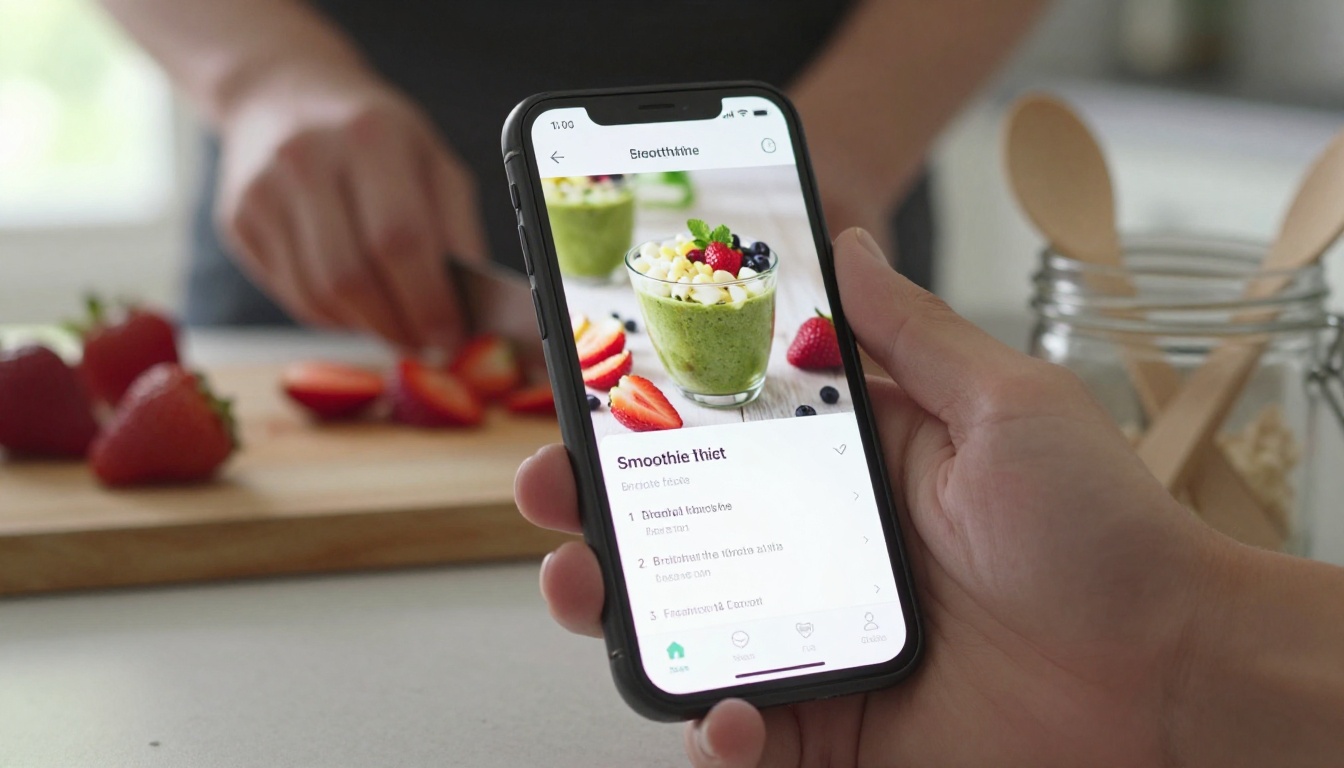
Most people who receive your recipe flipbook will open it on a phone, often while standing at a kitchen counter. Test your flipbook on a mobile device before sharing it publicly. Flipbooks AI automatically optimizes for mobile rendering, but your original PDF layout should also be readable at small screen sizes, which means font size matters more than it does for desktop viewing.
Skipping the Cover and Section Dividers
A flipbook without a proper cover feels unfinished regardless of how good the individual recipe cards look. A flipbook without section dividers forces the reader to scroll through the entire collection to find what they want. Both elements take under an hour to add to your PDF and make the difference between something that feels homemade and something that feels like a published cookbook.
✅ Send your finished flipbook to one person before sharing it widely. Ask them to flip through it on their phone and tell you what felt confusing or slow. One round of honest feedback fixes 90 percent of usability issues before they reach a wider audience.
Ready to Build Yours
A well-made recipe card flipbook takes a weekend to do properly and lasts indefinitely. The recipes you preserve and design today can be shared as a link, gifted to someone you love, embedded on a food website, or passed down through a family in a format that holds up across every device and every decade.
Get started for free on Flipbooks AI and upload your first recipe PDF today. Browse the full list of flipbook tools to find the right setup for your specific use case, or review the pricing plans to choose the tier that fits how you want to share your collection. The recipes already exist. Building the flipbook is just the next step.



