Sports seasons go fast. One minute you are at the first practice, and before you know it, the tournament weekend is over and everyone is moving on to the next thing. Most coaches and team parents scramble to share highlights through group chats, emails, or social media posts, and those memories just disappear. A sports team flipbook changes that.
A digital flipbook is a shareable, page-turning document that parents can open on any device. No app needed, no printing costs, no inbox clutter. When you put together a well-made sports team flipbook, parents actually save it, share it with grandparents, and come back to it months later. This article shows you exactly how to do it with Flipbooks AI.
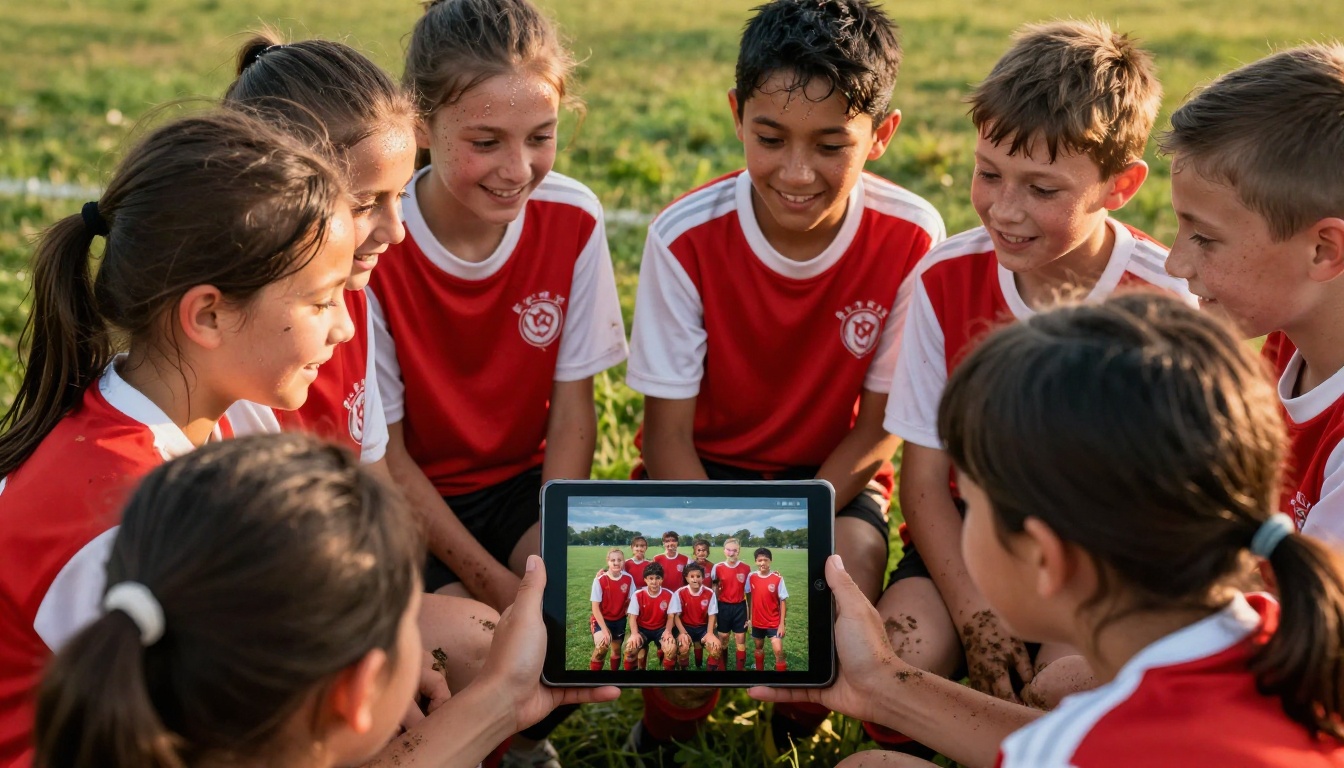
Why Parents Keep Missing Your Updates
The real problem in youth sports communication is not a lack of effort. Coaches send updates constantly. The issue is format.
The Group Chat Problem
Group chats are great for quick messages. But they are terrible for anything you want people to actually find again. A photo you sent in March is buried under 400 messages by April. A PDF attachment gets downloaded, forgotten in a downloads folder, and never opened again.
Email newsletters suffer the same fate. Open rates for parent emails in youth sports hover around 20 to 30 percent on a good day. That means the majority of parents never even see the season recap you spent two hours putting together.
⚠️ The problem is not the content, it is the format. Parents do not ignore updates on purpose. They just get buried.
What a Flipbook Does Differently
A digital flipbook behaves like a magazine. Pages actually turn. Photos fill the screen. The experience feels intentional, not like a forwarded attachment. That difference matters more than you might expect.
When a parent opens a link and sees a page-flip animation with team photos, scores, and player spotlights, they feel like something was made for them. That emotional response is what makes them send the link to grandma, post it in the neighborhood Facebook group, or save it to revisit at the end of the season.

What to Put in Your Sports Team Flipbook
The content of your flipbook determines whether parents read it once or keep coming back. Here is how to think about it.
Content That Parents Actually Want
Not all content is equal. Some information makes parents feel connected to the team. Other information just fills space. Focus on what creates an emotional response.
| Content Type | Parent Reaction | Priority |
|---|
| Action photos of their kid | Very high emotional impact | Must-have |
| Team group shots | High, especially for memories | Must-have |
| Season schedule or results | Practical reference value | Important |
| Player spotlights or bios | Parents love recognition | High |
| Coach notes and messages | Adds personal touch | Recommended |
| Upcoming game or event info | Practical utility | Important |
| Sponsor acknowledgments | Low personal value | Optional |
| Statistics and leaderboards | Varies by sport | Optional |
💡 Put a photo of every single player somewhere in the flipbook. If a parent cannot find their child, the flipbook fails its most important job.
Sections Worth Including
A well-structured sports team flipbook typically runs 8 to 16 pages, though there is no strict limit. Here is a solid structure that works across most sports:
- Title Page: Team name, season year, and a great action photo
- Welcome Message: A short note from the coach or team manager
- Team Roster: Player photos with names, numbers, and positions
- Season Schedule and Results: Win/loss record, scores, standings
- Season Highlights: Best moments, biggest wins, personal bests
- Player Spotlights: Individual features with photos and short write-ups
- Photo Gallery: Action shots from games and practices
- Thank You Page: Acknowledge parents, volunteers, sponsors
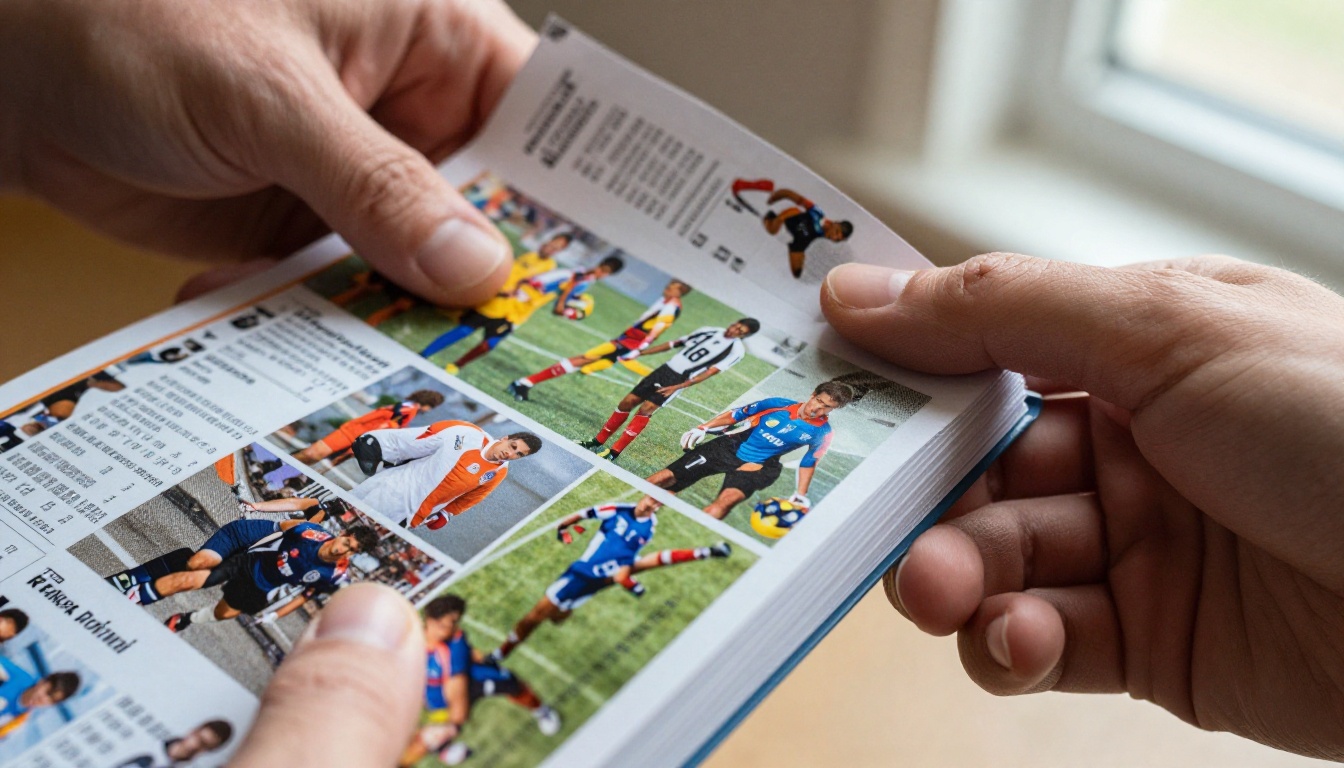
How to Build Your Sports Team Flipbook Step by Step
This is where most coaches get stuck. The concept sounds great, but the actual process feels overwhelming. It does not have to be.
Step 1: Collect Your Content
Before you open any design tool, gather everything you need in one folder. This prevents the frustrating back-and-forth of searching for photos mid-project.
What to gather:
- Team and individual photos (aim for at least 30 to 50 usable images)
- Player roster with names, numbers, and positions
- Season schedule with final scores filled in
- Any coach messages or notes
- Sponsor logos if applicable
- Team colors and any existing branding
✅ Ask parents to submit their best photos through a shared Google Drive or Dropbox folder. You will get far better quality images than screenshots from group chats.
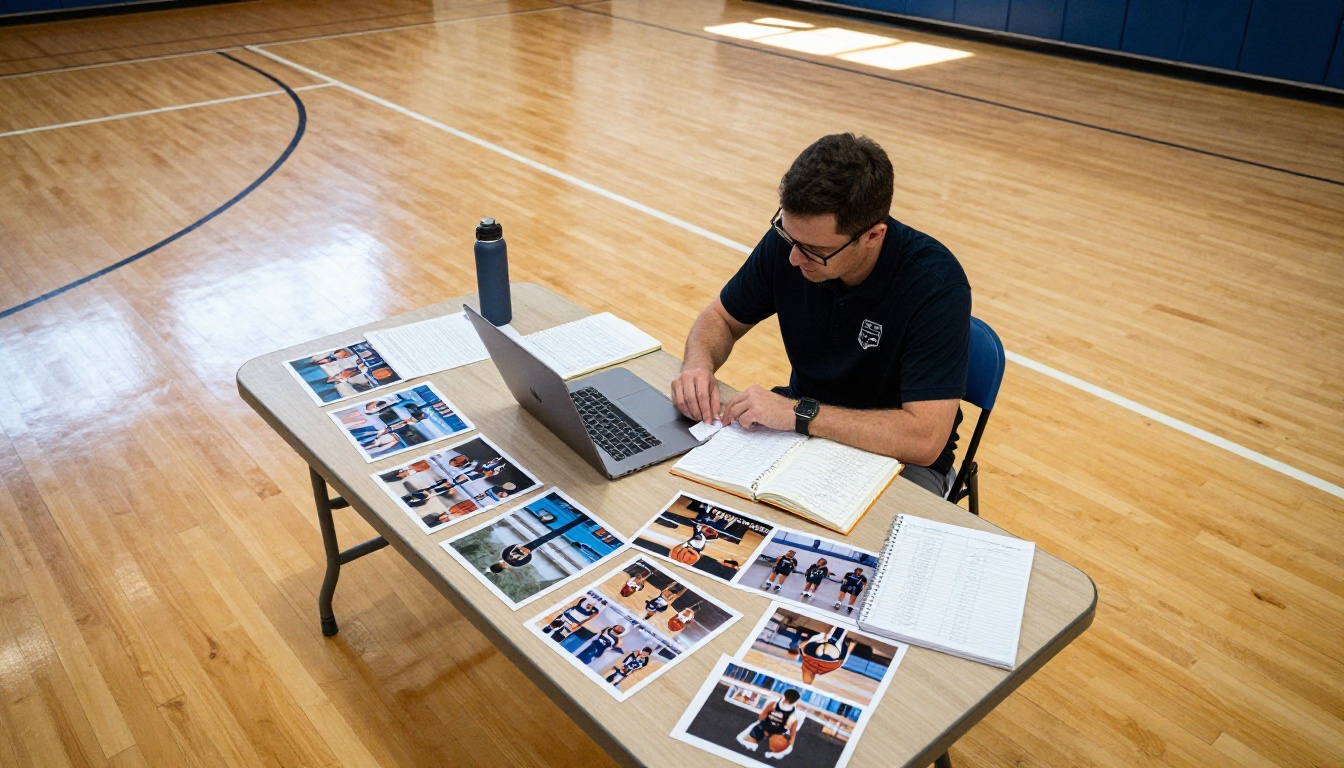
Step 2: Design It as a PDF
Flipbooks AI converts your PDF into a flipbook, so your design work happens in a tool you are already comfortable with. The most popular options are:
- Canva: Free, beginner-friendly, excellent sports templates
- Google Slides: Easy to use, great for collaboration with other parents
- PowerPoint: Familiar interface with good layout control
- Adobe InDesign: Best quality, but requires prior experience
Set your document to 16:9 horizontal format (1920 x 1080 pixels or equivalent) for the best viewing experience on screens. Design each page as a spread, keep text minimal and readable at small sizes, and use high-resolution photos whenever possible.
💡 Keep text on photos to a minimum. Parents are looking at images first. If they have to read to understand the page, you have already lost them.
Step 3: Convert and Publish With Flipbooks AI
Once your PDF is ready, head to Flipbooks AI and create an account. The upload and conversion process takes about 60 seconds.
Here is the exact flow:
- Log in at flipbooksai.com/account
- Click New Flipbook and upload your PDF file
- Wait for the automatic conversion (usually under a minute)
- Customize your flipbook settings:
- Add your team name and branding
- Set custom colors to match your team palette
- Enable or disable page sound effects
- Add background music for a more immersive experience
- Set sharing permissions (public link or password-protected for team-only access)
- Click Publish and copy your shareable link
Flipbooks AI features for sports teams:
- ✅ No watermarks, ever
- ✅ Password protection so only team parents can access it
- ✅ Mobile-responsive so it looks perfect on any phone
- ✅ Embed directly on a team website or Shutterfly page
- ✅ Analytics to see how many parents actually opened it (Professional plan)
- ✅ Offline downloads so parents can keep it even without internet
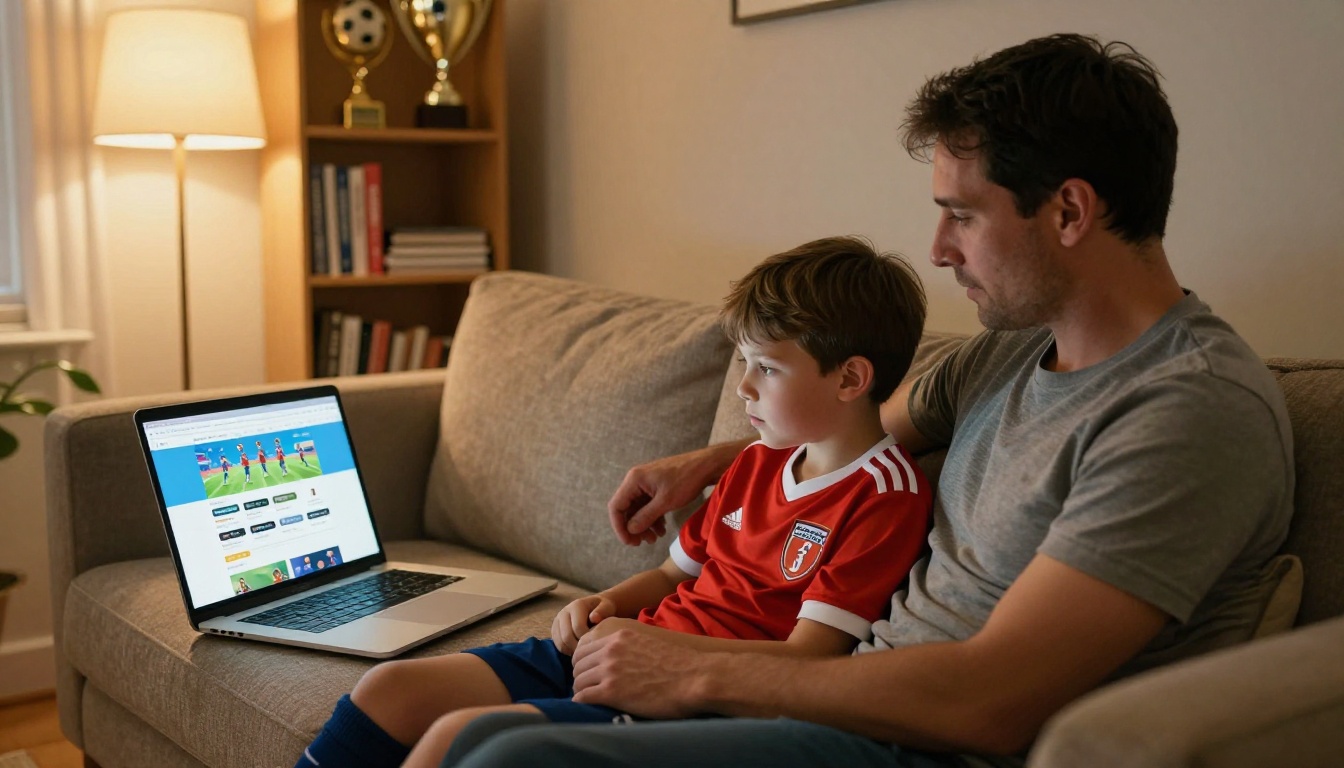
Step 4: Share It With the Team
Once published, sharing is simple. You get a direct link, an embed code, and a QR code. Send the link through your group chat, your team email, and post it in your private team Facebook group.
Sharing options that work best:
- Direct link in group chat: Highest open rate, lowest friction
- Email with a preview image: Good for parents who prefer email
- QR code at the end-of-season party: Print it on a banner or flyer
- Embed on your team website: Permanent home for the flipbook
✅ Send a message that says "Every player has a spotlight on page 8." Parents will open it just to find their child.
Sports Flipbook Ideas by Sport
Different sports have different communities and different things worth celebrating. Tailoring your flipbook content to the sport makes it feel personal rather than generic.
Soccer and Football
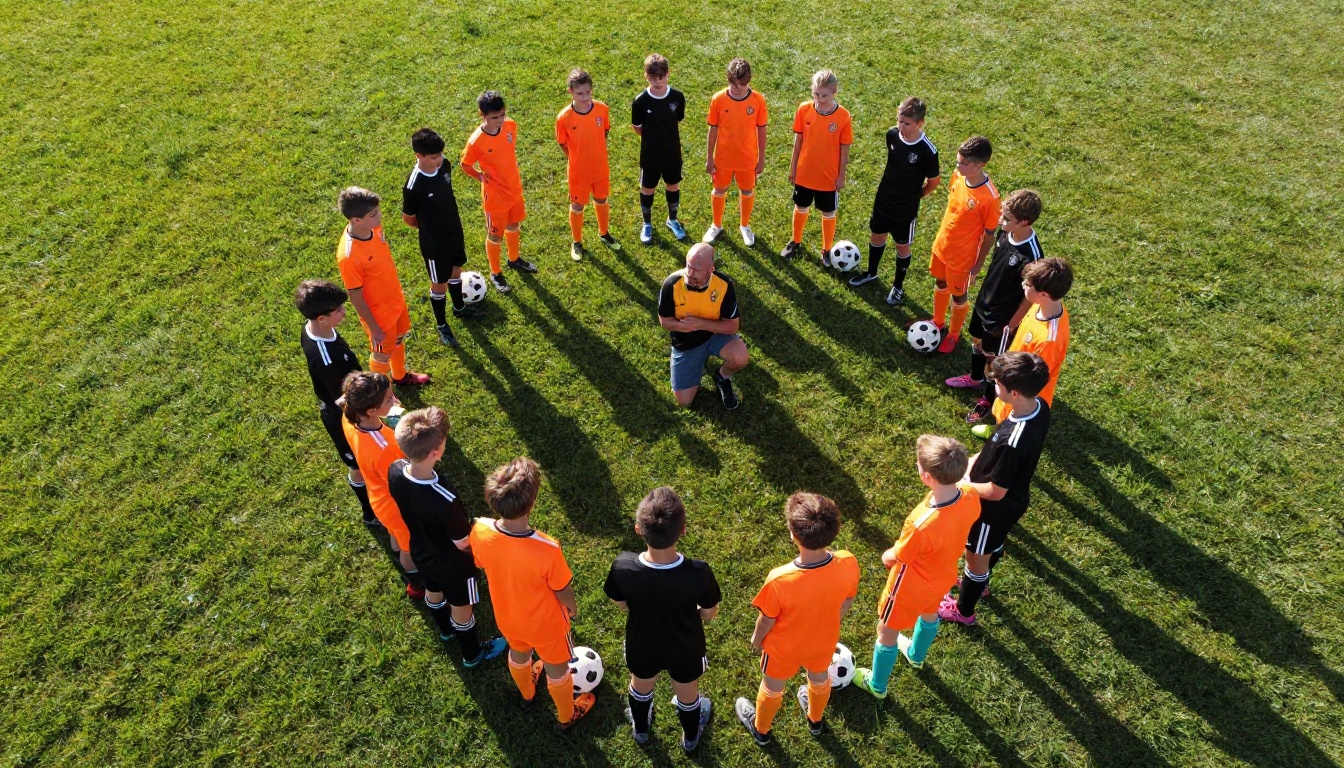
Soccer and football flipbooks thrive on action shots. The wide-open field gives photographers plenty of room to capture dynamic moments: breakaways, celebrations, headers, and goalkeeper saves.
Content ideas specific to soccer and football:
- Goals scored per player throughout the season
- Formation diagrams with player names
- Defensive stats (saves, tackles, assists)
- Tournament bracket results
- Pre-game and post-game huddle photos
A youth soccer association with 8 teams could create individual team flipbooks and a league-wide season recap flipbook. Parents who coach and manage multiple siblings across teams will especially appreciate a consolidated format.
Baseball and Softball

Baseball and softball have a rich statistical tradition that parents love to see quantified. These sports also tend to have longer seasons, which makes a well-timed mid-season flipbook update a great communication tool in its own right.
Content ideas specific to baseball and softball:
- Individual batting averages, home runs, RBIs
- Pitcher stats: ERA, strikeouts, wins
- "Clutch Moment" photo features for big hits or defensive plays
- Dugout candid photos that show team camaraderie
- Bracket results for tournaments
Basketball and Volleyball
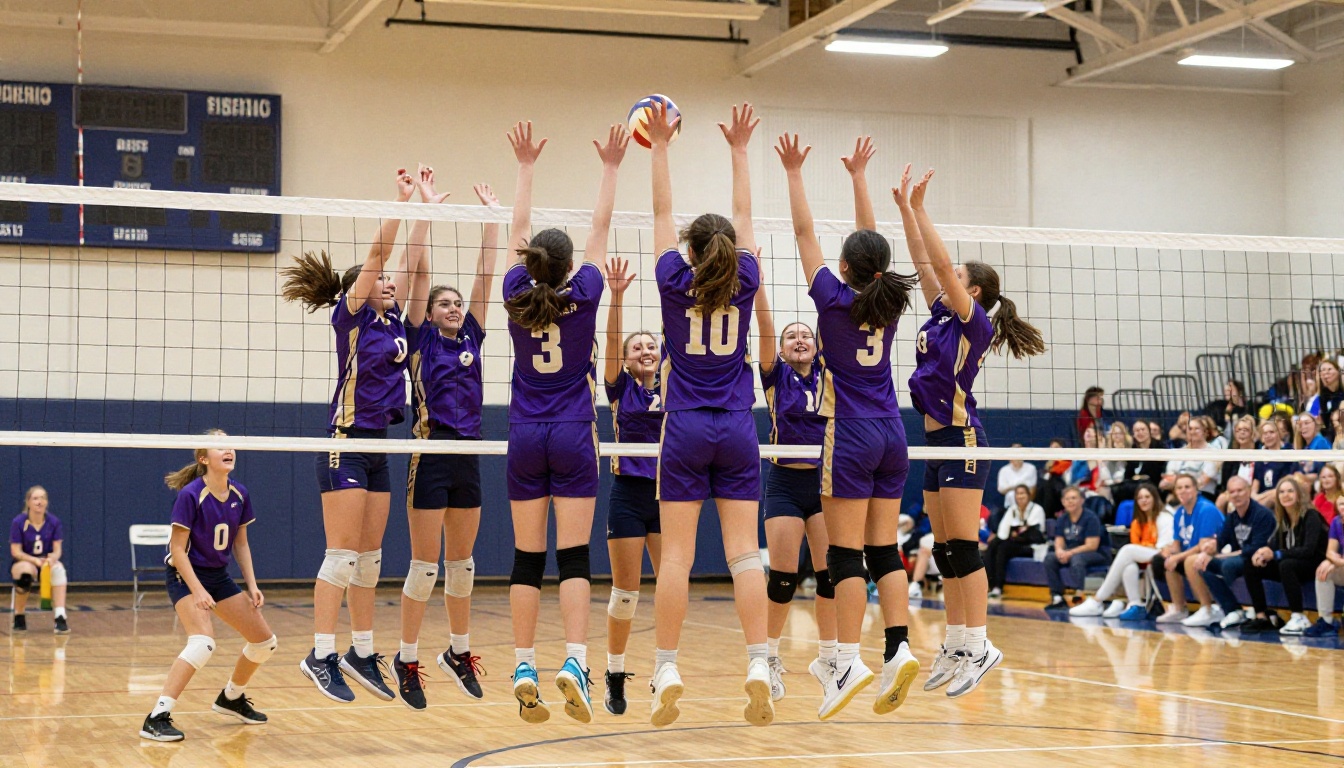
Indoor sports offer unique photographic conditions. Gym lighting can be challenging, but it also creates dramatic images. The tight playing area means action shots are close and personal.
Content ideas specific to basketball and volleyball:
- Points per game by player
- Defensive highlights: blocks, steals, digs
- Team photo in the gym with the scoreboard in the background
- "Most Improved Player" or similar recognition sections
- Playoff bracket progress and final standings
You have options when it comes to which platform to use. Here is an honest comparison so you can pick what fits your situation.
| Feature | Free Tools (PDF viewers) | Flipbooks AI Standard | Flipbooks AI Professional |
|---|
| Page-flip animation | No | Yes | Yes |
| Mobile-responsive | Limited | Yes | Yes |
| Custom branding | No | Yes | Yes |
| No watermarks | Varies | Yes | Yes |
| Password protection | No | Yes | Yes |
| Analytics and tracking | No | No | Yes |
| Offline downloads | No | Yes | Yes |
| Unlimited flipbooks | No | Yes | Yes |
| Embed on website | No | Yes | Yes |
| Lead capture forms | No | No | Yes |
⚠️ Watch out for watermarks. Some free flipbook tools add their logo on every page of your content. That is fine for a personal test, but it looks unprofessional when you are sharing something that represents your team. Flipbooks AI never adds watermarks, even on the entry-level plan.
See pricing plans if you want the full breakdown. For most youth sports teams, the Standard plan covers everything you need.
| Use Case | Recommended Plan |
|---|
| Single end-of-season recap flipbook | Standard |
| Multiple teams in a league | Standard |
| Team with a website to embed on | Standard |
| Coach who wants to track open rates | Professional |
| Organization with lead capture needs | Professional |
| Testing for the first time | Free trial |
Tips That Make Parents Share It
A flipbook that parents share is worth ten times one they just glance at. These are the things that push a flipbook from good to genuinely loved.
Photos First, Always
The number one thing parents want to see is their child. Not the trophy, not the coach, not the team logo. Their specific child, doing something athletic, looking good.
Photo selection priorities:
- Every player with at least two photos (one action, one posed or group)
- Victory celebrations and emotional moments
- Team huddles and bench camaraderie
- Close-up shots that show individual effort and expression
- Wide shots that capture the atmosphere of the venue
Bad lighting and blurry photos are forgivable if the content is there. Parents will forgive a grainy photo of their child scoring a goal. They will not forgive a technically perfect photo of the trophy with no kids in it.
💡 Use the Yearbook Flipbook Maker if you want a structured template that already accounts for individual player pages. It handles much of the layout work automatically.
Timing Is Everything
When you release the flipbook matters as much as what is in it.
| Release Timing | Parent Reaction |
|---|
| End-of-season party | Highest excitement, immediate sharing |
| Day after the final game | Very good, emotions still high |
| One week after season ends | Good, but momentum is fading |
| Two or more weeks after | Low engagement, parents have moved on |
| Mid-season update | Excellent for long seasons (8+ months) |
For long seasons like fall baseball or year-round club soccer, consider releasing a mid-season flipbook to keep parents invested between the start and the end. It also takes pressure off the end-of-season production, since you only need to add the second half of the season to an already-built template.
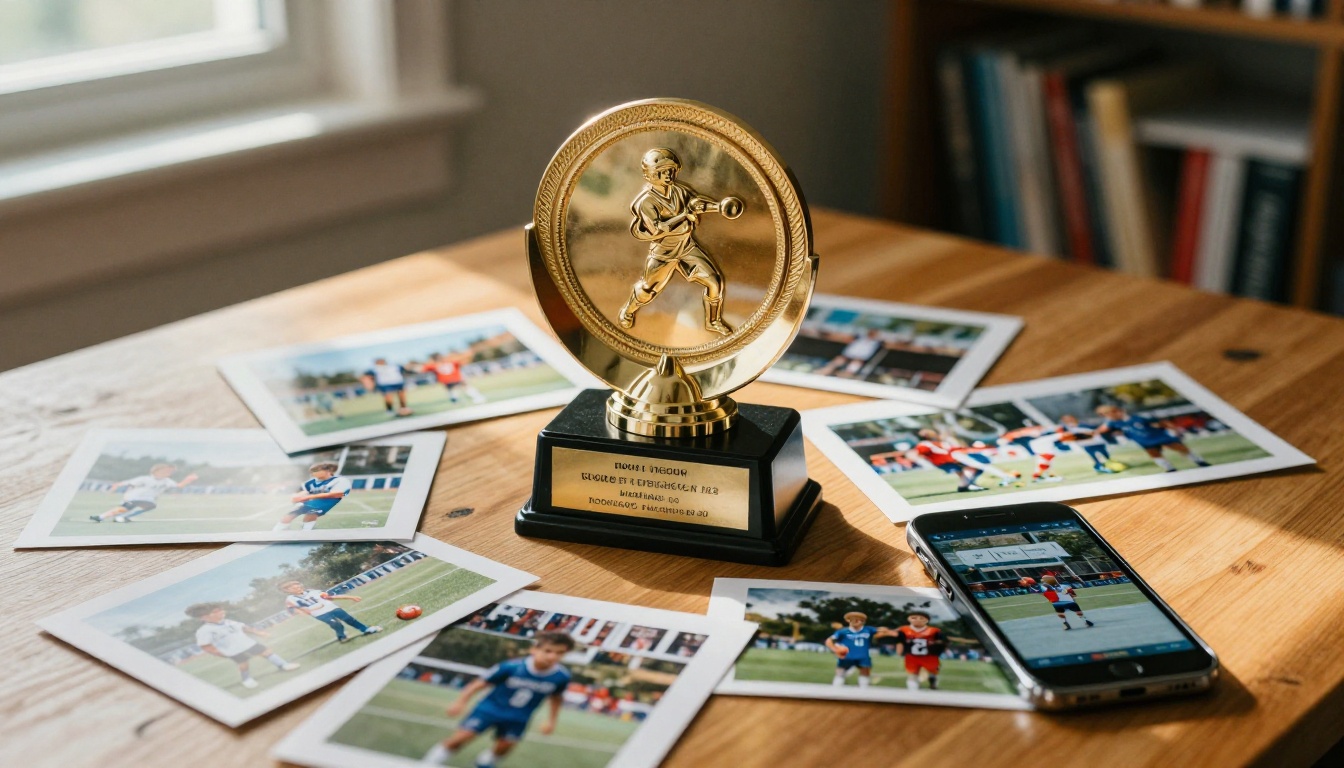
Make This Season Worth Remembering
Youth sports seasons are short. Kids grow up faster than parents expect, and the memories from a specific season, with a specific team and a specific group of kids, become precious quickly.
A well-made sports team flipbook gives those memories a permanent, beautiful home. It is something a parent can pull up five years from now and show their teenager. Something grandparents save to their phones. Something that makes the time and effort everyone put into the season feel properly celebrated.
The best part is that it does not take long to create. A few hours of design work in Canva, a quick upload to Flipbooks AI, and you have something that will outlast any group chat message or email.
Ready to build yours? Get started for free on Flipbooks AI. Browse all available flipbook tools to find the right template for your sport. And when you are ready to add analytics or offline downloads, compare pricing plans to pick what works for your team.



