Most newsletter designers are losing readers before they even start. The format itself is the problem. A wall of text in an inbox, a static PDF attachment, a link that goes nowhere memorable - these are the standard approaches, and they are all quietly failing. The real shift happens when you stop thinking of your newsletter as an email and start designing it as an interactive, page-turning flipbook. Flipbooks AI makes this transition faster and more polished than anything else available today.
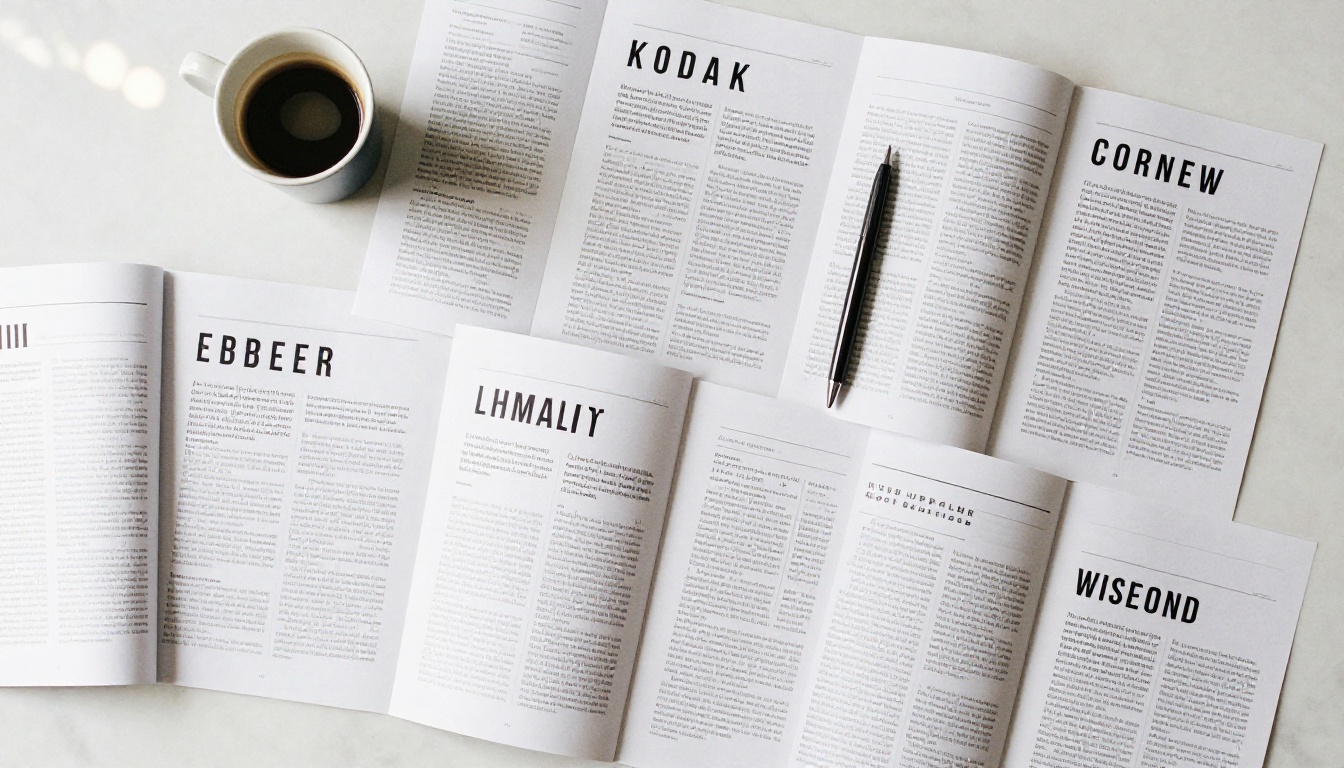
The psychology is simple: people read what feels good to read. A flipbook replicates the satisfying experience of flipping through a physical magazine, but in a browser, on any device, with no printing required. Readers stay longer. They share more. They remember what they read.
Research in digital publishing consistently shows that interactive content holds attention at rates significantly higher than static formats. When your newsletter has a page-flip animation, a visible structure, and a real sense of visual hierarchy, it stops feeling like communication and starts feeling like content worth consuming.
There is also the practical side. A flipbook newsletter:
- Lives at a shareable URL anyone can open in a browser
- Works perfectly on mobile, tablet, and desktop
- Can be embedded directly into your website
- Does not compete with inbox clutter
- Can include video and audio within the pages
What You Need Before You Start
Before you open any tool, you need three things in place: a clear purpose, a defined audience, and a design brief. Skipping these steps is how newsletters end up looking generic.
Define Your Newsletter's Purpose
Ask yourself what one action you want readers to take after finishing your newsletter. Is it clicking through to a product page? Registering for an event? Staying informed about your industry? Your layout, hierarchy, and call-to-action placement all flow from this single answer.
Know Your Visual Identity
Your flipbook newsletter should match your existing brand. This means having your:
- Primary and secondary colors (with exact hex codes)
- Brand fonts (heading and body typefaces)
- Logo files in SVG or high-resolution PNG
- Tone of voice notes (formal, casual, editorial, playful)
Plan Your Content Structure
Map your newsletter sections before designing a single page. A typical structure might look like this:
| Section | Purpose | Recommended Length |
|---|
| Opening Page | Visual hook, brand impression | 1 page |
| Editor's Note | Personal connection, context | 0.5 page |
| Main Feature | Core content, primary value | 2-3 pages |
| Secondary Stories | Supporting content | 1-2 pages |
| Products or Services | Offer or promotion | 1 page |
| Events or Announcements | Timely updates | 0.5 page |
| Back Page | CTA, social links, contact info | 1 page |
This structure gives you a 7-9 page flipbook, which is the sweet spot for reader completion rates.
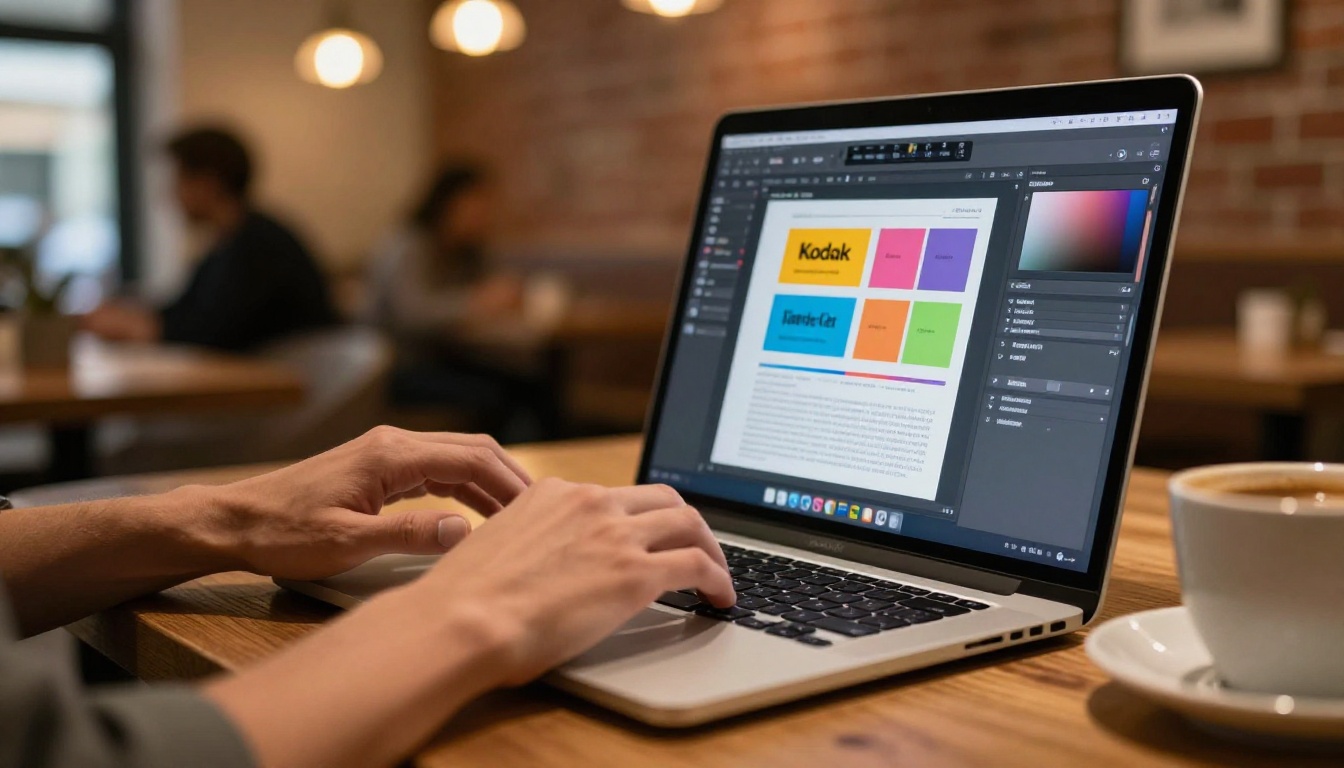
Flipbooks AI works by converting your PDF into an interactive flipbook, so the quality of your flipbook is directly tied to the quality of your PDF design. Here is how to get it right.
Page Dimensions and Resolution
Use a standard A4 or US Letter page size at 300 DPI for maximum sharpness. If your newsletter will be viewed primarily on screens, you can use 150 DPI to reduce file size without visible quality loss. Set your document to RGB color mode, not CMYK. This single setting change prevents color shifts when the flipbook renders in a browser.
Typography Rules That Actually Work
Typography carries more weight in a newsletter than images do. Most readers scan headlines, subheadings, and callouts before deciding to read body text.
- Headlines: Use a display or serif font at 28-42pt. Bold weight.
- Subheadings: Same family or a harmonious pairing, 18-22pt.
- Body text: A clean, legible sans-serif at 10-12pt with 150-160% line height.
- Captions and labels: 8-9pt, medium weight, slightly reduced opacity.
💡 Never use more than two font families in a single newsletter. Three fonts maximum if you include a monospace for code or data sections.
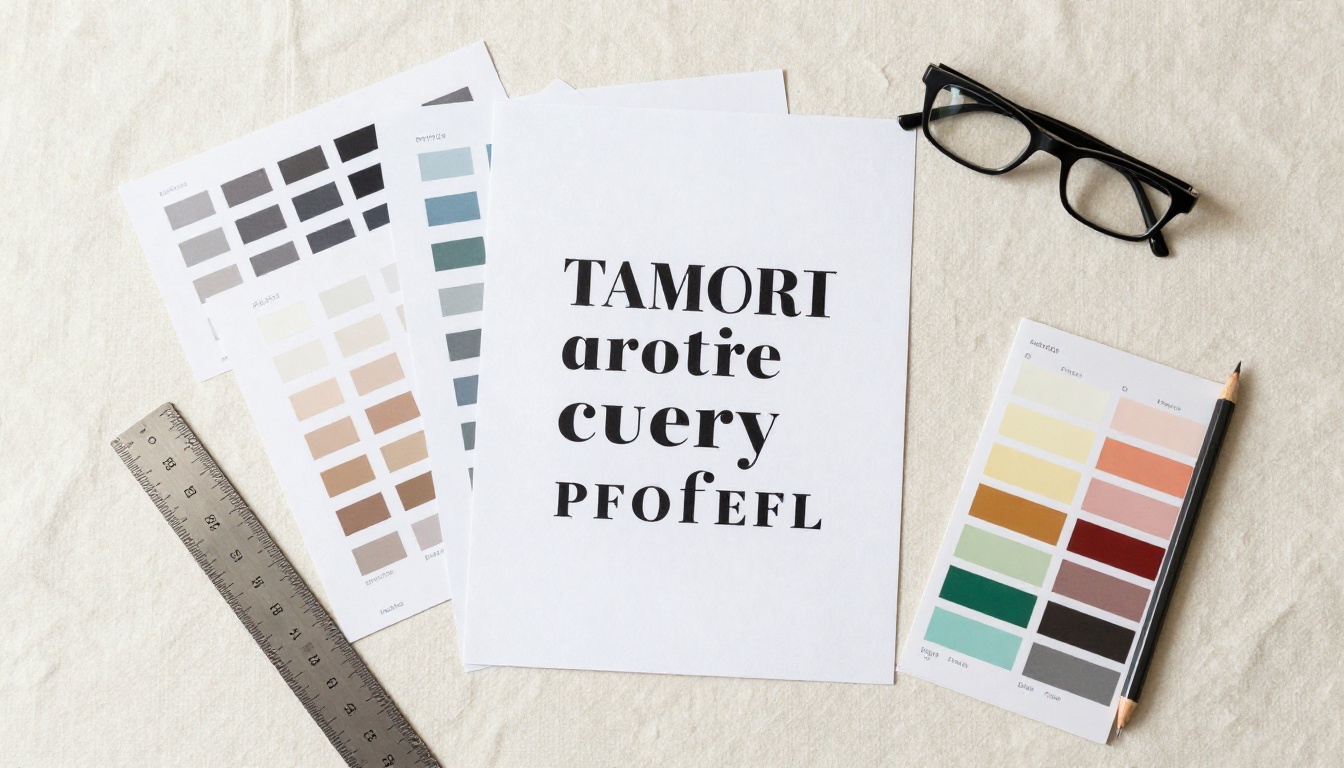
Color and Visual Hierarchy
Every page needs a clear focal point. Use color to direct the eye:
- Background: Light neutral (white, cream, pale gray) for readability
- Primary accent: Your brand color for headlines and borders
- Secondary accent: A complementary tone for callout boxes and dividers
- Text: Near-black (#1a1a1a or #222) rather than pure black for softer reading
Layout Grid and Spacing
Use a 12-column grid and never let content bleed to the edge without intention. A minimum margin of 15-20mm on all sides prevents your content from feeling cramped when rendered in the flipbook viewer. Consistent spacing across every page builds a sense of quality that readers notice without being able to name.
How to Build Your Newsletter Flipbook with Flipbooks AI
Once your PDF is ready, converting it into a polished, shareable flipbook takes minutes on Flipbooks AI. Here is the step-by-step process:
Step 1: Create Your Account
Go to flipbooksai.com/account and sign up. The free tier lets you get started immediately with no watermarks on your published flipbooks. For newsletter publishers who need analytics, password protection, and lead generation, check the pricing plans to find the right fit.
Step 2: Upload Your PDF
From your dashboard, click New Flipbook and upload your newsletter PDF. The platform processes your file and automatically generates the page-flip version. Most newsletters under 10MB convert in under 30 seconds.
✅ For best results, flatten all layers in your PDF before uploading and embed all fonts. This prevents any rendering inconsistencies in the flipbook viewer.
Step 3: Customize Your Flipbook
This is where the experience becomes distinctly yours. In the customization panel you can:
- Set your brand colors for the flipbook interface (toolbar, background, buttons)
- Add your logo to the reader header
- Choose a page-flip style (soft paper, hard cover, fast digital)
- Enable or disable auto-play for automatic page progression
- Add a custom thumbnail for social sharing previews
- Embed videos or audio into specific pages
💡 Use the Newsletter Flipbook Publisher tool for a template already optimized for newsletter formats. It handles the layout decisions automatically so you spend time on content, not configuration.

Step 4: Set Up Sharing and Privacy
Flipbooks AI gives you multiple ways to publish and share your newsletter:
- Direct link: A clean, shareable URL your subscribers click to read
- Embed code: Drop your flipbook directly into your website or landing page with one snippet
- Password protection: Restrict access to subscribers only (available on Standard and above)
- Social share buttons: Built-in sharing for the most common platforms
- Offline downloads: Let readers save a PDF version for reference
For member-only newsletters or premium content, password protection is one of the most-used features. Readers enter a password you set, and the flipbook opens immediately on any device.
Step 5: Publish and Distribute
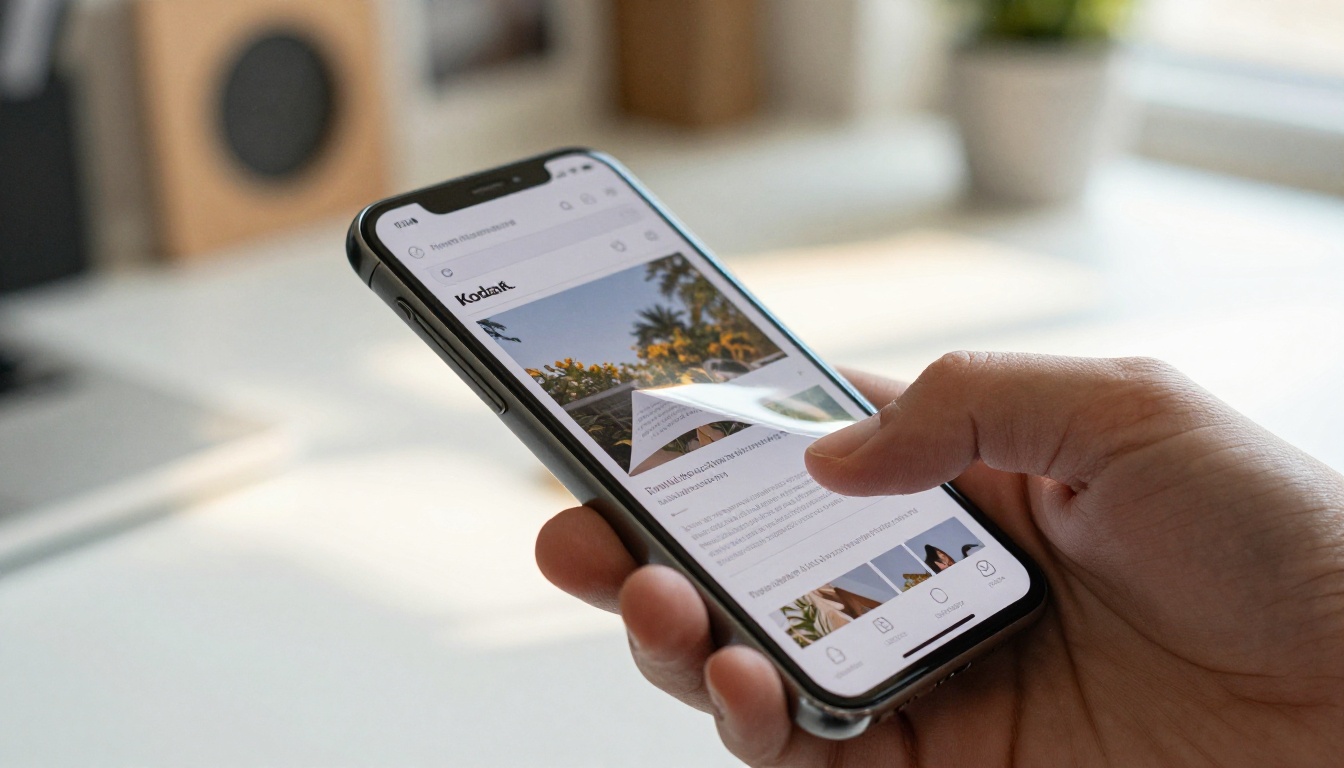
Hit Publish and your flipbook goes live at its unique URL. Share this URL in your email instead of attaching a PDF. You get all the visual richness of a designed newsletter without inbox attachment limits, download prompts, or formatting breaks across email clients. The link works on every device, every browser, with no plugins required.
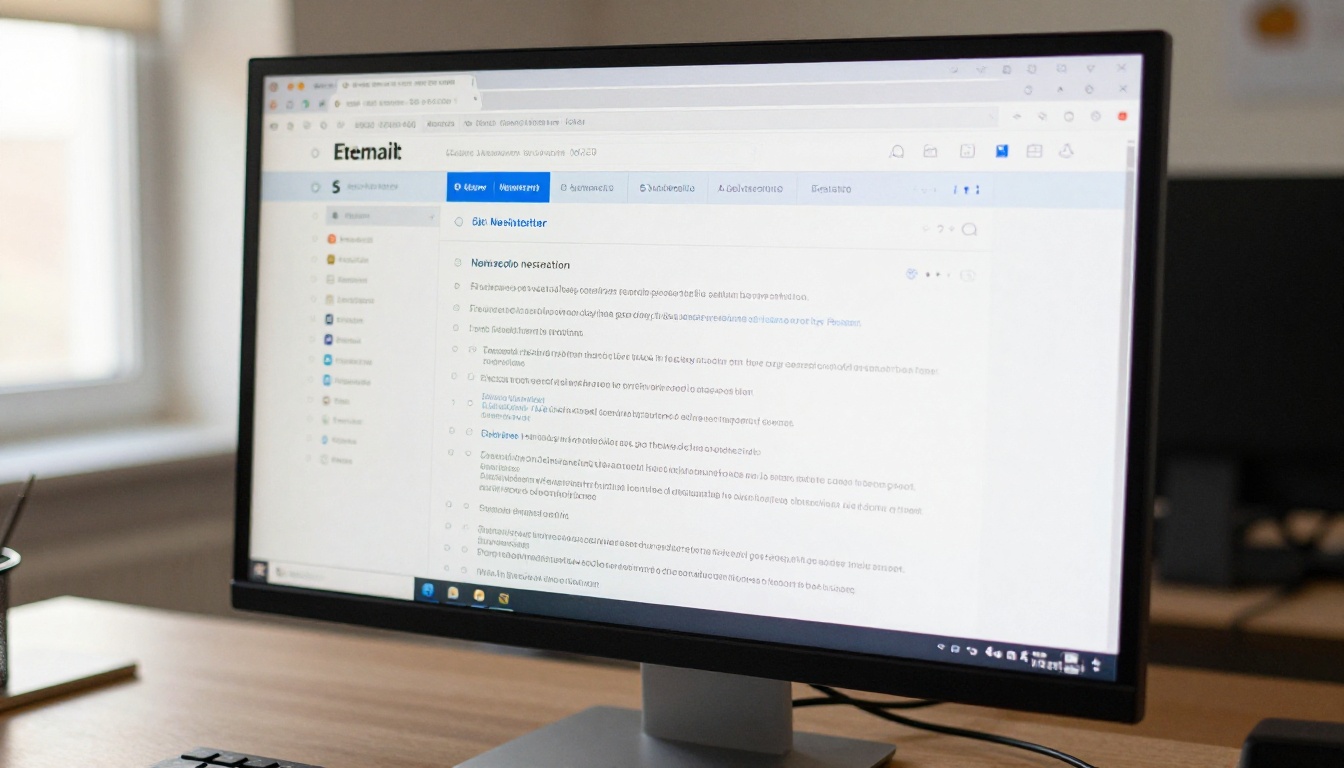
Not every newsletter format is created equal. Here is how a flipbook stacks up against the most common alternatives:
| Format | Visual Quality | Mobile Experience | Shareability | Analytics | Interactivity |
|---|
| HTML Email | Medium | Good | Limited | Basic | Low |
| PDF Attachment | High | Poor | Low | None | None |
| Plain Text Email | Low | Excellent | None | Basic | None |
| Website Article | High | Good | High | Good | Medium |
| Flipbook | Very High | Excellent | Very High | Detailed | High |
The flipbook format wins on every dimension that matters for reader experience. The only category where it requires an extra step is the initial PDF design, but that cost is front-loaded and pays off with every issue you publish.
Page Design Tips for Specific Newsletter Types
Different newsletter categories have different design priorities. Here is a breakdown of what works for the most common types:
Company Newsletters
Focus on hierarchy and trust signals. Use photography of real employees and real offices. Feature a consistent masthead on page one that reinforces your brand every issue. The Corporate Report Maker can serve as a structural starting point even for company newsletters that lean more editorial than financial.
Product or Commerce Newsletters
Treat every page like a catalog spread. Each product should have:
- A strong full-bleed photograph
- A clear price point
- One short sentence of benefit copy
- A visible link or QR code for purchase
The Product Catalog tool is built exactly for this style and converts cleanly into a flipbook format.
Educational or School Newsletters
Readability is the top priority. Use larger body text (12-13pt), more white space, and a clear section-by-section structure. Include a table of contents on page two so readers can jump to what matters to them. The School Newsletter Creator handles this structure by default.
Industry or B2B Newsletters
Authority and data density matter here. Use infographics, pull quotes from experts, and data tables. Your typography should lean serious, and your color palette should stay conservative. Tables of data convert better than paragraphs of text in this audience.

Common Design Mistakes to Avoid
These are the patterns that consistently hurt newsletter flipbooks:
Too Many Fonts
Three fonts across an entire newsletter is already generous. Four or more creates visual noise that makes reading feel exhausting. Pick a display font for headlines, a clean sans-serif for body, and stop there. Consistency is what makes a newsletter feel professional.
Inconsistent Spacing
When margins, padding, and line heights shift unpredictably from page to page, readers feel it even if they cannot name it. Set a spacing system before you start and apply it mechanically throughout every page of the document.
Low-Contrast Text
Gray text on a white background looks sophisticated in mockups and fails in real reading conditions. Any body text below a 4.5:1 contrast ratio will frustrate readers on screens in bright environments or on older displays.
Overloading Every Page
Every page does not need to contain everything. White space is active design. A page with one strong image, one headline, and three bullet points performs better than a page stuffed with five columns of small text.
⚠️ Avoid using your newsletter as a dump for every update your organization has. Curate ruthlessly. Readers remember the newsletters that respect their time, not the ones that consume it.
Using Low-Resolution Images
Images that look sharp in your design software can appear blurry once rendered in a flipbook if the source resolution is too low. Always use images at a minimum of 1200px wide for full-page use, and 600px wide for inline or column images.
Measuring Success After You Publish
Publishing is the beginning, not the end. The Professional plan on Flipbooks AI includes analytics that show you exactly how readers interact with your newsletter:
| Metric | What It Tells You | How to Act On It |
|---|
| Total Views | Overall reach of your newsletter | Compare issue to issue for growth trends |
| Average Read Time | Whether readers are finishing or bouncing | Short times signal weak content or poor layout |
| Page Drop-Off Rate | Which pages lose readers mid-issue | Fix content or pacing on high drop-off pages |
| Link Clicks | Which CTAs and offers are working | Double down on high-click content types |
| Device Breakdown | Mobile vs. desktop reading patterns | Optimize layout for the dominant device |
| Geographic Data | Where your readers are located | Tailor content to your real audience location |
Use the page drop-off data to identify weak sections in your next issue. If readers consistently leave at page 5, something on that page is breaking the experience. Fix the content, the layout, or the pacing before the next issue goes live.
💡 Pair your flipbook analytics with your email platform's open and click data for a picture of newsletter performance from inbox to last page. Together they show you where you are winning and where you are losing readers.
The Publishing Workflow That Scales
Once you have a template that works, the workflow for each issue becomes fast. Here is the repeatable system:
- Update content in your design file (Canva, InDesign, Figma, or any PDF-capable tool)
- Export as PDF with embedded fonts at 150-300 DPI
- Upload to Flipbooks AI and replace the previous version or create a new issue entry
- Apply brand customizations (these save as defaults after your first issue)
- Generate the shareable link and copy it
- Send your email with the link as the primary CTA: "Read this month's issue"
- Monitor analytics for the first 48 hours and note any drop-off patterns
This workflow scales whether you publish monthly or weekly. The design template carries the brand consistency; you only update the content. Over time, your flipbook newsletter becomes a recognizable, anticipated publication rather than just another email.

More Ways to Use Your Flipbook Newsletter
Once the core newsletter flipbook is working, there are several ways to extend its value without creating additional work:
- Archive past issues on your website using the embed code, building a browsable library that new subscribers can explore
- Add lead capture forms directly within the flipbook (Professional plan) to grow your subscriber list from the newsletter itself
- Offer offline downloads so readers can save your newsletter as a PDF for reference
- Embed video from product demos, interviews, or event recaps directly into the relevant pages
- Create seasonal or special editions using the same template with a different opening page and accent color
- Repurpose content by embedding the flipbook in blog posts, email signatures, or social media profiles
For teams managing newsletters across multiple brands or departments, Flipbooks AI offers workspace features to keep multiple newsletters organized under one account without confusion.
Your Next Issue Starts Here
The gap between a newsletter that feels professional and one that gets ignored is almost always design, not content. A flipbook gives your content the presentation it deserves and gives your readers a reason to actually look forward to your next issue.
Ready to publish your first flipbook newsletter? Create your free account on Flipbooks AI and upload your PDF today. Browse all publishing tools to find the right template for your newsletter style, or compare plans to choose the features that fit your publishing volume.



