Most company reports end up like that email everyone marks as read but never opens. Somebody spent weeks putting it together, and three people actually read it. The problem is almost never the data. It is the presentation. People do not read walls of text. They do not wade through 40 pages of dense paragraphs to find the one chart that matters. If your report is not built to be read, it will not be.
This changes that. Whether you are putting together an annual report, a quarterly business review, or a project wrap-up for your board, these principles apply. And if you want to take your report from a static PDF to something people actually interact with, Flipbooks AI gives you the tools to do exactly that.
Why Most Company Reports Fail
The Wall of Text Problem
Open most corporate reports and you will find the same thing: paragraph after paragraph of dense prose, buried numbers, and a design aesthetic that says "we made this in Word." The human brain does not process information that way. Most people scan before they read, and if the scan does not reward them, they stop.
Reports fail because they are written for the person creating them, not the person reading them. When your CFO needs to show the board a snapshot of annual performance, she is not asking for a 12-page narrative. She wants the headline number, the trend, and the three things that explain it.
Data Without Story
Another common failure: data without interpretation. A table showing revenue figures across 12 months means nothing without context. Did you beat projections? Why did Q3 dip? What changed in Q4? Raw numbers without narrative leave readers guessing, and guessing readers do not stay.
💡 Every data point in your report should answer one question: "So what?"

Start With What Readers Actually Want
Know Your Audience First
Before you write a single word or build a single chart, answer one question: who is reading this, and what do they need to do with the information?
| Audience | Primary Need | Format Priority |
|---|
| Board of Directors | Strategic overview, risk, performance vs. targets | Executive summary, visual KPIs |
| Shareholders and Investors | Financial performance, growth story, outlook | Clear financials, narrative, comparisons |
| Employees | Culture, achievements, direction | Human-interest stories, accessible language |
| Clients and Partners | Value delivered, milestones, relationship depth | Case studies, results, forward plans |
| Media and Public | Credibility, impact, transparency | Accessible summary, standout statistics |
Different audiences need different depths of information. A shareholder and a department head both read your annual report, but they are looking for completely different things. A report that tries to serve everyone equally usually serves no one well.
The 3-Second Test
Put your report title page or summary in front of someone who has not seen it before. Give them three seconds. Ask them what the report is about and what the most important thing on the page is. If they can answer both questions, your visual hierarchy works. If they cannot, you have a design problem.
The 3-second test is ruthless. It exposes weak headlines, buried data, and title page designs that prioritize branding over communication. Use it before you finalize any section.

Structure That Works
The Right Opening Section
Your executive summary is the most-read section of any company report. For many readers, it is the only section they read. This means it needs to stand alone. A good executive summary covers:
- The period and scope of the report
- 3-5 headline numbers with brief context
- One clear takeaway that answers "how did we do?"
- What comes next in one sentence
Do not open with company history or a letter that starts with "It is with great pleasure..." That is the fastest way to lose a reader before they hit page two.
How to Organize Your Data
Use a modular structure. Think of your report as a series of standalone chapters, each with its own visual summary. Someone who only reads the financials chapter should walk away informed. Someone who only reads the operations section should too.
✅ Best Practice: Open each chapter with a visual KPI block showing 2-3 headline numbers before any body text. This rewards scanners and gives them a reason to read deeper.
A strong modular structure looks like this:
- Executive Summary
- Performance Overview (visual KPIs)
- Financial Results
- Operational Highlights
- Team and People
- Looking Ahead
- Appendix and Data Tables
Visual Hierarchy Basics
Visual hierarchy tells readers where to look and in what order. It is the difference between a page that communicates and a page that confuses.
The basic rules:
- One primary headline per page or spread. Everything else supports it.
- Use size and weight to signal importance. Big and bold means important. Small and light means supporting detail.
- Limit your color palette. Two or three colors, used consistently, create order. More creates noise.
- Give data room to breathe. White space is not wasted space. It directs attention.
⚠️ A common mistake is making every piece of information feel equally important. When everything is bold, nothing is bold.

Design That Demands Attention
Color and Typography Rules
You do not need a professional designer to make a readable report. You need a system. A simple design system for company reports:
| Element | Recommendation |
|---|
| Primary font | One clean sans-serif for headers (e.g., Inter, Montserrat) |
| Body font | One readable font for body text (e.g., Georgia, Source Sans) |
| Primary color | Your brand color, used for headlines and accent elements |
| Secondary color | A neutral or complementary tone for backgrounds and dividers |
| Data color | A distinct, high-contrast color for chart highlights |
| Max font sizes | H1: 36-48pt, H2: 24-30pt, Body: 10-12pt |
Typography consistency creates trust. When every section uses the same heading style, the same body font, and the same color for data callouts, the report feels intentional and professional.
Charts That Tell Stories
Charts are not decoration. They are the argument. A chart that makes readers work to parse it has failed its job.
The right chart type matters:
| Goal | Best Chart Type |
|---|
| Show change over time | Line chart |
| Compare categories | Horizontal bar chart |
| Show part-to-whole | Donut or pie chart (max 5 segments) |
| Show two variables | Scatter plot |
| Compare many items | Grouped or stacked bar chart |
| Highlight a single number | Bold KPI card |
Every chart should have a title that states the conclusion, not just the topic. Instead of "Revenue by Quarter," write "Revenue Grew 18% Year-Over-Year." Instead of "Employee Headcount," write "Team Grew by 42 People in 2024."
White Space Is Not Wasted Space
Designers call it "negative space." Finance teams call it "wasted pages." They are both wrong about their instincts.
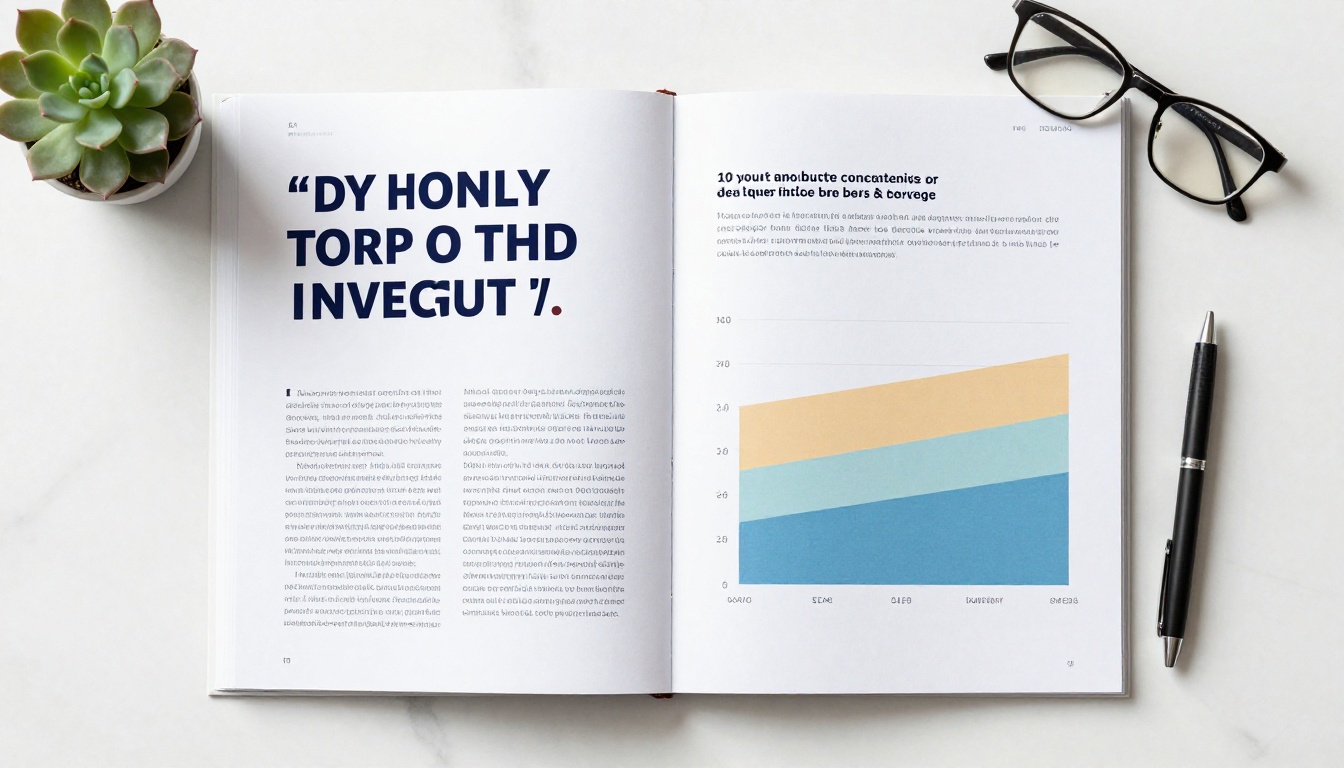
White space does two things. First, it makes the content that is there feel more important. A single strong chart with breathing room has more impact than three charts crammed onto one page. Second, it reduces cognitive load. A reader's brain works harder when a page is dense. Less density means more retention.
💡 Aim for no more than 60% content coverage on any given page. The other 40% should be margin, padding, and intentional emptiness.
From PDF to Interactive Flipbook
Why Static PDFs Get Ignored
A PDF is a container. It holds your content and delivers it. But it does nothing to make that content worth staying with. It does not track whether anyone read it. It does not let readers bookmark sections, click through to resources, or share a specific page. It sits in a downloads folder and waits.
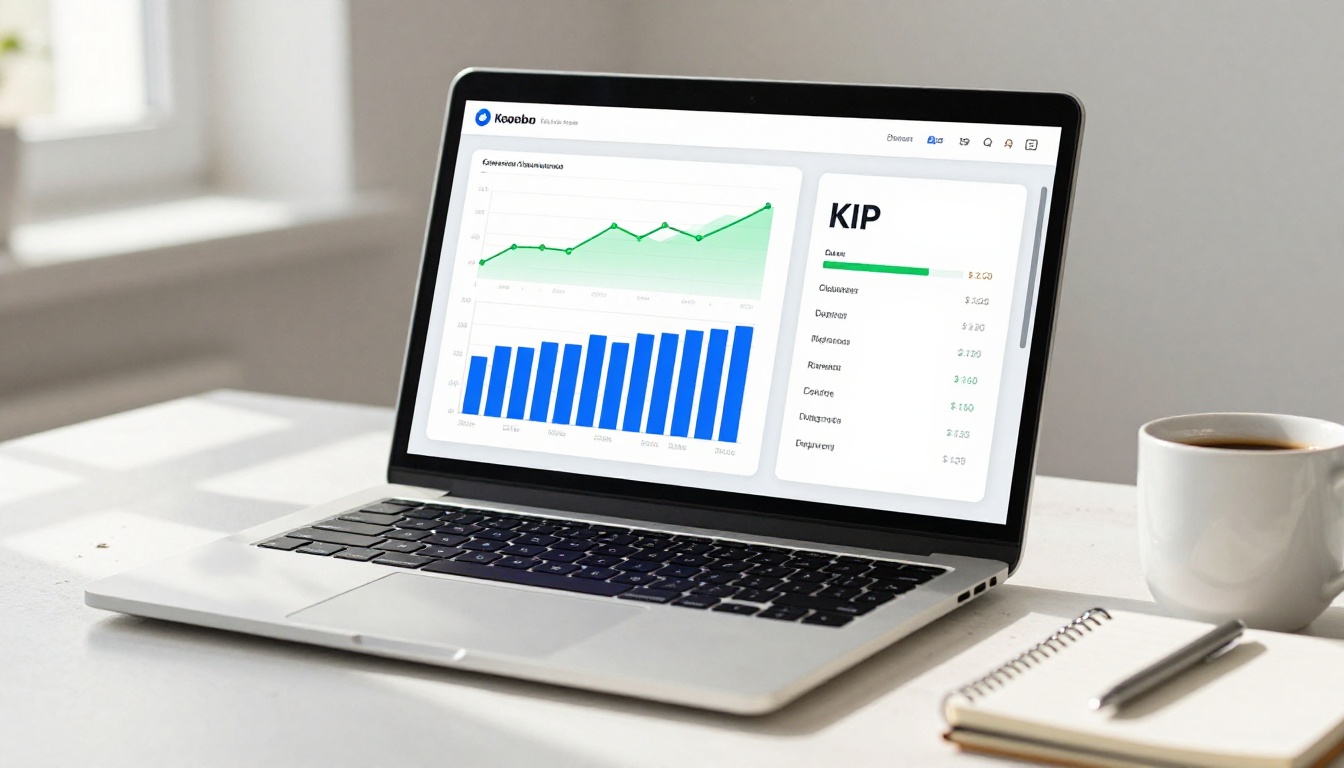
Interactive digital reports solve this. When your company report exists as a digital flipbook, it becomes an experience. Readers can flip through pages naturally, click embedded links, watch embedded videos, and share it in seconds from any device. More importantly, you can see who read it and how far they got.
How to Create Your Company Report With Flipbooks AI
Flipbooks AI makes it straightforward to turn any PDF report into an interactive, professional digital publication. Here is exactly how to do it:
Step 1: Create your account
Head to flipbooksai.com/account and sign up. No credit card required to start. Once you are in, you will see the main dashboard where all your flipbooks live.
Step 2: Upload your PDF
Click "Create New Flipbook" and upload your finished PDF report. The platform converts it into a page-turning digital publication automatically. Full formatting, charts, and images are preserved exactly as designed.
Step 3: Apply your branding
In the editor, add your company's branding: upload your logo, set your brand colors, choose your page transition style (classic flip, slide, or fade), and configure your opening page and back page. The Report Flipbook Creator and Annual Report Creator tools are built specifically for this kind of content.
Step 4: Add interactive elements
Embed links to external resources, add video commentary from your CEO, or include audio briefings. These elements are invisible in a static PDF but become powerful tools in the flipbook format.
Step 5: Set privacy and sharing options
For internal reports or board presentations, enable password protection so only authorized readers can access the document. For public-facing annual reports, embed it directly on your website using the Embed Flipbook on Website tool.
Step 6: Publish and distribute
Copy your direct link and share it via email, Slack, or your investor relations page. The report is fully mobile-responsive, so stakeholders reading on phones or tablets get the same experience as desktop users.
Step 7: Track your report's reach
On the Professional plan, you get access to real analytics: how many people opened the report, which pages they spent the most time on, where they dropped off, and lead generation capture for gated content.
✅ Flipbooks AI features that matter for company reports:
- No watermarks, ever
- Unlimited flipbooks on Standard plan and above
- Password protection for private board or investor content
- Reader analytics and tracking on the Professional plan
- Offline downloads so stakeholders can access without internet
- Mobile-responsive design for any device
- Custom branding with your logo and colors

Sharing and Distributing Your Report
Embed on Your Website
A company report that lives only in email threads has limited reach. Embedding your interactive report directly on your website turns it into a permanent, accessible resource. Use the Corporate Report Maker to build your publication, then paste the provided embed code into any page on your site. Investors, clients, and prospects can browse it without downloading anything.
For non-profits and social enterprises, the Non-Profit Annual Report tool provides templates tailored for impact reporting and donor communication.
Password-Protect Sensitive Reports
Not every report should be public. Board packs, internal performance reviews, and investor-only previews all need controlled access. Flipbooks AI lets you add a password to any flipbook, so you distribute the link freely but only authorized readers can open it. No complex permissions systems, no separate document portal required.
💡 Use a report-specific password rather than a company-wide one. That way you can revoke access by changing the password after your distribution window closes.

Before You Hit Publish
The Pre-Publication Checklist
Most report errors are caught too late. Build a pre-publication review into your process every time:
Common Mistakes to Avoid
| Mistake | What Happens | Fix |
|---|
| Too much text, too few visuals | Readers scan and abandon | Aim for one visual per page minimum |
| Charts without conclusions in titles | Readers do not know what to think | Write the title as the answer, not the topic |
| No executive summary | Busy readers skip straight to the end | Lead with a standalone 1-page summary |
| Inconsistent formatting | Report feels unpolished and amateur | Use a design system before you start |
| Burying the headline | Readers miss the main story entirely | Lead every section with the most important point |
| PDF-only distribution | Low open rates, zero tracking | Convert to an interactive flipbook |
| No call to action | Readers do not know what to do next | End with clear, specific next steps |

Measuring What Worked
Analytics That Matter
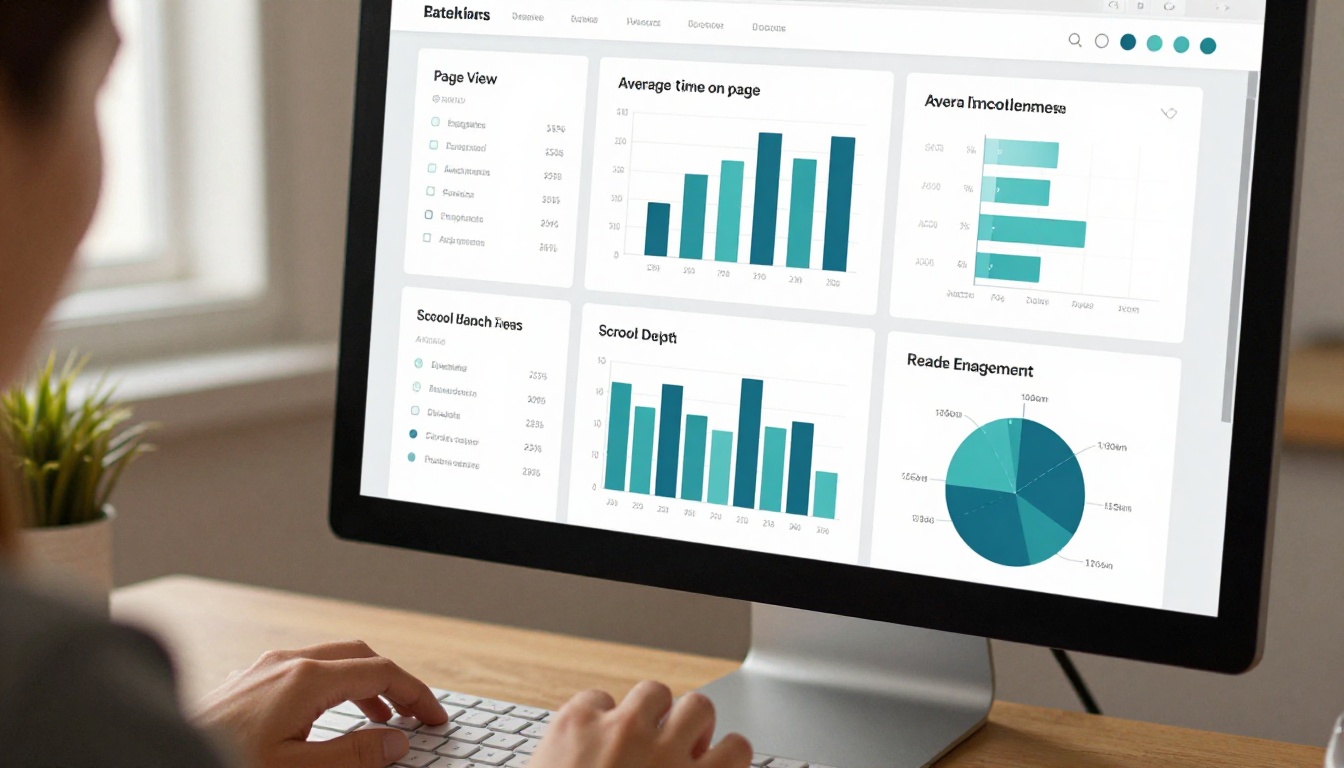
Once your report is live as a digital flipbook, the data you collect about how it performs is as valuable as the report itself. On the Professional plan, you get access to detailed reader analytics that tell you:
- Total opens: How many people actually accessed the report
- Average read time: How long readers spent with it
- Page-level activity: Which sections got the most attention and time
- Drop-off points: Where readers stopped, which reveals what did not land
- Device breakdown: Desktop vs. mobile vs. tablet
This data makes your next report better. If readers consistently spend three minutes on the financials page and 12 seconds on the operations section, you know which section needs redesigning, not more words.
💡 Use page-level activity data to decide what goes in your executive summary. If a section gets high time-on-page, its headline numbers belong in the summary. If something gets consistent skips, consider cutting it or moving it to the appendix.
Make Your Next Report Worth Reading
The difference between a report that people read and one that they do not comes down to decisions made before a single word is written: Who is this for? What do they need to know? How will they consume it? What do you want them to do after?
A company report is not a compliance document. It is a communication tool. When it works, it builds trust with investors, aligns your team, impresses clients, and tells a story about where you are headed. When it does not work, it takes weeks to produce and three days to forget.
Start with your audience. Build for scannability. Let the data lead the story. And when your PDF is ready, do not let it collect dust in an email attachment. Convert it to an interactive digital experience with Flipbooks AI and give your report the reach it deserves.
Ready to create your first interactive company report? Get started for free on Flipbooks AI. Browse the full tools directory for report templates and formats built for every use case. When you are ready for reader analytics, lead capture, and distribution controls, compare pricing plans to find the right fit.



