There is something unmistakable about a well-printed lookbook. The weight of the pages, the ink saturation, the way typography sits on a coated surface with complete authority. Most digital versions feel like a pale imitation. They are scrollable PDFs at best, flat images on a screen at worst. But that gap is closeable. With the right approach to layout, typography, color, and a platform that actually simulates the physical experience of turning pages, a digital lookbook can carry the same prestige as its printed counterpart. This article breaks down exactly how to get there, and introduces Flipbooks AI as the tool that makes it possible without a print budget.
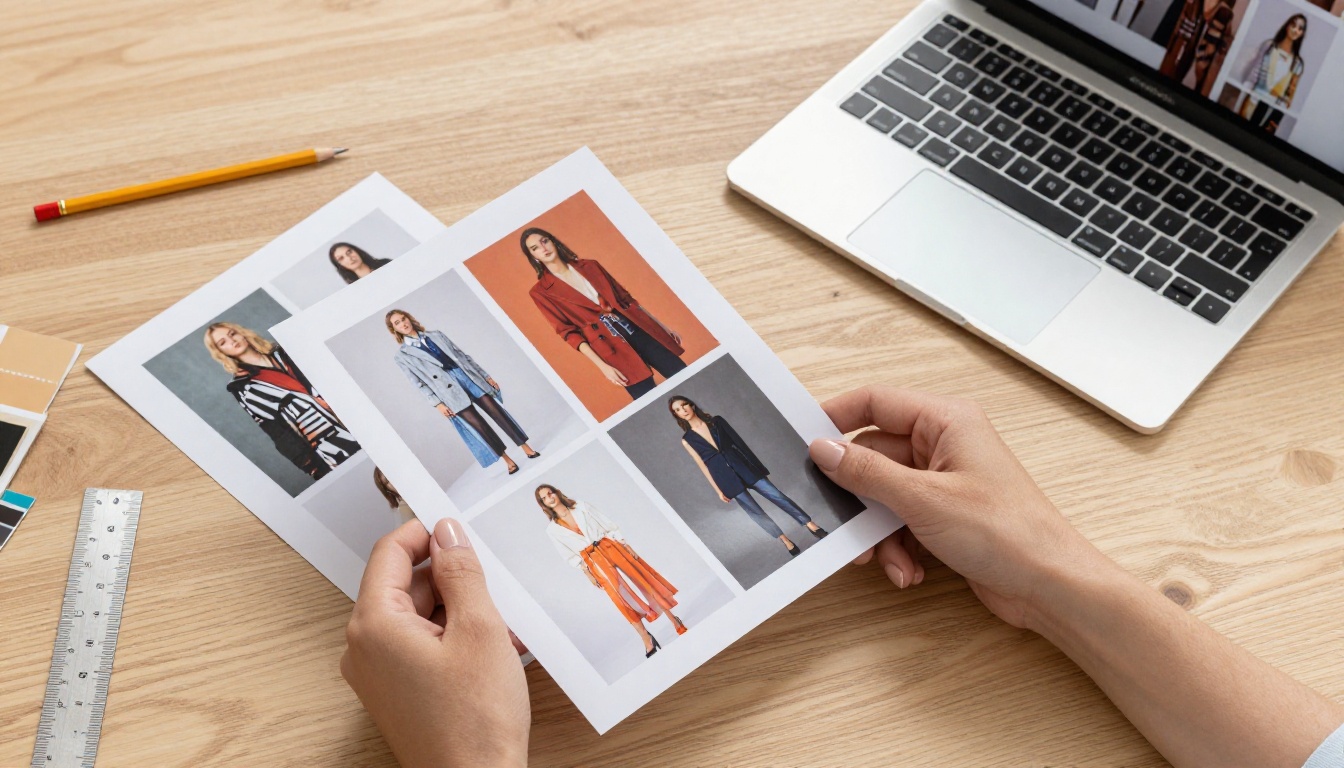
Why Digital Lookbooks Feel Flat
Most digital lookbooks are built by people thinking in print but publishing in the wrong format. A PDF exported from InDesign and emailed to a buyer is not a digital lookbook. It is a static document. The weight and tactility of print come from physical properties: paper stock, ink depth, binding. Digital has to compensate with different tools entirely.
The Sensory Gap Between Formats
When someone holds a printed lookbook, they receive information through multiple channels simultaneously. The paper has resistance. Pages have friction. The sound of a turn is part of the experience. Digital cannot replicate this physically, but it can approximate it through three core mechanisms: realistic page animation, high-fidelity visual rendering, and typographic precision. Each of these requires deliberate choices in both design and platform selection.
What Print Does That Digital Usually Misses
| Quality | Print | Typical Digital PDF | Page-Flip Platform |
|---|
| Page turn sensation | Physical | None | Animated, realistic |
| Color depth | CMYK ink layers | RGB screen (variable) | RGB optimized for screens |
| Typography feel | Ink on textured paper | Rendered font on backlit screen | Web fonts, high-res rendering |
| Image quality | 300dpi offset printing | 72-96dpi screen resolution | Up to 300dpi PDF rendering |
| Perceived prestige | Very high | Low | High (with right setup) |
| Distribution reach | Limited, physical | Wide, no interaction | Wide, interactive |
The goal is to close every row in this table as tightly as possible.
Typography That Carries Weight
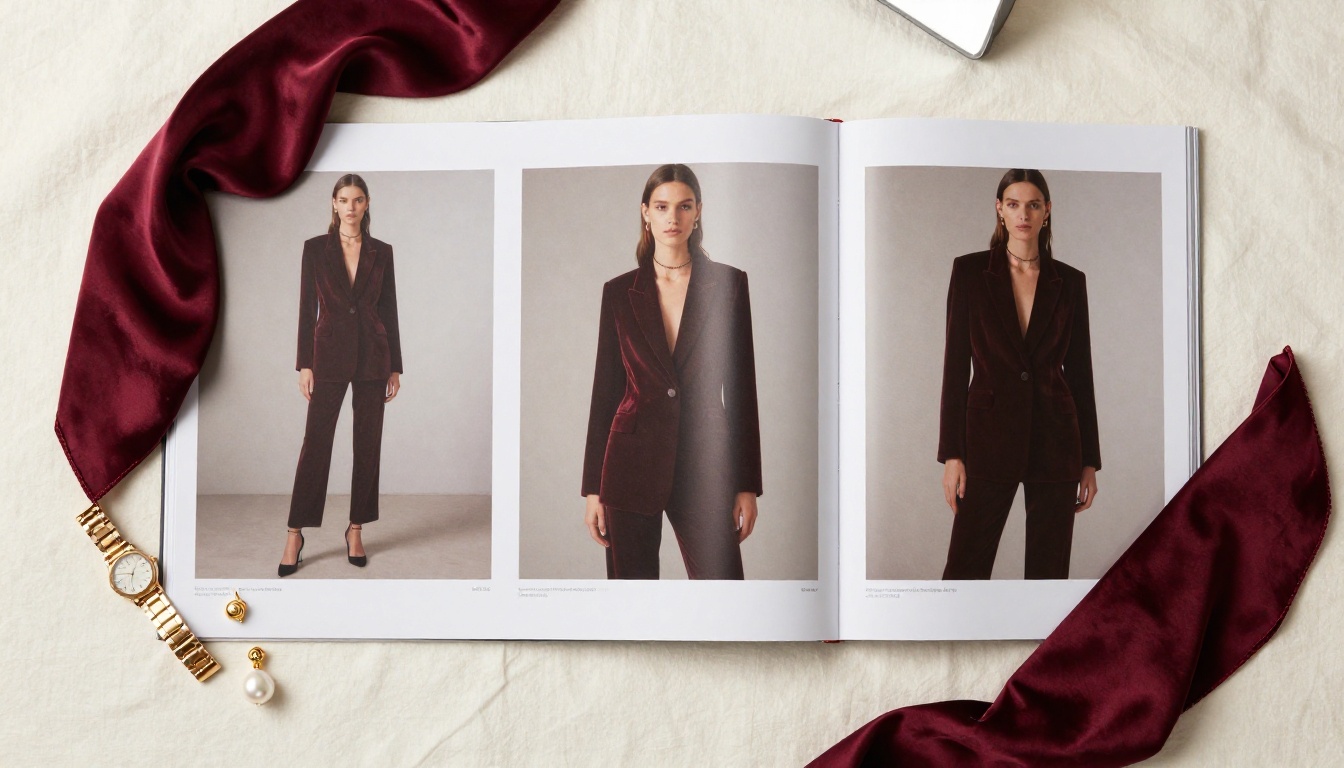
Print designers obsess over typography because ink on paper behaves differently than pixels on a screen. In print, a serif typeface at 9pt reads with authority because ink spreads slightly into the paper fibers, slightly thickening strokes. On screen, that same typeface at the same size can look brittle or blurry on non-retina displays.
Font Choices That Signal Quality
For a digital lookbook that reads like print, the rules are specific:
- Primary headline fonts: Large-format serifs (above 48pt) work exceptionally well. Fonts like Freight Display, Canela, or Garamond carry editorial weight on screen.
- Body copy: Avoid using anything below 14pt for body text in digital. In print, 10pt is standard. In digital, 14-16pt is the equivalent experience.
- Spacing: Increase letter-spacing on uppercase subheadings by 5-10%. This mimics the controlled spacing found in luxury print design.
- Line height: Set it to 1.5-1.7x the font size for body copy. Print layouts breathe; digital often chokes.
💡 If your lookbook will be viewed primarily on mobile, test your typography at 375px wide. Most desktop-designed layouts collapse on small screens without responsive adjustments.
Spacing, Hierarchy, and White Space
Print designers call it "air." The white space in a printed lookbook is not empty — it is a design element. The rule in digital is the same: more margin than you think you need. A 100px outer margin that looks excessive in your design software will feel generous and luxurious when rendered in a full-page flip view.
| Element | Print Standard | Digital Equivalent |
|---|
| Outer margin | 12-20mm | 80-120px at full width |
| Gutter (between columns) | 6-10mm | 40-60px |
| Headline leading | 110-120% of point size | 1.1-1.2 line height |
| Body leading | 140-160% of point size | 1.5-1.7 line height |
| Letter-spacing (caps) | +50 to +100 tracking | 0.05-0.1em |
Color Precision From Page to Screen
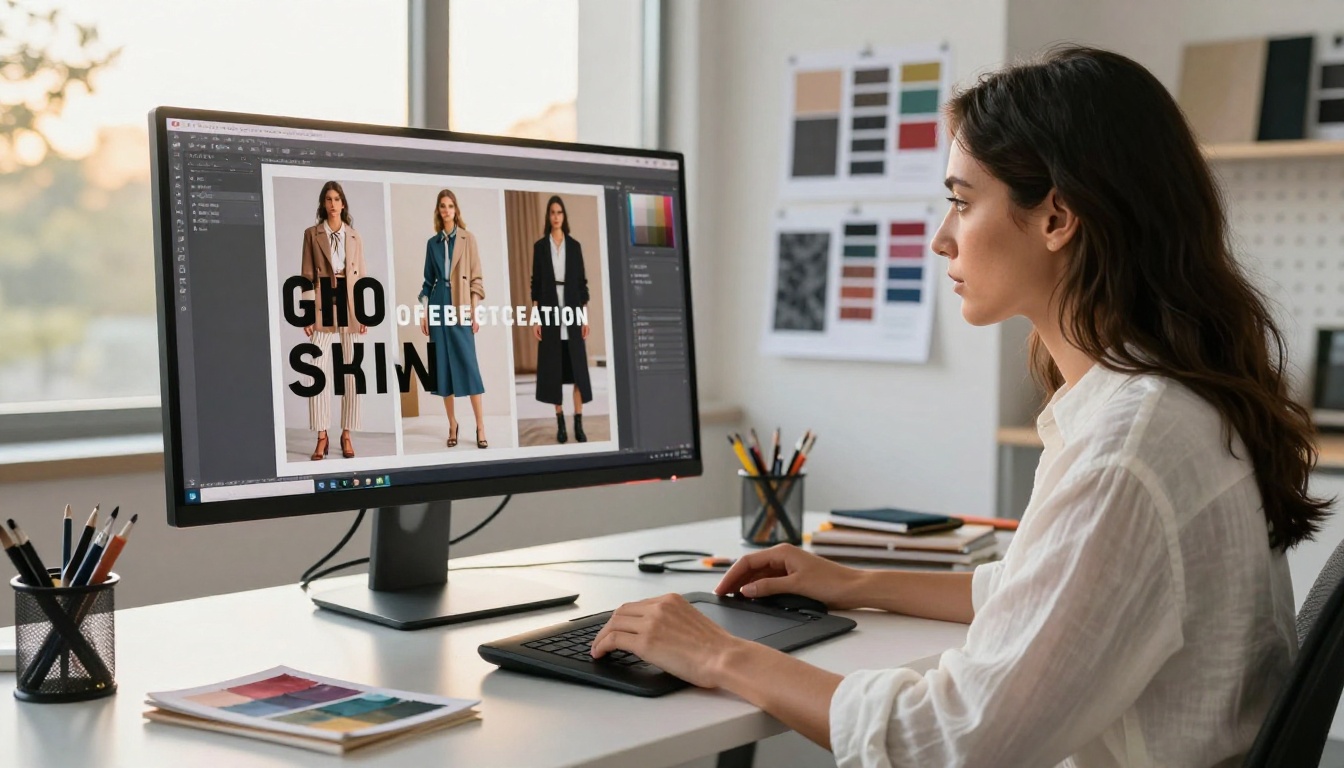
Color is where digital lookbooks fail most visibly. A deep burgundy that was perfected through five rounds of CMYK proofing can look muddy or oversaturated on some screens, washed out on others.
RGB vs CMYK: What You Actually Need to Know
Print works in CMYK because inks layer physically. Screens render in RGB because pixels emit light. When you design in CMYK and export for digital, the color conversion is rarely perfect.
The practical solution:
- Design in RGB from the start if digital-first
- Use sRGB as your working color space — it is the most consistent across devices
- Embed color profiles in your exported PDF
- Test on at least three different screens (phone, laptop, external monitor) before publishing
⚠️ Never rely solely on your calibrated design monitor for color approval. Most of your audience will view your lookbook on an un-calibrated laptop screen or phone. Design for that reality.
A Color Palette That Travels Well
The safest approach is to build your brand's lookbook palette from colors that have strong fidelity in both print and digital:
- Neutral blacks: Use rich blacks in print (C60 M40 Y40 K100), but pure #000000 for digital
- Deep navies and forest greens: These translate well across both formats
- Pastels and light neutrals: High risk in digital. Test extensively before committing
- Metallics: Cannot be replicated in pure digital. Use the appearance of metallic through lighting in photography instead
Layout Rules Borrowed From Print
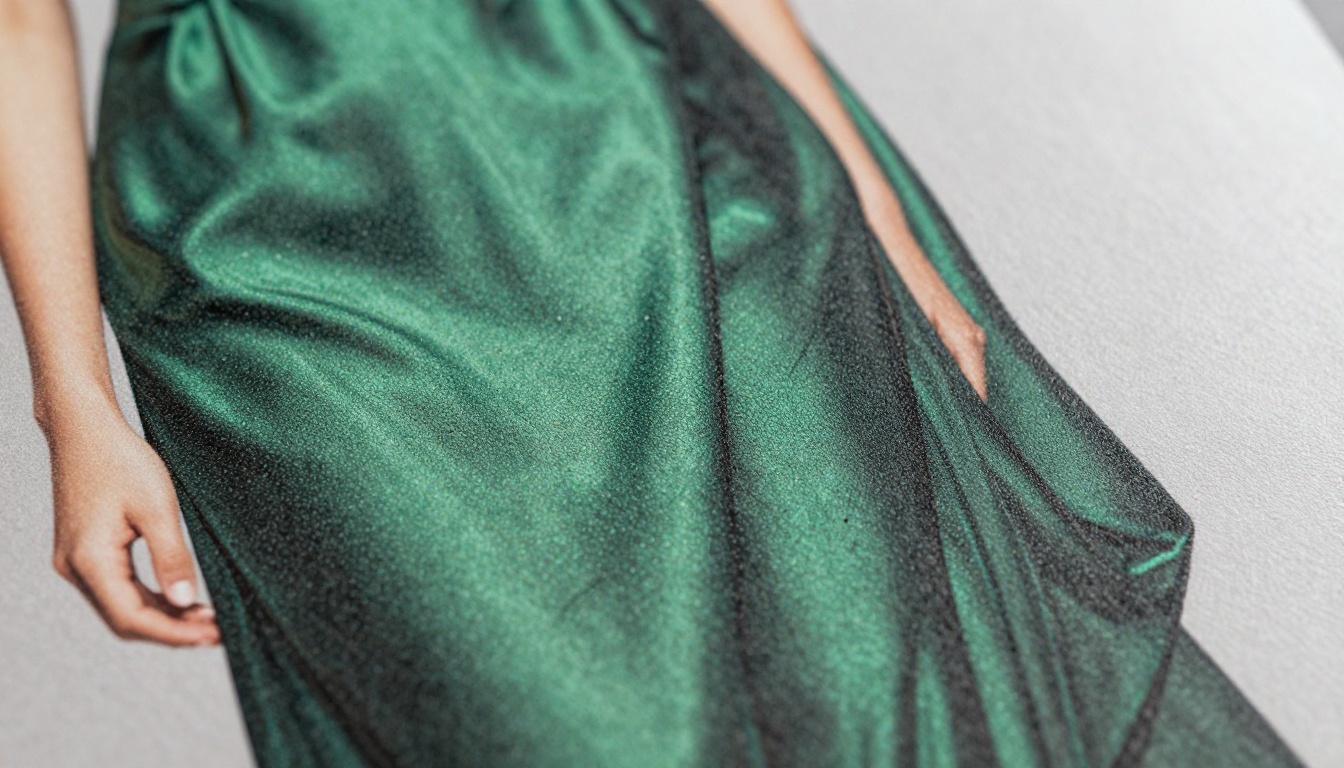
Great print layout follows a grid. Not a suggestion of a grid, a real one. Every editorial spread in a high-end print publication is built on a modular grid that controls where type, images, captions, and white space sit in relation to each other.
Grids, Bleeds, and Visual Pull
A 12-column grid gives enough flexibility for both full-bleed images and contained text blocks. The specific rules to follow:
- Full-bleed images: In digital, your full-bleed images should span edge-to-edge with no border or padding
- Text columns: Never go full-width for body text. Two or three columns of text on a wide spread create the reading experience of a magazine
- Caption placement: Always below or beside the image, never inside it, unless the design is deliberately editorial
- Page numbers: Small, discreet, consistent. In digital, these can be hidden inside the page flip UI
Double-Page Spreads Are Your Strongest Asset
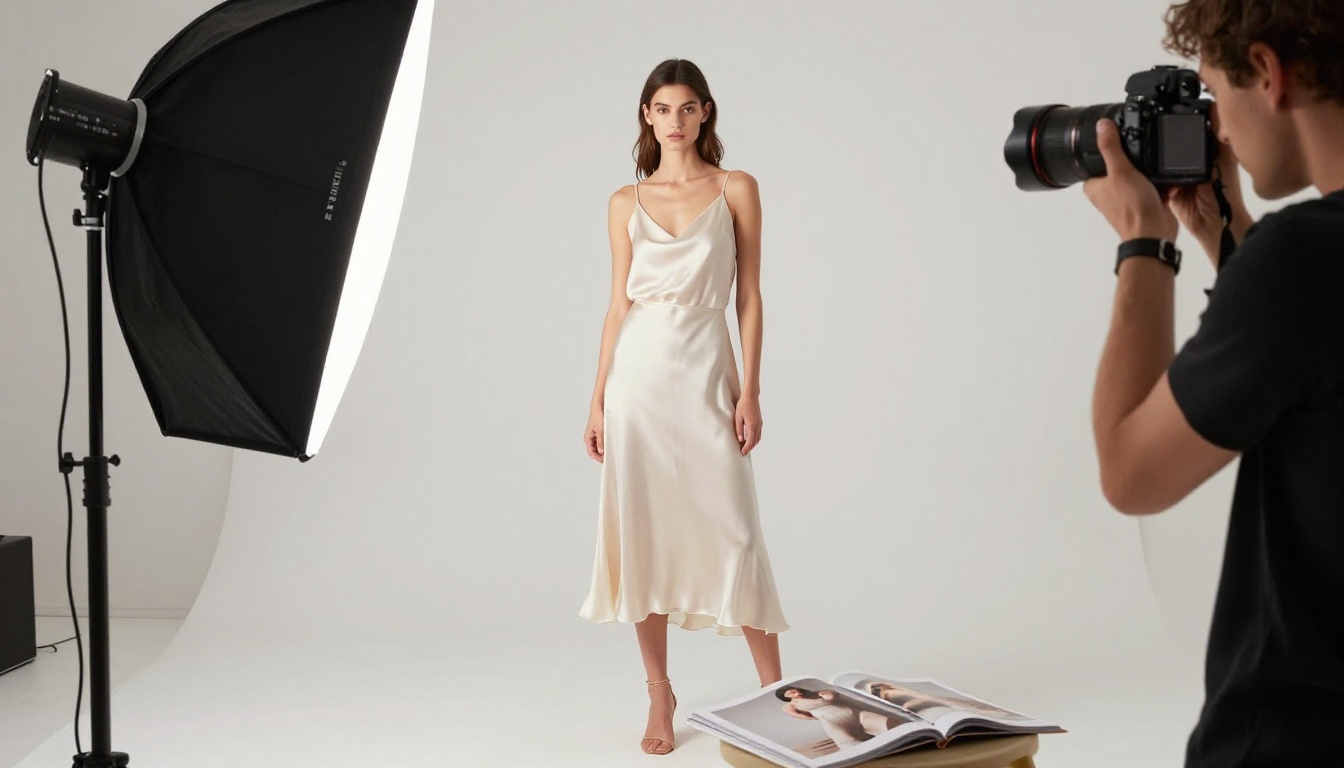
In print, the double-page spread is where luxury lookbooks make their biggest impression. A single image stretching across two full pages at 600mm wide, with a model walking through a sunlit atelier, creates instant impact. In digital, the equivalent is a double-page spread in your flipbook view. This requires a platform that renders two-page spreads correctly and allows high-resolution image display at scale. Flipbooks AI renders double-page spreads natively, preserving the full visual impact of a print layout.
Page-Flip Effects That Do the Work
The page-flip animation is the single most important element that separates a digital lookbook from a PDF. When it is done right, it triggers the same cognitive response as holding a real publication. When it is done badly, a slow, jerky, or simplified flip animation makes everything else feel cheaper.
What Makes a Flip Feel Real
Realistic page-turn animation has four technical components:
- Shadow rendering: A real page casts a shadow on the page behind it as it turns. This shadow should deepen as the page bends.
- Page curl physics: The curl should follow a curve, not a straight line. Bezier-curved page bends are noticeably more realistic than linear flips.
- Reflection and sheen: Glossy paper reflects light. A subtle specular highlight on the curling page surface significantly increases perceived print quality.
- Sound (optional but effective): A subtle paper sound during the flip completes the sensory illusion.
✅ The best page-flip platforms combine all four of these elements. They use CSS and WebGL to create physics-based animations that genuinely feel like handling a printed publication.
Why Format Choice Matters
Not all digital publication formats support high-quality page flip. Static PDFs offer none of it. HTML-embedded flipbooks, built from high-resolution PDFs, deliver the full experience.
| Format | Page Flip | Interactive | Mobile Responsive | Embeddable |
|---|
| PDF | No | No | Partial | No |
| Plain HTML page | No | Partial | Yes | Limited |
| Flipbook platform | Yes | Yes | Yes | Yes |
| PowerPoint/Keynote online | No | No | Poor | No |
How to Build Your Lookbook with Flipbooks AI
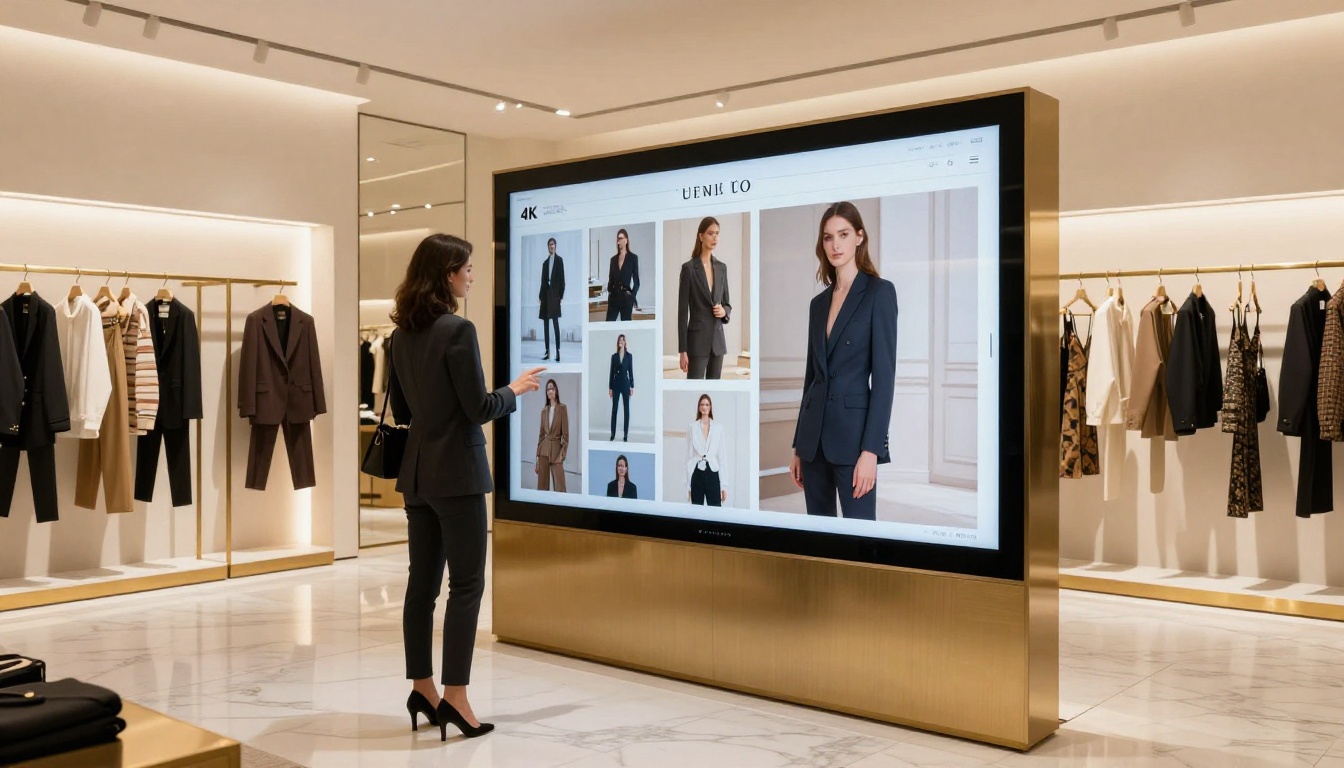
This is where the entire process comes together. Flipbooks AI converts your designed PDF into a fully interactive digital lookbook with realistic page-flip animation, custom branding, mobile responsiveness, and a range of distribution options that a printed lookbook cannot match.
Step 1: Create Your Account
Go to flipbooksai.com/account and create a free account. You can start uploading and converting immediately. No watermarks on Standard plans and above.
Step 2: Design Your PDF for Digital
Before uploading, optimize your PDF for digital output:
- Export at 150-300dpi for better rendering quality
- Use sRGB color profile for consistent screen colors
- Embed all fonts to prevent substitution on other devices
- Set document size to a standard page ratio (A4, Letter, or a custom square format for fashion)
- Full-bleed images should extend to page edges with no border
Step 3: Upload and Convert
Drag and drop your PDF into the Flipbooks AI dashboard. The platform processes it automatically, converting each page into a high-fidelity flipbook spread. Processing time for a 40-page lookbook is typically under two minutes.
Step 4: Customize the Experience
After conversion, you can:
- Apply custom branding: Your logo, brand colors, and custom domain
- Set the background: A dark background dramatically increases the perceived luxury of the page-flip experience
- Enable double-page spread view: Critical for fashion lookbooks with horizontal spreads
- Add page-level interactions: Embed product links, video clips, or audio directly on specific pages
- Adjust flip speed and animation style: Match the pacing to your brand's personality
💡 A deep charcoal or navy background behind your flipbook makes white or ivory pages pop with the visual weight of a premium printed publication.
Step 5: Control Access and Distribution
Flipbooks AI gives you precise control over who sees your lookbook and how:
- Password protection: Share a private link for press previews or buyer presentations
- Embed on your website: Use the embed code to place the flipbook directly on your brand site via the Embed Flipbook on Website tool
- Direct shareable link: Send to buyers, press, or partners instantly
- Offline downloads: Available on Professional plan, letting recipients download a local version
Step 6: Track Performance
With the Professional plan (see pricing), you get built-in analytics showing page-by-page engagement. You can see exactly which spreads hold attention longest, which pages cause people to exit, and whether your opening spread is doing its job. This data is something a printed lookbook cannot offer at any budget.
The Interactive Lookbook Designer and Lookbook Flipbook Builder tools are purpose-built for exactly this use case.
Photography Standards That Hold Up at Scale
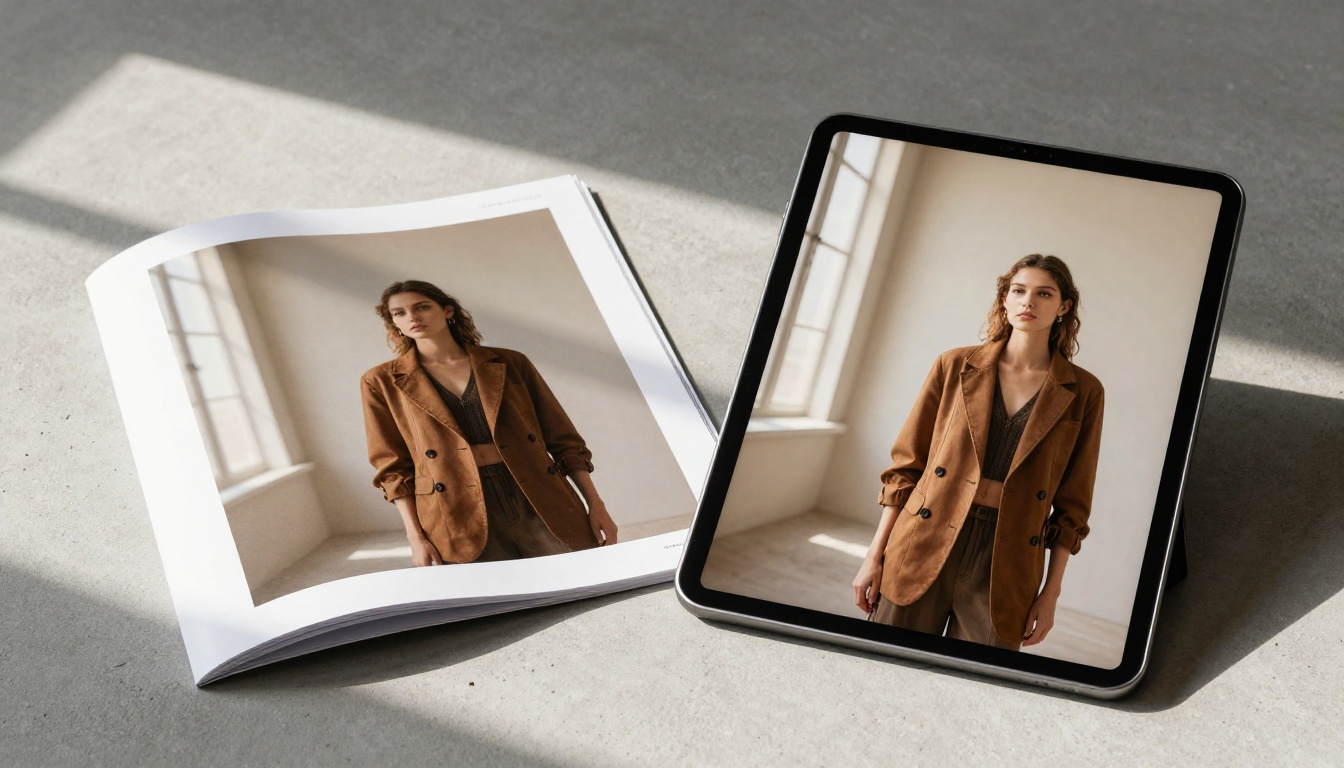
Your page-flip animation and typography can be perfect, but if the photography is low-resolution or poorly color-graded, the print illusion collapses. A printed lookbook uses 300dpi images. Your digital lookbook needs high-resolution source photography to maintain quality at full-page display size.
Resolution for Digital Lookbooks
For a page that displays at 1440px wide (common on desktop):
- Minimum usable quality: 1440 x 900px per page
- Recommended for sharpness: 2880 x 1800px (retina quality)
- Full-bleed double-page spread: 3000 x 2000px minimum
If your photography was shot for print at 300dpi, it already exceeds these requirements. If it was shot for web or social media at 72dpi, it needs to be reshot or carefully upscaled.
Color Grading for Screen
Lookbook photography should be graded for screen warmth. A +5 to +10 warmth adjustment in Lightroom or Capture One tends to counteract the cooler rendering of most laptop screens. Lift your blacks slightly — not crushed blacks — to prevent deep shadow areas from going purely black on uncalibrated screens. Slightly lifted shadows read as richer on digital, the same way that premium paper stock lifts ink slightly from the surface.
Sharing and Distribution
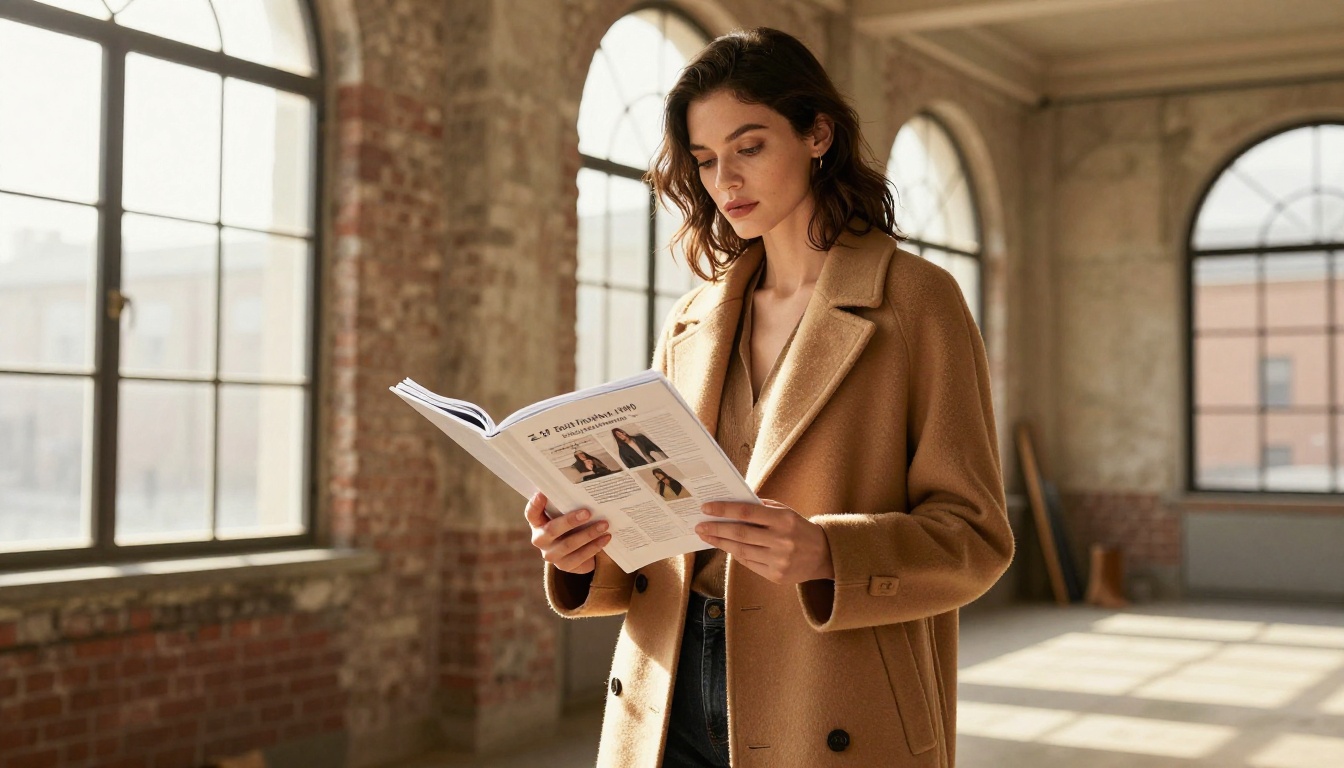
A digital lookbook does something a printed one categorically cannot: reach every buyer on the planet instantly, without shipping costs. The distribution options on Flipbooks AI are worth understanding in detail.
Embedding on Your Website
The embed feature inserts your lookbook as a responsive iframe directly on your site. This keeps visitors on your domain while delivering the full interactive page-flip experience. Use cases:
- Fashion brands: Embed the season's lookbook on a campaign landing page
- Interior design studios: Place a portfolio flipbook in a services section
- Luxury retailers: Embed product lookbooks on collection pages
Password-Protected Previews
Before a collection launch, sending a password-protected link to press and major buyers allows controlled distribution. This replicates the exclusivity of a physical press kit without the logistics. Password protection is available on all paid plans.
Offline Access for Presentations
At trade shows, in showrooms, or during client presentations where Wi-Fi is unreliable, the offline download feature (Professional plan, see pricing) allows the full interactive lookbook to run locally on any device.
Flipbooks AI Plan Comparison
| Feature | Free | Standard | Professional |
|---|
| Flipbooks | 1 | Unlimited | Unlimited |
| Watermark | Yes | No | No |
| Custom branding | No | Yes | Yes |
| Password protection | No | Yes | Yes |
| Analytics | No | No | Yes |
| Offline downloads | No | No | Yes |
| Lead generation | No | No | Yes |
| Embed on website | No | Yes | Yes |
| Video and audio | No | Yes | Yes |
| Custom domain | No | No | Yes |
For a fashion brand publishing seasonal lookbooks, the Standard plan is the practical starting point. For agencies managing lookbooks for multiple clients with analytics requirements, the Professional plan provides the complete toolkit.
The Print-Quality Checklist
Before publishing, run through this final checklist:
- Typography: Headline serifs at 48pt or above, body at minimum 14pt, letter-spacing on uppercase subheads
- White space: Outer margins at 80-120px, generous gutters between columns
- Color: sRGB working space, embedded profile, tested on three screens
- Photography: 2880 x 1800px minimum per page, color-graded for screen warmth
- Bleed: Full-bleed images extend fully to page edges, no border
- Double-page spreads: Platform renders them as paired pages, not singles
- Page flip: Shadow rendering, Bezier curve, and specular sheen are all active
- Branding: Custom logo, background color set, no platform watermark (Standard plan or above)
- Access control: Password set if private, embed code ready if website-bound
- Analytics: Professional plan active if tracking page engagement
✅ A lookbook that passes all twelve points on this list will feel, to most viewers, indistinguishable from a printed publication in terms of visual authority and perceived quality.
Your Lookbook Should Feel Like Something Worth Picking Up
The process from designed PDF to live, shareable digital lookbook with Flipbooks AI takes under ten minutes. The design work takes longer. But the platform step is not the bottleneck. The quality ceiling is set entirely by how carefully you approach typography, color, layout, and photography in the design phase.
The print-like result comes from a combination: your design decisions before upload, and the platform's ability to render and animate them correctly after.
Ready to publish your first lookbook? Get started for free on Flipbooks AI, or go directly to the Interactive Lookbook Designer for a purpose-built starting point. When you are ready to scale to multiple lookbooks, analytics, and custom branding, check the full pricing options to find the plan that fits.
Your lookbook should feel like something worth picking up off a coffee table. With the right tools, the digital version can.



