Printing a new batch of menus every time you change a price or swap out a seasonal dish costs real money. It also costs time, and it makes your restaurant look like it is stuck in the past. A digital menu solves both problems instantly, and creating one is far simpler than most restaurant owners realize.
Whether you run a fine dining spot, a food truck, or a cozy neighborhood cafe, switching to a digital menu means your customers always see your latest offerings, your branding stays consistent, and you never have to apologize for the "sorry, that item is no longer available" conversation again. Flipbooks AI makes the process accessible to anyone, even without design experience.
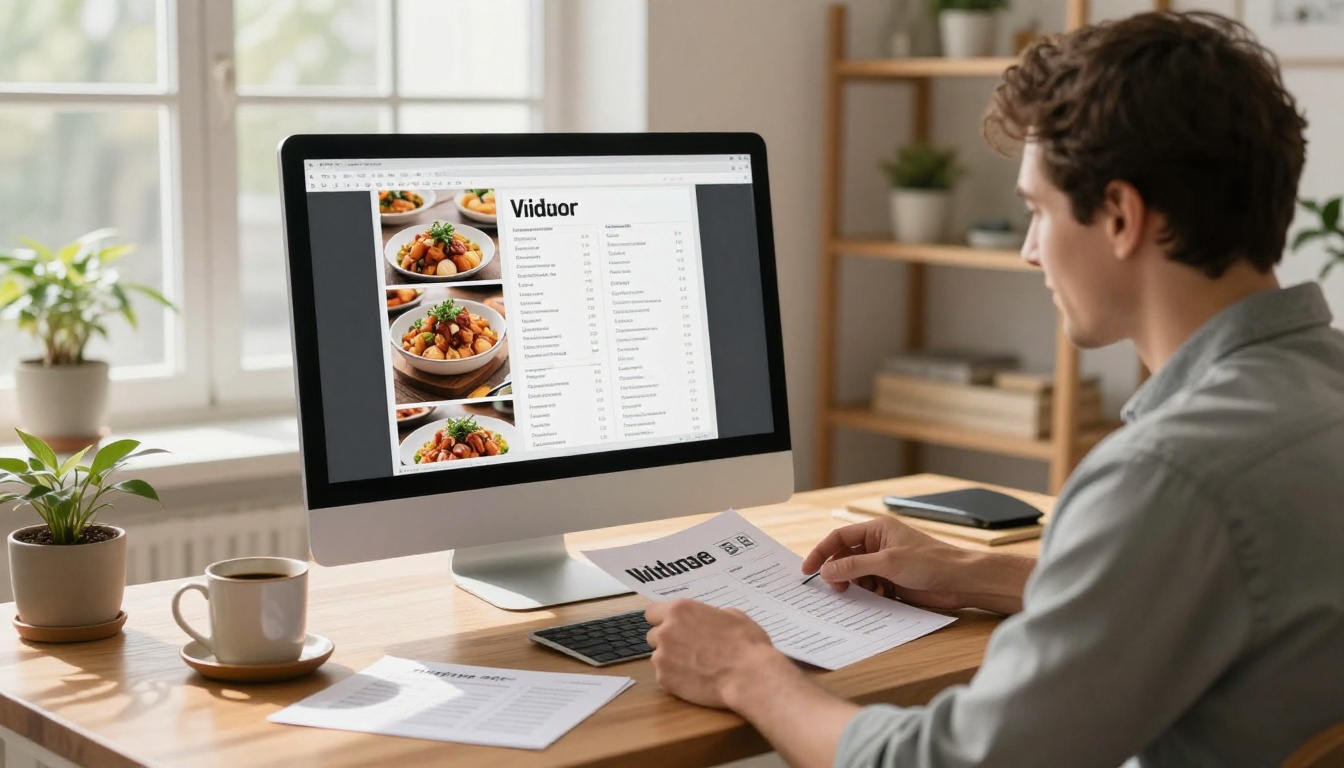
The average restaurant reprints its menus several times per year. For a small establishment with 50 tables and two menus per table, even a modest reprint run can cost $300 to $800 per batch. Multiply that across seasonal updates, price adjustments, and the occasional damage replacement, and you are looking at a real annual budget line that produces nothing but paper.
The real math on reprinting
| Menu Update Type | Frequency | Avg Cost Per Run | Annual Cost |
|---|
| Seasonal menu changes | 4x/year | $350 | $1,400 |
| Price adjustments | 3x/year | $300 | $900 |
| Damaged replacements | Ongoing | $150 | $600 |
| New item launches | 2x/year | $300 | $600 |
| Total | | | $3,500+ |
A digital menu eliminates all of that. One update takes five minutes and costs nothing.
What customers actually want now
Post-2020, customer expectations around menus shifted permanently. According to multiple hospitality industry surveys, more than 60% of diners now prefer accessing a menu on their own device. They want to zoom in on photos, check allergens, and see accurate pricing without flagging a server. A well-designed digital menu is not a tech gimmick. It is a service improvement that customers notice and appreciate.
A digital menu is not just a PDF file sitting on a webpage. Done right, it is an interactive, visually rich experience that reflects your restaurant's identity. The best implementations include professional food photography, clear categorization, real-time updates, and seamless access via QR code or a shareable link.

Beyond a static PDF
A flat PDF menu works, but it creates friction. Users have to download it, zoom awkwardly on mobile, and navigate with no structure. An interactive flipbook-style digital menu behaves like a real publication, with page-turning animations, embedded images, and a mobile-responsive layout that adapts to any screen size without the user needing to pinch and scroll.
Formats that work on every device
The three most common digital menu formats each have distinct trade-offs:
| Format | Mobile Experience | Update Speed | Visual Quality | Shareable Link |
|---|
| PDF download | Poor | Instant | Medium | Yes |
| Website menu page | Good | Requires developer | High | Yes |
| Interactive flipbook | Excellent | Instant | High | Yes |
| QR code to flipbook | Excellent | Instant | High | Yes |
The interactive flipbook format wins on almost every dimension for restaurant use. It requires no coding, no ongoing developer costs, and updates propagate immediately to anyone with the link.
This is the practical part. The process has five stages, and you can do all of them in an afternoon even if you have never done it before.
Step 1: Design your menu layout
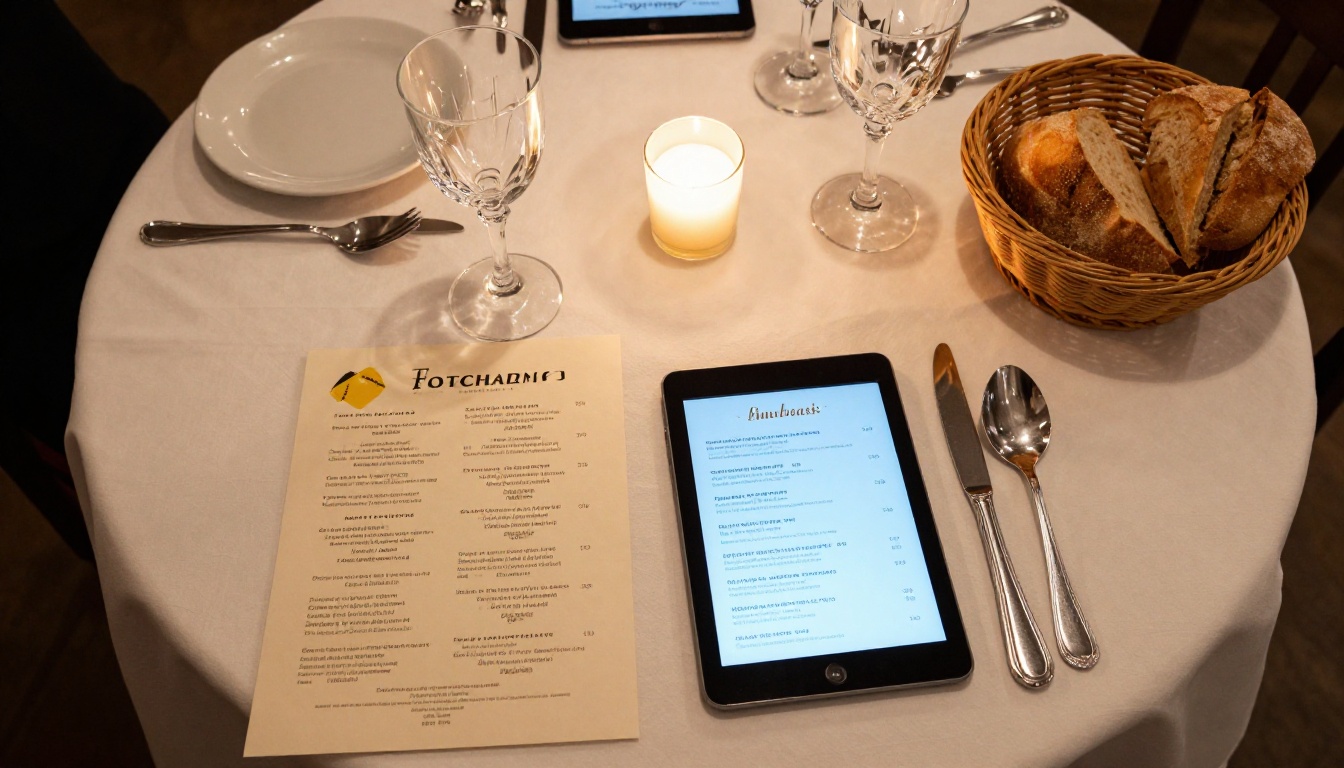
Start with a design tool you are already comfortable with. Canva, Adobe InDesign, Google Slides, and Microsoft Word all export to PDF. What to include in your layout:
- Your logo prominently at the top
- Section headers for Starters, Mains, Desserts, Drinks, etc.
- Item names in a readable font at 14pt minimum on mobile
- Descriptions that are honest and appetizing, not just ingredient lists
- Pricing that is current and consistent
- Food photography wherever possible. Even iPhone shots on a clean surface beat no photos
💡 Pro tip: Design at A4 or Letter size in portrait orientation. This translates cleanly to a flipbook format and displays well on tablets and phones without awkward letterboxing.
Step 2: Export as PDF
Once your design is done, export as a high-quality PDF. In Canva: File > Download > PDF Print. In InDesign: File > Export > PDF (Print). Export at 150 DPI minimum for crisp display on retina screens.
✅ Best practice: Flatten all fonts and embed images before exporting. This prevents rendering issues when the file is converted.
Step 3: Convert to an interactive flipbook
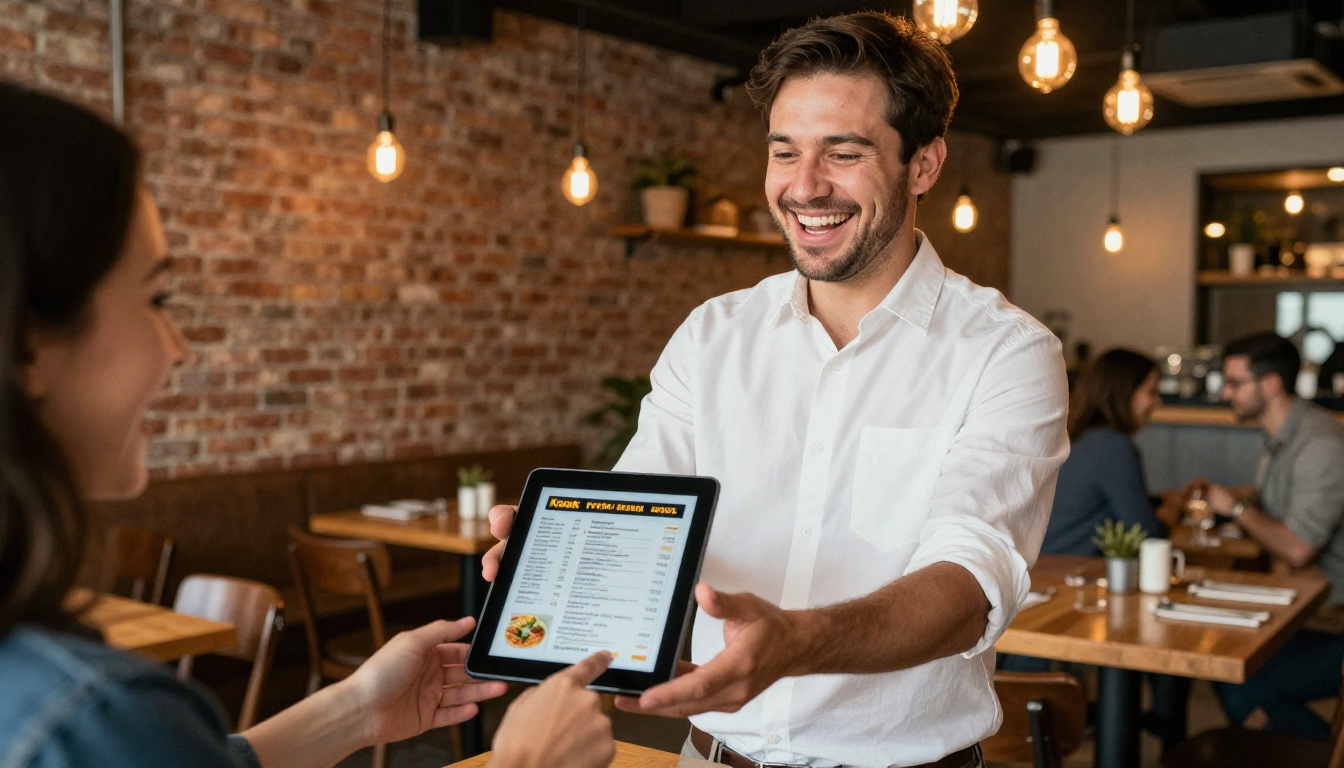
This is where Flipbooks AI comes in. Upload your PDF using the Restaurant Menu Creator and the platform converts it instantly into a page-turning interactive publication. No technical skills required.
Step 4: Add branding and customization
After conversion, customize the flipbook to match your restaurant's identity:
- Upload your brand colors for the reader interface
- Add your logo to the viewer toolbar
- Enable or disable the page-flip sound effect
- Set a background texture or color behind the pages
- Configure a custom subdomain for sharing
Step 5: Share with your customers
Once your flipbook menu is live, you have several distribution options:
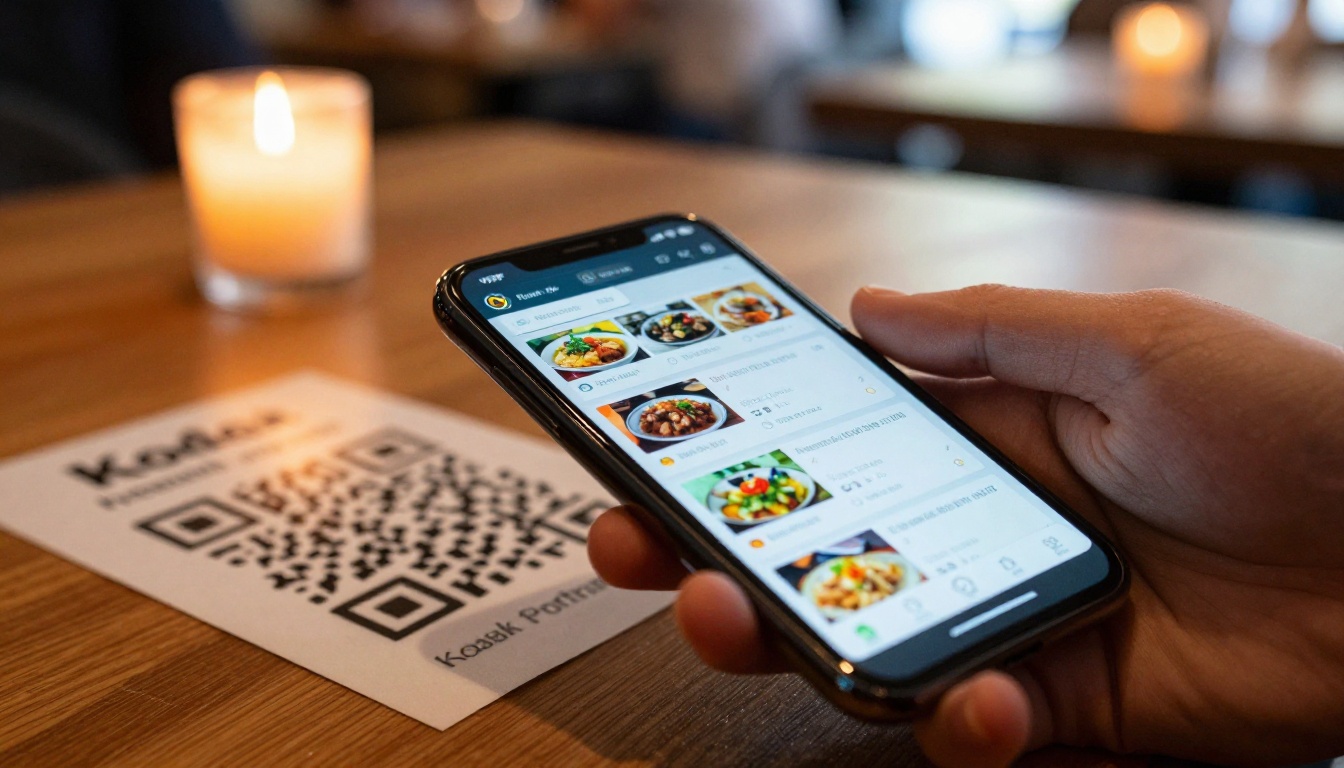
- QR code on every table: Download the auto-generated QR code and print it on a small table card
- Embed on your website: Use the embed code to place the menu directly on your site's menu page
- Direct link via social: Share the flipbook URL on Instagram, Facebook, or in your Google Business profile
- Email to customers: Include the link in newsletters, reservation confirmations, and promotional emails
Flipbooks AI is built specifically for this use case. Here is a step-by-step walkthrough of the platform for restaurant owners.
1. Create your account
Go to flipbooksai.com/account and sign up. The free plan lets you test the platform, and Standard plans and above include unlimited flipbooks with no watermarks, ever.
2. Upload your PDF
From your dashboard, click "Create New Flipbook" and upload your menu PDF. The converter processes it in under a minute regardless of page count.
3. Set your branding
In the customization panel:
- Select your brand colors for the interface chrome
- Upload a logo for the reader header
- Choose your page transition style (classic flip or slide)
- Set the background color or texture behind the pages
4. Configure sharing settings
- Enable password protection if you want a private staff menu or VIP preview
- Copy your direct share link for QR code generation
- Copy the embed code for your website's menu page
5. Keep it updated
When your menu changes, simply upload a new PDF version. Your existing QR codes and embed codes continue pointing to the same flipbook, which now shows the updated content automatically. No QR code reprinting needed.
⚠️ Note: If you update your menu mid-service, customers already viewing the flipbook will see the old version until they refresh. Schedule major updates for off-peak hours.
Flipbooks AI Plan Comparison for Restaurants
Choosing the right plan depends on how many locations you run and what features matter most to your operation.
| Feature | Free | Standard | Professional |
|---|
| Flipbooks | 1 | Unlimited | Unlimited |
| Watermark | Yes | No | No |
| Password protection | No | Yes | Yes |
| Custom branding | No | Yes | Yes |
| Analytics | No | No | Yes |
| Lead generation forms | No | No | Yes |
| Offline downloads | No | No | Yes |
| Embed on website | Yes | Yes | Yes |
| Mobile responsive | Yes | Yes | Yes |
For a single restaurant, the Standard plan includes everything you need. Multi-location groups or restaurants using the menu as a marketing asset will benefit from the Professional plan's analytics to see which menu sections customers spend the most time reading.
See pricing plans to find what works for your scale.
These two terms often get used interchangeably, but they describe different things. A QR code is a delivery mechanism. An interactive flipbook is the destination. They work best together.
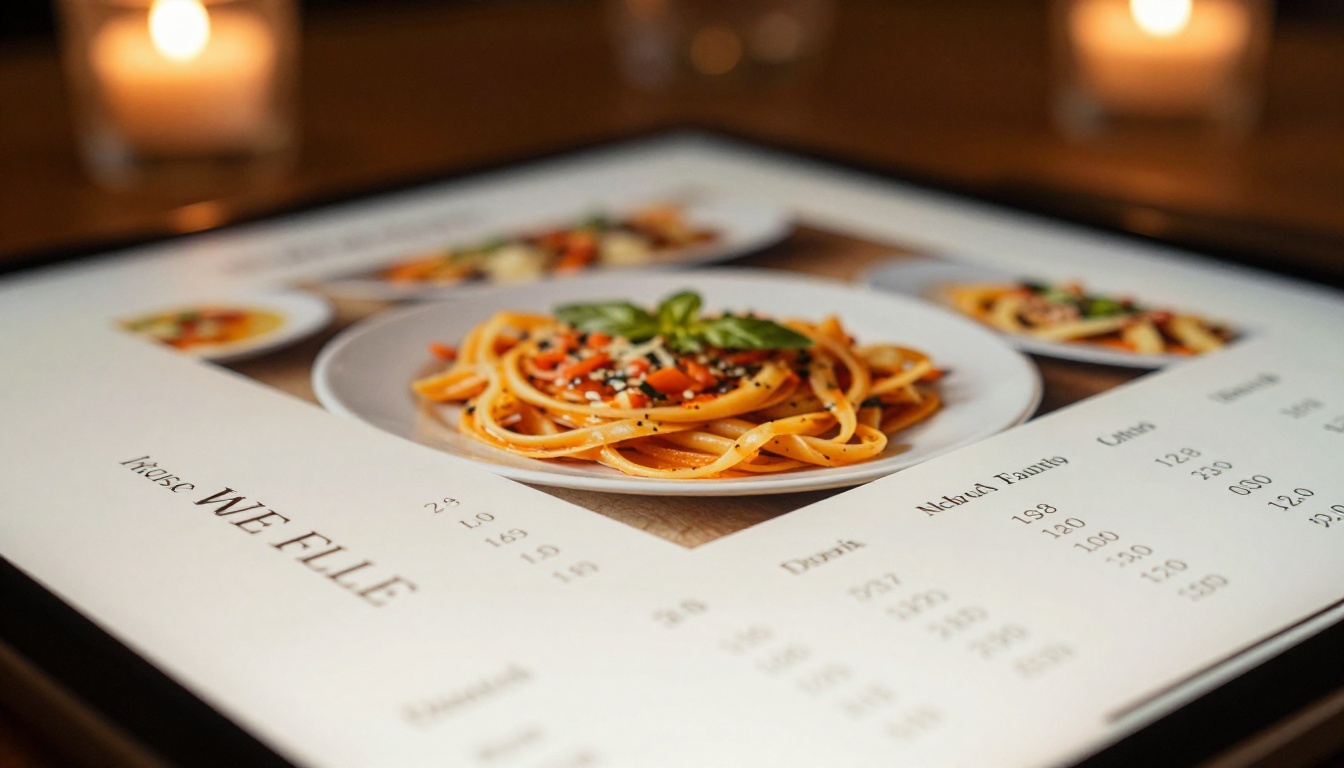
When a QR code alone falls short
Many restaurants link their QR code directly to a static PDF. Customers then have to download a file, navigate a flat document with no structure, and pinch-zoom to read item descriptions. Drop-off rates on PDF menus are high.
Linking your QR code to an interactive flipbook instead gives customers:
- Instant loading without a download
- Page-turning navigation they intuitively understand
- Full-screen food photography
- Category tabs for quick navigation
- Cached access even in low-signal environments
When each format makes sense
| Scenario | Best Format |
|---|
| Table-side ordering | QR code to flipbook |
| Website menu page | Embedded flipbook |
| Social media sharing | Direct flipbook link |
| Email marketing | Direct flipbook link |
| Staff reference copy | Password-protected flipbook |
| Delivery aggregator listing | High-res PDF upload |
Real Applications Across Restaurant Types
The core process is the same across restaurant formats, but the emphasis shifts depending on the type of operation.
Fine dining
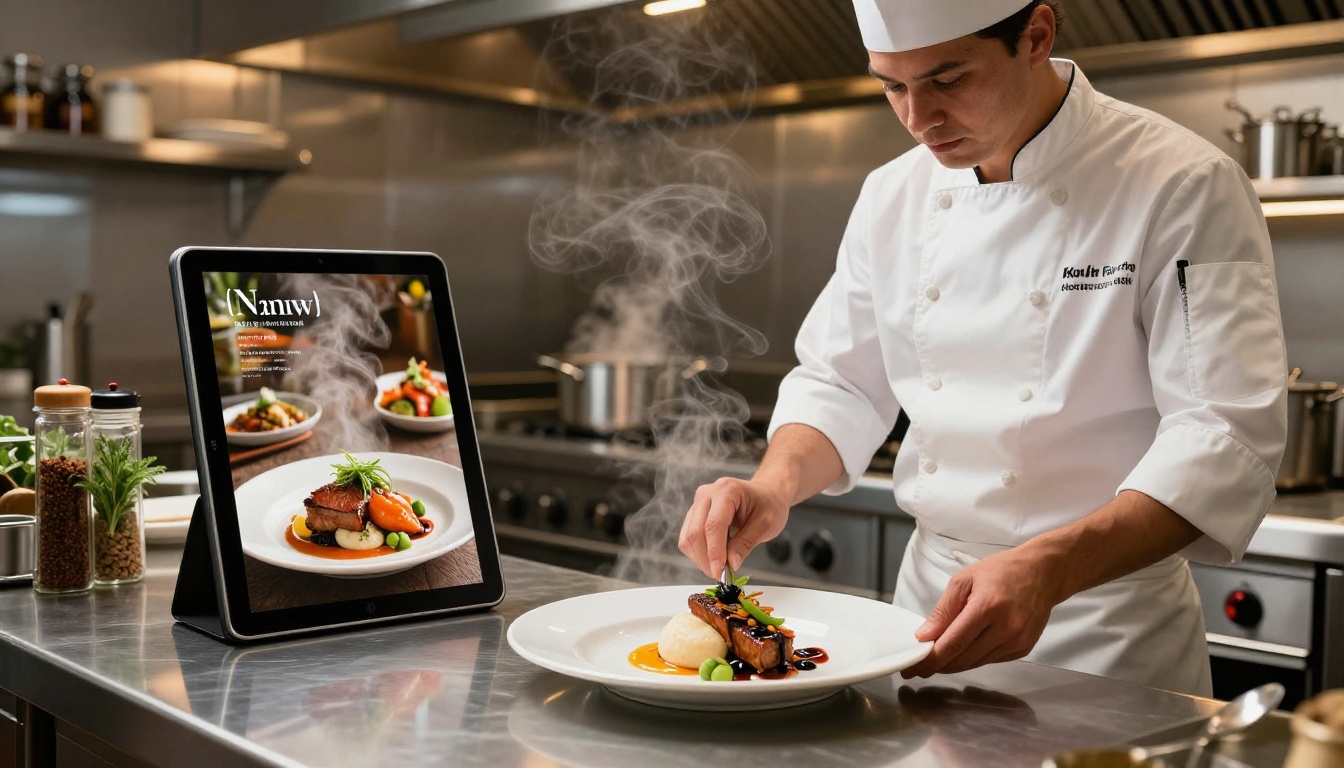
For upscale restaurants, the menu is part of the experience. A beautifully designed flipbook with full-bleed food photography, refined typography, and a page-flip animation reinforces the premium positioning from the moment a customer opens it.
Use the Professional plan analytics to track which courses customers view longest, which can inform your server's upsell approach and ongoing menu engineering decisions.
Casual and fast-casual
Speed matters here. The QR-to-flipbook format removes a friction point in the ordering process. Customers can browse while waiting to be seated, reducing the perception of wait time. Use bold, high-contrast design with large item thumbnails and clear pricing.
Cafes and coffee shops
Seasonal specials and daily rotating items are where digital menus shine brightest for cafes. Update your flipbook each morning with the day's specials in under three minutes. No printing, no laminating, no crossed-out items. The Menu Flipbook Designer is purpose-built for this use case.
Food trucks and pop-ups
A single shareable link solves every display challenge for mobile operations. Post it to your Instagram bio, add it to your Google Maps listing, and generate a QR code to print on your signage. When your menu changes by location or day, one PDF upload updates everything instantly.
The biggest advantage of a digital menu over print is how easy it is to maintain. Here is a practical update workflow for busy restaurant teams:
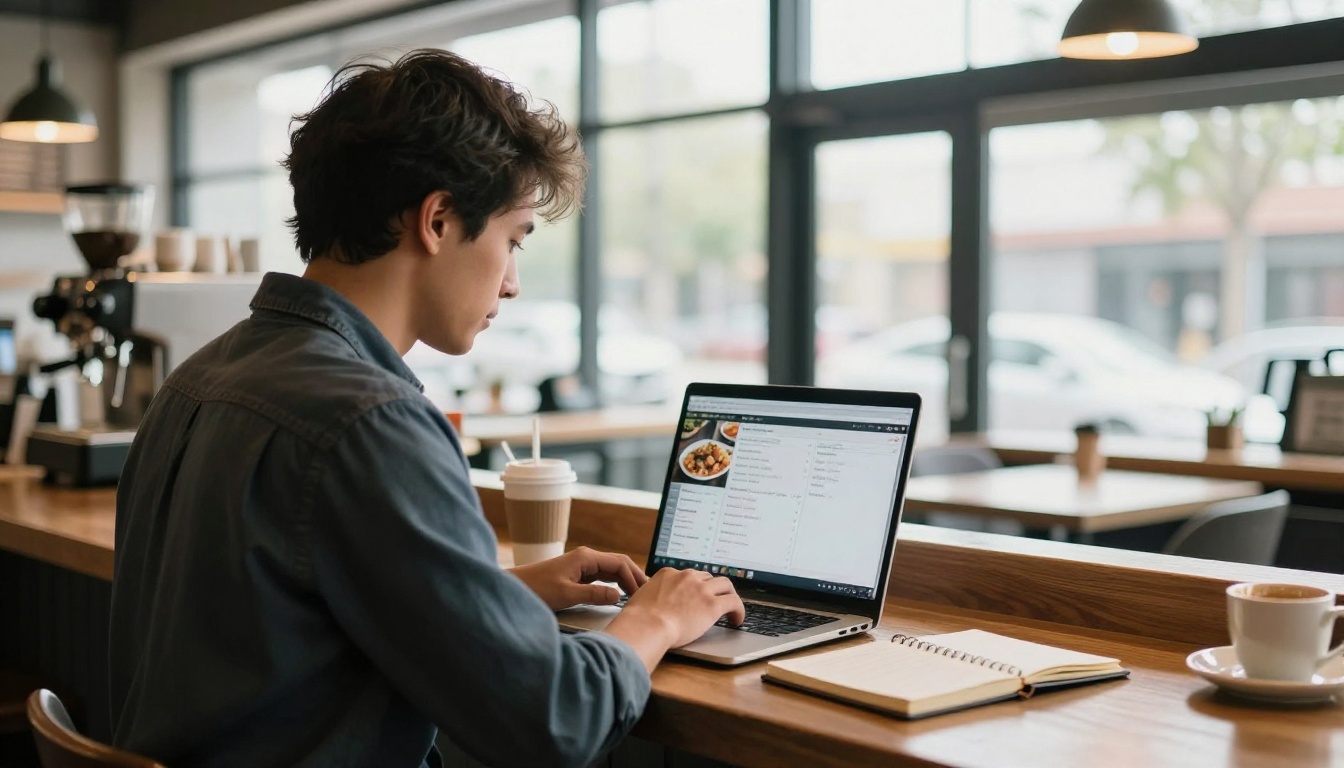
- Designate one person as the menu manager, typically the manager on duty or the head chef
- Keep your master design file in a shared folder such as Google Drive or Dropbox so it is always accessible
- Set a review schedule: weekly for specials, monthly for the full menu
- Use a naming convention for PDF versions (e.g.,
menu-spring-2026-v3.pdf) to track changes
- Test on mobile before publishing. Open the flipbook on your own phone and navigate it as a customer would
- Notify staff via your team communication channel when the menu updates, so servers are not caught off guard
💡 Pro tip: For seasonal menus, build four versions (spring, summer, fall, winter) in your design software at the start of the year. Each season you only need minor tweaks before uploading the new PDF.
Outdoor and Multi-Location Operations
If you operate a patio, rooftop, or garden space alongside your main dining room, you can maintain separate flipbooks for each area with different menus without any additional cost on unlimited plans.
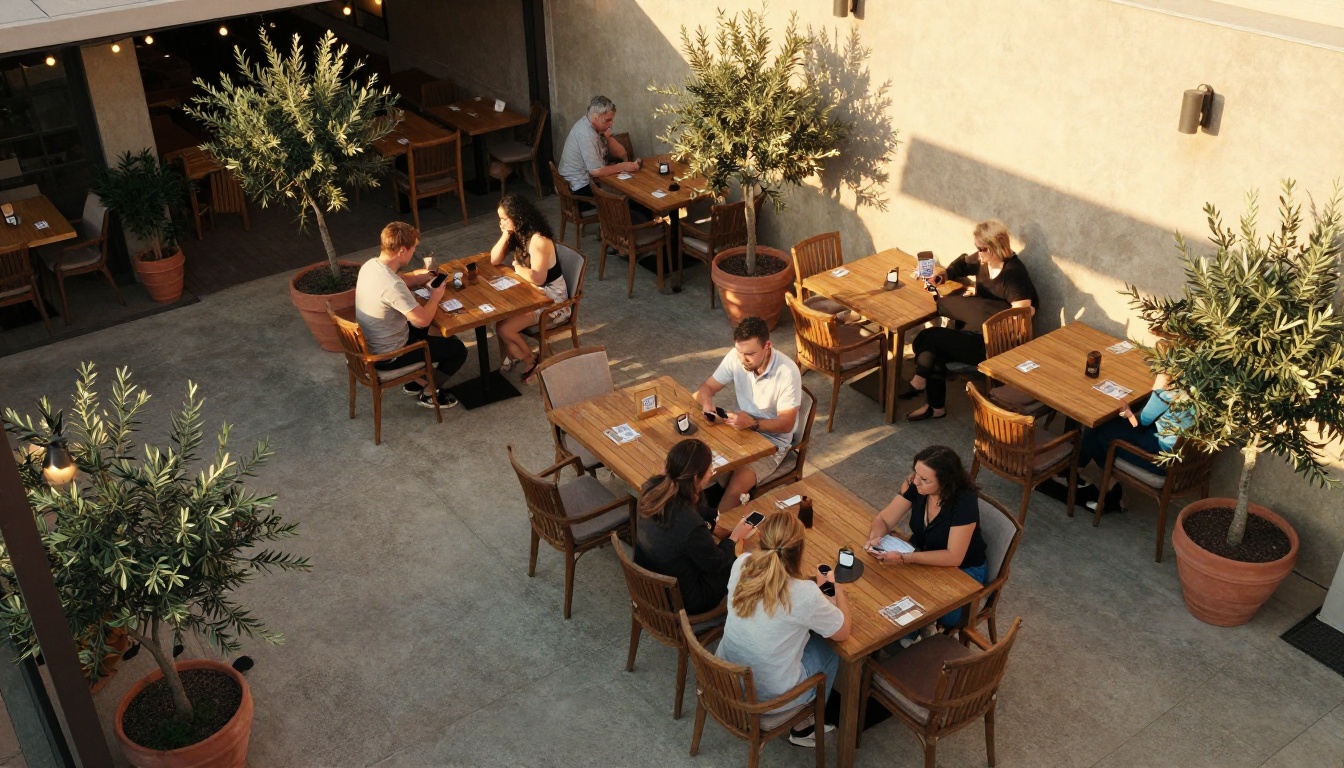
For multi-location restaurant groups, this is particularly powerful. Each location can have its own flipbook with locally relevant pricing and items while sharing the same brand template. Analytics at the Professional plan level let you compare which locations are seeing the most menu activity, so you can spot what is working and replicate it.
The digital catalog maker tools let you build a consistent menu suite across all locations without starting from scratch each time. For restaurants with takeout and dine-in offerings, you can create separate flipbooks for each context and link them from a single landing page.
What to watch for in your analytics
Once your digital menu is live on the Professional plan, pay attention to:
- Most-viewed pages: Items with high views but low orders signal a pricing or description issue
- Drop-off points: Pages where customers stop browsing often have layout or readability problems
- Device breakdown: Knowing your mobile vs. tablet vs. desktop split helps you prioritize design decisions
- Traffic sources: See whether customers are arriving via QR code, direct link, or embedded widget
This level of insight was previously impossible with printed menus and gives you real data to act on.
Your Next Step
Switching your restaurant to a digital menu is one of the highest-return operational changes you can make this year. The setup takes an afternoon, ongoing maintenance takes minutes, and the customer experience improvement is immediate.
Ready to create your first digital menu? Get started for free on Flipbooks AI and have your menu live before the next service. Use the Restaurant Menu Creator to go from PDF to published flipbook in under five minutes.
Not sure which plan fits your restaurant? Compare pricing options to find the right tier. To see the full range of tools available for menus, catalogs, and more, browse the tools directory to find exactly what your restaurant needs.



