Most people open links on their phones. That's not a prediction anymore, it's just the reality of how content gets consumed. So if your flip book breaks on mobile, or forces readers to pinch-zoom just to read a sentence, you've already lost them. Flipbooks AI was built specifically for this problem, and in this article you'll see exactly how to create digital flip books that display beautifully on every screen size, from a 4-inch budget phone to a 13-inch tablet.
Why Mobile Compatibility Breaks Most Flip Books
Traditional flip books were designed for desktop. They relied on Flash, fixed-pixel layouts, and mouse-click navigation. Flash is long dead, and fixed layouts fall apart on screens smaller than a laptop. The result? Readers on phones get a broken experience or nothing at all.
The Old Tech Problem
Flash-based flipbooks simply don't run on iOS or Android. If someone still uses a Flash-based publisher, their content is invisible to the majority of mobile users. Even non-Flash flipbooks that use fixed-width HTML frames force horizontal scrolling on phones, which feels clunky and drives people away.
What "Mobile Responsive" Actually Means
Responsive design means the layout reflows to match the screen it's displayed on. A truly responsive flip book:
- Scales pages to fit the viewport without requiring zoom
- Adapts navigation from click-based to touch-swipe
- Adjusts font sizes so text stays readable at every width
- Loads efficiently so pages don't stall on mobile data connections
💡 A responsive flip book isn't just "not broken on mobile." It should feel like it was designed for mobile from the start.
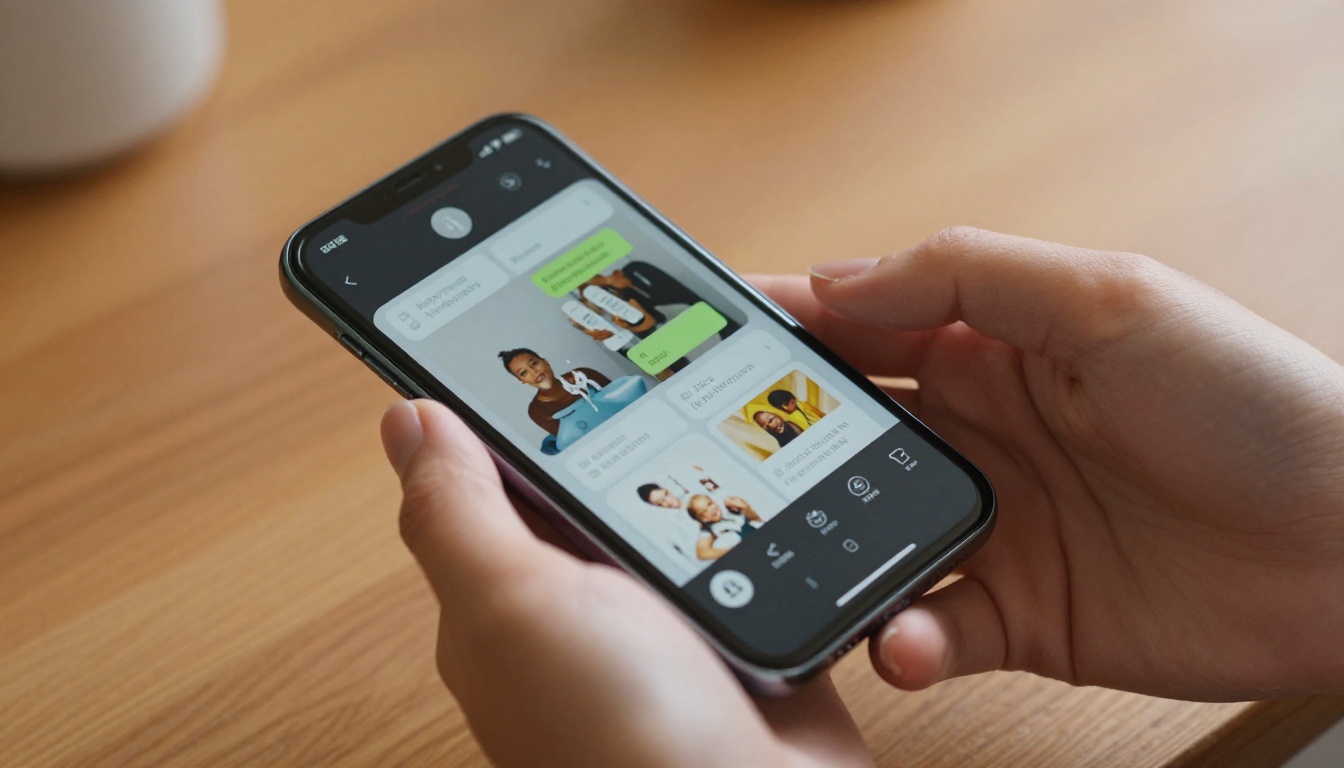
HTML5 vs. Flash vs. Native Apps
Before choosing a platform, it helps to understand the three main technical approaches to digital flip books and how each performs on mobile.
| Format | Mobile Support | Touch Gestures | No App Required | Speed |
|---|
| Flash-based | ❌ None | ❌ No | ✅ Yes | ❌ Slow |
| HTML5 | ✅ Full | ✅ Yes | ✅ Yes | ✅ Fast |
| Native App (iOS/Android) | ✅ Full | ✅ Yes | ❌ Requires install | ✅ Fastest |
| HTML5 Embedded | ✅ Full | ✅ Yes | ✅ Yes | ✅ Fast |
HTML5 is the clear winner for most use cases. It runs in any modern browser, requires no app install, and handles touch gestures natively. Native apps offer marginally faster performance but create a friction barrier since readers have to download something before they can read your content.
⚠️ If your current flip book tool still exports Flash files, stop using it immediately. Your content is invisible to anyone on a phone.
Why HTML5 Is the Right Choice
HTML5 flipbooks use CSS and JavaScript to render page-turning animations, making them compatible with Safari on iPhone, Chrome on Android, and every tablet browser. They support pinch-to-zoom, swipe navigation, and they scale automatically to any screen size.
Not all flipbook platforms handle mobile equally. Some technically "support" mobile but still deliver a poor experience. Here's what to look for.
What to Check Before Committing
- Touch navigation: Does swiping turn pages, or do you still need to tap tiny arrows?
- Auto-scaling: Does content resize to fit the screen, or does it overflow?
- Load speed: Are pages lazy-loaded to avoid waiting for the entire document?
- Embed options: Can the flipbook be embedded on a website and still be mobile-responsive?
- No app requirement: Can readers open it directly from a link?
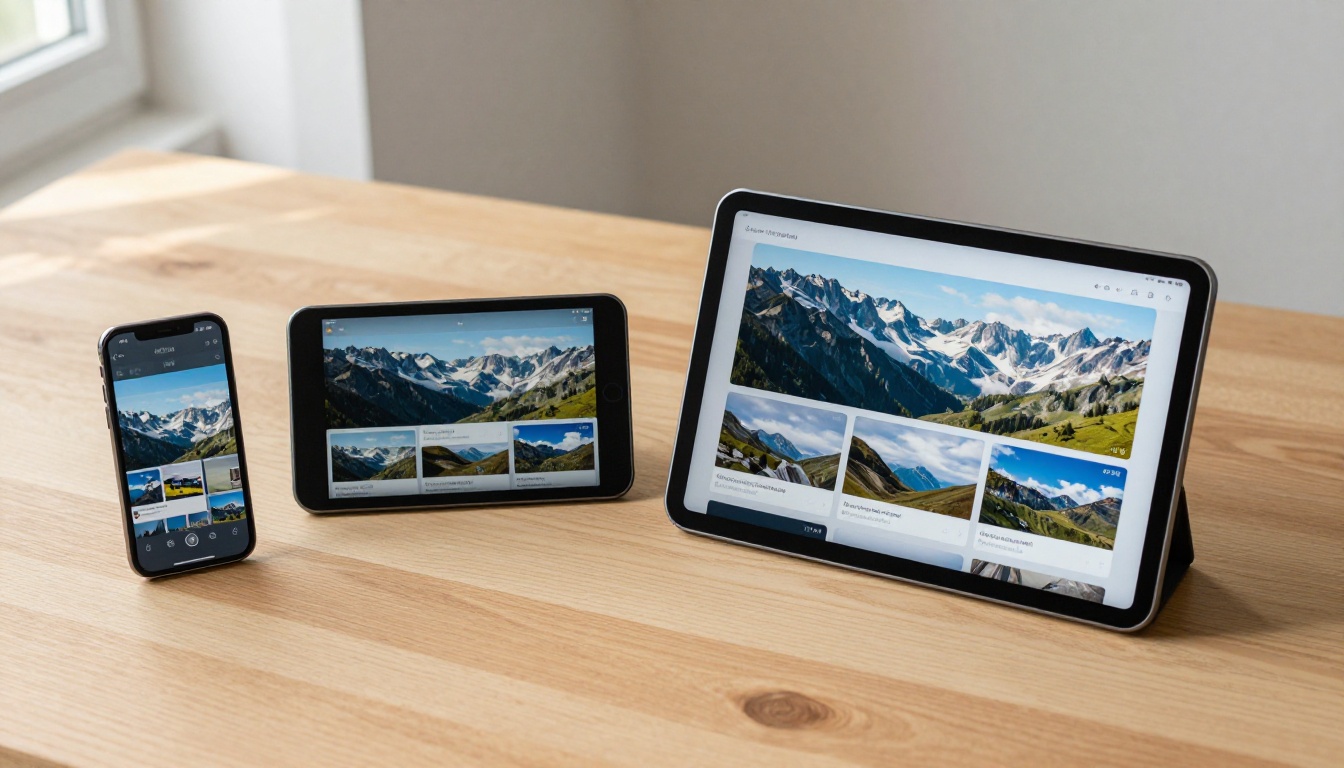
Platform Comparison
| Platform | HTML5 | Touch Gestures | Auto-Scale | Embed | Mobile Analytics |
|---|
| Flipbooks AI | ✅ | ✅ | ✅ | ✅ | ✅ Professional |
| Issuu | ✅ | ✅ | ✅ | ✅ | ✅ Paid |
| Joomag | ✅ | ✅ | ✅ | ✅ | ✅ Paid |
| FlipHTML5 | ✅ | ✅ | Partial | ✅ | Limited |
| Calameo | ✅ | Partial | ✅ | ✅ | Limited |
Flipbooks AI consistently delivers one of the cleanest mobile experiences in this category, with full touch support, auto-scaling, and no watermarks on paid plans.
How to Make a Flip Book That Works on Phones and Tablets with Flipbooks AI
This is the practical part. If you want a flip book that opens instantly on any phone or tablet, looks polished, and requires zero coding, here's the exact workflow.
Step 1: Prepare Your PDF Correctly
Mobile responsiveness starts before you even upload anything. How you build your PDF affects how it renders on small screens.
- Use standard page sizes: A4 or US Letter work best. Avoid non-standard dimensions.
- Embed fonts: Don't rely on system fonts. Embed them to prevent substitution on mobile.
- High-resolution images: Mobile screens, especially Retina displays, expose low-res images immediately. Use at least 150 DPI for images.
- Readable font sizes: Text below 10pt often becomes unreadable on phones. Use 11-12pt minimum for body text.
- Avoid edge-to-edge content: Leave margins so content isn't cropped when pages scale down.

Step 2: Create Your Account and Upload
Go to Flipbooks AI and create a free account. Once logged in:
- Click "New Flipbook" from your dashboard
- Select "Upload PDF"
- Drag and drop your PDF or browse to select it
- Wait for the conversion (typically under 60 seconds for most documents)
- Preview the result in the built-in viewer
The conversion engine automatically generates HTML5 output, meaning your flipbook is mobile-compatible from the moment it's created.
✅ The preview shows exactly how your flipbook looks on desktop. Use the responsive preview toggle to check mobile and tablet views before publishing.
Step 3: Customize for Mobile
After upload, you can tweak the appearance and behavior. Flipbooks AI gives you control over:
- Branding: Add your logo, set custom brand colors, and remove default platform branding
- Background: Choose a background color or texture that works at any screen size
- Page layout: Single-page vs. double-page spread (single-page is better for phones)
- Navigation style: Choose between swipe-only or arrow controls
- Auto-fit setting: Enable auto-fit to ensure pages always fill the screen
💡 For phone-first audiences, set the default view to single-page. Two-page spreads are designed for large tablets and desktops and can make text too small on phones.

Step 4: Set Sharing Options
Once your flipbook looks right on mobile, share it through the right channels:
- Direct link: A short URL that opens the flipbook directly in any mobile browser
- QR code: Generated automatically, perfect for print materials, posters, or packaging
- Embed code: Paste into any website to display the flipbook inline, fully mobile-responsive
- Password protection: Lock it behind a password for private content (Standard plan and above)
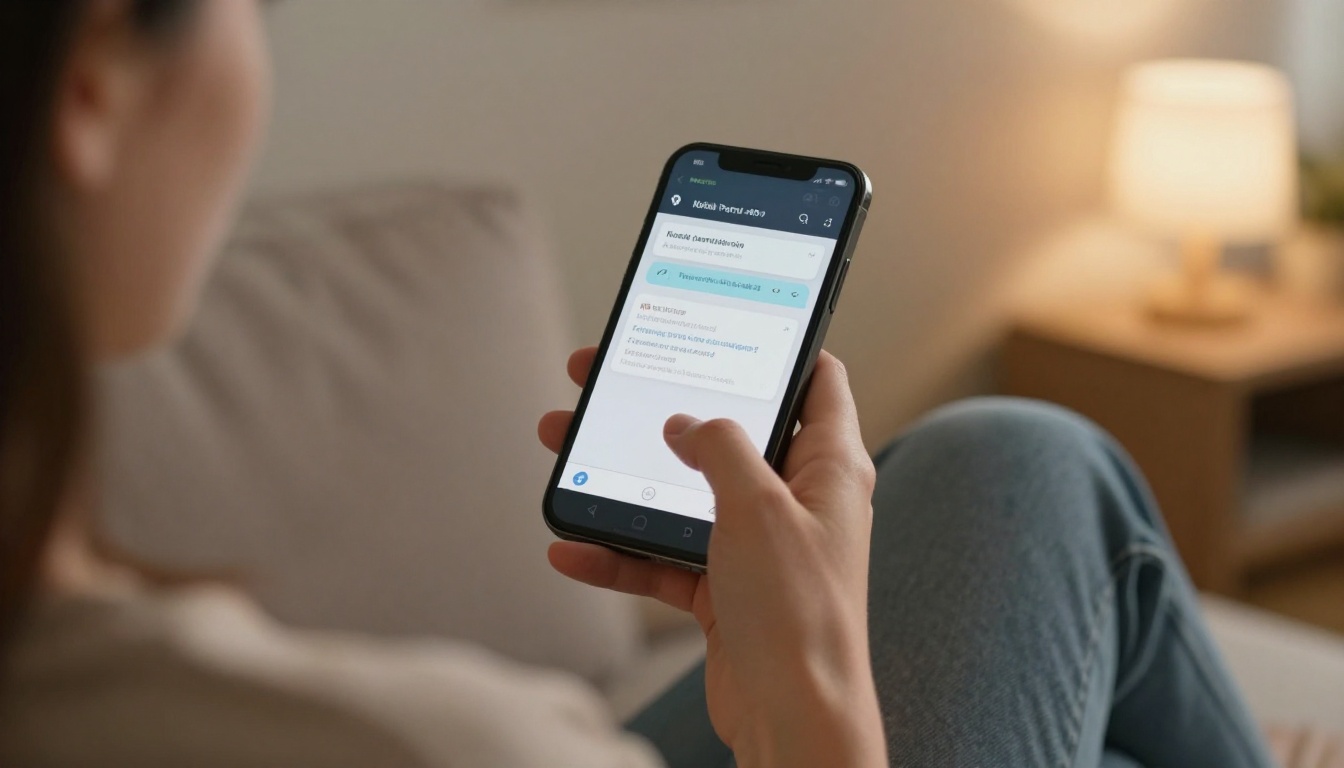
Step 5: Use Analytics to Measure Mobile Traffic
On the Professional plan, you get access to reader analytics that show:
- What devices readers are using (phone, tablet, desktop)
- How long they spend on each page
- Where they drop off
- Geographic location data
This data is critical. If 70% of your readers are on phones, you can go back and optimize your PDF layout for narrow screens specifically.
Flip Book Types That Work Especially Well on Mobile
Some content types are naturally better suited to mobile flipbook formats. Here's a breakdown.
Catalogs and Lookbooks
Product catalogs and fashion lookbooks are among the most browsed content on phones. A well-structured PDF with full-bleed product images and minimal text per page translates perfectly to a mobile flipbook. Use the Digital Catalog Maker or the Interactive Lookbook Designer to build these specifically for touchscreen browsing.
Restaurant Menus
A restaurant that puts its menu in a flipbook instead of a PDF gets a much better mobile experience. The Restaurant Menu Creator is designed for exactly this: clean layouts that display well on any phone a customer pulls out at the table.
Portfolios
Photographers, designers, and creative professionals who share their work via phone links benefit enormously from a mobile-optimized flipbook format. The Photography Portfolio tool creates full-screen image layouts that look stunning on Retina displays.
Event Programs and Brochures
Printed programs and brochures that get turned into digital flipbooks are a common use case for events. Guests open the QR code on their phones and browse the program without needing a paper copy. The Event Program Maker handles this conversion cleanly.

Common Mistakes That Kill Mobile Flipbook Quality
Even with the right platform, there are design mistakes that consistently break the mobile experience.
Too Much Text Per Page
Dense text pages that look fine on a 15-inch monitor become illegible on a 5-inch phone. If your source PDF has pages with 500 or more words, consider splitting content across more pages to give each section room to breathe.
Small Interactive Elements
Buttons, links, and interactive hotspots need to be large enough to tap accurately with a finger. Apple's Human Interface Guidelines recommend touch targets of at least 44x44 points. Anything smaller and users will accidentally tap the wrong element or give up entirely.
Heavy Files Without Lazy Loading
A 100-page catalog that loads all pages at once will stall on a mobile connection. Use a platform that supports lazy loading (loading pages on demand as the reader navigates), which Flipbooks AI does automatically.
Fixed-Width Layouts in the PDF
If your original PDF was designed at a fixed 1920px width for desktop screens, it will scale down awkwardly on phones. Design PDFs with fluid layouts or use standard print dimensions (8.5x11 or A4) which scale more gracefully.
⚠️ Always test your flipbook on an actual phone before sharing it. Desktop previews don't catch every mobile rendering issue.
Embedding a Mobile-Responsive Flipbook on Your Website
If you want to host the flipbook on your own website, embedding is the cleanest option. Flipbooks AI provides an iframe embed code that scales automatically to the container width. On desktop it displays wide, and on phones it fills the screen correctly.
Basic embed tips:
- Use a percentage-based width:
width="100%" instead of a fixed pixel value
- Set a responsive height: Use a CSS aspect-ratio property to maintain proportions
- Test on mobile after embedding: The embed may behave differently than the standalone link
- Use the fullscreen option: Let mobile readers go fullscreen for the best experience

Flipbooks AI Plans: What You Get at Each Level
Understanding which plan fits your mobile distribution needs depends on how many flipbooks you create and what features matter to you.
| Feature | Free | Standard | Professional |
|---|
| Flipbooks | 1 | Unlimited | Unlimited |
| Watermark | ✅ Yes | ❌ None | ❌ None |
| Custom Branding | ❌ | ✅ | ✅ |
| Password Protection | ❌ | ✅ | ✅ |
| Analytics | ❌ | ❌ | ✅ |
| Lead Generation | ❌ | ❌ | ✅ |
| Offline Downloads | ❌ | ✅ | ✅ |
| Mobile Responsive | ✅ | ✅ | ✅ |
Mobile responsiveness is available on every plan, including free. The Professional plan adds analytics that show you exactly how mobile readers engage with your content, page by page.
Touch Interaction: Making Swiping Feel Natural
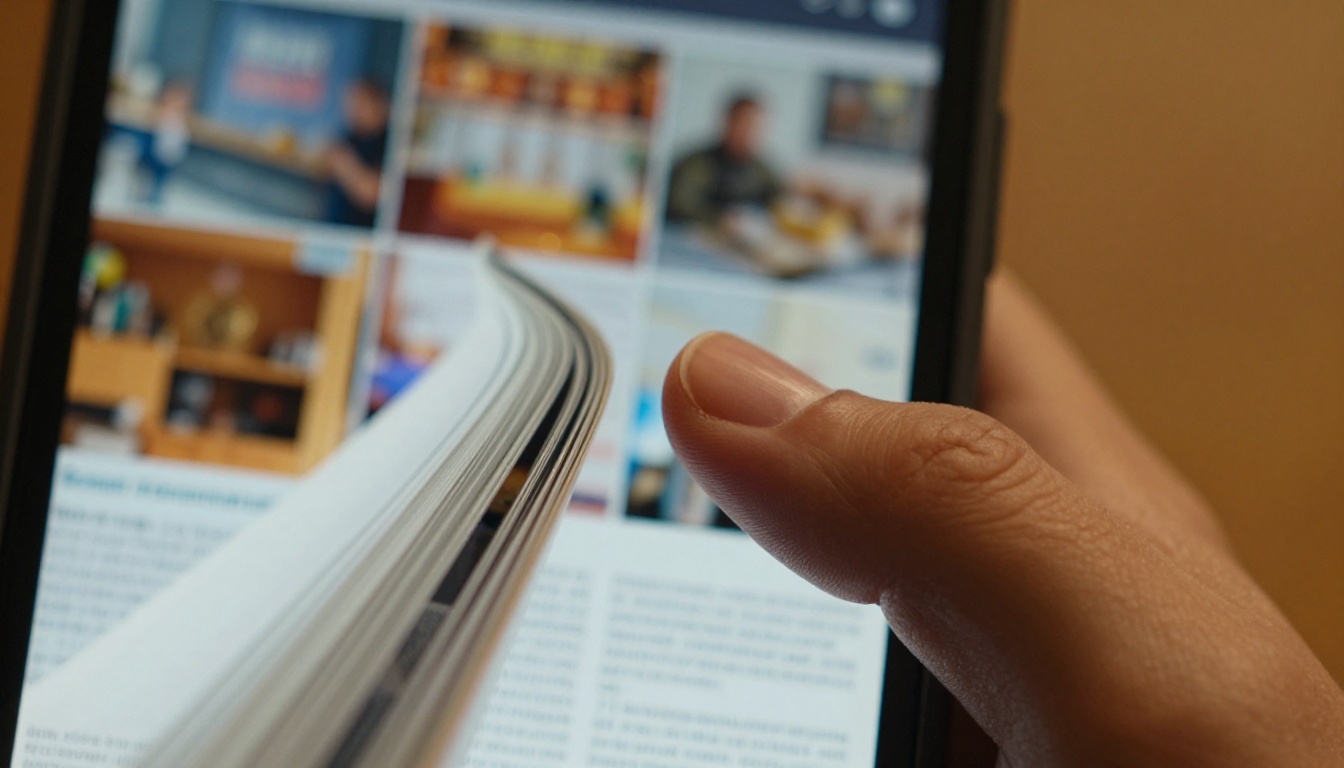
One thing that separates a good mobile flipbook from a great one is how page-turning feels. The best implementations:
- Snap to page on release: Don't leave the page half-turned
- Show page curl animation: A subtle visual cue that this is a flipbook, not a scroll feed
- Support multi-touch: Pinch to zoom without triggering page turns
- Fast response: No lag between swipe input and page motion
💡 Test your flipbook with one hand. That's how most people browse on phones: one hand holding the device, thumb doing the navigation.
Tracking Mobile Reader Behavior
Once your flipbook is live, measuring how mobile users interact with it tells you what's working and what isn't. With Flipbooks AI Professional, the analytics dashboard shows:
- Device breakdown: The percentage split between phone, tablet, and desktop readers
- Page engagement: Which pages get the most time and which get skipped
- Drop-off points: Where readers stop and leave
- Session duration: How long the average mobile session lasts
- Traffic sources: Where mobile readers are coming from

A restaurant owner who sees that 90% of menu views are from phones knows to optimize pages for portrait orientation. A real estate agent who sees readers spending 8 seconds on property photos and 1 second on spec pages knows to add more visuals. The data shapes every future revision.
Ready to Build Your Mobile-First Flip Book?
If you've been creating PDFs and sharing them as files, or using an outdated flipbook tool that breaks on phones, it's time to switch. The audience you're trying to reach is already on their phones. Your content needs to meet them there.
Create your first mobile-ready flipbook on Flipbooks AI in minutes. Upload your PDF, choose your settings, and share a link that works on every device. No coding, no app installs, no compromises.
Explore all available flipbook tools to find the right template for your content type, whether it's a product catalog, restaurant menu, portfolio, or event program.
Compare pricing plans to choose what fits your publishing volume and feature needs.



