Every conference organizer hits the same wall three days after the event: the printed programs are in the recycling bin, nobody remembered the schedule, and attendees are already asking for slide deck links. The format failed before the coffee even cooled.
A digital flipbook changes that equation entirely. Instead of handing attendees a paper booklet they will fold into their bag and forget, you give them something they can pull up on any device, share with colleagues, and bookmark for later reference. Flipbooks AI makes this process fast enough to fit into your pre-event workflow without adding a separate production team to your budget.
This is a practical breakdown of how to make a flipbook for a conference, from content planning all the way through distribution and post-event analytics.
Why Printed Conference Programs Keep Disappearing
The paper problem nobody talks about
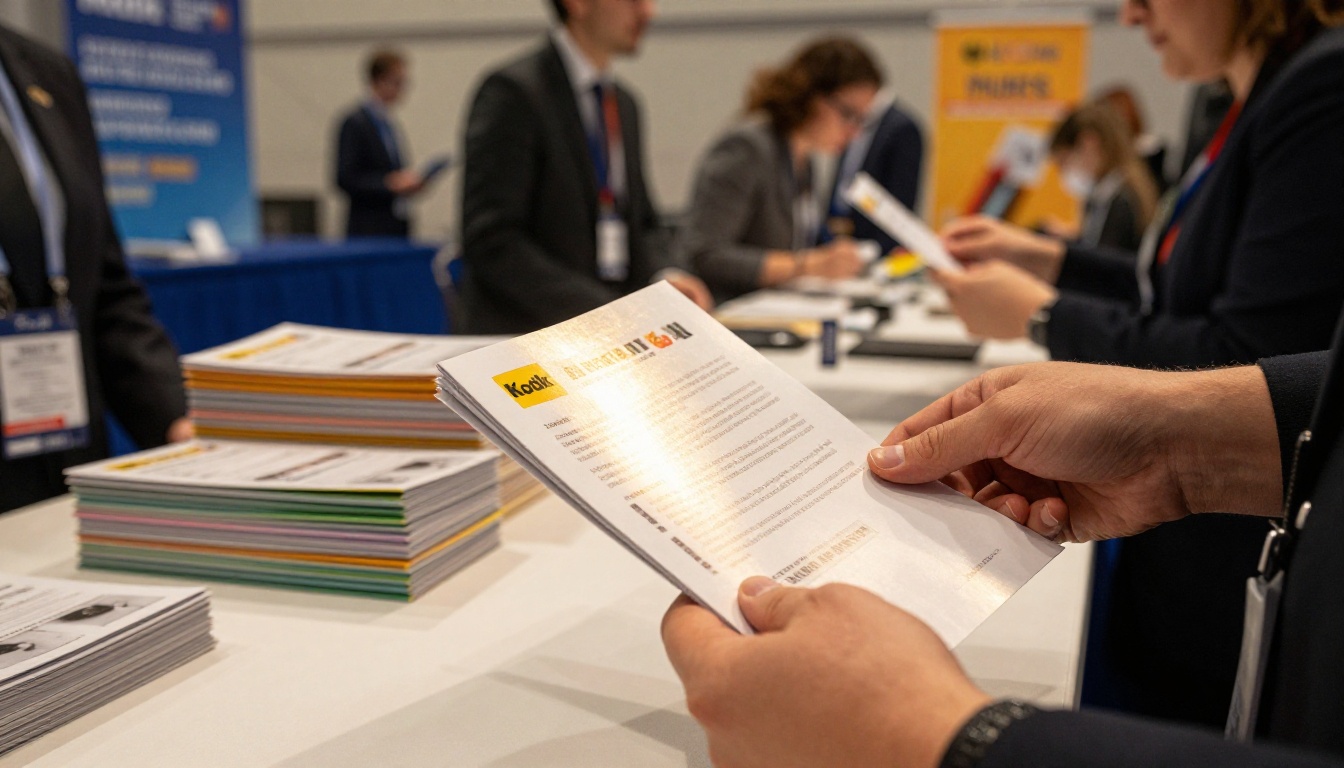
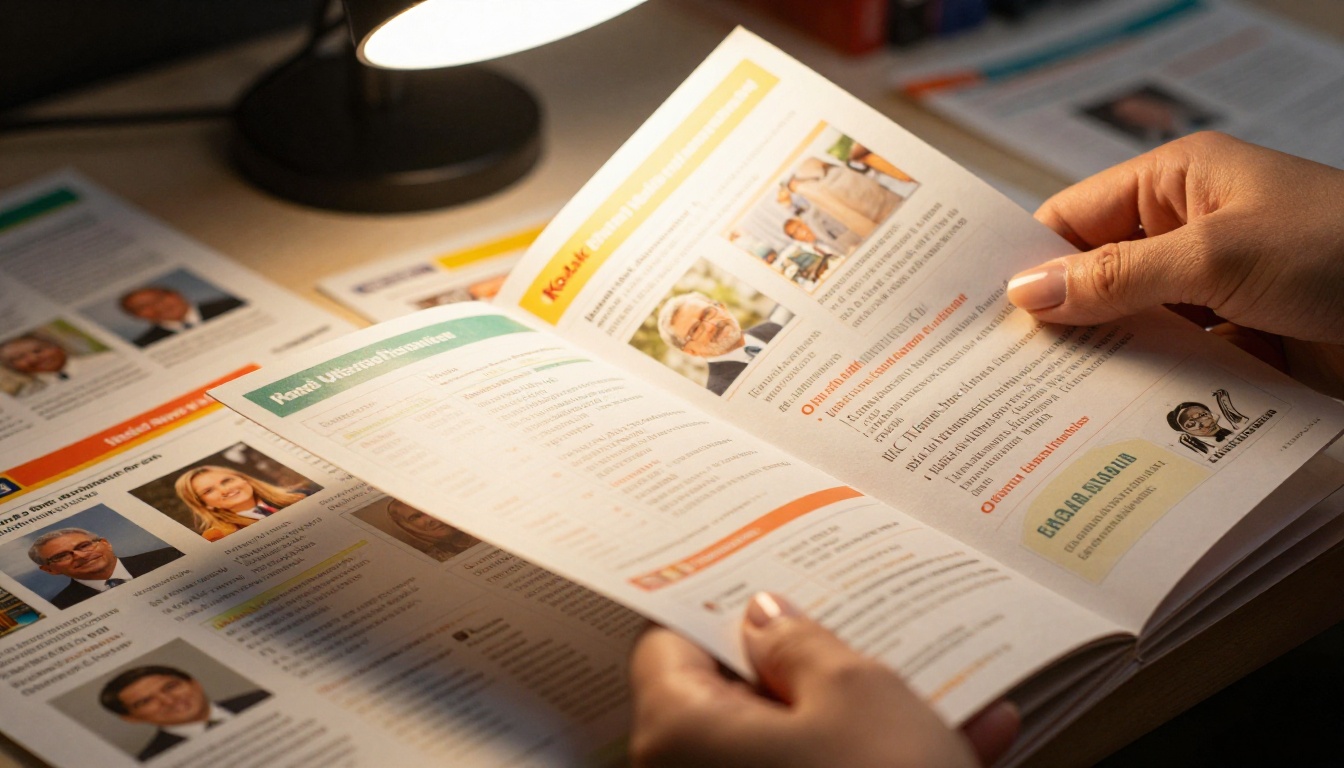
Printing a conference program is expensive, wasteful, and optimized for the wrong moment. The attendee receives it at registration, uses it for approximately forty minutes, and then the booklet competes with everything else in a tote bag. By day two of a multi-day event, most programs are lost, crumpled, or abandoned at a charging station.
The printing cost for a 48-page full-color program across 500 attendees runs anywhere from $3,000 to $8,000 depending on paper stock and print run size. That budget disappears the moment the event ends.
What attendees actually do
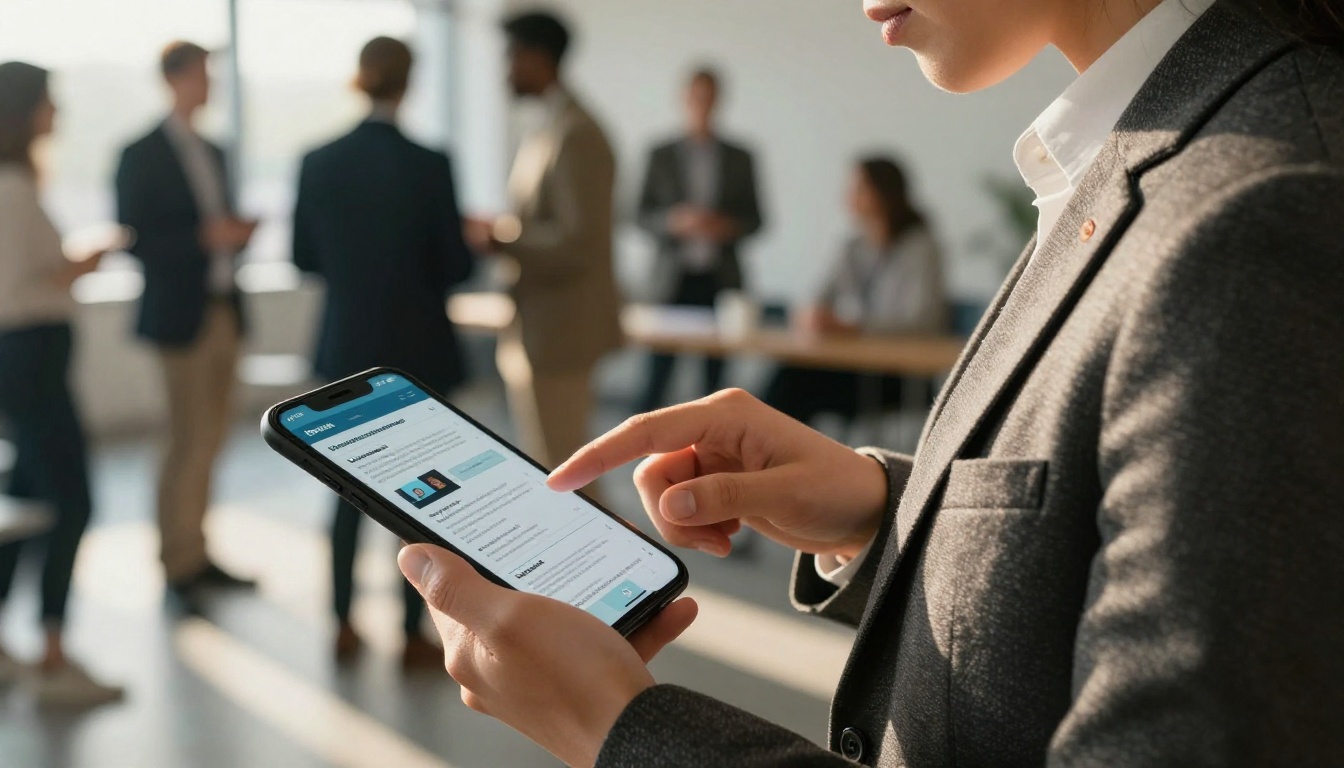
Attendees do not read linearly through a conference program. They scan for specific sessions, check speaker bios, look up room numbers, and hunt for sponsor information when something catches their attention during a break. A digital flipbook supports exactly this behavior: page-turn navigation, internal hyperlinking, and embedded QR codes that connect to speaker websites or session recordings afterward.
What Goes Into a Conference Flipbook
Core sections that belong in every one
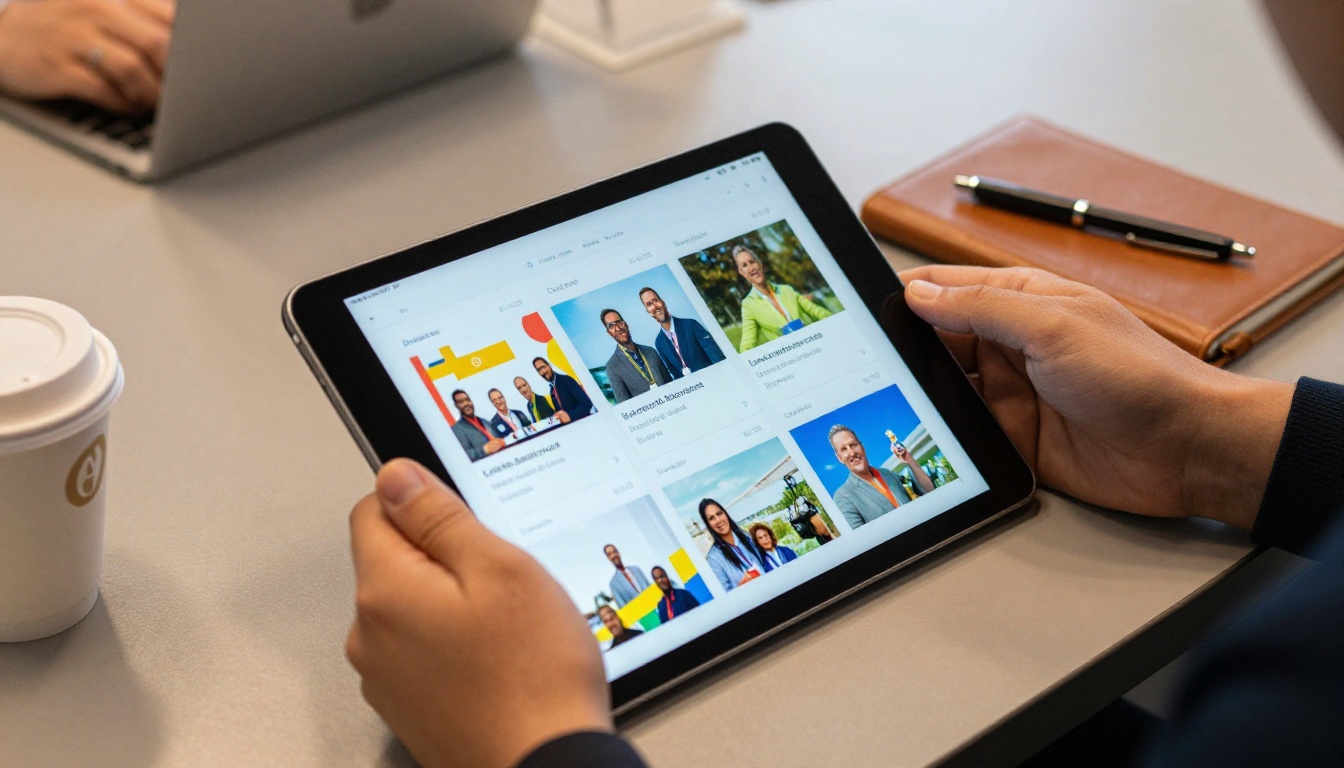
A conference flipbook is not just a digitized version of your printed schedule. It is an interactive document that can carry more information per page without feeling dense, because readers control the pace.
Standard sections to include:
- Welcome message from the organizing committee or keynote sponsor
- Full agenda with day, time, room, and speaker for every session
- Speaker profiles with headshots, titles, and social handles
- Floor map or venue layout with room labels
- Sponsor directory with logos, URLs, and booth numbers
- Workshop descriptions with prerequisite notes and capacity limits
- Networking session details including times and formats
- Post-event resources such as links to recordings, slides, or follow-up surveys
Content that drives real use
The sections attendees return to most are the ones that change: updated room assignments, last-minute speaker swaps, added sessions. Because a digital flipbook lives at a URL, you can update the source PDF and republish without reprinting. Attendees get current information every time they open the link.
💡 Add a "Last Updated" timestamp on the title page so attendees know the information is current.
How to Structure Your Conference Flipbook
Structure matters more in a conference flipbook than in most other publication formats because attendees are time-pressured and scanning fast. The table below shows a recommended page structure for a two-day corporate conference.
| Section | Recommended Pages | Notes |
|---|
| Front Page + Welcome | 2 | Branded, high-impact design |
| Full Agenda | 4-6 | One spread per day |
| Speaker Profiles | 6-10 | One per speaker or two per spread |
| Floor Map | 1-2 | Large, legible labels |
| Sponsor Directory | 2-4 | Logo grid + short descriptions |
| Workshop Details | 4-8 | Session-by-session breakdown |
| Networking and Social Events | 1-2 | Times, locations, dress code |
| Resources and Post-Event Links | 1-2 | QR codes, survey links |
| Total | 21-36 pages | Comfortable reading length |
Keeping it under 40 pages ensures the document loads quickly on mobile and does not overwhelm first-time viewers. For larger events with dozens of concurrent sessions, consider creating separate track-specific flipbooks linked from a main document.
How to Build Your Conference Flipbook
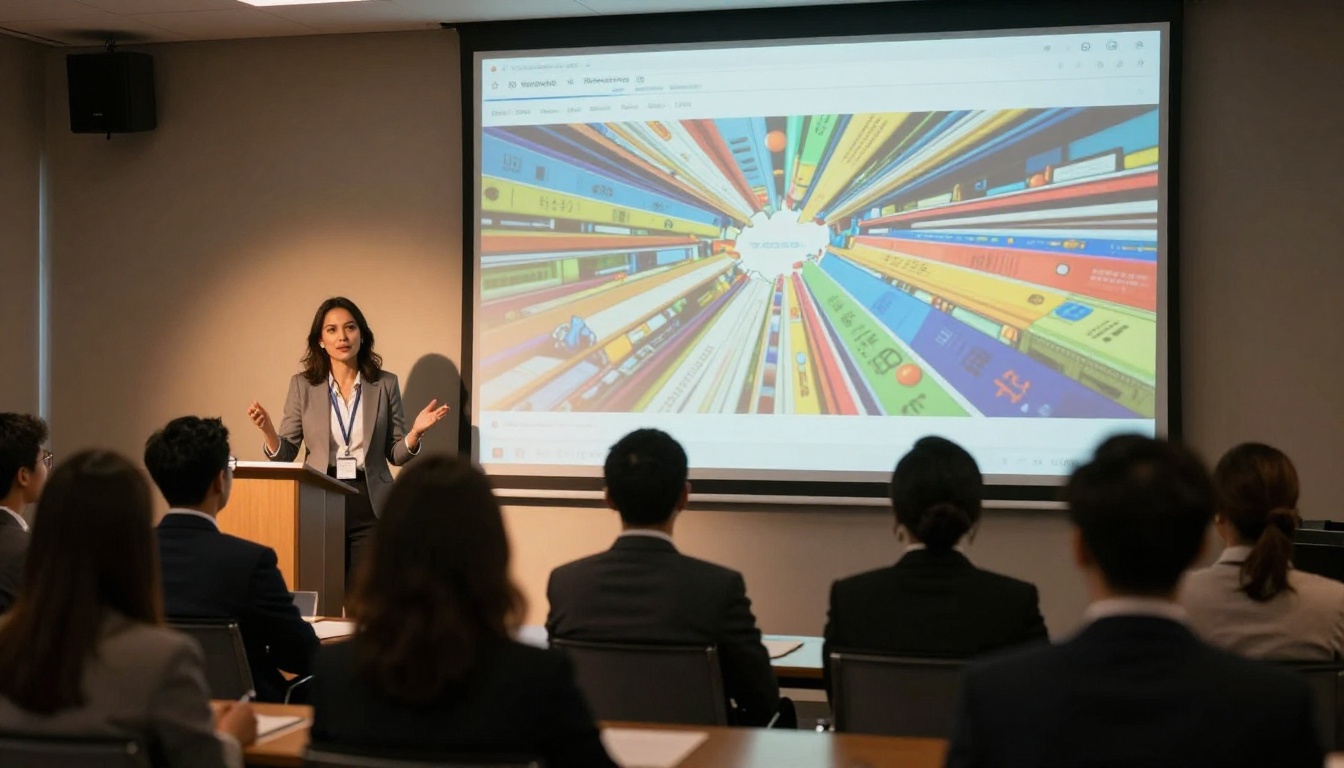
Flipbooks AI is built for exactly this workflow. You design your conference program in any PDF-capable tool, export to PDF, and convert it to a fully interactive flipbook in minutes.
Step 1: Design your conference PDF
Use your existing design tool (InDesign, Canva, PowerPoint, or Google Slides) to build the program layout. Export it as a high-resolution PDF, 300 DPI minimum for crisp visuals on large screens. If you are starting from scratch, Canva has free conference program templates that export cleanly.
Step 2: Sign up and access your dashboard
Go to Flipbooks AI and create your account. The free plan lets you test the tool immediately with no credit card required.
Step 3: Upload your PDF
From your dashboard, click "New Flipbook" and upload your conference PDF. The PDF to Flipbook Converter processes the file and generates a page-turn interface automatically. Processing time for a 30-page document is typically under 60 seconds.
Step 4: Apply your branding
In the editor, set your flipbook colors to match the conference brand palette. Add a custom logo to the viewer header, set background colors or textures, and adjust the toolbar styling. This step takes around five minutes and makes the flipbook feel like a purpose-built product rather than a generic PDF viewer.
Step 5: Add interactive elements
This is where a digital flipbook earns its place over a static PDF link. You can embed:
- Clickable links on speaker names pointing to their LinkedIn profiles
- Embedded YouTube videos for speaker introductions or event trailers
- QR codes linking to session evaluation forms
- Internal navigation buttons that jump to specific pages
Step 6: Configure sharing and access
Flipbooks AI gives you several sharing options:
- Public URL: Share directly via email, social media, or QR code on physical signage
- Password protection: Restrict access to registered attendees only
- Embed code: Drop the flipbook directly into your event website using Embed Flipbook on Website
- Offline access: Let attendees save the flipbook for areas with no Wi-Fi
Step 7: Monitor during the event
On the Professional plan, the built-in analytics dashboard shows you page views, time-on-page, and unique visitor counts in real time. You will know immediately which sessions are generating the most interest and which sponsor pages are getting traffic.
✅ Share the flipbook URL in your pre-event confirmation emails, the event app, and on physical signage at the venue. Three touchpoints means no attendee has an excuse for not finding it.

Conference Flipbook Use Cases by Event Type
Not all conferences have the same needs. Here is how different event formats benefit from the flipbook format:
| Event Type | Primary Use | Flipbook Features That Help |
|---|
| Corporate Summit | Internal alignment, leadership messaging | Password protection, custom branding |
| Trade Show | Booth listing, product showcase | Embedded videos, sponsor links |
| Academic Conference | Paper abstracts, speaker bios | Internal navigation, QR codes |
| Industry Convention | Multi-track agenda, networking | Analytics, offline access |
| Product Launch Event | Brand storytelling, spec sheets | Multimedia, lead gen forms |
| Nonprofit Gala | Donor recognition, program notes | Custom colors, sharing links |
Trade shows and exhibitions
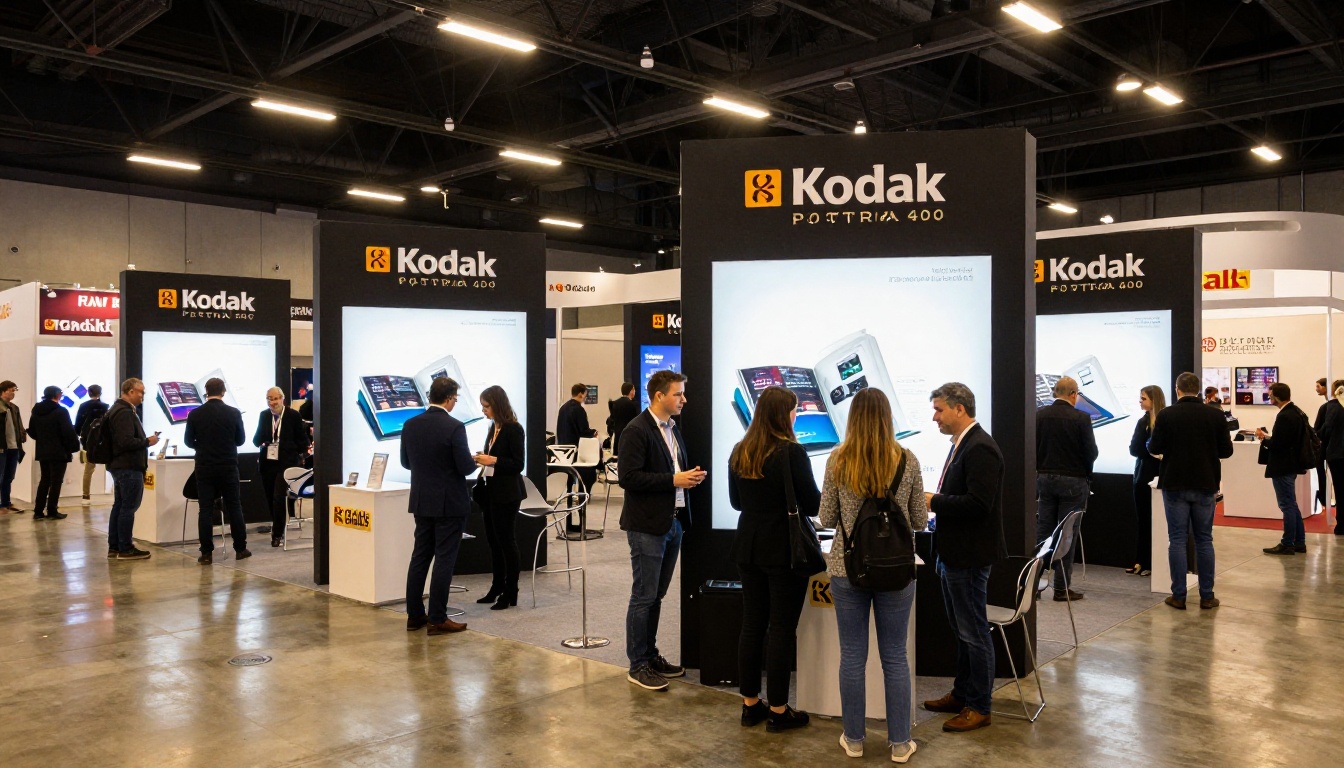
At a trade show, the exhibitor directory is the document everyone reaches for. A flipbook version of your exhibitor listing lets attendees search by booth number, product category, or company name, then click through to the exhibitor website directly. The Event Program Maker tool is purpose-built for this format.
Corporate summits and leadership events
For internal corporate events, access control matters. Password protection ensures that the agenda, speaker notes, and strategic content stay within the intended audience. The analytics data helps organizers report back on attendee participation to stakeholders.
Academic conferences
Academic events often run dozens of parallel sessions across multiple days. A flipbook with clear internal navigation, indexed abstracts, and embedded author contact information reduces the friction of finding what matters to each attendee.
Features That Actually Affect the Attendee Experience
It is worth being specific about which features matter most for conference use, because not all flipbook platforms offer the same capabilities.
| Feature | Why It Matters for Conferences |
|---|
| Mobile-responsive design | Most attendees access programs on phones during the event |
| No watermarks | Professional appearance for sponsor-facing materials |
| Password protection | Restricts access to registered attendees only |
| Custom branding | Matches event identity and builds brand trust |
| Embedded video | Speaker intros, event trailers, sponsor messages |
| Analytics dashboard | Shows which sessions and sponsors generated most interest |
| Offline access | Venues often have patchy Wi-Fi in session rooms |
| Unlimited flipbooks | Allows separate docs per track, day, or audience segment |
| Website embed | Integrates with the event site without extra tools |
| Lead generation forms | Captures attendee contact info for sponsors |
Flipbooks AI includes all of the above. The Standard plan handles unlimited flipbooks with no watermarks. The Professional plan adds analytics and lead generation, which are the two features most valuable to event sponsors looking for ROI data.
⚠️ If your conference has sponsors expecting post-event reporting, make sure you are on a plan with analytics before the event goes live.
Plans at a Glance
Choosing the right plan before the event is important because upgrading mid-event is not always seamless when you are managing dozens of other logistics simultaneously.
| Plan | Price | Flipbooks | Watermark | Analytics | Lead Gen | Password |
|---|
| Free | $0 | Limited | Yes | No | No | No |
| Standard | Paid | Unlimited | No | No | No | Yes |
| Professional | Paid | Unlimited | No | Yes | Yes | Yes |
For a single conference, the Standard plan handles most needs: unlimited flipbooks, no watermarks, custom branding, and password protection. If you have sponsors who want traffic reports, Professional is the right call. See the full breakdown on the pricing page.
Tips for a Professional Result
Design for the screen, not the page
Conference programs designed for print often use small type, dense layouts, and dark backgrounds. These choices work for paper but do not translate well to screens. Increase base font size to 14pt minimum, use high-contrast color combinations, and leave generous white space around information blocks.
One Flipbook Per Day for Long Events
Multi-day conferences benefit from separate flipbooks for each day rather than one massive document. Attendees open the Day 2 flipbook on day two without scrolling past fifty pages of yesterday's content. Link all daily flipbooks from a main index page on your event website.
Use QR codes as a bridge
Print QR codes on lanyards, table cards, and signage throughout the venue. Each QR code should link directly to the relevant section of the flipbook, not just the homepage. A QR on the workshop room door links to the workshop schedule page. A QR on the sponsor table links to the sponsor directory page.
💡 Generate QR codes that deep-link to specific flipbook pages using the internal URL structure Flipbooks AI provides per page.
Test on the devices attendees actually use
Before the event, open the flipbook on an Android phone, an iPhone, a Windows laptop, and an iPad. Conference attendees do not use one device type. Flipbooks AI is mobile-responsive by default, but always verify your specific layout renders correctly across screen sizes before you share the link publicly.
Collect feedback inside the flipbook
On the final page of your conference flipbook, embed a link to a post-event survey. Attendees who reach the end of the document are already engaged; catching them there converts at a much higher rate than a survey link buried in a follow-up email sent three days later.

What to Do After the Event
The conference flipbook does not have to disappear when the event ends. It becomes a piece of evergreen content when repurposed thoughtfully:
- Archive on your website: A public flipbook of last year's conference program signals credibility to prospective speakers and sponsors for future editions
- Share session recordings: Update the flipbook after the event with embedded video links to recorded sessions
- Send to no-shows: Attendees who registered but could not attend appreciate having access to the full program and speaker materials
- Repurpose for press: Journalists covering your industry often want access to conference materials; a polished flipbook is more impressive than a PDF email attachment
- Reuse sponsor data: Analytics from the Professional plan show which sponsor pages got the most traffic, a powerful selling point for next year's sponsorship conversations
The Sales Presentation and Press Kit Designer tools on Flipbooks AI are useful for extending conference content into post-event sales and PR materials without starting from scratch.
Build It Once, Use It Everywhere
A conference flipbook built on Flipbooks AI takes the same content that would have gone to a print vendor and turns it into a living document that works before, during, and after the event. Attendees get a better experience. Sponsors get measurable data. Organizers cut printing costs and gain the ability to update information in real time without reprinting a single sheet.
The most common mistake conference organizers make with digital materials is treating them as an afterthought, adding them after everything else is finalized. Build the flipbook at the same time you finalize the print version, and you will have both ready with no extra effort.
Ready to build your conference flipbook? Create your free account and upload your PDF in the next ten minutes. For events where sponsor ROI reporting matters, compare the plans to choose the right fit. Browse all event tools to find formats that work beyond the agenda, from workshop materials to sponsor directories.



