Every conference produces a mountain of paper. Agendas, speaker bios, sponsor sheets, breakout session summaries. Most of it ends up folded in a tote bag, forgotten in a seat pocket, or tossed in the bin before attendees even reach the parking lot. If you're spending real money on printed handouts, you deserve better than that. A digital flipbook changes the equation entirely. Instead of handing someone a stack of pages, you give them something they can actually use: a shareable, interactive document they can pull up on any device, anytime. This walkthrough covers exactly how to make a flipbook for a conference handout from concept to publication, so your materials actually do what you intended. Flipbooks AI makes the whole process possible without printing a single sheet.
Why Paper Handouts Fall Short
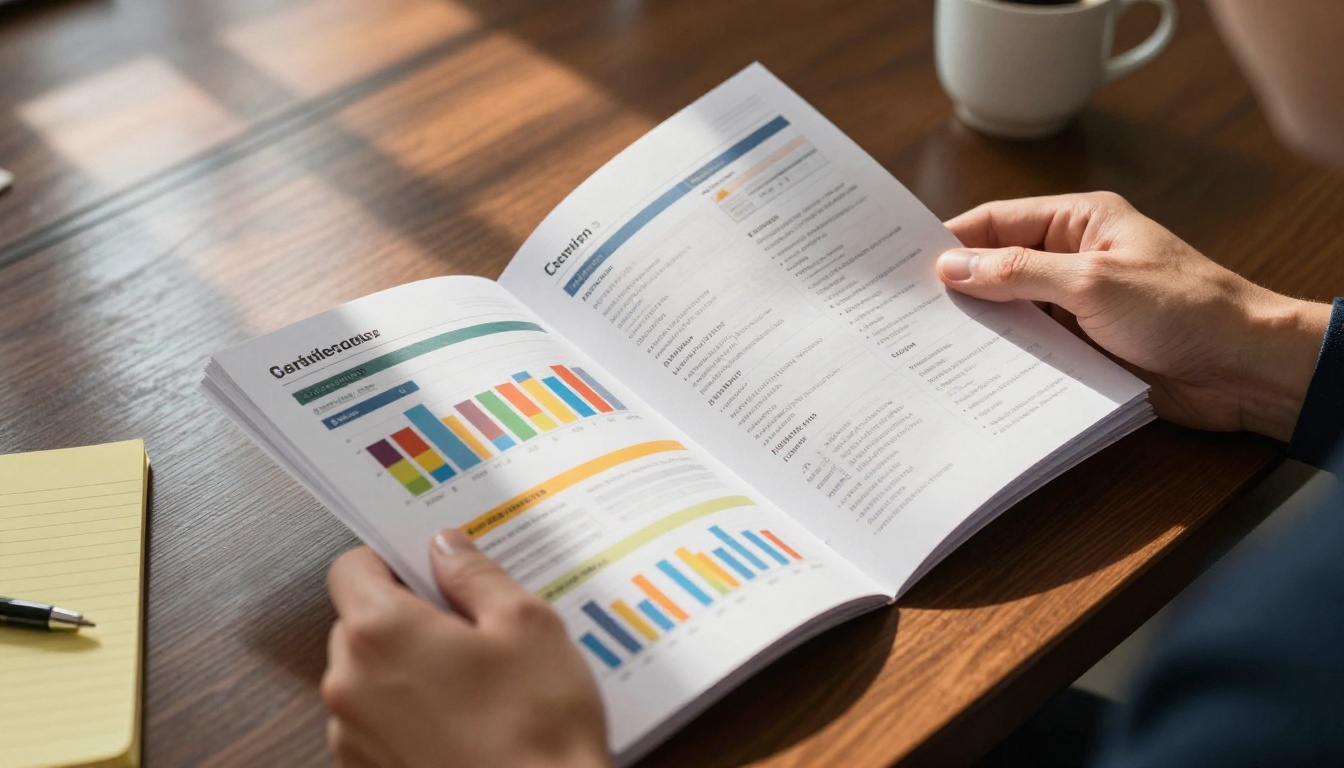
Printed conference materials have a brutal shelf life. The average attendee receives somewhere between five and fifteen different printed pieces at a mid-size event. Competition for attention is fierce before the first keynote even starts. The problem is not the content. It's the format.
The Hidden Cost of Print
Printing costs add up faster than most event organizers expect. A standard 8-page full-color handout for a conference of 500 people runs anywhere from $2 to $6 per unit depending on paper stock, finish, and quantity. Add setup fees, rush charges for last-minute speaker bio changes, and the environmental footprint, and you're looking at a line item that eats into your event budget without clear ROI.
Worse, there's no way to know whether anyone read it. You print 600 copies "just in case" and end up with 200 in a box after the event.
What Attendees Actually Do With Them
Here's the honest answer: they glance, then stash. Attendees at professional conferences are busy. They're networking, checking phones, thinking about the panel they just saw. A printed handout competes with their attention in a format that offers zero interactivity. There are no clickable links to the speaker's LinkedIn profile. No embedded video of the product demo. No way to share it with a colleague who couldn't attend.
A digital flipbook solves all of this.
What a Conference Flipbook Actually Is

A conference flipbook is a digital, page-turning document that looks and behaves like a physical booklet but lives online. It's built from your existing PDF and converts it into an interactive experience with smooth page animations, embedded links, and mobile-responsive design.
When an attendee scans a QR code on their lanyard and opens your flipbook, they get the same information you would have printed, plus the ability to click through to speaker bios, tap on sponsor links, and share individual pages via social media or email.
Digital vs. Printed: The Real Comparison
| Factor | Printed Handout | Digital Flipbook |
|---|
| Cost per attendee | $2 to $6+ | Near zero after creation |
| Updateability | Reprint required | Edit anytime, instantly |
| Analytics | None | Page views, clicks, time spent |
| Shareability | In-person only | Any device, anywhere |
| Environmental impact | Paper waste | Zero print waste |
| Interactivity | Static | Links, video, audio |
| Longevity | Days | Indefinite |
The case for going digital is not just about cost. It's about what happens after the conference ends. A printed handout stops working the moment it leaves the venue. A digital flipbook keeps generating value every time someone opens it again.
How to Structure Your Conference Flipbook
Before you open any design tool or upload any PDF, figure out what your flipbook actually needs to contain. Conference handouts fail when they try to do too much. Every section should answer one question: what does an attendee need to know right now?
What to Include
A well-structured conference handout flipbook typically covers:
- Event overview: Date, venue, theme, and organizing body
- Full agenda: Day-by-day, session-by-session with times and room assignments
- Speaker profiles: Short bio, photo, topic summary, and social links
- Sponsor information: Tiered recognition with brief descriptions and website links
- Maps and logistics: Floor plan, parking, Wi-Fi instructions, emergency info
- Session notes pages: Blank or lined for each major talk (attendees use these)
- Post-event resources: Where to find slides, recordings, or follow-up survey
What to Cut
Keep it lean. The instinct is to include everything. Resist it. Long legal boilerplate, detailed financial disclosures, and multi-page sponsor case studies belong in supplementary documents, not a handout. Your flipbook should be scannable in under five minutes.
💡 Include a "Continue Reading" page at the end that links to a companion document or your event website for attendees who want to go deeper.
Flipbook Length by Event Type
| Event Type | Recommended Pages | Key Sections |
|---|
| Single-day conference | 8 to 12 pages | Agenda, speakers, sponsors, map |
| Multi-day summit | 16 to 24 pages | Full schedule, breakouts, networking guide |
| Trade show | 12 to 16 pages | Exhibitor list, floor map, session highlights |
| Internal corporate event | 6 to 10 pages | Agenda, contacts, action items |
| Workshop or training | 10 to 20 pages | Content outline, exercises, references |
How to Design Your Flipbook PDF

Your flipbook is only as good as the PDF behind it. Even the best conversion tool cannot save a poorly laid out source file. Spend time here.
Layout Principles That Actually Work
Design for screens, not for print. This means:
- Wide margins: At least 15mm on all sides to avoid content getting lost near the spine
- Large text: Minimum 12pt body copy; 14pt is better for mixed-age audiences
- High-contrast colors: Ensure text is readable on mobile screens in both light and dark conditions
- One idea per page: Do not cram two agenda items onto one spread just to save pages
- Consistent grid: Use the same column layout throughout so the eye knows where to go
Branding Without Overdoing It
Your organization's colors, logo, and typography should appear, but the content is the star. A flipbook where every page is 80% brand color and 20% information is not a handout. It's an ad. Use your brand as a frame, not wallpaper.
✅ Apply your brand palette to headers and accent elements. Keep body text on white or very light backgrounds for readability.
File Format and Export Settings
When exporting from InDesign, PowerPoint, Canva, or Google Slides:
- Export as PDF (not as an image file)
- Set resolution to 150 DPI minimum (300 DPI preferred for image-heavy pages)
- Embed all fonts
- Enable hyperlinks in the PDF export settings
- Aim for under 50MB for fast upload and conversion
How to Create It With Flipbooks AI
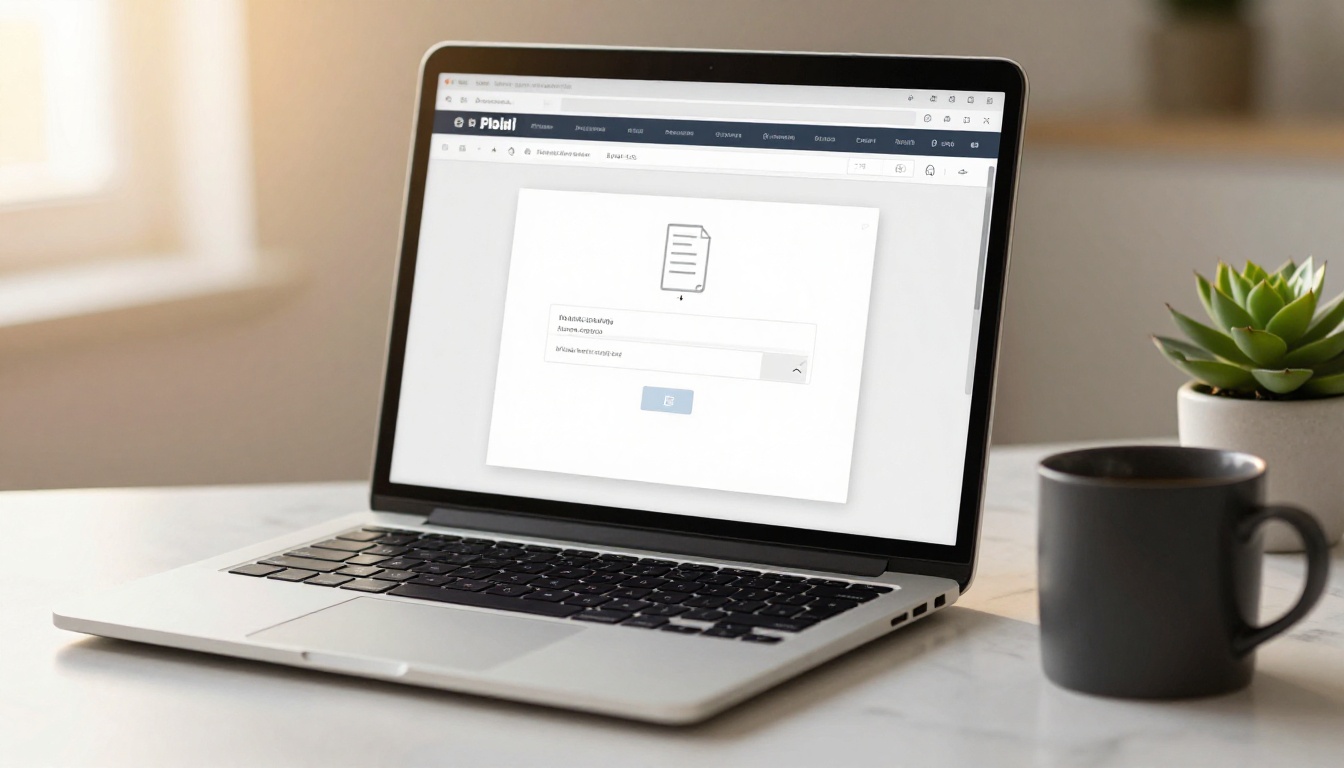
This is where the actual build happens. Flipbooks AI takes your PDF and converts it into a polished, shareable digital flipbook in minutes. No coding, no design software, no technical setup required.
Step 1: Set Up Your Account
Go to Flipbooks AI and create your account. The platform offers a free tier to test the workflow and paid plans that remove watermarks and add advanced features. For a professional conference, the Standard plan gives you unlimited flipbooks, custom branding, and direct sharing links.
Step 2: Upload Your PDF
Once logged in, click Create New Flipbook and drag your PDF into the upload area. The PDF to Flipbook Converter processes your file and generates the page-turning version automatically. You'll see a live preview within seconds.
For conference handouts specifically, also check out the Event Program Maker, which is built for exactly this use case with pre-optimized settings for event programs and agendas.
Step 3: Customize the Flipbook
After conversion, open the editor to configure:
- Branding: Add your organization logo, choose accent colors, and set a custom background
- Page effects: Select your preferred page-turn animation style (realistic paper flip or slide)
- Cover: Choose which page appears as the cover thumbnail in shared previews
- Table of contents: Enable auto-generated navigation so attendees can jump to any section instantly
- Password protection: If the flipbook contains internal information, add a password before sharing
⚠️ If your conference handout contains sensitive information (financial data, internal org charts, pre-release product details), always enable password protection before distributing the link publicly.
Step 4: Share With Attendees
This is where digital handouts win decisively. You have multiple distribution options:
- Direct link: Copy the flipbook URL and include it in your confirmation emails
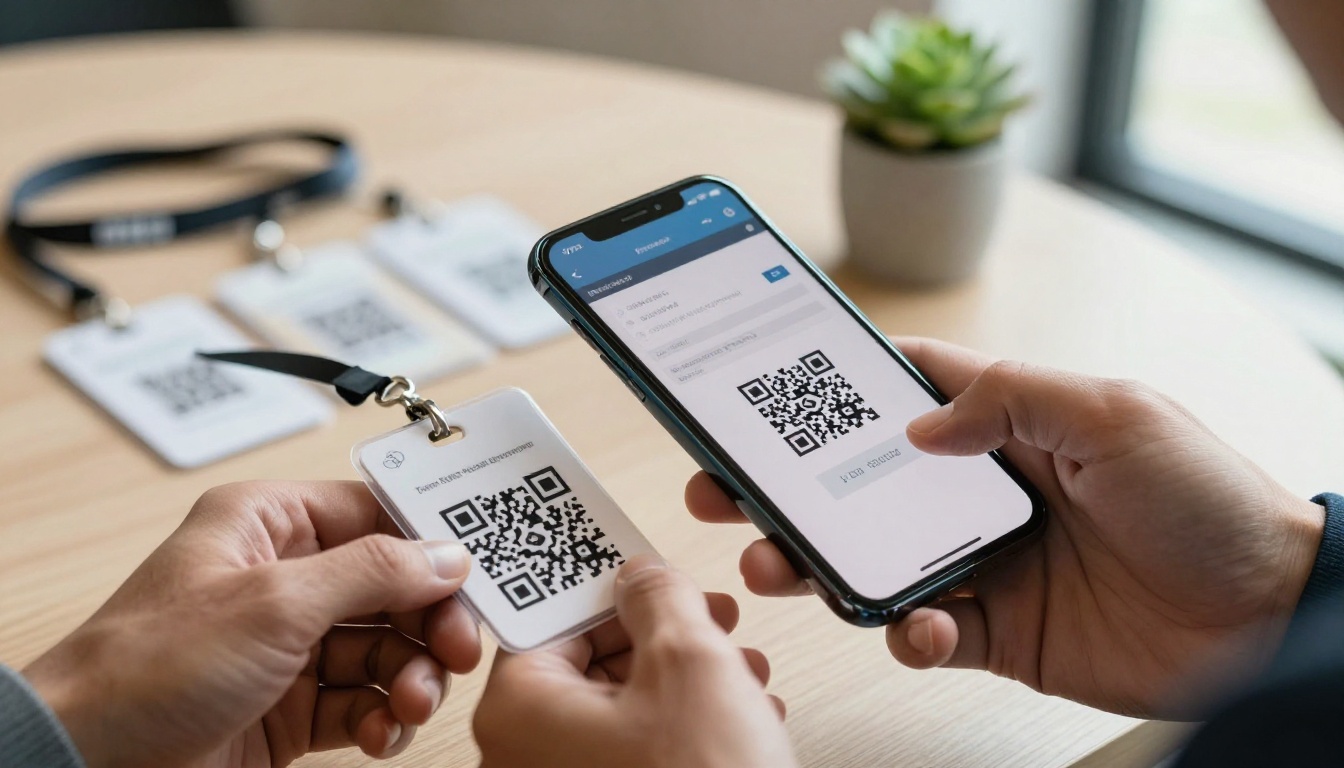
- QR code: Download the auto-generated QR code and print it on lanyards, table cards, or event signage
- Embed code: Use the Embed Flipbook on Website tool to place the flipbook directly on your event site
- Social sharing: Attendees can share individual pages directly to LinkedIn or other platforms
For Professional plan features including analytics, lead generation forms, and offline downloads, visit the pricing page.
Flipbooks AI Plan Comparison for Event Organizers
| Feature | Free | Standard | Professional |
|---|
| Watermark | Yes | No | No |
| Number of flipbooks | Limited | Unlimited | Unlimited |
| Custom branding | No | Yes | Yes |
| Password protection | No | Yes | Yes |
| Analytics | No | No | Yes |
| Lead generation | No | No | Yes |
| Offline downloads | No | No | Yes |
| Embed on website | No | Yes | Yes |
The Best Ways to Distribute at a Conference
Creating the flipbook is only half the job. Distribution strategy determines whether it actually gets opened.
QR Codes on Lanyards and Signage
Print the QR code directly on the lanyard badge. Every time an attendee looks at their name tag, the link is right there. Place additional QR codes at:
- Registration desks
- Session room entrances
- Networking area table tents
- Sponsor booths
Include a short instruction line below each code: Scan for the full event program. Do not assume everyone knows what to do with a QR code.
Pre-Event Email Campaigns
Send the flipbook link in your pre-event confirmation email at least 48 hours before the conference. This gives attendees time to bookmark it and reference it before they arrive. Include it again in your morning-of reminder.
A subject line like "Your event materials are ready" outperforms "See you tomorrow" for open rates by a wide margin in event contexts.
Post-Event Follow-Up
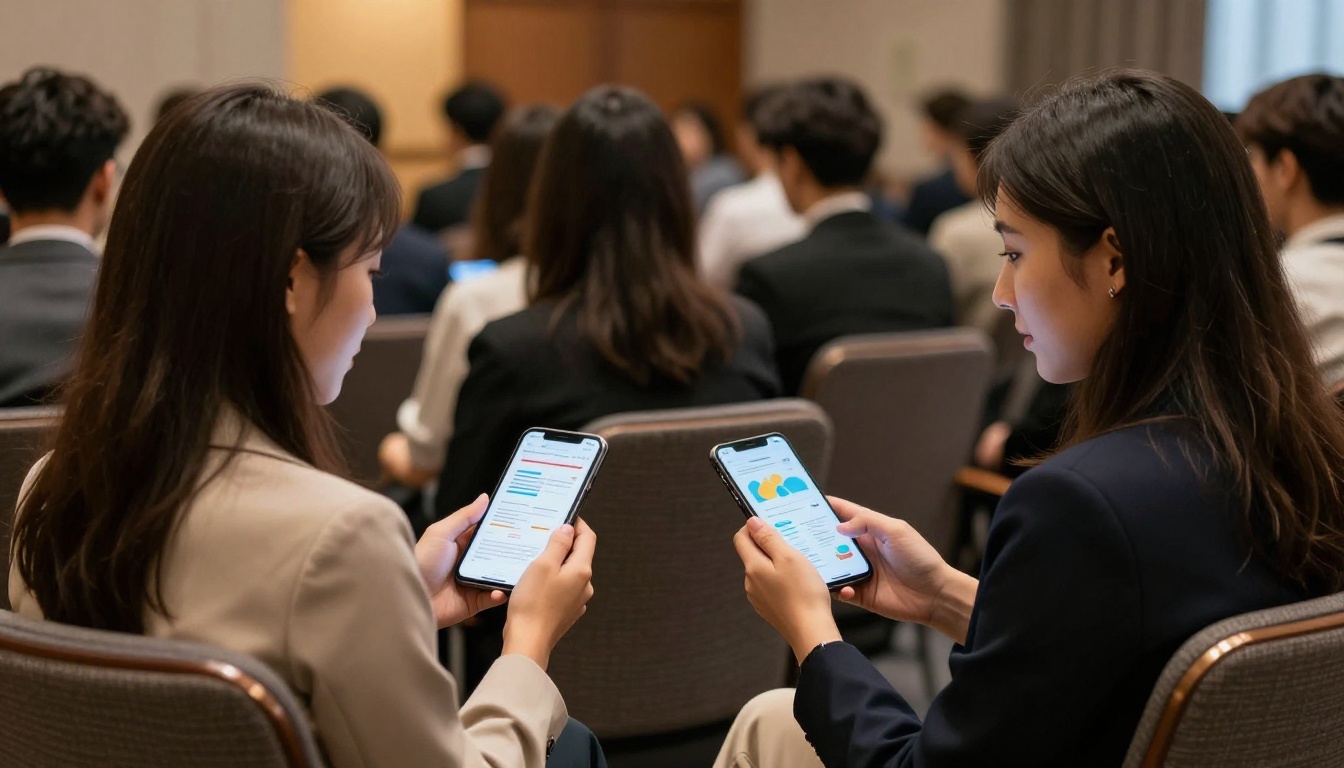
The flipbook does not stop being useful when the conference ends. Send a follow-up email with the link and note that the handout has been updated with post-event additions: slide deck links, speaker contact info, recordings, and survey links.
This turns a static handout into a living reference document. Attendees who open it two weeks later are far more engaged than someone who received a printed sheet now sitting in recycling.
💡 Use the analytics available on the Professional plan to see which pages get the most engagement. If the sponsor page gets ten times more views than the agenda, that's data worth sharing with your sponsors at renewal time.
Real-World Use Cases by Conference Type

Different events call for different flipbook approaches. Here's how various conference types get the most out of digital handouts.
Tech conferences benefit from embedding speaker GitHub profiles and product demo videos directly into the flipbook. Attendees in this space expect interactive content and will engage deeply if the links are there.
Medical and legal conferences often have strict confidentiality requirements. Password-protected flipbooks with controlled access keep sensitive content secure while still offering the convenience of digital access across devices.
Corporate all-hands events use flipbooks to distribute quarterly reports, org charts, and new policy documents in a format that leadership can update in real time. No more "please disregard the version you received this morning."
Trade shows need floor maps and exhibitor directories that attendees can search and scroll quickly. A digital flipbook with a table of contents and embedded exhibitor links reduces the frustration of navigating a 200-booth hall.
Academic conferences often produce thick printed proceedings. A digital flipbook breaks this into a navigable document with links to full paper downloads, presenter bios, and session recordings that attendees can access for months afterward.
Internal leadership retreats use password-protected flipbooks to share strategic plans, financial projections, and org-level goals with a controlled audience. The access control features in the Professional plan make this straightforward.
Common Mistakes That Undercut Your Flipbook
Even well-designed flipbooks fail when these mistakes slip through.
Using the wrong PDF source file. If your original document was created in PowerPoint with embedded fonts that did not export correctly, the flipbook will show garbled text. Always verify the PDF renders cleanly before uploading.
Making the QR code too small. A QR code smaller than 2cm x 2cm on a printed badge is difficult to scan reliably. Test before printing your full run.
Forgetting mobile optimization. Over 70% of conference-related content is accessed on mobile devices. Preview your flipbook on a phone screen before the event. If small text requires pinching and zooming, increase the font size in your source PDF and re-export.
Skipping the test scan. Always scan your own QR code from a cold device (no browser cache, no saved credentials) before the event. This simulates the attendee experience and catches authentication errors before 500 people try it at registration.
Not updating the link after the event. If your flipbook URL is embedded in printed materials, you can update the content without changing the link. Use this. Add speaker slides, recordings, and a thank-you note from the organizer within 24 hours of the event closing.
Choosing the wrong plan for your needs. If you expect attendees to want offline access or if you plan to capture leads through the flipbook, you need the Professional plan. Trying to work around these limits on a lower tier creates a worse experience for everyone.
3 Reasons Conference Organizers Switch to Flipbooks
Organizers who make the switch to digital handouts consistently cite three benefits that they did not fully anticipate before trying it:
-
Real-time editing after print. Speaker drops out at the last minute? Add a substitute without reprinting 800 copies. Update session times, room assignments, or sponsor tiers the morning of the event and every attendee sees the current version instantly.
-
Sponsor satisfaction goes up. When sponsors can see exactly how many attendees clicked through to their website from the flipbook, the conversation at renewal becomes much easier. Printed handouts offer no such proof of engagement.
-
Attendee experience improves significantly. A well-built conference flipbook is genuinely useful during and after the event. Attendees reference it weeks later when they follow up with speakers or revisit session notes. That ongoing utility reflects well on the organizing team.
Your Next Conference Deserves Better Materials
The choice between a printed handout and a digital flipbook is not really a debate anymore. Print has its place, but for conference materials where content changes, distribution scale matters, and post-event engagement is part of the goal, a digital flipbook is the better tool for the job.
Ready to build yours? Get started for free on Flipbooks AI and have your first flipbook ready in under 20 minutes. Browse all available tools and templates to find the format that fits your event type. When you're ready to remove watermarks and add analytics, compare pricing plans to find what works for your organization.
Your attendees will actually keep this one.



