Every family reunion deserves more than a blurry group text with 47 photos that nobody downloads. A digital flipbook turns those scattered memories into something people actually open, share, and revisit for years. Whether you are documenting three generations under one roof or capturing the annual chaos of cousins running through sprinklers, knowing how to make a flipbook for a family reunion will change how your family preserves its story.
Flipbooks AI makes this process surprisingly straightforward, even if you have never created a digital publication before. This article covers everything: collecting and organizing your photos, writing captions that will make everyone laugh and cry, choosing the right format, and getting your finished flipbook into the hands of every relative regardless of their age or tech comfort level.
Why a Flipbook Beats a Regular Photo Album
The Problem with Traditional Albums
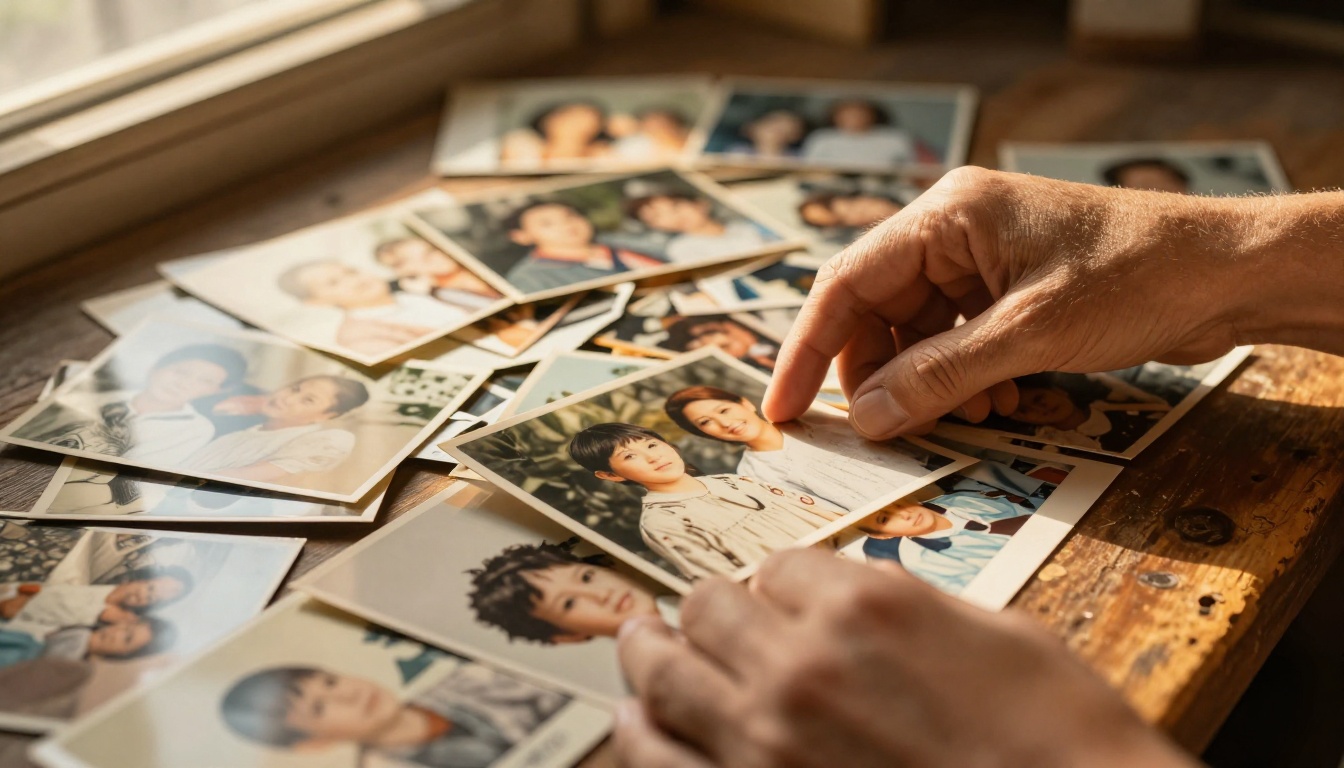
Printed photo albums sit on shelves. They gather dust. They get lost in moves. They exist in one place, owned by one person, inaccessible to the cousin who lives in another country or the grandchild born after the event.
Digital photo albums stored as static image folders are barely better. Nobody scrolls through a Dropbox link with 340 raw JPEGs. The experience is flat, the sharing is clunky, and there is no narrative holding the photos together.
What a Flipbook Actually Does
A digital flipbook gives your reunion photos structure, motion, and story. Pages turn. Layouts breathe. Captions give context. The reading experience feels intentional rather than accidental.
More practically, a flipbook created on Flipbooks AI can be:
- Shared with a single link anyone can open on any device
- Password protected so only family members see it
- Embedded in a family website or sent by email
- Downloaded for offline viewing so even relatives with spotty internet can enjoy it
- Viewed on mobile without any app installs
💡 A flipbook is also a natural conversation starter at the next reunion. Print a QR code, stick it on the table, and watch grandparents and grandkids bond over the pages together.
What You Need Before You Start
Gathering Photos from Everyone
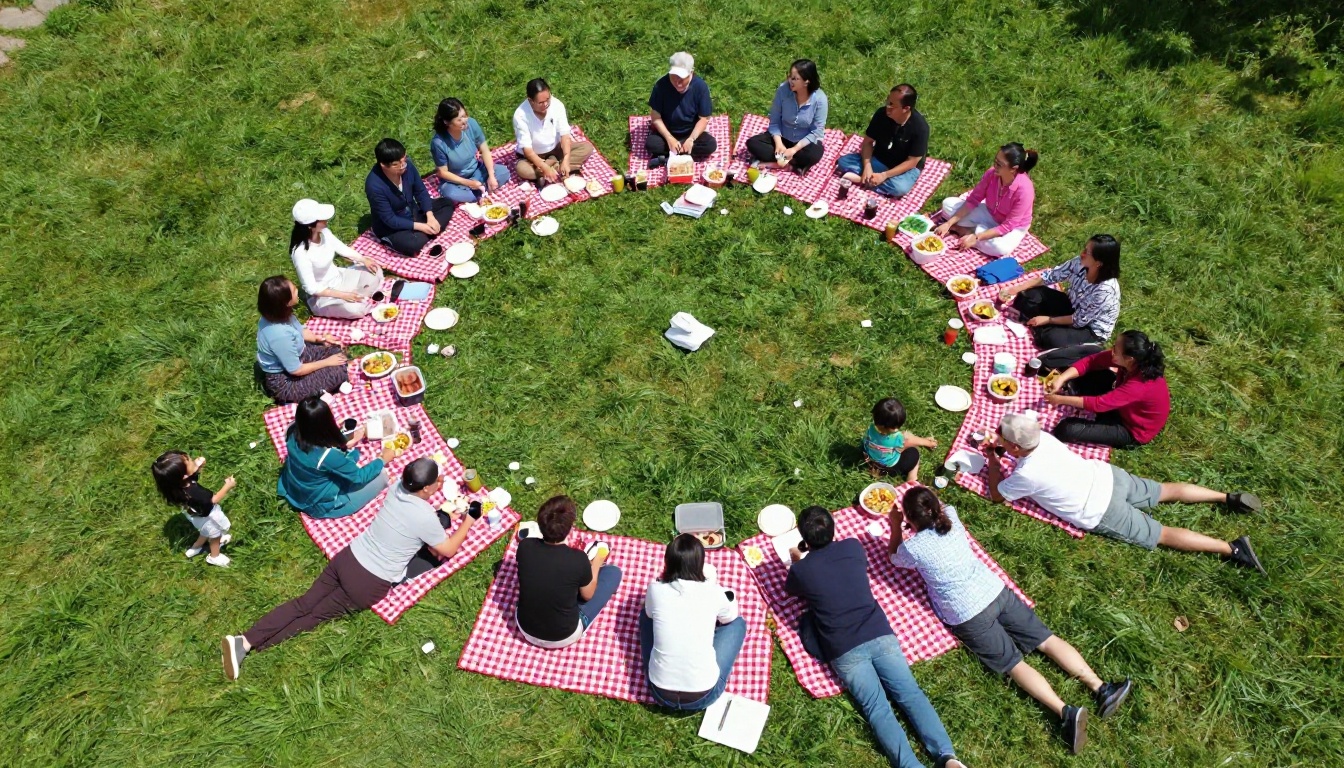
The biggest challenge with family reunion flipbooks is not design, it is collection. Photos live in a dozen different phones across as many people. Here is a practical approach that actually works:
- Create a shared folder (Google Drive, iCloud Shared Album, or even a WhatsApp group album) before the reunion
- Assign one person per family unit to upload their best 10-15 shots
- Set a deadline of 72 hours after the reunion ends, while motivation is still high
- Request variety: group shots, candid moments, food tables, kids playing, older relatives talking
⚠️ Do not wait a month to collect photos. Energy drops fast. Set your collection deadline before the reunion day ends.
Choosing the Right Photos
Not every photo deserves a page. Curate ruthlessly but kindly. A 40-page flipbook with great photos beats a 120-page flipbook with filler.
Photo selection criteria:
| Photo Type | Include? | Why |
|---|
| Clear group shots with good faces | Always | Iconic, shareable |
| Candid laughing moments | Always | Emotional, authentic |
| Multiple nearly identical shots | Pick one | Reduces repetition |
| Blurry or backlit photos | Skip | Hurts quality |
| Food and decorations | A few | Sets the scene |
| Kid action shots | Yes | Adds energy |
| Elderly relatives in quiet moments | Always | Most precious over time |
Writing Captions Worth Reading
Captions are what separate a photo dump from a story. A good caption is:
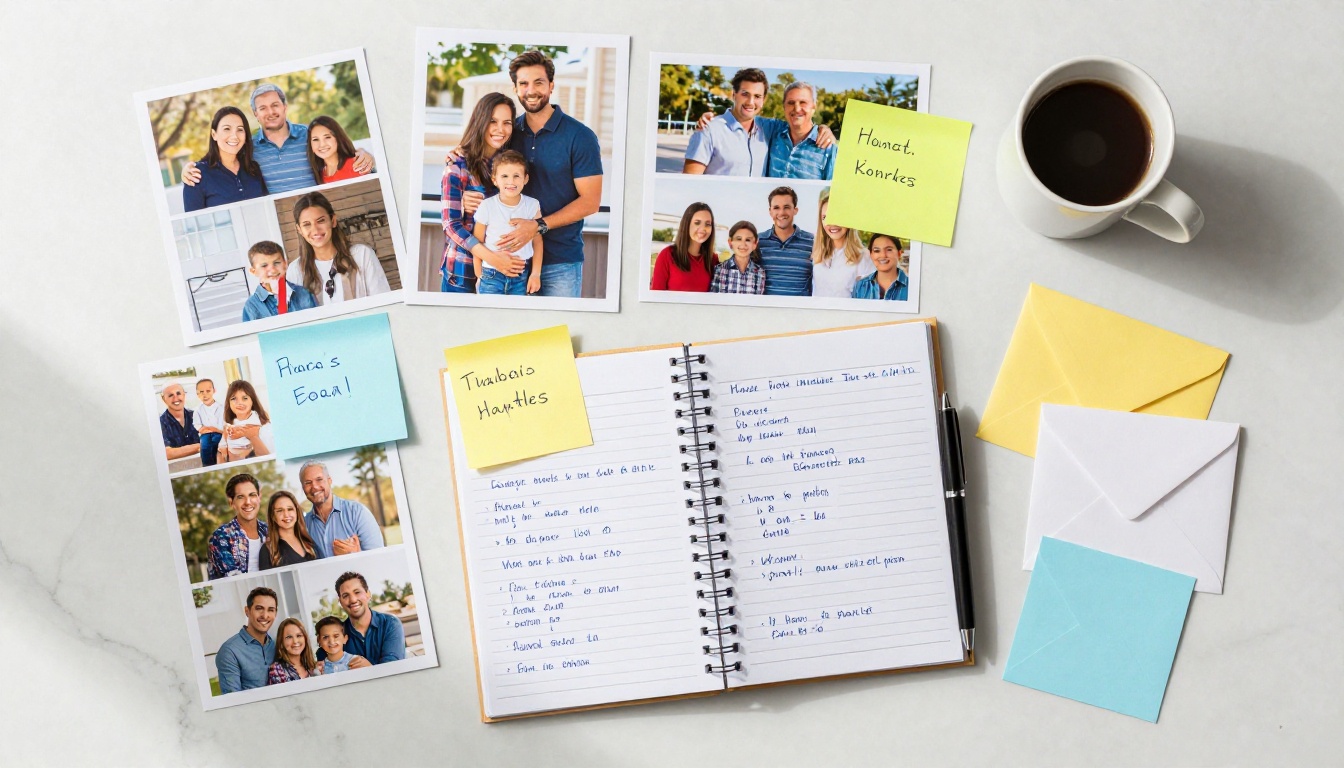
- Specific: "Grandma Lucia, 87, telling the story about the 1978 camping trip" beats "Family having fun"
- Funny when appropriate: Inside jokes that the whole family gets are gold
- Brief: Two sentences max. Let the photo do the heavy lifting.
Choosing Your Structure
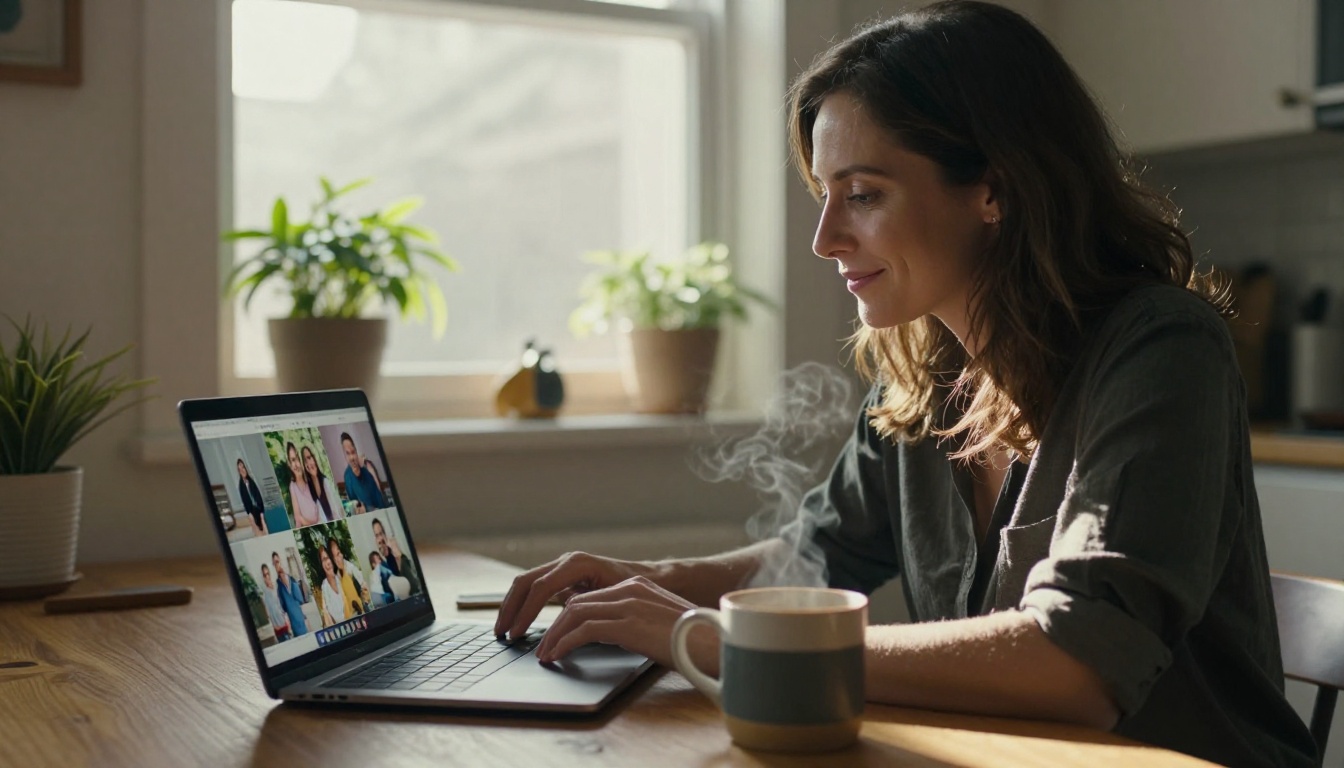
A family reunion flipbook does not have to be random. Choosing a structure before you start saves hours of reorganizing later.
Popular structures:
| Structure | Best For | Page Count |
|---|
| Chronological (morning to evening) | Single-day events | 20-40 pages |
| By family branch | Large multi-branch reunions | 40-80 pages |
| Thematic (food, games, portraits, speeches) | Events with distinct activities | 30-60 pages |
| Story arc (arrival, highlights, farewell) | Emotionally driven presentations | 20-35 pages |
What to Include Beyond Photos
A great family reunion flipbook has layers. Think beyond the photo gallery:
- A welcome page with the date, location, and theme
- A family tree spread showing attendees and how they connect
- A "then vs. now" section with old family photos paired with current ones
- A recipes page if there was a potluck (people always ask for those recipes)
- A quotes page with memorable things said during the reunion
- A "see you next time" page with the proposed date for the next gathering
✅ The "then vs. now" spread is consistently the most-shared section of any family flipbook. If you have access to old photos, use them.
How to Create a Family Reunion Flipbook with Flipbooks AI
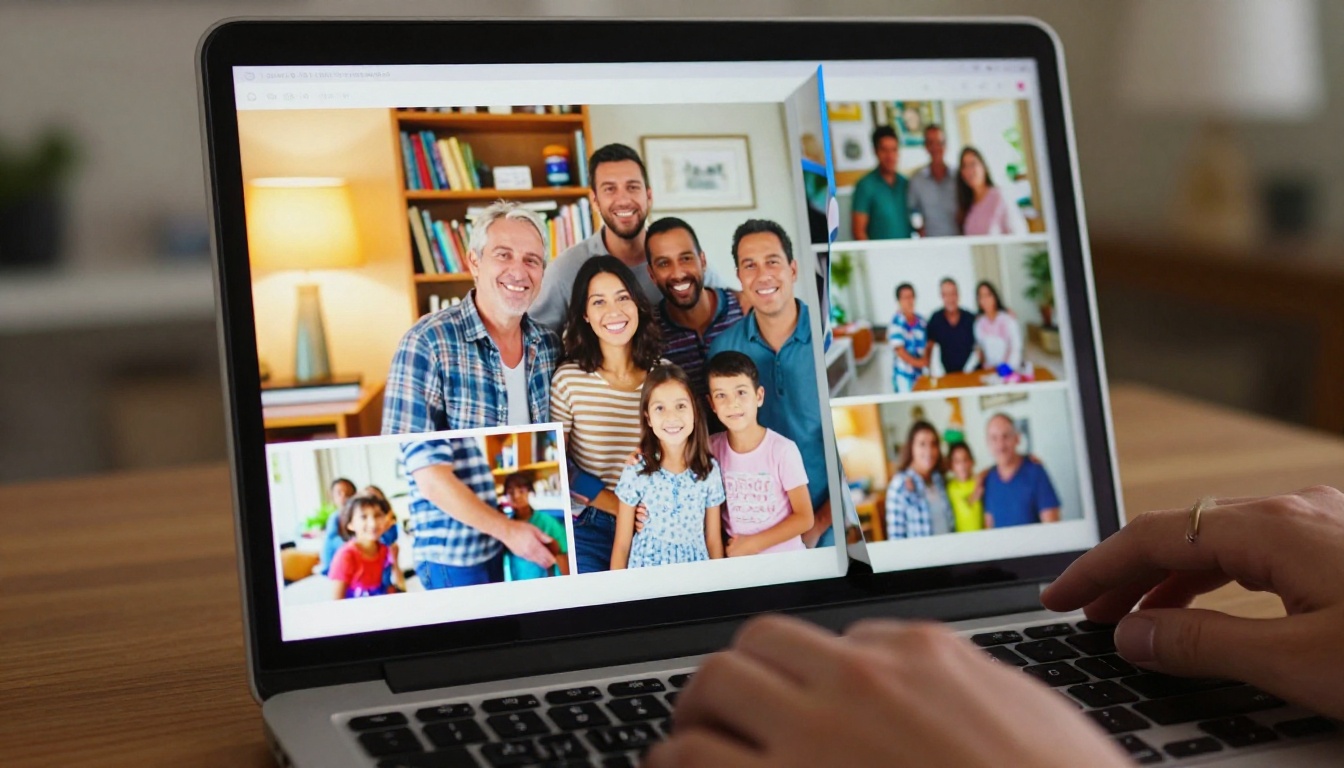
This is where it comes together. Flipbooks AI turns a PDF into a fully interactive digital flipbook with page-turning animations, mobile responsiveness, and easy sharing, no design experience required.
Step 1: Build Your PDF First
Before uploading to Flipbooks AI, you need a PDF. This is actually the creative part. Use any design tool you are comfortable with:
- Canva: Has family album templates. Free tier works fine.
- Google Slides: Easy to use, exports to PDF cleanly.
- Adobe Express: More polish, slightly steeper curve.
- PowerPoint: Reliable if you already use Office.
Lay out your photos with captions, add your welcome page, family tree, and any other content you planned. Export as PDF when done.
💡 Set your document to 16:9 widescreen ratio (1920x1080px) for the best flipbook viewing experience on screens.
Step 2: Upload to Flipbooks AI
- Go to flipbooksai.com and create your account
- Click New Flipbook from your dashboard
- Drag and drop your PDF or click to upload
- Wait for the conversion, typically under 60 seconds for most family album PDFs
- Your flipbook appears with automatic page-turning animation
Step 3: Customize the Look
Once your flipbook is live, you can personalize it:
- Background color or texture to match your reunion theme
- Custom preview thumbnail so the opening image is your best group shot
- Title and description that appear in the flipbook header
- Page shadow and flip sound effects for that satisfying physical book feel
Step 4: Set Privacy and Sharing Options
Family photos are personal. Flipbooks AI gives you real control:
- Password protection (available on all plans): Only people with your chosen password can open the flipbook
- Direct shareable link: One URL, works everywhere
- Embed code: Drop it into a family blog or website
- QR code: Print it on reunion invitations, programs, or table cards for the next gathering
✅ Password protect your family flipbook. Not every photo should be public, and family members will appreciate that you took privacy seriously.
Step 5: Share It with the Family
Sharing is where the effort pays off. Send the link via:
- Family group chats (WhatsApp, iMessage, Facebook Messenger)
- Email to older relatives who prefer it
- Family Facebook group if you have one
- Printed QR code mailed to relatives without smartphones
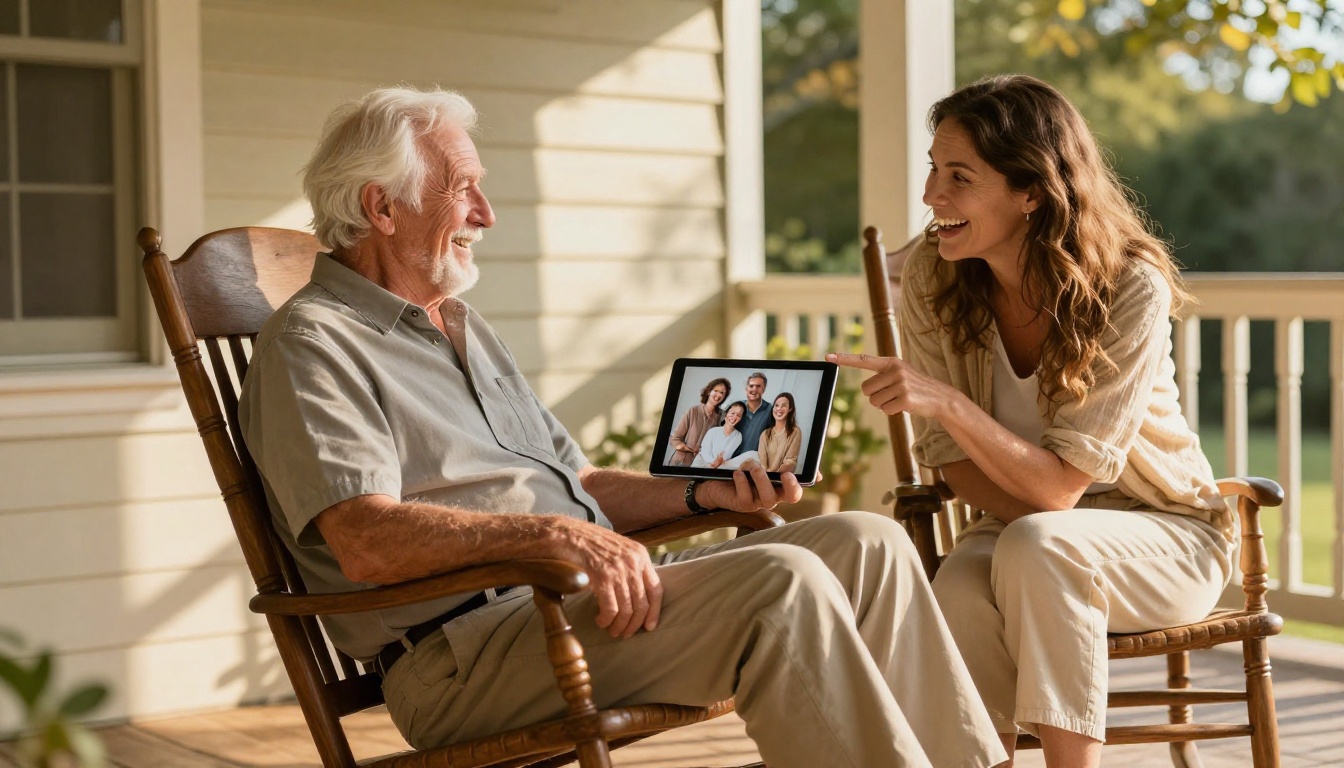
For relatives who are not tech-savvy, the offline download feature means you can send them a file that opens directly on their computer without any browser or account required.
Flipbooks AI Plans: What You Need for a Family Reunion
Different families have different needs. Here is how the plans stack up for typical family reunion use:
| Feature | Free | Standard | Professional |
|---|
| Flipbooks allowed | 1 | Unlimited | Unlimited |
| Pages per flipbook | 15 | 300 | 1,000 |
| Password protection | No | Yes | Yes |
| Custom branding | No | Yes | Yes |
| Analytics | No | No | Yes |
| Offline downloads | No | Yes | Yes |
| Lead generation | No | No | Yes |
| Watermark | Yes | No | No |
For a one-time family reunion flipbook, the Standard plan covers most families perfectly: unlimited flipbooks, no watermarks, password protection, and offline downloads so every relative can keep a copy. View all plans here.
💡 If your family organizes a reunion every year, the Standard plan becomes your annual family archive tool, not just a one-time cost.
Making It Special: Ideas That Elevate a Basic Flipbook
Add a Family Interview Section
Before or during the reunion, ask a few older relatives five simple questions:
- What is your favorite memory from childhood?
- What was the family like when you were young?
- What do you want younger family members to know?
- What was the funniest thing that ever happened in this family?
- What do you hope for the family going forward?
Include their answers as a "Voices of the Family" section with their portrait. These pages become irreplaceable over time.
Create a "Then and Now" Spread
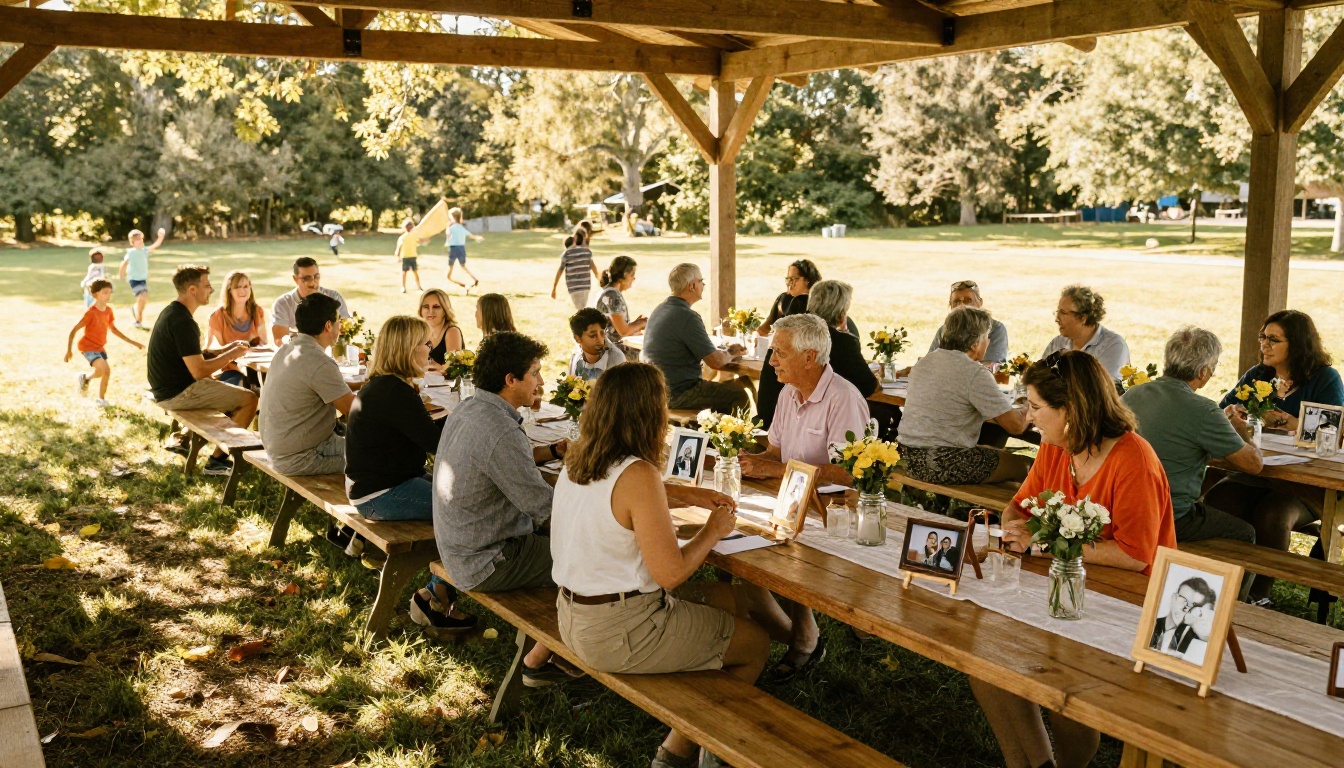
Find the oldest family photos available and pair them with current equivalents. Grandparents at age 20 next to their grandchild at age 20. The same house in 1965 and today. A family recipe card in grandma's handwriting next to a photo of that dish being served at this year's reunion.
These comparisons generate more comments and shares than any other content type in a family album.

Include a "Who's Who" Directory
For large families or reunions where distant branches meet for the first time, a simple directory page is genuinely useful:
- Name, relationship to family tree anchor, where they live
- One recent photo
- One fun fact
It sounds like a yearbook, because it is. That is why yearbooks have been popular for over a century.
Time-Capsule Page
Add a single page at the back with a sealed envelope icon and the message: "Open at the 2030 reunion." Include predictions family members made at this year's gathering. Who will be married? Who will have kids? Who will have moved? Where will the next reunion be?
At the next reunion, open it together. These pages become legendary.
Common Mistakes to Avoid
Too Many Photos, Too Little Story
More is not better. A 200-photo flipbook with no captions is an obligation, not a pleasure. Aim for 50-80 photos max with every single one captioned. Quality and context beat volume every time.
Forgetting the Older Relatives
Design for the least tech-comfortable person in your family. The sharing link should work in one tap. The text should be large enough to read without glasses. The password should be something easy to remember and share by phone.
Not Saving a Master Copy
Always keep your original PDF. Platforms change, plans expire, and links occasionally break. Your PDF is the master file. Store it in two places: cloud and local drive.
⚠️ Export and save your PDF before and after the reunion. It is the one file that contains everything. Losing it is not something you can undo.
Using a Flipbook to Build Reunion Traditions
The Annual Edition
Once you make one family reunion flipbook, the next one practically makes itself. The template is set. The system is known. The family knows to submit photos within 72 hours. Year two is half the work of year one.
After five years, you have a collection. After ten, you have an archive that no one in the family will ever want to lose.
Pre-Reunion Anticipation Builder
Create a "Preview Flipbook" before the reunion with:
- The schedule of activities
- A map of the venue
- RSVPs and a "who's coming" roster with photos
- A recipe exchange if people are bringing dishes
- A reminder of last year's highlights
Send it two weeks before the event. It builds anticipation and serves as a practical event program. The Event Program Maker tool on Flipbooks AI is designed exactly for this.
A Heritage Archive Project
Some families take this further and create a deeper family history flipbook alongside the reunion album. Scanned old photos, family tree, immigration stories, military records, old letters. This is a long-term project but the reunion is often the catalyst, the moment the whole family is together and motivated.
The Yearbook Flipbook Maker is well-suited for this kind of structured, multi-section archive.
Getting Every Relative Involved
Assign a Reunion Photographer
Designate one or two people as the official photographers for the event. Give them a shot list:
- Full group photo (non-negotiable)
- Every family unit separately
- Candid moments at the food table
- Kids playing
- Grandparents together
- Any activities or games
- The venue before people arrive (clean, decorated)
- The venue after (joyful chaos)
This removes the "I thought someone else was getting that shot" problem.
Crowdsource Captions
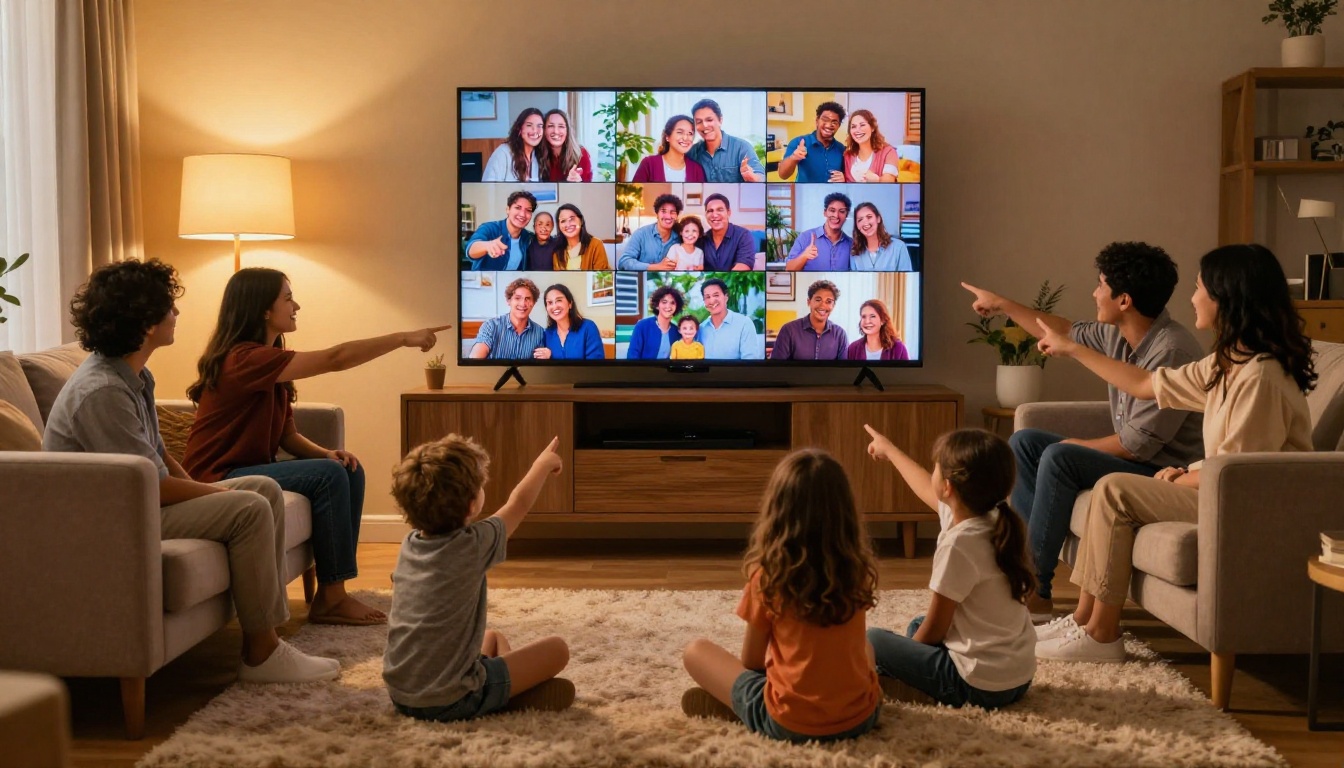
After the reunion, share a draft of the flipbook with a tight inner circle before publishing the final version. Ask them to suggest captions. You will get better jokes, more accurate names, and details you missed. The final product will feel more collective.
✅ The more family members feel they contributed, the more they will share the finished flipbook. Ownership drives sharing.
From This Reunion to the Next
A family reunion flipbook is not just a keepsake. It is the proof that the event happened, that the people in it mattered, and that someone cared enough to put it all together. The reunion itself lasts a day. The flipbook lasts a lifetime.
Flipbooks AI makes it possible to create something genuinely beautiful without graphic design skills or a big budget. Start your free account, upload your PDF, and have a shareable flipbook ready before the weekend is over.
Ready to build your family reunion flipbook? Get started for free and see how fast your photos become something worth keeping. View pricing plans if you want unlimited flipbooks, no watermarks, and offline download for every relative in the family.



