Film festivals are not just about the films. They are about the experience, the community, and the way every touchpoint, from ticketing to the program in an attendee's hands, tells a story about the event's identity. A well-made flipbook for a film festival can carry that story far beyond the venue walls, reaching press, sponsors, and audiences on any device, days before the first frame rolls.
Flipbooks AI makes it possible to turn a PDF into a polished, page-turning digital program without hiring a developer or wrestling with complicated software. But before you open any tool, it helps to understand what your festival flipbook actually needs to do.
What a Film Festival Flipbook Actually Does
More Than a Schedule
Most organizers think of the program as a logistics document: screening times, venue maps, filmmaker bios. That thinking produces forgettable programs. A great festival flipbook acts like a magazine, a press kit, and a branding document all at once. It introduces your curatorial vision, celebrates the filmmakers, and gives sponsors something they are proud to be associated with.
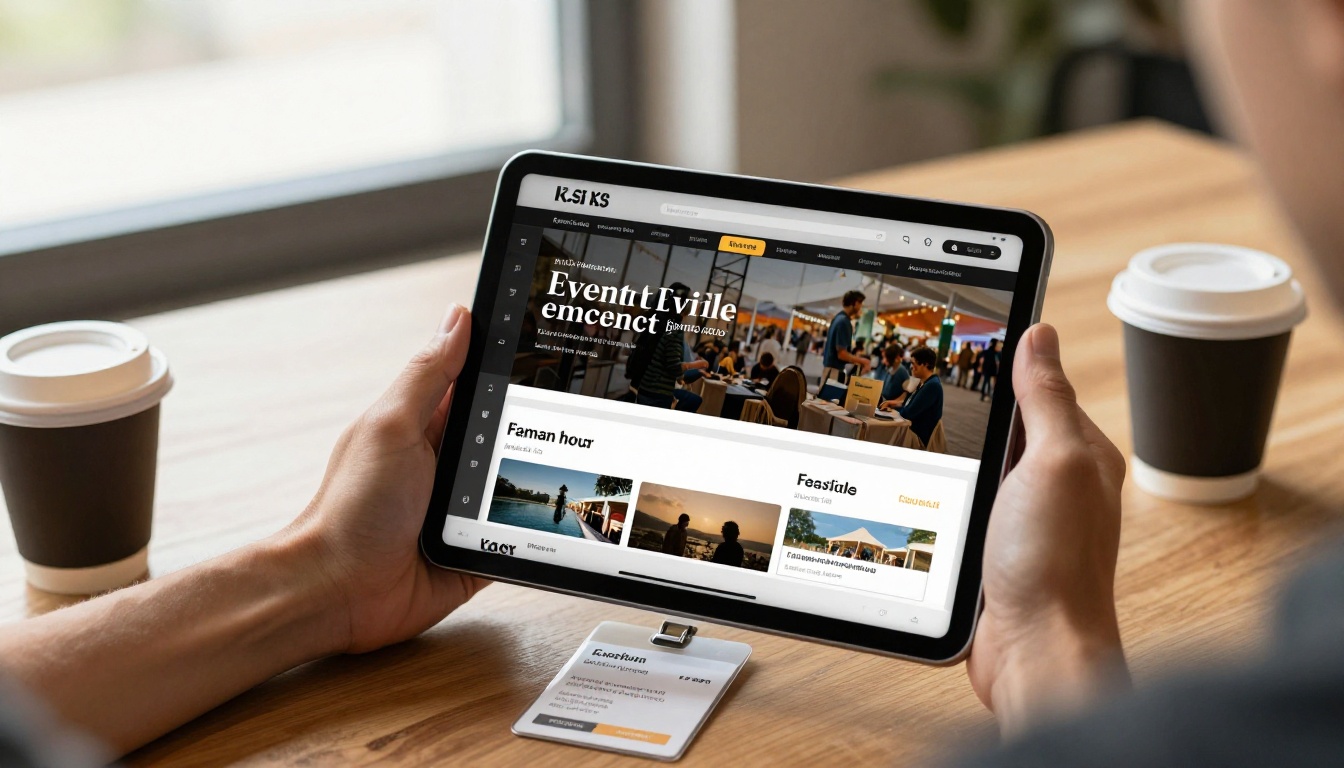
The format matters too. A digital flipbook with real page-turning animation feels like a publication, not a PDF dump. That distinction shapes how attendees and press perceive the entire event.
The Shift From Print to Digital
Printing 500 programs is expensive, wasteful, and impossible to update once a screening changes. Digital flipbooks solve all three problems. You can share a single link, embed the program on your website, and update the source PDF if a time slot shifts.
| Format | Cost | Updateable | Shareable | Eco-Friendly |
|---|
| Printed booklet | High | No | Limited | No |
| Basic PDF | Low | Yes (resend) | Yes | Yes |
| Digital flipbook | Low | Yes (re-upload) | Yes, with embed | Yes |
The digital flipbook wins on almost every metric that matters for a modern festival operation.
What to Include in Your Festival Flipbook
Essential Sections
Before you open a design tool, map out what the program needs to contain. A strong film festival flipbook typically includes:
- Welcome letter from the festival director or artistic committee
- Schedule at a glance, organized by day and venue
- Film synopses with still images and runtime/language notes
- Filmmaker bios with headshots
- Venue maps and transportation information
- Sponsor pages with tiered recognition
- Awards and jury information
- Social channels and hashtags
💡 Keep each film's synopsis to 80-100 words maximum. Attendees skim programs. Dense text gets skipped entirely.
Sponsor Pages That Don't Feel Like Ads
Sponsors fund the festival, but nobody enjoys being sold at. The trick is to integrate sponsor content into editorial sections rather than isolating it on dedicated ad pages. Feature a lead sponsor's logo alongside the opening night film spread. Build a "presented by" callout into the awards section. Give mid-tier sponsors a shared page with a short quote from their team about why they support independent cinema.
That approach earns sponsor loyalty far more effectively than a logo grid buried at the back.
Design Principles That Work for Film
Typography and Color
Film culture has its own visual language, and your program should speak it. That does not mean defaulting to black-and-white or serif-heavy layouts simply because they feel "cinematic." It means making deliberate choices.
A few principles that consistently work:
- Limit your typeface palette to two: one display font for titles, one legible sans-serif for body copy
- Use dark backgrounds sparingly: they look dramatic on screen but are hard to read in low-light venues
- Let photography drive color: pull one or two accent colors from your primary art or opening night film poster
- White space is not wasted space: crowded pages signal low budget, breathing room signals confidence
⚠️ Avoid using more than three colors in your primary palette. Sponsors may want to add their brand colors, and you need room to accommodate that without visual chaos.
Photography and Visual Hierarchy
Every great festival program feels like a coffee-table book. That means every spread should have a dominant visual element, whether it is a full-bleed still from a featured film, a portrait of a jury member, or a strong venue photograph. Text fills the supporting role.
Establish a consistent hierarchy across every spread:
- Full-bleed or dominant image (60-70% of spread)
- Title or film name in large display type
- Core metadata (director, runtime, language) in smaller weight
- Synopsis in body copy
- Supporting elements (sponsor logo, page number)
How to Build One With Flipbooks AI
Creating a festival flipbook with Flipbooks AI follows a straightforward process. You design the program in whatever tool you prefer (Adobe InDesign, Canva, Google Slides, or even PowerPoint), export it as a PDF, and the platform handles the rest.
Step 1: Prepare Your PDF
Export your program as a high-resolution PDF. Use print-quality settings (300 DPI) even for a digital-only publication. Higher resolution means cleaner page thumbnails and sharper text when attendees zoom in on film synopses.
Check these before exporting:
- All images embedded, not linked externally
- Fonts outlined or embedded
- Bleed and margins consistent across all pages
- Hyperlinks active (Flipbooks AI preserves clickable links)
Step 2: Upload and Convert
Head to Flipbooks AI and create your account. From the dashboard, click New Flipbook and upload your PDF. The PDF to Flipbook Converter processes the file and generates the page-turning format automatically, typically within a minute or two for a 40-60 page program.
✅ Flipbooks AI preserves all clickable links from your PDF, so filmmaker websites, social profiles, and sponsor URLs remain active in the digital version.
Step 3: Customize Your Branding
Once converted, open the customization panel. You can:
- Set a custom background color behind the page viewer
- Upload a custom logo to appear in the viewer header
- Choose a page-turning animation style (realistic flip, slide, or fade)
- Set a cover thumbnail that displays in link previews when shared on social media
For film festivals, the realistic page-flip animation adds the most to the tactile feel of a printed program without sacrificing digital convenience.
Step 4: Add Multimedia
This is where a digital program goes beyond anything print can do. Flipbooks AI lets you embed videos and audio directly into specific pages. Practical applications for a film festival:
- Embed a trailer on each film's synopsis page
- Add a director's audio introduction to the opening pages
- Link to a playlist of festival music on the closing program pages
These embedded elements are clickable within the flipbook viewer itself. No external navigation required.
Step 5: Share and Embed
Your flipbook gets a unique shareable URL. From there, you have several distribution options:
- Direct link: Share via email newsletters, social media, and press kits
- Embed code: Use the Embed Flipbook on Website tool to drop the program directly into your festival website
- Password protection: Lock the press screener version of the program so only credentialed press can access advance copies
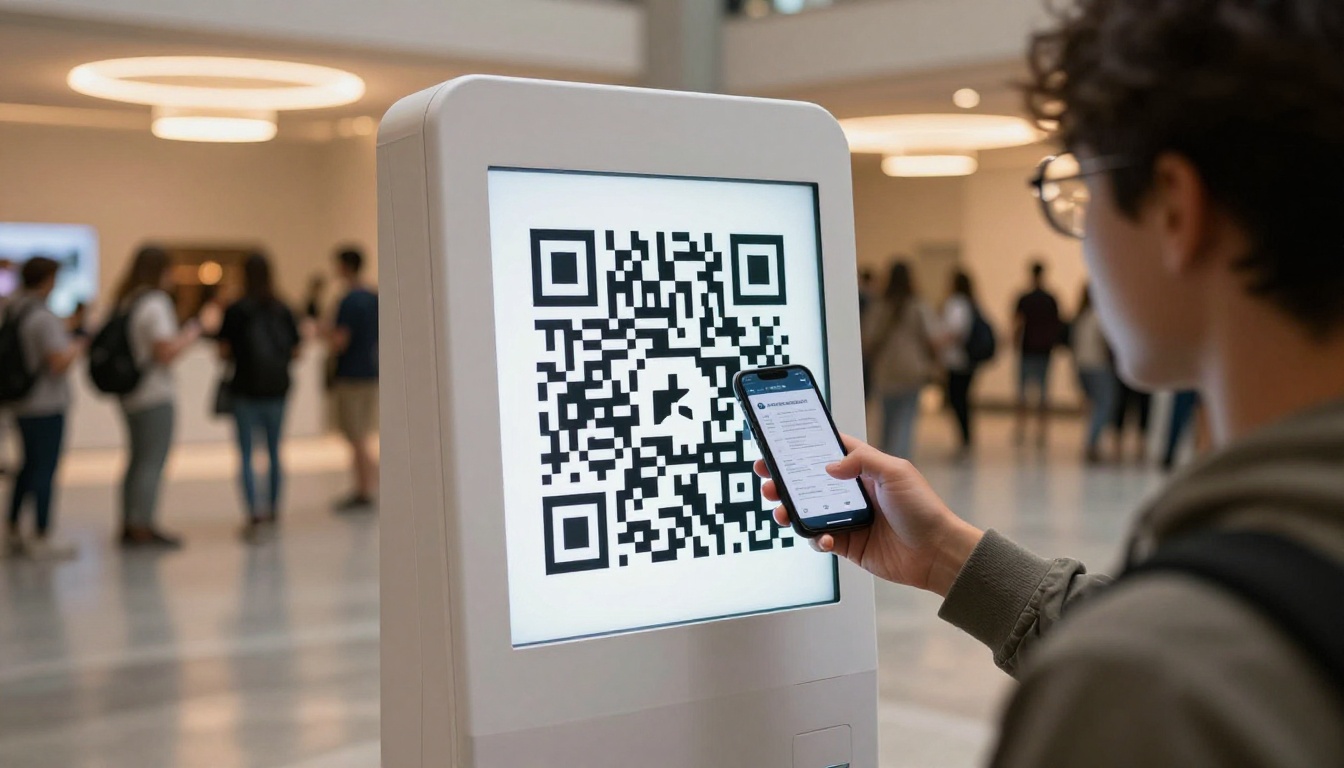
- QR code: Generate a QR code from the flipbook URL and print it on physical signage at the venue
💡 Place QR codes at the ticket collection point, venue entrances, and on table cards in common areas. Attendees who scan in the first five minutes become repeat visitors throughout the festival.
Sharing Your Flipbook at the Festival
QR Codes and Lobby Displays
Physical signage and digital access work together better than most organizers expect. A QR code on a retractable banner at the venue entrance costs almost nothing to produce and eliminates the "I lost my program" problem that plagues print editions.
For multi-venue festivals, create a separate flipbook per venue with only the relevant screenings, then use venue-specific QR codes. Attendees get exactly the information they need without scrolling through 60 pages of programming they will never attend.
Press and Media Kits
Press attendees have different needs than regular audiences. They need filmmaker contact information, high-resolution film stills, and accreditation details, content you probably do not want in the general program.
Build a separate press kit flipbook using the Press Kit Designer tool. Password-protect it and share the link only with credentialed media. This keeps sensitive contact information away from general circulation while giving journalists everything they need in one place.
The Digital Portfolio Creator is also useful for individual filmmakers who want to share their own materials with programmers and distributors during the festival.
Plans, Pricing, and What You Actually Need
Flipbooks AI offers tiered pricing plans designed for different scales of use. For most film festivals, the Standard plan is the right starting point.
| Plan | Flipbooks | Watermark | Password Protection | Analytics | Best For |
|---|
| Free | Limited | Yes | No | No | Testing and prototyping |
| Standard | Unlimited | No | Yes | No | Single-event festivals |
| Professional | Unlimited | No | Yes | Yes + Lead Gen | Multi-day or recurring festivals |
Features that matter specifically for film festivals:
- No watermarks (Standard and above): Essential for press materials and sponsor-facing documents
- Password protection (Standard and above): Critical for pre-festival press access
- Analytics (Professional): Track which pages get the most attention, which sponsor pages are read, which films generate the most clicks
- Offline downloads (Professional): Allow VIP guests and jury members to download the program for offline use
⚠️ If your festival runs annually and you want to analyze what content sponsors and attendees engage with most, the Professional plan's analytics alone justify the upgrade.
Real Use Cases From Festival Organizers
The Small Independent Festival
A 3-day independent cinema festival with 25 films and a $5,000 total budget cannot afford a print run. The organizers design a 32-page program in Canva, export it as a PDF, and upload it to Flipbooks AI on the Standard plan. Total digital distribution cost: under $20 for the month. They share the flipbook link in every email confirmation, on Instagram Stories with a link sticker, and via QR codes at the box office. Attendees can access the program on their phones throughout the festival without downloading anything.
The Established Regional Festival
A well-funded regional festival running for its 12th year uses Flipbooks AI on the Professional plan. They create three separate flipbooks: the main public program, a press kit (password-protected), and a jury reference (password-protected). The analytics dashboard shows that the opening night film spread gets 3x more page time than any other section, a finding that shapes the following year's program design. Sponsors receive a post-festival report showing their page view data.
The International Traveling Festival
A festival that screens films across multiple cities in the same year uses Flipbooks AI to create location-specific programs that share a common visual identity but feature only locally relevant screenings and venue details. The Event Program Maker helps structure each edition consistently. Because digital flipbooks carry no per-copy printing cost, running four city-specific editions costs the same as running one.
| Festival Type | Recommended Tool | Plan | Feature Used |
|---|
| Small indie (1-3 days) | PDF to Flipbook Converter | Standard | QR code sharing |
| Press-heavy event | Press Kit Designer | Standard | Password protection |
| Multi-venue festival | Event Program Maker | Standard | Multiple flipbooks |
| Annual recurring event | Event Program Maker | Professional | Analytics + Lead Gen |
Common Mistakes Worth Avoiding
Too Much Text, Too Few Images
The single most common flaw in self-produced festival programs is text density. Organizers naturally want to include every detail about every film. The result is a document that looks like a spreadsheet and gets skipped. Trust your attendees to visit filmmaker websites for deeper information. The program's job is to create desire to see the film, not to replace the filmmaker's press notes.
Starting Too Late
Design and production take longer than almost every organizer budgets for. Filmmaker bios come in late. Film stills need rights clearance. Sponsor logos arrive in wrong formats. Build a production calendar that has the program PDF finalized at least 10 days before opening night. That window gives you time to upload, test every page, confirm all embedded links work, and distribute to press before they arrive.
Ignoring Mobile
A significant portion of attendees will view your program on a smartphone. Flipbooks AI is mobile-responsive by default, but that does not mean your PDF design is mobile-friendly. Avoid pages with very small text (below 10pt), thin horizontal tables that require horizontal scrolling, and landscape-only spreads that force mobile readers to rotate their phones. Test your flipbook on an actual phone before you share it publicly.
✅ Design your PDF at a 4:3 ratio rather than standard A4. The proportion translates better to tablet and phone screens than tall, narrow pages.
Build It Once, Use It Everywhere
A film festival flipbook is not a one-use asset. After the festival closes, the program becomes a permanent record of the event. Link it in your post-festival wrap email. Archive it on your website's history page. Share highlights on social media during the following year's campaign season to remind audiences what they missed.
For filmmakers who participated, the program page featuring their work becomes a piece of collateral they can link in their own press materials and portfolio. That long-tail utility is something a printed program can never provide.
Ready to build yours? Get started for free on Flipbooks AI and have a shareable program link in your hands before your first RSVP goes out. Browse all flipbook tools to find the right template for your event format, and check the pricing plans to pick the tier that fits your festival's scale.



