Art school demands more than still images on a wall. A flipbook shows something no static drawing can: your ability to think in time, sequence, and motion. Whether you're preparing a class project, building a portfolio piece, or exploring animation for the first time, making a flipbook for an art school is one of the most rewarding things you can do with a pencil and a stack of cards. Flipbooks AI can help you take that analog project digital when you're ready to share it with the world.
What Makes a Flipbook Actually Work
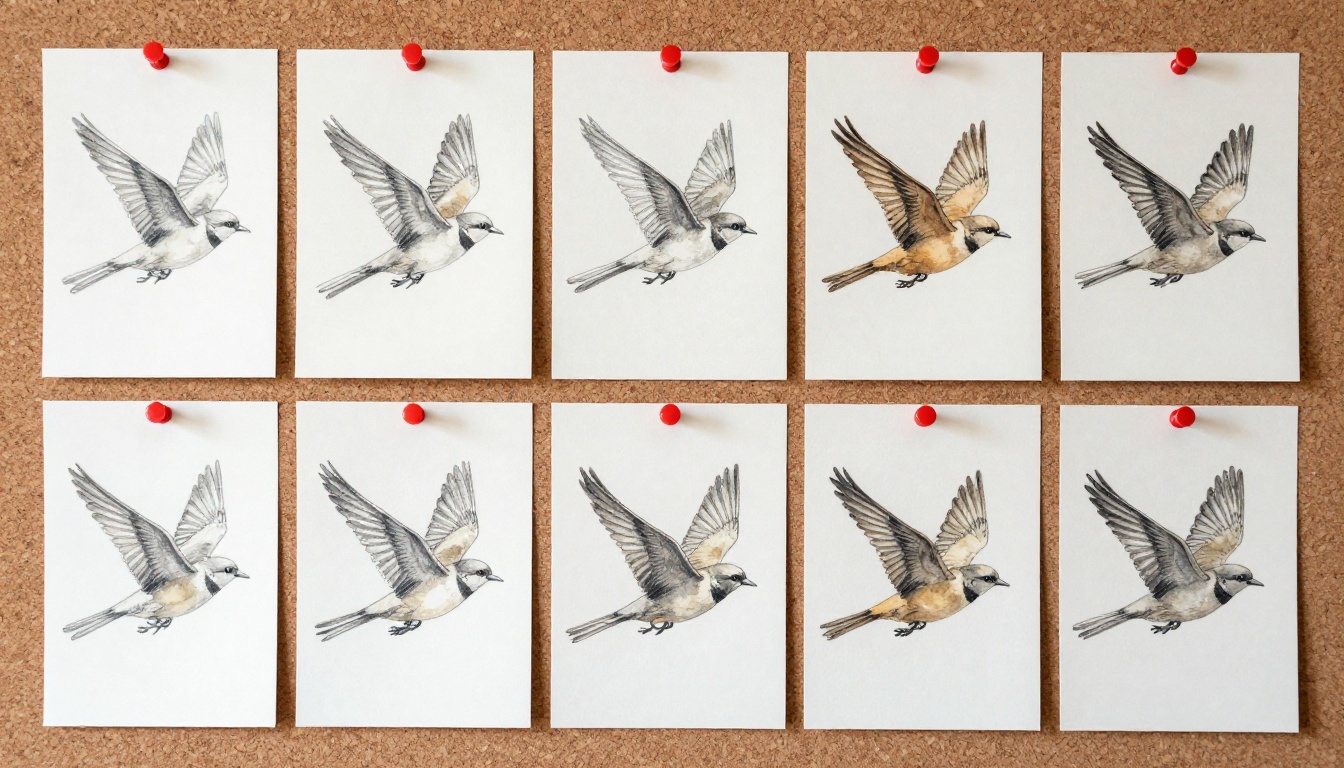
Before you draw a single frame, you need to understand what a flipbook does mechanically. Each page shows a slightly different position of a subject. When you flip through the pages rapidly, your brain fills in the gaps and perceives motion. It's the same principle behind early cinema, and it's still one of the most direct ways to experience frame-by-frame animation.
For art school specifically, a flipbook isn't just an animation exercise. It's a demonstration of:
- Sequential thinking: Can you plan motion across dozens of frames without losing continuity?
- Line economy: Can you draw the same subject consistently at speed, over and over?
- Timing and rhythm: Can you control the pace of movement through smart frame spacing?
- Craft: Is the physical object well-made, cleanly bound, and presentable as an artifact?
These are exactly the skills art schools want to see, whether you're applying to a foundation program, an illustration degree, or a fine art MFA. A well-made flipbook says more about your process discipline than almost any other project format.
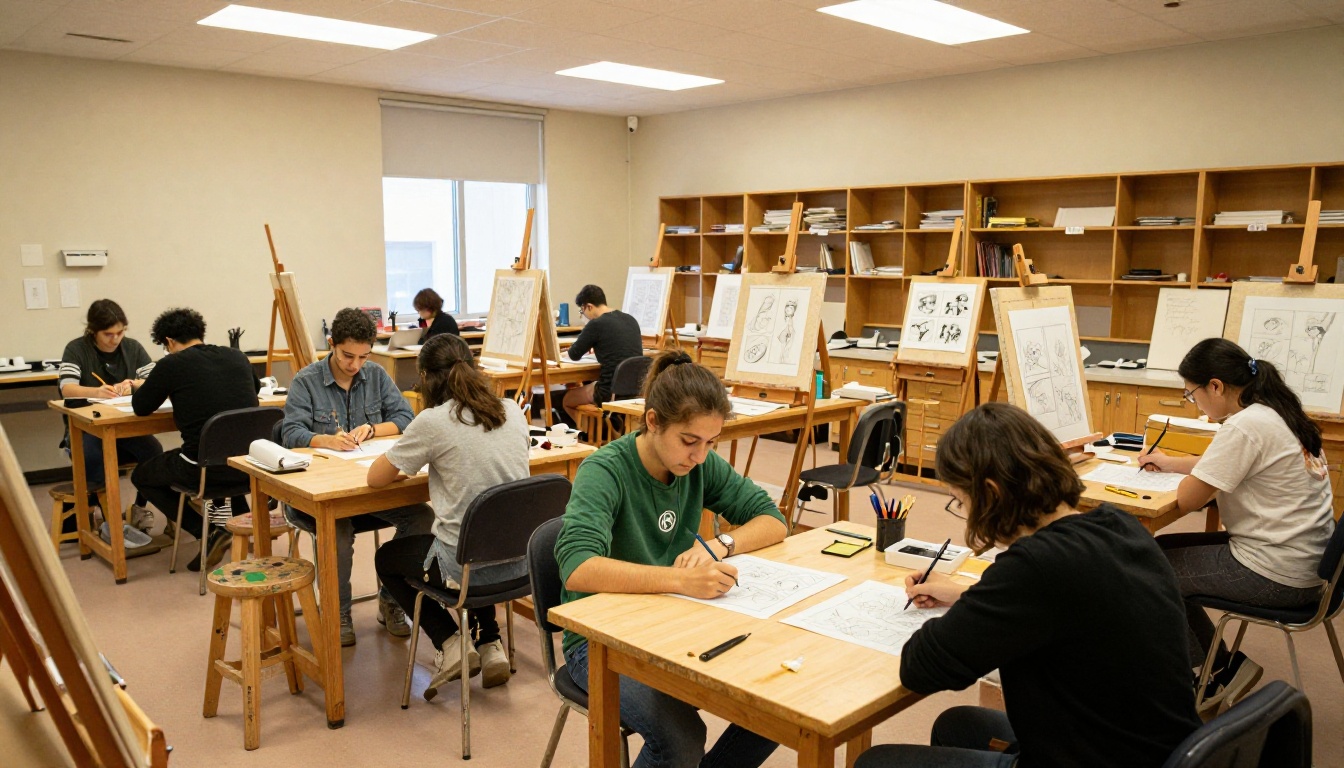
Choosing the Right Materials
The materials you use matter more than most students realize. A flipbook with warped pages, inconsistent card sizes, or smeared pencil lines won't impress anyone, regardless of how strong the animation concept is.
Paper and Card Stock
| Material | Best For | Weight | Notes |
|---|
| Index cards (3x5") | Beginners, pencil work | 90-110 GSM | Easy to bind, widely available, consistent sizing |
| Bristol board (cut) | Detailed ink work | 270 GSM | Crisp lines, excellent pen performance |
| Watercolor paper | Mixed media | 200-300 GSM | Can buckle when wet, adds texture interest |
| Sketchbook pages (cut) | Quick studies | 80-100 GSM | Consistent if cut from the same pad |
| Cardstock strips | Professional finish | 200 GSM | Clean edges, prints well, looks intentional |
💡 Pro tip: Index cards are the best starting material for most students. They're pre-cut to a consistent size with clean edges, thick enough to hold their shape under rapid flipping, and cheap enough that you can afford to make mistakes.
Essential Tools
- Pencils: 2H for rough layouts, HB for final lines, 4B for expressive dark marks
- Light box or window: For tracing consistent elements between frames without redrawing from scratch
- Ruler: To mark a consistent registration point on each card before you begin
- Binder clips or rubber band: For temporary binding during the drawing process
- Erasers: Kneaded eraser for graphite lift, plastic eraser for hard corrections
- Ink pens (optional): Micron 0.3-0.5mm for clean final line work on ink-required assignments
Planning Your Animation Before You Draw
This is where most students fail. They start drawing without a plan and end up with 30 frames that go nowhere. Smart planning is the difference between a flipbook that reads clearly and one that confuses everyone in the critique room.
Picking the Right Subject
For an art school flipbook, choose a subject that has a clear arc, can be drawn consistently at speed, and shows interesting motion.
Good options for beginners:
- A figure walking or running in place
- A ball bouncing with squash and stretch deformation
- A plant growing from seed to full bloom
- A hand waving, catching, or throwing an object
More ambitious options for intermediate students:
- A face transitioning from one expression to another
- A bird taking flight from a branch
- Two figures interacting, shaking hands or passing an object
- An abstract geometric shape morphing into an organic form
Frame Count by Motion Type
| Motion Type | Recommended Frames | Difficulty Level |
|---|
| Simple bounce | 8-12 frames | Beginner |
| Walk cycle | 12-16 frames | Beginner |
| Jump with landing | 16-24 frames | Intermediate |
| Running figure | 20-30 frames | Intermediate |
| Expression change | 24-36 frames | Intermediate |
| Complex interaction | 40-60 frames | Advanced |
Storyboarding Your Motion
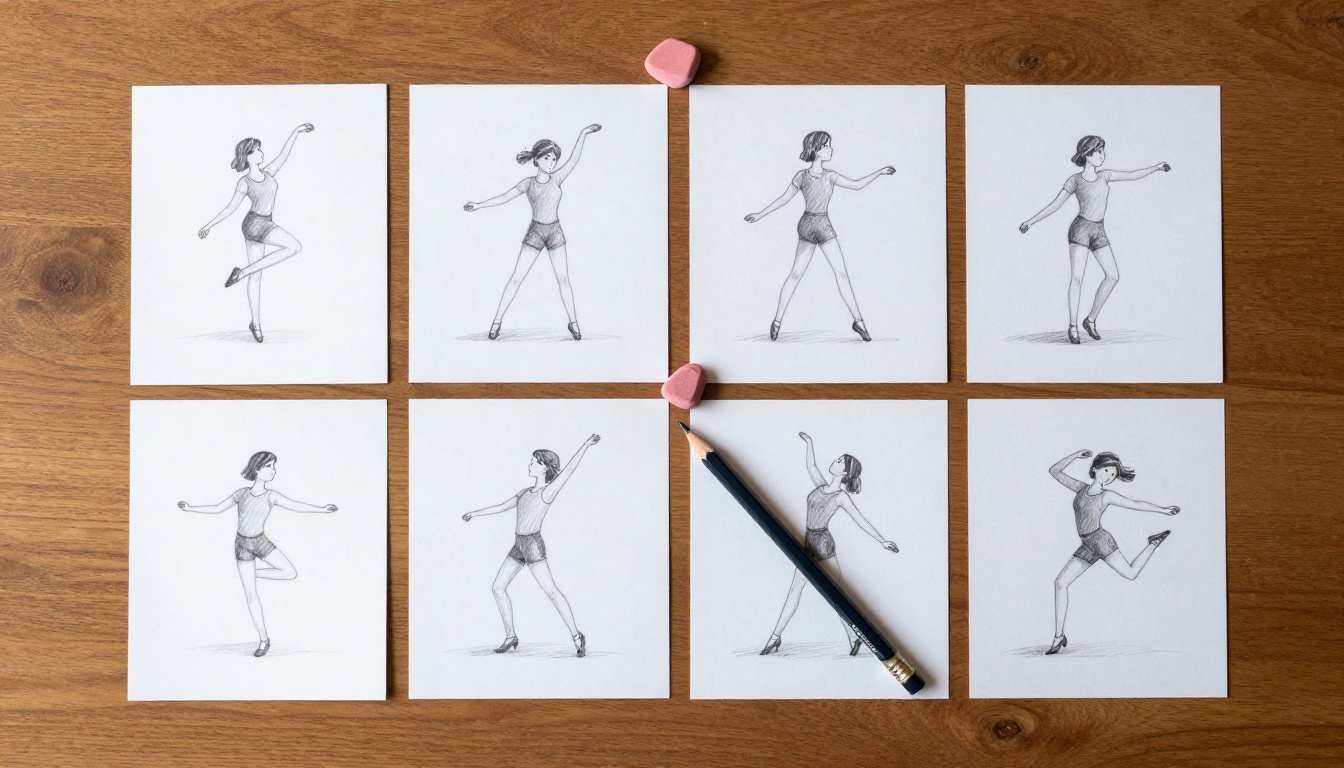
Before touching your actual cards, do a thumbnail storyboard on a single sheet. Sketch 6-8 key poses that represent the major positions of your motion. These are your keyframes. Everything in between will be drawn later. Think of keyframes as the beginning and end of each distinct movement phase. A walk cycle has a keyframe when the foot strikes, when the body is at its highest point, and when the other foot strikes.
⚠️ Common mistake: Students draw too many frames for simple motions or too few for complex ones. A simple bounce needs 8-12 frames. A figure jumping, landing, and recovering needs 16-24.
Drawing Your Frames Step by Step
Once you have your keyframes planned, it's time to draw. Follow this sequence for the cleanest, most consistent results.
Step 1: Mark Your Registration Points
On every single card, mark a small dot or cross in the same corner, at the exact same position. This is your registration mark. It ensures your subject stays anchored in the same spatial position across every frame. Without it, your subject will wobble and jump in the final animation even if every individual drawing is technically correct.
Step 2: Draw Keyframes First
Draw only your major poses first (frames 1, 5, 10, 15, etc. depending on your total count). Leave blank cards between them. This gives you a skeleton of the animation to work from before filling in detail.
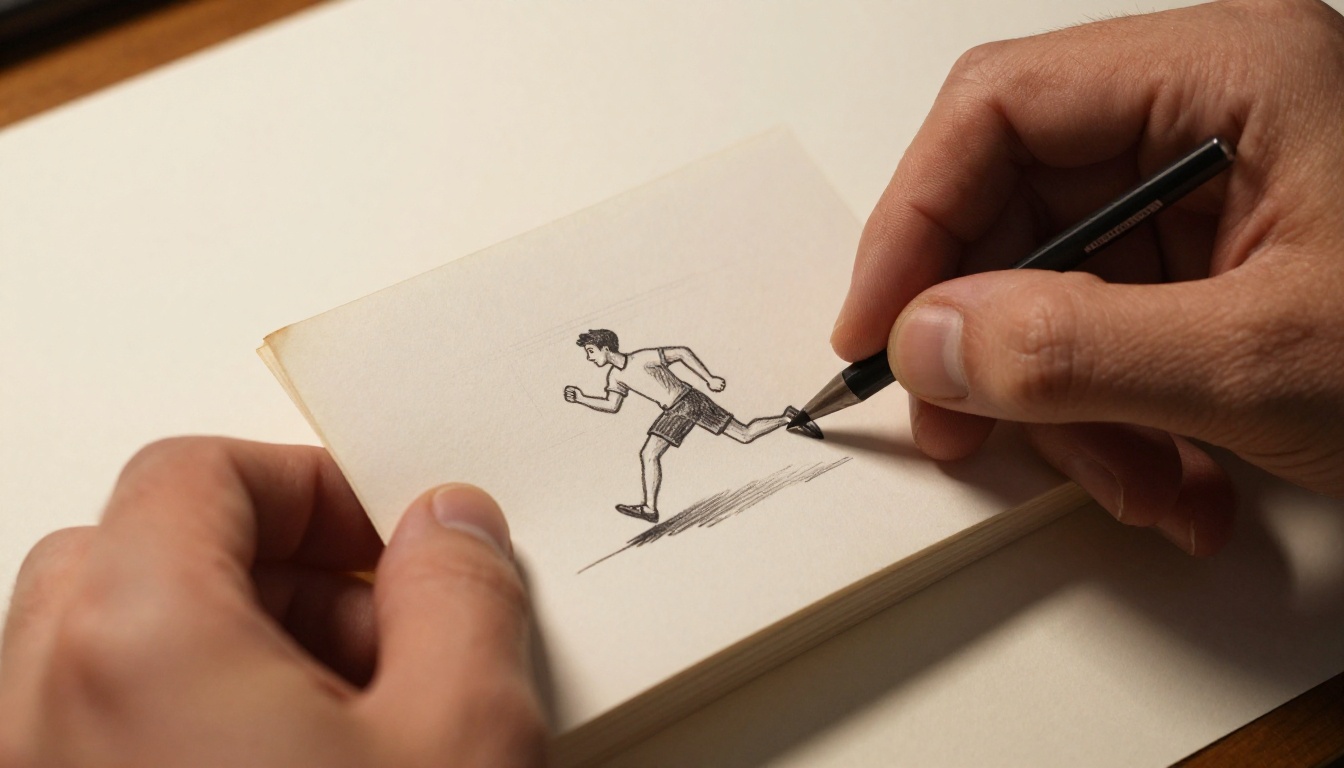
Step 3: Fill in the In-Betweens
Draw the intermediate frames now. Use a light box or hold your cards up to a window to see the previous frame through the paper. Trace the parts of the drawing that haven't moved and adjust only the moving elements. This is called onion skinning in digital animation software, and you can replicate it manually with any backlit surface.
Step 4: Test as You Go
After every 5-10 frames, hold the completed stack and flip through it. Catch problems early. A drawing that's 3mm off in frame 12 creates a visible jump cut in the final animation that you won't be able to fix without redrawing multiple frames around it.
Step 5: Clean Up and Ink
If your instructor requires inked finals (common in illustration and animation programs), go over your pencil lines with a fine-tip pen after completing all your pencil drawings. Erase pencil lines only after the ink has fully dried, typically 10-15 minutes for Micron pens on cardstock.
✅ Best practice: Number each card lightly in pencil on the back before you start drawing. If you drop your stack, you can reassemble it instantly without guessing.
Binding Your Flipbook
The binding is what separates a student project from a professional-looking artifact. How your flipbook is held together affects how it feels in the hand, how smoothly it flips, and how it holds up over time.
Binding Method Comparison
| Binding Method | Ease | Durability | Professional Look | Cost |
|---|
| Rubber band | Very easy | Low | Basic | Free |
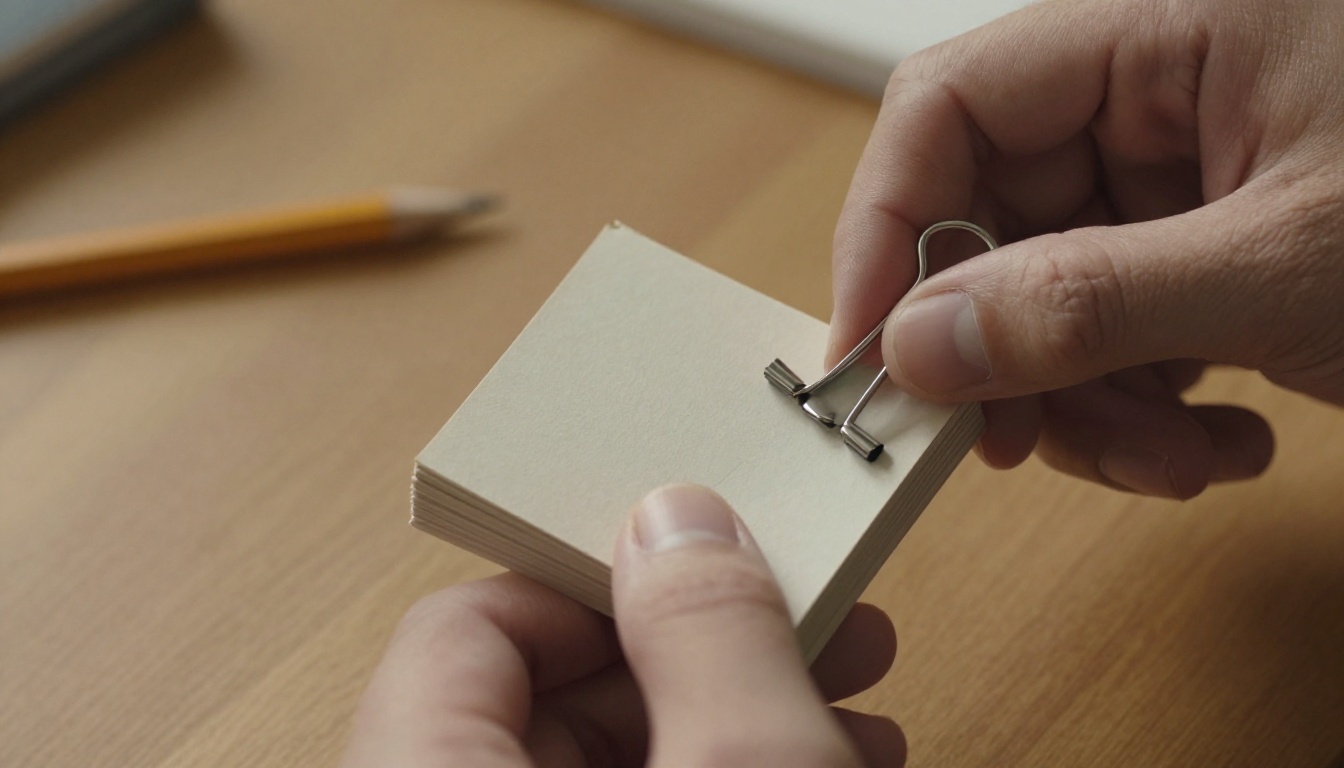
| Binder clip | Easy | Medium | Functional | Under $1 |
| Staple (one side) | Easy | Medium | Clean | Under $1 |
| Chicago screws | Moderate | High | Very professional | $3-5 |
| Sewn binding | Hard | Very high | Artisan quality | $2-4 |
| Perfect bind (glue spine) | Hard | High | Book-like finish | $5-10 |
For most art school projects, a single binder clip on the left spine works well. It's clean, removable for scanning, and holds even thick card stocks firmly under heavy flipping.
Chicago screws (available at any office supply store) are the next step up. They give your flipbook a reusable binding that looks intentional and makes the object feel like something worth keeping.
Creating a Cover That Pulls Attention
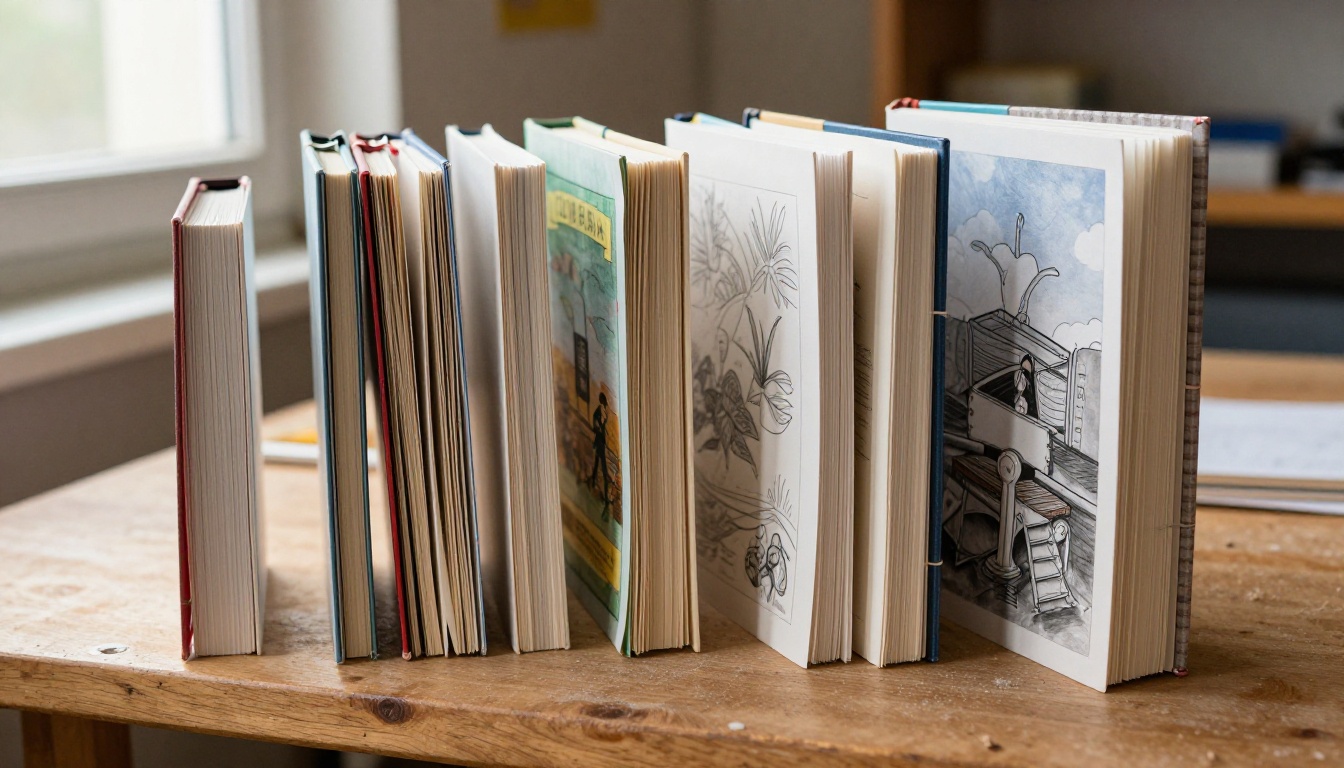
Your cover is the first thing a professor or admissions reviewer encounters. It signals the level of care you put into the entire project.
A strong flipbook cover includes:
- Your name: Small, placed in a consistent location (bottom right or back cover)
- A title: Descriptive, specific, not generic ("Still Life Bounce Study" beats "Flipbook")
- Date or semester: Useful for portfolio documentation later
- A hero illustration: The most dynamic pose from your animation, rendered with more care than the interior frames
💡 Pro tip: Render your cover illustration at a noticeably higher level of finish than your interior frames. The contrast signals that you understand the difference between process work and presentation work, which is a real skill art schools want to see.
Using Your Flipbook in an Art School Portfolio
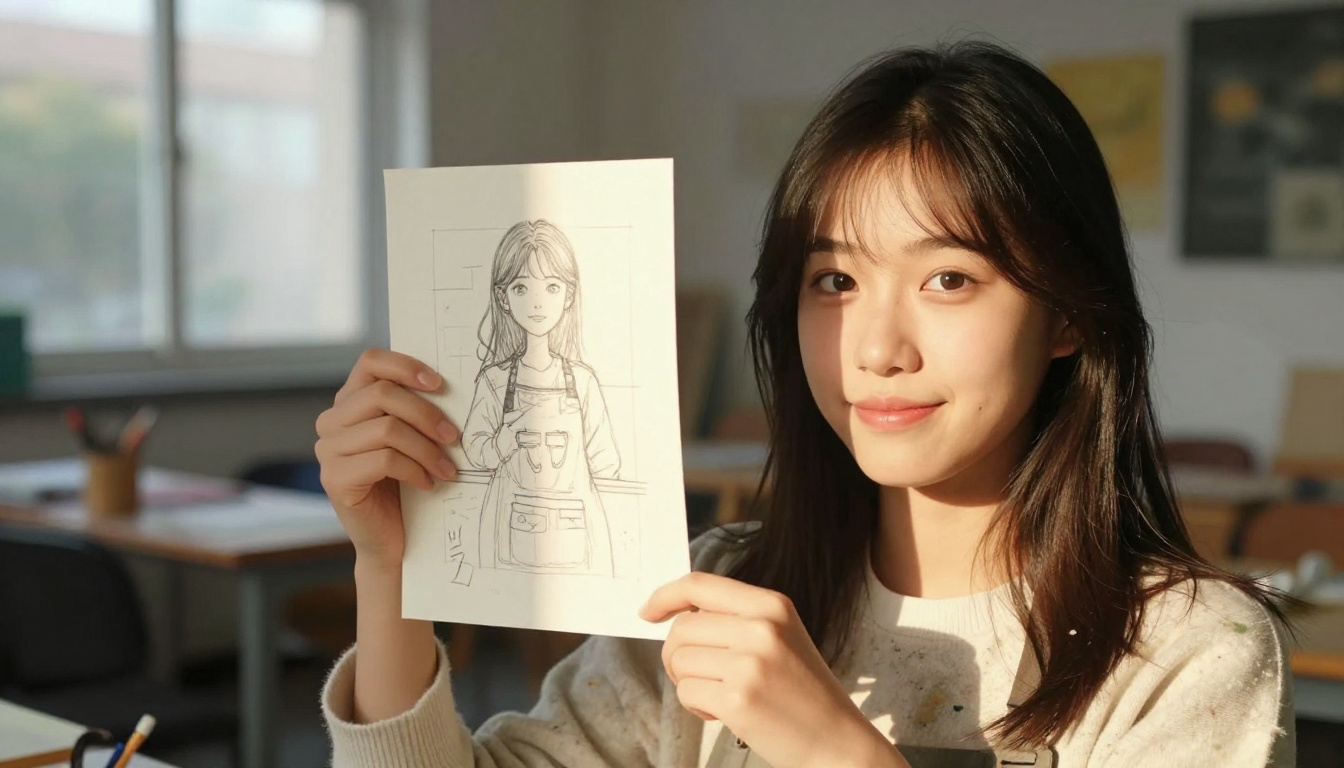
A physical flipbook is a strong portfolio piece, but it has real limitations. A reviewer can only experience it in person. The pages can crease and wear. It can't be emailed or embedded on a website. A physical object that took you 20 hours to make can't be shared in a portfolio review that happens remotely.
That's exactly why converting your flipbook into a digital flipbook matters for art school portfolios. With Flipbooks AI, you can upload your scanned pages and create a shareable, interactive digital version that anyone can flip through in a browser, on any device, with the actual page-turn motion intact.
How to Convert Your Physical Flipbook to Digital
- Scan your pages: Use a flatbed scanner at 300 DPI minimum. Scan in sequential order.
- Compile to PDF: Combine your scanned frames into a single PDF using any standard PDF tool.
- Create your account: Visit Flipbooks AI and sign up.
- Upload your PDF: Drag and drop your PDF into the PDF to Flipbook Converter.
- Customize your presentation: Add your name, adjust the color palette, and set the flipbook title.
- Share your link: Copy your flipbook URL and include it in portfolio submissions, artist statements, or application emails.
For art school portfolios specifically, the Digital Portfolio Creator and Portfolio Flipbook Builder tools are purpose-built for presenting creative work in a polished, interactive format. The Photography Portfolio tool is also useful for students whose work mixes photographic elements with drawn animation.
Physical vs. Digital Flipbook
| Feature | Physical Flipbook | Digital Flipbook via Flipbooks AI |
|---|
| Shareable by link | No | Yes |
| Mobile viewable | No | Yes |
| Password protection | No | Yes |
| Analytics (views, time spent) | No | Yes (Professional plan) |
| Embeddable on website | No | Yes |
| Lasts without degrading | No | Yes |
| Editable after creation | No | Yes |
| No watermarks | N/A | Yes (Standard plan and above) |
| Offline download | No | Yes |
💡 Portfolio tip: Password-protect your digital flipbook and send private links to individual programs. This protects your work from being publicly indexed while still giving reviewers frictionless access. Check pricing plans for password protection options.
Critique and Presentation Tips
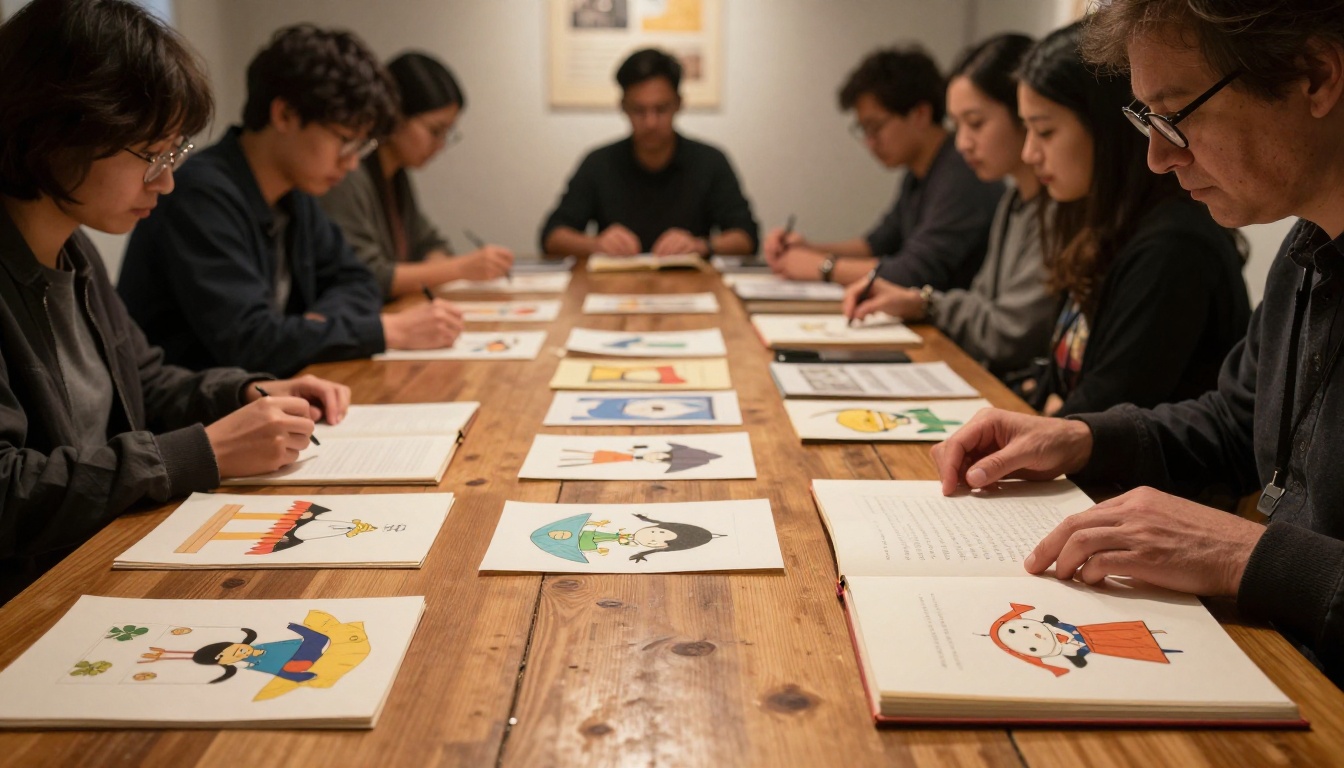
When you present your flipbook in a class critique, how you present it matters nearly as much as the work itself.
Before Critique Day
- Make a backup: Photograph every frame in sequence at high resolution. Store the files in cloud storage.
- Practice flipping: Get comfortable with the physical rhythm of your specific flipbook before you stand in front of the room.
- Prepare a one-sentence description: Be ready to describe your motion concept clearly and without rambling.
- Have your digital version ready: If your school uses digital submissions or remote critique formats, have your Flipbooks AI link ready to share instantly.
What Professors Look For
Instructors evaluating art school flipbooks typically assess five things:
- Concept clarity: Is the motion idea readable at first flip?
- Consistency: Does the subject hold its proportions and position across every frame?
- Timing: Does the motion feel natural, or does it stutter or rush?
- Craft: Is the physical object made with visible care and attention?
- Ambition: Did the student choose something genuinely challenging?
Institutional Uses Beyond the Single Student Project
Once you've experienced making one flipbook, the format becomes a recurring tool. Many working animators still use physical flipbooks to work out motion problems before committing to digital production. It's fast, tactile, and kinetic in a way no software screen can replicate.
For art schools and creative programs as institutions, flipbooks have practical uses beyond individual student assignments:
Taking the Physical Object Digital
For students who want to share their work beyond what a physical object allows, Flipbooks AI removes every friction point between your analog artwork and a digital audience.
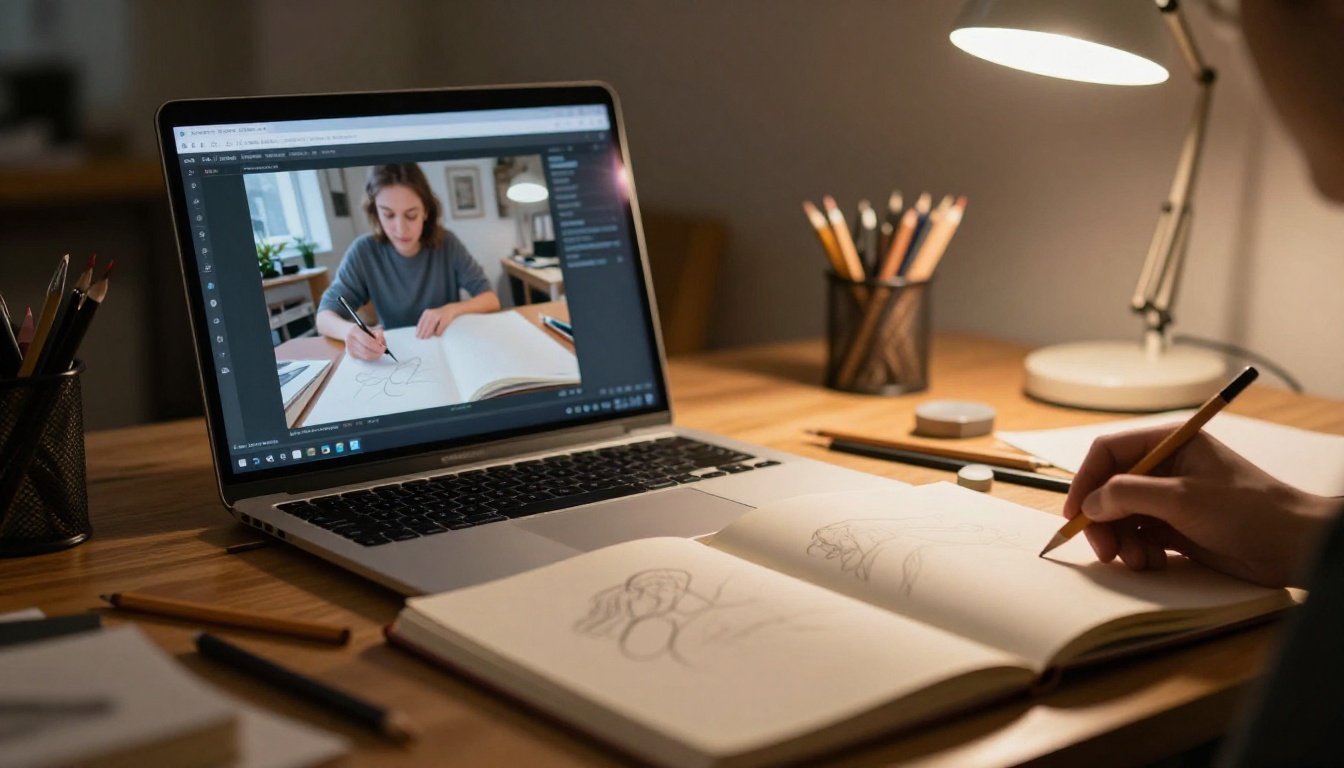
The platform handles the technical side entirely so you can stay focused on the art. No watermarks on Standard plans and above. Unlimited flipbooks. Mobile-responsive design so your animation renders correctly on every device a reviewer might use. Custom branding means your digital flipbook looks like your work, not like a generic embed.
For students applying to programs that require digital portfolio submissions, the ability to send a single link that shows your flipbook with a real page-turn motion is genuinely useful. Reviewers aren't downloading zip files or squinting at a static image grid. They're flipping through your work the way it was meant to be experienced.
If you want analytics showing who viewed your portfolio and for how long, that capability is available on the Professional plan. For students applying to multiple programs simultaneously, knowing which links got opened and for how long gives you real signal about where interest is highest.
From First Frame to Final Submission
Making a flipbook for an art school teaches you things that a semester of still drawings cannot. It forces you to think about time, visual consistency, and physical craft simultaneously. The process builds skills that transfer directly to digital animation, graphic novel sequencing, and editorial illustration.
Start simple. Pick a motion you can actually draw 20 times without losing focus. Use index cards. Mark a registration point on every single one. Test your animation every 5 frames. Bind it cleanly and make a cover that reflects the same level of care as the interior drawings.
Then scan it, upload it to Flipbooks AI, and share the link. Your professors and future programs can experience the motion exactly as you intended, on any device, without handling a single physical card.
Ready to give your physical work a permanent digital home? Create your account and upload your first flipbook. Explore all available tools and templates built specifically for student and creative portfolio use cases. Or compare pricing plans to find what fits your needs and budget.



