Public speaking is already nerve-wracking enough without worrying whether your audience will remember a single word you said. That's where a well-designed flipbook changes everything. A physical or digital flipbook gives your presentation a tangible, branded artifact that travels home with your audience long after your slides have been forgotten. Whether you're speaking at a corporate summit, a TEDx-style event, or a weekend workshop, knowing how to make a flipbook for public speaking is one of the most underrated skills a professional speaker can have. Flipbooks AI makes this process fast and polished, even if you've never designed one before.
Why Speakers Are Ditching Slide Decks
Slides are projected, passive, and forgettable. The moment a speaker advances past a slide, that content is gone. Your audience can't review it, share it, or reference it during your talk without losing focus. A flipbook solves all three of those problems at once.
What Audiences Actually Retain
The science is clear: people retain far more from material they can touch, hold, and flip through at their own pace. Speaker handouts in flipbook format give audience members a way to annotate, bookmark, and re-read your core arguments. This isn't nostalgia for print. It's strategy.
Studies in cognitive load theory consistently show that multi-modal delivery (hearing AND seeing AND touching) dramatically increases retention rates. When your flipbook mirrors your speech structure, the audience isn't just watching you. They're following along, circling quotes, and dog-earing the pages they want to revisit.
The Problem With PowerPoint Alone
PowerPoint and Keynote are tools built for the presenter, not the audience. Consider what happens the moment your talk ends:
- The deck rarely gets shared in any useful format
- Even when shared, it loses context without your narration
- Slide-only formats strip out nuance and supporting detail
- No one keeps a PDF of your slides in their bag for weeks
A well-made presentation flipbook acts as a leave-behind that does the selling, explaining, and brand-building for you long after you've left the room.
What Goes Inside a Speaker's Flipbook
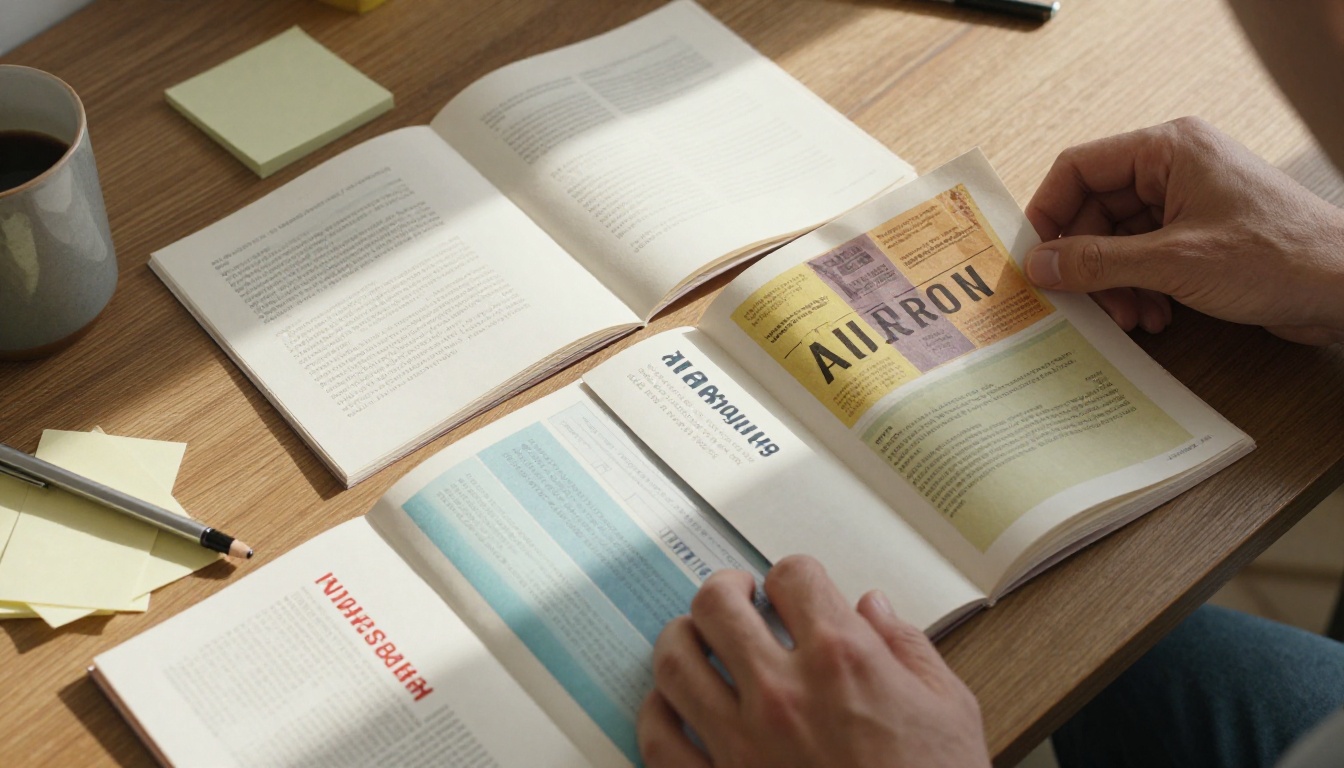
Before you design a single page, you need to decide what actually belongs inside. The most common mistake speakers make is treating the flipbook like a printed version of their slide deck. That's not what this is.
The 5 Sections Every Flipbook Needs
A strong speaker flipbook follows a predictable structure that serves the audience throughout the entire event cycle:
- Cover Page: Your name, talk title, event name, and date. This is your first impression in print. Make it count.
- Speaker Bio: A brief, third-person bio with a quality headshot. Include your website and social handle.
- Talk Outline: A visual map of your points. Numbered sections help the audience follow along in real time.
- Supporting Data: Charts, statistics, case studies, and quotes from your research. This is the proof behind your arguments.
- Takeaway Page: The single most important thing you want the audience to walk away with. Make it bold, simple, and actionable.
💡 Add a QR code on the takeaway page that links to a resource, your email list signup, or your next event. This one addition can double your post-talk conversions.
Content That Travels Well
Not every piece of content from your talk belongs in a flipbook. Apply this filter: if someone reads this page without hearing your voice, does it still make sense? If yes, include it. If no, rewrite it so it does, or cut it entirely.
Include:
- Frameworks with visual diagrams
- Statistics with clear source attributions
- Step-by-step processes with numbered lists
- Quotes that stand alone without context
- Contact details and next steps
Skip:
- Talking points that only work with narration
- Jokes or anecdotes that depend on delivery
- Redundant slides that were visual filler in your deck

Designing Your Flipbook From Scratch
You don't need to be a graphic designer to create a professional-looking speaker flipbook. You do need to know a few rules that separate something people keep from something they leave on their seat.
Size and Format That Works on Stage
The most practical format for a public speaking flipbook is A5 (half-letter) or 5.5 x 8.5 inches. This size:
- Fits comfortably in one hand while the audience holds it
- Stacks easily on a registration table
- Ships flat without damage
- Converts perfectly to a digital format for online sharing
Avoid full A4 or letter-size flipbooks for live events. They're awkward to hold, hard to annotate, and feel more like a report than a companion piece.
Typography Rules for Live Presentations
Typography in a speaker flipbook works differently than in a white paper or annual report. People are reading in a lit room while also watching you. Keep these rules in mind:
- Body text: Minimum 12pt. 14pt if your audience skews older.
- Headings: 24-32pt, bold, high contrast
- Line spacing: 1.5x minimum. Text walls are abandoned instantly.
- Font pairing: One serif for body (Georgia, Garamond), one sans-serif for headers (Inter, Helvetica)
- Columns: Single-column only. Multi-column is too hard to read quickly at events.
Color and Branding on a Budget
Your flipbook should match your personal or corporate brand colors. If you don't have a defined palette, pick two: one dark (for text and headers) and one accent (for highlights and callout boxes). Stick to those two colors plus white and light gray throughout.
✅ Consistent color use across your flipbook makes it look 10x more professional, even with a simple layout. It signals intentionality, which is exactly the impression you want to leave.

Print vs. Digital: Which Should You Use?
The honest answer is both, used strategically. But they serve different moments in the speaker-audience relationship. Here's how to think about it:
| Format | Best For | Pros | Cons |
|---|
| Print Flipbook | Live events, in-room handouts | Tactile, memorable, no tech required | Print costs, no updates after printing |
| Digital Flipbook | Remote talks, post-event follow-up | Instantly shareable, interactive, updatable | Requires a device, less memorable than print |
| Both Combined | Hybrid events, high-stakes presentations | Maximum reach, print for in-room, digital for follow-up | Requires planning ahead |
⚠️ If you're speaking at an event with 50 or more attendees, always bring more copies than you think you'll need. Running out of flipbooks in the room is a missed opportunity that cannot be recovered.
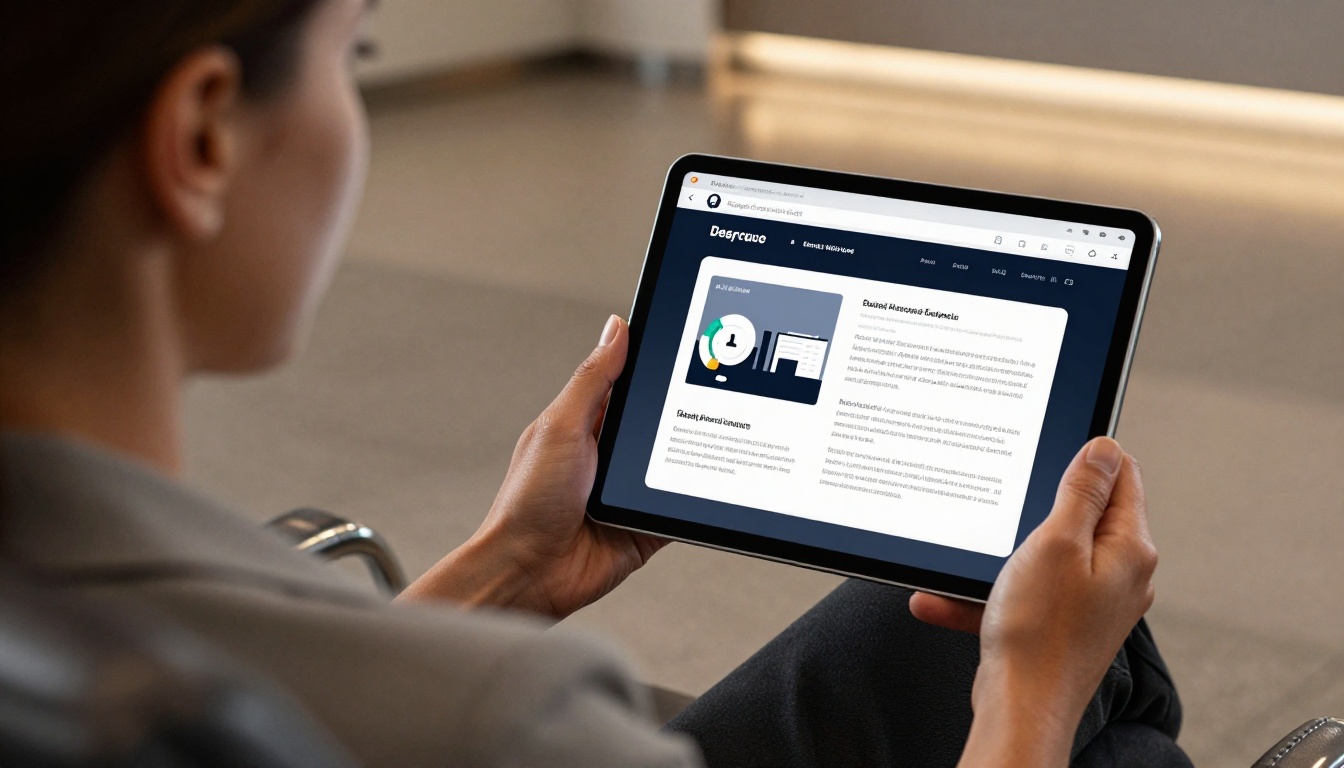
The digital flipbook is where Flipbooks AI becomes indispensable. Once you have your print-ready PDF, you can convert it into an interactive digital flipbook in minutes, with page-turning animations, embedded links, and full mobile responsiveness.
How to Create a Presentation Flipbook With Flipbooks AI
This is where the process becomes simple. Flipbooks AI takes your existing PDF and transforms it into a professional digital flipbook with realistic page-flip animations, no watermarks, and full branding control.
Step 1: Build Your PDF First
Before logging in, create your flipbook content as a PDF. Use Canva, Adobe InDesign, Google Slides, or Microsoft Word with a custom page size. Export at 300 DPI for print-quality output and at 150 DPI for web-optimized digital versions.
Your PDF structure should follow the five-section framework above. Keep each section to two to four pages maximum.
Step 2: Upload and Convert
- Go to flipbooksai.com/account and create your account or log in.
- Click New Flipbook and upload your PDF file.
- The platform converts your PDF automatically, preserving all fonts, images, and layouts.
- The page-flip animation is applied immediately. Preview it before making any changes.
Step 3: Customize Your Brand
This is where the real polish happens. Inside the editor:
- Upload your logo to appear on the flipbook toolbar
- Set custom brand colors for the background and controls
- Add your website URL to the flipbook header
- Enable or disable the table of contents navigation panel
- Add password protection if the flipbook is for a private client or paid audience
💡 Use the Presentation Flipbook Designer tool if you want a template built specifically for speaker presentations. It handles the structural layout for you.
Step 4: Share It Everywhere
Once published, Flipbooks AI gives you multiple sharing options:
- Direct link: Share via email or social media before and after your talk
- Embed code: Drop the flipbook directly into your speaker page or website using the Embed Flipbook on Website tool
- QR code: Generate a QR code and print it on your physical flipbook cover so in-room attendees can pull up the digital version instantly
- Password protection: Lock sensitive content for paid workshops or private corporate events
Features available across plans:
| Feature | Starter | Standard | Professional |
|---|
| Flipbooks per month | Limited | Unlimited | Unlimited |
| Custom branding | No | Yes | Yes |
| Password protection | No | Yes | Yes |
| Analytics and lead gen | No | No | Yes |
| Offline downloads | No | No | Yes |
| No watermarks | No | Yes | Yes |
See the full breakdown at flipbooksai.com/pricing.

Sharing and Distribution That Gets Results
Making the flipbook is only half the work. How and when you distribute it determines how much value you extract from it.
Handing Out at Events
Timing your physical distribution matters more than most speakers realize:
- Before the talk: Handing out flipbooks as people enter the room gives them time to browse, which builds anticipation. The risk is that some people read ahead instead of listening.
- At the start: Works well if you walk through it section by section during your talk.
- At the end: Best for talks where the element of surprise matters. People take it home with full context from your speech.
For most speaking scenarios, distributing at the start of your talk is the highest-leverage move. Reference specific page numbers during your presentation ("turn to page 4 right now"), which keeps the audience engaged and makes the flipbook feel integral rather than supplementary.

Sending Digitally After the Talk
The post-event digital flipbook is one of the most overlooked tools in a speaker's follow-up sequence. Here's a simple framework:
- Within 24 hours: Send the digital flipbook link to the event organizer with a note asking them to forward it to attendees.
- Day 3: Post the flipbook on LinkedIn and tag the event. Include a quote from your talk as the caption.
- Day 7: Add the flipbook to the resources section of your speaker website, gated behind an email capture form.
This three-touch sequence typically generates the strongest post-event pipeline for speakers who monetize through consulting, coaching, or follow-on bookings.
5 Common Mistakes Speakers Make With Flipbooks
Avoid these errors and your flipbook will immediately stand out from the generic handouts most speakers produce:
| Mistake | Why It Hurts | What to Do Instead |
|---|
| Too many pages | Audiences stop reading after page 10 | Cap at 12-16 pages maximum |
| Slide deck copy-paste | Content makes no sense without narration | Rewrite all content to stand alone |
| No contact info | Missed follow-up opportunities | Include contact details on every spread |
| Low-res images | Looks unprofessional when printed | Use minimum 300 DPI for all images |
| No QR code | Breaks the print-to-digital bridge | Add QR code to cover and back page |
| Brand inconsistency | Undermines credibility | Use one font pair and two brand colors throughout |
⚠️ Never print your flipbook at a standard consumer copy center for high-stakes events. Use a professional printer that offers saddle-stitch binding and coated paper stock. The difference in perceived quality is significant.
Who Gets the Most From a Speaker Flipbook
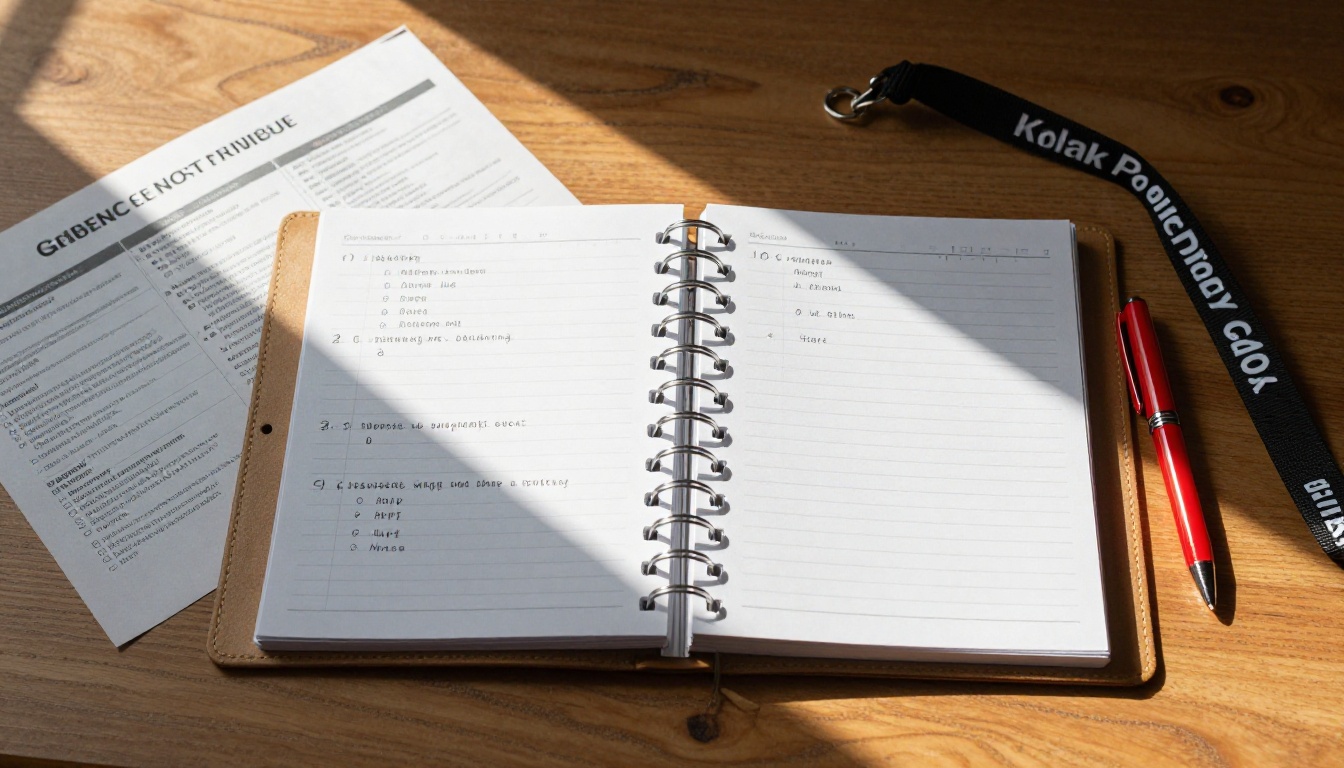
A presentation flipbook is not a tool for every speaker. It works best when the context demands it. Here's a quick breakdown of the speaker profiles that see the highest return:
High-value use cases:
- Corporate keynote speakers who want to reinforce their message with C-suite decision-makers
- Workshop facilitators who need a workbook-style reference for multi-hour sessions
- Sales presenters pitching to boards or investment panels where materials are reviewed after the meeting
- Conference panelists who want to stand out from other speakers on the same stage
- Personal brand builders who want a physical artifact audiences associate with their expertise
Lower-value use cases:
- Short breakout session talks (15 minutes or less) where print costs outweigh the benefit
- Events where the organizer prohibits external marketing materials
- Audiences who primarily interact on mobile and won't engage with print
If you fall into the high-value categories, the Sales Presentation Flipbook and Press Kit Designer tools on Flipbooks AI are worth checking out for speaker-specific formats.

Your Next Step: Build It Before Your Next Talk
The best time to build your speaker flipbook is not the week before your next event. It's right now, when you have time to do it properly. Start with the content structure. Draft the five sections. Export your PDF. Then take it to Flipbooks AI and convert it into something your audience will actually hold onto.
If you want to skip the design phase entirely, browse the tools directory for speaker-specific templates that handle layout, typography, and structure automatically. All you bring is the content.
Ready to make your next talk the one people talk about for months? Start building your flipbook now and see what a difference a well-crafted leave-behind makes.



