Making a flipbook for a school project is one of the most satisfying creative tasks a student can take on. There is something deeply rewarding about watching your drawings come to life with nothing more than paper and your own hands. Whether your assignment calls for a science demonstration, a history timeline, or a free-choice creative project, a well-made flipbook can set your work apart in a way a poster or slideshow rarely does. Flipbooks AI has made the process even more powerful by offering digital tools that turn any school subject into a professional interactive presentation. This article walks you through every step, from gathering materials to presenting something your teacher will remember.
What Actually Makes a Flipbook Work
A flipbook works because of a phenomenon called persistence of vision. When your eye sees a rapid sequence of slightly different images, your brain stitches them together into smooth, continuous motion. The same principle powers film, television, and video games. Your handmade flipbook is essentially the earliest form of cinema.
The Minimum Frame Count You Need
To create the illusion of motion, you need at least 12 to 15 frames for a short, smooth animation. More frames means smoother movement but more drawing time. For a school project, 20 to 30 frames hits the sweet spot between effort and quality.
Paper vs. Digital Flipbooks
| Feature | Paper Flipbook | Digital Flipbook |
|---|
| Cost | Low (just paper and pencil) | Free to low (online tools) |
| Animation quality | Limited by drawing skill | High, professional look |
| Shareability | Physical only | Share by link or embed |
| Teacher impression | Handmade charm | Modern, polished |
| Time required | 2 to 5 hours | 1 to 3 hours |
| Presentation format | Hold and flip | Screen or projector |
Both formats have a place. Paper works great for art class. Digital is hard to beat for science, history, or any subject where visual information needs to be clear and detailed.
What You Need Before You Start
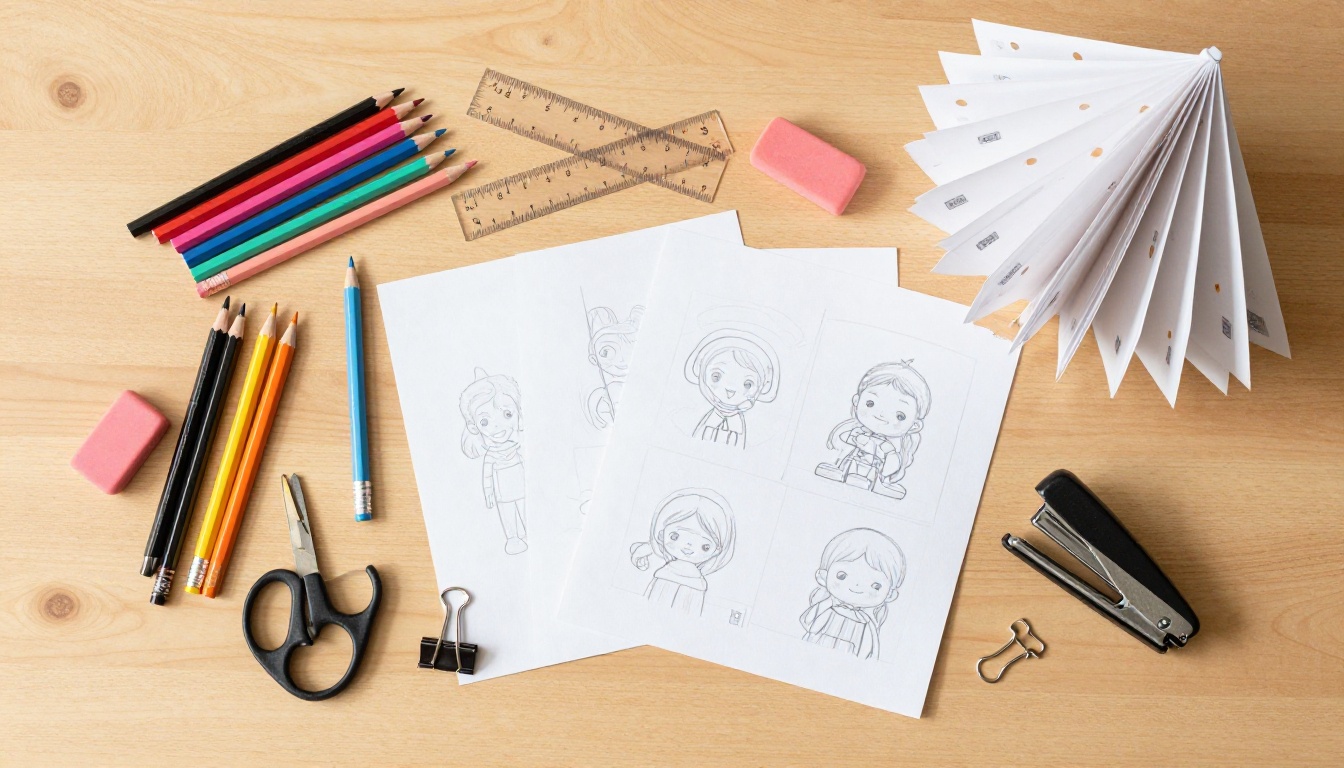
The materials list for a paper flipbook is short and inexpensive.
For a Traditional Paper Flipbook:
- White index cards or small notepad (3x5 inch size works well)
- Pencil with a good eraser
- Black marker for final lines (optional but impressive)
- Colored pencils or markers if you want color
- A binder clip, stapler, or rubber band to hold pages together
- Ruler and pencil for alignment guides
For a Digital Flipbook:
- A PDF of your project content, or a document you can export to PDF
- An account on Flipbooks AI (free to create)
- Any modern web browser
💡 Pro tip: Index cards are stiffer than regular paper and flip more satisfyingly. If you only have printer paper, cut it into thirds for a similar stiffness and size.
Choosing Your Topic or Story
Before drawing a single frame, decide on your concept. The most common types for school projects include:
- Science: Cell division, the water cycle, volcanic eruption, how a plant grows
- History: A timeline animation, a battle formation, how a city grew over decades
- Physics: Projectile motion, pendulum swing, wave behavior
- Art class: Character walk cycle, bouncing ball, abstract shape transformation
- Creative writing: A short story, a joke with a punchline, a narrative scene
The simpler your concept, the cleaner your animation. A single moving object, like a ball bouncing or a rocket launching, is much easier to animate smoothly than a complex scene with multiple characters.
How to Draw Your Frames
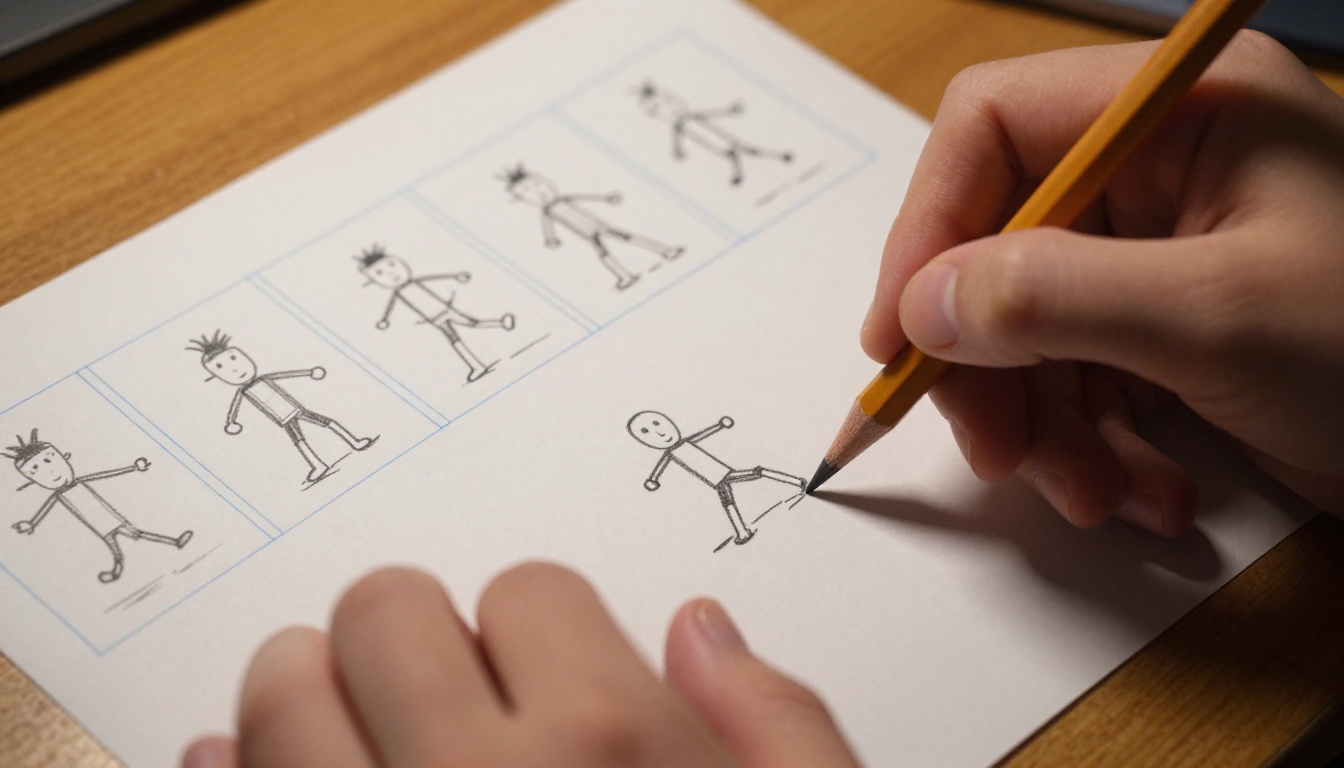
Plan Your Sequence First
Do not start drawing on your final paper immediately. Rough out your sequence on a separate sheet first, just small stick figures or shapes showing the starting position, middle position, and ending position. This is called a keyframe plan.
Once you have your three key moments plotted, fill in the in-between frames. If your ball starts at the top left on frame 1 and lands at the bottom right on frame 20, then each frame in between should move the ball a small, even distance along that arc.
⚠️ The number one student mistake: Making frames 1 through 5 perfect and detailed, then rushing frames 6 through 20. Viewers notice inconsistency more than imperfection. Keep every frame at the same level of finish.
Drawing Tips for Smooth Animation
-
Use a light table or a window: Hold your previous page against a window or light source. Place your new blank page on top. You can see the previous frame through the paper and trace it with slight adjustments. This is how professional animators work.
-
Draw backgrounds on separate sheets first: If your scene has a background (a horizon line, classroom walls, a laboratory), draw that background on every page first before adding the moving subject. Consistency in the background makes the motion look intentional.
-
Number your pages in pencil: Write small numbers in the bottom corner before starting. Dropping a shuffled stack of unnumbered pages is a painful experience.
-
Commit to a consistent object size: If your character is 2 inches tall on frame 1, measure it. Keep it 2 inches on every frame. Sudden size changes look like an error, not an artistic choice.
-
Do the action in real life first: If you are animating a hand waving, wave your own hand slowly and watch how it moves. Break it into the positions. Animation is observation first.
Binding and Finishing Your Flipbook
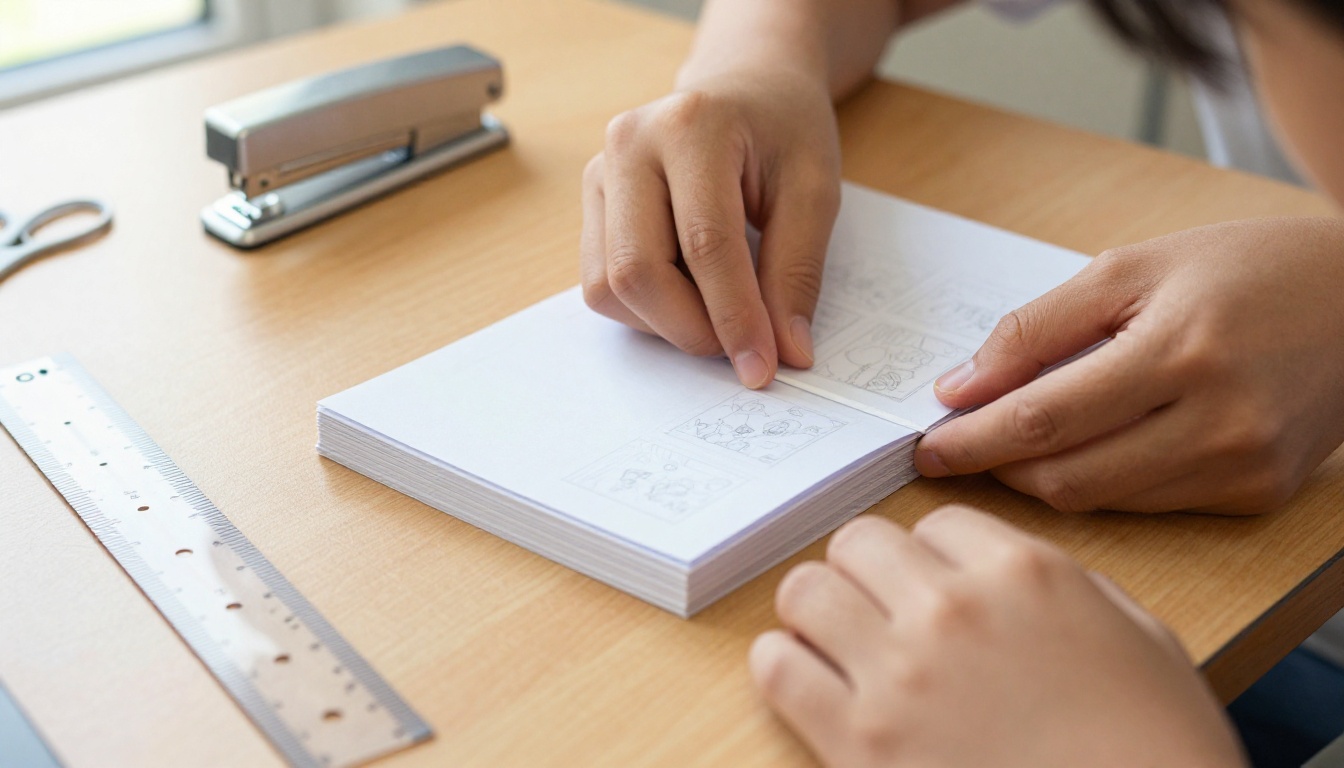
Staple, Tape, or Bind?
How you bind your flipbook affects how it flips, which directly affects how impressive it looks.
| Binding Method | Flip Quality | Durability | Difficulty |
|---|
| Binder clip | Excellent, smooth | Medium | Very easy |
| Staple (left spine) | Good | High | Easy |
| Rubber band | Acceptable | Low | Very easy |
| Tape binding | Poor (stiff) | High | Medium |
| Spiral binding | Excellent | High | Requires equipment |
The binder clip is the best option for most students. Place it on the left edge of your stack, check that all pages are aligned, and your flipbook is ready. The clip allows pages to fan out freely when you flip them with your thumb.
If you want a more permanent bind, use a stapler. Place two staples along the left edge, close to the spine but not too close to the drawings. The drawback is that stapled books are harder to flip because the spine has less flex.
Making It Look Professional
A few finishing touches separate a good flipbook from a great one:
- Title page: Make your first page a title card. Write your project name and your name in neat lettering. Leave the back blank so it does not interfere with the animation.
- Label the spine: Write the project title along the left edge in small text. It looks intentional and organized.
- Final frame hold: End your animation on a clear, held pose rather than trailing off mid-motion. A clean ending tells the viewer the animation is done on purpose.
- Test flip before submission: Flip it 10 times. If any page catches or sticks, fix it before your teacher sees it.
Taking It Digital With Flipbooks AI
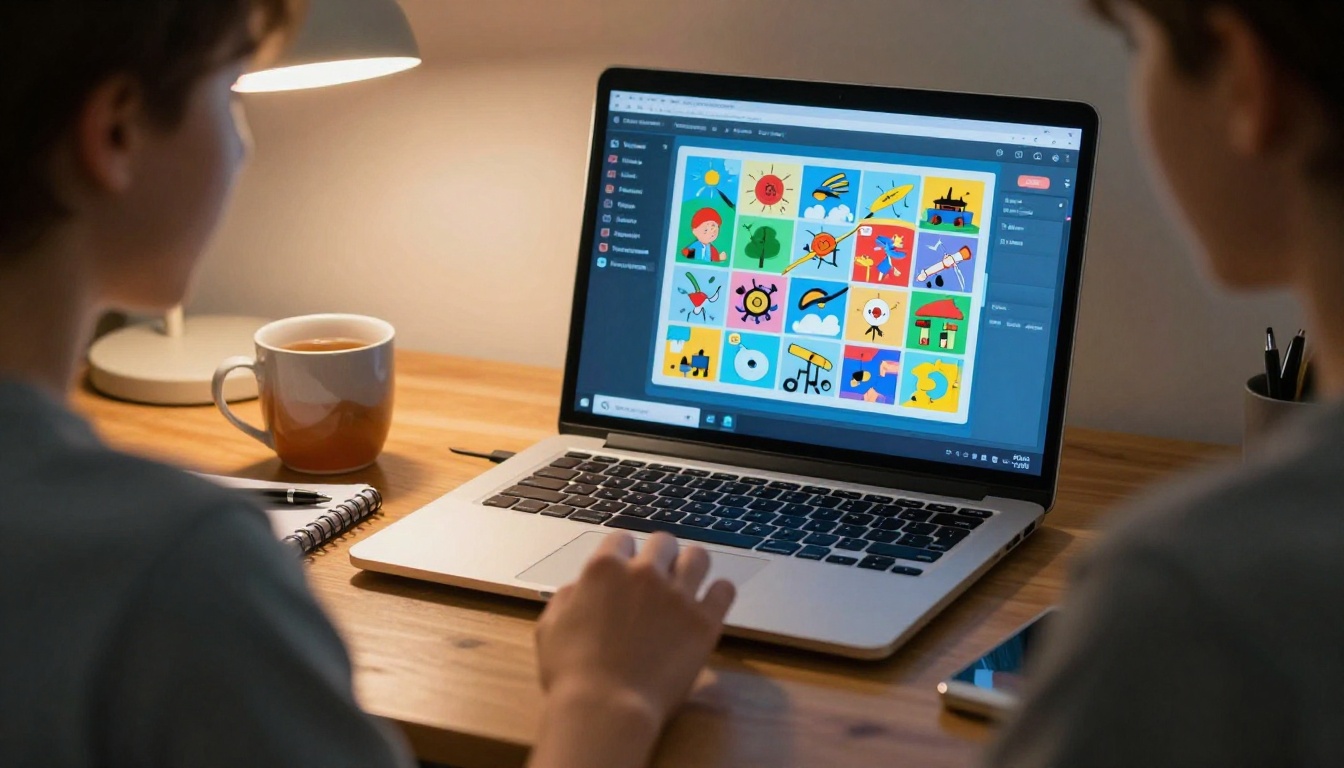
A paper flipbook shows creativity and effort. A digital flipbook shows all of that, plus a level of polish and professionalism that tends to earn extra recognition. Flipbooks AI is a platform built specifically for converting documents and presentations into beautiful, interactive flipbooks with realistic page-turning animations.
Why Digital Wins for School Projects
Digital flipbooks solve the biggest problem with paper ones: shareability. Once your flipbook is online, you can share it with a link, embed it in a school website or Google Classroom, or display it on a projector in full resolution during your presentation. Your teacher can review it after class. Your parents can see it from home. It does not get bent, torn, or lost in a backpack.
✅ Best practice: Build your visual content in Google Slides, Canva, or PowerPoint. Export it as a PDF. Upload to Flipbooks AI. You now have a professional interactive flipbook in minutes.
How to Create Your School Project on Flipbooks AI
-
Create your account: Go to Flipbooks AI and sign up for free. No credit card required to start.
-
Prepare your PDF: Open your project in any presentation or document tool. Add your illustrations, text, photos, and charts across multiple pages. Each page becomes one spread of your flipbook. Export the file as a PDF.
-
Upload your PDF: Inside the Flipbooks AI dashboard, click "Create Flipbook" and upload your PDF. The platform converts it automatically, adding smooth page-turn animations. Conversion takes under a minute for most school project files.
-
Customize your flipbook: Choose a background color, add a custom title page, and set the flipbook name to match your project. You can also add your school name or class period for a professional touch.
-
Add multimedia if needed: The platform supports embedded videos and audio. If your science project includes a short explanation video or recorded narration, you can embed it directly on the flipbook page. The Course Material Publisher tool is particularly useful for educational content.
-
Share or present: Copy the shareable link to include in your assignment submission, or use the embed code to display it in a digital portfolio or school blog. For in-class presentations, open the flipbook link full screen and flip through pages using on-screen controls or arrow keys.
The Yearbook Flipbook Maker works especially well for group school projects where multiple students contribute content. For science and educational materials, the Training Manual Flipbook tool provides a clean, structured layout perfect for step-by-step demonstrations.
Flipbook Ideas for Different School Subjects
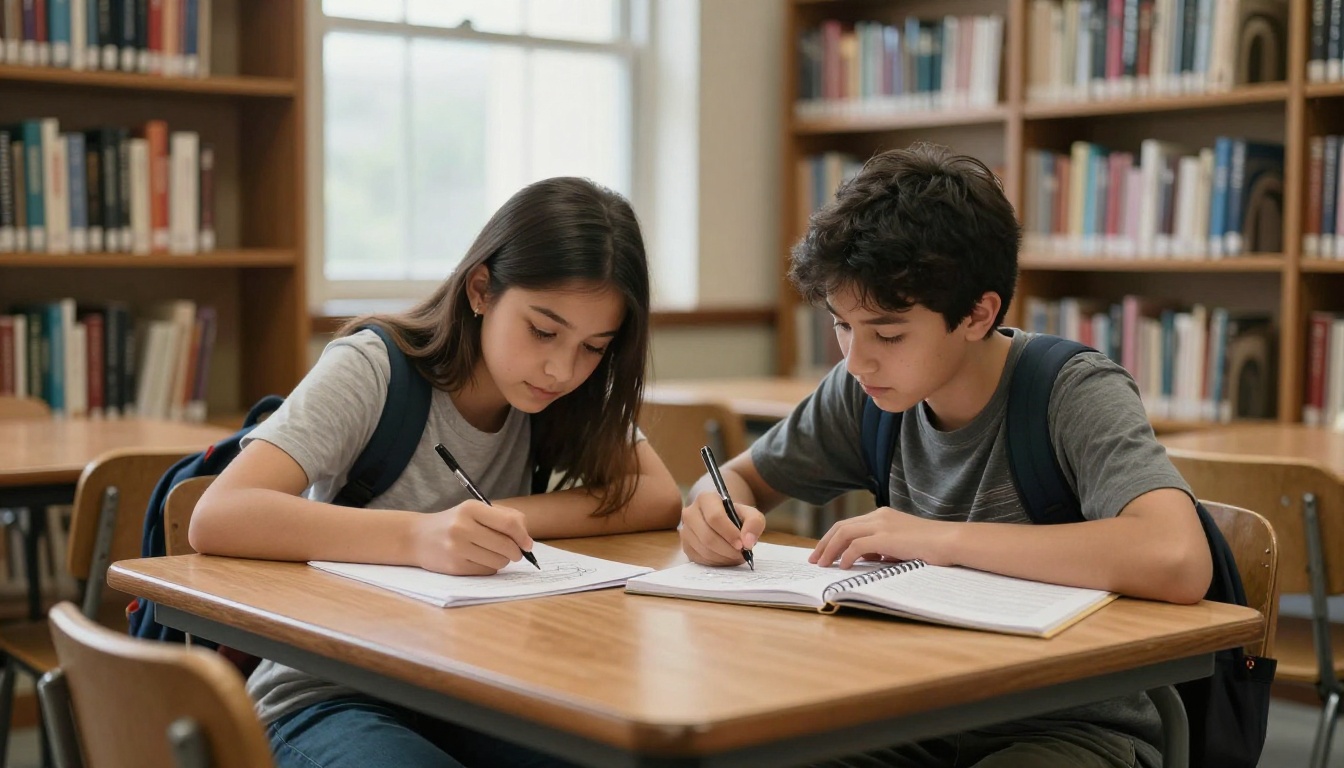
Science Projects
Science flipbooks are especially effective because they can visualize processes that are hard to explain in words.
- Biology: Show cell mitosis frame by frame. Each page shows a slightly more divided cell.
- Physics: Animate a projectile motion problem. Show the parabolic arc with force arrows on each frame.
- Chemistry: Show a chemical reaction at the molecular level as a simple before-and-after animation sequence.
- Earth science: Show the water cycle or tectonic plate movement represented across 25 frames.
History and Social Studies
- Animate a map showing territory changes over time, like the expansion of a historical empire.
- Show a timeline of events as a scrolling sequence where each page adds a new entry.
- Illustrate a famous historical event step by step, such as a key battle or a major invention.
Art and Creative Writing
- Create a character walk cycle or jump animation.
- Show a landscape changing through four seasons across 20 frames.
- Illustrate a short poem visually, one stanza per page, letting the images carry the emotion.
💡 Pro tip: For creative writing class, pair your flipbook with a short written narrative. The combination of visual and written storytelling shows depth of thought that a single medium cannot match.
Common Mistakes Students Make
Frames That Jump Instead of Flow
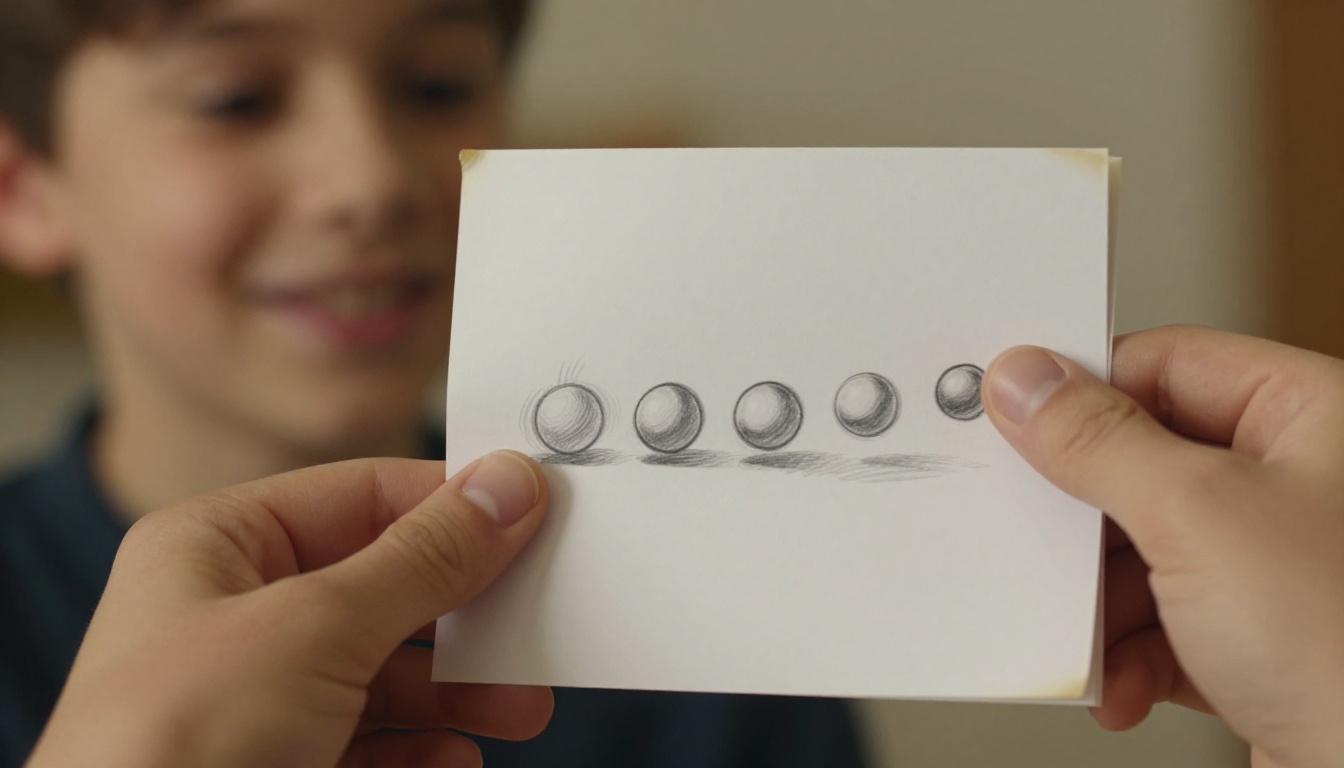
The most common animation problem is movement that jumps rather than flows. If your ball is on the left on frame 1 and on the right on frame 3, with nothing in between, viewers see a cut rather than motion. Add more frames between your positions. More frames equal smoother animation.
Rushing the Binding
A flipbook held together unevenly or with pages misaligned will not flip well. Pages will catch on each other, the animation will stutter, and the physical experience will undermine your drawing work. Take five minutes to align every page carefully before binding.
Too Many Colors Too Early
Color is great, but adding full color to each frame takes a lot of time and can make pages inconsistent if you run out of energy halfway through. Finish all your pencil drawings first. Then go back and add color uniformly. That way you can review the full animation in pencil before committing to the coloring process.
Tips That Teachers Actually Notice
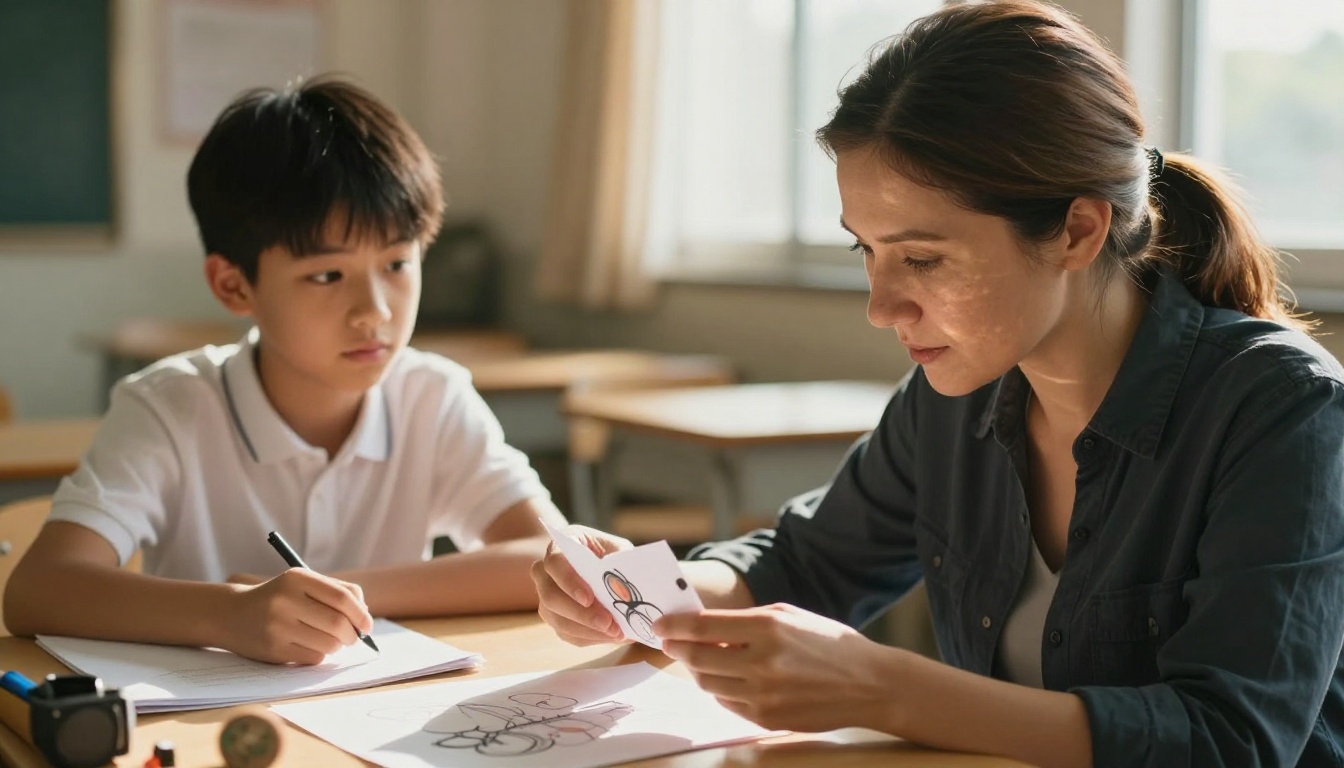
Teachers read hundreds of assignments every year. What stands out is evidence that a student thought carefully about the presentation, not just the content.
- A written annotation: Include a short paragraph on the back page or a separate sheet explaining what the animation shows and why you chose this format. It demonstrates reflective thinking.
- Neat page numbering: Numbered pages on paper flipbooks, or clearly titled slides on digital ones, show organizational skill.
- A consistent visual style: Using the same line weight, color palette, and scale across all frames shows planning and artistic awareness.
- A title slide with your name, class, and date: This is basic but many students skip it. Teachers appreciate the organization.
| Project Element | Basic | Impressive |
|---|
| Animation frames | 10 to 15 pencil sketches | 25 to 30 inked or colored frames |
| Binding | Rubber band | Binder clip with aligned pages |
| Title page | None | Named title page with class and date |
| Annotation | None | Written explanation included |
| Format | Paper only | Digital version also shared |
Make Your Work Stand Out
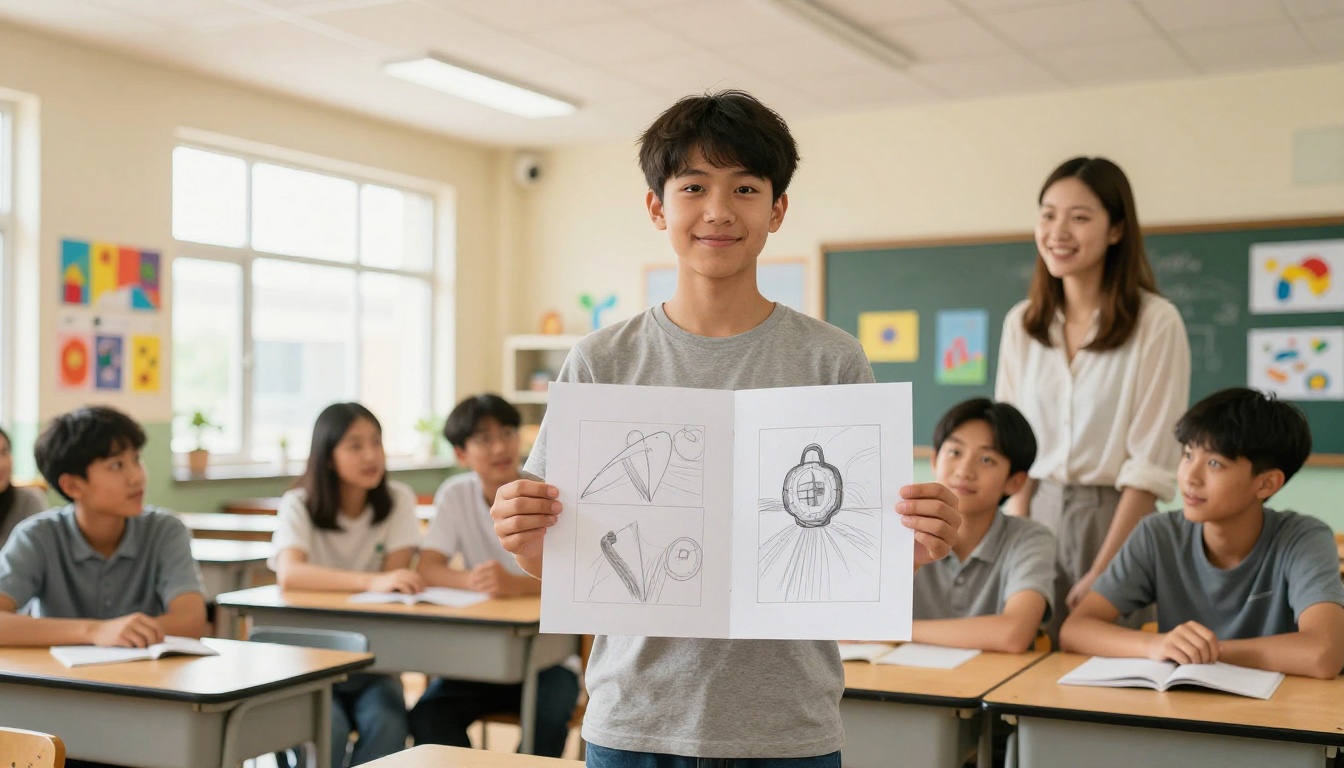
A flipbook that exists only on paper limits who can experience it. Combining your handmade animation with a digital version means you have a physical artifact to present in class and a shareable link to submit online. Flipbooks AI makes that second step fast. You can photograph your hand-drawn frames, compile them in order, export to PDF, and have a digital version ready in under 20 minutes.
For group projects, the School Newsletter Creator tool helps teams combine individual contributions into a cohesive publication. For showcasing multiple projects at once, the Digital Portfolio Creator lets you present your best work in a format that impresses far beyond a single classroom assignment.
Your school project is a chance to show how you think, not just what you know. A flipbook, whether paper or digital, communicates motion, time, process, and story in a way that static media cannot. It rewards patience and creativity. It invites the viewer to participate physically by flipping the pages. And it is genuinely fun to make.
Ready to take your project further? Create your free account on Flipbooks AI and turn your school project into an interactive experience. Browse all available tools to find the right format for your subject, or check out the pricing plans if you want access to advanced features like password protection and analytics for sharing beyond your classroom.



