Your sculpture work deserves more than a flat JPEG buried in an email attachment. Three-dimensional art loses something crucial when squeezed into static images without context or sequence, and collectors, curators, and gallery directors often skim past portfolios that don't immediately command attention. An interactive digital flipbook changes that calculus. It gives your sculpture series the narrative arc it deserves, presents multiple viewing angles in a browsable format, and puts your personal branding front and center, all without requiring the viewer to download anything. Flipbooks AI makes this process approachable even if you've never designed a digital publication before.
Why Sculptors Need Digital Portfolios Now
Physical portfolios still have a place, but they have serious limitations. You can't email a marble bust. You can't hand a potential buyer a box of plaster casts. Even the best printed catalog becomes outdated the moment a new piece ships.
The Problem with Static Images
Most sculptors default to emailing a folder of JPEGs or linking to an Instagram grid. Neither format does the work justice:
- No sequence: A folder of images has no beginning or end. Viewers don't know which piece to look at first or how works relate to each other.
- No scale reference: Without deliberate photography, it's impossible to tell if a piece is 10cm or 10 meters.
- No narrative: Your artistic statement, materials list, and process notes exist separately from the images, if they exist at all.
- No professional presentation: A ZIP file of JPEGs reads as amateur, regardless of how extraordinary the sculpture is.
What a Flipbook Does Differently
A digital flipbook presents your sculpture portfolio as a publication, with page turns, embedded text, consistent layout, and a shareable link. It functions like an interactive catalog that a collector can browse on any device. The format signals seriousness and professionalism before a single image loads.
💡 A shareable flipbook link is something a gallery director can forward to a committee. A ZIP file is not.
Photographing Your Sculptures Right
Before you build anything, you need raw material: photographs that actually capture the three-dimensionality and texture of your work. This is where most sculptor portfolios fail before they even begin.
Lighting That Reveals Form
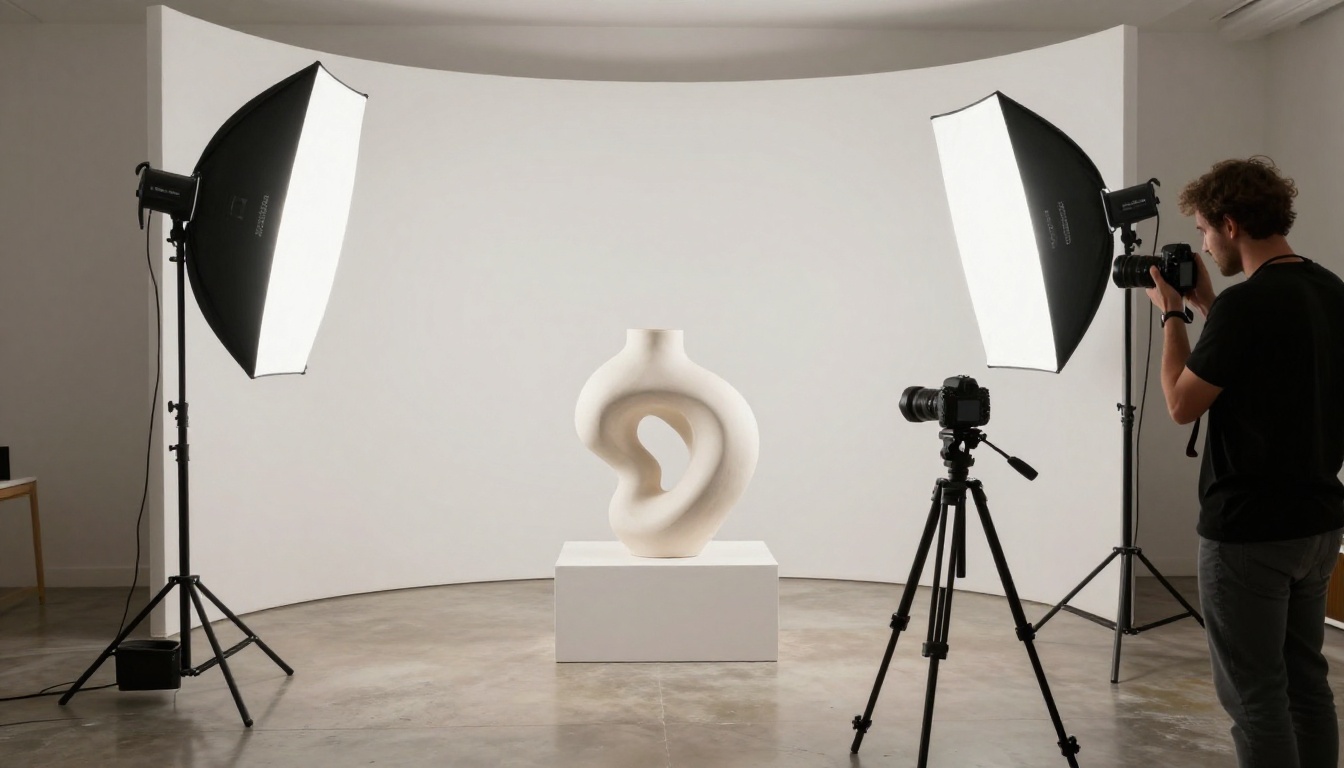
Sculpture is about form, volume, and surface. Flat, diffused lighting erases all three. You need directional light that creates shadow and reveals depth.
For smooth surfaces (marble, polished bronze, ceramic): Use a single large softbox at 45 degrees. Avoid multiple fill lights that flatten the form.
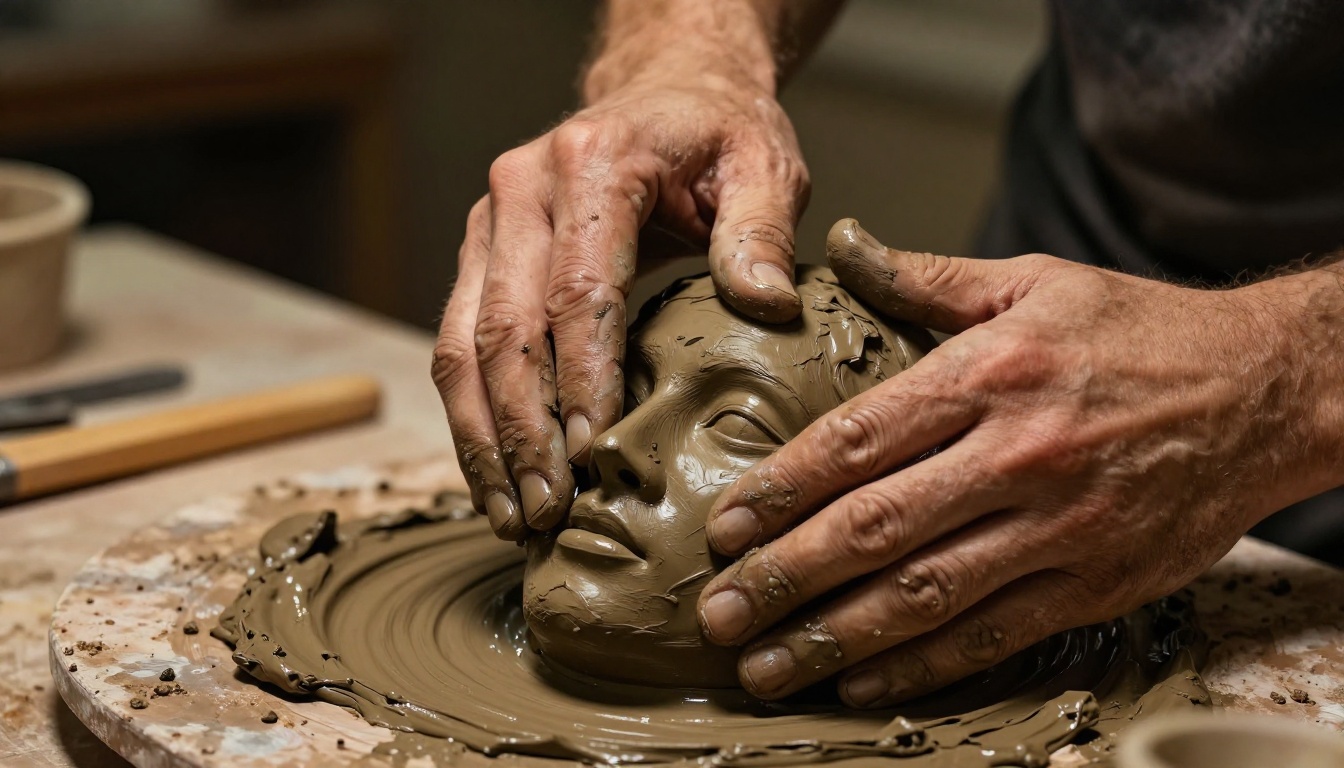
For textured surfaces (carved wood, rough stone, clay): Use raking light from a very low angle, almost parallel to the surface. This creates deep shadows in every crevice and dramatically emphasizes texture.
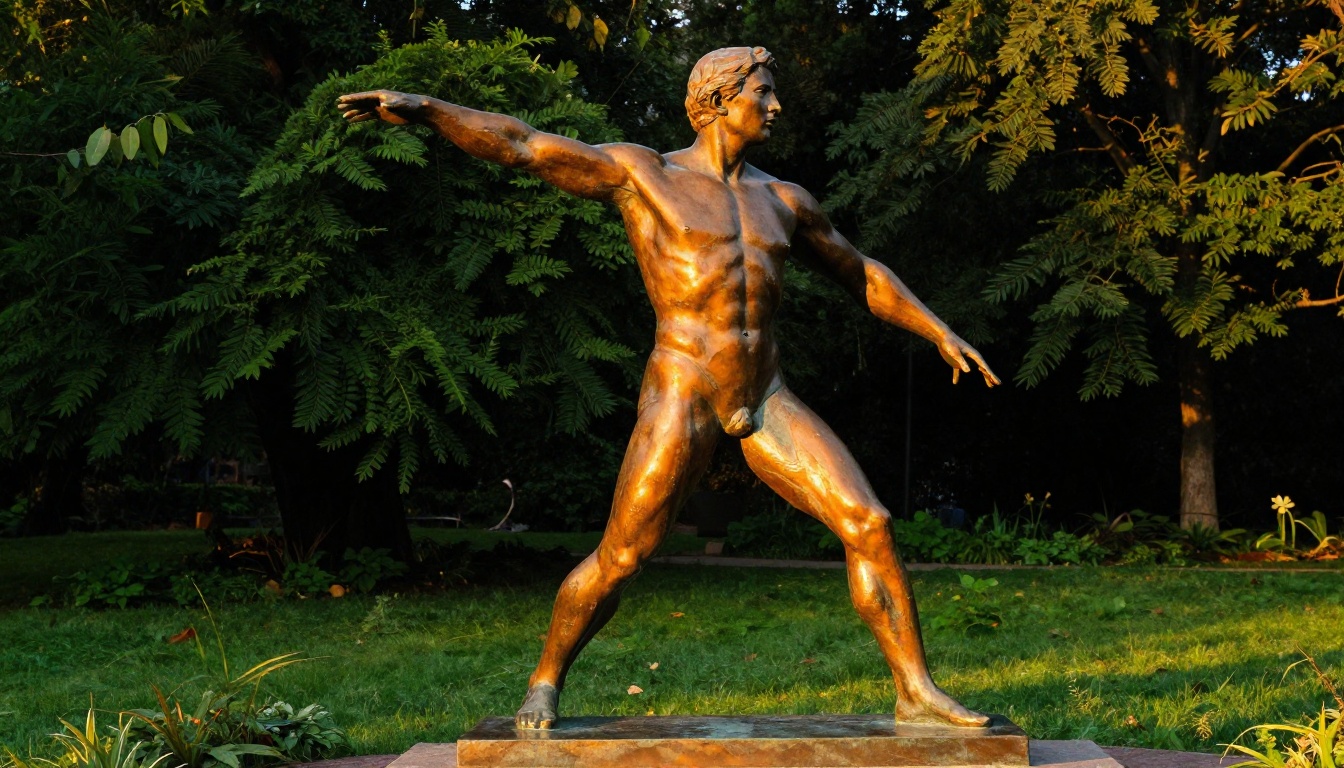
For outdoor pieces: Shoot during the golden hour, roughly 30-60 minutes after sunrise or before sunset. The warm, low-angle light behaves like the ideal raking light source.
Angles That Show the Whole Piece
Each sculpture in your flipbook should have at least three images:
- Hero shot: The primary view that defines the piece, usually the angle you see it from when you first encounter it.
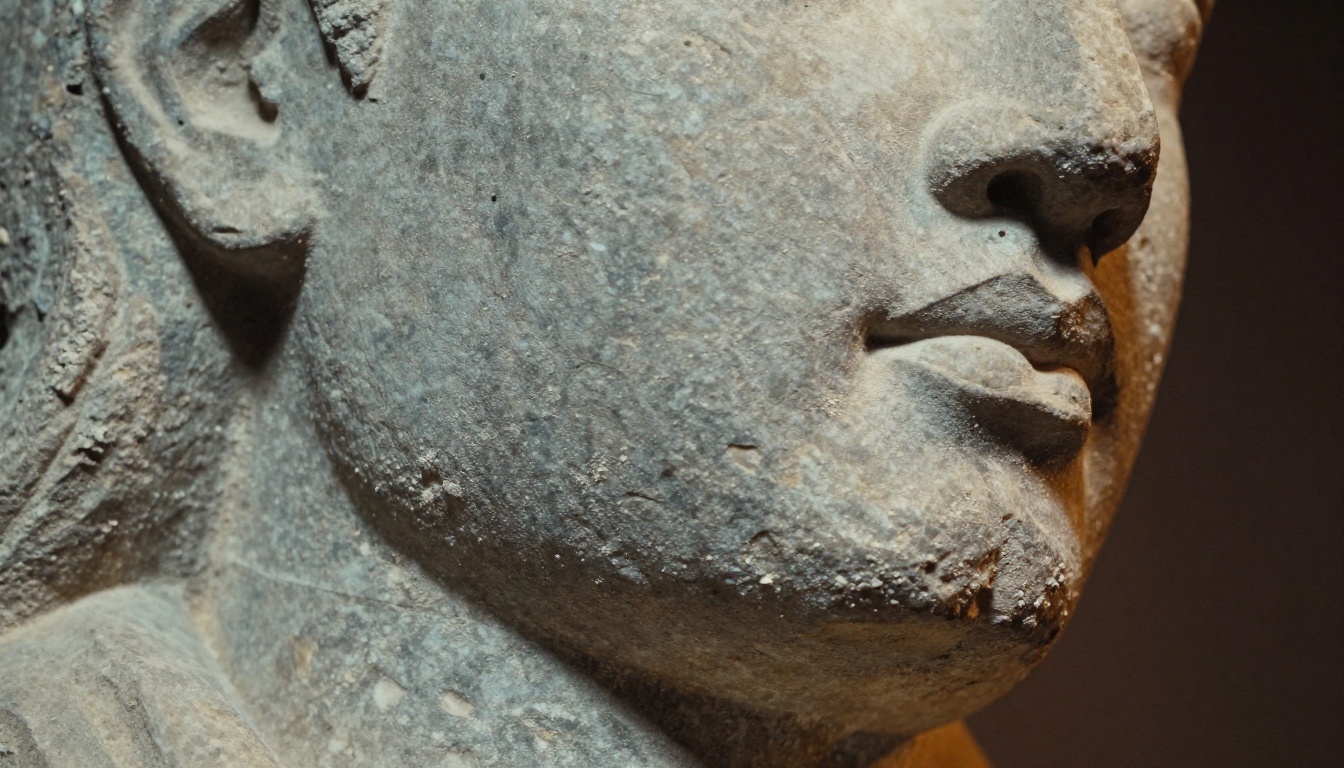
- Detail shot: A close-up of the most interesting surface, joint, or texture, shot with a macro or short telephoto lens.
- Context shot: The piece in its intended environment or next to a scale reference like a hand, a chair, or a doorway.
⚠️ Never use direct flash on sculpture. It creates flat, harsh images that destroy the form completely.
Camera Settings to Prioritize
You don't need a $5,000 camera to photograph sculpture well. A mirrorless or DSLR with a 50mm or 85mm lens is sufficient for most work. The settings matter more than the gear:
| Setting | Recommendation | Why |
|---|
| Aperture | f/5.6 to f/11 | Keeps the full sculpture in sharp focus |
| ISO | 100-400 | Minimizes noise in shadow areas |
| White Balance | Manual (Kelvin) | Consistent color across all images |
| Shutter Speed | 1/125s or slower on tripod | Avoids motion blur |
| Format | RAW + JPEG | RAW for editing, JPEG for quick use |
Structuring Your Sculpture Flipbook
A flipbook is a publication. That means it needs structure, not just a pile of images. How you organize the pages directly affects whether a viewer stays engaged or clicks away.
Choosing a Narrative Approach
There are three main ways to structure a sculpture portfolio flipbook:
Chronological: Works organized by when they were made. Best for showing artistic evolution and development over time.
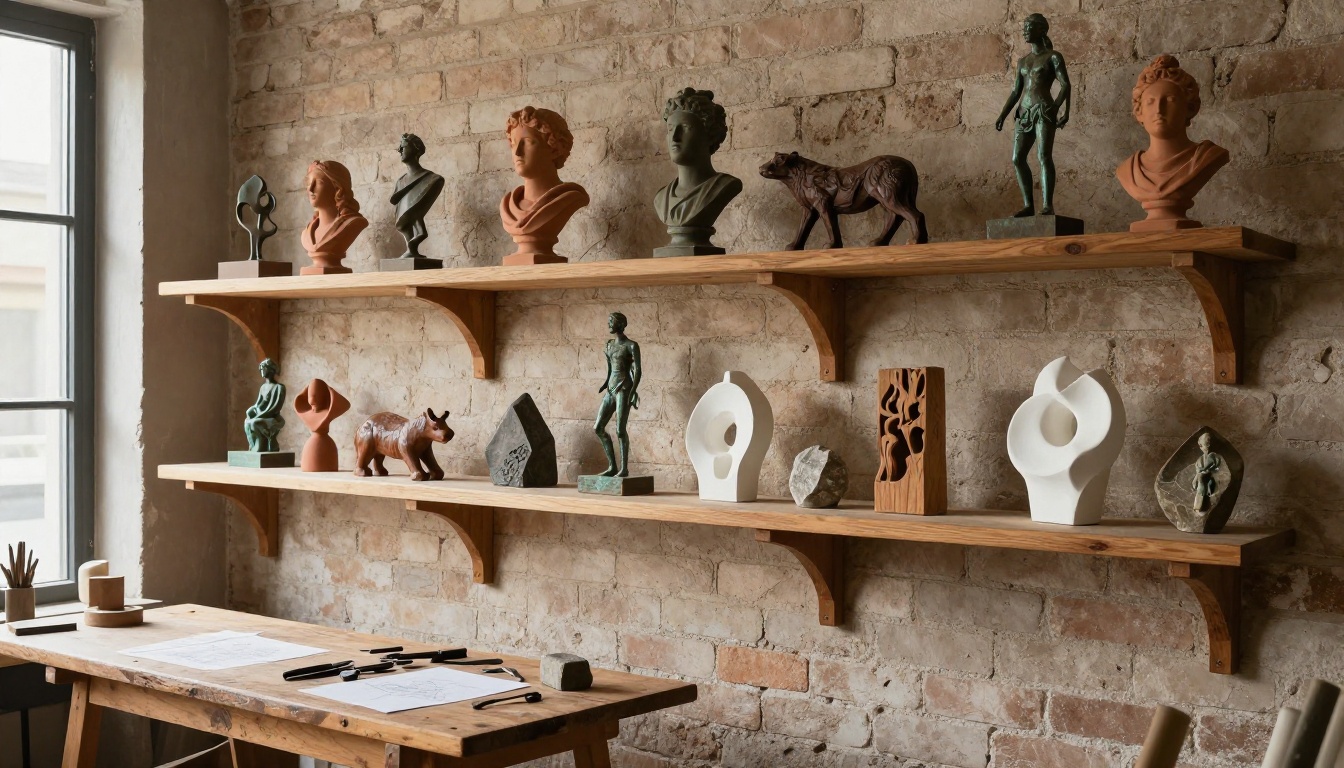
Series-based: Works grouped by theme, material, or concept. Best when you have distinct bodies of work that don't overlap conceptually.
Single-series showcase: One series presented in depth, with process photographs, material notes, and multiple angles per piece. Best for grant applications, gallery pitches, or exhibition proposals.
What Every Page Spread Needs
| Page Element | Purpose | Required? |
|---|
| High-quality hero image | First impression of each piece | Yes |
| Title and year | Basic identification | Yes |
| Materials and dimensions | Technical information collectors need | Yes |
| Artist statement excerpt | Context and intent | Strongly recommended |
| Detail photograph | Surface and texture interest | Recommended |
| Process image | Shows craft and methodology | Optional |
| Price or inquiry link | Commercial action | Optional |
The Opening Pages Matter Most
Your flipbook's first two pages function as the title spread and introduction to your practice. A viewer decides within seconds whether to keep turning. Use the opening spread to:
- Show your single most striking piece, photographed at its best
- Include your name prominently as an artist brand
- Set the visual tone for everything that follows
✅ Include a brief artist bio, three to five sentences maximum, on page two. Collectors and curators want to know who made the work before they study the work itself.
How to Build Your Sculpture Flipbook with Flipbooks AI
This is where the actual production happens. Flipbooks AI converts your prepared PDF directly into an interactive, page-turning digital publication. No coding, no design software subscriptions, and no watermarks on any plan.
Step 1: Build Your PDF First
Before uploading anything, you need a well-structured PDF. Use any of the following:
- Adobe InDesign: Best for complex, multi-page layouts with fine typographic control
- Canva: Fastest option for non-designers, with usable templates for art portfolios
- Affinity Publisher: A one-time-purchase alternative to InDesign with similar capabilities
Size your pages at 16:9 or standard A4/Letter landscape. Make sure all images are embedded at a minimum of 150 DPI for screen, or 300 DPI if you also want high-quality print output.
Step 2: Upload and Convert
Once your PDF is ready, create your account and upload the file. The platform processes it and creates an interactive flipbook automatically. The conversion takes anywhere from 30 seconds to a few minutes depending on file size.
The PDF to Flipbook Converter handles files with embedded photography at full fidelity, so the image quality you put in is the quality viewers see.
Step 3: Customize Your Branding
After conversion, you have direct control over:
- Custom domain or subdomain: Instead of a generic link, your flipbook can live at your own URL
- Color scheme: Match your personal brand palette across the interface
- Background and page texture: Set the mood with dark backgrounds for dramatic sculpture or clean white for minimal work
- Logo placement: Your artist logo or signature can appear consistently across all pages
Step 4: Set Sharing and Privacy Options
Not every flipbook needs to be public. Flipbooks AI gives you several distribution options:
- Public link: Anyone with the URL can view it, ideal for general portfolio sharing
- Password protection: Share privately with specific galleries, collectors, or grant committees
- Embed code: Place the flipbook directly on your artist website using the Embed Flipbook on Website tool
- Direct sharing: Share via email or social media with a single link that works on any device
💡 For gallery pitches and grant applications, password-protect your flipbook and include the password in your cover letter. It feels exclusive and professional, and ensures only the intended recipient views it.
Step 5: Use the Right Portfolio Tools
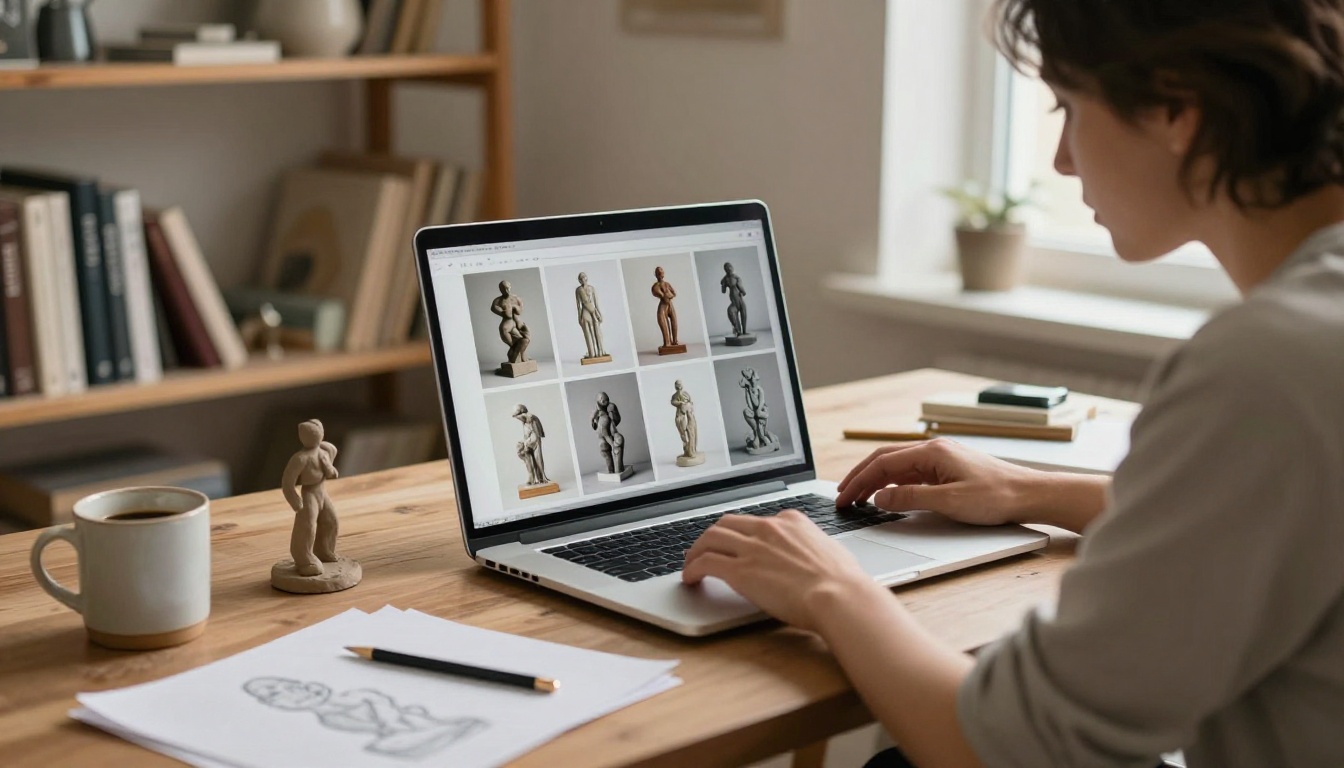
Flipbooks AI offers specific tools designed for creative portfolio use. The Digital Portfolio Creator and Portfolio Flipbook Builder are particularly well-suited for visual artists. If you also shoot your studio or process work, the Photography Portfolio tool works alongside these for mixed-media artists.
Plan Comparison for Artists
Choosing the right plan depends on how many flipbooks you need and whether you require analytics or lead capture features.
| Feature | Free | Standard | Professional |
|---|
| Flipbooks | 1 | Unlimited | Unlimited |
| Watermark | Yes | No | No |
| Password Protection | No | Yes | Yes |
| Custom Branding | No | Yes | Yes |
| Analytics | No | No | Yes |
| Lead Generation | No | No | Yes |
| Offline Downloads | No | No | Yes |
| Embed on Website | Limited | Yes | Yes |
For most sculptors building a primary portfolio, the Standard plan covers all essential needs: unlimited flipbooks, no watermarks, custom branding, and password protection. The Professional plan adds analytics (so you know exactly who is reading your portfolio and for how long) and lead generation, which matters if you are selling directly to collectors.
Compare all plans and pricing to see what fits your practice.
Photographing Outdoor and Large-Scale Sculpture
Monumental or site-specific work presents its own documentation challenges. The scale that makes the piece powerful in person becomes difficult to convey in a standard portfolio photograph.
Including People for Scale
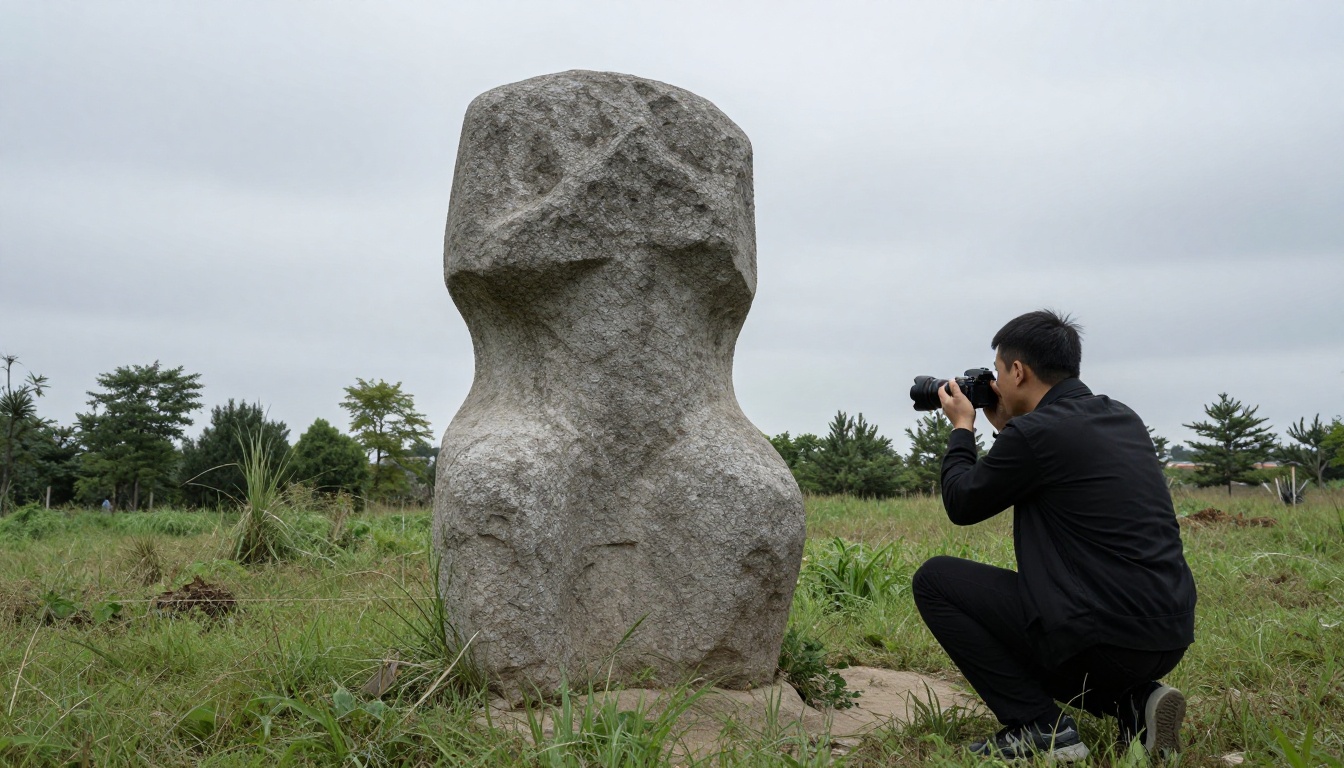
A human figure in the frame instantly communicates scale without any text explanation. This works especially well for:
- Pieces taller than 1 meter
- Architectural integrations
- Garden or landscape installations
Position the person naturally, not posing, to keep the documentation feel authentic rather than promotional.
Aerial and Multiple Viewpoints
For large horizontal or ground-level pieces, an aerial photograph from a drone or elevated platform can be the most informative single image. If drone access is available, a bird's-eye shot showing the full footprint of the work belongs as a spread in your flipbook.
✅ For outdoor pieces, photograph at three different times of day: morning, noon, and golden hour. The light changes the character of the work dramatically, and showing all three in your flipbook demonstrates range and intentionality.
Using Your Flipbook for Personal Branding
A well-built sculpture flipbook is not just a portfolio. It is a personal branding asset. Every time someone receives or views it, they are forming an impression of you as an artist and professional.
Consistency Across All Touchpoints
Your flipbook should visually match your:
- Artist website
- Email signature
- Instagram aesthetic
- Exhibition proposals
Use the same typefaces, color palette, and photographic style across all of these. The flipbook then functions as the centerpiece of a coherent personal brand rather than a standalone document.
Sharing Strategy That Works
| Channel | Approach | Flipbook Use |
|---|
| Gallery pitch emails | Attach link, not PDF | Password-protected flipbook |
| Instagram bio | Single link in profile | Public flipbook |
| Artist website | Embedded publication | Embedded via iframe |
| Grant applications | Digital submission | PDF export plus flipbook link |
| Studio open days | QR code printed on card | Public or password-protected |
QR Codes at Exhibitions
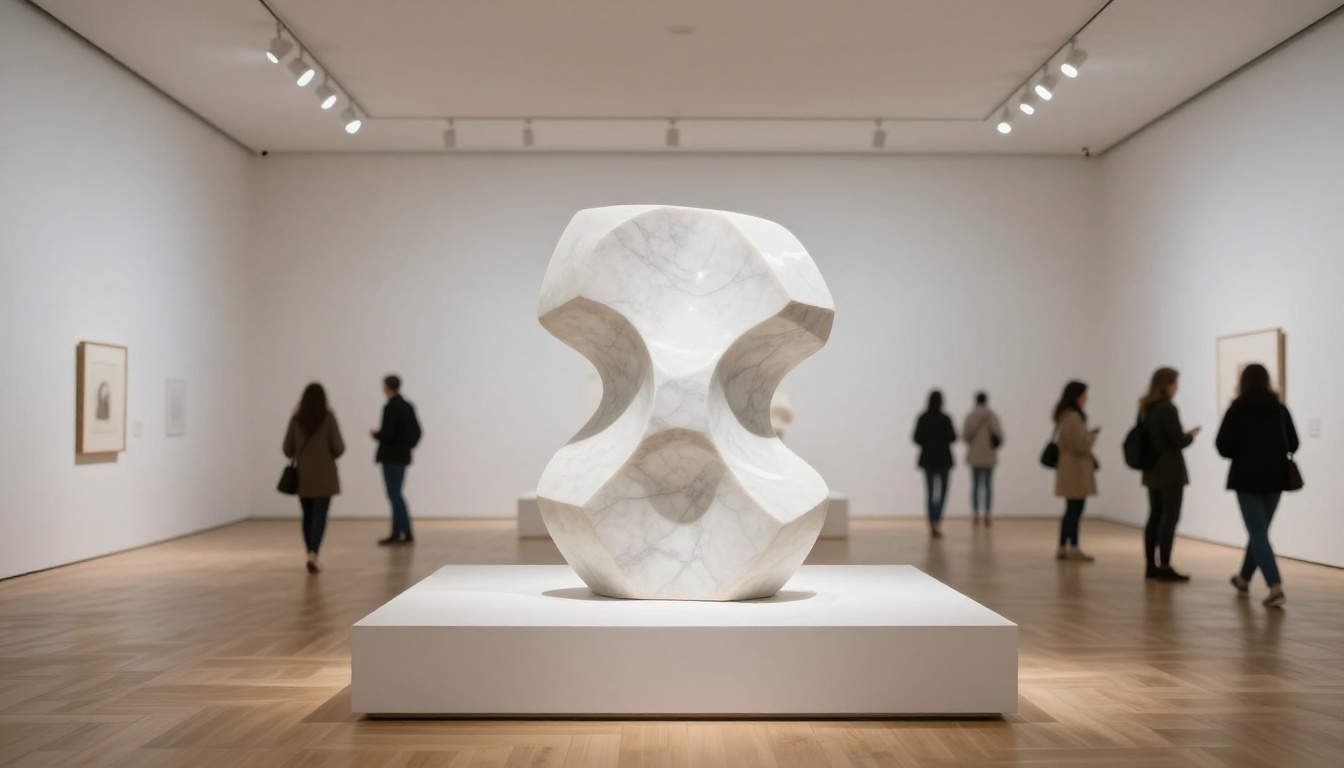
Print a small card or label for each piece at your next exhibition that includes a QR code linking to your full flipbook portfolio. Visitors who are interested in your work can pull up your entire body of work on their phone while standing in the gallery. This is one of the most effective ways to convert exhibition interest into studio visits and sales.
💡 A QR code on a gallery label costs nothing to add and can turn a casual viewer into a serious inquiry. Your flipbook does the selling while you're talking to someone else.
4 Mistakes Sculptors Make with Digital Portfolios
Even experienced artists make avoidable errors when putting together a digital portfolio for the first time.
Too Many Images Per Piece
The instinct is to include every photograph you have. Resist it. For each sculpture, select the two or three strongest images and cut the rest. A flipbook with 60 mediocre images of 10 pieces is weaker than a flipbook with 30 excellent images of 10 pieces.
Inconsistent Image Quality
Mixing professional studio photographs with phone snapshots taken in poor light undermines the entire portfolio. Every image in a flipbook should meet the same baseline standard. If older pieces only have low-quality documentation, either reshoot them or leave them out entirely.
No Contact Information
A portfolio without clear contact details is a missed opportunity. Every flipbook should end with a dedicated contact page that includes:
- Your email address
- Your website URL
- Your studio location, city at minimum
- Your Instagram handle if active
- A simple invitation to reach out
Skipping the Artist Statement
Collectors and curators want context. A single paragraph explaining your practice, your materials, and the conceptual framework behind your work makes the difference between a document and a publication.
Put Your Sculpture Work Online Today
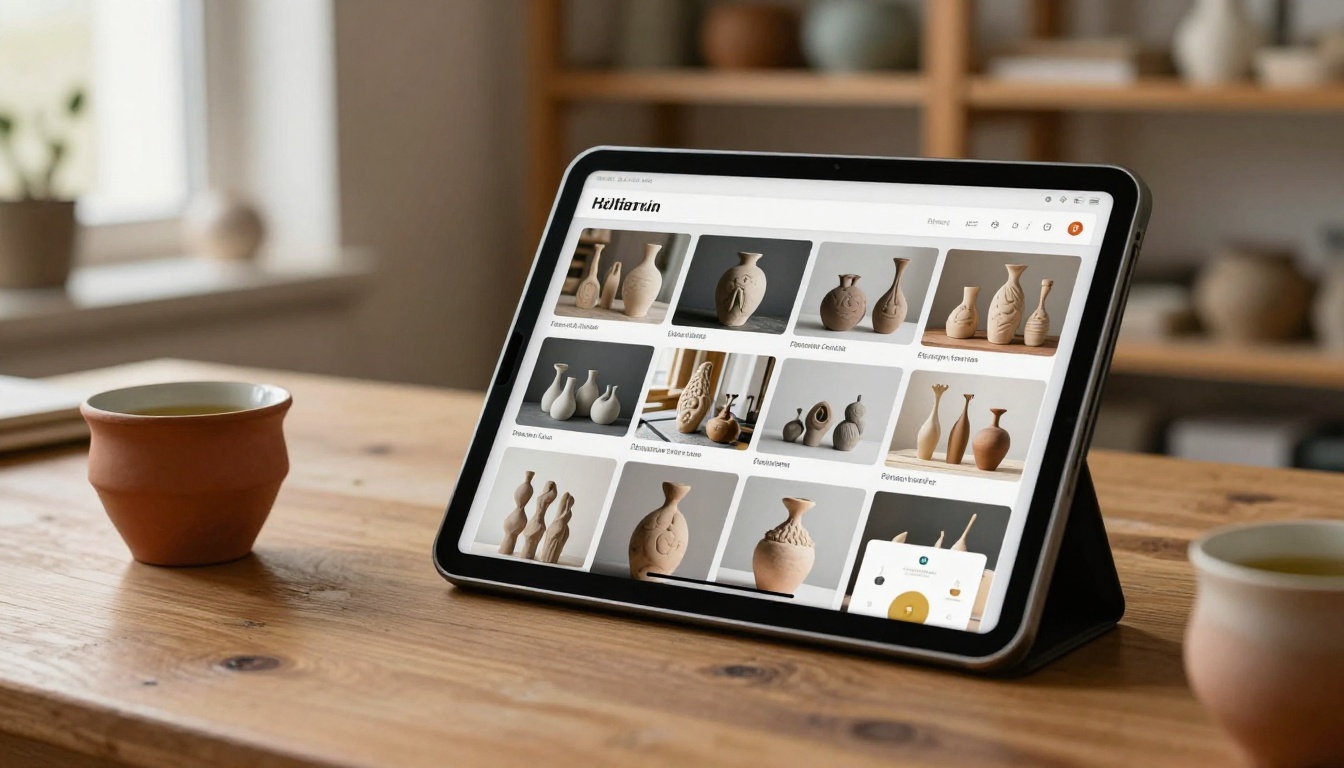
Your sculptures exist in physical space, but the conversations that lead to sales, exhibitions, and commissions increasingly happen in digital spaces first. A flipbook portfolio gives your 3D work a format that matches the seriousness of the craft itself.
Get started for free on Flipbooks AI and build your first sculpture portfolio flipbook today. The Portfolio Flipbook Builder and Digital Portfolio Creator tools are ready to use immediately after uploading your PDF.
If you work across multiple disciplines, browse all flipbook tools to find the right format for each body of work. When you're ready to add analytics and lead capture to your portfolio, compare pricing plans and choose the tier that fits your practice.
The physical work took months or years to make. The digital presentation should take a weekend. That's a reasonable investment for something that will represent your practice to every collector, curator, and institution that encounters your name.



