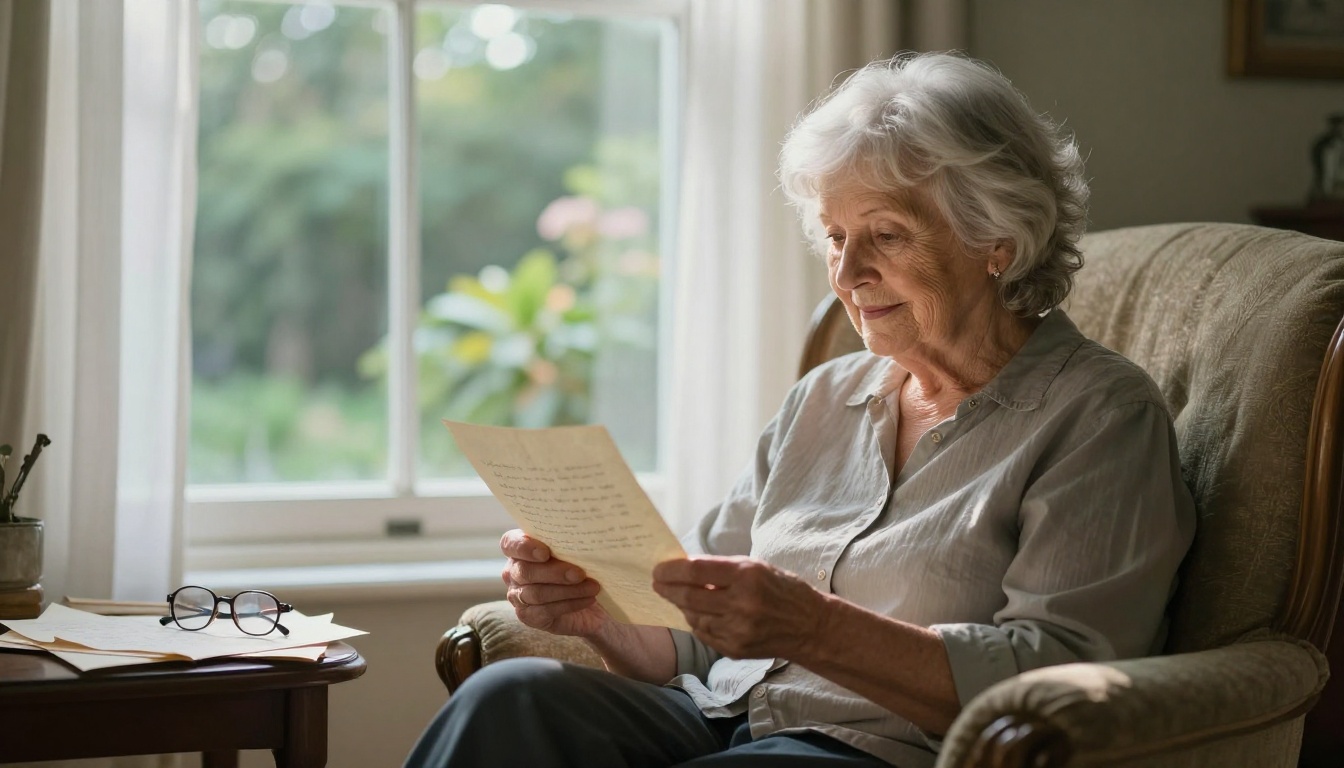
Old letters don't just hold words. They hold the exact pen pressure your grandfather used when he was nervous, the loops your grandmother drew at the end of her name when she was happy, the water-warped edges from a night someone cried over what they were reading. That is not something you want to lose to a cardboard box in a damp attic.
Making a flipbook from old letters is one of the most meaningful personal archive projects a family can undertake. It preserves the originals as shareable digital files you can browse and pass down without ever handling the fragile paper again. With Flipbooks AI, the whole process is now accessible to anyone, no technical background required.
This is the full walkthrough: from the moment you open that dusty shoebox to the moment you send a link to your cousin on the other side of the world.
Why Old Letters Are Worth More Than You Think
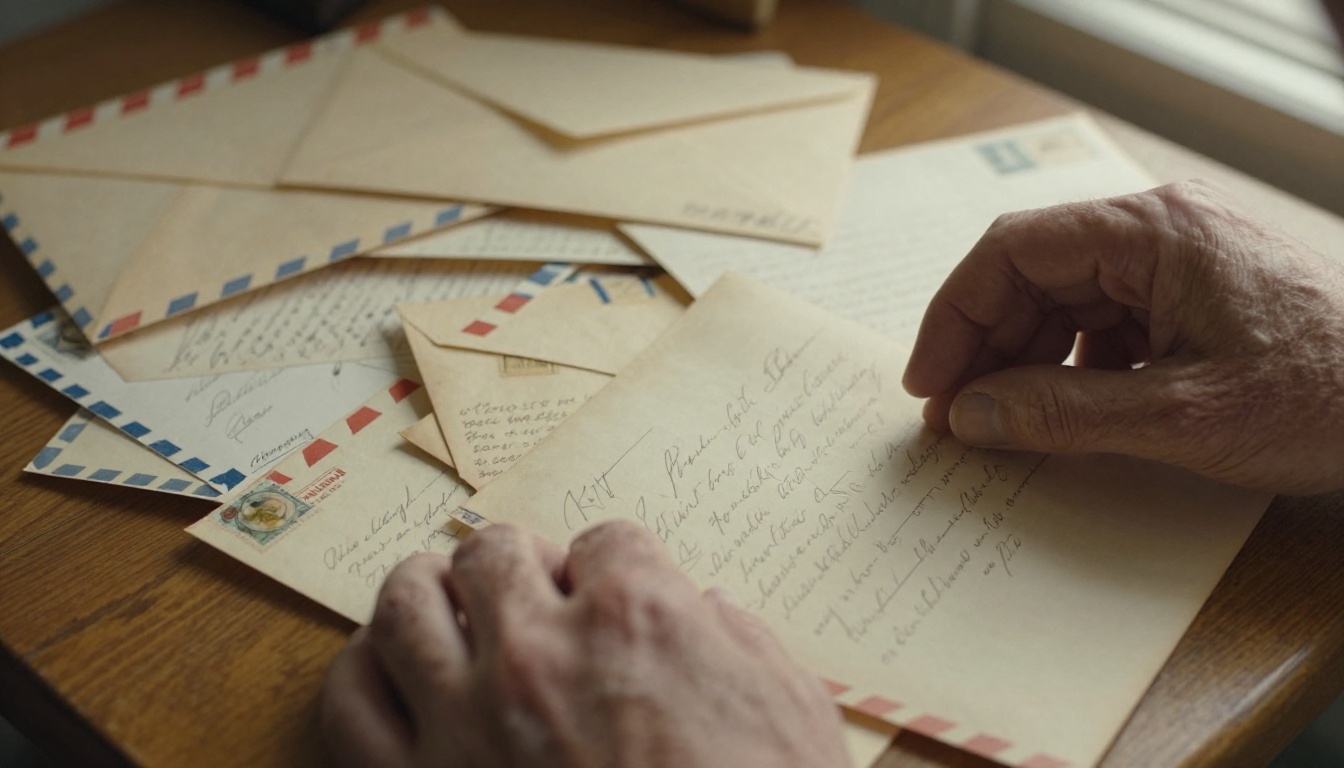
Most families have a collection somewhere. A rubber-banded bundle in a drawer. A hatbox full of airmail envelopes. A tin that hasn't been opened since someone died. Inside is a record of relationships that no photograph can replicate, because letters contain voice.
Photographs tell you what people looked like. Letters tell you what they were thinking at 2am on a Tuesday in 1962 when they couldn't sleep and had to say something to someone they missed.
That is irreplaceable, and it is also fragile. Paper yellows, ink fades, and humidity does slow, invisible damage over decades. Once a letter is gone, it is gone completely.
A flipbook archive solves this in a way a simple folder of scanned PDFs does not. A flipbook is browsable, shareable, and beautiful. It replicates the feeling of turning pages. It invites people to read rather than just archive. And critically, it keeps the family correspondence alive as something that gets revisited, not just stored.
What You Actually Need Before You Start
The physical and digital requirements for this project are minimal. You probably already have everything.
Physical tools:
- The letters themselves
- A clean, well-lit surface to work on
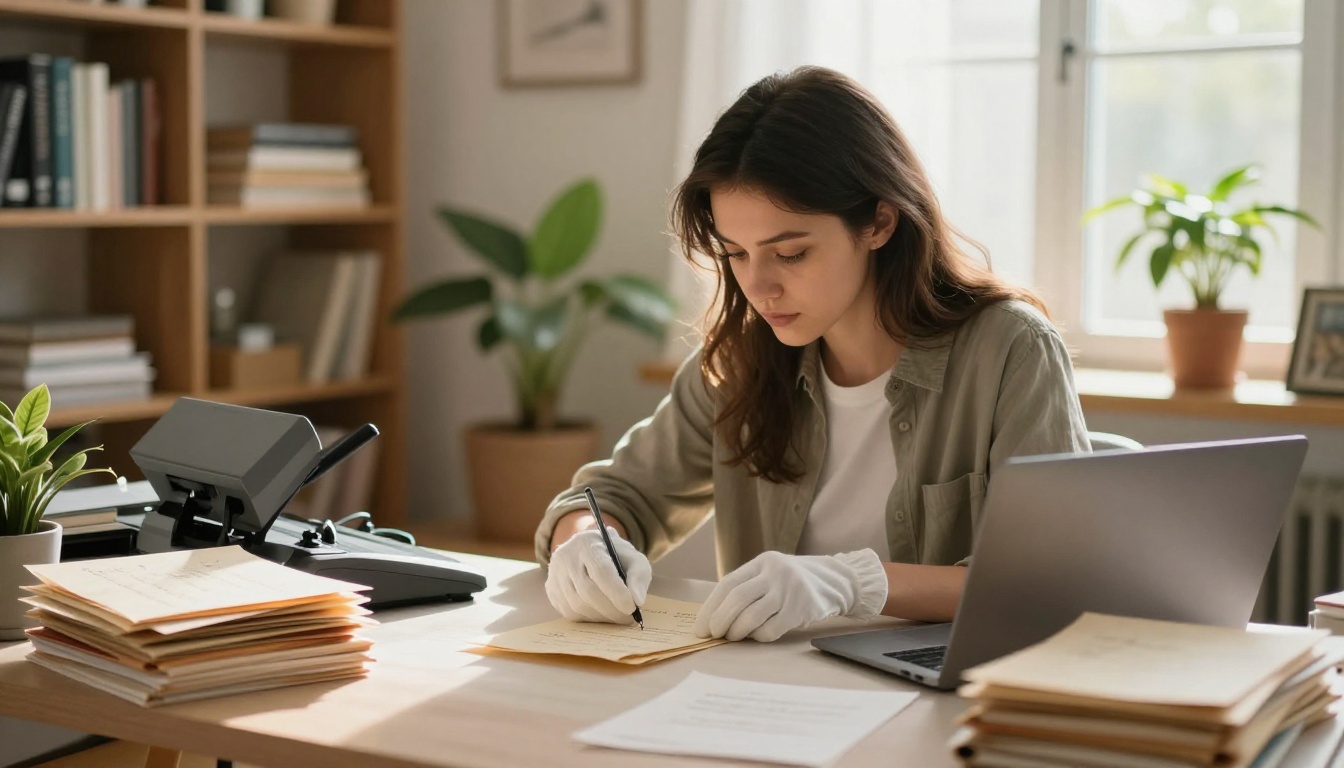
- Cotton gloves (optional but recommended for very fragile paper)
- Small sticky notes or paper clips for temporary labeling
- A flatbed scanner or a smartphone with a good camera
Digital tools:
- A PDF editor or free tool like Adobe Acrobat online, Smallpdf, or ILovePDF to combine scans
- A Flipbooks AI account (free to start)
💡 If the letters are very old or brittle, handle them as little as possible. Scan them in one session rather than sorting and re-sorting repeatedly. Every handling cycle increases the risk of tearing.
| Tool | Free Option | Best For |
|---|
| Flatbed Scanner | Yes (many libraries have them) | High-quality, flat letter preservation |
| Smartphone Camera | Yes | Quick capture, good enough for most letters |
| Adobe Acrobat Online | Free tier available | Combining scans into a single PDF |
| Smallpdf / ILovePDF | Free tier available | Merging and compressing PDF files |
| Flipbooks AI | Free account | Converting PDF to shareable flipbook |
Sorting and Organizing the Letters
Before anything gets scanned, the sorting phase matters more than most people expect. How you organize the letters now determines how the flipbook reads later.
Chronological vs. By Sender
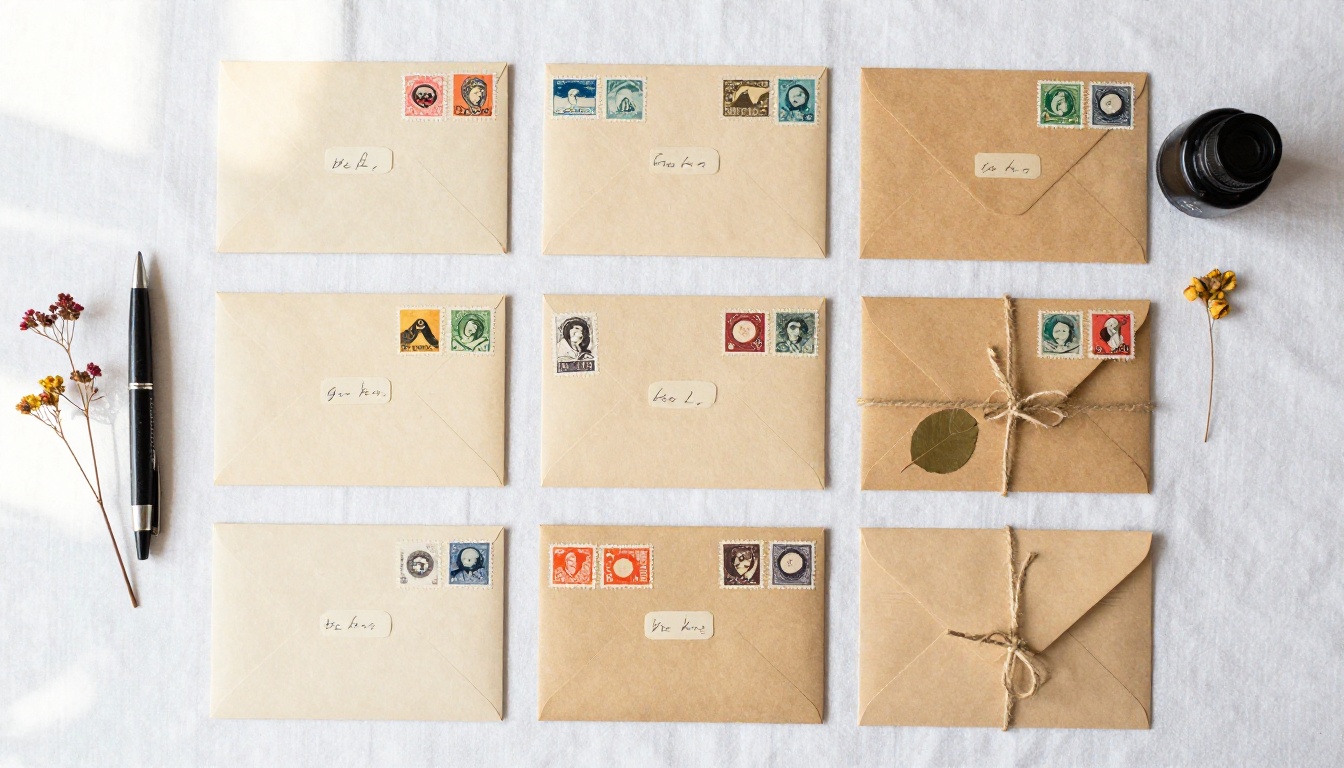
The two most common approaches are organizing by date or by correspondent. Each creates a very different reading experience.
Chronological order reads like a story. You follow the arc of a relationship or a period in time. This works best when the letters span a single era (wartime correspondence, for example) or when they involve the same two people writing back and forth.
By sender works better when the collection involves many different relatives or friends writing to a central person. It groups each voice together, which makes each section feel cohesive.
⚠️ Mixed collections (many senders across many decades) can become confusing if you don't choose a clear structure. Pick one and commit to it before you start scanning.
How to Handle Fragile Paper
Very old letters often have fold lines that are nearly tears. Open them slowly, supporting the paper from both sides rather than pulling from one corner. If a letter is too fragile to unfold safely, photograph it as-is and note it in your organization system.
Never use tape on original letters. If something is torn, scan it as found. You can add a caption in the flipbook itself explaining the damage.
Scanning Letters the Right Way
This is where the quality of your final flipbook is determined. A mediocre scan cannot be un-blurred later.
Scanner Settings That Matter
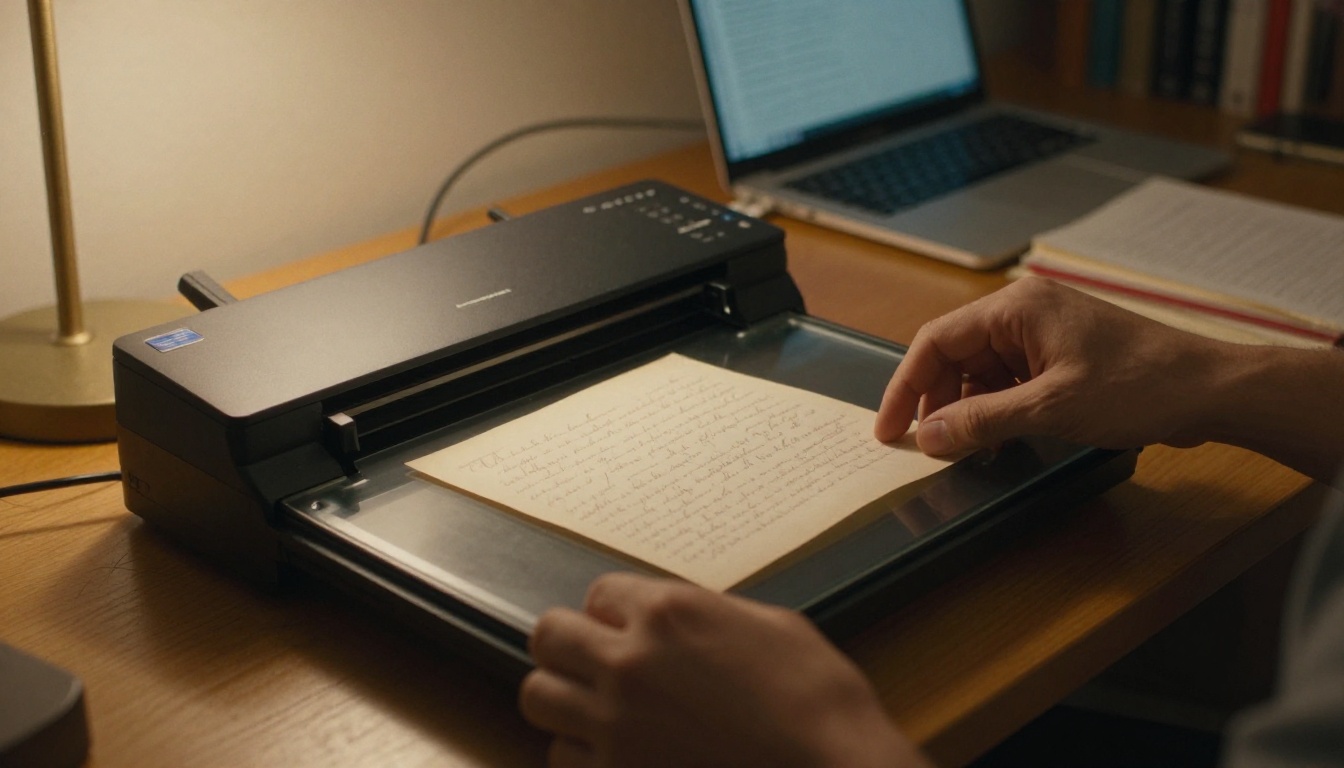
If you have access to a flatbed scanner (many public libraries offer free scanning), use these settings:
- Resolution: 300 DPI minimum. 600 DPI if the handwriting is small or the ink is very faded.
- Color mode: Color, not grayscale. Even if the letter looks black and white, color scanning preserves the subtle amber, cream, and sepia tones of aged paper.
- File format: TIFF for the master file, JPEG for a working copy.
- Bed placement: Place the letter face-down and as flat as possible. If the paper has a strong natural curl, lay a thin piece of glass over it.
Photographing Letters with a Phone
A modern smartphone camera at 12+ megapixels is genuinely good enough for personal family archives. The key is controlled lighting.
- Shoot outdoors in open shade, never in direct sunlight (which washes out detail)
- Or indoors by a large window with consistent light
- Hold the phone directly overhead, parallel to the paper (not at an angle)
- Turn off flash entirely
- Use the camera's native app, not a third-party filter app
💡 Apps like Microsoft Lens or Adobe Scan automatically flatten the perspective on photographed documents and export directly to PDF. They are free and take most of the manual work out of the process.
Preparing Your Files for a Flipbook
Once you have your scans, you need to turn them into a single, well-ordered PDF before uploading to a flipbook platform.
Naming and Ordering Your Scans
Rename every file before combining. File names like IMG_4821.jpg become impossible to sort once you have 60 of them. A simple naming convention like 1943_03_15_grandpa_to_grandma_p1.jpg keeps everything manageable.
If a single letter has multiple pages, number them as _p1, _p2, etc. Include both sides of an envelope if the postmark or stamps are significant.
Turning Scans into a PDF
Once your files are named and ordered, use any of these free tools to merge them into a single PDF:
- ILovePDF: Drag-and-drop merge, no account required
- Smallpdf: Similar interface, also free
- Adobe Acrobat Online: More features, requires a free account
- Google Drive: Upload images, select all, right-click, open with Google Docs, then export as PDF
✅ Keep the file size reasonable. For flipbooks with many pages, compress the PDF to under 50MB. Most tools have a compression option built in. Flipbooks AI handles large files well, but smaller files upload and render faster.
How to Build a Letter Flipbook with Flipbooks AI
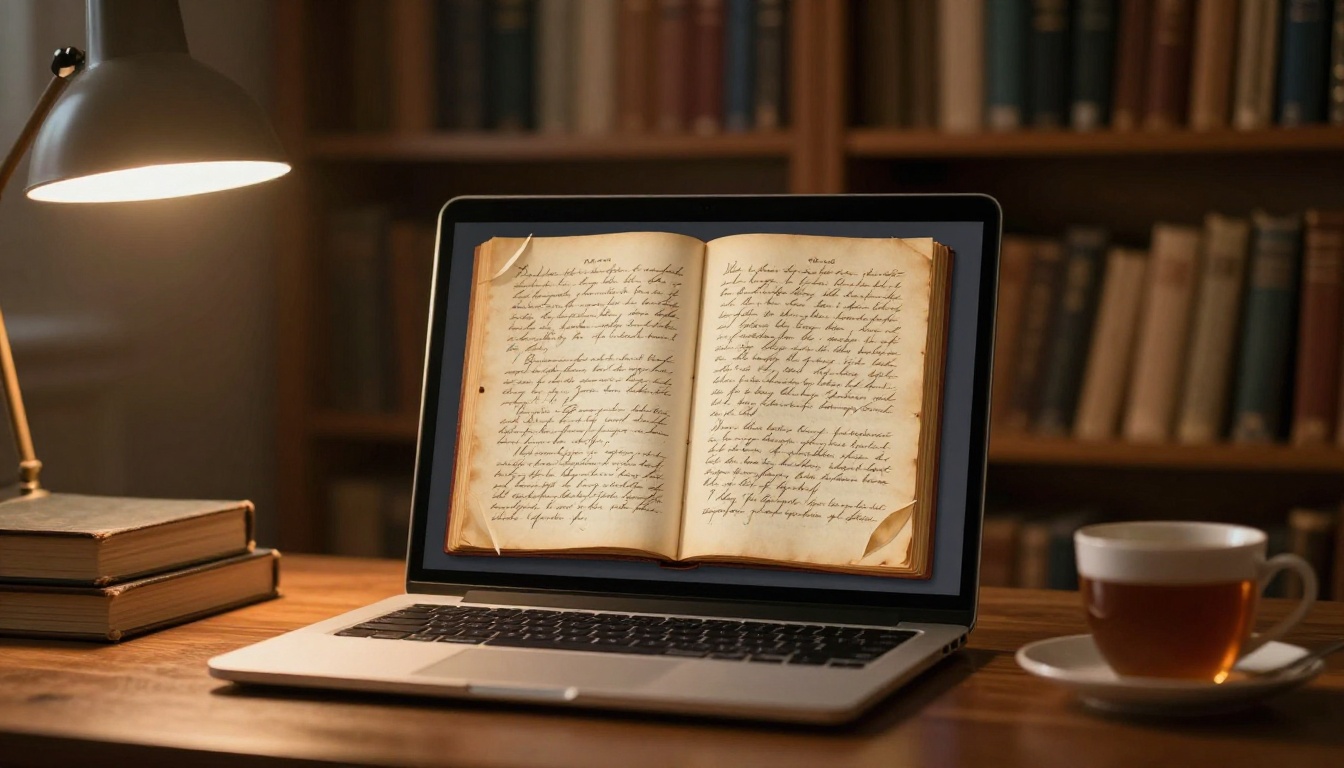
This is where the project goes from a folder of files to something beautiful. Flipbooks AI converts your PDF into an interactive page-turning flipbook that you can share with anyone via a link, embed on a family website, or protect with a password for private family use.
Step 1: Create Your Account
Go to flipbooksai.com/account and create a free account. No credit card required for the free tier. Once in, you'll see the dashboard with your flipbook library.
Step 2: Upload Your PDF
Click "New Flipbook" and upload your merged PDF. The conversion happens automatically. Depending on the size of your file, this usually takes between 30 seconds and a few minutes.
The platform will generate a preview immediately so you can see exactly how the pages render before committing to any settings.
Step 3: Customize the Look
This is where you make it feel like a proper family archive rather than a plain document viewer.
- Background color: Dark backgrounds (deep navy, warm charcoal) make yellowed paper look particularly dramatic and intentional. Cream or off-white backgrounds feel more natural and easy to read.
- Page flip animation: The classic page-turn effect is the right choice here. It reinforces the physical feeling of handling the actual letters.
- Cover design: You can set a custom cover image. Consider using a photograph of the letter collection itself.
- Title and branding: Add a family title like "The Morrison Letters, 1941-1967" so the flipbook immediately communicates what it is.
💡 The Wedding Album Flipbook tool gives you a sense of how Flipbooks AI handles personal, memory-focused content. The same sensitivity to presentation applies beautifully to family letter archives.
Step 4: Share with Your Family
Once you're happy with how it looks, Flipbooks AI gives you several sharing options that make this genuinely different from just emailing a PDF:
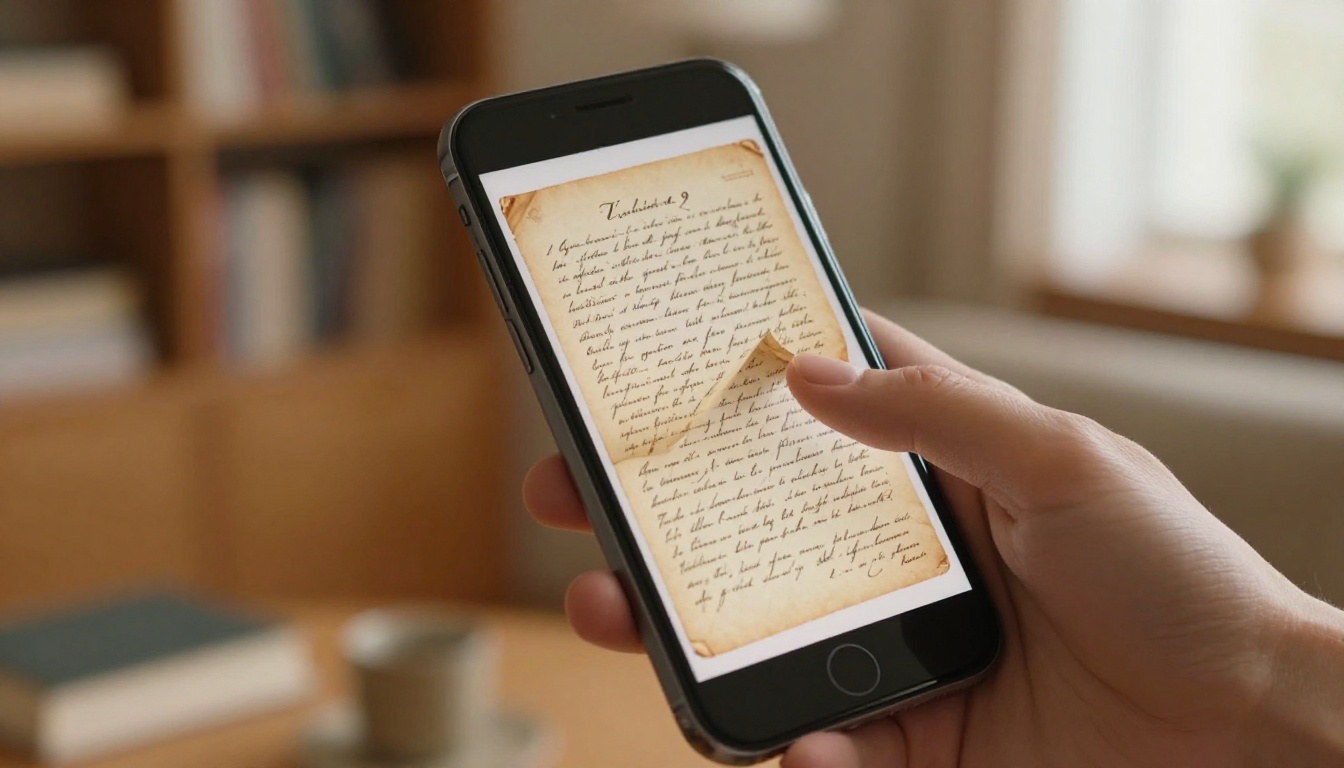
- Direct link: Share a URL that anyone can open in a browser, on any device, without downloading anything
- Password protection: If some letters are private, add a password so only intended recipients can view it
- Embed code: If your family has a website or blog, you can embed the flipbook directly onto a page
- Mobile-responsive: The flipbook works on phones and tablets without any special app
✅ Professional plan users get access to analytics so you can see who has opened the flipbook and how long they spent reading. Useful if you're sending it to many family members and want to know it's actually being engaged with. See pricing plans for details.
Flipbooks AI Plan Comparison for Personal Use
| Feature | Free | Standard | Professional |
|---|
| Number of Flipbooks | Limited | Unlimited | Unlimited |
| Watermarks | Yes | No | No |
| Password Protection | No | Yes | Yes |
| Custom Branding | No | Yes | Yes |
| Analytics | No | No | Yes |
| Lead Generation | No | No | Yes |
| Offline Downloads | No | Yes | Yes |
| Embed on Website | Yes | Yes | Yes |
For a single family archive project, the Standard plan gives you everything you need: no watermarks, password protection for private content, and unlimited flipbooks so you can create separate volumes for different decades or branches of the family.
Design Choices That Honor the Letters
The visual presentation of your flipbook communicates respect for the material. A few deliberate choices make a significant difference.
Typography That Feels Right
If you're adding any typed captions or introductory text pages to your flipbook (which is a good idea: context, dates, family relationships), choose serif fonts. Fonts like Georgia, Playfair Display, or Garamond echo the formality of the letter-writing era and feel appropriate next to handwritten content.
Avoid sans-serif tech fonts. They create a jarring visual contrast with the aged paper and ink.
Adding Context Pages
Consider adding a brief introductory page at the start of each section or chapter. This can explain:
- Who is writing to whom
- The historical context (wartime, immigration, long-distance relationship)
- Any names, places, or references that modern family members might not recognize
These context pages transform a raw scan archive into something that reads like a curated family history document, not just a folder of images.
Color Palettes for Aged Paper Content
If you're adding decorative elements or section dividers, these palettes work well with yellowed paper content:
- Warm ivory + deep navy
- Aged cream + forest green
- Sepia tones + dark burgundy
- Soft grey + black (most neutral, least distracting)
Avoid anything bright or saturated. The letters themselves should be the visual focus, not the design elements around them.
Sharing the Final Archive with Your Family
Once the flipbook is built, the sharing moment is its own small ceremony.
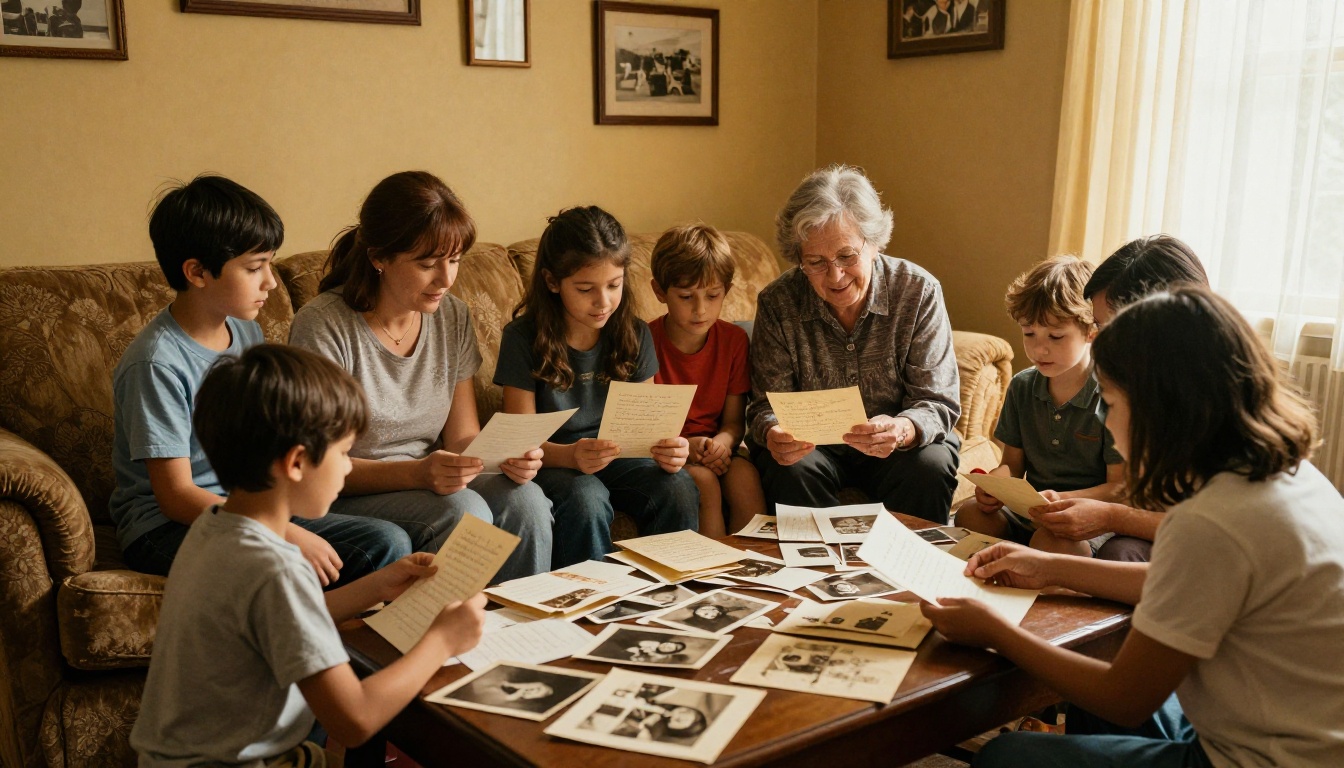
Consider sending it with a brief note that explains the project: where the letters came from, who helped sort them, and what you found most surprising or moving in the process. That framing gives recipients something to look for and makes the first opening feel like an event.
If the family is spread across multiple countries or time zones, the flipbook format works particularly well because everyone can access it simultaneously, in their own time, without coordinating a shared moment.
💡 For large families, create separate access links for different branches. Flipbooks AI lets you generate multiple sharing options from a single flipbook, which means grandchildren in Australia and cousins in Canada can each have their own entry point to the same archive.
What Happens to the Physical Letters After
This is a question most people don't think about until the scanning is done, and then it becomes urgent.
Option 1: Acid-free archival storage. The gold standard for physical preservation. Archival-quality boxes, folders, and sleeves are available from library supply companies. They are not expensive and they genuinely extend the life of paper by decades.
Option 2: Return to the family. If the letters were gathered from multiple family members, return the originals after digitizing. Some people feel strongly about keeping physical documents, and with the digital archive now safe, there's no need for anyone to give something up.
Option 3: Donate to a historical archive. If the letters have historical significance (immigration records, wartime correspondence, letters from or to notable people), contact your local historical society or university library. They often have formal donation and preservation programs.
⚠️ Never discard the originals immediately after scanning. Live with the digital version for a few months first. If something looks wrong in the scans, you want the originals to still be accessible.
Multiple Volumes for Large Collections
If your letter collection spans hundreds of letters across many decades, consider building it as multiple volumes rather than one enormous flipbook. Flipbooks AI on the Standard plan and above gives you unlimited flipbooks, so there's no reason to cram everything into a single document.
You might structure it as:
- Volume 1: Wartime Correspondence (1941-1945)
- Volume 2: Immigration Letters (1951-1960)
- Volume 3: Family Updates and Holiday Letters (1970-1990)
Each volume becomes its own self-contained story. It's easier to share specific volumes with people who have a personal connection to that era, and it keeps each flipbook to a manageable, readable length.
The Interactive E-Book Publisher tool is worth exploring if you want to add more structured chapter navigation to longer collections. And if you're building a dedicated family history project, browsing the full flipbook tools directory will give you a sense of what's possible beyond simple letter archives.
Old letters survive in shoeboxes through luck. A flipbook makes sure the next generation doesn't need luck. It puts those words into a format that is shareable and beautiful, one that actually gets opened and read rather than stored and forgotten.
If you have a collection sitting somewhere waiting for a project like this, now is a good time to start. Create your free account on Flipbooks AI and upload your first batch of scans today. The sorting and scanning take the most time, and once that's done, the flipbook itself comes together in an afternoon.
Browse all available tools and templates to find the right format for your project. Compare pricing plans to find the right tier for your needs. And if this is something your whole family wants to work on together, that's exactly the kind of project Flipbooks AI was built for.



