Most flipbooks get abandoned before the third page. Not because the content is bad, but because the creator made a series of small, fixable mistakes that killed the reading experience before it even started. Flipbooks AI has helped thousands of creators turn their PDFs into polished digital publications, and the pattern is always the same: the flipbooks that get read share a handful of deliberate design and structure choices that the ones collecting dust simply don't have.
This is what those choices look like.
Why Most Flipbooks Get Ignored
The First Page Problem
Your reader decides in under five seconds whether to keep going. If your opening page is a dense wall of text, a generic company logo, or a table of contents that goes nowhere, you've already lost them. The first page has one job: make the next page irresistible. That means a strong visual, a bold headline, and a single clear statement of what the reader gains by continuing.
What Readers Actually Want
People don't open flipbooks to read, they open them to scan and decide. They want to know:
- Is this worth my time?
- Can I find what I need without hunting?
- Does this look like it was made by someone who cares?
If your flipbook answers all three in the first few pages, you'll hold them. If it doesn't, the tab closes.
💡 Think of each page spread as a billboard. If someone can't understand the point in 3 seconds, it needs to be redesigned.

Start With a Structure That Works
The 3-Part Flipbook Formula
Every high-performing flipbook, whether it's a product catalog, an e-book, or a training manual, follows a version of this structure:
- Hook (Pages 1-3): Big visual, clear promise, zero fluff.
- Value delivery (Pages 4 to end-3): The meat. Well-paced, visually varied, scannable.
- Close (Last 3 pages): Strong CTA, contact info, or next steps. Not a wall of fine print.
This structure works because it matches how people actually read digital publications. They skim the front, dip into the middle if the front earned their trust, and look for an action step at the end.
Page Count Sweet Spot
There is no perfect number, but there is a danger zone. Flipbooks under 8 pages feel thin. Flipbooks over 40 pages need exceptional design to hold attention. For most use cases:
| Content Type | Ideal Page Range |
|---|
| Product catalog | 16-32 pages |
| Company brochure | 8-16 pages |
| Training manual | 20-40 pages |
| Portfolio | 12-24 pages |
| Restaurant menu | 8-20 pages |
| E-book / report | 16-48 pages |
⚠️ Don't pad pages to hit a number. Padding is immediately obvious to readers and destroys credibility fast.
Design Rules That Keep Readers Flipping
Typography That Doesn't Hurt
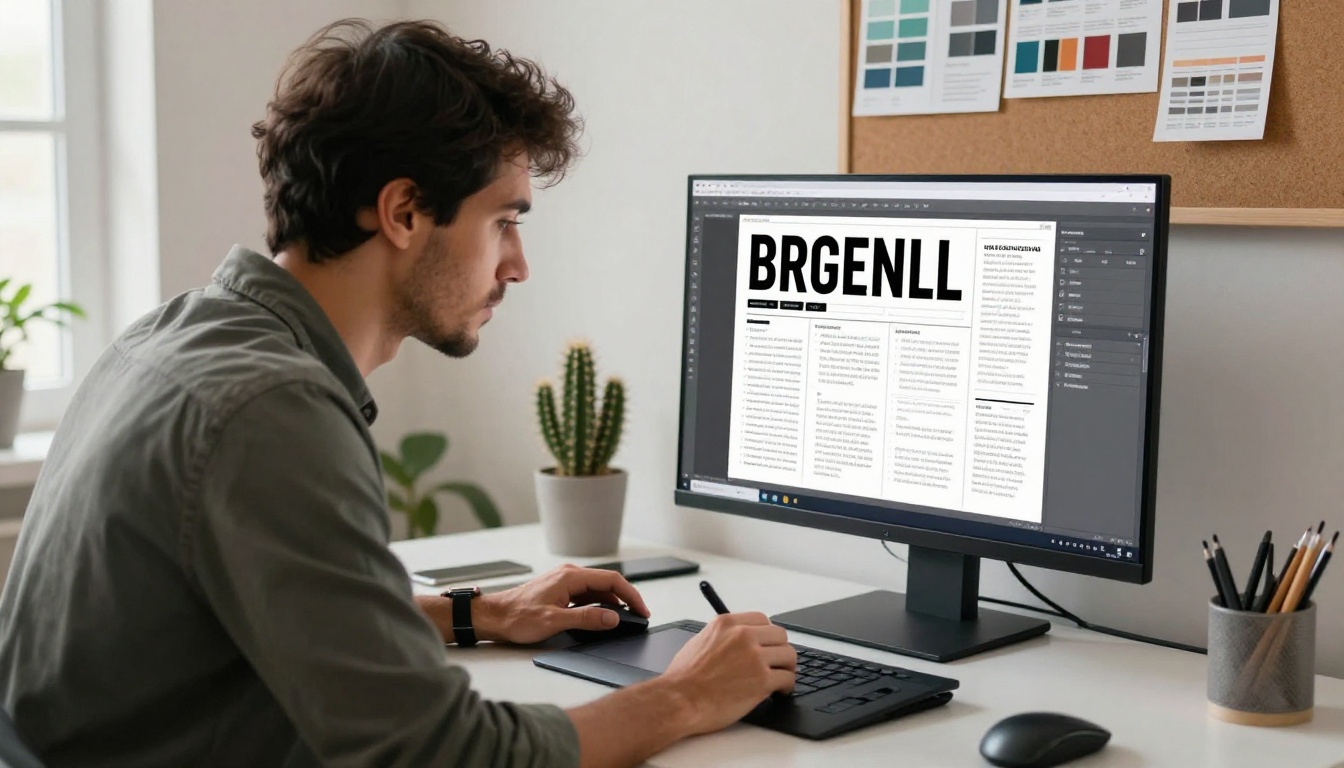
Bad typography is the number one silent killer of flipbook readership. It doesn't announce itself — readers just stop reading without knowing why. Here are the rules that actually matter:
- Body copy: No smaller than 10pt for print, 14px for digital. Anything smaller and mobile readers are out.
- Line length: Between 50-75 characters per line. Longer than that and the eye gets lost.
- Font pairings: One serif for headings, one sans-serif for body. Maximum two typefaces per publication.
- Contrast: Dark text on light backgrounds. Always. Reversed text in body copy is hard to read at any size.
Color and Contrast
Your color palette should never require explanation. If a reader can't understand why a section is a different color, it shouldn't be a different color. Use color to:
- Signal section changes
- Highlight calls to action
- Create visual breathing room
Avoid gradients, overly saturated backgrounds, and multi-color text. These patterns signal amateur design before the reader even processes the content.
White Space Is Your Friend
The single most underused tool in digital flipbook design is white space. Empty space isn't wasted space, it's rest for the eye. It makes the content that is there feel more valuable and easier to absorb.
✅ After you design a page, try removing 20% of the content. If the page still communicates the same idea, the removed content didn't need to be there.
Visuals That Do the Heavy Lifting
Image Placement and Flow
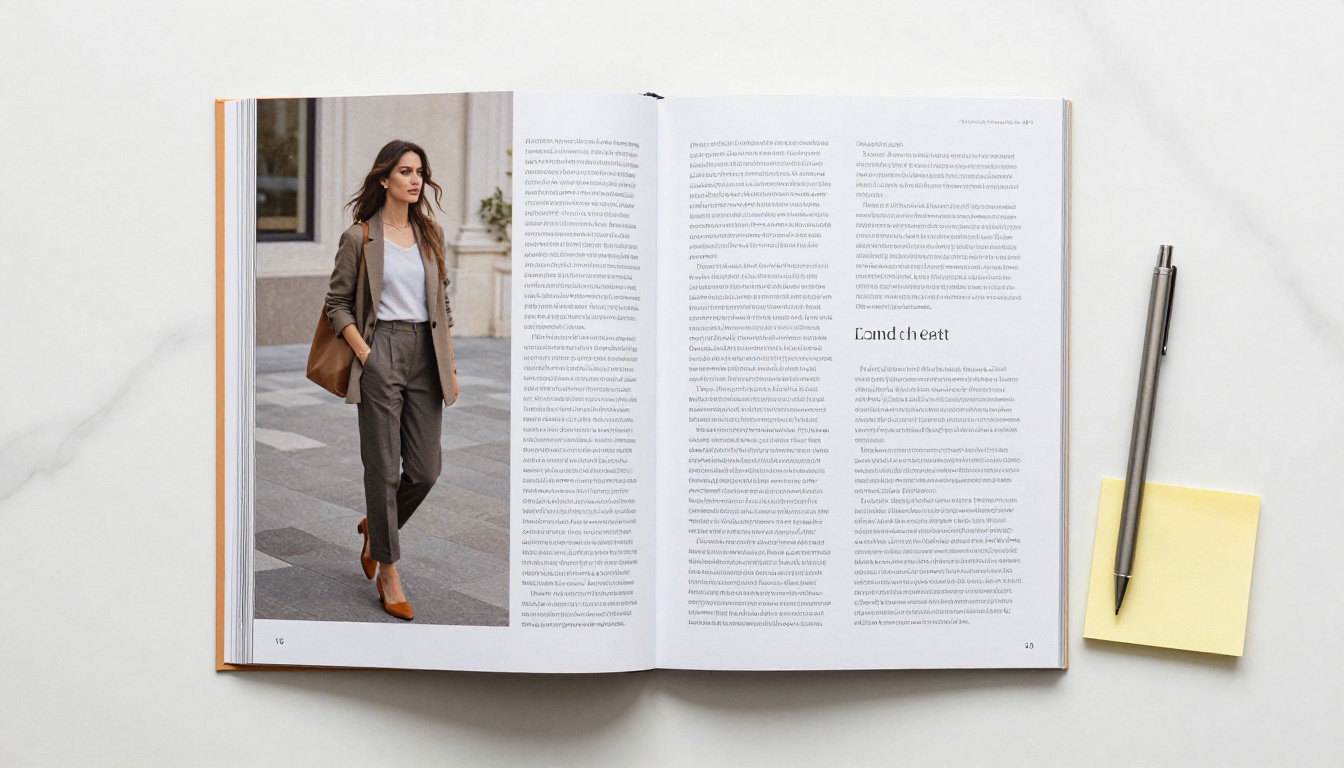
Images in a flipbook do more than decorate, they control the reader's eye movement across the spread. A well-placed image pulls the eye in from the outside of the page and leads it toward the text. A poorly placed image creates a dead end that stops reading cold.
Rules for image placement:
- Subjects should face inward, toward the gutter or toward your text
- Full-bleed images on one side of a spread create drama and signal importance
- Smaller inset images should appear on the same side as related text
- Avoid centering every image, it creates a static, lifeless layout
When to Use Charts and Tables
Data without visual structure is ignored. If your flipbook includes statistics, comparisons, or multi-variable information, present it in a table or chart. Always. Prose descriptions of data get skipped; a well-designed table gets screenshotted and shared.
💡 Tables are great for pricing, feature comparisons, and step breakdowns. Readers actively look for tables because they deliver information fast.
How to Build Your Flipbook With Flipbooks AI
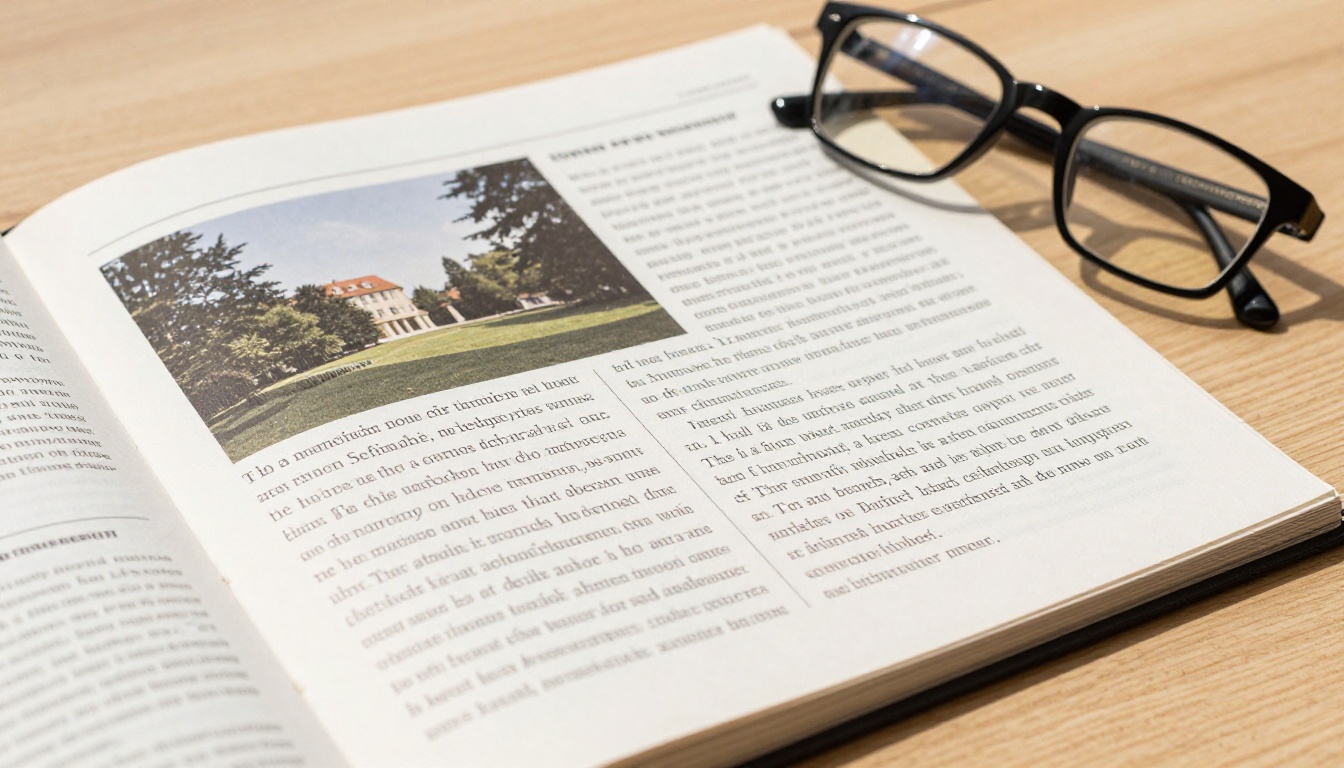
Flipbooks AI makes it possible to go from a PDF to a fully interactive, shareable flipbook in minutes, without any design software or technical setup. Here's exactly how to do it:
Step 1: Create Your Account
Go to flipbooksai.com/account and create a free account. You can start on the free plan and upgrade when you need advanced features like analytics or password protection.
Step 2: Upload Your PDF
Once logged in, click Create Flipbook and upload your PDF. The PDF to Flipbook Converter processes your file automatically, preserving all fonts, images, and layout elements. Conversion typically takes under 60 seconds for files up to 50MB.
✅ Before uploading, export your PDF at 150-300 DPI for optimal screen display. Lower resolution PDFs produce blurry flipbooks.
Step 3: Customize Branding and Appearance
After conversion, the customization panel lets you:
- Set a custom cover image for your flipbook thumbnail
- Apply your brand colors to the background and interface
- Choose a page-turning animation style (classic flip, slide, or instant)
- Add a logo that appears in the viewer header
- Enable or disable the table of contents sidebar
Step 4: Add Interactive Elements
This is where flipbooks go from static PDFs to actual interactive experiences:
- Embed videos directly on pages, great for product demos, tutorials, or testimonials
- Add audio narration to any page for training materials or guided tours
- Insert hyperlinks on any element, opening external URLs or jumping to specific pages
- Enable lead capture forms (Professional plan) to collect reader information before they access content
Step 5: Share or Embed
When your flipbook is ready, you have four sharing options:
| Method | Best For |
|---|
| Direct link | Email campaigns, social media, chat |
| Embed code | Website pages, landing pages, blogs |
| Password protection | Internal docs, private client materials |
| Offline download | Sales teams, trade shows, areas with no internet |
Use the Embed Flipbook on Website tool to drop your flipbook into any page in seconds.
Step 6: Track Performance
On the Professional plan, the built-in analytics dashboard shows you:
- Total views and unique readers
- Average read time per session
- Page-by-page drop-off data
- Lead capture conversions
This data is what separates guessing from knowing. If page 7 is where 60% of readers stop, you now have a specific problem to fix. Explore pricing plans to see which tier fits your workflow.

Content Types That Actually Perform
Product Catalogs That Convert
A product catalog flipbook lives or dies by its product photography. Every page spread should follow the same formula: large product image + key specs + price + clear ordering information. No exceptions.
Real estate professionals using the Real Estate Brochure Creator follow this pattern instinctively, one property per spread, large hero shot, key details in a clean grid. The result is a flipbook that buyers actually browse rather than skim once and close. For product catalogs, the Digital Catalog Maker and Catalog Flipbook Creator give you a structured starting point.
Training Materials People Finish
Training flipbooks fail when they look like converted PowerPoint decks. High-performing training materials share these traits:
- Short sections: Each spread covers exactly one concept
- Visual confirmation: Every concept is illustrated, not just described
- Progress cues: Page numbers prominently displayed so learners know where they are
- Action items: Give readers something to do on each spread
The Training Manual Flipbook and Course Material Publisher tools are built specifically for this format.
Portfolios That Get Callbacks
Creative professionals often make the mistake of including too much. Forty projects is not more impressive than twelve great ones — it's just harder to get through. A portfolio flipbook that gets callbacks has:
- A strong personal statement spread on pages 1-2
- 6-15 projects maximum, each with a brief context statement
- Process documentation: Show the thinking, not just the final output
- A clear contact page as the last spread with one prominent CTA
The Digital Portfolio Creator and Photography Portfolio tools are excellent starting points for both formats.

Flipbooks AI Plan Comparison
Choosing the right plan depends on what you need to do with your flipbook after publishing. Here's a clear breakdown:
| Feature | Free | Standard | Professional |
|---|
| Flipbooks created | Limited | Unlimited | Unlimited |
| Watermark | Yes | No | No |
| Custom branding | No | Yes | Yes |
| Password protection | No | Yes | Yes |
| Embed on website | Yes | Yes | Yes |
| Analytics | No | No | Yes |
| Lead capture | No | No | Yes |
| Offline downloads | No | Yes | Yes |
| Video embedding | No | Yes | Yes |
For most small businesses and freelancers, the Standard plan offers everything needed to create professional, branded flipbooks without watermarks. The Professional plan becomes worth it the moment you need to know who is reading and how far they're getting.
💡 If you're using a flipbook as part of a sales process, the analytics and lead capture features on the Professional plan will pay for themselves within weeks.

Real-World Scenarios Worth Studying
Restaurant with a digital menu: A mid-size restaurant chain converted their seasonal PDF menu into a flipbook using the Restaurant Menu Creator. They embedded it on their homepage and linked it in every reservation confirmation email. Guests arrived knowing what they wanted to order, reducing table time and improving satisfaction scores across the board.
HR team with onboarding docs: A growing startup replaced their 40-page onboarding PDF with a structured flipbook built with the Training Manual Flipbook tool. They added embedded video walkthroughs on key process pages. New hire completion rates improved significantly compared to the static PDF version.
Freelance photographer's portfolio: Using the Photography Portfolio tool, a photographer trimmed their portfolio from 60 images to 18 strong ones across 12 spreads. Client response rates improved because the portfolio was faster to load, easier to share, and told a more coherent visual story.

The Final Read Check
Before you publish any flipbook, run through this checklist:
A flipbook that passes this checklist will perform. Not because of any magic formula, but because it was built with the reader's experience as the primary design constraint, not the creator's messaging hierarchy or internal priorities.
The tools exist to make excellent flipbooks quickly. Flipbooks AI handles the technical side: the page-turn physics, the mobile responsiveness, the embed codes. What you bring is the judgment to know what belongs on each page and what doesn't.
That's the part no platform can do for you. But it's also the only part that actually matters.
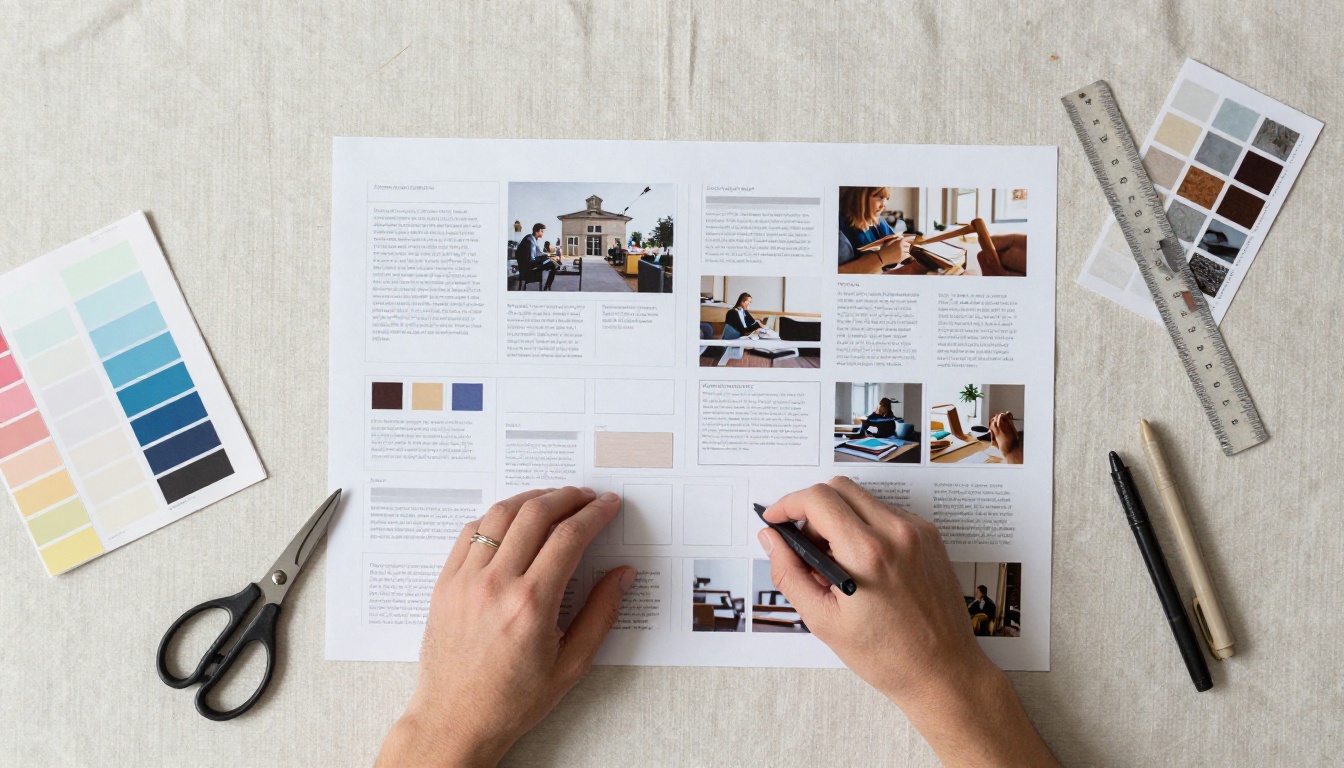
Ready to build something worth reading? Start for free on Flipbooks AI and see how quickly a well-structured flipbook comes together. Browse all tools to find the right template for your content type. When you're ready for analytics and lead capture, compare plans here.



