Fundraising brochures have one job: convince someone to give. But if your brochure is a static PDF attachment buried in an email, most donors never open it, and fewer still read past the first paragraph. The good news is that turning your charity brochure into an interactive, page-flipping digital experience takes less than 10 minutes with Flipbooks AI, and the difference in donor engagement is immediate. This article walks through everything you need to make a fundraising brochure with flipbooks, from layout decisions that spark generosity to distribution tactics that get your materials in front of more supporters without printing a single page.
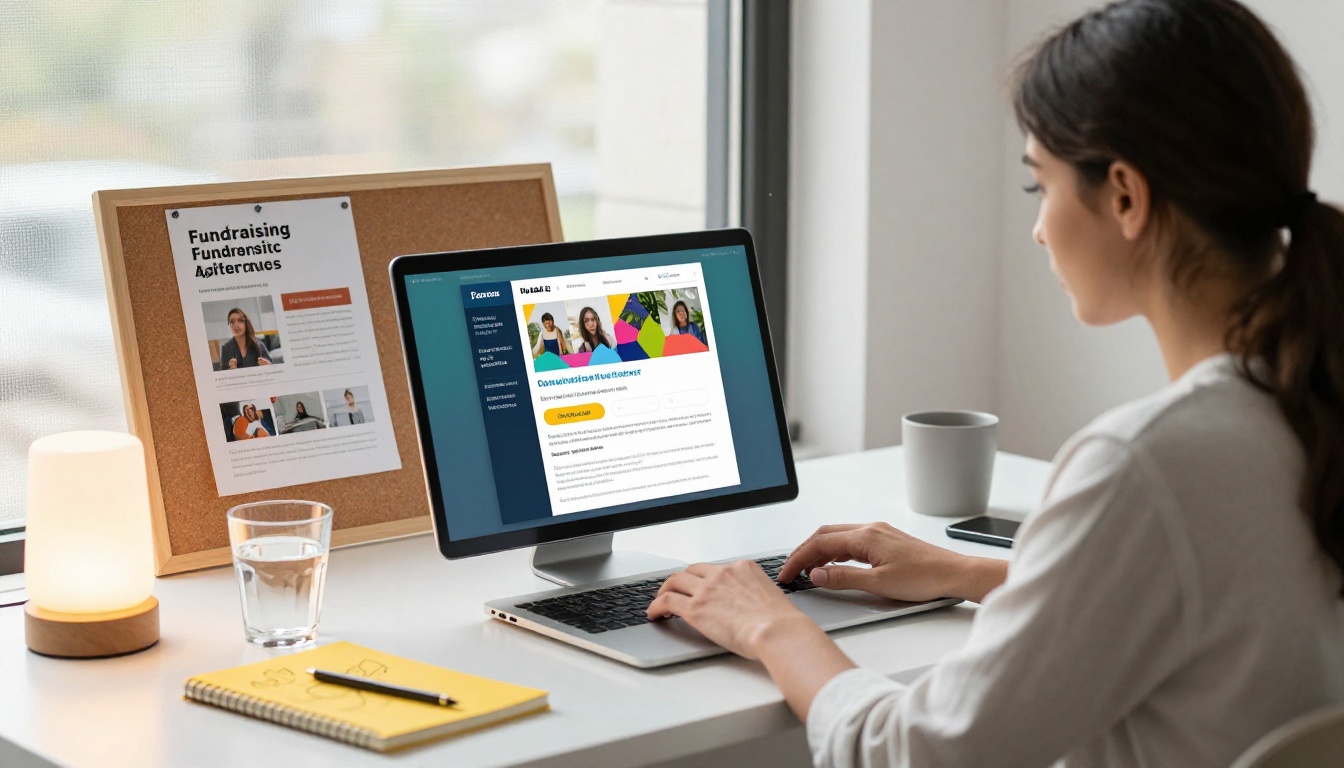
Why Static PDFs Are Killing Your Donations
Most nonprofits still email PDFs. Donors download them, maybe. Open them, sometimes. Read them through to the donation page, rarely. The format itself is working against you.
The Attention Problem
A flat PDF on a screen feels like homework. There is no interaction, no momentum, nothing that signals "this is worth your time." When donors encounter a static document, they scroll to the bottom to see how long it is, decide it is too long, and move on. Your carefully written mission statement and impact numbers never get seen.
Digital fundraising brochures in flipbook format solve this by adding the physical satisfaction of turning pages. The animated page-flip creates a subconscious sense of progress. Donors feel like they are actually reading something, because they are, one page at a time, at their own pace.
What Donors Actually Want
Donor attention is short, but donor curiosity is real. People who open a fundraising brochure genuinely want to know three things: What does this organization do? Does it actually work? What happens if I give money?
The format of your brochure either answers those questions fast, or loses them. A flipbook format, with its distinct pages and natural pauses, forces good information architecture. Each page spread has to earn the next flip.
💡 Interactive content consistently receives two times more attention than static content. A page-flipping brochure is not just prettier; it is structurally better at holding attention.
What Makes a Fundraising Brochure Actually Work
Before you open any design tool or upload any PDF, the content structure of your brochure determines everything else. Good design cannot save a brochure with weak content, but strong content in a clear structure can do a lot even with modest design.
The 3 Sections Every Brochure Needs
1. The Problem Page
Open with the problem your organization exists to solve. Not your history, not your award list, not your board members. The problem. Make it specific, real, and brief. One statistic, one human detail, one sentence that makes the donor feel something.
2. The Impact Section
Show what you have already done with donor money. Numbers work here: families housed, meals served, acres protected, students graduated. Pair each number with a single photograph or quote from a real beneficiary. This section builds the trust that converts readers into donors.
3. The Ask
Make it simple, specific, and tiered. A donation table showing what different amounts accomplish ($25 feeds a family for a week, $100 sponsors a child for a month) dramatically outperforms a generic "donate now" message. Give donors a clear, frictionless path to act.
Design Choices That Drive Donations
| Element | What Works | What Hurts |
|---|
| Photography | Real beneficiaries, candid moments | Stock photos, posed groups |
| Color palette | 2-3 colors max, high contrast CTAs | Rainbow schemes, low contrast text |
| Typography | One serif headline font, one clean body font | Three or more font families |
| White space | Generous margins, breathing room | Dense text blocks |
| Headlines | Short, emotional, specific | Long, formal, vague |
⚠️ Never use a PDF scan of a printed brochure for your digital version. Scanned PDFs render poorly in flipbook format and signal low production quality to donors.
How to Make a Fundraising Brochure with Flipbooks
This is where Flipbooks AI earns its place in your nonprofit toolkit. The platform converts your PDF into a polished, interactive digital brochure with page-turning animations, custom branding, and sharing options built in. Here is the full process.

Step 1: Build Your PDF First
Flipbooks AI converts PDFs into flipbooks, so start with a clean, print-quality PDF. Use Canva, Adobe InDesign, or Google Slides to lay out your brochure. Standard sizes work well: 8.5x11 inches for a letter-format brochure, or A4 for international use.
Design tips for PDF-to-flipbook conversion:
- Use RGB color mode, not CMYK (screens, not printers)
- Keep margins at least 0.25 inches on all sides
- Embed all fonts before exporting
- Export at 150-300 DPI for crisp screen rendering
- Use 2-page spreads if your brochure has a center layout
Step 2: Upload to Flipbooks AI
Go to Flipbooks AI and create your free account. Once inside, use the Brochure Flipbook Maker or the Online Brochure Designer to start your project.
- Click "New Flipbook" from your dashboard
- Drag and drop your PDF into the upload zone
- Wait for conversion (typically under 60 seconds for a 12-page brochure)
- Preview the flipbook in the built-in viewer
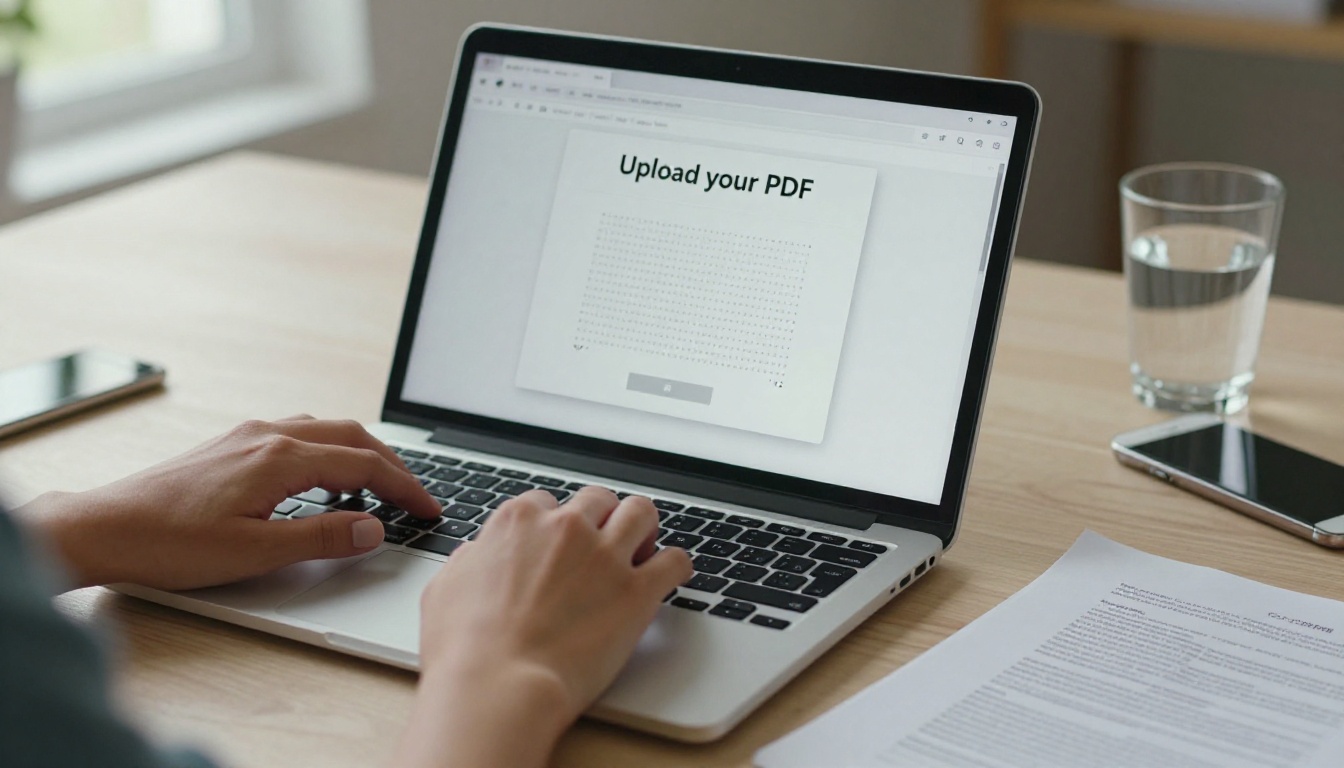
✅ Flipbooks AI supports PDFs of any length and preserves all links, fonts, and layout elements from your original document. No formatting breaks.
Step 3: Customize Your Branding
Once converted, use the customization panel to align the flipbook with your organization's visual identity:
- Brand colors: Set your primary and accent colors for the flipbook interface, page borders, and controls
- Logo placement: Upload your nonprofit's logo to appear on the flipbook cover and viewer toolbar
- Custom domain: Point your flipbook to a branded URL (e.g., yourcharity.org/brochure)
- Background color or texture: Choose from solid colors or subtle textures to frame the pages
This matters more than it sounds. A flipbook that opens with your logo and your brand colors immediately communicates that this is an official, professional document from a real organization, not something assembled in five minutes.
Step 4: Add Multimedia Elements
This is where a digital fundraising brochure does something a printed one physically cannot. Flipbooks AI lets you embed videos directly into your brochure pages.
- Embed a short impact video on your first spread to replace the "about us" wall of text
- Add a looping testimonial clip from a beneficiary on the impact section pages
- Include a link directly to your donation page within the brochure itself
- Add audio narration for accessibility or for donor events where silent browsing is common
💡 Flipbooks with embedded video retain reader attention significantly longer than static flipbooks. If you have even a 60-second impact video, embed it on your most important page.
Step 5: Set Sharing and Privacy Options
Your flipbook is live. Now decide how it reaches donors.
- Public link: A direct URL you can share in emails, social posts, SMS campaigns, and on your website
- Embed code: Drop your flipbook directly into your donation landing page or nonprofit website using the Embed Flipbook on Website tool
- Password protection: Lock the flipbook for major donor preview events, board meetings, or grant applications where you want to control who sees the content
- QR code: Generate a QR code for print inserts, event signage, or direct mail pieces that bridges physical and digital outreach

Flipbooks vs. Static PDF Brochures
It is worth being direct about the actual differences between sending a PDF and sending a flipbook. The gap is larger than most nonprofits realize.
| Feature | PDF Brochure | Flipbook Brochure |
|---|
| Page-turning animation | No | Yes |
| Embedded video | No | Yes |
| Mobile responsive | Partial | Yes, fully |
| Read analytics | No | Yes (Professional plan) |
| Password protection | Requires separate tool | Built in |
| Shareable link | Requires hosting | Instant |
| Offline access | Download only | Yes, with download option |
| Custom branding | Varies by software | Yes, full control |
| Lead capture forms | No | Yes (Professional plan) |
| Embed on website | Requires PDF viewer plugin | One-click embed code |
The analytics column alone can change how you run fundraising campaigns. With the Professional plan on Flipbooks AI, you can see which pages donors spend the most time on, which links they click, and how far through the brochure they typically read before dropping off. That data tells you exactly where your content is losing people.
Choosing the Right Plan for Your Nonprofit
Flipbooks AI offers tiered plans that fit organizations at different stages. Here is a practical breakdown for nonprofits:
| Plan | Best For | Key Features |
|---|
| Free | Testing the platform, small one-time campaigns | Basic flipbook conversion, limited number of flipbooks |
| Standard | Active nonprofits with regular campaigns | Unlimited flipbooks, no watermarks, custom branding, password protection |
| Professional | Large nonprofits, major donor programs | Analytics, lead generation, offline downloads, advanced sharing |
✅ No plan on Standard and above includes watermarks. Your flipbook looks fully professional from day one.
For most active nonprofits running two or more campaigns per year, the Standard plan delivers everything needed. Organizations managing major donor programs or producing grantor-facing materials should consider Professional for the analytics and lead capture features. Compare all plans to find the right fit.
Real Nonprofit Use Cases
Different types of fundraising campaigns call for different brochure approaches. Here is how various organizations use flipbooks in practice.
Annual Giving Campaigns: Schools and community organizations convert their annual fund brochure into a flipbook and embed it in the fundraising email. Donors can read through the impact report, review donation tiers, and click through to the donation page all without leaving the flipbook.
Gala and Event Fundraising: Event organizers replace printed programs with digital flipbooks for fundraising galas. The flipbook is something guests can save, share, and reference after the event. The Event Program Maker makes this setup fast.
Grant Applications: Foundations increasingly accept or prefer digital supplementary materials. A flipbook brochure linked within a grant narrative communicates professionalism and makes it easy for program officers to review your organization's work.
Major Donor Outreach: Development officers use password-protected flipbooks as personalized proposals for major donors. The flipbook contains the organization's case statement, impact data, and a specific tailored ask, delivered as a polished document the donor can revisit at any time.
Corporate Partnership Decks: Nonprofits seeking corporate sponsors convert their sponsorship prospectus into a flipbook. Corporate giving officers expect professional materials, and a page-flipping digital brochure signals that your organization takes presentation seriously.
💡 Nonprofits using the Non-Profit Annual Report tool can turn their annual report into a dual-purpose document: a compliance filing for regulators and a fundraising asset for donors, all in one flipbook.
Tips to Make Donors Stop and Read
Generating a polished flipbook is only half the work. Getting donors to open it and read through to the donation ask requires smart distribution and intentional copy.
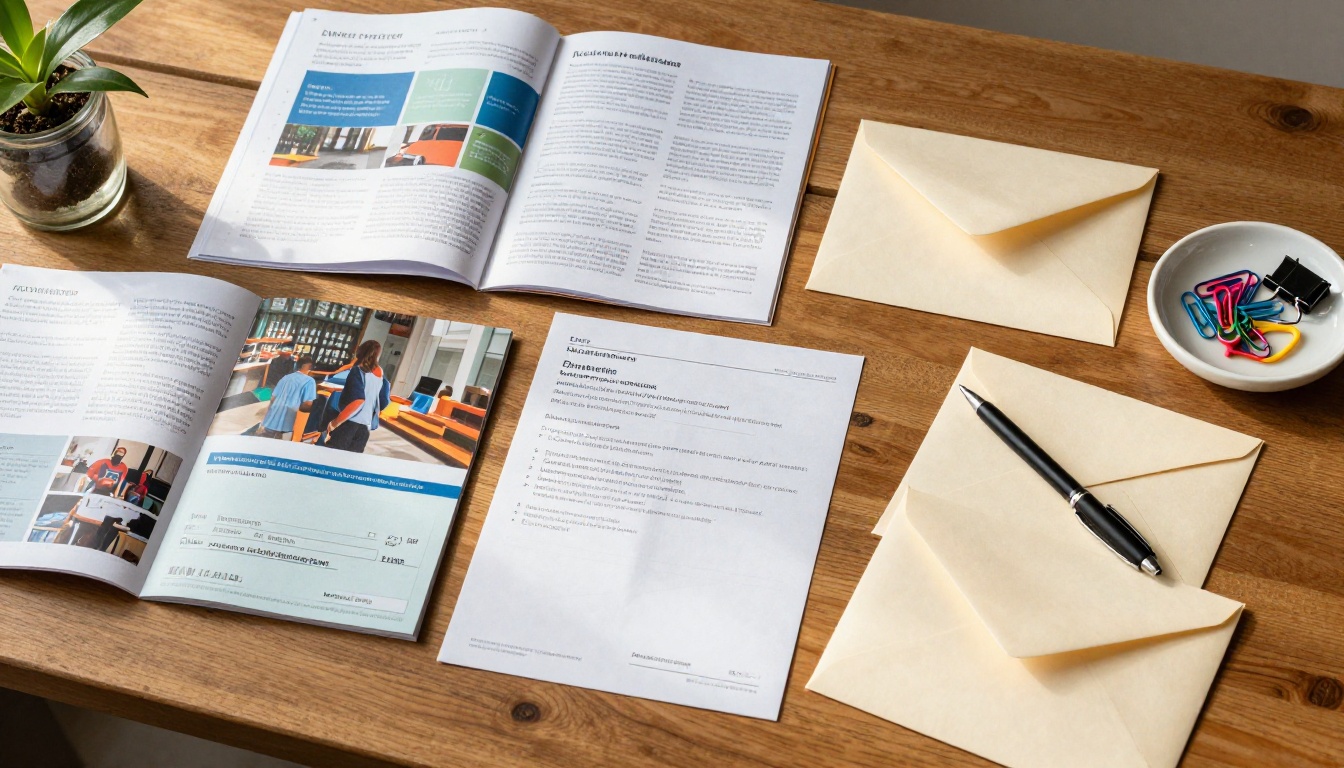
Lead with the story, not the stats. The first page of your brochure should introduce one person, one moment, one specific detail that pulls a donor into your mission. Statistics belong on page three, after the reader already cares.
Use your subject line to sell the click. If you're sending your flipbook by email, your open rate determines everything. Subject lines like "See what $50 did last year" or "Maria's story, two pages" outperform "Our Annual Fundraising Brochure 2024."
Share on the platforms where your donors already are. LinkedIn for corporate and major donors. Facebook and Instagram for community campaigns. Text message for recurring donors who already know you. A direct flipbook link works better than an attachment in any of these contexts.
Test your CTA placement. With Flipbooks AI analytics, you can see where donors drop off. If most readers leave on page four and your donation ask is on page six, move it earlier. Data, not guesswork.
Prioritize mobile. More than 60% of nonprofit email is opened on mobile devices. Flipbooks AI brochures are fully mobile responsive, meaning donors browsing on their phone get the same experience as desktop readers. A PDF opened on mobile is often unreadable. A flipbook is not.
Common Mistakes to Avoid
Nonprofits new to digital brochures make a handful of predictable mistakes. Knowing them ahead of time saves both time and donor goodwill.
| Mistake | Why It Costs You | The Fix |
|---|
| Uploading a low-resolution PDF | Pages look blurry on retina displays | Export at minimum 150 DPI |
| No donation link inside the brochure | Donors have to go find the donation page themselves | Embed your donation URL on at least two pages |
| Brochure is too long | Donors flip through quickly and lose the thread | Cap it at 8-12 pages for most campaigns |
| No strong cover page | First impression is weak, low open rate | Design a bold cover with your mission in one sentence |
| Sending the link without context | Donors do not know why they should open it | Always include a 1-2 sentence teaser in your email or post |
⚠️ Avoid updating a live flipbook link mid-campaign. If donors have already shared your brochure link, changing the underlying content creates confusion. Create a new version instead and communicate the update clearly to your audience.
Start Your First Fundraising Flipbook
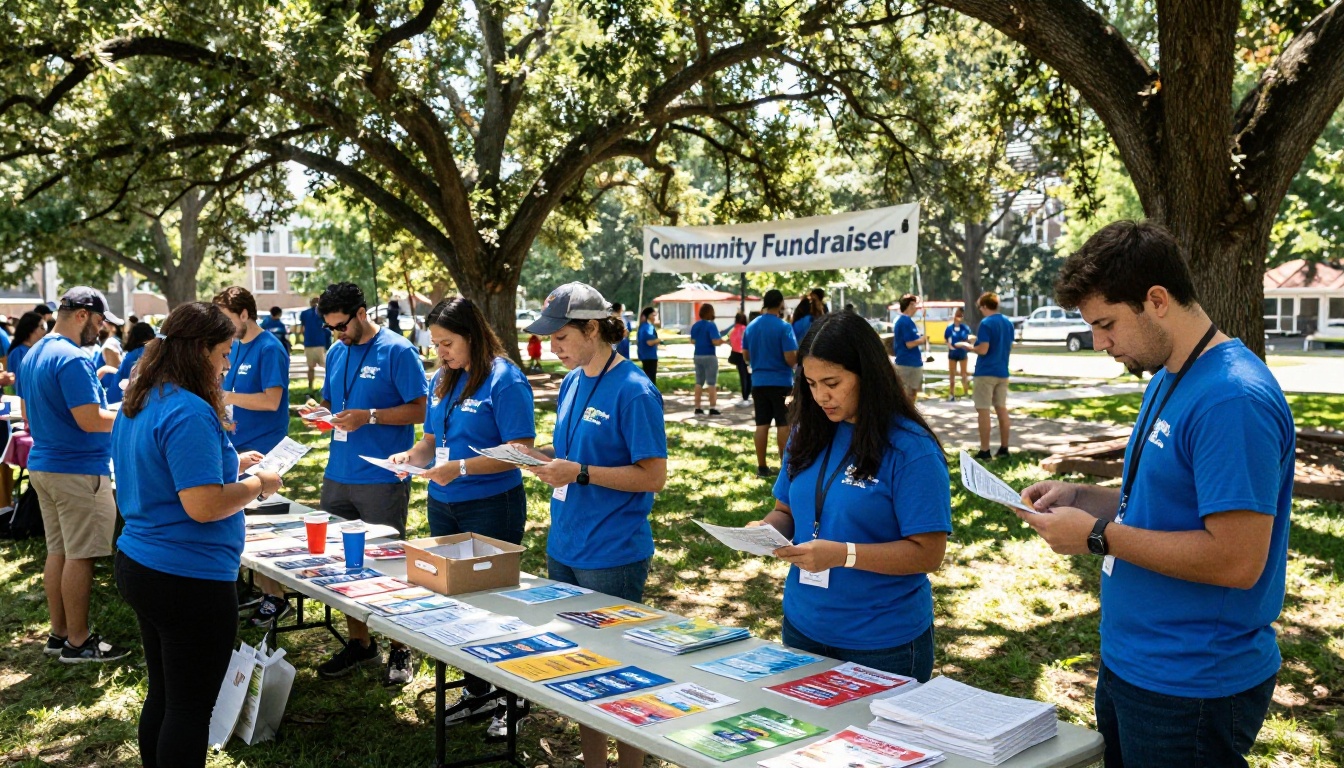
Your next fundraising campaign deserves a brochure donors actually open and read. The difference between a PDF buried in an inbox and an interactive flipbook that holds attention is smaller than you think in effort and larger than you expect in results.

Flipbooks AI is free to start. Upload your existing brochure PDF today and see the conversion in under a minute. From there, customize the branding, embed your links, and share with donors in whatever format reaches them best: email, social media, your website, or a direct link in a text message.
Ready to build yours? Create your account and get your first fundraising flipbook live today. When you're ready to scale with analytics and lead capture, compare pricing plans to choose what fits your organization. Browse all flipbook tools to find purpose-built options for brochures, annual reports, event programs, and more.



