A travel brochure that looks amateur online is worse than having no brochure at all. It signals disorganization, erodes trust, and sends potential travelers straight to a competitor who bothered to get the design right. The good news: producing a travel brochure that genuinely looks stunning in a digital setting is no longer a skill reserved for agencies with large budgets. With the right approach to layout, photography, color, and digital publishing tools like Flipbooks AI, any travel brand can publish brochure content that commands attention and converts browsers into bookers.
What Makes a Great Brochure Online
Most travel brochures fail online for the same handful of reasons. They were built for print and never properly adapted for screens. They load slowly, display poorly on mobile, or offer no interactivity whatsoever. Recognizing these failure points is where good brochure design actually begins.
First Impressions Happen in Seconds
When someone opens a travel brochure online, the decision to keep reading or close the tab happens within three seconds. Your opening page needs to do serious heavy lifting: a striking full-bleed destination image, a headline that speaks directly to the traveler's desire, and a layout that feels intentional rather than crowded.
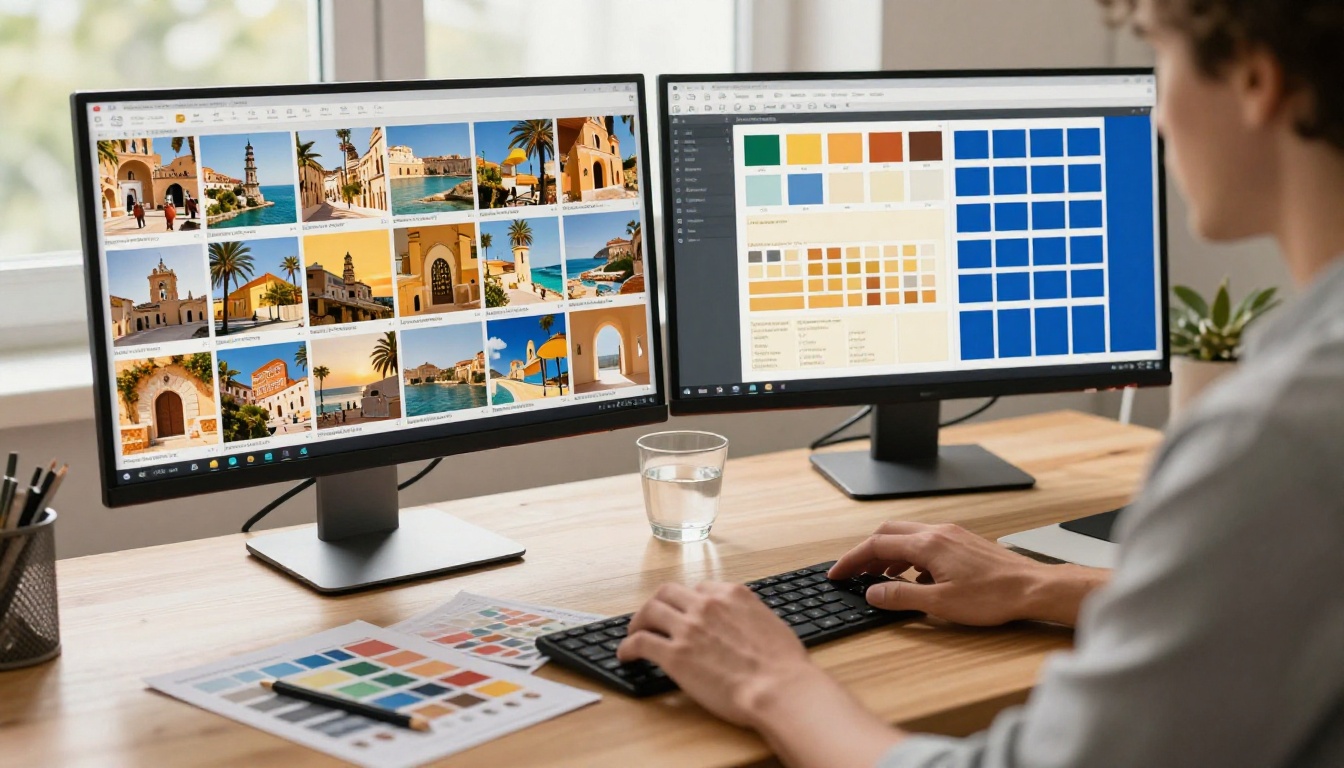
The difference between a brochure someone shares and one they ignore often comes down to that first visual hit. Bold, full-width imagery with minimal text overlay is the single most reliable pattern that performs across every digital channel, from social shares to embedded website viewers.
Print Logic Does Not Work Online
A tri-fold brochure scanned as a flat PDF and uploaded directly is one of the most common digital publishing mistakes. When content designed for physical manipulation lands on a screen without adaptation, the reading experience collapses. Text becomes unreadable, images display cropped, and there is no natural flow to guide the viewer forward.
Digital travel brochures need to be built with scroll behavior and page-turn interaction in mind from the very start, not retrofitted after the fact.
Your Brochure Layout: What Actually Works
Layout decisions determine whether readers absorb your content or abandon it. The structure of a great travel brochure guides the eye naturally from high-level inspiration through to specific details, and finally to a clear action.
Multi-Page vs. Single-Scroll Formats
Choosing between a paginated flipbook format and a long-scroll single-page layout depends on your content volume and audience behavior. For detailed destination materials with multiple sections, a paginated format mimics the familiar brochure experience while remaining fully digital. For quick overviews or short promotional pieces, a scroll format can work equally well.
| Format | Best For | Interaction Style | Mobile Experience |
|---|
| Multi-page flipbook | Full destination guides, tour packages | Page-turn, chapter navigation | Excellent with swipe gestures |
| Single scroll | Quick overviews, one-destination promos | Linear reading flow | Good, native scroll behavior |
| Tri-fold digital | Short summaries, event brochures | Fold reveal interaction | Moderate, depends on screen size |
| Magazine-style | Luxury travel, editorial content | Rich visual storytelling | Excellent with responsive design |
💡 For most travel brands, a multi-page flipbook format consistently outperforms static PDFs in time-on-page metrics and share rates.
Visual Hierarchy Done Right
Every page of your brochure should have one dominant visual element, one primary headline, and supporting details that sit clearly below those two in visual weight. When everything competes for attention, nothing lands.
The hierarchy rule:
- Hero image (full bleed or dominant, 60-70% of the page area)
- Primary headline (large, high contrast, minimal word count)
- Supporting copy (smaller, secondary color, scannable paragraphs)
- Call to action (visually distinct, button-style or bold link)

White space is not wasted space. Padding around text blocks and breathing room between sections signal quality and make content feel premium, which matters enormously in travel marketing where perceived value drives every booking decision.
Travel is a visual category. No amount of clever copy compensates for weak photography. Your images need to do the emotional work of transporting the reader before they have processed a single sentence.
Choosing the Right Destination Shots
The most effective travel brochure photography shares a few consistent characteristics: natural light, genuine human presence (or its deliberate absence for a sense of discovery), and a strong sense of place that cannot be mistaken for somewhere generic.
What works:
- Golden hour light that warms coastal and mountain scenes with natural amber tones
- Aerial perspectives that establish geography and create a sense of epic scale
- Intimate ground-level shots that build emotional proximity with the viewer
- Authentic local details: street food, weathered architecture, textile textures, vivid color
What to avoid:
- Stock photo clichés (feet in sand, heart-hands at sunset, generic hotel lobbies)
- Overprocessed HDR images that look artificial or digitally manipulated
- Images where the location could plausibly be anywhere in the world
Sizing and Placement Rules That Work
For digital brochures, always work with images at a minimum of 1920px wide for full-bleed spreads. Compress smartly: WebP format at 80% quality typically cuts file size by 40-60% with no visible quality loss, which matters significantly for load speed on mobile connections.
Place your strongest image on the opening page, your second-best on the first interior spread, and distribute remaining strong shots throughout to maintain visual energy from first page to last.
Typography and Color: Small Choices, Big Results
Typography and color communicate before the reader processes any actual words. They set tone, convey brand personality, and signal the type of travel experience on offer at a completely subconscious level.
Font Pairing That Signals Quality
For travel content, the most reliable pairing combines a refined serif for headlines (evoking timelessness, adventure, and depth) with a clean sans-serif for body copy (ensuring legibility on screens of all sizes at all resolutions).
Avoid novelty display fonts, scripts that reduce readability at body sizes, and mixing more than two typeface families in a single publication.
Color Palette Psychology
| Color Palette | Destination Type | Emotional Signal | Example Use |
|---|
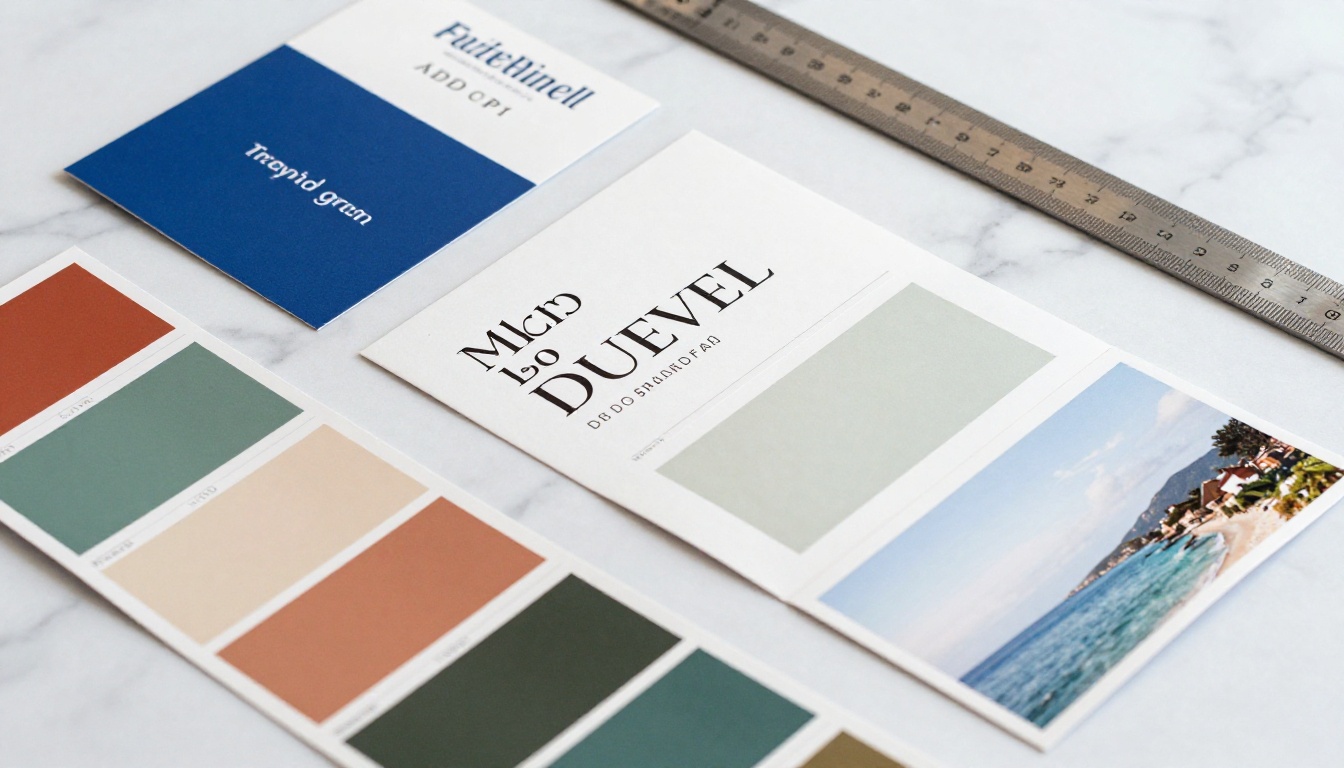
| Cobalt + ivory + gold | Mediterranean, coastal | Luxury, relaxation, warmth | Yacht charter, villa rental brochures |
| Deep green + cream + terracotta | Eco, jungle, adventure | Nature, authenticity, earthiness | Eco-lodges, hiking tour operators |
| Navy + white + red | Urban, city breaks | Confidence, sophistication | City tour operators, weekend escapes |
| Coral + sand + turquoise | Caribbean, tropical | Joy, energy, escape | Resort packages, beach holidays |
| Charcoal + blush + soft gold | Luxury spa, wellness retreats | Calm, refinement, exclusivity | Boutique hotels, wellness journeys |
✅ Best practice: Pick your destination's dominant natural color and build your entire palette around it. A Santorini brochure should feel like cobalt and whitewash. A Costa Rica brochure should feel like deep green and warm earth.

Build Your Travel Brochure on Flipbooks AI
Flipbooks AI is purpose-built for creating digital publications that look polished without requiring design expertise. The Online Brochure Designer and Travel Guide Flipbook tools make the process fast and straightforward. Here is exactly how to do it from scratch.
Step 1: Create Your Account
Head to flipbooksai.com/account and sign up. You get immediate access with no watermarks on any plan, including the free tier.
Step 2: Prepare and Upload Your PDF
Before uploading, ensure your PDF is at 300 DPI for crisp visuals with all fonts embedded. A 16:9 landscape or A4 landscape orientation gives the best digital viewing experience across devices.
Once logged in, use the PDF to Flipbook Converter and drag your file directly into the upload area. The platform converts it automatically, typically within 30 to 60 seconds depending on page count.
Step 3: Customize with Branding and Effects
After conversion, you have full control over the presentation:
- Branding: Add your logo, brand colors, and a custom background to the flipbook viewer shell
- Page effects: Enable realistic page-flip animations with shadow and depth, or opt for smooth slide transitions
- Multimedia: Embed video destination trailers, audio narration clips, or interactive map links directly into specific pages
- Front thumbnail: Set a custom thumbnail image that appears in previews and social media share cards
💡 Use the Brochure Flipbook Maker for tourism-specific layouts with pre-built destination photo gallery sections and itinerary page structures already in place.
Step 4: Share and Distribute
Flipbooks AI gives you multiple distribution options from a single dashboard:
- Direct link: A clean, shareable URL that opens the flipbook in any browser on any device
- Embed code: Place your brochure on any website or landing page with a single line of HTML
- Password protection: Restrict access for exclusive VIP packages or private tour quotes
- Social previews: Open Graph metadata is generated automatically so your thumbnail and title display correctly when shared across social platforms
| Flipbooks AI Plan | Flipbooks | Analytics | Lead Gen | Offline Download | Custom Domain |
|---|
| Free | 3 | No | No | No | No |
| Standard | Unlimited | Basic | No | No | No |
| Professional | Unlimited | Full | Yes | Yes | Yes |
⚠️ If you need to track which pages readers spend the most time on, or capture leads directly from within your brochure, the Professional plan at flipbooksai.com/pricing is a worthwhile investment for any active travel marketing campaign.
Why Digital Beats Print Every Time
The case for digital-first travel brochures is not only about cost savings, though those are significant. It is about the structural advantages that digital formats offer that print simply cannot match.
Analytics Show You What Readers Actually Do
Print brochures disappear into the world with zero feedback. Digital flipbooks with analytics show you:
- Which pages hold attention longest (your strongest content, or your biggest friction points)
- Where readers drop off (the section that needs rewriting or restructuring)
- How they arrived at your brochure (traffic source data for smarter distribution decisions)
- Click-through rates on embedded booking links and calls to action
This feedback loop transforms how small travel operators allocate their design and marketing energy.
Interactivity Changes How People Respond
A printed brochure asks readers to imagine booking. A digital brochure puts a booking link one tap away from the exact page where they fall in love with the destination. Embedding a tour reservation widget, a Google Maps pin for the resort, or a 30-second video walkthrough directly into the page collapses the distance between inspiration and purchase intent.
3 Mistakes That Kill Your Brochure's Impact
Even well-intentioned travel brochures fail when these common errors slip through the production process.

Too Much Text, Not Enough Breathing Room
Travel marketing runs on desire, not information density. Every paragraph should earn its space. If a text block can be cut in half without losing meaning, cut it. Use two to three sentence paragraphs, short bullet points, and let your images carry the emotional weight they were selected for.
Ignoring Mobile Readers
More than 60% of travel research happens on mobile devices. A brochure that requires pinching and zooming loses readers within seconds. Platforms like Flipbooks AI automatically optimize for mobile with responsive layouts, touch-swipe page navigation, and text that remains legible without any manual adjustment.
⚠️ Always preview your brochure on both desktop and mobile before publishing. What looks beautiful on a 27-inch monitor can be completely unusable on a 6-inch phone screen.
Weak or Missing Calls to Action
Every page is an opportunity to invite the reader forward. Book now, Request a quote, Download the full itinerary, and Check availability should appear naturally throughout the brochure, not only on the final page. Readers who are ready to act will not scroll to the end to find a way to do it.
How Destination Type Shapes Your Strategy
Different travel categories demand different approaches to content structure, visual language, and page length.

- Luxury travel: Fewer words, more white space, high-end photography with a minimal brand presence. The brochure itself should feel like holding a piece of the experience.
- Adventure travel: Energy and movement in every image. Action photography, bold typography, itinerary-forward structure. Readers want to know exactly what they will do each day.
- Family travel: Warmth, visible safety cues, and practical information. Clear section headers, family-friendly photo selection, and transparent value for money.
- Cultural and heritage tours: Depth and story. Historical context, local perspective, and rich detail that positions the operator as a genuine authority on the destination.
Matching your content strategy to your audience's specific travel motivation is what separates brochures that convert from those that merely look nice on a screen.
| Audience Type | Content Tone | Image Style | Ideal Page Count |
|---|
| Luxury travelers | Aspirational, sparse, refined | Serene, wide shots, editorial quality | 8-12 pages |
| Adventure seekers | Bold, direct, action-focused | Dynamic, motion, wide-angle landscapes | 10-16 pages |
| Families | Warm, reassuring, practical | Joyful people, safe environments | 8-14 pages |
| Cultural tourists | Informative, layered, story-driven | Detail-oriented, architectural, intimate | 12-20 pages |
| Business travelers | Efficient, clear, benefit-focused | Clean, professional, modern | 6-10 pages |
Your Brochure Deserves Better Than a PDF
A static PDF attached to an email is not a brochure, it is a file. Your destination deserves a proper digital experience that loads instantly, works on every device, and gives readers the feeling of the journey before they have booked a single flight.
Ready to build it? Create your first travel brochure flipbook on Flipbooks AI today. For specific use cases, the Travel Guide Flipbook and Hotel Brochure Designer tools have templates built specifically for travel operators, tour guides, and destination marketers. Browse all available flipbook tools to find the right starting point for your project.
Compare pricing plans to choose the tier that fits your publishing volume and feature needs. The difference between a brochure that gets filed away and one that drives consistent bookings is the quality of every decision made before it goes live.



