A comprehensive technical guide covering responsive design principles, cross-platform testing strategies, and optimization techniques for flipbooks that deliver consistent experiences across smartphones, tablets, laptops, and desktops. Learn how to overcome common compatibility issues, implement device-specific adaptations, and leverage specialized tools to create flipbooks that function perfectly regardless of screen size or interaction method.
Creating digital flipbooks that function perfectly across smartphones, tablets, laptops, and desktops requires more than basic PDF conversion. When content fails to adapt to different screen sizes, users encounter broken layouts, unresponsive navigation, and frustrating reading experiences. The reality is that 68% of digital content consumption happens on mobile devices, yet most flipbook solutions still prioritize desktop experiences. This mismatch creates accessibility barriers and reduces engagement across your audience segments.
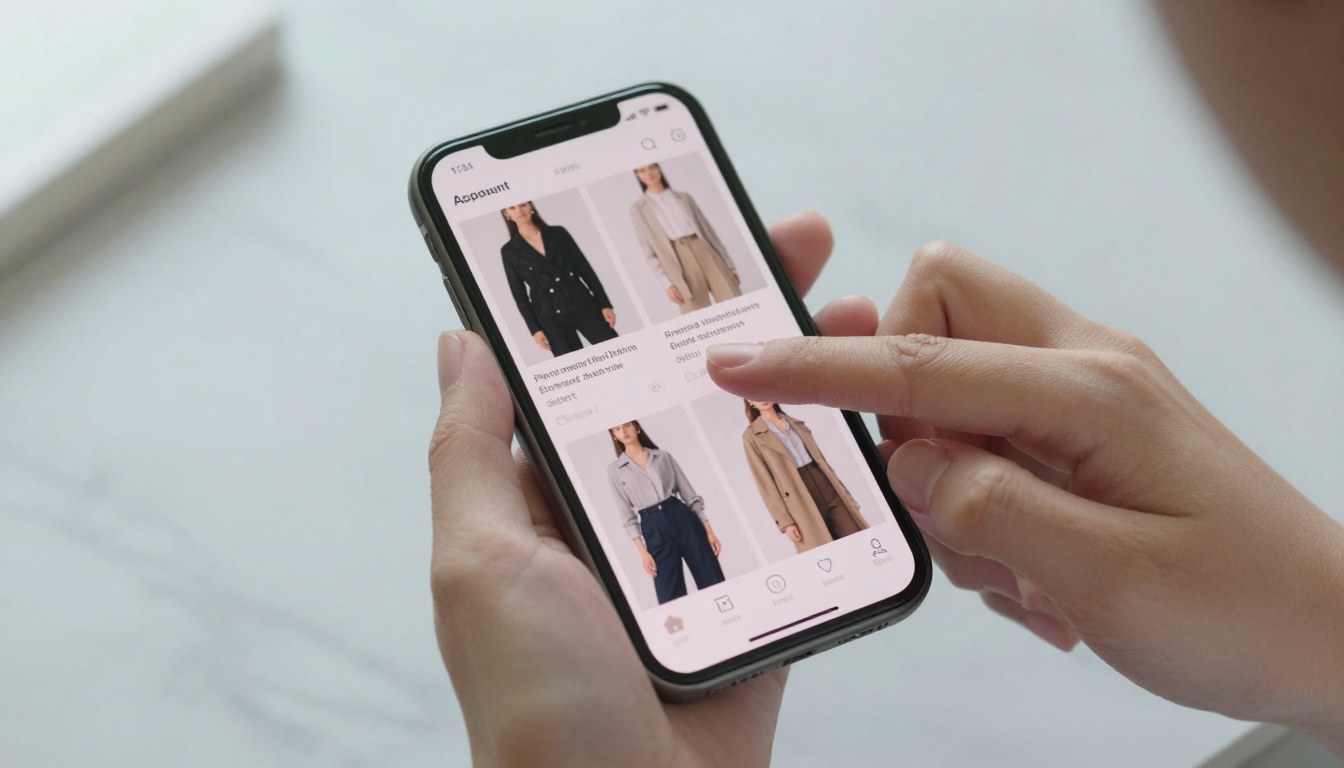
Close-up view of mobile flipbook interaction showing perfectly adapted touch interface
Why Device Compatibility Matters
Flipbooks that work inconsistently across devices create three significant problems: reduced engagement metrics, higher bounce rates, and lost conversion opportunities. When restaurant customers can't navigate your digital menu on their phones, they'll switch to competitors with mobile-friendly solutions. Real estate agents lose potential buyers when property brochures display incorrectly on tablets. Fashion retailers miss sales when product catalogs don't render properly on various smartphones.
The technical challenge involves more than responsive CSS. You need to consider touch target sizing for mobile interfaces, orientation handling for tablets, hover state alternatives for touch devices, and performance optimization for slower mobile networks. Each device category presents unique interaction patterns that demand specific design adaptations.
💡 Pro Tip: Start with mobile-first design principles. Build your flipbook interfaces for the smallest screen size first, then enhance features for larger devices. This approach ensures core functionality works everywhere, with progressive enhancement for advanced devices.
Core Technical Requirements for Cross-Device Flipbooks
Building truly device-agnostic flipbooks requires addressing these seven technical areas:
1. Responsive Layout Systems
Modern flipbooks need fluid grid systems that adapt content proportionally across screen sizes. Fixed-width layouts that work on desktops collapse on mobile devices, while mobile-optimized layouts appear sparse on large monitors. The solution involves CSS Grid or Flexbox implementations with percentage-based measurements rather than fixed pixels.
2. Adaptive Image Handling
Images represent the heaviest content component in flipbooks. Device compatibility requires:
Resolution switching based on device capabilities
Art direction changes for different screen orientations
Lazy loading implementation for performance
Compression optimization for mobile data constraints
3. Touch Interface Design
Mobile and tablet users interact via touch, not mouse. This demands:
Minimum 44×44px touch targets (Apple Human Interface Guidelines)
Swipe gesture support for natural page turning
Touch feedback (visual responses to interactions)
Accelerometer integration for device orientation
4. Performance Optimization
Device performance varies dramatically from flagship smartphones to budget tablets. Essential optimizations include:
Code splitting to load only necessary components
Resource prioritization for critical rendering path
Caching strategies for repeat visits
Network-aware loading for poor connections
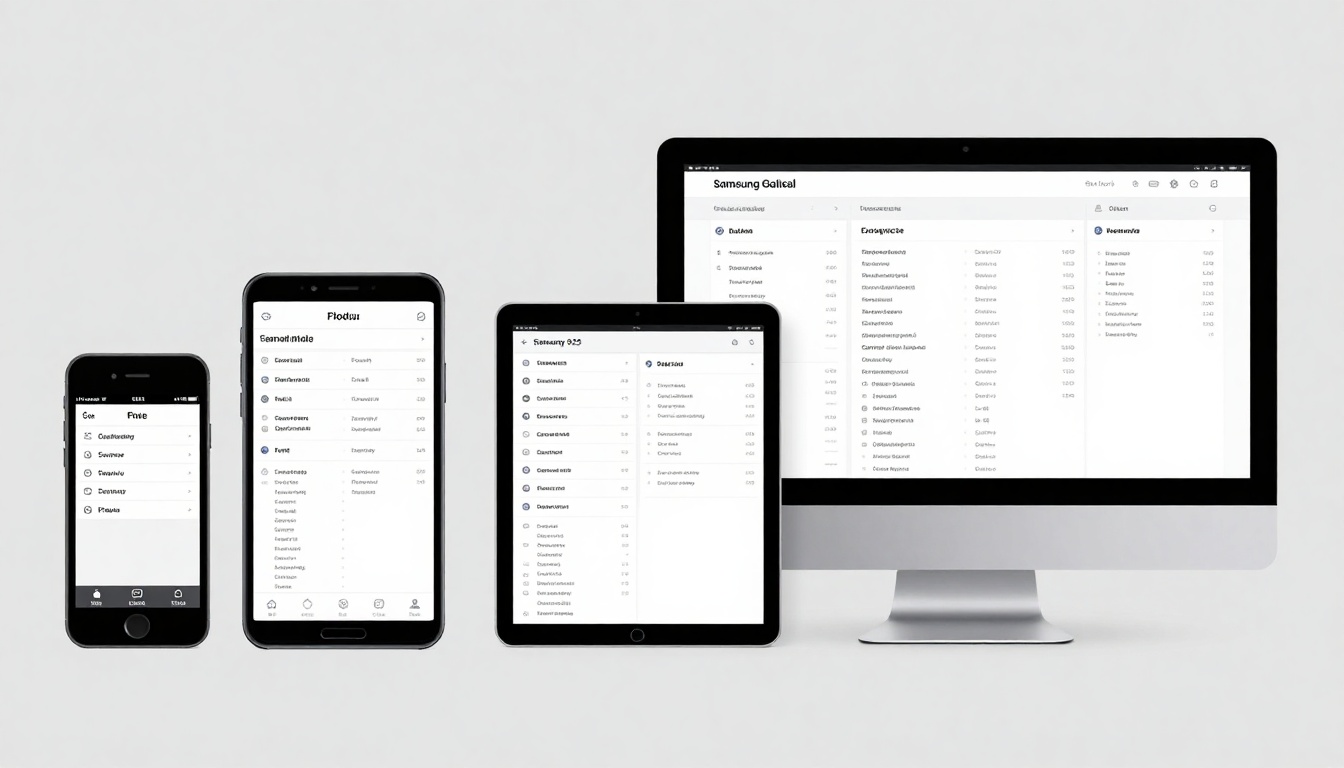
Tablet-optimized flipbook showing architectural portfolio with responsive layout
Device-Specific Adaptation Strategies
Different device categories require specialized approaches. This table outlines key considerations for each device type:
Device Category
Screen Size Range
Primary Interaction
Key Adaptation Needs
Performance Considerations
Smartphones
320px - 480px
Touch gestures
Large touch targets, simplified navigation, vertical scrolling
Mobile devices present the most constrained environment. Successful mobile flipbooks implement:
Single-column layouts for vertical scrolling
Collapsible navigation that maximizes content space
Touch-optimized buttons with adequate spacing
Accelerated mobile pages (AMP) principles
Offline functionality for intermittent connectivity
Tablet Optimization Techniques
Tablets occupy the middle ground between mobile and desktop. Effective tablet flipbooks include:
Dynamic orientation handling (portrait vs. landscape)
Split-view capabilities for content comparison
Pencil/stylus support for annotation features
Multi-touch gestures for advanced interactions
Stand mode optimization for hands-free viewing
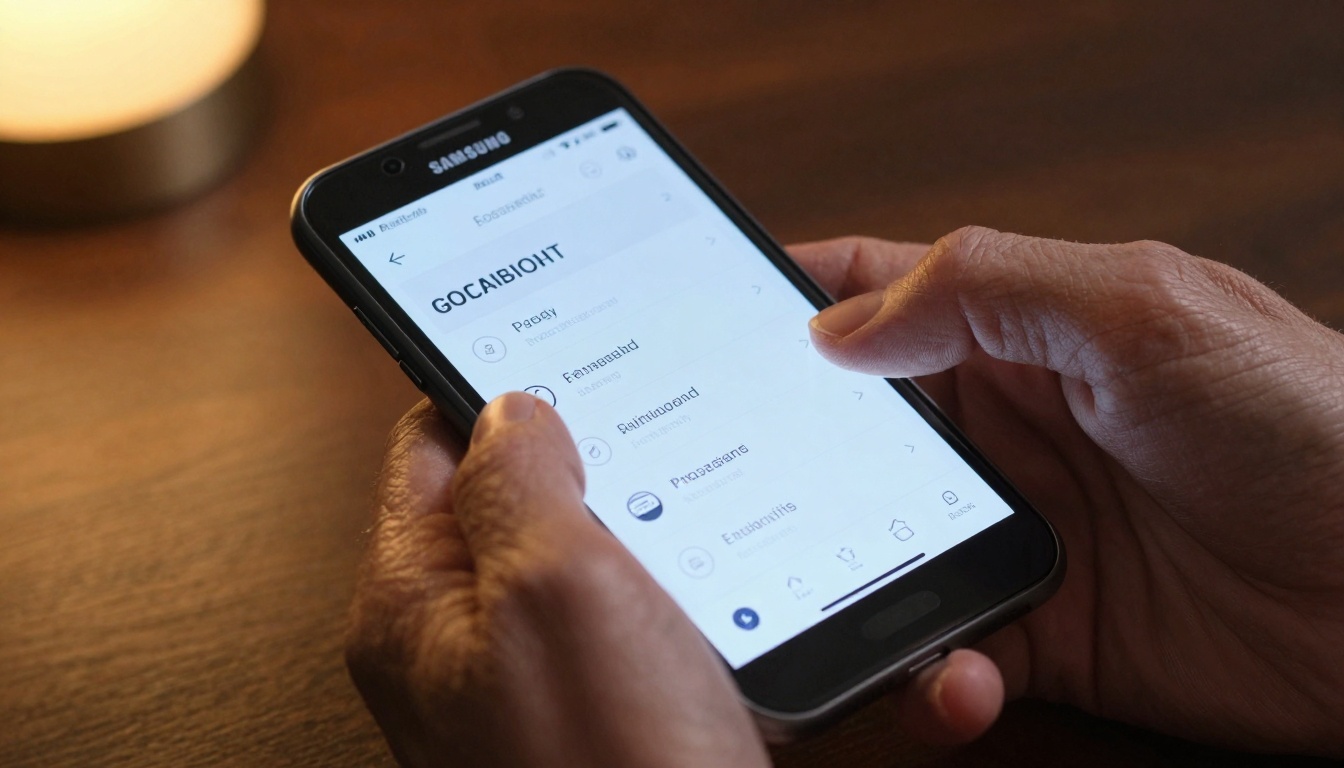
Desktop flipbook showing complex data visualizations with mouse interaction
Creating Cross-Device Flipbooks with Flipbooks AI
Flipbooks AI provides comprehensive tools for building device-compatible flipbooks without coding expertise. The platform automatically handles responsive adaptations while offering customization options for specific device optimizations.
Use feature detection rather than device detection:
// Check for touch capability
const hasTouch = 'ontouchstart' in window || navigator.maxTouchPoints > 0;

// Check for hover capability
const hasHover = matchMedia('(hover: hover)').matches;

// Check for orientation support
const hasOrientation = 'orientation' in window;

// Adapt interface based on capabilities
if (hasTouch && !hasHover) {
  // Optimize for touch-only devices
  enlargeTouchTargets();
  replaceHoverEffects();
}
Performance Budgeting
Establish performance targets per device category:
Device Type
Max Load Time
Max JS Size
Max Image Size
Animation FPS
Low-end Mobile
3 seconds
150KB
500KB total
30 FPS
Mid-range Mobile
2 seconds
300KB
1MB total
60 FPS
Tablets
2 seconds
500KB
2MB total
60 FPS
Desktops
1.5 seconds
1MB
5MB total
60 FPS
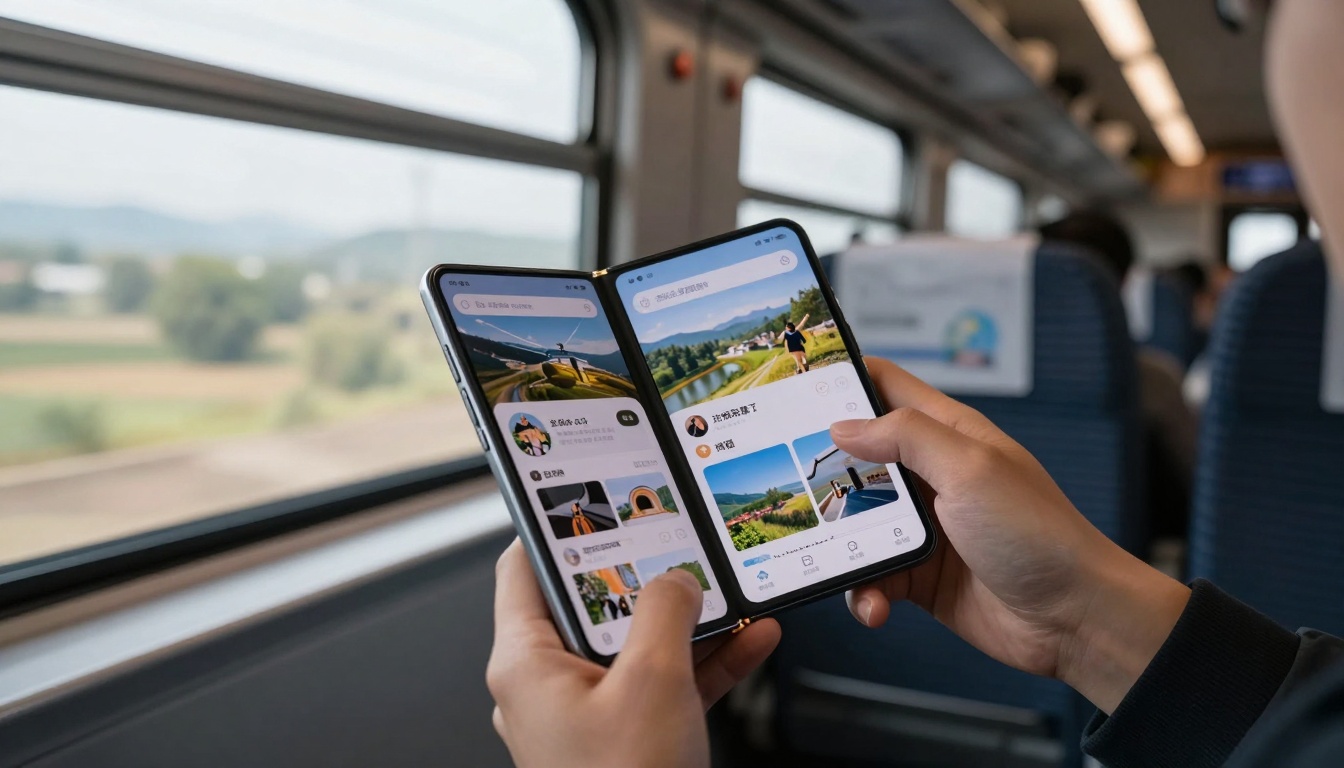
Foldable device showing adaptive flipbook interface that responds to screen configuration changes
Maintenance and Ongoing Optimization
Device compatibility requires continuous attention as technology evolves:
Regular Testing Schedule
Establish quarterly testing cycles covering:
New device releases (latest smartphones, tablets)
Browser updates (Chrome, Safari, Firefox, Edge)
Operating system changes (iOS, Android, Windows, macOS)
Interaction pattern shifts (new gesture conventions)
Performance Monitoring
Implement ongoing performance tracking:
Real user monitoring (RUM) for actual device performance
Synthetic testing for baseline measurements
Competitive benchmarking against industry standards
User feedback collection for qualitative insights
Update Management
Maintain compatibility through systematic updates:
Framework updates for underlying technologies
Asset optimization for new compression techniques
Code refactoring for improved efficiency
Feature deprecation for obsolete approaches
Platform Comparison: Manual vs. Automated Solutions
Choosing between custom development and platform solutions involves trade-offs:
Aspect
Custom Development
Flipbooks AI Platform
Development Time
4-8 weeks minimum
10-30 minutes
Technical Expertise
Advanced coding skills required
No coding needed
Device Testing
Manual testing across devices
Automated responsive testing
Maintenance Burden
Ongoing updates and fixes
Platform handles updates
Cost Structure
High initial + maintenance costs
Predictable subscription pricing
Feature Updates
Manual implementation required
Automatic platform updates
Scalability
Limited by development resources
Platform scales automatically
Support Coverage
Depends on internal resources
Professional platform support
For most organizations, the Flipbooks AI platform provides the optimal balance of control and convenience. The platform's automatic responsive adaptations handle the complexity of cross-device compatibility while allowing customization where needed.
⚠️ Warning: Avoid "responsive by accident" approaches. Many flipbook solutions claim device compatibility but only provide basic scaling without proper interaction adaptation. Test thoroughly before committing to any solution.
Getting Started with Your First Universal Flipbook
Ready to create flipbooks that work perfectly across all devices? Follow this practical workflow:
Define your content strategy - What type of flipbook best serves your audience?
Prepare your assets - Optimize images and text for multiple device contexts
Build with responsive principles - Use the platform's responsive mode during creation
Test across devices - Verify functionality on actual smartphones, tablets, and computers
Gather feedback - Share with team members using different devices
Iterate and improve - Refine based on real-world usage patterns
Monitor performance - Track engagement across device categories
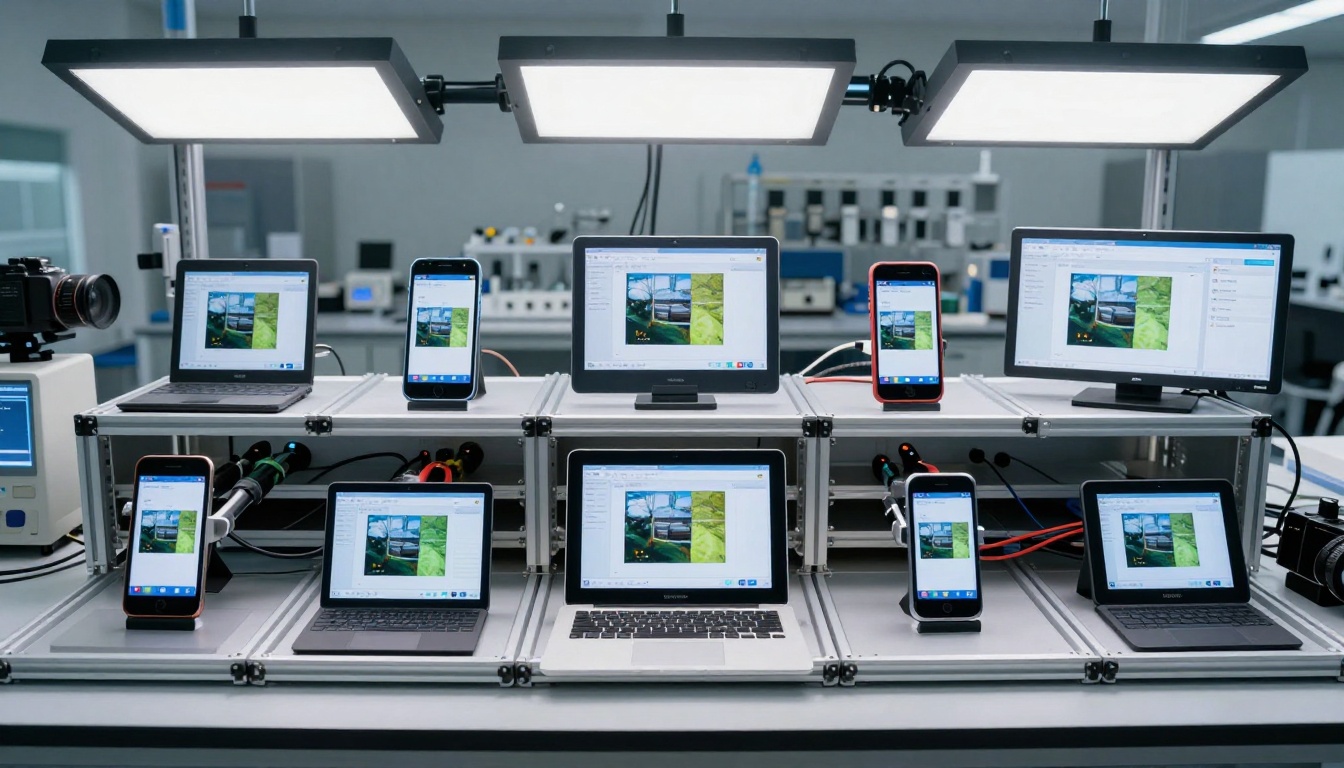
Laboratory testing environment verifying flipbook compatibility across multiple device types
Final Implementation Guidance
Creating flipbooks that function across all devices represents both a technical challenge and strategic opportunity. The organizations that solve this compatibility problem gain significant advantages in audience reach, engagement metrics, and conversion rates.
The most effective approach combines platform solutions for foundation compatibility with strategic customization for unique requirements. Flipbooks AI provides the essential responsive framework, while your organization adds the specific adaptations needed for your audience and content.
Start with a single flipbook project focused on your most important content type. Use the appropriate specialized tool for that content, enable all responsive features, and test thoroughly across actual devices. Document what works and what needs adjustment, then apply those learnings to subsequent projects.
As device diversity continues to increase—with foldable phones, dual-screen tablets, and variable desktop configurations—the importance of truly device-agnostic flipbooks will only grow. Investing in proper cross-device compatibility today positions your organization for success in tomorrow's multi-device landscape.
Ready to create your first universally compatible flipbook? Get started with Flipbooks AI and explore the comprehensive tools directory to find the perfect solution for your content needs. Compare pricing plans to access the responsive features that ensure your flipbooks work flawlessly across every device your audience uses.