Most email newsletters look exactly the same. A wall of text. A single hero image. A button that says "Read More." And subscribers, trained by years of that pattern, have learned to scroll right past them.
The brands actually seeing results have quietly moved on from static emails. They're embedding polls, linking to flipbook-style publications, adding visual galleries, and creating content that feels less like a broadcast and more like an experience. The difference in click-through numbers is not subtle.
If your open rates are plateauing or your click metrics feel stuck, the problem usually isn't your subject line. It's what happens after the open. This article walks you through exactly how to make your email newsletter more interactive, with practical tactics you can use starting today, including how Flipbooks AI is changing what a newsletter can be.
Why Static Newsletters Are Losing Readers
The Open Rate Problem Nobody Talks About
Open rates get all the attention, but the real metric that reveals whether your newsletter is working is what happens after the open. Industry data consistently shows that most newsletters see click-through rates between 1% and 3%. That means even if 10,000 people open your email, fewer than 300 are actually doing anything with it.
The issue is not reach. The issue is experience.

Static newsletters were designed for a world where email was the only digital content subscribers saw. Today, those same subscribers are used to scrolling through algorithmically curated feeds, watching short-form video, and interacting with apps that respond to every tap. A flat email with three paragraphs and a stock photo simply doesn't compete.
What Subscribers Actually Want
Subscribers open newsletters for value: useful information, exclusive content, or something that genuinely surprises them. The format needs to deliver that value in a way that respects their attention span and rewards their click.
Research from content marketing studies consistently finds that interactive content generates two to three times more participation than static content. People don't just want to read. They want to respond, browse, and choose their own path through information.
💡 Pro Tip: The most effective newsletters treat subscribers as participants, not just recipients. Even a single interactive element, like a one-question poll, can double reply rates.
Interactive Elements That Actually Work
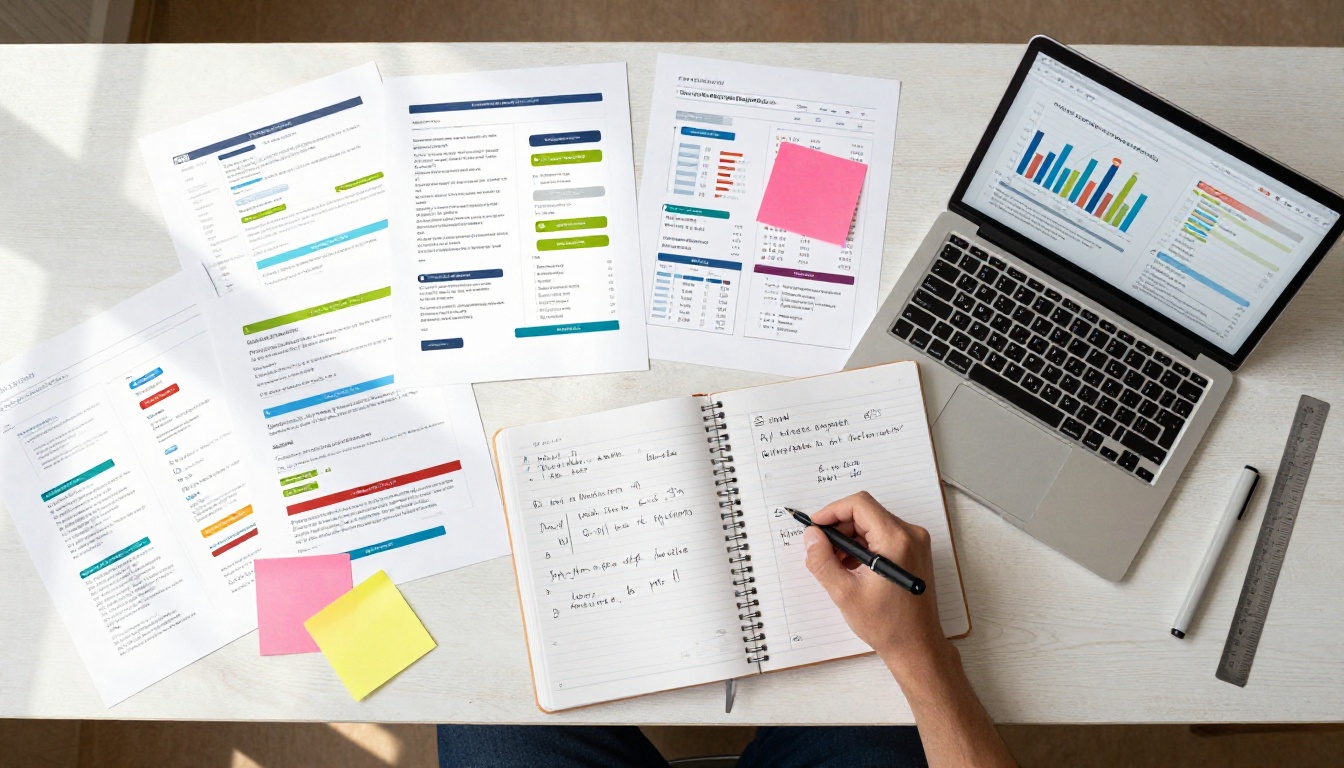
Polls and Surveys Inside the Email
Single-question polls embedded directly in an email body are one of the highest-performing interactive elements available. They require almost no effort from the subscriber (one click) and they give you actual data about your audience.
The idea is relevance. A fitness brand asking "What's your biggest training obstacle this week?" gets far more responses than a generic "How are we doing?" survey.
Best practices for in-email polls:
- Keep it to one question
- Offer three options maximum
- Show the results page after voting (subscribers love seeing where they stand)
- Use poll data to segment upcoming sends
Clickable Image Galleries
Instead of embedding a single static image, link a grid of images to a visual destination. This works exceptionally well for e-commerce newsletters, portfolio updates, and editorial content. When subscribers can browse visually, time spent on content increases significantly.

Embedded Videos and GIFs
Pure HTML5 video in email remains inconsistently supported across clients, but animated GIFs play reliably everywhere. A well-crafted GIF showing a product in motion, a before-and-after, or a short tutorial preview will outperform a static image in almost every test.
The more powerful approach: use a GIF or static image as a video thumbnail and link it to a full video hosted externally. This drives traffic from the email to a landing page, a YouTube video, or a flipbook with embedded video content.
Interactive Quizzes and Calculators
For information-heavy newsletters (finance, health, education), a short quiz or interactive calculator linked from the email can dramatically increase time on content. Subscribers click through to find their result, and you capture data about where they are in their journey.
| Interactive Element | Avg. Click-Through Lift | Best For | Difficulty |
|---|
| In-email poll | 2-4x | Any niche | Low |
| GIF video preview | 1.5-2x | Product, tutorials | Low |
| Clickable image gallery | 1.5-2.5x | E-commerce, editorial | Medium |
| Quiz or calculator | 3-5x | Education, finance, health | Medium-High |
| Embedded flipbook | 3-6x | Catalogs, magazines, reports | Low (with Flipbooks AI) |
The Flipbook Newsletter Strategy
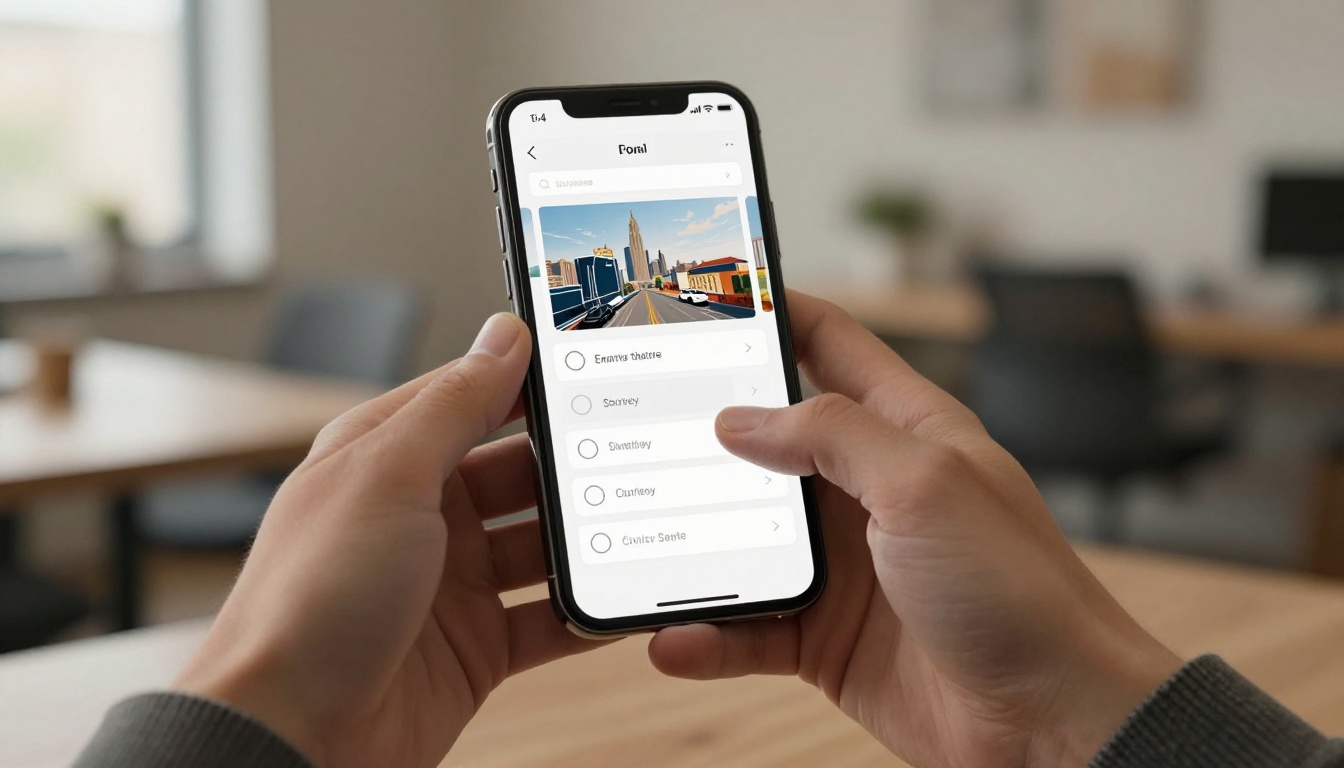
One of the most underused formats for email newsletters is the digital flipbook. Instead of cramming your full content into the email body (which gets clipped, truncated, or blocked by spam filters), you publish your newsletter as a rich, page-turning publication and link to it from a shorter, punchy email.
What a Flipbook Newsletter Looks Like
A flipbook newsletter is a full digital publication that subscribers access through a link. It looks and feels like a real magazine or brochure, with page-turning animations, embedded images, and full visual layouts that email HTML simply cannot replicate.
The email itself becomes a compelling preview: a strong subject, two or three lines of copy, and a clear "Read this week's edition" button. Everything else lives in the flipbook.
Flipbooks AI makes this format accessible without design or development skills. You create your newsletter layout in any design tool, export it as a PDF, and convert it to a fully interactive flipbook in minutes.
Why It Outperforms a Standard Email
The advantages stack up quickly:
- No email clipping: Gmail clips emails over 102KB. Flipbooks load everything.
- No spam filter risk: Rich visual content in emails triggers filters. A clean email linking to a flipbook does not.
- Full visual control: Typography, layouts, and full-bleed images all render exactly as designed.
- Analytics per page: Know which pages subscribers actually read.
- Shareable and embeddable: Subscribers can share the flipbook link. You can embed it on your website too.
⚠️ Warning: Never embed your full newsletter content as a massive image. This hurts deliverability and accessibility. The flipbook link approach keeps your email lightweight and your content rich.

How to Build an Interactive Newsletter with Flipbooks AI
The Newsletter Flipbook Publisher on Flipbooks AI is built specifically for this use case. Here's how the process works from start to finish.
Step 1: Create Your Newsletter PDF
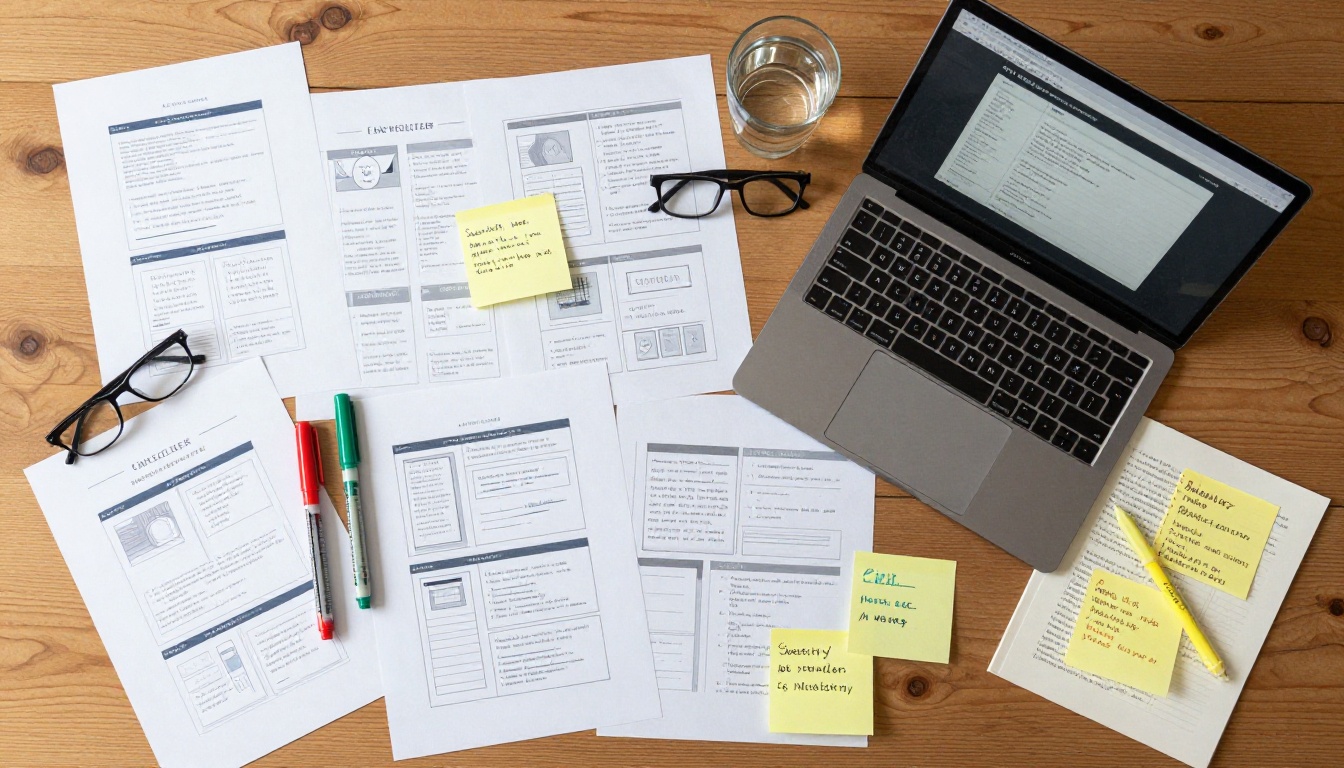
Design your newsletter using any tool you already know: Canva, Adobe InDesign, Google Slides, or even Microsoft Word. Design for visual richness. Use columns, feature images, pull quotes, and clear section headers.
Export the final file as a PDF. This is the source file for your flipbook.
Step 2: Upload and Convert
Go to Flipbooks AI and create your account. Once inside:
- Click New Flipbook
- Upload your PDF file
- Wait for the automatic page-by-page conversion (typically under 60 seconds for a standard newsletter)
- Preview the result in the flipbook viewer
The page-turning effect is applied automatically. You do not need to configure anything to get a fully functional, mobile-responsive flipbook.
Step 3: Customize and Brand
Flipbooks AI gives you full control over how your publication looks and feels:
- Custom branding: Add your logo, brand colors, and custom domain
- Page effects: Choose from realistic page-turn animations
- Multimedia embeds: Add video clips, audio, and hyperlinks directly inside pages
- Mobile-responsive design: The flipbook automatically adapts to any screen size
- No watermarks: Your brand is front and center, always
✅ Best Practice: Match your flipbook's color scheme to your email template. Visual consistency across the email preview and the flipbook builds subscriber trust and brand recognition.
Step 4: Share via Email
Once your flipbook is published, you get a shareable link. Copy this link and use it as the primary call to action in your newsletter email.
You can also:
- Embed the flipbook directly on a landing page using the embed code (Embed Flipbook on Website)
- Password-protect private editions for premium subscribers
- Set offline download access so subscribers can save the edition
Professional plan users on Flipbooks AI get access to built-in analytics showing exactly how long each subscriber spends on each page, plus lead generation tools to capture new contacts directly inside the flipbook.
Measuring What Works
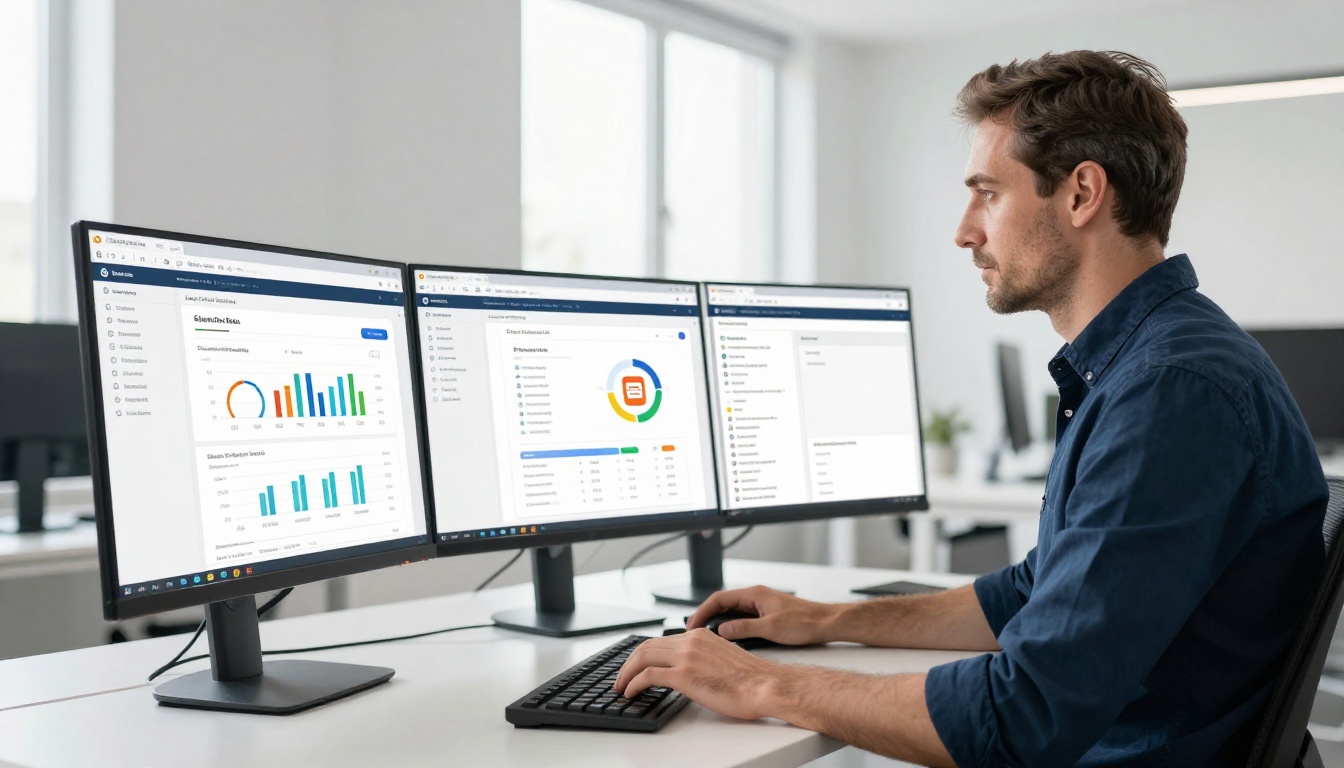
Metrics That Matter
Not all signals are equal. Here's what to track when you add interactive elements to your newsletter strategy:
| Metric | What It Tells You | Target Range |
|---|
| Click-through rate (CTR) | How many openers acted | 3-8% for newsletters |
| Flipbook time-on-page | Which content is actually read | 30+ seconds per page |
| Poll response rate | Subscriber participation level | 5-15% of openers |
| Unsubscribe rate | Whether content matches expectations | Under 0.3% per send |
| Flipbook page completion | How far readers get through content | 60%+ is strong |
| Share/forward rate | Content that resonates enough to spread | 1-3% is excellent |
A/B Testing Your Interactive Elements
The fastest way to improve your interactive newsletter is systematic testing. Run one variable at a time:
- Email subject line vs. preview text: Which combination drives more opens?
- CTA button copy: "Read this week's edition" vs. "See what's inside"
- Poll question phrasing: Curiosity-driven vs. value-driven questions
- Flipbook thumbnail image: Lifestyle photo vs. content preview screenshot
Track results over at least four sends before drawing conclusions. Newsletter audiences are smaller than ad audiences, so statistical confidence takes longer to reach.
Common Mistakes That Kill Results
Overloading the Email
Adding interactive elements does not mean adding more content. The opposite is true. Your email should get shorter as you make it more interactive. Every element you add should replace something, not stack on top of it.
A newsletter email with three interactive elements often performs worse than one with a single, well-chosen interactive hook.
The rule: one primary action per email. Every interactive element should point toward that action.
Ignoring Mobile Readers
More than 60% of newsletter opens happen on mobile devices. Interactive elements that work beautifully on desktop can break completely on a phone.
Before sending, always test your email on at least:
- iPhone (Apple Mail)
- Android (Gmail app)
- Desktop Gmail
- Outlook
Flipbooks AI publications are mobile-responsive by default, which is one reason the flipbook link approach is safer than complex inline HTML interactivity.
Sending the Same Thing to Everyone
Segmentation is the most powerful form of personalization available in email marketing, and most brands ignore it.
Instead of one newsletter going to your entire list, consider:
- New subscribers: Onboarding content, introductions, quick wins
- Active subscribers: Deep dives, exclusive content, early access
- Inactive subscribers: Re-activation campaigns with a different interactive hook

Before committing to a format, it's worth comparing the real-world performance of each approach your team could take.
| Format | Visual Quality | Interactivity | Deliverability | Mobile | Analytics |
|---|
| Plain text email | Low | None | Excellent | Excellent | Basic |
| HTML email | Medium | Limited | Good | Variable | Basic |
| Image-heavy email | Medium | None | Poor | Poor | Basic |
| Email plus flipbook link | High | Full | Excellent | Excellent | Deep |
| Embedded PDF | Low | None | Poor | Poor | None |
The email-plus-flipbook combination wins on almost every dimension. It keeps the email clean and deliverable while pushing rich, interactive content to a platform built to handle it.
Stop Sending Newsletters People Skip
The shift from static to interactive newsletters is not about adding gimmicks. It's about respecting your subscribers' attention and giving them content worth clicking.
Start small. Add one interactive element to your next send, whether that's a poll, a GIF preview, or a flipbook link. Measure the difference. Then build from there.
If you want the fastest path to a visually rich, interactive newsletter experience, the Newsletter Flipbook Publisher on Flipbooks AI is exactly where to begin. Create your first edition, share it with your next send, and see what happens when subscribers actually have something worth reading.
Ready to begin? Create your account on Flipbooks AI and publish your first interactive newsletter today. Browse the full range of publishing tools to find the format that fits your content, or compare pricing plans to choose the right tier for your audience.



