You spent hours designing the perfect flipbook, uploaded it, and shared the link. Then, nothing. No traffic from Google. No organic visitors. Just silence. The problem is not your content, it is how your flipbook is set up for search engines to find, read, and rank it.
Most digital flipbooks never get indexed by Google because they are built on formats that crawlers cannot read, hosted on URLs with no SEO signals, and shared in ways that generate zero authority. This article walks you through every step to fix that, starting with picking the right platform and ending with a strategy that actually drives organic traffic.
Flipbooks AI is built with search visibility in mind, giving your digital publications a real URL, proper metadata controls, and embedding options that feed Google the signals it needs. Let's get into it.
Why Most Flipbooks Never Get Found
A lot of people assume that simply publishing a flipbook online means Google will automatically index it. That is not how it works. Search engines need specific signals to crawl, read, and rank any web content, and most flipbooks fail to provide them.
The Indexing Problem With PDF-Based Flipbooks
When a flipbook tool just hosts your PDF as a file rather than converting it into an HTML web page, Google sees an opaque blob of data. PDFs can be indexed, but they carry almost no SEO weight compared to proper HTML pages. There are no headings, no internal links, no structured data, no meta tags. The content is buried.
Flash-based viewers are even worse. They are invisible to crawlers entirely. Tools that load flipbooks inside iframes without a publicly accessible URL mean Google has no canonical page to attribute the content to.
What Google Needs to Crawl Your Content
Google's crawlers are looking for:
- A real, unique URL that points to the flipbook
- HTML text content on that page (not just images or embedded PDFs)
- Meta title and description tags in the page head
- Internal and external links pointing to and from the page
- A mobile-friendly layout that passes Core Web Vitals
- Structured data (optional but powerful for rich results)
If any of those are missing, your flipbook is either invisible or ranked so low it might as well be.
⚠️ If your flipbook URL ends in .pdf or only exists inside a shared drive link, Google is extremely unlikely to rank it in organic search results.

Before any optimization matters, you need your flipbook hosted on a platform that gives Google something to work with. Not all flipbook tools are equal from an SEO perspective.
HTML Flipbooks vs PDF-Only Tools
| Feature | HTML-Based Flipbook | PDF-Only Hosting |
|---|
| Google can index content | Yes | Rarely |
| Unique indexable URL | Yes | Sometimes |
| Meta title and description control | Yes | No |
| Mobile-friendly rendering | Yes | No |
| Backlink authority passes through | Yes | No |
| Page speed optimized | Yes | No |
| Structured data support | Yes | No |
HTML-based platforms like Flipbooks AI convert your PDF into a fully interactive web experience with its own URL, proper HTML structure, and meta tags you can control. That is the foundation everything else builds on.
Why Your Flipbook URL Matters
The URL slug of your flipbook is a ranking signal. A clean URL like flipbooksai.com/flipbooks/spring-2025-product-catalog tells Google exactly what the page covers. A URL like cdn.someplatform.com/docs/a7f3b2c1.pdf tells Google nothing.
When naming your flipbook, use descriptive, keyword-rich titles. If you are creating a restaurant menu, a product catalog, or a real estate brochure, include those words in the title and let the platform generate a clean URL from them.
💡 Shorter URLs with your primary keyword perform better. Avoid filler words like "the", "a", or "of" in your slug when possible.

Metadata is the text layer that Google reads before a human ever clicks on your result. Getting it right is the single highest-leverage SEO task for any flipbook.
Title Tags and Descriptions
Your flipbook's page title (the <title> HTML tag) is the blue link text that shows in Google results. It needs to:
- Be under 60 characters to avoid truncation
- Include your primary keyword naturally
- Be written for humans first, not bots
The meta description (the two lines of grey text under the blue link) does not directly affect rankings, but it dramatically affects click-through rate. Write it like a short advertisement: what will someone find when they click, and why should they care right now?
Good example:
- Title:
Spring 2025 Product Catalog | Brand Name
- Description:
Browse our full spring line with 120+ products, pricing, and specs. Updated March 2025. View online or download.
Bad example:
- Title:
Flipbook - Document 1
- Description: (left blank)
Alt Text for Images Inside Flipbooks
If your flipbook contains images (and most do), every image should have descriptive alt text. This gives Google additional context about what your content covers. Most flipbook platforms let you set alt text during the PDF creation phase or within the platform's settings.
Alt text should describe what is in the image naturally. Do not stuff keywords. "Woman browsing a luxury fashion catalog on a tablet in a modern apartment" is good. "catalog PDF flipbook buy online cheap" is not.
Heading Structure Within Pages
Google reads heading hierarchy to understand content structure. When your flipbook gets converted to HTML, the platform should preserve or map your PDF headings to proper H1, H2, and H3 tags. If you have control over the HTML output, verify that:
- There is exactly one H1 per page (usually the flipbook title)
- Section headers are H2
- Sub-sections are H3
- Body text is wrapped in paragraph tags, not just raw text nodes
How to Get Google to Index Your Flipbook
Even a perfectly optimized flipbook page can sit unindexed for weeks if you do not proactively tell Google it exists.
Submit Your Flipbook URL to Google Search Console
Google Search Console is free and lets you request indexing for any URL. Here is the process:
- Go to Google Search Console and add your website or domain
- Click on URL Inspection in the left sidebar
- Paste your flipbook's full URL into the search bar at the top
- Click Request Indexing if it is not already indexed
- Wait 24 to 72 hours for Google to crawl the page
If you publish many flipbooks regularly, create an XML sitemap that includes all your flipbook URLs and submit it under Sitemaps in Search Console. This tells Google to check for new content automatically.
✅ Submit your flipbook to Google Search Console within 24 hours of publishing. Early indexing signals freshness, which can temporarily boost visibility.
Build Backlinks to Your Flipbook
Backlinks (other websites linking to your flipbook) are still one of the strongest ranking signals in Google's algorithm. Every link from a credible site tells Google: "this content is worth ranking."
Practical ways to build links to your flipbook:
- Embed it on your own website: Every page that embeds your flipbook creates an additional link signal
- Share it in your email newsletter: Links from email platforms may not count for SEO directly, but the traffic signals they generate do
- Post to LinkedIn and industry forums: Even no-follow links create traffic patterns Google monitors
- Reach out to bloggers or journalists: If your flipbook is a report, catalog, or resource, relevant publications may link to it
- Submit to digital publication directories: Sites that curate online magazines and catalogs are natural link sources
Internal Linking Strategy
If your flipbook lives on a page within your main website, link to that page from:
- Your homepage or navigation menu
- Related blog posts or product pages
- Your sitemap
- Other flipbooks that share a category or topic
Internal links tell Google which pages are important and how your site structure relates. A flipbook buried two clicks deep with no internal links pointing to it will take far longer to rank.
Create Your Flipbook With Flipbooks AI
Flipbooks AI is built to give your digital publications a real shot at organic traffic. Here is how to publish an SEO-ready flipbook from scratch.
Step-by-Step: Publishing an SEO-Ready Flipbook
- Create an account at flipbooksai.com/account. Starting is free.
- Prepare your PDF: Use descriptive file names (e.g.,
spring-catalog-2025.pdf, not document1.pdf). Embed real text, not just image scans, so the content is readable by the platform's converter.
- Upload your PDF using the PDF to Flipbook Converter. The platform processes it into an interactive HTML flipbook with a clean, shareable URL.
- Set your flipbook title using your primary keyword phrase. This becomes part of the URL and page title.
- Write your meta description in the settings panel. Focus on what the reader will find and why they should click right now.
- Add custom branding: Upload your logo, set your brand colors, and customize the viewer interface. A branded flipbook looks more credible and drives lower bounce rates, which is a positive SEO signal.
- Configure privacy: Use password protection only if needed. Public flipbooks with open URLs rank; private ones do not.
- Publish and copy the URL: This is the link you will submit to Google Search Console and embed on your site.
SEO Settings to Configure in Flipbooks AI
Within your flipbook settings, pay close attention to:
| Setting | Why It Matters for SEO |
|---|
| Flipbook Title | Becomes the page H1 and URL slug |
| Meta Description | Shows directly in Google search results |
| Custom Domain or Subdomain | Builds authority on your own domain |
| Sharing Permissions (Public) | Public access means indexable by Google |
| Analytics Integration | Tracks organic traffic to measure what works |
The Professional plan includes analytics and lead generation features that let you track exactly how much organic traffic your flipbooks are generating and where readers are coming from.
Embedding and Sharing for SEO Benefit
Publishing is just the first step. How you distribute your flipbook determines how fast it earns authority.
Embed Flipbooks on High-Authority Pages
Embedding your flipbook on pages of your website that already have authority passes that authority downstream. Use the Embed Flipbook on Website tool to get your embed code and place it on:
- Product pages: A product catalog flipbook embedded on a product landing page adds depth and keeps users engaged longer
- Blog posts: A restaurant can embed their seasonal menu flipbook inside a "new menu" announcement blog post
- Resource centers: Real estate agencies can embed property brochures on individual listing pages
💡 Longer time-on-page signals from engaged flipbook readers tell Google your content is high quality. A flipbook that holds attention for 3 to 4 minutes is a strong positive ranking signal.
Social Sharing Signals
While social shares are not direct ranking factors, the traffic they generate creates behavioral signals Google monitors. When people click a link on LinkedIn or Instagram and spend meaningful time on your flipbook page, Google registers that as a quality signal.
Share your flipbook:
- On LinkedIn with a snippet of the most valuable data or insight it contains
- In relevant Facebook Groups or Reddit communities where the topic fits naturally
- Via your email newsletter with a direct link, not just an embed
- In your Google Business Profile posts for local SEO benefit

Once your flipbook is indexed and receiving traffic, the work shifts from setup to iteration.
Using Google Search Console
Google Search Console shows you exactly which search queries are bringing people to your flipbook, how many impressions it gets, its average position, and click-through rate. Check these metrics regularly:
- Queries: Which keywords is your flipbook appearing for? Are there opportunities to optimize for higher-volume terms?
- Position: Are you ranking in positions 11 to 20? A few content or metadata improvements can push you to page one.
- CTR: If your flipbook gets impressions but low clicks, your meta title and description are not compelling enough. Rewrite them.
Analytics From Flipbooks AI
With the Professional plan on Flipbooks AI, you get built-in analytics showing page-by-page engagement, reader locations, device types, and total view counts. Cross-reference this with Search Console data to understand:
- Which pages of your flipbook readers spend the most time on (optimize those sections for your target keywords)
- Where traffic is coming from (organic, social, direct, referral)
- What device types are reading (mobile traffic dominates, so a mobile-responsive flipbook is non-negotiable)
Common Mistakes Killing Your Flipbook's SEO
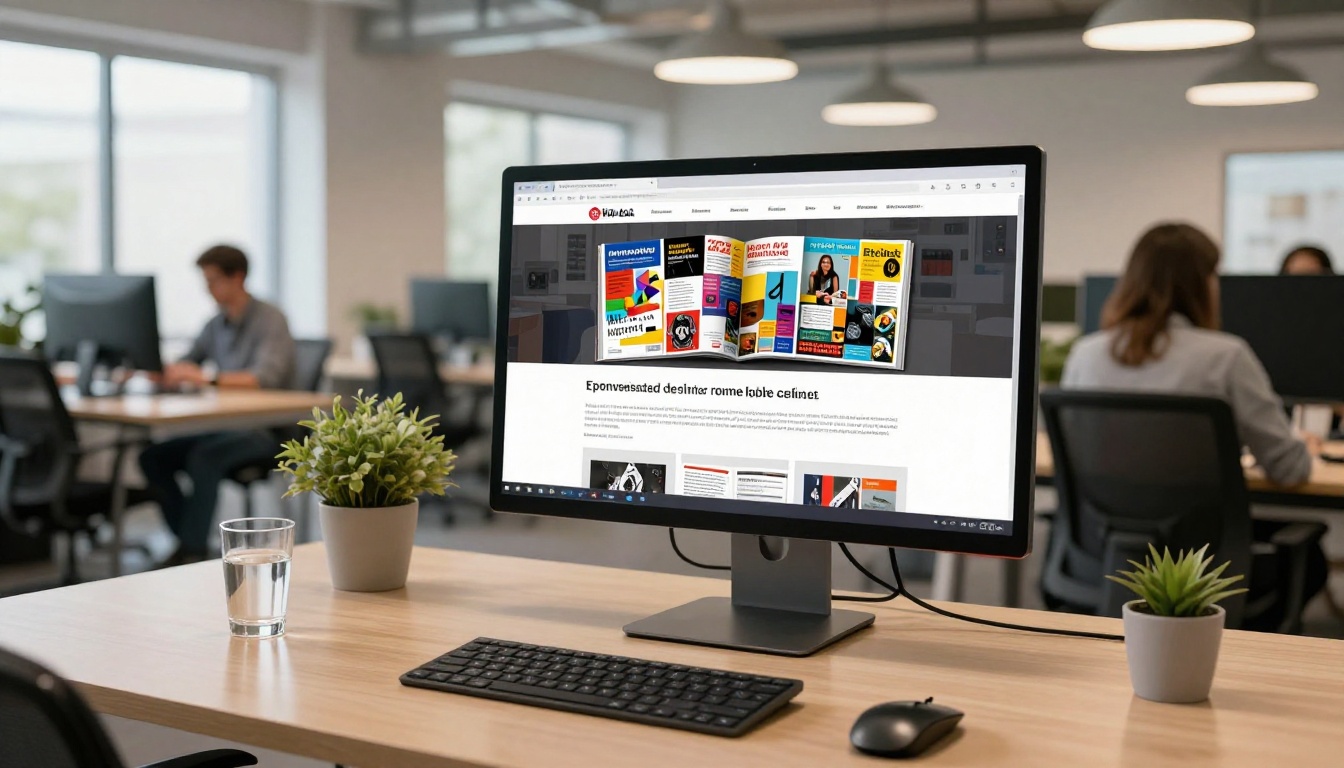
Even with the right platform, these common errors prevent flipbooks from ranking:
1. Not making the flipbook public
A password-protected or restricted-access flipbook cannot be crawled. If you want SEO traffic, the flipbook must be publicly accessible without login requirements.
2. Using scanned images instead of real text
If your PDF was created by scanning paper documents, the "text" is actually embedded in image files. Google cannot read it. Use OCR software to convert scanned PDFs into text-based PDFs before uploading.
3. Ignoring mobile optimization
Over 60% of Google searches happen on mobile. If your flipbook viewer is not mobile-responsive, Google may rank it lower or exclude it from mobile search results entirely. Flipbooks AI handles mobile responsiveness automatically.
4. Publishing with no links pointing to the flipbook
A flipbook with zero backlinks and no internal links from your website is treated as low-authority content. Even one or two quality backlinks can dramatically shift where it ranks.
5. Never updating content
Google favors fresh content. If your flipbook is a catalog, update it seasonally. If it is a report, publish a new version annually with the updated year in the title and URL.
| Mistake | Impact on Rankings | Fix |
|---|
| Password-protected flipbook | Not indexed at all | Set to public |
| Scanned PDF with no real text | Content invisible to Google | Use OCR to convert |
| No meta description | Lower CTR in results | Write a compelling 150-character description |
| No backlinks | Low authority, poor ranking | Embed and share strategically |
| Never updated | Freshness penalty over time | Update and republish regularly |
| Mobile-unfriendly viewer | Lower mobile rankings | Use a responsive platform |
3 Flipbook Types That Rank Well
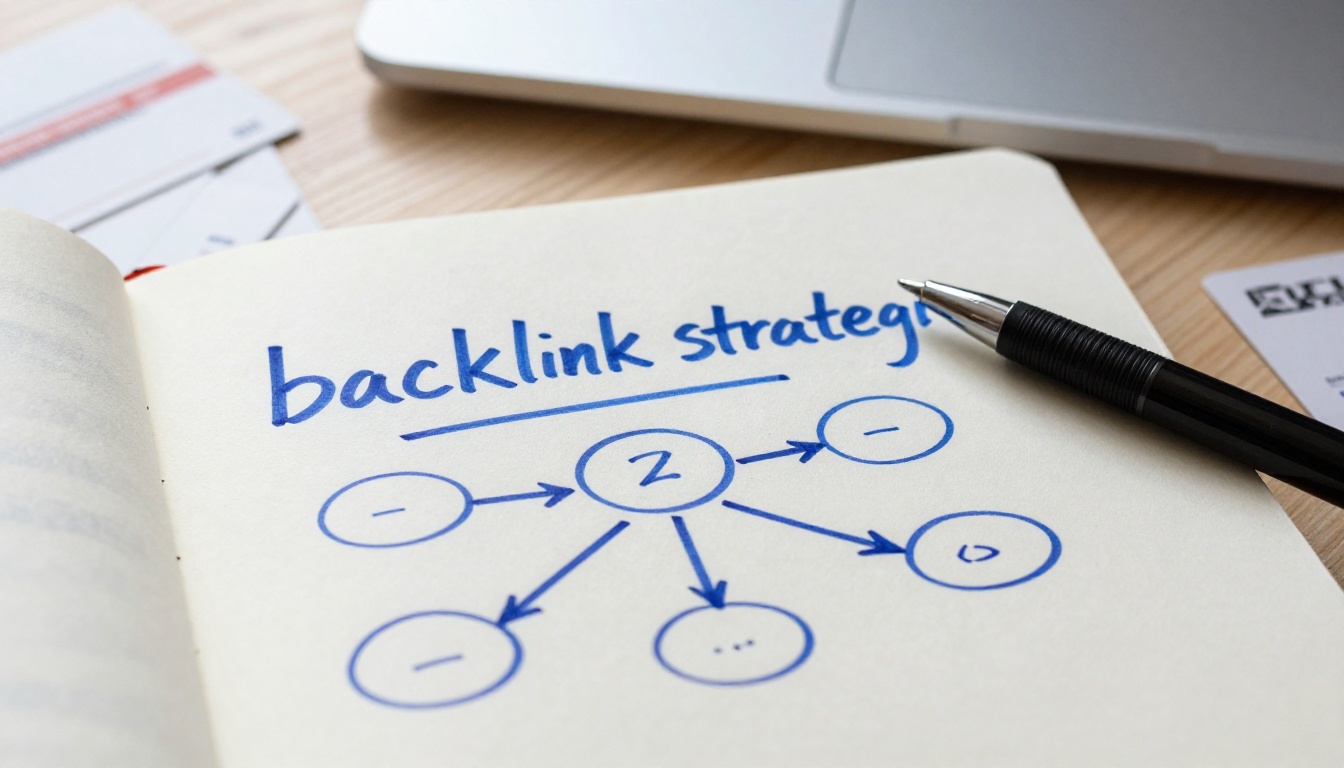
Some flipbook formats naturally attract more organic search traffic than others. If you are building content for SEO, these perform best:
Product Catalogs: Shoppers search for "[brand] catalog 2025" and similar queries constantly. A well-optimized product catalog flipbook can rank for these commercial-intent searches and drive direct purchase intent.
How-To and Training Resources: A training manual flipbook or course material publication ranks for "how to" searches in your industry. These carry high informational intent and strong organic demand.
Local Service Menus and Brochures: A restaurant's menu or a hotel brochure can rank for local searches like "Italian restaurant menu downtown Chicago." Pair the flipbook with a Google Business Profile post for compounding local SEO benefit.
✅ Match your flipbook type to search intent. Commercial queries need product-focused flipbooks. Informational queries need educational content. Local queries need location-specific branding.
Your Next Steps
Ranking your flipbook on Google is not a one-time task. It is a system: the right platform, the right metadata, strategic distribution, backlink building, and ongoing performance monitoring working together.
Start by creating your flipbook on Flipbooks AI using the PDF to Flipbook Converter. Set your title and meta description intentionally. Publish it publicly, submit it to Google Search Console, and embed it on at least one high-authority page of your website.
From there, share it across LinkedIn, your email list, and any relevant communities. Build backlinks through outreach and partnerships. Then use Search Console data alongside Flipbooks AI analytics to identify what is working and double down on it.
Browse all flipbook tools to find the format that fits your content. When you are ready to scale, compare pricing and plans to choose the features that match your publishing needs.



