Fundraisers live or die by first impressions. A donor scrolling through their inbox or sitting at your event has seconds before they decide whether your cause deserves their attention. The materials you put in their hands, or on their screen, make that decision for them. That is why more nonprofits, schools, and community organizations are figuring out how to make your fundraiser stand out with flipbooks that stop people mid-scroll and make them feel something. Flipbooks AI is the platform making this possible for organizations of every size, without a design team or a big budget.

Why Most Fundraisers Blend Into the Noise
Walk into any charity event and you will find the same thing: folded brochures, printed programs, and PDF reports that look nearly identical to each other. Donors have seen them a thousand times. The problem is not the mission. It is the format.
Static documents communicate information. Interactive flipbooks communicate experience. When a donor clicks through a beautifully designed digital flipbook with page-turn animations, embedded photography, and real impact stories laid out like a premium magazine spread, the psychological response is completely different. They slow down. They read. They feel.
Here is what the data tells us about digital fundraising content formats:
| Format | Average Read Time | Shareable | Mobile-Friendly | Visual Impact |
|---|
| Printed brochure | ~30 seconds | No | No | Medium |
| Static PDF | ~45 seconds | Limited | Poor | Low |
| Email newsletter | ~20 seconds | No | Varies | Low |
| Interactive Flipbook | 3-5 minutes | Yes | Yes | Very High |
The numbers speak for themselves. An interactive flipbook keeps a donor engaged for 4-6x longer than a printed brochure and can be forwarded, shared on social media, embedded on your website, and viewed on any device without losing quality.
The Psychology Behind the Page Turn
There is something almost unconscious about the act of turning a page. It signals progression, it rewards curiosity, and it creates a small moment of investment with each flip. This mechanic, built into every flipbook format, is part of why interactive digital publications outperform flat documents in time-on-page and emotional recall.
💡 Pro Tip: Fundraising campaigns with interactive digital materials consistently see higher donor retention rates than those relying solely on printed collateral, particularly when shared across multiple digital channels.
What a Flipbook Actually Does for Your Campaign
Before going into specifics, it helps to understand what a fundraising flipbook is doing at every stage of your campaign.
At the awareness stage, a shareable flipbook link spreads your mission further than any printed flier ever could. A supporter forwards it to ten people. Each of them shares it on LinkedIn or Facebook. Your reach multiplies without any additional printing cost.
At the consideration stage, donors sitting with your flipbook, whether at an event or on their phone at home, are consuming your full story: impact photos, program descriptions, testimonials, budget transparency. This is where trust is built.
At the conversion stage, a well-placed call to action inside the flipbook, a link to your donation page, a QR code, or an embedded form, becomes the bridge between feeling inspired and actually giving.
5 Fundraising Materials That Work Better as Flipbooks
Not every piece of content benefits equally from the flipbook format. Here are the five types of fundraising materials that see the most dramatic improvement when converted to interactive digital publications.
1. Annual Donor Reports
Your annual impact report is the single most important document you produce. It is your accountability statement, your thank-you letter, and your pitch for next year's support, all in one. As a static PDF, most donors glance at the cover and move on.
As a flipbook, that same report becomes something people actually read. Use the Non-Profit Annual Report tool to convert your PDF into a scrollable, shareable digital publication with page animations and embedded photography.
2. Event Programs
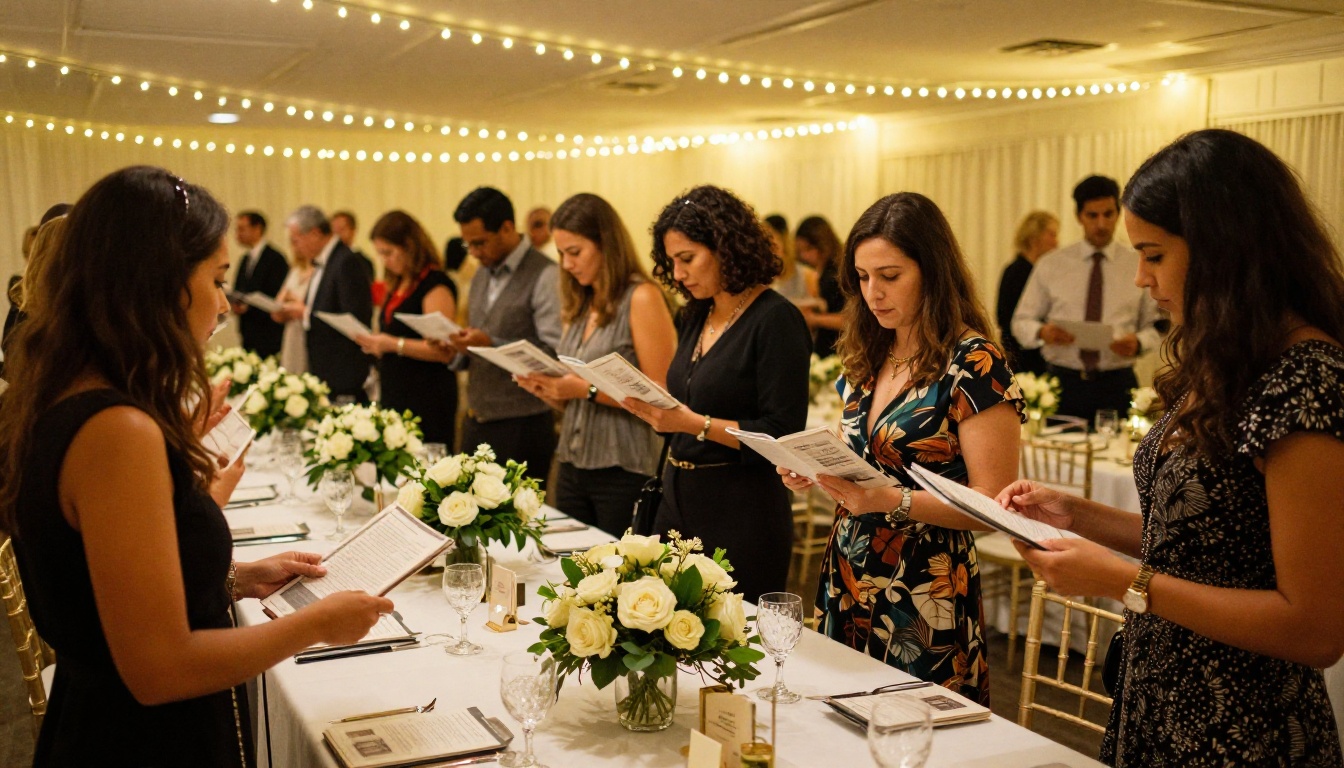
Whether you are running a gala, a 5K, a school auction, or a virtual fundraiser, the event program sets the tone. A digital program distributed via QR code at the door means no printing costs, no waste, and the ability to update content right up to the event itself.
3. Sponsorship Packages
Sponsors receive hundreds of sponsorship decks every year. A professionally designed flipbook with clear tier breakdowns, audience demographics, and visual benefit summaries stands out immediately from the pile of PDFs in their inbox.
4. Campaign Launch Materials
Kicking off a capital campaign or a crowdfunding push? A flipbook that tells your origin story, shows your community impact, and lays out exactly what the funds will achieve is far more compelling than a campaign one-pager.
5. Grant Proposals and Funder Updates
Some foundations and major donors appreciate receiving polished digital publications rather than dense Word documents. A clean, visual flipbook signals professionalism and attention to quality before a funder reads a single word.
✅ Best Practice: Pair every flipbook with a shareable direct link AND an embed code so supporters can view it on your website, in email, and via social media without downloading anything.
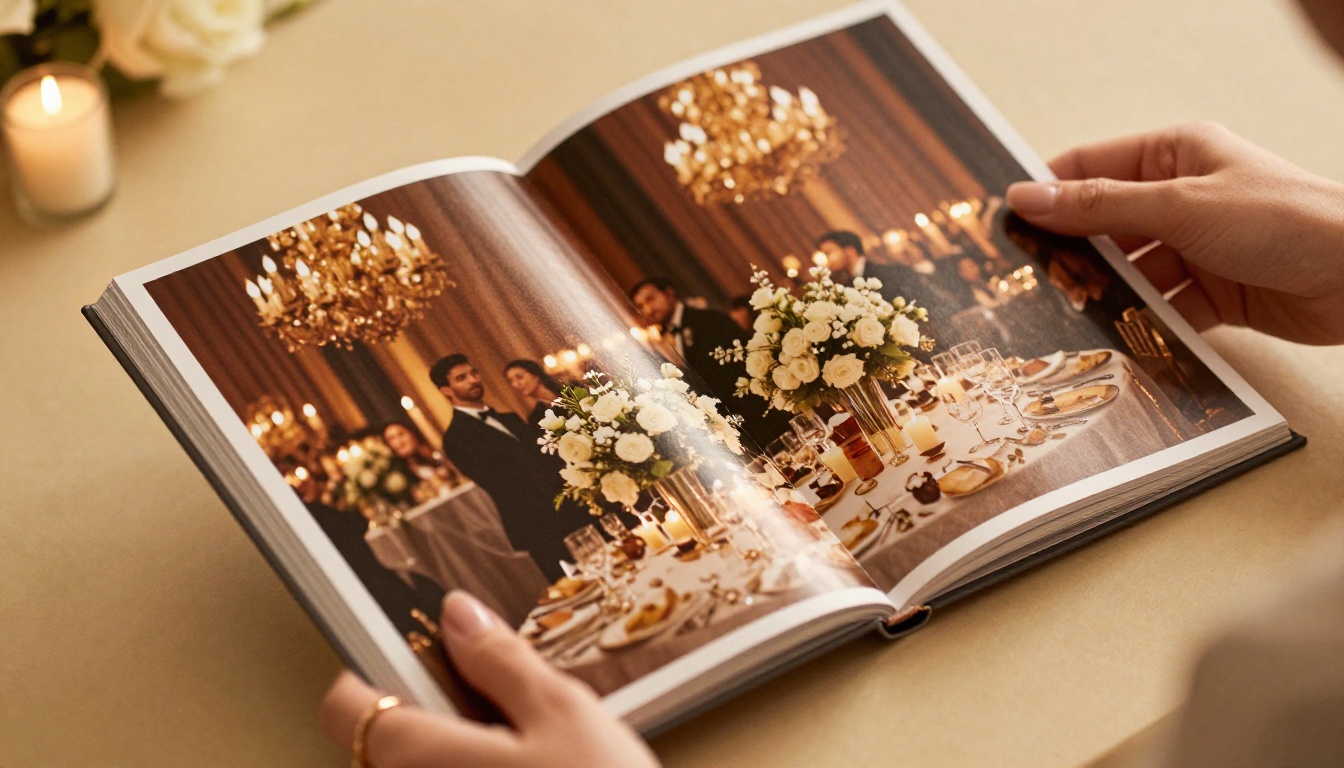
How to Build a Fundraising Flipbook with Flipbooks AI
Flipbooks AI makes the entire process straightforward, even if you have never built a digital publication before. Here is how to go from a blank document to a fully interactive flipbook ready to share with donors.
Step 1: Create your account
Head to flipbooksai.com/account and sign up. The free plan lets you create and publish immediately. If you need analytics, lead capture, or unlimited flipbooks, check the pricing page to choose the right plan for your organization.
Step 2: Prepare your PDF
Design your fundraising material in Canva, InDesign, Google Slides, or any tool you already use. Export it as a PDF. The quality of your PDF directly affects the final flipbook, so use high-resolution images and professional typography.
Step 3: Upload and convert
Use the PDF to Flipbook Converter tool. Drag and drop your PDF, and the platform converts it into an interactive flipbook in seconds. Page-turn animations are applied automatically.
Step 4: Add your branding
Customize the flipbook with your organization's logo, color palette, and background. For nonprofits, your flipbook should feel like a natural extension of your brand identity, not a generic template. Add your donation page URL as a clickable link within the content.
Step 5: Embed video and audio (optional)
If you have a short campaign video, a recorded testimonial, or ambient audio for an event program, you can embed these directly inside the flipbook. This elevates the experience considerably and is available on the Standard plan and above.
Step 6: Publish and share
Once you are satisfied, publish. You immediately receive:
- A direct shareable link you can paste into emails, social posts, and SMS campaigns
- An embed code to place the flipbook directly on your website or donation page
- A QR code for printed materials, event signage, or invitations
- Optional password protection for board documents or private donor materials

Step 7: Track performance (Professional plan)
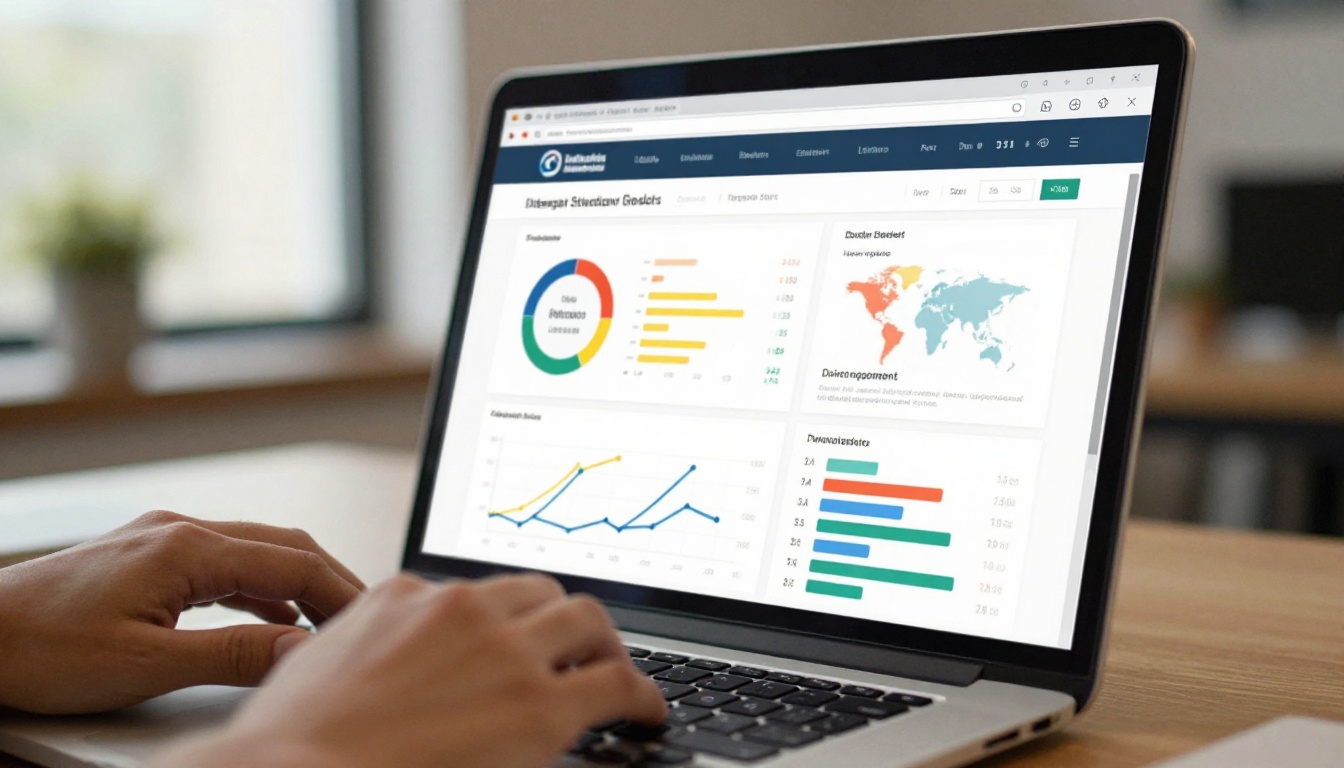
If you are on the Professional plan, you get access to built-in analytics: which pages donors spent the most time on, how many unique views your flipbook received, where your traffic came from, and lead capture forms you can embed directly inside the publication. For major gift officers and campaign managers, this data is invaluable.
💡 Pro Tip: Add a lead capture form on page 2 of your flipbook, right after your mission statement. You will capture warm donor contact information from people already engaged with your content before they even finish reading.
Flipbooks AI Plans: What You Get at Each Tier
Choosing the right plan depends on your organization's volume and the features you need. Here is a clear breakdown:
| Feature | Free | Standard | Professional |
|---|
| Flipbooks | 3 | Unlimited | Unlimited |
| Watermarks | Yes | No | No |
| Custom branding | No | Yes | Yes |
| Analytics | No | No | Yes |
| Lead generation | No | No | Yes |
| Offline downloads | No | Yes | Yes |
| Password protection | No | Yes | Yes |
| Embed videos/audio | No | Yes | Yes |
| Mobile responsive | Yes | Yes | Yes |
⚠️ Note: The free plan includes Flipbooks AI watermarks on all published flipbooks. For donor-facing materials, the Standard plan is the minimum recommended option to maintain professional credibility with your audience.
For a fundraising campaign where donor trust and brand integrity matter, the Standard or Professional plan pays for itself quickly. Compare all plans to find what fits your budget.

Real-World Scenarios: Nonprofits Using Flipbooks
Abstract benefits are useful, but concrete scenarios make the decision easier. Here are three realistic situations where a flipbook directly improves fundraising outcomes.
A Regional Food Bank's Annual Appeal
A food bank serving 50,000 families annually produces a printed appeal letter and impact report each fall. Printing and mailing costs run into thousands of dollars. By switching to a digital flipbook sent via email, they eliminate printing costs entirely, can include video stories from families they serve, and track exactly how many donors opened and engaged with each page. Warm leads get flagged for personal follow-up by major gift staff.
A School's Spring Gala
A parent association hosts an annual fundraising gala. Instead of printing 300 event programs, they design one beautiful flipbook and distribute the link via a QR code on each table. Guests scan it on arrival, browse the auction catalog built with the Event Program Maker tool, and click directly to the bid page. Last-minute additions to the auction go live digitally without reprinting a single sheet.
A Capital Campaign Launch
A community health center launches a $2 million capital campaign to build a new wing. Their campaign flipbook tells the story of the current facility's limitations, the architectural plans for the new building, naming opportunities at each giving level, and patient testimonials. The flipbook is embedded on the campaign landing page, shared by board members on LinkedIn, and emailed to every major donor prospect. Its polished presentation signals organizational credibility before a single conversation happens.

Sharing Your Flipbook: Channels That Work
Generating a great flipbook is only half the work. Here is where to deploy it for maximum reach across your donor community.
Email Campaigns
Include a static preview thumbnail of your flipbook in your email with a "View our impact report" or "Read the full story" call-to-action that links to the flipbook URL. Avoid embedding the flipbook directly in email as most clients do not render it properly.
Social Media
Share the direct link on Facebook, Instagram (via link in bio), LinkedIn, and X. For nonprofits, LinkedIn drives particularly high-intent traffic from business professionals who are potential major donors or corporate sponsors looking for community partnership opportunities.
Your Website Donation Page
Embed the flipbook directly on your donation page using the embed code. Donors already considering giving spend more time on your page when there is compelling visual content to consume. Use the Embed Flipbook on Website tool for this with a single line of code.
Event Signage and Print Materials
Print QR codes on:
- Event invitations and save-the-dates
- Table cards and place settings at your gala
- Registration desk signage
- Thank-you cards sent after the event
Board and Volunteer Networks
When board members, volunteers, and current donors share your flipbook from their personal networks, the trust level of the recommendation increases dramatically. Make it easy: send the link with a suggested caption ready to copy and paste.
| Channel | Best For | Effort | Potential Reach |
|---|
| Email blast | Direct donors, warm leads | Low | High |
| Social media | Awareness, new audiences | Medium | Very High |
| Website embed | Donation page conversions | Low | Medium |
| QR code at event | On-site engagement | Low | Medium |
| Board/volunteer sharing | Major donor prospects | Medium | High |

What Makes a Flipbook Actually Convert
There is a difference between a flipbook that looks good and one that moves donors to action. Here are the elements that matter most.
A strong opening spread: Your first two pages need to do the same job as an email subject line. Use a powerful photo, a single striking statistic, or one sentence that states the stakes clearly. Do not open with a letter from the executive director. Open with impact.
Human faces, not logos: Donors give to people, not organizations. Fill your flipbook with photos of the individuals your mission serves. Authentic, documentary-style photography outperforms posed stock imagery in every nonprofit campaign without exception.
Minimal text per page: The page-turn mechanic encourages browsing. Write tight. Use callout quotes, bold statistics, and captions to carry most of the narrative weight. Save longer paragraphs for a dedicated "full story" page that interested readers can choose to engage with.
Clear giving tiers: A simple table showing exactly what different gift levels accomplish reduces the cognitive friction of deciding how much to give:
| Gift Amount | What It Funds |
|---|
| $25 | School supplies for one student for a month |
| $100 | Groceries for a family of four for two weeks |
| $250 | One month of mentorship sessions for a youth |
| $1,000 | Full scholarship for a summer program |
One call to action per spread: Do not overwhelm. Each two-page spread should have one clear next step, whether that is a donation link, a phone number, or a QR code directing to a specific campaign page.
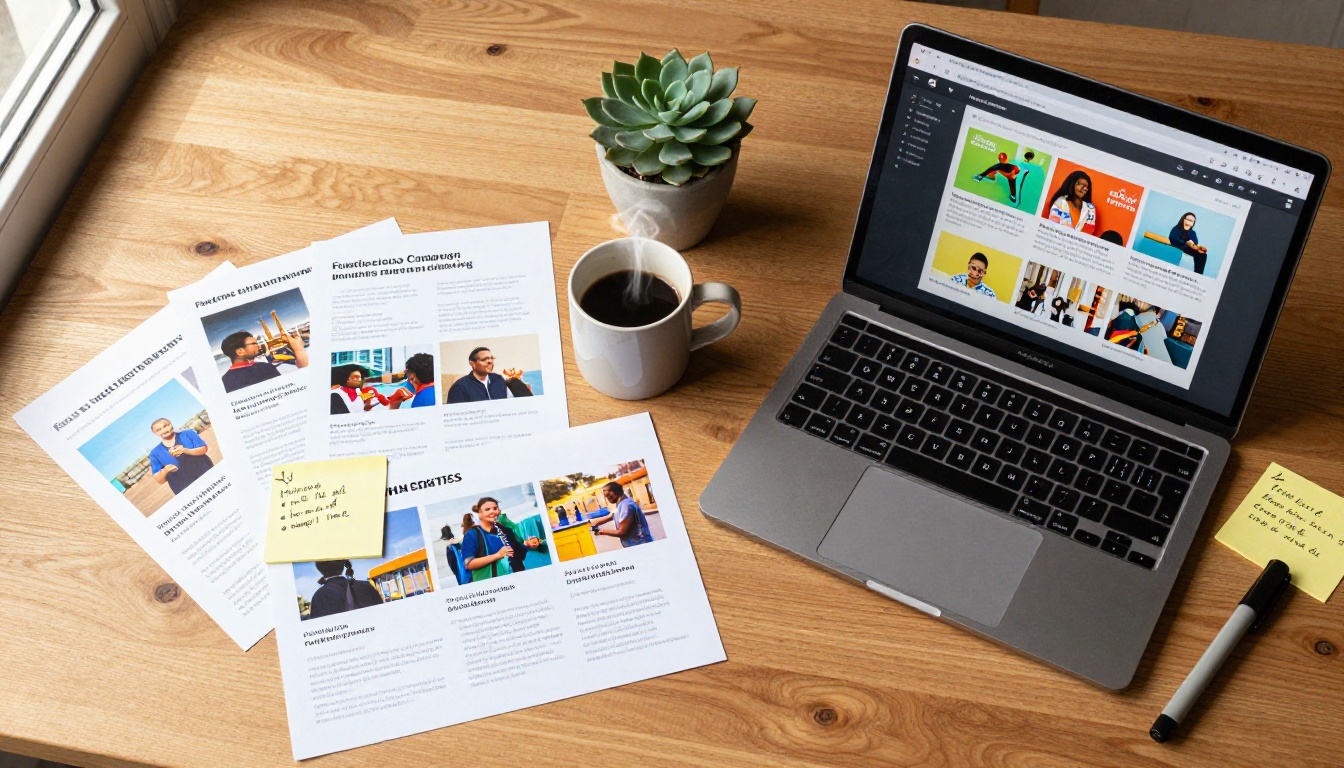
Connecting Your Flipbook to Your Broader Campaign
A flipbook is most powerful when it is one part of a coordinated campaign rather than a standalone document. Here is how it fits into a complete fundraising system.
Before the campaign: Use the flipbook as a teaser. A preview version with your campaign story and a lead capture form builds your prospect list before you officially launch.
During the campaign: Update your flipbook with real-time milestones ("We have reached 40% of our goal. Here is what that means for..."). The digital format means no reprinting. Just update and reshare the same link.
After the campaign: A post-campaign impact flipbook sent to all donors closes the loop and sets up your next ask. Donors who see tangible results from their previous gift are significantly more likely to give again and at a higher level.
✅ Best Practice: Create a dedicated campaign URL that always points to your current flipbook version. When you update the content, the link stays the same and all previous shares remain valid across every channel where you distributed it.
Measuring What Is Working
If you are using the Professional plan on Flipbooks AI, you have access to page-level analytics that most nonprofits have never had before. Here is what to watch.
Pages with highest drop-off: If donors consistently leave after page 4, something on pages 3-4 is breaking their interest. Revise the content, imagery, or pacing in those sections before your next campaign push.
Time spent per page: Pages with long average read times are your strongest content. Move similar content earlier in future versions to hook readers sooner.
Traffic sources: Knowing whether your views come from email, social media, or direct links tells you which channels are actually driving engagement for your specific audience, not just which ones feel active.
Lead form completions: If you have a lead capture form embedded in the flipbook, track completions as a separate KPI from page views. A high view count with low form completions signals a persuasion gap worth investigating.
Your Next Fundraiser Starts Here
The gap between a fundraiser that struggles to hit its goal and one that exceeds it often comes down to how well the organization tells its story. Interactive flipbooks do not just carry information from your organization to a donor. They create an experience that makes your mission feel real, urgent, and worth supporting.
Every piece of fundraising material you produce, from your annual report to your event program to your sponsorship deck, works harder in flipbook format. It reaches more people, holds their attention longer, and creates a more professional impression at every touchpoint in the donor relationship.
Get started for free on Flipbooks AI and convert your first fundraising document today. Explore the full set of nonprofit and campaign tools to find exactly what fits your organization. When you are ready to access analytics and lead generation, compare plans to choose the right tier.
Your donors are out there. Give them something worth stopping for.



