Publishing an online magazine once meant buying a domain, paying for web hosting, and either coding a site from scratch or wrestling with a WordPress installation for weeks. That model is outdated. Right now, independent creators, boutique brands, niche communities, and first-time publishers are putting out polished digital magazines without registering a single domain or touching a server. Flipbooks AI is one of the platforms at the center of this shift, converting a simple PDF into a beautifully interactive, shareable digital publication in minutes. Whether you run a lifestyle brand, a local arts community, or a small business with a quarterly publication, you have more options than ever to go live and reach your audience without a website standing between you and your readers.

Why the Website Model Holds Publishers Back
Building and maintaining a website sounds simple until you are three months in, managing plugin updates, security patches, slow page speeds, and a hosting bill that climbs every year. For a magazine publishing quarterly or even monthly, that math rarely works.
The real cost nobody mentions
A basic managed WordPress site for a magazine-style publication costs anywhere from $25 to $150 per month when you factor in hosting, a premium theme, form plugins, and CDN costs. Add developer time for customization and that figure doubles quickly. For an independent publisher producing four issues a year, that is money spent on infrastructure instead of content and design.
| Cost Item | Traditional Website | No-Website Platform |
|---|
| Domain registration | $15/year | Not required |
| Web hosting | $25-150/month | Included |
| CMS setup and themes | $50-300 one-time | Not required |
| Developer maintenance | $50-200/hour | Not required |
| SSL certificate | $0-100/year | Included |
| Total estimate (Year 1) | $500 to $2,500+ | $0 to $99/year |
What readers actually care about
Readers do not check whether your magazine lives on a custom domain. They care whether the content loads fast, looks good on their phone, and is easy to share. A beautifully designed digital flipbook delivered via a direct link satisfies all three requirements without a homepage, navigation menu, or contact form getting in the way.
💡 A shareable link that opens your magazine in one tap on mobile converts better than a website that requires three clicks to find the current issue.
What You Actually Need to Publish
Stripping back the requirements to their essentials, you need exactly two things: content that is properly formatted, and a publishing platform that handles the rest.
Your content in PDF format
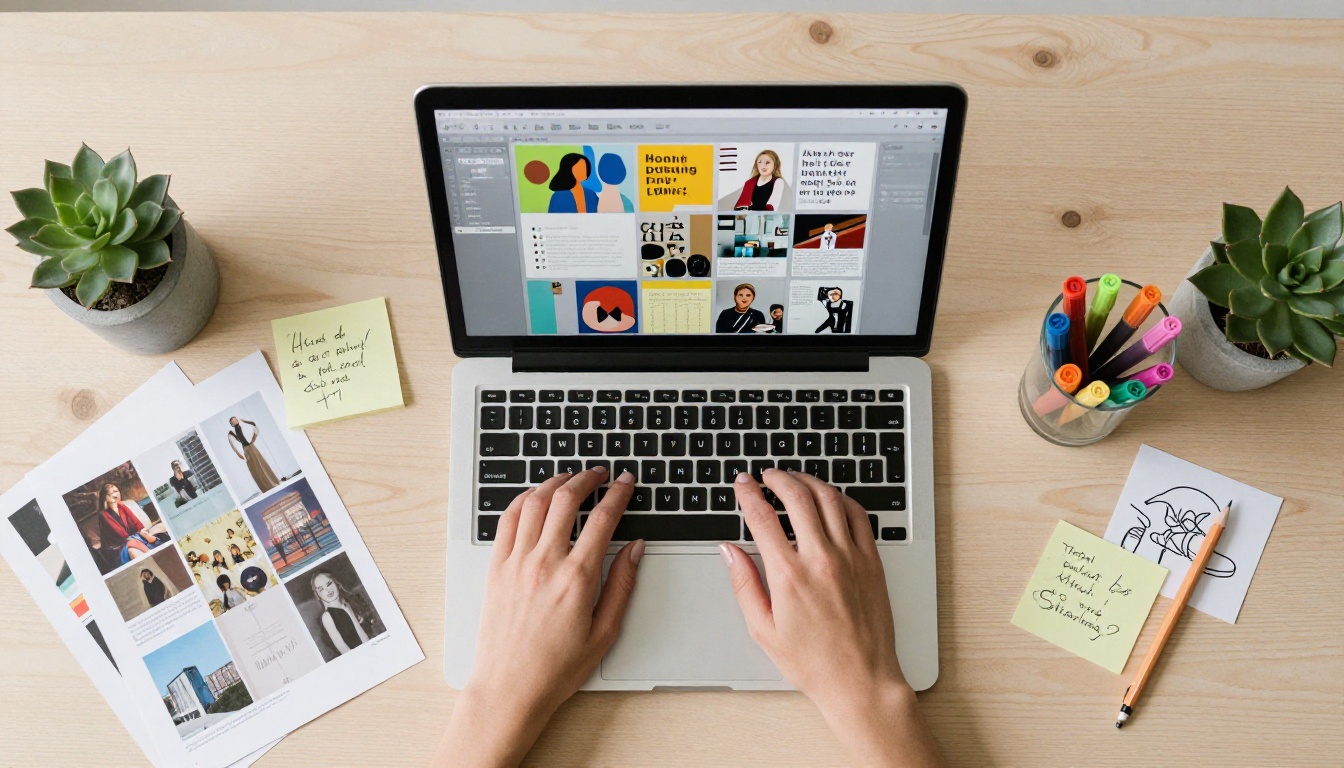
The universal starting point for no-website magazine publishing is a PDF. Design your magazine in Canva, Adobe InDesign, Affinity Publisher, or even Google Slides, then export it as a high-resolution PDF. That single file is all a platform like Flipbooks AI needs to create an interactive, page-turning digital edition with a link you can send in an email or post on social media instantly.
What makes a magazine PDF work well:
- Standard dimensions: A4 (210 x 297 mm) or US Letter (8.5 x 11 inches)
- Resolution: 150 to 300 DPI for screen-optimized output
- Fonts embedded (not outlined) for sharp text rendering
- High-resolution images to avoid pixelation after conversion
- Consistent margins and bleed areas if you plan print versions later
A platform built for publications
Not every file-sharing service is designed for magazine publishing. You want a platform with page-turn animations, mobile responsiveness, branding control, and sharing features built specifically for digital publications.
⚠️ Uploading your magazine PDF to Google Drive or Dropbox and sharing a link is not publishing. Readers get a flat, static document with no visual appeal, no page-turn effect, and no real reading experience. Use a platform designed for this purpose.
Design tools that do not require a designer
The best no-website magazine workflows pair a template-based design tool with a digital publishing platform. If you are working in Canva, you can export your magazine as a PDF and upload it to Flipbooks AI in under five minutes. The interactive reading experience, zooming, page flipping, clickable links, and embedded media, all get added automatically by the platform. You focus on the content; the platform handles the presentation layer.
Several platforms exist in this space. Here is how the most widely used options compare across the features that matter most for digital magazine publishing:
| Feature | Flipbooks AI | Issuu | Joomag | Calameo |
|---|
| No website required | ✅ | ✅ | ✅ | ✅ |
| Custom branding | ✅ | Paid only | Paid only | Limited |
| No watermarks | ✅ | Paid only | Paid only | Paid only |
| Password protection | ✅ | ✅ | ✅ | ✅ |
| Analytics | ✅ Pro plan | ✅ Paid | ✅ Paid | Limited |
| Embed code | ✅ | ✅ | ✅ | ✅ |
| Offline downloads | ✅ | Paid only | Paid only | No |
| Video and audio embeds | ✅ | Paid only | ✅ Paid | No |
| Mobile responsive | ✅ | ✅ | ✅ | Partial |
| Lead generation | ✅ Pro plan | ✅ Paid | ✅ Paid | No |
Flipbooks AI stands out for offering watermark-free publishing and custom branding on accessible plans, while most competitors reserve these features for expensive tiers. The E-Magazine Publishing Tool and the Magazine Flipbook Creator are purpose-built for exactly this use case, with reader-optimized interfaces and instant sharing built in.
How to Publish Your Magazine on Flipbooks AI
This is the fastest path from a finished PDF to a live, shareable online magazine, with no website required at any step.

Step 1: Create your account
Go to Flipbooks AI and sign up. The process takes under two minutes. No credit card is required to start.
Step 2: Upload your magazine PDF
From your dashboard, click "Upload" and select your PDF. The platform accepts files of several hundred pages. The conversion engine processes your document automatically and generates the interactive flipbook, complete with page-turn animations, thumbnail navigation, and zoom capability.
Step 3: Apply your branding
Once converted, open the customization panel. You can:
- Set your brand colors for the reader background and toolbar
- Upload a custom logo that appears in the reader interface
- Choose a page-turn animation style: classic flip, slide, or fade
- Add a custom favicon for a branded experience when readers bookmark the link
- Enable or disable the page-turn sound effect
Step 4: Configure privacy and access
Flipbooks AI gives you precise control over who can read your magazine:
- Public: Anyone with the link can read it, no login required
- Password protected: Readers need a password you set, ideal for paid subscriber issues
- Private: Only accessible while logged in, for internal team use
✅ For a paid or subscriber magazine, use per-issue password protection. Set a new password each cycle and send it exclusively to active subscribers via email. This creates a simple paywall without a subscription management system.
Step 5: Add interactive elements
This is where digital magazines pull ahead of static PDFs. In the Flipbooks AI editor you can embed:
- YouTube or Vimeo videos directly into specific pages
- Audio tracks for background music or editorial narration
- Clickable hyperlinks throughout article content
- Photo galleries that expand on tap for visual-heavy spreads
Step 6: Copy your share link and publish
Every flipbook gets a permanent, clean URL the moment it is published. Copy this link and you are done. There is no domain to configure, no DNS propagation to wait for, and no web server to restart. Your magazine is live and readable anywhere in the world.
Step 7: Track reader behavior
On the Professional plan, the analytics dashboard shows:
- Total views and unique readers per issue
- Average time spent reading each publication
- Page-by-page data showing which spreads readers linger on and which they skip
- Geographic breakdown of your audience by country and city
- Lead generation forms that convert readers into email subscribers

Sharing Your Magazine Without a Domain
Getting your magazine in front of readers without a website requires thinking about distribution differently. A shareable link works everywhere a website URL would, and often performs better because it opens the reading experience directly.

Direct link distribution
Your flipbook URL functions as a standalone publication address. Share it:
- In an email newsletter as the primary call-to-action button
- In a Linktree or link-in-bio tool on Instagram or TikTok
- Directly in WhatsApp, Telegram, or Discord communities
- As a QR code on business cards, printed flyers, or event programs
- In LinkedIn posts for professional or B2B publications
- Via SMS campaigns for time-sensitive monthly issues
Embedding without owning a website
If you have any online presence at all, from a free Squarespace page to a Facebook business page, Flipbooks AI provides an embed code that drops your interactive magazine directly into that page with a single paste. The same embed code works in:
- Notion pages (great for team or community publications)
- Free WordPress.com sites
- Shopify store pages
- LinkedIn company pages
- Any platform that accepts HTML iframe embed codes
💡 Embed your latest issue in your email signature using a static preview image linked to the flipbook URL. It works across all email clients and drives consistent traffic to each new issue with zero extra effort.
Social media as your distribution layer
A magazine without a website can build a substantial readership through social channels alone. The approach is straightforward:
- Create a static preview of your best spread, a striking double-page layout or bold editorial photograph
- Post it on Instagram, Facebook, or LinkedIn with a compelling caption describing the issue content
- Place the flipbook link in your bio or directly in the post description on platforms that allow it
- Use Instagram Stories or Reels to highlight specific pages and direct viewers to the link in your bio
This performs especially well for visual magazines covering fashion, food, travel, lifestyle, and design, where the imagery itself earns the click.

Who Should Skip the Website Entirely
Not every publisher needs a website. In many cases, a website adds cost and complexity that distracts from the primary goal: producing great content and getting it to readers.
The common thread across all these cases is that the audience already exists in another channel, email, social media, or a community platform. A website would just be an extra step between the publisher and the reader, adding friction rather than removing it.
3 Mistakes That Hurt Reader Retention
Even with a polished design and a solid distribution plan, certain common errors chip away at how many readers actually finish your magazine and come back for the next issue.
1. Uploading a low-resolution PDF
A fuzzy, pixelated magazine is immediately off-putting on a high-DPI screen. Always export at a minimum of 150 DPI, and 300 DPI if file size allows. Flipbooks AI handles compression without sacrificing quality, but it cannot recover detail that was never in the source file. Before uploading, zoom in on text and images in your PDF to verify sharpness at full resolution.
2. Ignoring mobile layout
More than 60% of digital content is now consumed on mobile devices. If your magazine layout relies on tiny text, complex multi-column grids, or very small image captions, those elements become illegible on a phone screen. Design with a mobile reader in mind, and test your flipbook on a smartphone before every publish date.
⚠️ A magazine that requires pinch-zooming on every page loses readers within the first three spreads. Test on mobile every time before publishing.
3. No call to action inside the magazine
Readers who enjoy your current issue need to know where to go next. Include at least one clear next step inside the magazine content, whether that is a prompt to subscribe, a QR code, or a link to your next issue. Without it, even satisfied readers drift away with no path back to you.
4. Not using analytics to iterate
If you are on the Professional plan, you have access to page-by-page engagement data showing exactly which spreads readers skip and which ones hold attention longest. Ignoring this information means repeating the same structural mistakes issue after issue without understanding why readership plateaus. One session with your analytics after each issue will improve the next one measurably.
The no-website approach works across a wide range of publication types, from lean two-page newsletters to hundred-page annual reports. Here is how different formats perform in the flipbook model:
| Magazine Format | Typical Page Count | Best Approach |
|---|
| Monthly lifestyle magazine | 20 to 40 pages | Full-bleed images, bold typography, social sharing |
| Quarterly business publication | 30 to 60 pages | Data-rich infographics, embed in email campaigns |
| Annual report | 40 to 80 pages | Analytics tracking, password access for stakeholders |
| Newsletter-style digest | 8 to 16 pages | High-frequency sharing, embed in email footer |
| Lookbook or visual catalog | 16 to 32 pages | Social-first distribution, Instagram-linked bio |
| Academic or professional journal | 40 to 100+ pages | Password-protected, member-only access |
For image-dominant formats like lookbooks and lifestyle magazines, the Interactive Lookbook Designer and Magazine Flipbook Creator offer settings specifically optimized for visual-first publications where reader experience on mobile is paramount.
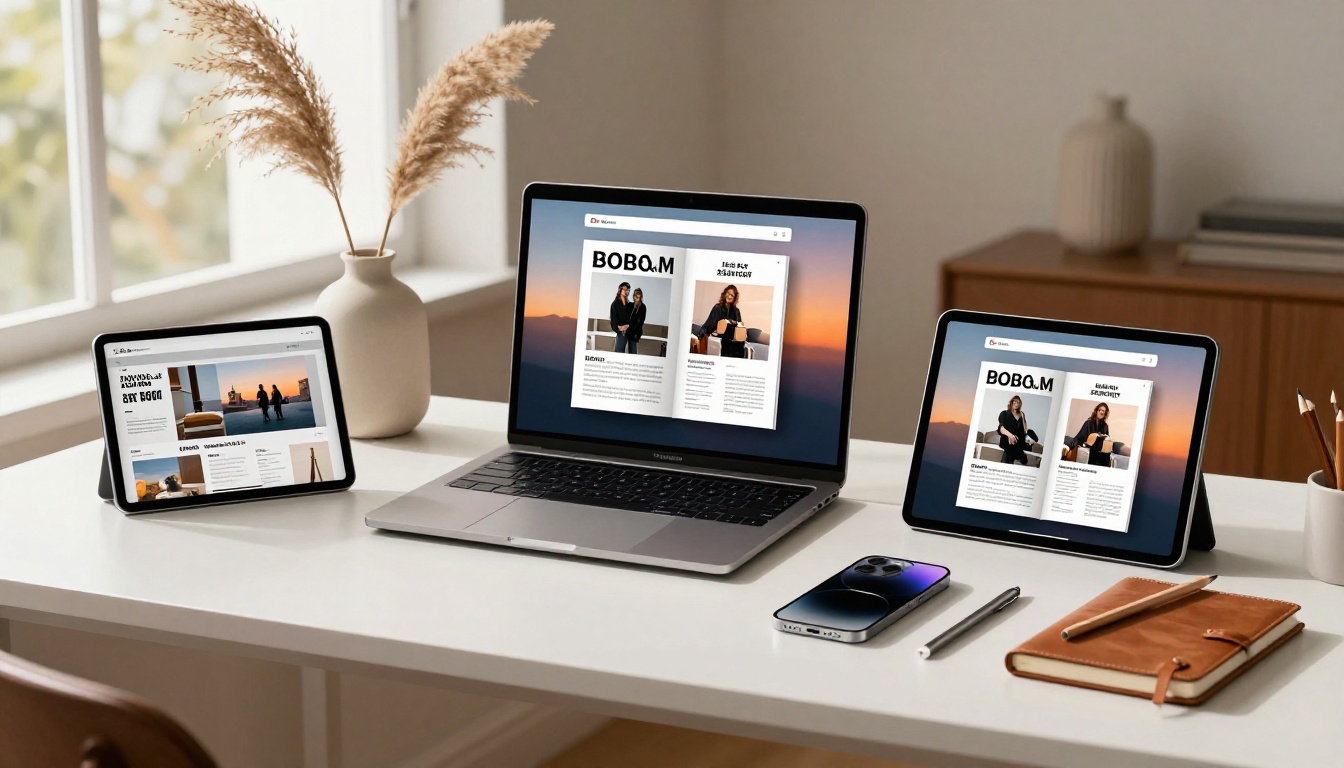
The Close-up of Hands View: What Publishing Looks Like in Practice
Consider a few real-world scenarios where no-website publishing outperforms the traditional approach:
A freelance food writer produces a monthly recipe digest. She designs it in Canva, exports a PDF, uploads it to Flipbooks AI, and sends the link to her email list of 3,000 subscribers. Her open rate is higher than her old newsletter because readers are clicking through to a beautiful, page-turning experience rather than a wall of text. She uses the Recipe Book Flipbook tool to organize recurring sections elegantly.
A local photography collective publishes a quarterly arts magazine. They share the flipbook link via Instagram, embed it in a Notion page for their community members, and password-protect each issue for paying supporters. No website. No hosting bills. Total setup time for each issue: about 20 minutes after the PDF is ready.
A boutique real estate agency creates a monthly market report for clients. They use the flipbook's embed code on their existing agency website, but also share the direct link via WhatsApp to their client database. The Real Estate Brochure tool gives them a professional template that matches their brand colors.
These are not edge cases. They represent the mainstream of how digital publishing is actually happening today, link-first, mobile-first, with no server configuration involved.
Take Your Magazine Live Today
The barrier to online magazine publishing is lower than it has ever been. You do not need a domain, a hosting account, a developer, or months of setup. You need well-crafted content in a PDF and a platform that respects what you have made.
Flipbooks AI handles the infrastructure so you can focus on the content. The E-Magazine Publishing Tool is the fastest starting point for most publishers, while the Magazine Flipbook Creator gives you more control over the reader experience for visually ambitious publications.
Your next steps:
Your magazine does not need a website. It needs readers. A shareable link gets it to them faster, more directly, and with far less overhead than any homepage ever could.



