Sending mortgage documents the old way, with email attachments and folders full of PDFs, creates friction at exactly the wrong moment. When a borrower is stressed about the biggest financial decision of their life, the last thing they need is a confusing pile of files to sort through. There is a better way. Flipbooks AI makes it simple to convert any mortgage document set into a clean, professional, interactive flipbook your clients can read on any device, from their phone to their desktop.
Why Mortgage Document Delivery Is Broken
Most loan officers and mortgage brokers still send documents the same way they did twenty years ago: a string of email attachments, sometimes zipped into a folder, sometimes not. Clients open one file at a time, lose track of where they are in the process, and call back with questions that were already answered on page seven of a PDF they never finished reading.
The Email Attachment Problem
Here is what typically happens when you send mortgage documents as email attachments:
- The client opens the email on their phone and sees a list of file names that mean nothing to them
- They download two of the five files, ignore the rest, and call you to ask what they should be signing
- You resend the same documents, now with a written explanation
- The email thread becomes confusing, version control breaks down, and sensitive information sits in an unprotected inbox
This is not a client problem. It is a delivery problem.
What Borrowers Actually Want
First-time homebuyers especially want context. They do not just want the Loan Estimate. They want to make sense of it, know how to read it, and figure out what to compare between lenders. A flipbook can include all of that in one organized, branded, scrollable document that feels intentional rather than thrown together.

💡 Clients who receive a well-organized document packet are more likely to come back with specific questions rather than general confusion. That means fewer back-and-forth calls and faster closings.
What a Flipbook Does That a PDF Cannot
A PDF is a static file. It sits in a downloads folder until someone remembers to open it. A flipbook is a web-based interactive document with pages that turn, sections that are easy to navigate, and a URL you can send in one click. No downloads required, no special software, no version confusion.
Flipbook vs PDF vs Email: A Direct Comparison
| Feature | Email Attachment | Static PDF | Flipbook |
|---|
| Mobile-friendly | Partial | Partial | Yes, fully responsive |
| Requires download | Yes | Yes | No |
| Custom branding | No | Limited | Yes |
| Password protection | No | Limited | Yes |
| Track who opened it | No | No | Yes (Professional plan) |
| Page-by-page navigation | No | Scroll only | Yes |
| Embed video or audio | No | No | Yes |
| One shareable link | No | No | Yes |
| Client impression | Low | Medium | High |
The difference is not just aesthetic. It is functional. A mortgage broker who sends a flipbook is signaling competence, organization, and attention to detail before the client even reads a single word.

Mortgage Documents That Work Well as Flipbooks
Not every document in the mortgage process is suited for flipbook format, but several of the most important ones are. Here are the document types that benefit most from this presentation style.
| Document Type | Best For | Typical Length | Flipbook Benefit |
|---|
| Pre-Approval Letter | New buyers | 1-3 pages | Professional branding, easy sharing |
| Loan Estimate | All borrowers | 3 pages | Section labels reduce confusion |
| Closing Package | All borrowers | 50-120 pages | Table of contents, easy navigation |
| Rate Lock Confirmation | Active buyers | 1-2 pages | Quick share with real estate agent |
| Refinance Packet | Existing homeowners | 5-15 pages | Side-by-side comparison pages |
Pre-Approval Packets
A pre-approval letter is often the first official document a buyer receives. Sending it inside a branded flipbook, alongside a simple explanation of what pre-approval means, what the buyer's budget is, and what the next steps look like, creates an immediate professional impression. It also gives buyers something they can share with their real estate agent without forwarding an email chain.
Loan Estimate and Disclosure Sets
The Loan Estimate is one of the most confusing documents in the mortgage process: three pages of numbers, abbreviations, and terms most people have never encountered. When you present it inside a flipbook with labeled sections and optional explanatory callouts, you reduce client confusion significantly.
⚠️ Flipbooks are ideal for presenting document information to clients, but always ensure any legally binding signatures are collected through your compliance-approved e-signature platform.
Closing Document Packets
Closing packages can run 100 pages or more. Sending that as a single PDF attachment is overwhelming. A flipbook allows you to organize the content with a table of contents, chapter dividers by document type, and clean page navigation so clients can find the deed of trust without scrolling through forty other pages first.
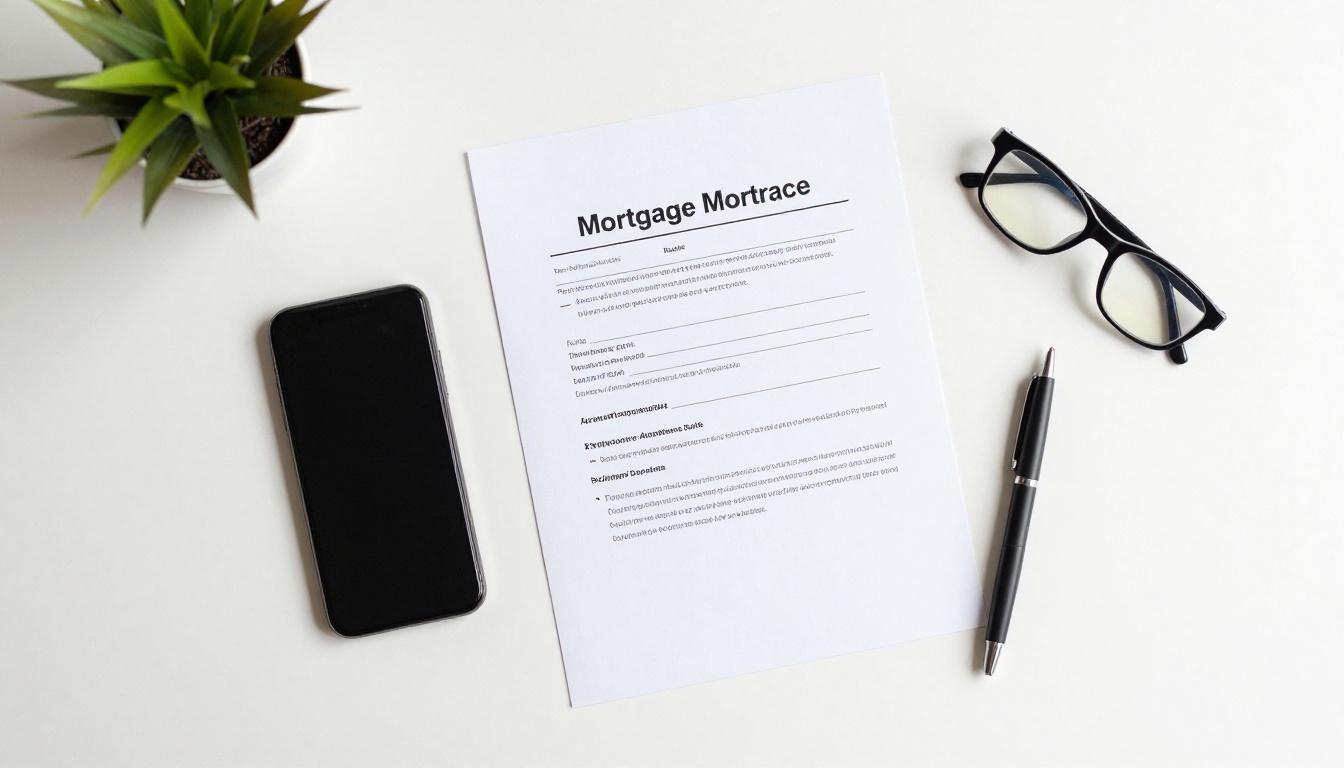
How to Convert Your Mortgage Documents to a Flipbook
This is simpler than most people expect. Flipbooks AI takes your existing PDF and turns it into a professional interactive document in minutes. No design experience required.
Step 1: Prepare Your PDF
Before uploading, make sure your PDF is in its final form. Combine all relevant documents into a single file using any PDF editor. If you are creating a pre-approval packet, include the letter, a brief explainer page, and a list of next steps. Keep file size reasonable by compressing images inside the PDF first.

Step 2: Upload and Convert
Go to Flipbooks AI and log into your account (or create one free). Click the upload button, select your PDF, and the platform handles all technical conversion automatically. Your PDF becomes a page-turning flipbook within seconds.
Step 3: Customize Your Branding
This is where your professionalism shows. Add your company logo, set your brand colors, and choose an opening page style. Mortgage clients trust brands that look consistent and polished. A flipbook with your company name, logo, and color palette looks dramatically more trustworthy than a raw PDF with a generic filename.
You can also personalize your opening page with:
- Your company logo and tagline
- The client's name (personalized per borrower)
- The document date and reference number
- A brief welcome message
Step 4: Set Security Options
Mortgage documents contain sensitive financial information. Flipbooks AI includes password protection as a standard feature, so only the intended recipient can open the document. Set a unique password for each client and share it through a separate secure channel, such as a text message, rather than including it in the same email as the link.
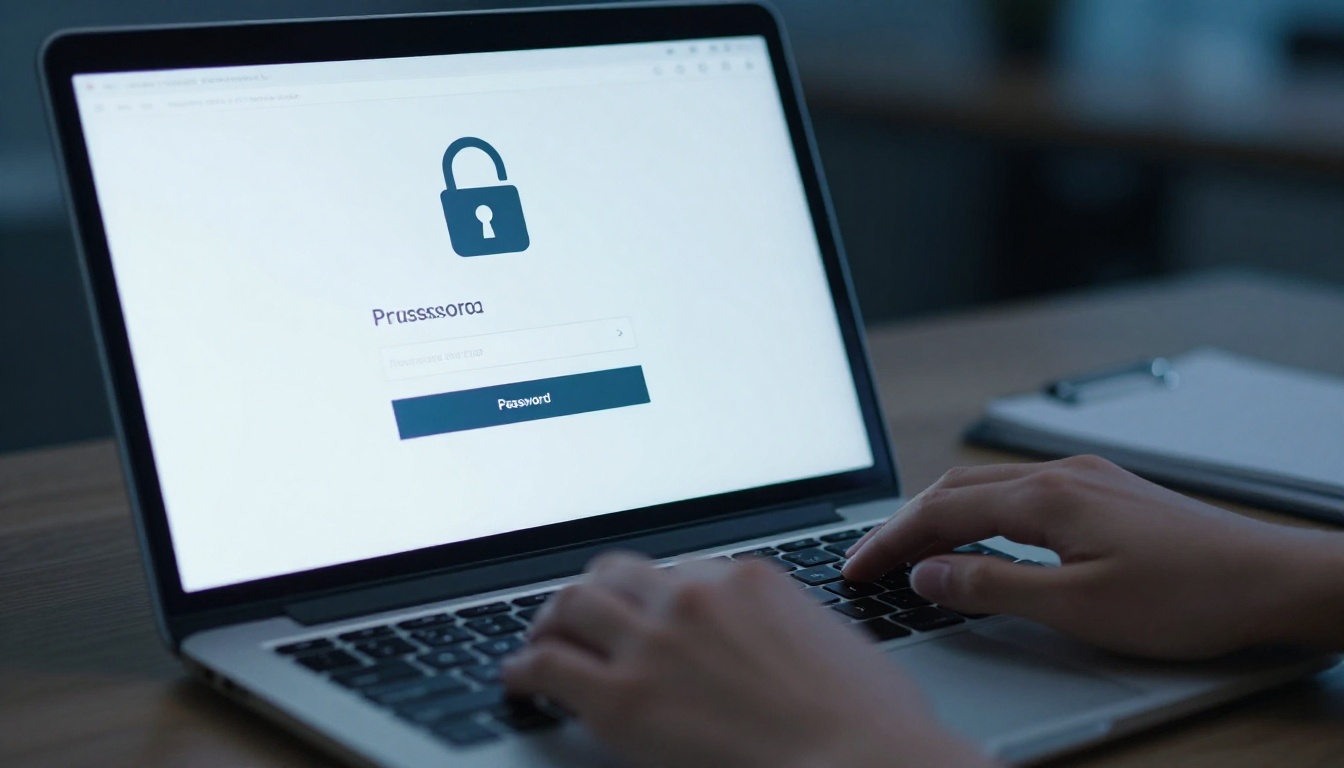
✅ Best practice: Send the flipbook link via email and the password via SMS. This two-channel approach adds a meaningful layer of security without creating friction for the client.
Step 5: Share with Your Client
Once published, your flipbook has a unique URL. Copy it and paste it directly into your email, text message, or client portal. No attachments. No file size limits. Just a link that opens a professional document experience in any browser on any device.
You can also embed the flipbook directly on your website or client portal using the embed code provided. See the Embed Flipbook on Website tool for detailed instructions.
Security and Compliance for Mortgage Flipbooks
Security is non-negotiable in financial services. Before you start converting documents, it is worth knowing exactly what protections are available and how to use them correctly.
Password Protection in Practice
Every flipbook you create can be protected with a custom password. The recipient must enter this password before the document opens in their browser. This means even if the link is accidentally forwarded to the wrong person, the document content remains protected.
For mortgage professionals, the recommended workflow is:
- Create the flipbook and set a unique password per client
- Send the flipbook URL via email with no mention of the password
- Send the password separately via SMS or phone call
- Note the password in your client management system for reference
Analytics and Document Tracking
The Professional plan on Flipbooks AI includes document analytics that tell you exactly when a client opened the flipbook, how long they spent on it, and which pages they viewed. For mortgage professionals, this data is invaluable.
If a client says they did not receive the pre-approval packet, you can confirm instantly whether it was opened. If they claim they did not see the rate lock information, you can check which pages they actually read. This level of visibility transforms document delivery from a black box into a trackable process.

Real-World Use Cases for Mortgage Brokers
Flipbooks are not just for closing packages. Mortgage professionals across the industry are using them in several effective ways.
First-Time Buyer Education Packets
First-time buyers are often overwhelmed by the mortgage process. Creating a branded educational flipbook that walks them through every stage from pre-qualification to closing, with simple language and a logical sequence, positions you as a trusted resource rather than just a transaction processor.
A well-designed buyer education packet typically includes:
- An overview of the mortgage process in plain language
- A glossary of common terms
- A checklist of documents they will need to gather
- Your contact information and office hours
- A timeline from application to closing
Refinance Comparison Packets
When a client is considering refinancing, they need to see numbers side by side. A flipbook is the ideal format for this. Present their current loan terms on one page, three refinance scenarios on the next, and a clear breakdown of break-even timelines on the page after that. Clients can flip between pages to compare options in a way that a flat spreadsheet cannot replicate.
Rate Lock and Pre-Approval Letters
Instead of sending a pre-approval letter as a raw PDF with a confusing filename like PreApproval_Final_v3_REVISED.pdf, convert it to a branded flipbook with an opening page, a one-paragraph explanation of what it means, and the letter itself formatted cleanly. The client can share this link directly with a real estate agent, which looks significantly more professional.

Flipbooks AI Plans for Mortgage Professionals
Choosing the right plan depends on your volume and the features you need. Here is a breakdown of what matters for mortgage use cases.
| Feature | Free | Standard | Professional |
|---|
| Flipbooks per month | 1 | Unlimited | Unlimited |
| Password protection | No | Yes | Yes |
| Custom branding | Limited | Yes | Yes |
| Analytics and tracking | No | No | Yes |
| Lead generation forms | No | No | Yes |
| Offline downloads | No | Yes | Yes |
| Watermarks | Yes | No | No |
| Priority support | No | No | Yes |
For most mortgage brokers handling multiple clients simultaneously, the Standard plan is the minimum viable option since it removes watermarks and allows unlimited flipbooks. The Professional plan is worth the investment if you want analytics to confirm document delivery and track client reading behavior.
💡 The pricing page has full plan details including annual pricing, which typically offers significant savings over monthly billing.
What Sets a Mortgage Flipbook Apart
The technical conversion is the easy part. What separates a good mortgage flipbook from a great one is attention to the client experience.
Personalization Matters
Address clients by name. Include a short welcome message on the opening page. Reference their specific loan type, whether it is a 30-year fixed, an FHA loan, or a jumbo mortgage. These small details signal that this is not a generic document batch but a packet created specifically for them.
Consistent Formatting
Every page of your flipbook should follow consistent formatting: the same fonts, the same logo placement, the same color scheme throughout. Inconsistency undermines trust in a document that clients are relying on to make a major financial decision.
Mobile Accessibility
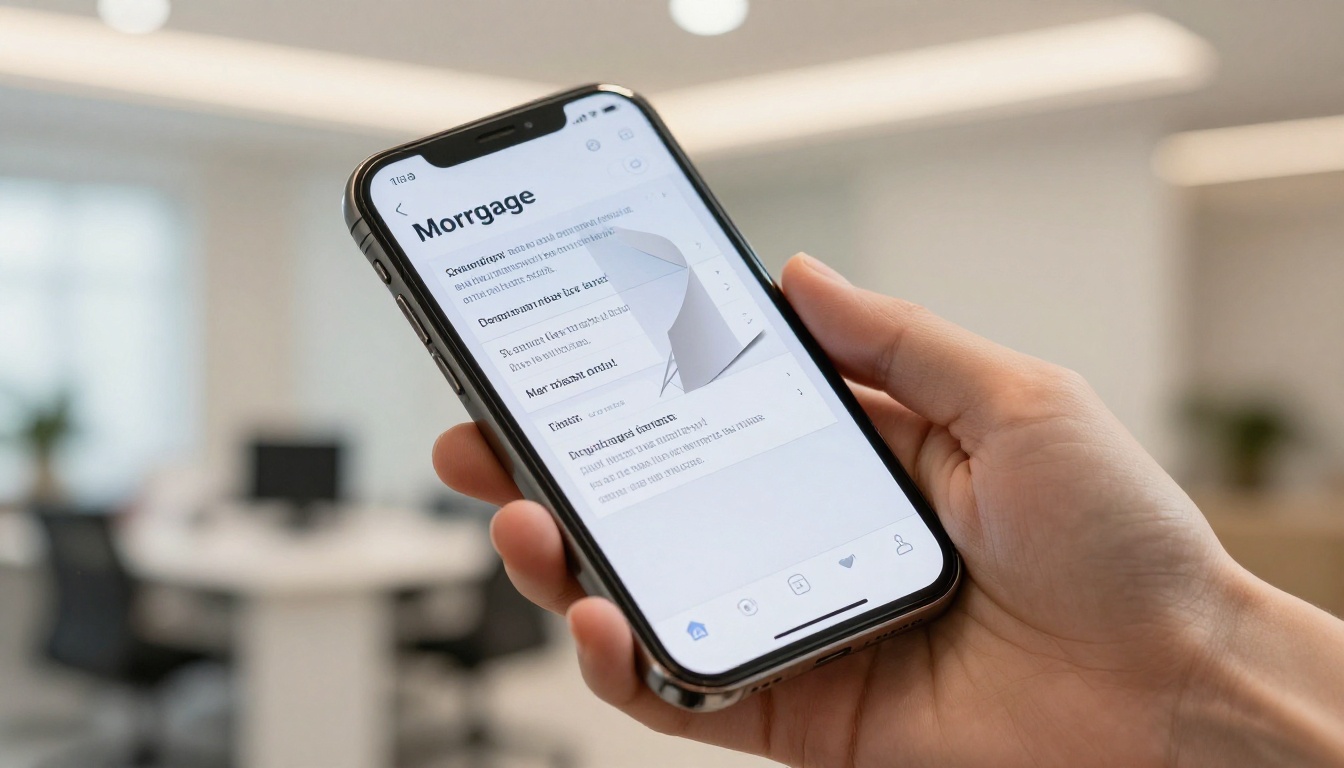
More than half of email opens happen on mobile devices. If a client opens your flipbook link on their phone and has to pinch and zoom through a 100-page PDF, you have lost the advantage immediately. Flipbooks AI automatically formats every flipbook for mobile, so pages display correctly on any screen size without any additional configuration.
The Client Experience at Closing
Imagine the difference between two closing day experiences.
In the first scenario, a client receives a 115-page PDF at 9pm the night before closing. They open it on their phone, scroll through a wall of text, feel overwhelmed, and go to bed worried.
In the second scenario, they receive a link to a branded flipbook titled "Your Closing Document Packet" with a table of contents, section dividers labeled by document type, and a brief note from their loan officer on the first page. They flip through it section by section, make sense of what they will be signing tomorrow, and arrive at the closing table calm and prepared.
The content is identical in both scenarios. The experience is completely different.

Send Your First Mortgage Flipbook Today
The mortgage industry runs on trust, and trust is built through every touchpoint in the client relationship. The way you deliver documents is one of those touchpoints. It is either reinforcing your professionalism or undercutting it.
Converting your mortgage documents to a flipbook takes less than five minutes with the PDF to Flipbook Converter. No design skills, no technical setup, no steep learning curve.
Ready to change how you deliver documents to clients? Get started free on Flipbooks AI and send your first mortgage flipbook today.
Compare pricing plans to find the option that fits your client volume, or browse all available tools to see how flipbooks can work across every part of your business.



