
Static PDFs were never designed for the mobile revolution. The format that worked perfectly on desktop computers becomes a usability nightmare on smartphones and tablets. You've experienced it: tiny text requiring constant zooming, broken layouts that force horizontal scrolling, and slow loading that drains device batteries. This isn't just annoying—it actively prevents people from engaging with your content.
Flipbooks change everything. These interactive digital publications maintain perfect formatting across every screen size while adding engagement features PDFs can't match. When you convert PDFs to flipbooks using platforms like Flipbooks AI, you're not just changing file formats—you're transforming how people interact with your content on their preferred devices.
Why PDFs Fail on Mobile Devices
PDF stands for Portable Document Format, but "portable" meant something different in 1993 when Adobe created it. The format assumes fixed page dimensions, precise typography control, and linear navigation—all desktop-centric concepts.
The Fixed Layout Problem
PDFs render content at specific pixel dimensions. A standard A4 PDF (210×297mm) translates to approximately 2480×3508 pixels. On a smartphone with a 6.1-inch display at 2532×1170 resolution, this creates immediate conflicts:
- Text becomes microscopic: 12-point type shrinks to 4-point on mobile
- Columns break across screens: Two-column layouts require horizontal scrolling
- Images lose impact: High-resolution graphics get compressed or cropped
Navigation Frustrations
Mobile users expect touch-optimized interfaces. PDF viewers force desktop metaphors onto touchscreens:
- Pinch-zoom dependency: Every interaction requires zooming in and out
- Scroll confusion: Users must navigate both document scrolling and page scrolling
- Touch target issues: Links and buttons designed for mouse precision fail with finger taps
Performance Penalties
Heavy PDF files burden mobile processors and networks:
- Slow loading: 10MB PDFs take 15+ seconds on cellular connections
- Battery drain: Continuous rendering and zooming consumes power
- Memory issues: Complex PDFs can crash mobile apps or browsers
⚠️ Mobile abandonment rates: Research shows 53% of mobile users abandon PDFs within 10 seconds due to poor usability. The format itself creates friction before users even see your content.
What Flipbooks Do Differently
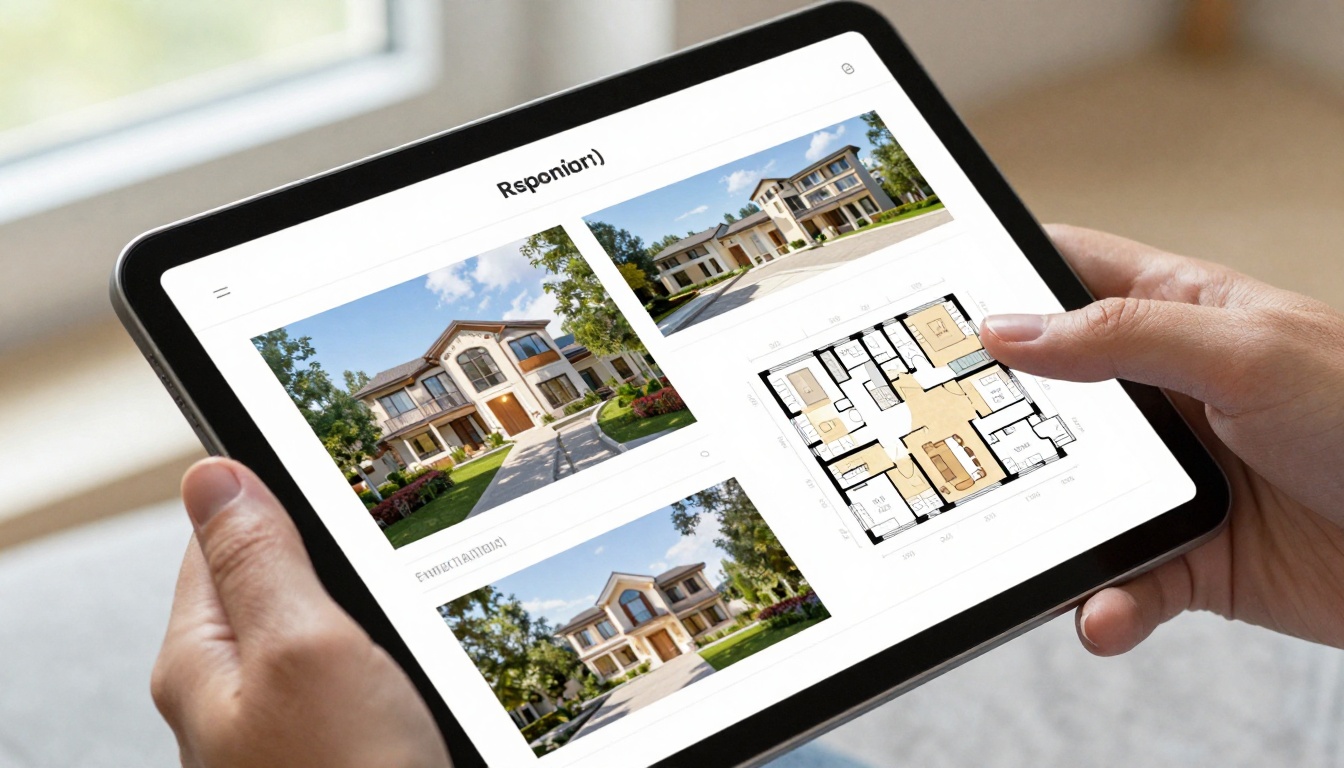
Flipbooks use responsive design principles that PDFs ignore. Instead of fixed layouts, they adapt content dynamically based on screen size, orientation, and input method.
Responsive Content Adaptation
Modern flipbook platforms automatically reformat content for optimal viewing:
- Text reflow: Paragraphs adjust line length based on screen width
- Image scaling: Photos resize while maintaining aspect ratios
- Layout restructuring: Multi-column content converts to single-column on narrow screens
Touch-Optimized Navigation
Flipbooks are designed specifically for touch interfaces:
- Swipe gestures: Natural left/right swipes for page turning
- Tap zones: Large touch targets for interactive elements
- Pinch controls: Optional zoom for detail inspection without breaking layout
Performance Optimization
Flipbooks load content progressively:
- Lazy loading: Only visible content loads initially
- Asset optimization: Images and media compress for mobile networks
- Caching: Frequently accessed content stores locally
Device Compatibility Requirements

True cross-device compatibility means more than just "it loads." Content must function optimally across the complete device spectrum.
Screen Size Ranges
| Device Type | Screen Size Range | Optimal Layout Approach |
|---|
| Smartphones | 4-6.5 inches | Single column, vertical scroll |
| Tablets (Portrait) | 7-11 inches | Single column with larger typography |
| Tablets (Landscape) | 7-11 inches | Two-page spread or single page with sidebar |
| Laptops | 13-17 inches | Full-width with navigation controls |
| Desktop Monitors | 19-32 inches | Multi-column with enhanced media |
Input Method Support
Different devices use different interaction methods:
- Smartphones: Primarily touch with occasional keyboard
- Tablets: Touch with optional keyboard/mouse
- Laptops: Trackpad/mouse with occasional touch
- Desktops: Mouse/keyboard exclusively
Operating System Considerations
Each platform has unique requirements:
- iOS: Safari browser limitations, system font rendering
- Android: Multiple browser engines, variable performance
- Windows: Edge/Chrome/Firefox variations
- macOS: Safari specific behaviors, Retina display scaling
Upload and Convert Process
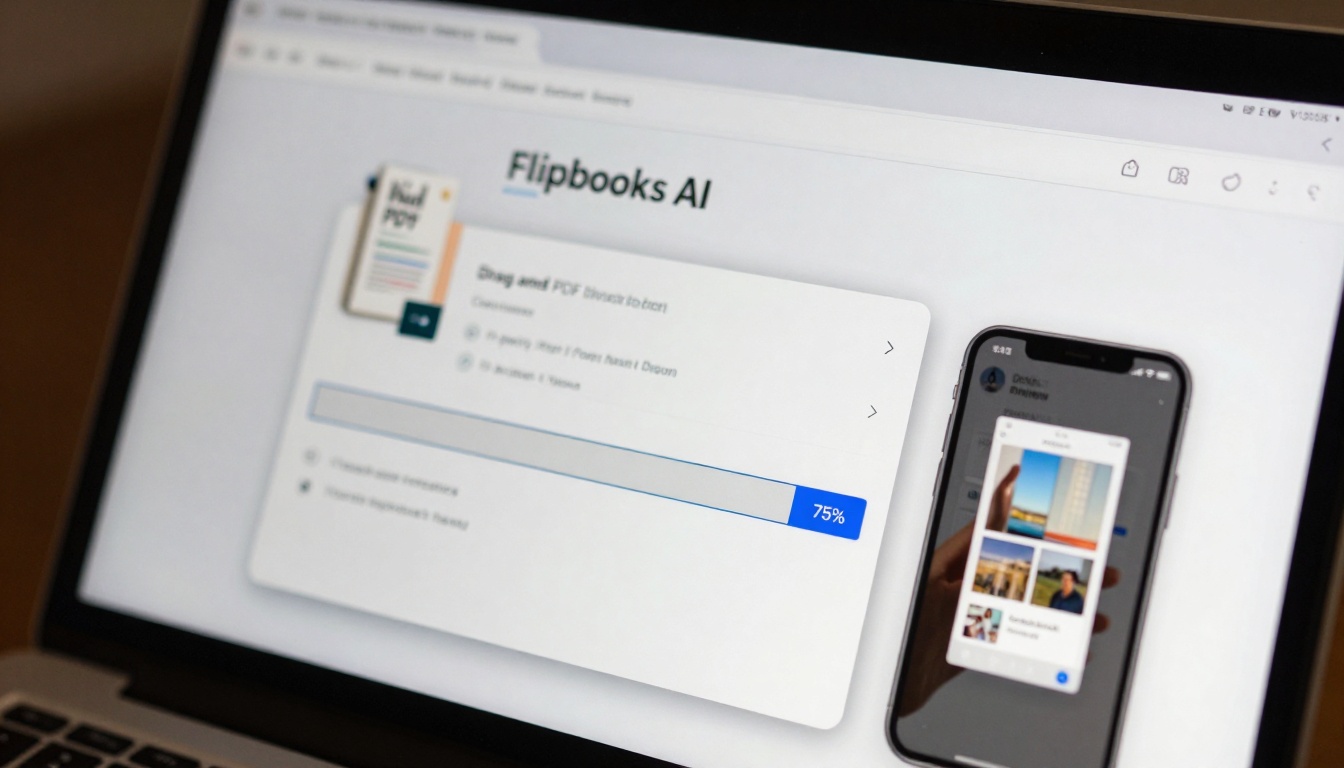
Converting PDFs to device-optimized flipbooks involves more than file format conversion. The process restructures content for multi-device consumption.
Platform Selection Criteria
When choosing a flipbook platform for cross-device publishing, evaluate these features:
| Feature | Importance | Implementation Check |
|---|
| Responsive output | Critical | Test on 3+ device sizes |
| Mobile optimization | High | Check touch navigation |
| Performance | High | Load time under 3 seconds |
| Accessibility | Medium | Screen reader compatibility |
| Analytics | Medium | Device breakdown reporting |
Conversion Workflow
The technical conversion process follows these stages:
- PDF analysis: Platform extracts text, images, and layout structure
- Content segmentation: Identifies headers, paragraphs, lists, and media
- Responsive mapping: Creates multiple layout variations for different screens
- Interactive enhancement: Adds navigation, media controls, and touch features
- Optimization: Compresses assets and implements performance improvements
Quality Assurance Steps
After conversion, verify these aspects:
- Layout integrity: Content maintains logical flow across devices
- Interactive functionality: All features work on touch and mouse input
- Performance metrics: Load times meet mobile expectations
- Accessibility compliance: Content works with assistive technologies
Mobile Optimization Techniques
Mobile-optimized flipbooks require specific design considerations beyond basic responsive layouts.
Touch Interface Design
Mobile users interact differently than desktop users:
- Thumb zone optimization: Place primary controls within thumb reach
- Gesture recognition: Support swipe, tap, and pinch gestures
- Hover state alternatives: Replace mouse-hover effects with tap-and-hold
- Feedback systems: Provide visual/haptic feedback for interactions
Performance Tuning
Mobile devices have constrained resources:
- Image optimization: Serve appropriate resolutions for device screens
- Animation efficiency: Use CSS transforms instead of JavaScript animations
- Memory management: Clean up unused resources during navigation
- Network awareness: Adapt content delivery based on connection speed
Battery Conservation
Power consumption matters for mobile users:
- Reduce continuous rendering: Minimize layout recalculations
- Optimize media playback: Lazy load videos and pause when not visible
- Efficient JavaScript: Use requestAnimationFrame for smooth updates
- Background behavior: Suspend activity when tab/window not active
Sharing Options by Device Type

Different devices enable different sharing methods. Effective distribution requires supporting all options.
Mobile-First Sharing Methods
Smartphones excel at these distribution channels:
| Method | Best For | Implementation |
|---|
| QR Codes | Print materials, presentations | Generate device-specific QR codes |
| Messaging Apps | Personal sharing, team communication | Deep links to flipbook URLs |
| Social Media | Viral distribution, community sharing | Open Graph metadata for rich previews |
| Email Links | Professional communication, newsletters | Mobile-optimized email templates |
Tablet Distribution Strategies
Tablets bridge mobile and desktop sharing patterns:
- Classroom distribution: AirDrop or classroom management systems
- Business presentations: Direct device-to-device sharing
- Retail displays: Kiosk mode with limited sharing options
- Family sharing: Family sharing groups and parental controls
Desktop Sharing Capabilities
Desktop environments enable advanced distribution:
- Website embedding: Embed flipbooks directly on web pages
- Document management: Integration with SharePoint, Google Drive, Dropbox



