You published your flipbook. People are sharing the link. But here is the part nobody talks about: you have no idea what happens after they click it. Do they read page one and leave? Do they spend 12 minutes on your pricing spread? Does anyone actually reach the call-to-action on page 18? Without page view tracking, you are flying blind, and every decision you make about your content is a guess.
Flipbooks AI gives you a direct window into how readers interact with every page of your publication, so you can stop guessing and start making decisions based on what readers actually do.
Why Page Views Tell the Real Story
Most content creators measure success by total opens or shares. But page views on a flipbook go much deeper than that. They tell you not just whether someone opened your publication, but which pages they actually read, and which ones they skipped entirely.
The Difference Between Opens and Reads
An open means someone clicked your link. A page view means someone actually consumed that content. These two numbers are almost never the same, and the gap between them is where most content strategies fall apart.
If your flipbook gets 500 opens but page 8 has only 60 views, something is stopping 88% of your audience before they ever reach it. That information is actionable. Without tracking, you would never know it existed.
What Bad Data Costs You
Publishing without analytics means every revision is a shot in the dark. You might rewrite your strongest page because you assumed it was underperforming. You might keep content nobody reads simply because you never checked. Page view data turns your flipbook into a feedback loop rather than a one-way broadcast.

What Flipbook Analytics Actually Measure
Before diving into setup, it helps to know exactly what you can track. Page views are just one data point in a richer picture of reader behavior.
Page-Level View Counts
The most direct metric: how many times each individual page was viewed. This shows you instantly which sections attract the most attention and which pages readers skip over or exit from.
Session Duration and Time on Page
How long did a reader spend on a specific page? Three seconds suggests they glanced and moved on. Three minutes suggests they were reading carefully. Time on page is one of the strongest signals of genuine interest in your content.
Reader Drop-Off Points
Where does your audience stop reading? The drop-off curve of a flipbook, showing how many readers make it to each subsequent page, reveals exactly where your content loses momentum. A sharp drop on page 4 means something on pages 3 or 4 is killing the read.
Geographic and Device Data
Where are your readers located, and are they reading on mobile or desktop? These details shape decisions about language, formatting, image sizing, and layout. A publication that is primarily read on mobile phones needs different design priorities than one consumed on desktop.
💡 Check device data before redesigning your flipbook layout. If 70% of your readers are on mobile, your multi-column designs may be nearly unreadable for most of your audience.
Traffic Source Breakdown
How did readers find your flipbook? Direct link, embedded on a website, shared from social media? Knowing your top traffic sources helps you double down on what is working and cut what is not.

Metrics Comparison: What Each Data Point Tells You
| Metric | What It Measures | Best Used For |
|---|
| Page Views | Times each page was loaded by a reader | Finding your strongest and weakest pages |
| Session Duration | Total time a reader spent in the flipbook | Measuring overall content quality |
| Time on Page | Time spent on a specific page | Spotting high-interest vs. skipped content |
| Drop-Off Rate | % of readers who stop at each page | Identifying content flow problems |
| Traffic Source | Where readers came from | Optimizing distribution channels |
| Device Type | Mobile vs. desktop vs. tablet | Informing layout and design decisions |
| Geography | Reader locations by country or city | Tailoring content to primary audiences |
How to Track Page Views With Flipbooks AI
Flipbooks AI includes built-in analytics on the Professional plan, so you do not need to add third-party tracking scripts or wire up Google Analytics separately. Everything is captured automatically the moment you publish.
Step 1: Upload and Publish Your Flipbook
Start by heading to Flipbooks AI and uploading your PDF. The platform converts it into an interactive flipbook with a page-turn effect, mobile-responsive design, and a shareable link.

- Log in to your Flipbooks AI account
- Click New Flipbook and upload your PDF file
- Set your title, customize branding colors, and configure sharing options
- Click Publish to make your flipbook live and start collecting data
✅ Give your flipbook a clear, descriptive title before publishing. This makes it much easier to identify in your analytics dashboard when you are managing multiple publications.
Step 2: Access Your Analytics Dashboard
Once your flipbook is live and receiving traffic, your analytics data starts populating automatically. To view it:
- Go to your dashboard and select the flipbook you want to review
- Click the Analytics tab in the flipbook settings panel
- Choose your date range: last 7 days, last 30 days, or a custom period
- Review the per-page view breakdown, session data, and traffic sources
Step 3: Read the Per-Page View Chart
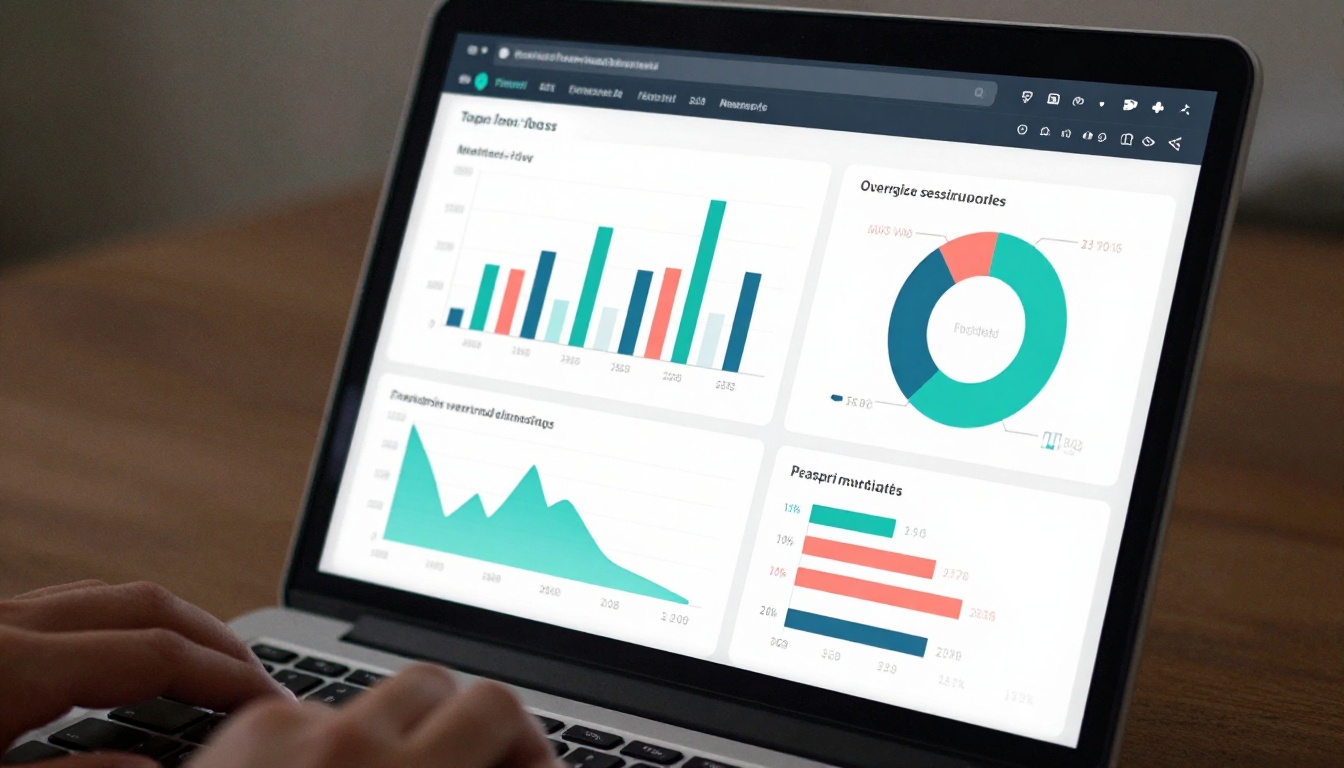
The per-page breakdown is the most actionable section of your analytics. It shows a bar chart with each page on the horizontal axis and view count on the vertical axis. Look for:
- Peaks: Pages that attract significantly more views than surrounding pages often contain high-value content or strong visual elements
- Valleys: Pages with unusually low views for their position may have a layout or content problem
- The Drop Curve: The general downward trend from page 1 to the last page is normal. What matters is whether it drops gradually or sharply
Step 4: Export Your Data
Need to share performance data with a client, stakeholder, or team? Flipbooks AI lets you export your analytics data as a CSV or PDF report. Use this for:
- Monthly content performance reviews
- Client reporting on publication campaigns
- Comparisons between different versions of a flipbook

Making Sense of What You See
Raw numbers only matter if you know how to interpret them. Here is how to translate page view data into real decisions.
Spotting Your High-Interest Pages
Pages with view counts significantly above your publication's average are your content gold. These are the topics, visuals, or offers your audience genuinely wants. Ask yourself:
- What is different about this page visually or in terms of content density?
- Does this page follow a strong headline or compelling image on the previous page?
- Can you apply the same principles to lower-performing pages?
Finding Where Readers Leave
A sharp drop on a specific page is worth investigating. Common causes include:
- Wall-of-text pages with no visual relief
- Pricing pages that feel too aggressive too early in the publication
- Weak transitions between sections that break the reading flow
- Technical issues like slow-loading images on a specific spread
⚠️ A high drop-off rate on your final page is actually normal and expected. Be concerned about drop-offs that happen in the first third of your flipbook.
Comparing Flipbooks Over Time
If you publish regularly, comparing page view data across multiple publications reveals trends. Are readers getting further into your flipbooks over time? Is a certain content format consistently outperforming others? This longitudinal view is where the most valuable strategic insights come from.

Using Page Data to Improve Your Flipbook
Tracking is only useful if you act on what you find. Here are the most effective ways to apply page view data to your content strategy.
Reorganize Based on Read Depth
If most readers drop off before reaching your strongest content, consider moving it earlier in the publication. Your most compelling pages should appear within the first third of the flipbook, before you lose the majority of your audience.
Test Different Layouts
Create two versions of the same flipbook with different layouts for a high drop-off page. Publish both, split your traffic between them by sharing different links with different audiences, and compare the per-page analytics after a week. This is as close to A/B testing as digital publications allow.
Add More Visuals to Low-View Pages
Pages with below-average view counts often suffer from visual monotony. Adding a strong image, a data visualization, or a pull-quote can increase time on page and reduce the likelihood of readers skipping ahead.
💡 Use the PDF to Flipbook Converter to quickly re-upload revised versions of your publication with updated layouts, then compare before-and-after analytics to measure the impact of your changes.
Analytics by Flipbook Type
Different flipbook categories have different benchmark metrics and different ways of putting page view data to work.
Product Catalogs
For a product catalog, page views directly correlate to product interest. A product spread with three times the average page views is signaling strong demand. Use this data to inform inventory decisions, promotional emphasis, and the order in which products appear in future catalogs.

Marketing Brochures
For a brochure used in a sales campaign, the critical metric is how many readers reach the contact page or CTA spread. If that page has a high view count, your brochure is doing its job. If it is low, the content before it is failing to carry readers through.
Reports and Proposals
For a corporate report or annual report, time on page is often more revealing than total view count. A reader who spends four minutes on your financial summary page is far more engaged than one who skips through it in five seconds. Use time-on-page data to identify which sections of your reports stakeholders actually read.
E-Books and Educational Content
For a course material publication, drop-off data tells you where students are losing interest or hitting confusing content. A sharp drop at a specific chapter is a strong signal to revise or reformat that section.
Flipbooks AI Plan Comparison: Analytics Features
| Feature | Free | Standard | Professional |
|---|
| Total flipbook views | Basic | Basic | Advanced |
| Per-page analytics | No | No | Yes |
| Time-on-page tracking | No | No | Yes |
| Traffic source data | No | No | Yes |
| Device breakdown | No | No | Yes |
| Geographic data | No | No | Yes |
| Data export (CSV/PDF) | No | No | Yes |
| Lead generation forms | No | No | Yes |
| No watermarks | No | Yes | Yes |
| Custom branding | No | Yes | Yes |
| Unlimited flipbooks | No | Yes | Yes |
💡 The Professional plan is the only tier that gives you per-page analytics and the full suite of reader behavior data. If tracking performance is a priority for your content strategy, it is the tier worth having. Compare all plans to see what fits your needs.
Lead Generation Tied to Analytics
One of the most powerful features in Flipbooks AI's Professional plan is the ability to gate specific pages with a lead capture form. A reader who wants to continue past page 6 has to submit their name and email address first.
When you combine this with page view data, you get a complete picture: how many people opened the flipbook, how many read to the gate, how many converted to leads, and how many continued reading after submitting. This turns your flipbook from a passive document into a full lead generation funnel with measurable conversion metrics at every stage.
Embed Tracking for Website Publishers
If you embed your flipbook on a website using Flipbooks AI's embed tool, your analytics capture data from readers who view it inline on your site alongside those who access it through the direct link. You can see which placement drives more engagement, informing decisions about where to feature your publications.

Real-World Use Cases for Page View Tracking
| Use Case | Key Metric to Watch | Action It Drives |
|---|
| Product catalog | Views per product spread | Inventory and promotional decisions |
| Sales brochure | View count on CTA page | Sales pitch revision |
| Annual report | Time on financial pages | Stakeholder communication planning |
| E-book | Drop-off rate by chapter | Content revision priorities |
| Event program | Total session count | Attendance and reach reporting |
| Restaurant menu | Views per dish section | Menu design and featured items |
| Training manual | Page completion rate | Learning module effectiveness |

Start Reading Your Data Today
Publishing a flipbook without tracking page views is like running a marketing campaign without checking whether it worked. The data exists the moment someone reads your publication. The only question is whether you are capturing it.
Flipbooks AI makes tracking automatic and the dashboard readable without needing a data analyst. You upload your PDF, publish it, and within minutes of your first reader the per-page data starts coming in.
Whether you are publishing a product catalog, a company report, an e-book, or a marketing brochure, the readers who make it to your final page are your most engaged audience. Page view tracking shows you how many of them there are, how they got there, and what you can do to bring more readers along for the full journey.
Ready to see what your readers are actually doing? Create your flipbook on Flipbooks AI and turn every publication into a data-driven decision. Or compare pricing plans to find the right tier for your analytics needs.



