Sending out a flipbook without analytics is like handing out brochures at an event and walking out the door. You know the content went out, but you have no idea who read it, how far they got, or whether they clicked a single link. Flipbooks AI solves this completely. With built-in read tracking and click analytics, you get a live window into how real people interact with every page you publish.
Why Read Tracking Beats Vanity Metrics
Download counts and email open rates tell you someone opened a door. Flipbook read tracking tells you which rooms they walked into, how long they stayed, and which exits they used. That distinction matters enormously when you are trying to optimize content, justify marketing spend, or prove ROI to a client.
The Data Gap Most Publishers Still Have
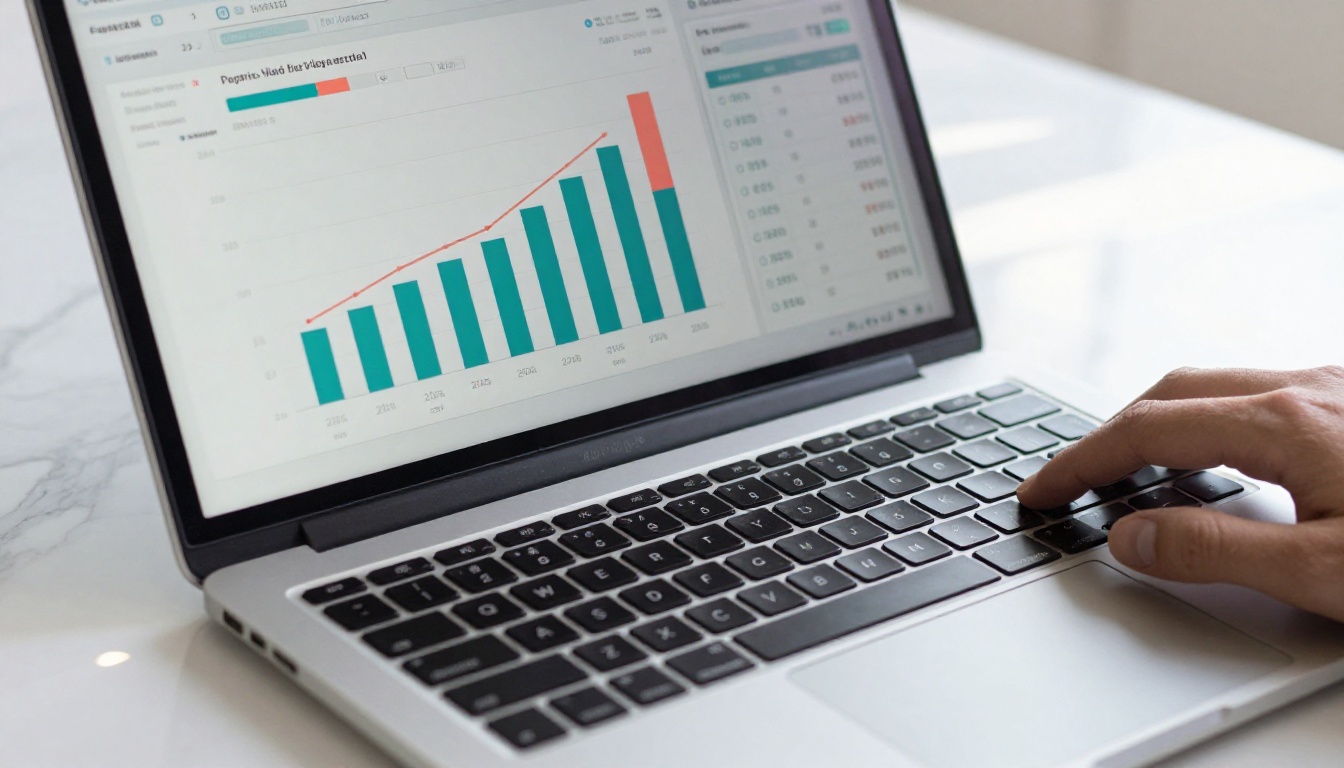
Traditional PDFs are black holes. Once a file is downloaded, it disappears from your view. You never know if the recipient read page one and stopped, or printed the whole thing and shared it with their team. Digital flipbooks break that cycle. Every page view, scroll action, and link click generates a data point that flows back to your analytics dashboard.
What Tracking Actually Reveals
The difference between a flipbook that converts and one that sits ignored is almost always visible in the analytics. When you can see that 80% of readers quit on page four, you know exactly where to fix your content. When you see that a product link on page seven gets clicked by one in three readers who reach it, you know to push more readers to that page.

What You Can Track on a Flipbook
Modern flipbook analytics go far beyond simple view counts. Here is a breakdown of the core metrics available to publishers using a professional flipbook platform.
Read Rate vs. Completion Rate
Read rate measures how many unique visitors opened your flipbook at all. Completion rate measures how many of those visitors reached the final page. The gap between these two numbers is your content's biggest problem area.
💡 A high read rate with a low completion rate means your opening pages are compelling but your content loses momentum. Audit pages 3 through 6 first, those are statistically where most drop-off happens.
Click-Through Tracking Per Link
Every clickable element in your flipbook, product links, CTA buttons, embedded URLs, can generate its own click-through data. You see not just total clicks but which page the click came from, the time of day, and what device the reader used.
Time Spent Per Page
Average time on page is one of the most underused metrics in flipbook analytics. A page with 45 seconds average dwell time is performing. A page with 4 seconds means readers are skipping it entirely. This single metric can reshape how you lay out content.
| Metric | What It Measures | Why It Matters |
|---|
| Total Views | Unique opens of your flipbook | Audience size baseline |
| Read Rate | Percentage who opened vs. who were sent it | Distribution effectiveness |
| Completion Rate | Percentage who reached the last page | Content quality signal |
| Time Per Page | Average seconds readers spend on each page | Content depth indicator |
| Click-Through Rate | Clicks per link per page view | Link placement and CTA effectiveness |
| Traffic Source | Where readers came from | Channel performance |
| Device Breakdown | Desktop, mobile, tablet split | Format optimization signal |
| Geographic Data | Reader locations by region | Audience segmentation |
How to Set Up Tracking on Flipbooks AI
Flipbooks AI includes analytics built directly into every published flipbook. No third-party integrations, no tracking pixel setup, no developer required. Here is the exact process.
Step 1: Upload Your PDF
Head to Flipbooks AI and create an account. Once inside, upload your PDF using the drag-and-drop interface. The platform converts it into a fully interactive flipbook with page-turn animation in under a minute. All published flipbooks are tracked automatically from the moment you share them.
✅ Use the PDF to Flipbook Converter for a streamlined upload experience optimized for tracking-ready publishing.
Step 2: Add Clickable Links to Your Pages
Before publishing, open the flipbook editor and add hyperlinks to any text or image on any page. Each link you add becomes a tracked element. When a reader clicks it, the analytics dashboard records the click event including page number, timestamp, and device type. This works for external URLs, email addresses, phone numbers, and embedded CTAs.
Step 3: Publish and Share Your Tracking Link
When you publish, Flipbooks AI generates a unique URL for your flipbook. This URL is the tracking endpoint. Every reader who opens it is counted. Share the link directly, embed it in email campaigns, or use the Embed Flipbook on Website tool to place it on any webpage without losing tracking data.
Step 4: Access the Analytics Dashboard
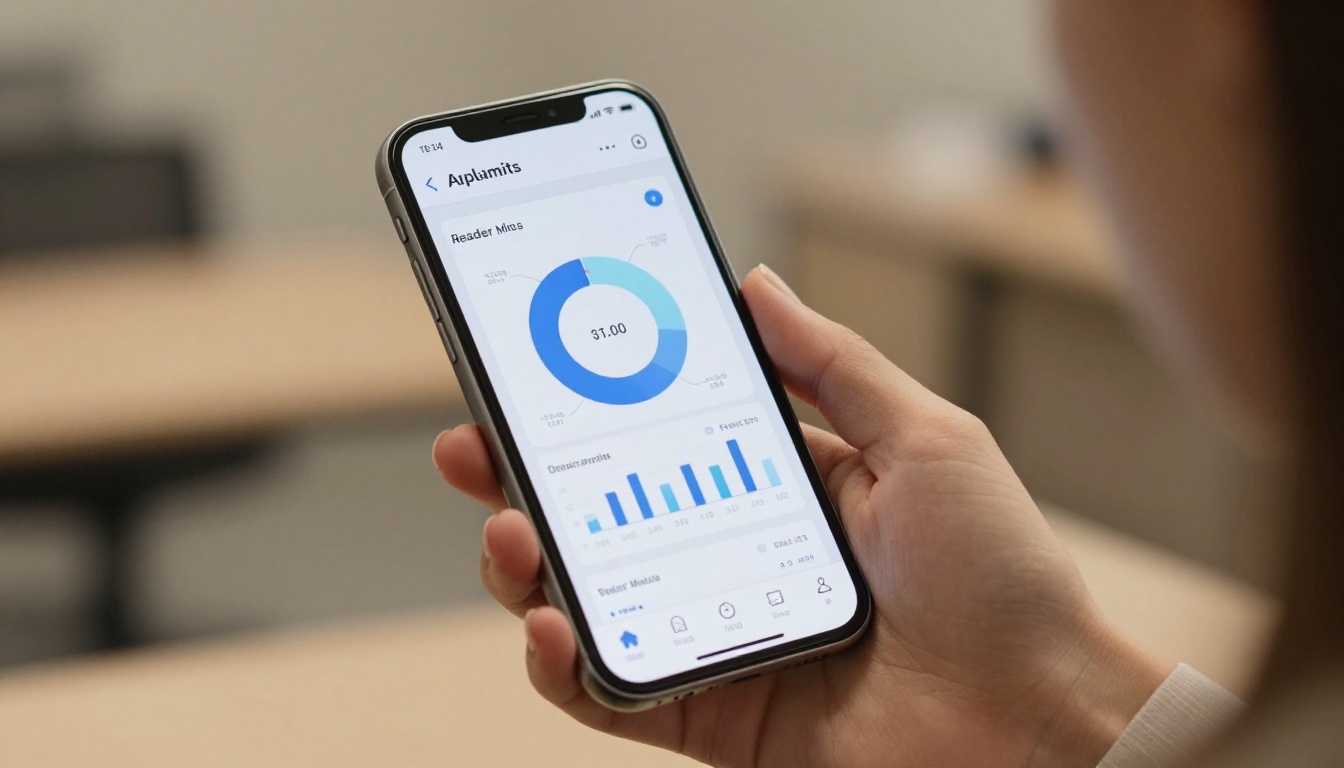
Inside your account, navigate to the flipbook's analytics panel. The dashboard shows real-time and historical data including total views, geographic breakdown, device usage, page-level interaction maps, and click events. Data updates continuously as readers interact with your content.

⚠️ Analytics and lead generation features are available on the Professional plan. If you are on a lower tier and not seeing the full dashboard, upgrading activates all tracking capabilities including heatmaps and data exports.
Reading Your Analytics Dashboard
The Flipbooks AI analytics panel is structured to give you both high-level summaries and granular page-by-page detail. Here is how to interpret what you see.
Page Interaction Maps Explained
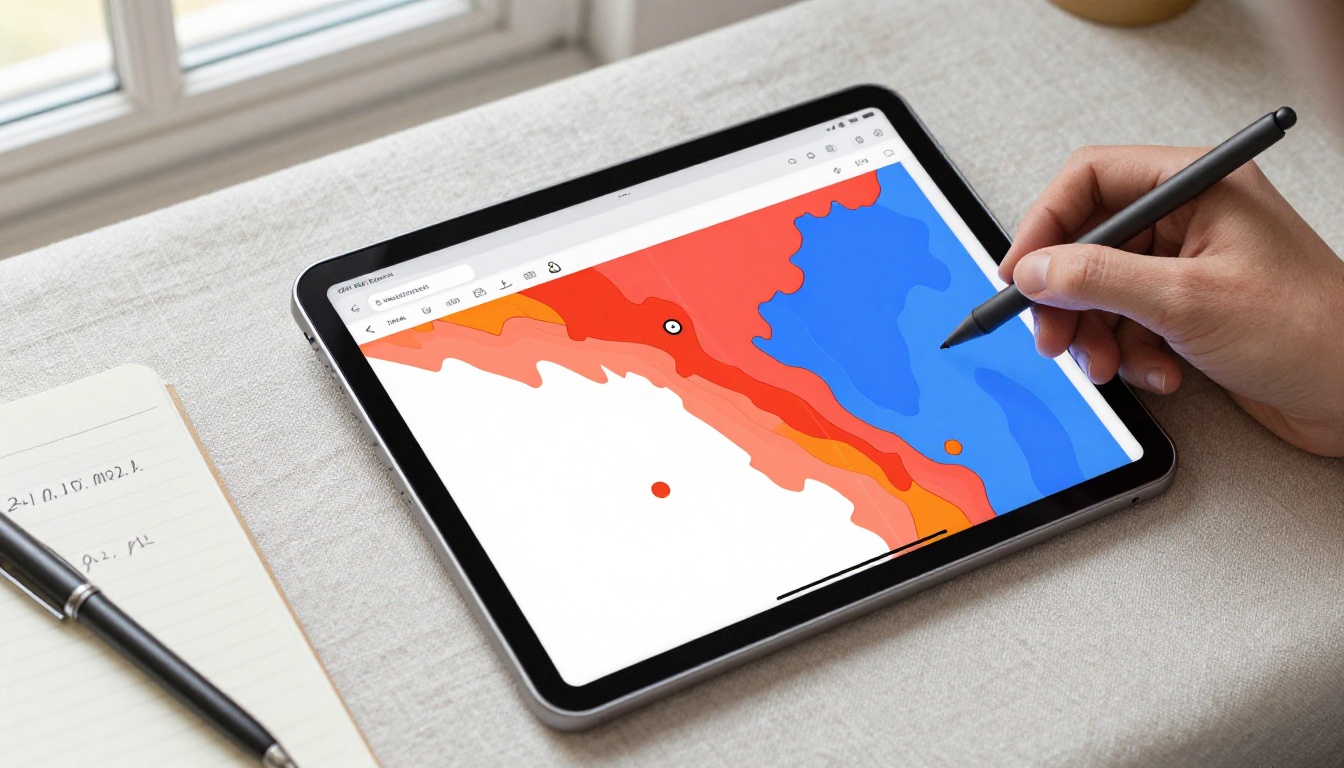
The interaction map view overlays color-coded activity data directly onto your flipbook pages. Red and orange zones indicate high-activity areas where readers spend the most time or click most frequently. Blue and green zones show low-activity sections. Use this to identify which visual elements draw attention and which sections readers skip past.
Real estate agencies using the Real Estate Brochure Creator often find that property photo pages score three times higher dwell time than pricing pages. That insight alone is worth months of redesign effort.
Traffic Sources Breakdown
The traffic source panel tells you exactly where your readers came from. Common sources include:
- Direct link: Readers who opened your URL directly or from a saved bookmark
- Email campaigns: Readers who clicked through from a newsletter
- Social media: Traffic from LinkedIn, Instagram, Facebook, or other social shares
- Embedded website: Readers who found the flipbook on a webpage
- Search: Organic traffic if your flipbook is publicly indexed
This breakdown is invaluable for channel attribution. If your LinkedIn shares generate twice the read completions of your email list, you have a clear signal about where to invest more distribution effort.
Analytics Features by Plan
| Feature | Free | Standard | Professional |
|---|
| Total view count | Yes | Yes | Yes |
| Page-by-page breakdown | No | Yes | Yes |
| Click tracking | No | Yes | Yes |
| Time per page metrics | No | Yes | Yes |
| Geographic data | No | Yes | Yes |
| Device breakdown | No | Yes | Yes |
| Heatmap visualization | No | No | Yes |
| Lead generation forms | No | No | Yes |
| Export analytics data | No | No | Yes |
| Custom branding | No | Yes | Yes |
💡 The Professional plan's lead generation feature lets you capture reader emails directly inside the flipbook before they access full content. Combined with click data, this creates a conversion funnel inside a single document. See pricing plans for full details.

Tracking Clicks on Embedded Links
Click tracking is where flipbook analytics separates itself from basic PDF distribution. Every link inside your flipbook becomes a measurable touchpoint.
How Link Tracking Works
When a reader clicks a link on page five of your flipbook, the platform captures:
- The exact page the click originated from
- The URL that was clicked
- The timestamp of the click
- The reader's device type and operating system
- Whether the reader had previously clicked other links in the same session
This data is aggregated in your dashboard and can be filtered by date range, device type, or specific page. For publishers running sales brochures, product catalogs, or event programs, this level of click granularity makes it possible to calculate actual ROI per document.
Best Placements for Clickable Links
Not all link placements perform equally. Data from high-performing flipbooks consistently shows:
- Pages 2 through 3: Strong click rates because readers are still invested and curious
- After a strong visual: Images that generate high dwell time prime readers for a following CTA
- Bottom-right corner of a page: Natural resting point for the eye after scanning left-to-right content
- Recap or summary pages: Readers who reach a summary have self-selected as high-intent visitors
Marketers using the Sales Presentation Flipbook tool frequently place their primary CTA link on the page immediately following their pricing table, which analytics data consistently shows to be the highest-click location in sales documents.

Using Data to Improve Your Flipbook
Collecting data is step one. Acting on it is where most publishers fall short. Here are three concrete ways to use your analytics.
Fix Drop-Off Pages
Sort your page analytics by completion rate to find where readers exit. If a specific page shows a sharp drop in subsequent page views, it is a leak in your content. Common causes include:
- Text-heavy pages with no visual breaks
- Slow-loading embedded media
- A confusing transition between sections
- A CTA that resolves the reader's intent, meaning they clicked out to take action, which is actually a success signal
For educational content published with the Course Material Publisher or Training Manual Flipbook tools, reducing drop-off on module summary pages can improve read-through rates by 20 to 30 percent.
Optimize High-Performing Pages
When a page performs well, reverse-engineer why. Is it the layout? The color? The type of content? Once you identify the pattern, replicate it on underperforming pages. High-performing pages in catalogs built with the Digital Catalog Maker are almost always the ones with lifestyle photography rather than product-only shots.

Compare Versions Over Time
For ongoing content like monthly newsletters or quarterly reports, comparing analytics across versions reveals improvement trends. Did adding a video embed on page four increase time-on-page this month? Did moving the CTA earlier reduce drop-off rates? Version-to-version comparison turns flipbook publishing into a data-informed practice rather than a creative guess.
Publishers using the Newsletter Flipbook Publisher or Annual Report Creator tools can track how reader behavior shifts with each edition, building a clear picture of what content formats their audience responds to.
Analytics Across Different Use Cases
Flipbook read and click tracking is valuable across every industry that publishes digital documents. Here is how different use cases benefit from specific metrics.
| Use Case | Most Valuable Metric | Action from Data |
|---|
| Product catalogs | Click-through rate per product page | Identify best-selling interests before a sales call |
| Event programs | Completion rate | Measure audience investment in event content |
| Real estate brochures | Time per page on property photos | Prioritize listings that hold attention longest |
| Restaurant menus | Most-viewed sections | Reorder to lead with highest-interest categories |
| Training manuals | Drop-off page | Identify where learners disengage |
| Annual reports | Traffic source | Measure stakeholder channel effectiveness |
| E-books and publications | Read rate over time | Track audience growth across publishing schedule |
| Portfolios | Click-through on contact links | Measure how work converts to inquiries |
✅ Every use case above is supported by a dedicated tool at Flipbooks AI. Each tool includes tracking out of the box with no additional configuration.

What the Numbers Actually Tell You
Analytics data from your flipbook is only useful when you connect it to decisions. A 40% completion rate on a 20-page catalog might sound low, but if readers who finish it convert to customers at three times the rate of those who stop at page eight, that number becomes a benchmark worth protecting, not a problem to fix. Context always matters.
Start with three questions every time you review your flipbook analytics:
- Where are readers coming from? This tells you which channels deserve more investment.
- Where are they leaving? This tells you where your content is losing its hold.
- What are they clicking? This tells you what your audience actually wants from you.
Answer those three questions consistently and every flipbook you publish will perform better than the last.
Ready to see who is reading your flipbook and what they click? Create your free account on Flipbooks AI and publish your first tracked flipbook today. Browse all available tools to find the format that fits your content, or compare pricing plans to activate the full analytics suite including heatmaps, lead generation, and exportable data reports.



