Sending a flipbook into the world without tracking it is like mailing a letter with no return address. You know it left your hands, but you have no idea if anyone read it, which parts grabbed their attention, or when they closed it. Flipbooks AI gives you a full analytics layer that changes this completely, letting you see exactly who opened your flipbook, which pages they lingered on, and where they stopped reading.

The Data Most Publishers Never See
Why You're Flying Blind Without Tracking
Most people share a PDF link or send a digital document and assume the recipient read it. The reality: open rates for standard document links hover below 40%, and even among those who open a file, the average reader looks at fewer than 3 pages before leaving. Without tracking, you will never know this is happening to your content.
The shift from static PDF to a tracked digital flipbook is not just cosmetic. It is the difference between guessing and knowing. When you can see that a prospect opened your proposal on Tuesday at 2pm, spent 4 minutes on the pricing page, and skipped the case studies entirely, you have something real to act on.
What Reader Behavior Data Actually Tells You
Flipbook analytics gives you more than a simple open count. At its richest, reader behavior data includes:
- Total opens and repeat visit counts per document
- Unique readers identified by email when lead capture is enabled
- Page-by-page time spent: which sections hold attention and which lose it
- Reading depth percentage: how far through the document the average reader gets
- Drop-off pages: the exact page where most readers stop
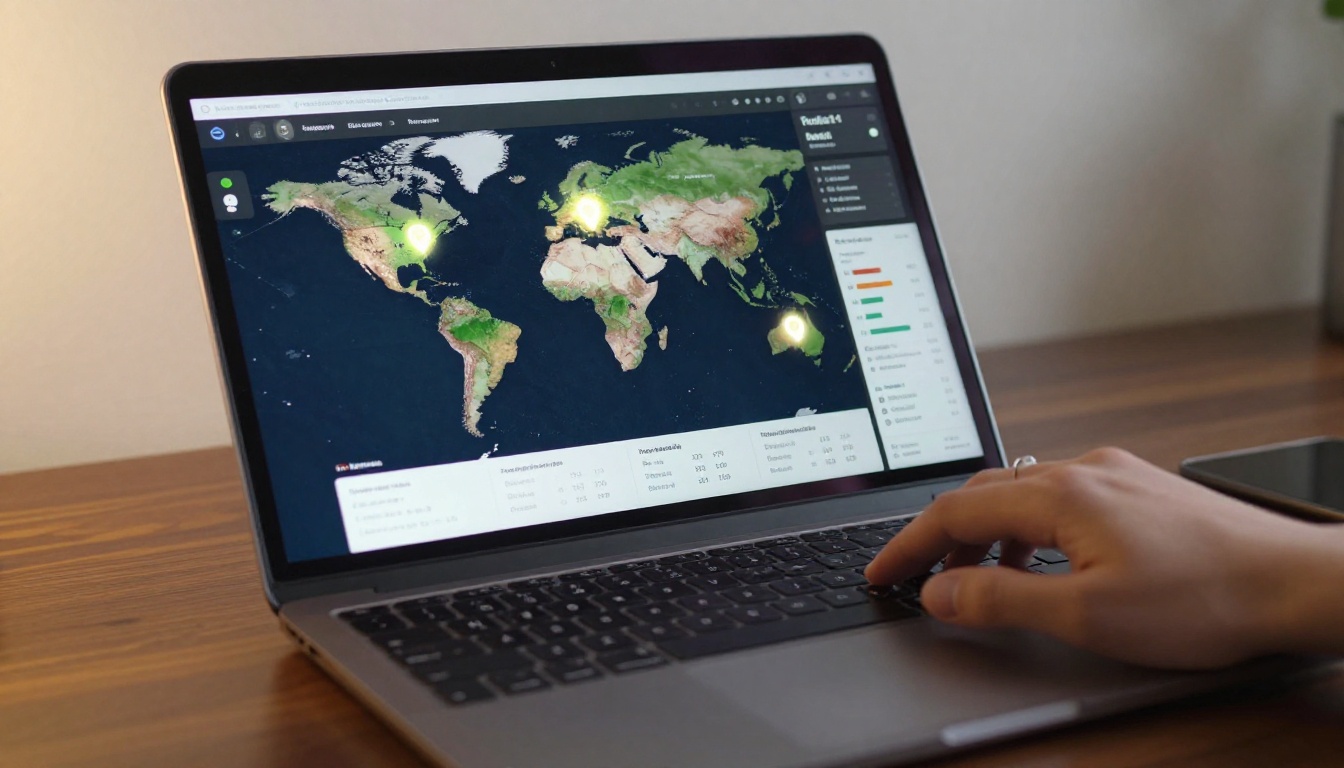
- Geographic location: which cities or countries your readers are in
- Device type: mobile, tablet, or desktop, and how reading behavior differs across each
💡 Pro tip: Drop-off pages are often more valuable than top-performing pages. If 70% of readers leave on page 5, something is wrong there, whether the content, the length, or a visual element creates friction.
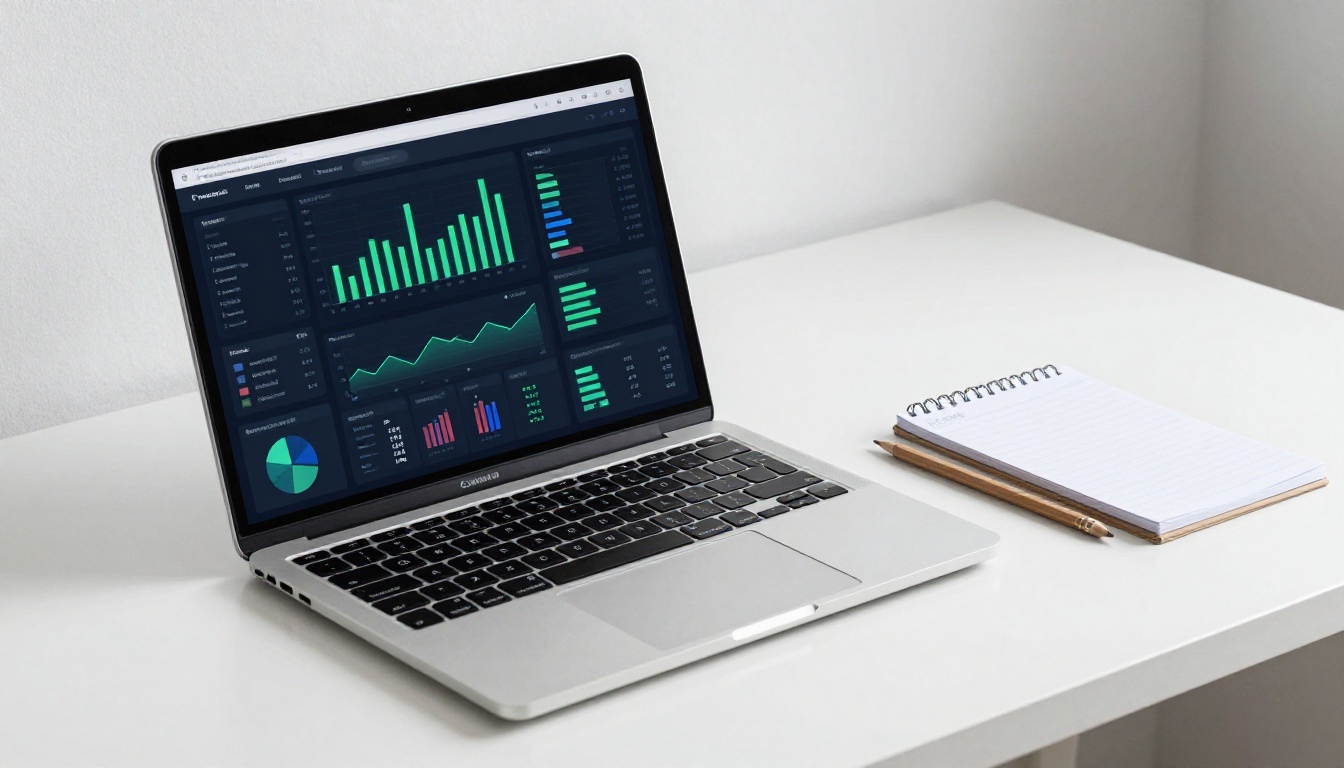
How Flipbook Analytics Actually Works
Tracking Opens and Unique Views
When someone opens your flipbook via a shared link, the platform registers a view event. This is timestamped, geolocated, and tied to a device fingerprint. If you have enabled a lead capture gate, the view is also tied to the reader's email address, turning anonymous traffic into identified contacts.
Each subsequent page flip is also logged. This creates a sequential event stream for every reading session, so you can reconstruct exactly how a reader moved through your document, start to finish.
Page-Level Reading Depth
Not all pages are equal. A platform with solid analytics will show you a page-level breakdown: the percentage of readers who reached each page, and the average time spent there. This is where the real intelligence lives.
| Metric | What It Shows | Why It Matters |
|---|
| Page reach rate | % of readers who got to a given page | Reveals content drop-off patterns |
| Avg time on page | Seconds spent before flipping | Flags pages that are skimmed or skipped |
| Re-visits per page | Times a reader returned to a page | Signals high-value, reference-worthy content |
| Exit page rate | % who closed on a given page | Pinpoints friction or loss of interest |
Time Spent Per Section
Beyond individual pages, you can see total session duration, which tells you whether readers are doing a deep read or a quick scan. Sessions under 30 seconds usually indicate a bounce. Sessions over 3 minutes, especially on specific pages, indicate genuine interest.
✅ Best practice: Use time-per-page data to reorder your flipbook. Move your highest-performing content earlier so more readers reach it before dropping off.
Setting Up Tracking on Your Flipbook

Setting up tracking on Flipbooks AI does not require third-party tools or any code. The entire process lives inside your dashboard.
Step 1: Create Your Account
Go to flipbooksai.com/account and sign up. The Standard plan includes basic view tracking. For full analytics including reader identification, lead forms, and CRM integration, upgrade to the Professional plan via flipbooksai.com/pricing.
Step 2: Upload Your PDF
Once logged in, use the PDF to Flipbook Converter to upload your document. The platform converts it into an interactive flipbook with page-turn animation, mobile-responsive layout, and a shareable link. No design skills required.
Step 3: Enable Analytics in Your Settings
Open your flipbook's settings panel. Under the "Sharing" or "Analytics" tab, you will find options to:
- Enable view tracking (on by default for all plans)
- Set up a lead capture gate (email required before reading)
- Configure password protection for private access
- Connect to an external CRM or webhook endpoint
Toggle the features you need. For full reader identification, enable the lead capture gate. For sales and marketing workflows, the webhook integration is worth configuring immediately.
Step 4: Share and Start Collecting Data
Copy your flipbook's shareable link and distribute it via email, social media, or embed it on your website using the Embed Flipbook on Website tool. Every reader who clicks the link will be tracked from the moment they open it.
⚠️ Important: Analytics data begins accumulating after you share the link. There is no retroactive tracking, so confirm all settings are correct before sending the first link.
Reading Your Analytics Dashboard

Total Views vs. Unique Readers
The analytics dashboard separates total views from unique readers. Total views counts every session, including repeat visits. Unique readers counts distinct individuals, by device fingerprint or by email when a lead gate is active. For most use cases, unique readers is the number that matters most.
A flipbook with 200 total views but only 40 unique readers means the same people are returning repeatedly. That is a signal of high interest. A flipbook with 200 views and 198 unique readers means broad reach but little repeat activity.
Drop-Off Points and Reading Depth
The reading depth report shows what percentage of readers reached each page. A healthy report shows a gradual decline. A sharp drop at a specific page warrants investigation.
Common causes of sharp drop-offs:
- A page that is too text-heavy or visually cluttered
- A topic shift that does not match reader expectations
- A call-to-action placed too early that sends readers away
- A form or gate that creates unintended friction mid-document
Geographic and Device Breakdown
Knowing where your readers are located helps with timing, language, and content targeting. Device breakdown tells you whether to prioritize mobile optimization. If 60% of your readers are on mobile and your flipbook was designed for desktop, you have a direct opportunity to improve layout and reading depth.
| Device Type | Typical Avg Session Time | Optimization Priority |
|---|
| Desktop | 4-7 minutes | Depth of content, visual detail |
| Tablet | 3-5 minutes | Touch-friendly page navigation |
| Mobile | 1-3 minutes | Short sections, bold headlines, fast load |

How Email Gates Work
An email gate is a form that appears before the flipbook content loads, asking the reader to enter their name and email to proceed. It is the most effective way to turn anonymous views into identified leads.
Flipbooks AI Professional plan includes a built-in lead capture form you can configure with custom fields. Once a reader submits the form, their information is tied to every subsequent tracking event. You will see their name and email in the analytics dashboard alongside their full reading session data.
This is especially powerful for:
- Sales proposals: know the exact moment a prospect opens your document
- Marketing campaigns: tie content consumption to pipeline and CRM data
- Publishing and media: build a subscriber list from organic readers
Connecting to Your CRM
Lead data captured through Flipbooks AI can be exported manually as a CSV file, or connected to your CRM via webhook. This means every new reader can trigger an automated follow-up sequence in your email platform or sales tool.
💡 Pro tip: Set up a webhook to notify your sales team in Slack whenever a prospect opens a specific flipbook. Real-time alerts allow for immediate follow-up while the content is still fresh in the reader's mind.
3 Real-World Use Cases

Sales Teams: Who Read the Proposal
A B2B sales team sends out 50 proposals per month as digital flipbooks. Without tracking, follow-up calls happen on a fixed 3-day schedule regardless of interest level. With flipbook analytics, the team can prioritize calls to the 12 prospects who spent over 5 minutes on the pricing page and revisited the case studies. The other 38 receive a lighter-touch follow-up.
This shifts conversion rates because effort is concentrated where genuine interest already exists.
Publishers: What Content Performs
A digital magazine uses Flipbooks AI to publish its monthly issue via the E-Magazine Publishing Tool. Analytics reveal that the feature article on page 12 has the highest average time-on-page, but 45% of readers never reach it because they drop off at a lengthy advertisement on page 8.
The editorial team moves the ad placement and trims content before page 8. The following month, average reading depth increases by 22%.
Marketing Teams: Campaign Attribution
A marketing team runs a product catalog campaign using the Product Catalog tool. They share the flipbook across email, LinkedIn, and a paid ad, using UTM parameters on each link. The analytics dashboard shows LinkedIn drives 70% of views, but email produces 80% of the readers who reach the pricing section.
The team reallocates budget toward email nurture sequences with the catalog as the primary asset.
Plan Comparison: Analytics Features by Tier
Not all analytics features are available on every plan. Here is what you get at each level on Flipbooks AI:
| Feature | Free | Standard | Professional |
|---|
| Total view count | Yes | Yes | Yes |
| Page-level analytics | No | Basic | Full |
| Unique reader tracking | No | Yes | Yes |
| Reading depth reports | No | Yes | Yes |
| Lead capture forms | No | No | Yes |
| CRM webhook integration | No | No | Yes |
| CSV export of reader data | No | No | Yes |
| Real-time view notifications | No | No | Yes |
| Geographic breakdown | No | Basic | Full |
| Device breakdown | No | Yes | Yes |
| Unlimited flipbooks | No | Yes | Yes |
| Password protection | No | Yes | Yes |
| Custom branding, no watermarks | No | Yes | Yes |
✅ For anyone using flipbooks in a sales, marketing, or publishing context, the Professional plan is where tracking becomes genuinely actionable. The combination of lead capture, CRM integration, and page-level data separates content distribution from content intelligence.

More Metrics Worth Watching
Beyond the core dashboard, serious content publishers track a few additional data points that reveal deeper patterns.
Scroll heat maps show which areas of a page receive the most visual attention. This is useful for long-form content with multiple sections on a single page.
Return visit rate indicates whether readers come back to reference specific information. A high return rate signals that the content has practical, ongoing utility beyond initial curiosity.
Time-to-open measures how long after receiving a link a reader actually opens it. A short time-to-open suggests high relevance or urgency. A long delay suggests the link sat in an inbox until a follow-up email prompted the click.
Sharing events show whether readers forwarded the flipbook link to others, extending your distribution organically without additional effort.
Each of these metrics is available in the Professional plan dashboard and can be filtered by date range, geographic region, or device type to isolate specific audience segments.

What To Do With the Data
Collecting analytics is only half the work. The other half is acting on what you find. Here is a repeatable process for turning flipbook data into better content and better outreach:
- Check reading depth weekly: If average reading depth is below 50%, something in the first half of your flipbook is losing people before they reach the value.
- Identify your top 3 pages by time-on-page: These are your highest-value content sections. Consider referencing them in your email subject lines or social captions to pull readers deeper.
- Flag high-intent readers: Anyone who spent over 5 minutes reading and visited the pricing or contact section is a priority for direct outreach.
- A/B test entry pages: Try two different opening pages across separate links and compare reading depth between versions.
- Revisit drop-off pages monthly: Make one content change to each drop-off page and measure the impact over 30 days.
This cycle treats your flipbook as a living asset rather than a one-time publish-and-forget file, which is exactly how the most effective publishers and sales teams use it.
Ready to see who is reading your flipbook and what they actually care about? Create your account on Flipbooks AI and publish your first tracked flipbook today. Compare pricing plans to choose the tier that fits your workflow, or browse all flipbook tools to find the right format for your content.



