Sending a digital brochure and waiting to hear back is one of the most frustrating parts of modern marketing. You put hours into the design, the copy, the visuals, and then it disappears into someone's inbox. With the right tracking setup, that silence turns into data. You get to see exactly who opened it, how long they stayed on each page, what they clicked, and where they dropped off. Flipbooks AI gives you those insights built right into your publishing workflow, turning every brochure send into a stream of actionable intelligence.
Why Reader Data Changes Your Strategy
What Happens Without Tracking
Most teams operate blind. They send a PDF attached to an email, maybe follow up a week later with a generic "just checking in," and never really know whether the prospect read past page one. This creates two problems: wasted follow-up energy on people who are not interested, and missed urgency with people who spent 15 minutes reading every page.
Without tracking, your follow-up strategy is a guess. With it, it becomes a conversation starter built on real evidence.
What You Actually Learn
When you track a digital brochure, you are not just collecting vanity metrics. You are building a real picture of reader behavior.
- Which pages get the most time (your best content, or your most confusing sections)
- Where readers drop off (the section that needs rewriting)
- Who opened it and when (so you know who to contact first)
- What device they used (mobile, tablet, or desktop)
- Whether they clicked any embedded links
- How many times the same person returned

💡 A contact who opened your brochure three times and spent 8 minutes on the pricing page is a very different conversation than someone who opened it once for 10 seconds.
The Data Points That Actually Matter
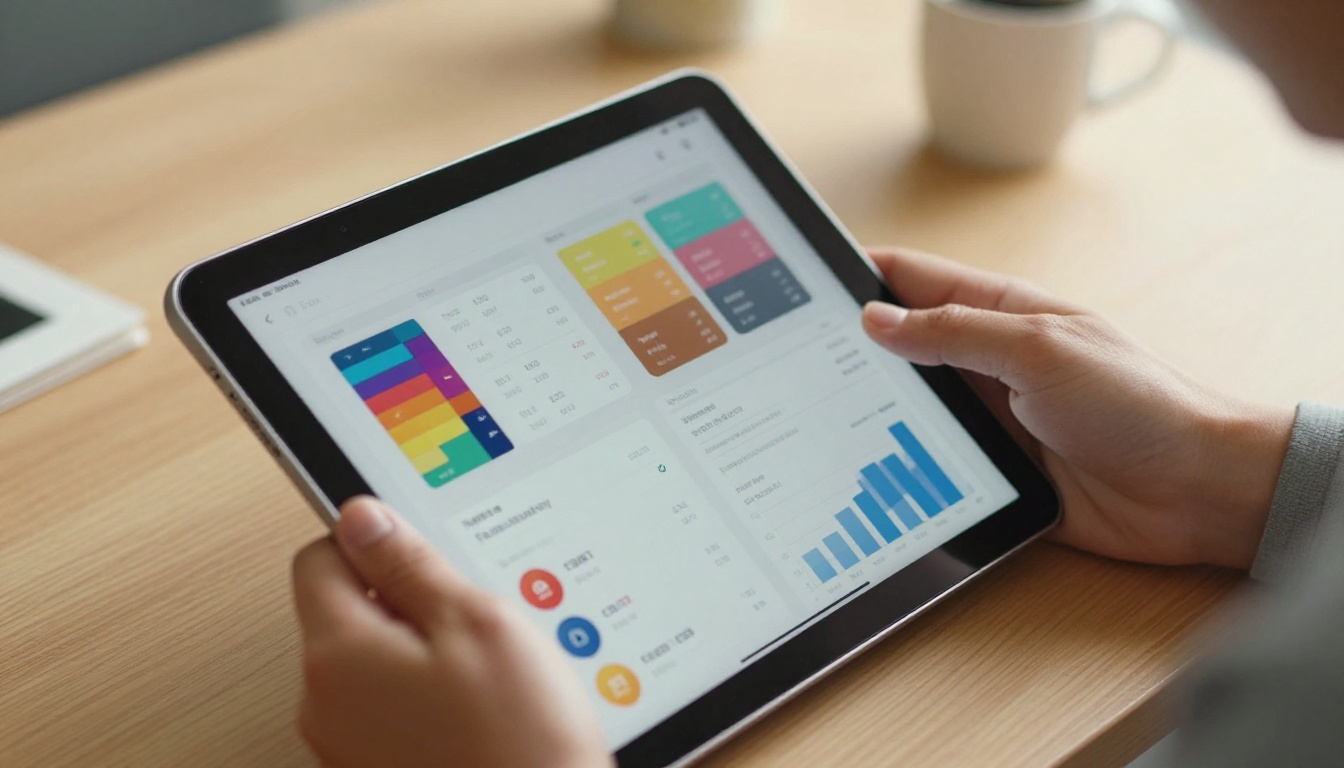
View Count and Unique Visitors
Total views tell you reach. Unique visitors tell you how many distinct people are reading. If your brochure has been opened 40 times by 5 people, that signals strong recurring interest from a small group, which is usually more valuable than 40 one-time opens.
Time Spent Per Page
This is the most actionable metric for content improvement. Pages with low average time often have:
- Too much text without visual breaks
- Weak headlines that fail to pull readers in
- Content that is irrelevant to the audience segment
Pages with high time can go two ways: either the content is genuinely compelling, or it is confusing and people are rereading to make sense of it. Cross-reference with your exit data to tell the difference.
Click-Through Rates on Embedded Links
If your brochure includes calls-to-action, product links, or contact forms, tracking those clicks shows you which offers resonate. A brochure with three CTAs and zero clicks on two of them tells you something important about your offer hierarchy and where attention actually lands.
Geographic and Device Data
Knowing where your readers are located helps sales teams prioritize territory follow-ups. Device data shapes your design decisions: if 60% of your readers open on mobile, your current landscape-layout PDF may be losing a significant portion of them before they reach page three.
3 Ways to Track Who Reads Your Brochure
Built-in Platform Analytics
The cleanest, most reliable method is using a platform that has analytics baked in. When you publish a brochure as a flipbook through Flipbooks AI, every reader session is logged automatically. You do not need to set up third-party scripts or integrate separate tools. The data is there the moment your first reader opens the link.
This approach gives you page-level data that PDF attachments and basic link trackers simply cannot provide. It works across every device, every browser, and every share channel simultaneously.
UTM Parameters and Link Tracking
If you are sharing your brochure link across multiple channels, UTM parameters let you see which source drives the most engaged readers. Append ?utm_source=email&utm_campaign=spring_launch to your brochure URL and your analytics will separate email opens from LinkedIn traffic from paid ads.
This is especially useful for marketing teams running multi-channel campaigns who need to attribute ROI accurately across different spend buckets.
Email Open and Click Tracking
CRMs like HubSpot, Salesforce, and Mailchimp can track when a link inside an email is clicked. Combine this with platform-level analytics and you get a two-layer picture: you know that the contact clicked the link, and you know what they did once they arrived inside the brochure itself.
| Tracking Method | Data Granularity | Setup Complexity | Best For |
|---|
| Built-in platform analytics | Page-level, session time, clicks | None | Flipbook publishers |
| UTM parameters | Source and channel attribution | Low (URL editing) | Multi-channel campaigns |
| CRM email tracking | Link click confirmation | Medium (CRM setup) | Sales outreach |
| Heatmap tools | Click density per page area | High (third-party) | Content optimization |
| IP-based tools | Company or organization ID | Medium | B2B prospecting |

How to Track Brochure Readers with Flipbooks AI
Flipbooks AI has built-in reader analytics available on the Professional plan. Here is exactly how to set it up and read the data.
Step 1: Upload Your Brochure
Go to flipbooksai.com and create your account or log in. Click "New Flipbook" and upload your PDF brochure. The platform converts it automatically into a page-turning interactive flipbook, preserving your layout, fonts, and images without quality loss.
You can use specialized tools like the Online Brochure Designer or the Brochure Flipbook Maker to start from a template if you do not have an existing PDF ready.
Step 2: Configure Sharing Options
Once your flipbook is published, you get a unique shareable link. Under the sharing settings, you can:
- Set a password to restrict access to specific prospects only
- Enable lead capture forms that require readers to enter their name and email before viewing
- Configure download permissions for offline access control
The lead capture feature is particularly powerful for tracking because it ties every session to a named contact automatically, without requiring manual CRM updates.
Step 3: Access Your Analytics Dashboard
Navigate to the analytics section of your flipbook. The dashboard shows:
- Total views and unique visitors
- Average reading time per session
- Page-by-page time breakdown in a visual chart
- Device type distribution across mobile, tablet, and desktop
- Geographic data by country and city
- Individual session logs with timestamps and duration
Step 4: Set Up Real-Time Notifications
On the Professional plan, you can configure email notifications that fire every time someone opens your brochure. This means your sales team gets an alert the moment a warm prospect revisits the pricing section, so they can follow up while the interest is still fresh.
✅ Best practice: Combine lead capture with analytics notifications. When a named contact opens your brochure for the second or third time, that is your cue to pick up the phone with something specific to say.
Step 5: Export and Share the Data
Analytics data can be exported and shared with your team or your clients. For agencies managing brochures for multiple clients, this turns reader data into a deliverable, showing exactly how content performs over time in a format stakeholders can act on.
Reading the Numbers Right
What Good Metrics Look Like
There is no universal benchmark for brochure analytics, but here are practical reference points based on common performance patterns:
| Metric | Below Average | Average | Strong |
|---|
| Average session time | Under 30 seconds | 1 to 2 minutes | Over 3 minutes |
| Pages per session | 1 to 2 pages | 3 to 5 pages | 6 or more pages |
| Return visit rate | Under 5% | 10 to 20% | Over 25% |
| CTA click rate | Under 1% | 2 to 5% | Over 8% |
| Lead capture rate | Under 10% | 15 to 25% | Over 35% |
Red Flags in Your Data
Some patterns signal that your brochure needs work before you send it to more people:
- High opens, low session time: Your cover or intro is not pulling readers deeper. Rewrite the opening spread with a stronger hook.
- Drop-off on page 2: This is almost always a density problem. Too much text, not enough visual breathing room between sections.
- Zero CTA clicks: Your calls-to-action are either buried, unclear, or not compelling. Move them higher and make the value proposition explicit.
- Mobile exit spikes: Your PDF layout is not responsive. Converting it to a flipbook on Flipbooks AI resolves this without a redesign.
⚠️ Watch out: A spike in repeat opens without any follow-up contact often means the prospect is comparing you to a competitor. This is exactly the moment to reach out with something that differentiates your offer clearly.
Real-World Use Cases
Real Estate Agents
A property brochure sent to 50 prospects can now tell you which three spent more than five minutes on the virtual tour pages. Those are your warm leads. Instead of calling all 50, your agent calls three people with specific context: "I noticed you spent some time on the Riverside unit, I wanted to answer any questions you might have."
That kind of precision follow-up feels personal, not pushy, and it converts at a much higher rate.

Use the Real Estate Brochure tool to create the brochure, then leverage analytics to prioritize your outreach list by actual reader behavior rather than gut feeling.
Sales Teams
B2B sales teams send product brochures to dozens of accounts weekly. With reader tracking, the SDR team can score inbound interest automatically. Accounts that open the brochure, return for a second session, and click the demo request link move to the top of the pipeline immediately without any manual scoring effort.
| Sales Use Case | Metric to Watch | Action to Take |
|---|
| Initial outreach follow-up | First open plus time on page | Follow up within 24 hours |
| Proposal sent | Pricing page time | Call same day if over 2 minutes |
| Re-engagement campaign | Return visits after silence | Reach out with an updated offer |
| Territory prioritization | Geographic data by city | Assign to regional sales rep |
| Content improvement cycles | Consistent drop-off page | Revise that section immediately |

Marketing Agencies
Agencies managing campaigns for multiple clients can use brochure analytics as proof of content performance. Instead of saying "we sent 200 emails," you deliver a report showing 78 unique readers with an average read time of 4 minutes and a 12% CTA click rate. That is a very different conversation with a client and a much more defensible retainer renewal discussion.
Turning Brochure Data Into Revenue
Follow Up With the Right People First
The old approach is to follow up with everyone equally and hope for the best. The data-driven approach ranks your prospects by behavior. Someone who opened your brochure four times is not the same as someone who opened it once for 20 seconds. Contact them in that order, with messaging that reflects what you know about their interest level and where they spent the most time.
If your lead capture form is active and a contact identified themselves before reading, your CRM can be updated automatically, keeping your pipeline accurate without manual data entry at every step.
A/B Test Your Brochure Content
Once you have baseline analytics, you can create two versions of a brochure with different headline copy, different cover images, or different CTA placement, and share each version to a separate audience segment. Compare the time-on-page and CTA click rates to see which version performs better. Over three or four iterations, your brochure becomes significantly more effective without requiring a full redesign budget.

💡 Even small changes have measurable impact. Moving a CTA from page 6 to page 3 in one content test increased click rates by over 30% for a sales team that used page-level analytics to pinpoint the problem.
Plan Comparison: Analytics Features
| Feature | Free | Standard | Professional |
|---|
| Flipbooks created | Limited | Unlimited | Unlimited |
| Basic view count | No | Yes | Yes |
| Page-level analytics | No | No | Yes |
| Lead capture forms | No | No | Yes |
| Real-time reader notifications | No | No | Yes |
| Custom branding | No | Yes | Yes |
| Password protection | No | Yes | Yes |
| Offline downloads | No | Yes | Yes |
| Export analytics data | No | No | Yes |
| No watermarks, ever | No | Yes | Yes |
For teams that rely on brochure tracking to drive sales conversations, the Professional plan is where the data becomes truly actionable. See the full pricing breakdown to compare what each tier includes and which one fits your team size and workflow.
Start Tracking Your Brochure Readers Today
Distributing a brochure without tracking it means operating on assumptions rather than evidence. Every send is a signal from a potential customer, and right now most of those signals are going unread. The setup takes minutes on Flipbooks AI and the data pays back immediately with smarter follow-ups, tighter content, and a pipeline sorted by real buying signals rather than guesswork.
Ready to see who is actually reading your brochures? Create your account and publish your first tracked flipbook today. For teams that need full analytics, lead capture, and CRM-ready data, compare the plans to find the right fit. Browse all available brochure tools to build exactly the content your prospects want to spend time with.



