You put serious effort into creating your flipbook. But once you hit publish, do you actually know what happens next? Most people don't. They share a link, check a view count once or twice, and assume their content did its job. That assumption costs you more than you think. Flipbooks AI gives you a full picture of what happens after your flipbook goes live: who opened it, how long they spent on each page, where they dropped off, and whether they actually read past the cover. This article walks through exactly how that tracking works, what metrics matter most, and how to turn raw numbers into real improvements.
Why Knowing Your Readers Changes Everything
Most content creators focus entirely on production, spending hours on design, writing, and visuals, then measuring success by a single vanity metric: total views. Views tell you almost nothing useful. A flipbook with 500 views where readers average 4 minutes on page 3 is infinitely more valuable than one with 2,000 views where 90% exit on page 1.
Reader behavior data tells you:
- Which sections actually hold attention and which lose readers fast
- Whether your call-to-action page is being reached or skipped entirely
- How different audiences (geographic, device type, referral source) interact with your content differently
- Whether your content length fits the expectations of your actual audience
This is the difference between publishing and publishing with intent. Without behavioral data, every decision about content structure, length, and layout is a guess. With it, you have evidence.

What You Can Actually Track
Before getting into setup, it helps to know the full range of data available. Not all flipbook platforms offer the same depth of reader analytics. Here is what a professional analytics setup gives you:
| Metric | What It Tells You | Why It Matters |
|---|
| Total Views | How many times the flipbook was opened | Baseline reach measurement |
| Unique Readers | Individual visitors, deduplicated | Real audience size |
| Average Read Time | Total time spent per session | Content consumption depth |
| Time Per Page | Seconds spent on each individual page | Identifies high and low-value content |
| Page Reach % | Percentage of readers who reached each page | Shows how far readers actually go |
| Drop-off Points | Pages where readers most commonly exit | Pinpoints specific content problems |
| Geographic Data | Country and city of readers | Audience location insights |
| Device Type | Mobile, tablet, or desktop access | Informs formatting decisions |
| Referral Source | Where traffic originated | Attribution and campaign tracking |
| Lead Captures | Emails collected via reader gate | Direct ROI measurement |
💡 The most valuable metric combination is "time on page" paired with "page reach percentage." Together, they tell you not just where people stopped reading, but whether they stopped because the content was uninteresting or because they simply finished.

Setting Up Reader Tracking on Flipbooks AI
Flipbooks AI includes a built-in analytics dashboard on its Professional plan. There is no third-party integration required, no Google Tag Manager setup, and no extra code to install. Here is how to get tracking running from scratch.
Step 1: Create Your Account
Head to flipbooksai.com and sign up. If you are on the Standard plan, you will see basic view counts. To access full reader tracking including time-on-page data, lead capture, and geographic breakdowns, upgrade to the Professional plan.
Step 2: Upload Your PDF
From your dashboard, click New Flipbook and upload your PDF. Flipbooks AI converts it automatically into an interactive page-turning flipbook. This works for catalogs, brochures, reports, e-books, magazines, or any PDF-based document. You can also use the dedicated PDF to Flipbook Converter for a streamlined conversion experience.
Step 3: Configure Sharing Settings
Before publishing, decide how your flipbook will be accessed:
- Public link: Anyone with the URL can view it
- Password-protected: Readers must enter a password first (available on Standard and above)
- Embedded: Placed directly on your website or landing page
⚠️ If you want to track individual readers rather than just aggregate sessions, you need to either use a lead capture gate or share unique tracking links per recipient. Generic public links give you session-level data but not personal identification.
Step 4: Enable the Analytics Dashboard
Once your flipbook is live, go to Flipbook Settings and select Analytics. Here you will find the full reader statistics panel. For time-on-page tracking, confirm that session recording is enabled in your settings.
Step 5: Set Up Lead Capture
The Professional plan lets you add a lead gate before readers access the content. This requires a name and email entry before the flipbook opens. Every analytics event is then tied to that specific reader. When you check your dashboard later, you see exactly which person spent how long on which page, giving you sales intelligence rather than anonymous session data.

Reading the Data That Matters
Once your flipbook has traffic, your analytics dashboard begins filling with information. Here is how to interpret the numbers that actually drive decisions.
Total Views vs. Unique Readers
A flipbook with 300 views and 290 unique readers is being discovered by new people every time it is shared. A flipbook with 300 views and 50 unique readers has a small but highly engaged audience returning multiple times. Both patterns are valuable, but they signal completely different promotional strategies.
Average Read Time Per Page
This is the metric most creators overlook entirely. Your flipbook might show a 4-minute average session time overall, but that figure tells you nothing about which pages people actually read. Page-level time data is where the real insight lives.
Example: If your product catalog consistently shows readers spending 45 seconds on pages 4 and 5 (your bestselling products) and only 6 seconds on pages 8 and 9 (new arrivals), that is a direct signal. Either promote the new arrivals more prominently within the document, or reconsider whether they belong in that catalog at all.
Where Readers Stop Reading
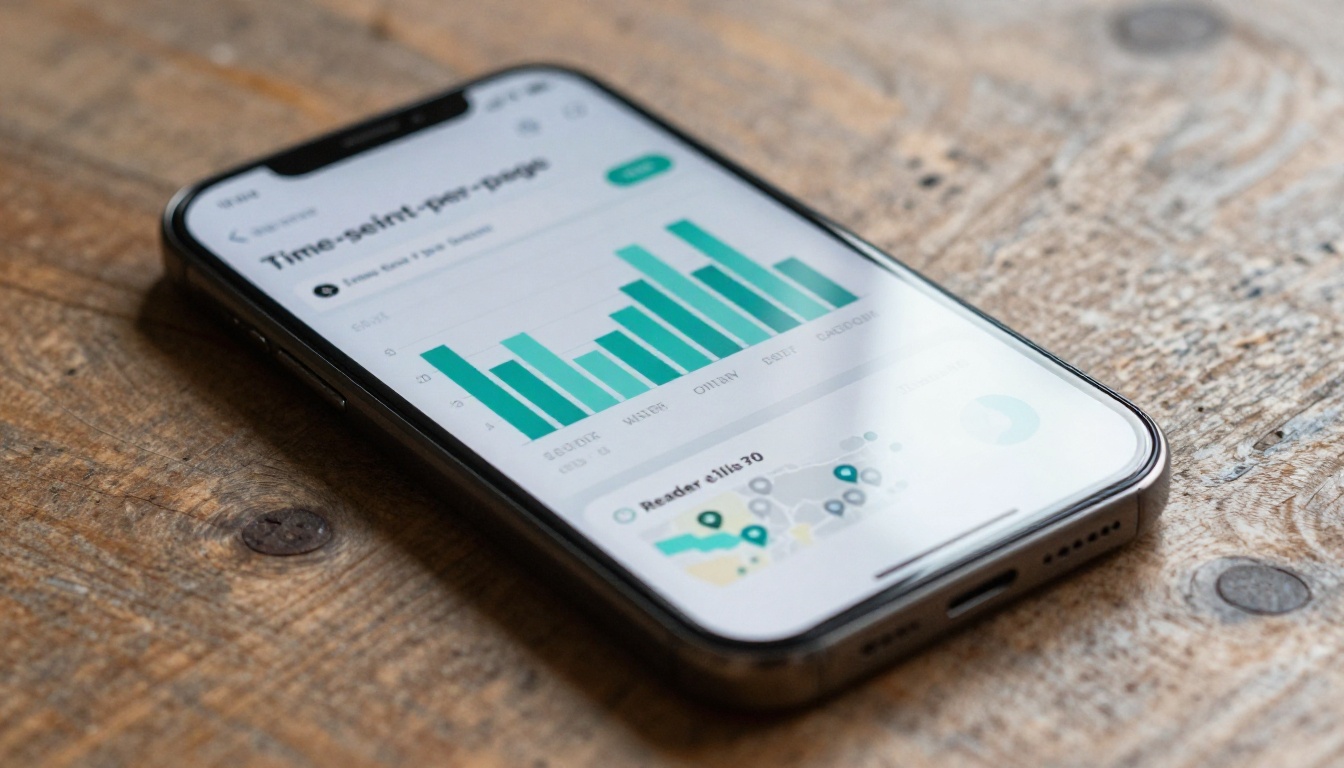
The page reach chart is one of the most actionable visuals in your dashboard. It displays a drop-off curve: what percentage of readers made it to each page. A healthy flipbook shows a gradual decline. A sharp early drop means something specific is breaking the reading experience.
Common reasons for early drop-off:
- Pages 1 to 2 drop: The cover or introduction is not compelling enough
- Middle drop: Content became repetitive or too dense to scan
- Drop before the final CTA: Readers got what they needed and left before the ask

How to Identify Drop-Off Points
Finding where readers leave is straightforward in the Flipbooks AI dashboard. Pull up the Page Performance view and sort pages by exit rate. The pages with the highest exit rate are your priority for revision.
For each high-exit page, work through these questions:
- Is the content dense or hard to scan? Break it into bullet points or shorter paragraphs.
- Is there a visual element? A page with only text and no images or visual breathing room tends to lose readers fast.
- Does the page signal what comes next? If readers cannot see why they should turn to the following page, they often will not.
- Does this content match what your audience actually came for? Mismatched content kills forward momentum more reliably than poor writing.
✅ Test two versions of your highest drop-off page. Change one element, either the layout, the heading, or the lead image, and compare time-on-page data across both versions over two weeks. That single change often produces measurable results.
Using Location and Device Data
Geographic and device data add context to behavioral metrics. A flipbook that converts well on desktop but poorly on mobile may have formatting that breaks on smaller screens. One that performs well in Germany but poorly in the UK may have language or pricing framing that does not translate.
| Device Type | Typical Reading Behavior | What to Prioritize |
|---|
| Desktop | Longer sessions, more pages read per visit | Depth of content, rich media, detailed tables |
| Mobile | Shorter sessions, higher bounce on text-heavy pages | Page brevity, large fonts, clear tap targets |
| Tablet | Balanced sessions, often leisure-style reading | Visual quality, multimedia elements, clean layouts |
If more than 60% of your traffic is mobile and average mobile session time is under 90 seconds, your flipbook was likely not designed with mobile in mind. Flipbooks AI generates mobile-responsive flipbooks by default, but the content design still needs to match the device. Short paragraphs, strong visual cues, and clear page breaks make a significant measurable difference on smaller screens.

Turning Data Into Better Content
Reader analytics are not just a reporting tool. They are a feedback loop. Once you have several weeks of data, these are the specific changes worth acting on:
If read time drops sharply after page 3:
- Add a teaser or forward reference at the bottom of page 3 ("On the next page: the three pricing options most clients choose")
- Use a visual chapter header to signal a new section and reset reader attention
If readers consistently skip your pricing or CTA page:
- Move that page earlier in the flipbook
- Add a contextual reference to it on the page before, so readers arrive expecting it
If a specific page has 3x the average read time:
- That page contains your strongest content. Use more of it in future flipbooks.
- Pull quotes or visuals from it for social media previews and email campaigns
If mobile sessions are short but desktop sessions are strong:
- Create a condensed mobile-first version with fewer pages and larger visual blocks
- Use the Embed Flipbook on Website tool to serve the flipbook in a context where desktop access is more common

Analytics Features by Plan
Not every plan offers the same analytics depth. Here is what is available across Flipbooks AI pricing tiers:
| Feature | Free | Standard | Professional |
|---|
| Total Views | Yes | Yes | Yes |
| Unique Readers | No | Yes | Yes |
| Time Per Page | No | No | Yes |
| Geographic Data | No | No | Yes |
| Device Breakdown | No | No | Yes |
| Lead Capture Gate | No | No | Yes |
| Export Analytics Data | No | No | Yes |
| Referral Source Tracking | No | No | Yes |
| Watermark-Free | No | Yes | Yes |
| Unlimited Flipbooks | No | Yes | Yes |
| Password Protection | No | Yes | Yes |
| Offline Downloads | No | No | Yes |
💡 For anyone using flipbooks as part of a sales or marketing workflow, the Professional plan pays for itself quickly. Knowing that 12 specific prospects read your proposal all the way to the pricing page is information you can act on that same afternoon.
Real-World Use Cases
Sales Teams Tracking Proposal Reads
A sales rep sends a Sales Presentation flipbook to 15 prospects. Two days later, they check analytics and see that three prospects spent over 5 minutes on the pricing page. Those three are the ones they call first. No cold follow-up on people who never opened the document. No guessing about interest level.
Marketing Agencies Improving Monthly Content
An agency creates a monthly digital magazine for a client. After three issues, analytics show consistent drop-off on page 7. That page contains dense industry statistics with no visual relief. The agency redesigns it with an infographic. The following month, average time on that page doubles and overall session length increases by 40%.
HR and Training Departments
A training department distributes a Training Manual Flipbook to 200 employees. Analytics show 60 employees never opened it, 80 read only the first three pages, and 60 completed it fully. HR uses this data to follow up with non-readers directly and flags the sections where most people stopped for a content quality review.
Real Estate Agencies
A real estate team distributes a Real Estate Brochure to potential buyers. Lead capture data identifies which buyers showed interest, and time-on-page data reveals which specific property listings held attention longest, directly informing the conversations that follow.
Publishers and Course Creators
An online course creator publishes supplementary reading materials as an Interactive E-Book. Analytics reveal that students consistently skip the methodology chapter and spend most of their time on the practical examples section. The creator restructures future modules with more examples and fewer theory-heavy pages, directly improving completion rates.

What Good Tracking Actually Looks Like
Tracking reader behavior is not about surveillance. It is about respecting the effort that goes into creating content by actually measuring whether it achieves its purpose. The best flipbook analytics setup is invisible to readers but genuinely informative for creators.
A well-tracked flipbook gives you:
- Confidence that your content is working, or clear evidence that it is not
- Prioritization data for where to focus content improvements next
- Sales intelligence for warm follow-up at the right moment with the right context
- Audience insights that shape the structure, length, and focus of future content
The alternative is publishing into a void and hoping for the best. That is not a strategy worth betting on.
✅ Review analytics weekly for the first month after publishing a new flipbook. After that, a monthly review is sufficient unless you are actively testing content changes. Set a calendar reminder so the review actually happens.

Start Measuring What Actually Matters
You now know exactly what to track, how to set it up, and what to do with the data once you have it. The next step is putting it into practice.
Create your first tracked flipbook on Flipbooks AI and see real reader behavior data within hours of publishing. Browse the full list of flipbook tools to find the right format for your use case, whether that is a product catalog, annual report, training manual, or sales presentation. When you are ready to access full analytics including time-on-page data and lead capture, compare pricing plans to choose the right tier for your workflow.
Stop publishing blind. Start with data that tells you what is actually working.



