Most people who publish a flipbook have no real idea who reads it. They share a link, watch the occasional notification roll in, and assume the content is doing its job. But assumptions are expensive, especially in marketing, sales, and publishing where a single underperforming piece of content can quietly drain resources for months. Flipbooks AI gives you something far better than assumptions: actual reader data, page by page, second by second.
This article breaks down how flipbook analytics work, what numbers deserve your attention, how to set up tracking on your publications, and how to use the data to make decisions that move results forward.
Why Reader Tracking Changes Everything
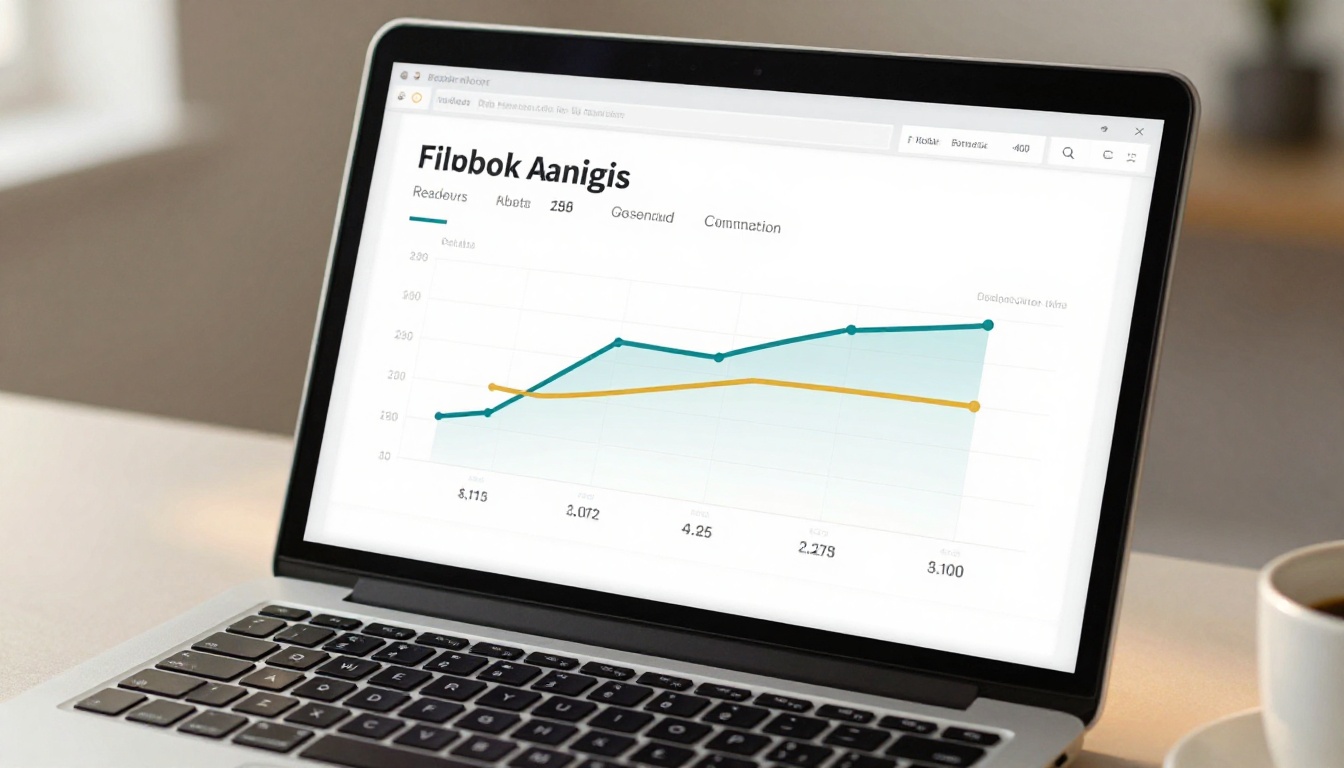
When you publish a PDF, you get a download count at best. That number tells you nothing about what happened after the click. Did someone read three pages and close it? Did an important decision-maker spend 12 minutes on your pricing section? Did your product catalog get opened by 47 people in Germany last Tuesday?
Digital flipbooks change that equation entirely. Because readers interact with your content inside a browser, every action generates a data point. Every page flip, every scroll pause, every session start and end is logged. The result is a level of reader visibility that static documents simply cannot offer.
💡 Pro tip: The goal isn't just to know that someone read your flipbook. It's to know which pages they read, for how long, and whether they took action afterward.
This matters across industries. A real estate agent wants to know which property pages a prospect lingered on. A marketing director wants to see whether the quarterly report actually gets read past page two. A course publisher wants to track how many students finish each module. The data shapes decisions in ways that gut instinct never can.

What Data Points Actually Matter
Not all analytics are equally useful. Before you get into dashboards, it helps to know which numbers have real impact and which are just vanity metrics.
Time Spent Per Page
This is the single most telling metric in flipbook analytics. A reader who spends 45 seconds on page 8 is telling you something important: that page has either strong content or a confusing layout they're trying to decipher. Either way, it deserves your attention.
What to watch for:
- Pages with unusually high time (strong content or a friction point)
- Pages with very low time (possible skip-past, poor layout, or irrelevant content)
- A steep drop in time across consecutive pages (reader losing interest)
Read-Through Rate
This measures how far readers typically get before closing your flipbook. A 100-page catalog with an average read-through of page 3 is essentially a three-page document. Knowing this lets you reorder content, move critical information forward, and test new layouts that hold attention longer.
Geographic and Device Data
Where are your readers located, and what are they using to read? If 60% of your audience reads on mobile but your flipbook was designed for desktop, that's a direct performance problem. Geographic data helps you localize campaigns, time your distribution, and identify unexpected audiences in markets you hadn't targeted.
| Metric | What It Reveals | How to Act On It |
|---|
| Time per page | Content value and friction points | Rewrite weak pages, strengthen strong ones |
| Read-through rate | Content depth and relevance | Move critical content earlier, trim filler |
| Geographic data | Audience distribution | Localize content and target regional campaigns |
| Device breakdown | Format optimization needs | Redesign layout for dominant device type |
| Unique vs. repeat readers | Audience loyalty | Create follow-up content for repeat visitors |
| Referral source | Channel performance | Double down on top-performing traffic sources |
How Flipbooks AI Tracks Your Readers
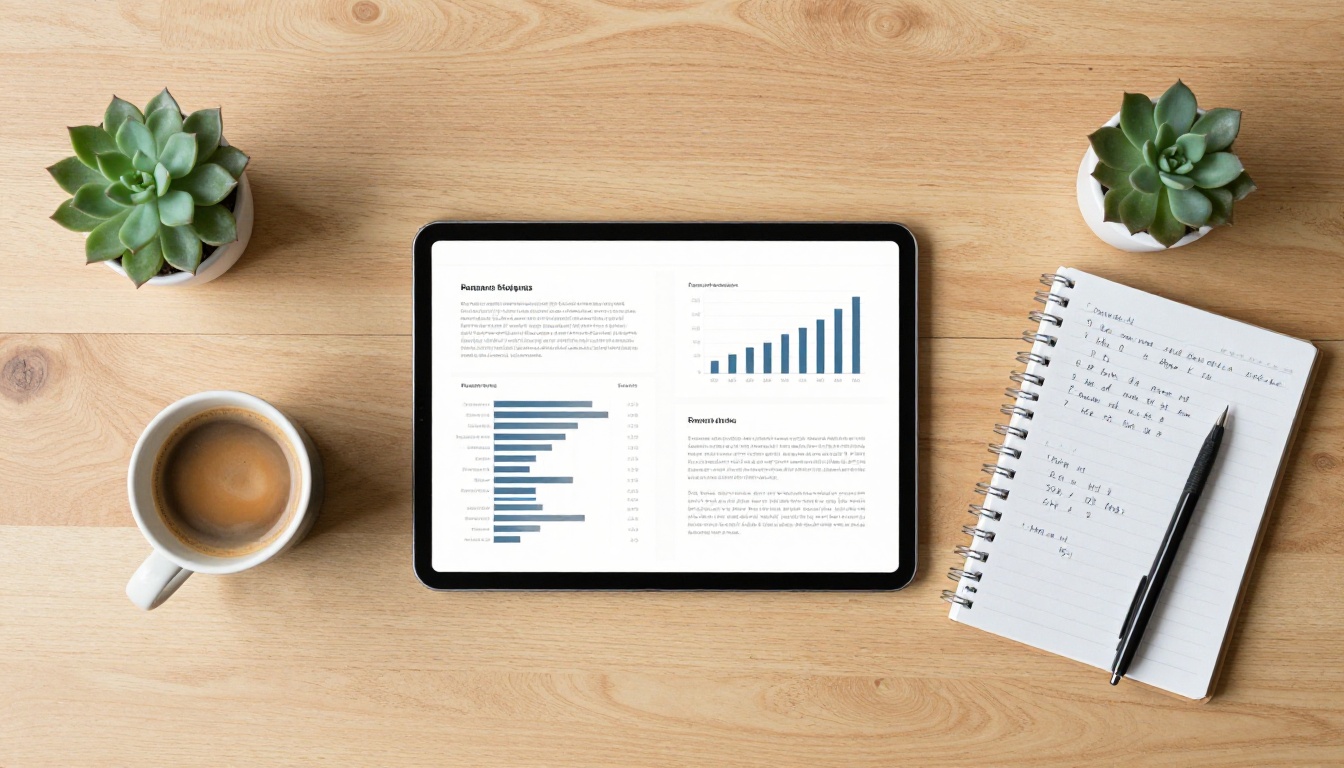
Flipbooks AI includes built-in analytics on its Professional plan, with no third-party tools required. Here's how to set it up from scratch.
Step 1: Create Your Account and Upload Your PDF
Head to Flipbooks AI and create your account. Once inside your dashboard, click New Flipbook and upload your PDF. The platform converts it automatically into an interactive flipbook with page-turn effects, mobile responsiveness, and embed support.
✅ Best practice: Name your flipbook descriptively before uploading. The name appears in your analytics dashboard and makes it much easier to sort data across multiple publications.
You can use the PDF to Flipbook Converter for a direct, no-fuss conversion, or start with a purpose-built tool like the Sales Presentation Flipbook or the Digital Catalog Maker if you're building for a specific use case.
Step 2: Customize Branding and Enable Analytics
After conversion, go to the Settings tab of your flipbook. Here you can apply your brand colors, logo, and custom domain. Scroll to the Analytics section and toggle it on. On the Professional plan, you'll see options for:
- Session tracking: records each reader's visit, device, and location
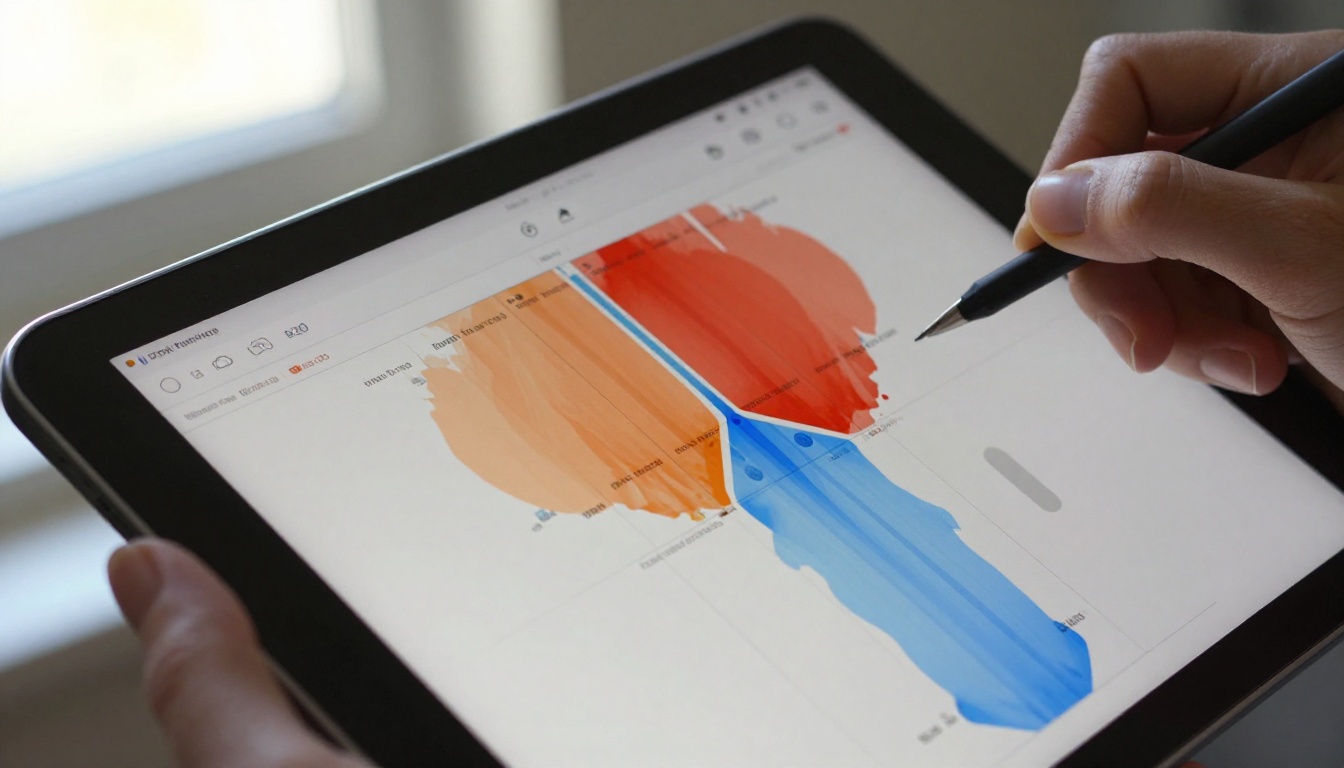
- Page-level heatmaps: visual overlay showing which pages received the most reader attention
- Time tracking: records seconds spent per page and total session duration
- Lead capture forms: optional gate to collect name and email before a reader can access the flipbook
⚠️ Note: Analytics require the Professional plan. If you're on Standard, upgrade from the pricing page to activate tracking.
Step 3: Share Your Flipbook
Once analytics are enabled, distribute your flipbook via:
- Direct link: a clean URL you send by email, direct message, or post on social
- Embed code: paste into your website with a single line of HTML, using the Embed Flipbook on Website tool
- Password-protected link: restrict access to specific audiences while still tracking who opens it
- QR code: generate a scannable code for print materials, trade show displays, or product packaging
Every distribution method is tracked individually, so you can compare performance across channels.
Step 4: Read Your Dashboard
After your flipbook has been live for at least 24-48 hours, return to your dashboard and open the Analytics tab. You'll see:
- Total views: unique and total session counts
- Average session duration: how long readers stay overall
- Page-by-page breakdown: time spent on each page rendered as a bar chart
- Heatmap view: visual overlay showing hot and cold zones per page
- Device and location data: charts breaking down mobile vs. desktop and top reader countries
- Lead captures (if form is enabled): names and emails of readers who submitted their information

Reading the Numbers That Matter
Having data is one thing. Knowing what to do with it is another.
Spotting Drop-Off Points
A drop-off point is any page where a significant portion of readers stop and close the flipbook. Look for pages where time-spent drops sharply compared to surrounding pages.
Common causes of drop-off:
- A page that is text-heavy with no visual relief
- A transition from exciting content to dense legal or technical copy
- A poorly formatted page that looks broken on mobile devices
- Content that doesn't match reader expectations set by earlier pages
When you find a drop-off page, treat it as a direct edit request from your audience. Rewrite it, reformat it, or consider removing it entirely and distributing its content elsewhere in the flipbook.
Using Heatmaps to Fix Weak Pages
Heatmaps show you where reader attention concentrates within a single page. A product photo in the top-right corner that gets ignored might perform dramatically better repositioned on the left. A paragraph buried at the bottom that shows strong reader attention is content worth moving up near the top.
💡 Pro tip: Run an A/B test by creating two versions of a flipbook with the same content in different layouts. Compare heatmaps after 100+ sessions to identify the stronger format with confidence.

Turning Data Into Content Decisions
The real value of flipbook analytics isn't the numbers themselves but what they authorize you to do. Instead of debating with a team whether a product description is too long, you show them that readers spend an average of 2 seconds on that page and 18 seconds on the page before it. Data ends arguments and starts improvements.
Here's a practical framework for acting on what you find:
| Situation | Data Signal | Recommended Action |
|---|
| High time on page 1 | Strong opening, readers are hooked | Keep the format, replicate it elsewhere |
| Low time on pages 5-8 | Middle content losing readers | Reorder, trim, or add visual breaks |
| High mobile traffic, low read-through | Layout fails on small screens | Rebuild layout for portrait orientation |
| High repeat visits | Readers bookmarking for reference | Add a downloadable summary or table of contents |
| Low geographic diversity | Audience is too narrow | Distribute in new channels or languages |
| High lead capture rate | Strong content gate | Test earlier placement of the gate form |

Real-World Use Cases for Flipbook Tracking
Marketing Teams
A marketing director distributes a product catalog to 200 contacts via email. Without analytics, the only signal is whether anyone replied. With flipbook tracking, the director can see which 43 contacts opened the catalog, which three spent more than 8 minutes inside it, and specifically that all three spent significant time on the pricing section. Those three are the priority follow-up calls.
The Product Catalog and Fashion Catalog tools on Flipbooks AI are built specifically for this kind of tracked distribution, where knowing who looked at what drives the next action.
Sales Teams and Proposals
A sales representative sends a custom proposal as a tracked flipbook. The analytics reveal that the prospect opened it three times over two days, spent 90 seconds on the case studies section and 4 minutes on the contract terms. The rep knows exactly where to focus the follow-up conversation.
✅ Best practice: Use the Sales Presentation Flipbook tool and enable lead capture to automatically log prospect contact details when they open the document.
Publishers and Educators
An online course creator distributes a training manual to 300 students. Analytics show that 89% finish the first two modules but only 41% reach module five. The creator rewrites module three, which had the sharpest drop-off, and re-tests. Read-through rates climb. The Training Manual Flipbook and Course Material Publisher tools are designed for exactly this iterative workflow.
Plan Comparison: What You Get at Each Tier
Knowing which analytics features are available at each plan level helps you decide how much tracking capability you actually need right now.
| Feature | Free | Standard | Professional |
|---|
| Total view count | ✅ | ✅ | ✅ |
| Page-level time tracking | ❌ | ❌ | ✅ |
| Reader heatmaps | ❌ | ❌ | ✅ |
| Geographic data | ❌ | ❌ | ✅ |
| Device breakdown | ❌ | ❌ | ✅ |
| Lead capture forms | ❌ | ❌ | ✅ |
| Referral source tracking | ❌ | ❌ | ✅ |
| Custom branding | ❌ | ✅ | ✅ |
| Password protection | ❌ | ✅ | ✅ |
| Offline downloads | ❌ | ✅ | ✅ |
| No watermarks | ❌ | ✅ | ✅ |
See the full breakdown and pricing details at Flipbooks AI pricing.

Privacy and Compliant Tracking
Reader tracking raises legitimate privacy considerations. Flipbooks AI handles this through standard web analytics methods that do not store personally identifiable information unless the reader voluntarily submits a lead capture form.
What to communicate to your audience:
- Session data is aggregated and anonymized by default
- IP-based location data is used for geographic reporting only, not for individual identification
- Lead capture forms include explicit consent before collecting any personal data
- If your audience is in the EU, ensure your distribution complies with GDPR by adding a privacy notice to your lead capture form
⚠️ Compliance note: Always review your organization's data policy before enabling lead capture in regions with strict data protection laws. Flipbooks AI's tracking methods work within standard privacy frameworks, but your specific use case may require additional disclosures.
Being transparent about tracking also builds trust with your audience. A note in your email that says "I'll be able to see which sections you find most useful" is not invasive. For most professional audiences, it signals that you're paying attention and want to serve their interests better over time.

Stop Guessing, Start Knowing Your Readers
Publishing content without tracking is like running a store with the lights off. You know people are coming in, but you have no idea what they're looking at, what they're picking up, or why they're leaving.
Flipbook analytics close that gap. They tell you who read your content, for how long, on which pages, from which devices, and from where in the world. That data feeds better writing, stronger design decisions, smarter sales follow-ups, and more targeted marketing, all without adding complexity to your existing workflow.
Create your first tracked flipbook on Flipbooks AI today. When you're ready to activate full reader analytics including heatmaps, lead capture, and session time tracking, check out the Professional plan to see what fits your needs.
Browse all available flipbook tools and templates to find the right format for your content, whether that's a product catalog, a sales proposal, a training manual, or a company report.



